
- Category Card & board
- Available on PC, Mobile
- OS Windows 10 version 17763.0 or higher
- languages English (United States)
FreeCell HD for Windows: A Timeless Card Game with Modern Flare
If you're someone who appreciates classic card games but craves a sleek, modern touch, FreeCell HD offers a compelling combination of nostalgic gameplay and contemporary design. Developed by Bernardo Zamora, this app brings the beloved solitaire variant to your Windows device with an intuitive interface and engaging features that appeal to casual players and card game enthusiasts alike.
Meet the Developer: Bernardo Zamora
Trusted for creating user-friendly and polished card games, Bernardo Zamora specializes in developing visually appealing and engaging solitaire experiences. With a solid reputation in the app store, his team consistently focuses on delivering smooth gameplay and aesthetically pleasing interfaces, making FreeCell HD a noteworthy addition to his portfolio.
Bright Spots: What's This App Good At?
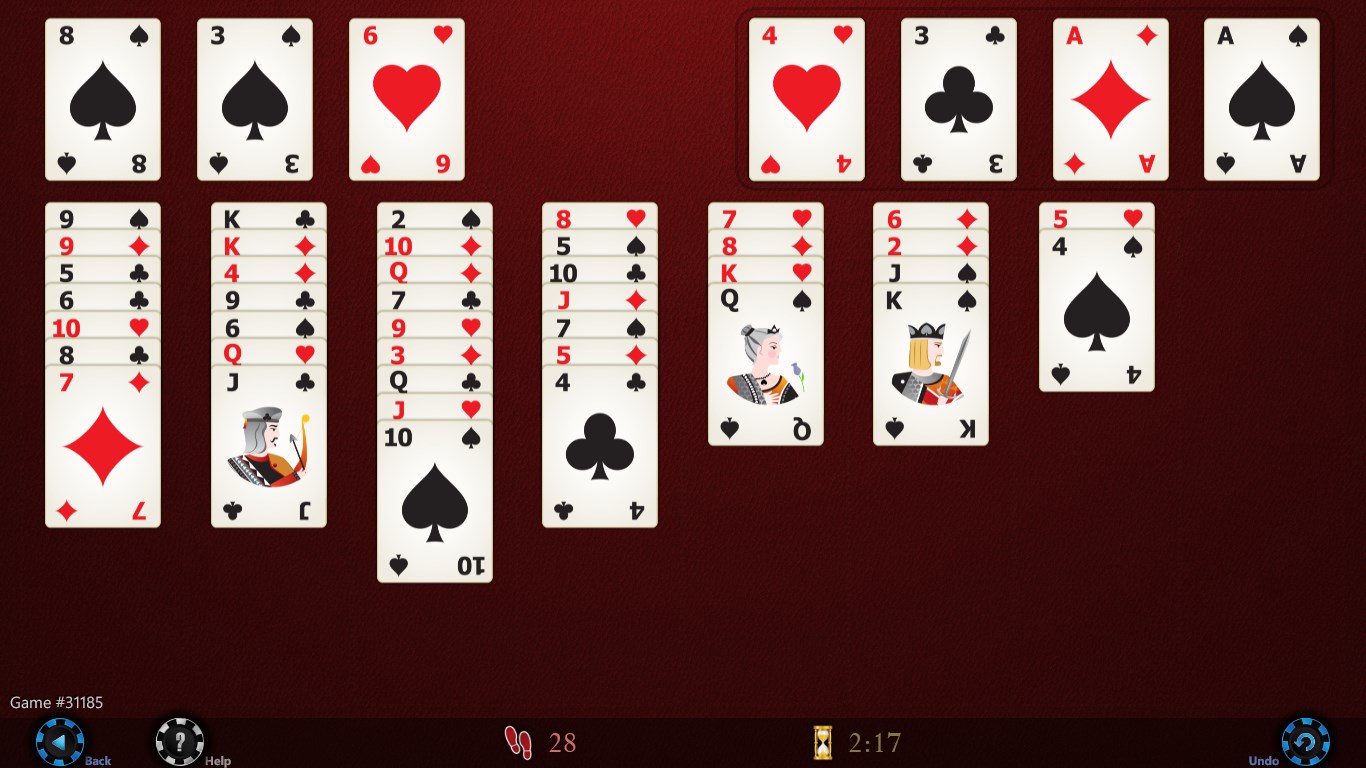
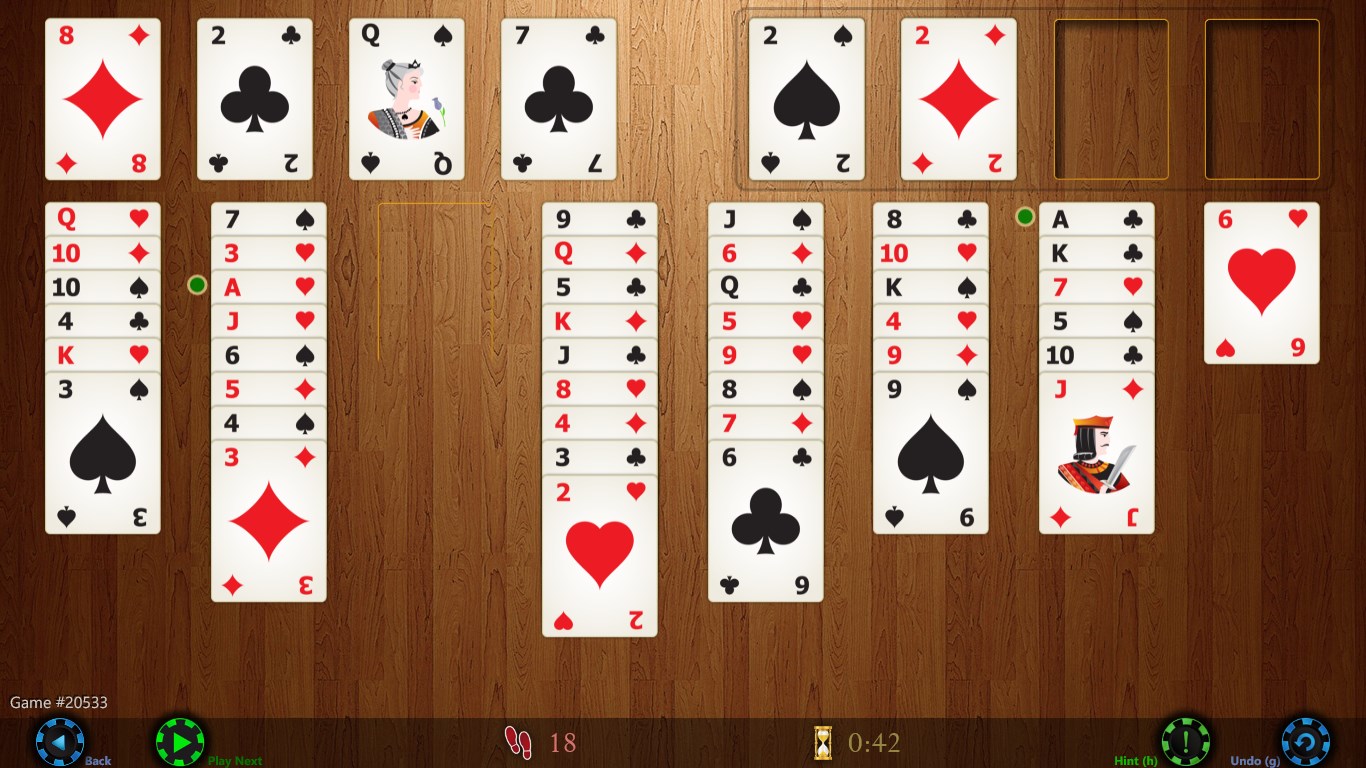
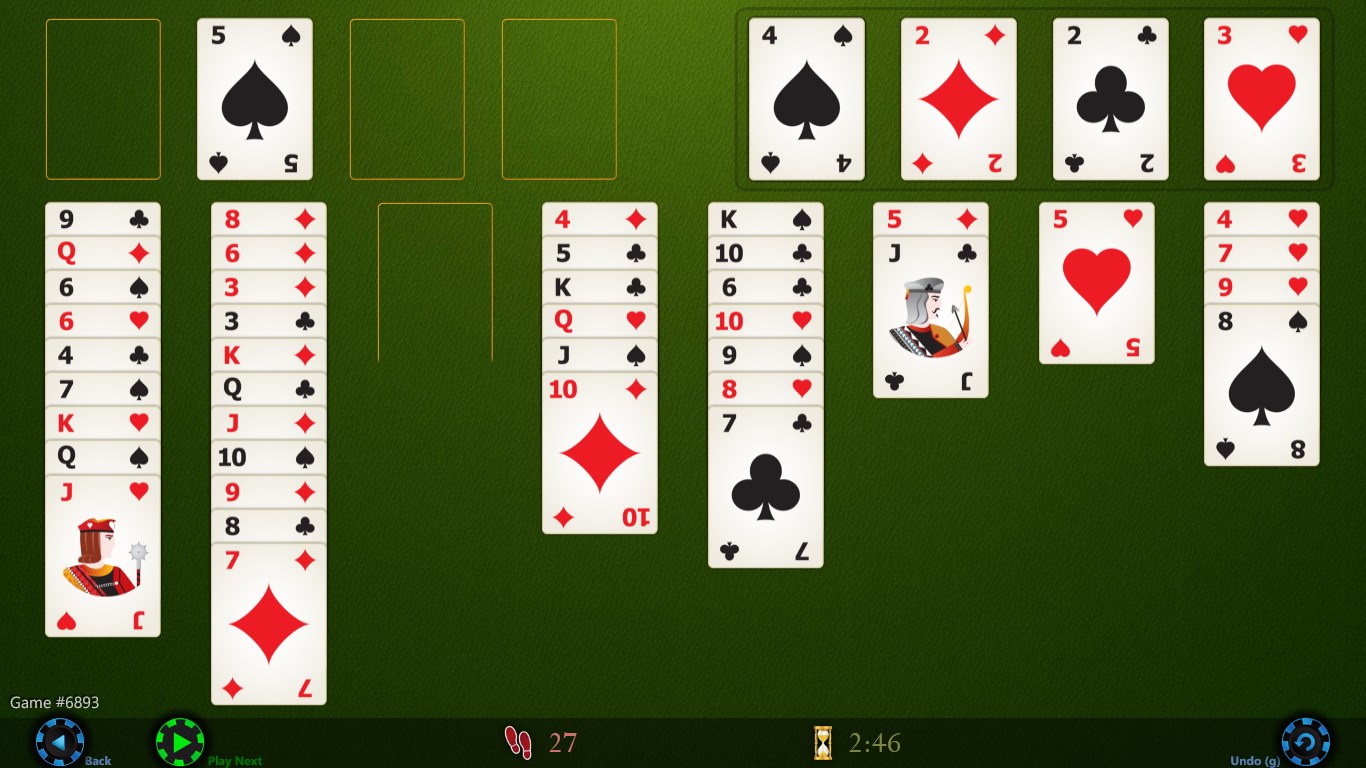
- Beautiful HD Graphics: The game features crisp, high-resolution visuals that breathe life into the traditional FreeCell cards and backgrounds, transforming a familiar game into a visual treat.
- Adaptive Difficulty & Hint System: Whether you're a beginner or a seasoned pro, the app provides tailored hints and adjustable difficulty levels, making the game accessible yet challenging.
- Smooth, Responsive Play: The interface is designed for seamless touch and click interactions, ensuring a frustration-free experience that keeps the game feeling fluid and natural.
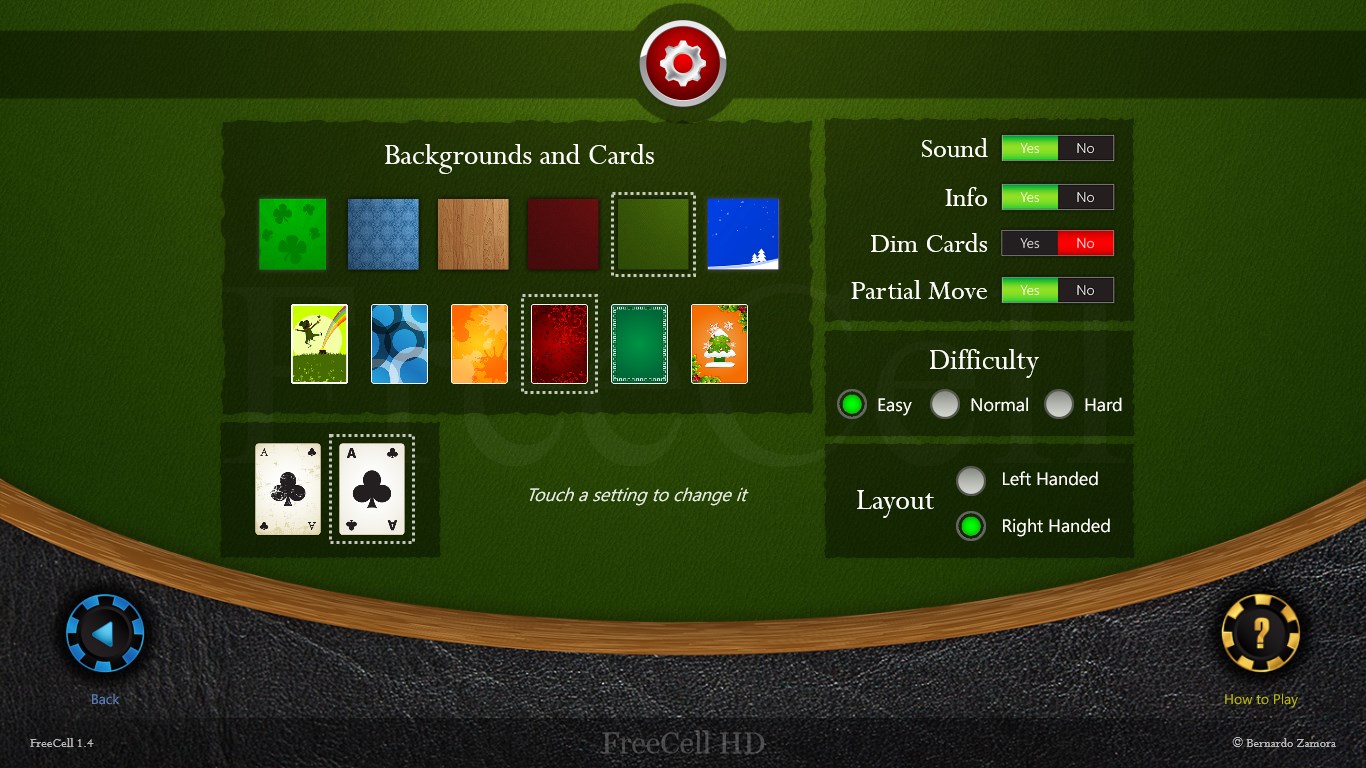
- Optional Customization: Users can select different backgrounds and card styles, allowing a personalized gameplay environment, which enhances engagement and visual comfort.
A Closer Look at the Core Features
Stunning Visuals and User Interface
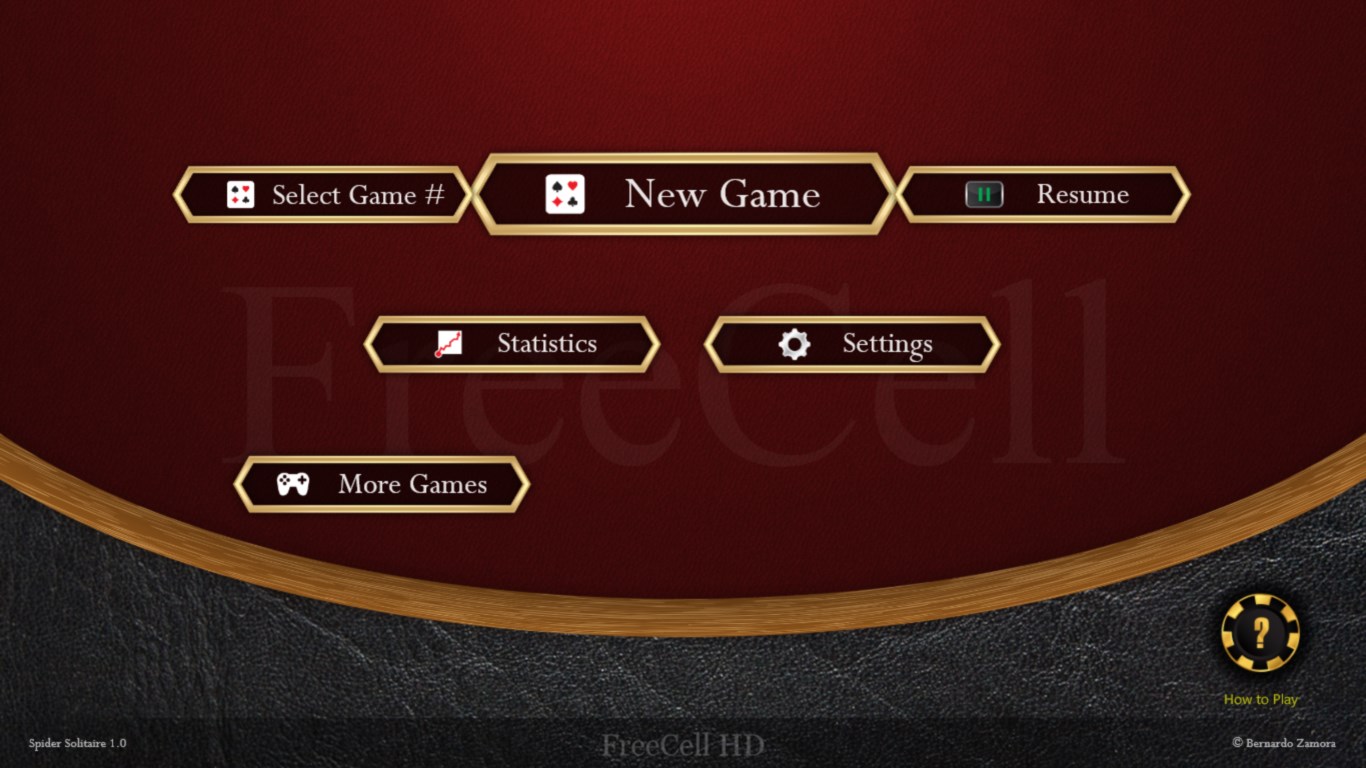
Upon launching FreeCell HD, your eyes are greeted with a clean, elegant interface that makes browsing and gameplay a breeze. The high-definition artwork transforms the traditional, somewhat stark card layout into a vibrant and inviting tableau. The game's color palette is carefully curated to ensure clarity without causing eye strain, even during longer play sessions. Navigation buttons are minimal yet intuitive, letting you focus on the game rather than hunting for menus.
Effortless Gameplay with Smart Mechanics
One of the standout features is the app's responsiveness. Dragging and dropping cards feels silky-smooth, a key factor for maintaining immersion in a fast-paced game. The game also intelligently hints moves when you're stuck, acting like a helpful companion rather than a spoiler. The puzzle solutions are designed to suit both the casual player looking for light entertainment and the more strategic player seeking a challenge, thanks to adjustable difficulty settings.
Customization and Personalization
Unlike many generic card apps, FreeCell HD offers a variety of themes and card styles. Want to game with a classic look or something more modern and vibrant? It's all at your fingertips. This personalization aspect, coupled with the ability to save game states and replay previous moves, gives users a sense of ownership and control over their experience, setting it apart from more rigid counterparts.
What Makes FreeCell HD Stand Out?
While many solitaire apps focus solely on basic gameplay, FreeCell HD's two most notable features are its high-quality HD visuals and the intelligent hint system. The visual upgrade turns a simple card game into a visually engaging experience that can be appreciated even for those just casually passing time. Meanwhile, the hint system balances challenge and help, making the game accessible without undermining the satisfaction of solving puzzles yourself. These features ensure the game remains inviting and satisfying for a broad audience.
Recommendation and Usage Suggestions
Overall, I'd rate FreeCell HD as a solid choice for anyone interested in a well-crafted, visually appealing variant of the classic FreeCell game. Its user interface, smooth performance, and customization options make it suitable for both quick play sessions and prolonged gaming marathons. If you enjoy card games that combine elegance with strategic depth, this app deserves a spot on your Windows device. For casual players and purists alike, it offers a refined experience that honors tradition but meets modern standards.
Pros
- Intuitive user interface
- High-quality graphics and animations
- Multiple difficulty levels
- Auto-save and resume feature
- Free to download and play
Cons
- Limited customization options
- Ads occasionally interrupt gameplay
- No comprehensive tutorial for beginners
- Lacks multi-language support initially
- Some users report occasional app crashes











