

- Category Card & board
- Available on PC, Mobile
- OS Windows 10 version 10240.0 or higher
- languages English (United States)
A Charming Take on Classic Solitaire: Freecell Solitaire HD Free for Windows
If you're someone who appreciates the timeless elegance of card games but longs for a fresh, visually appealing experience, Freecell Solitaire HD Free offers just that—a modern twist on a beloved classic that fits right on your Windows desktop. With its simple yet engaging gameplay, this app promises to be a delightful companion for both casual players and seasoned solitaire enthusiasts.
About the App: Basic Information
Freecell Solitaire HD Free is a digital rendition of the classic Freecell card game, designed to bring a polished, immersive experience to Windows users. Developed by Enless Soft Ltd., a reputable publisher specializing in casual and card games, this app elevates standard solitaire with HD graphics and user-centric features.
- Core Features & Highlights:
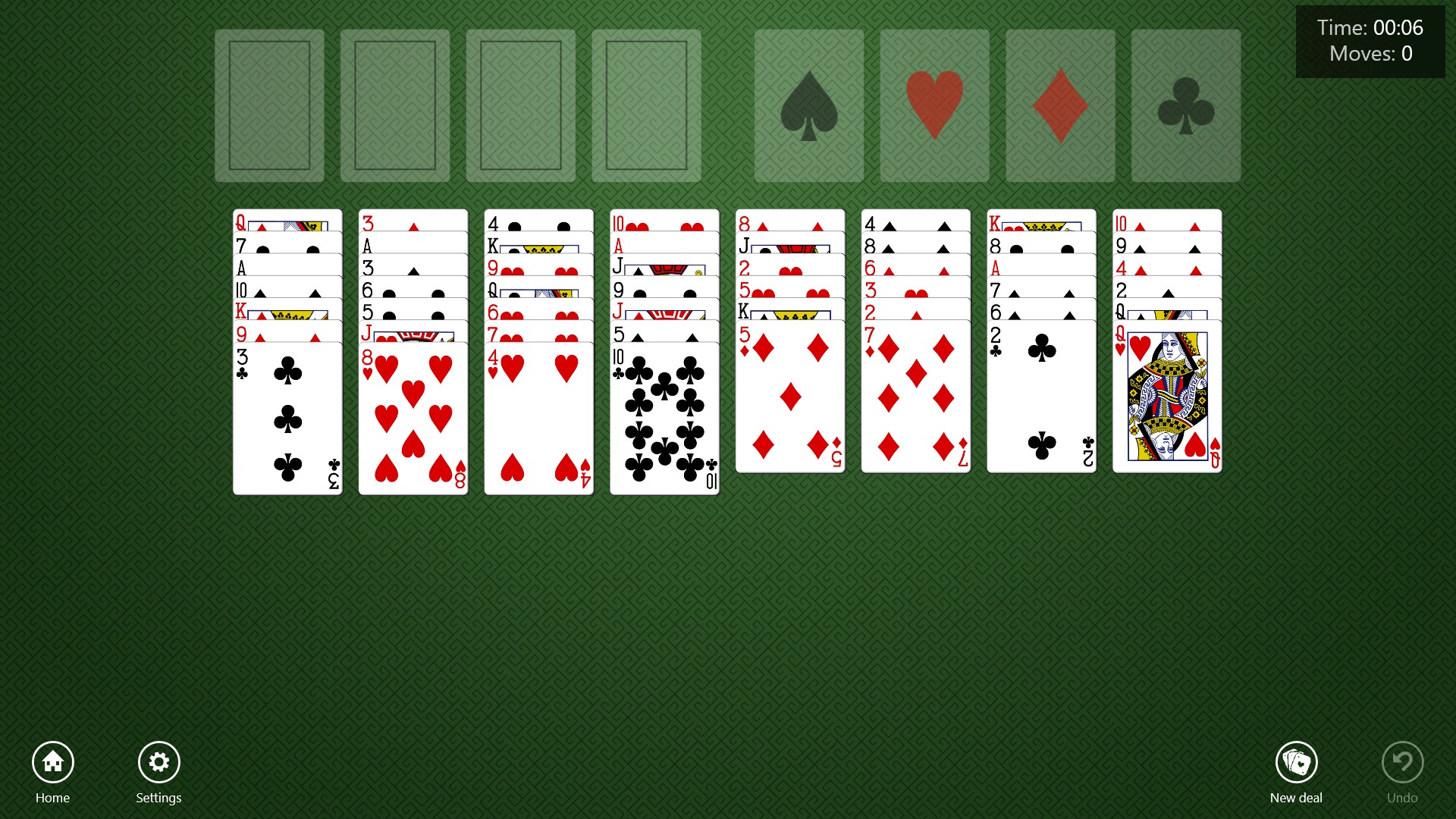
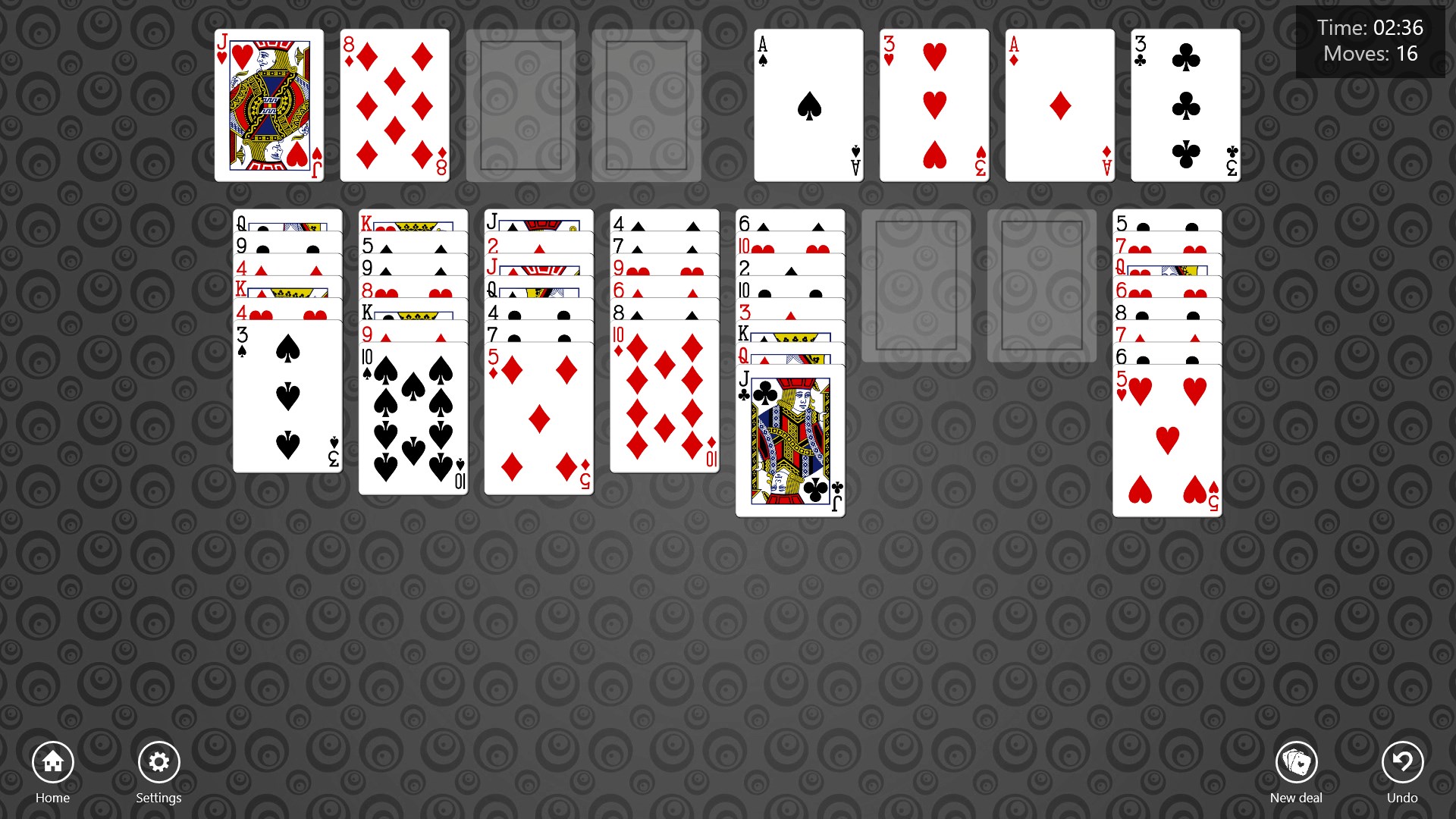
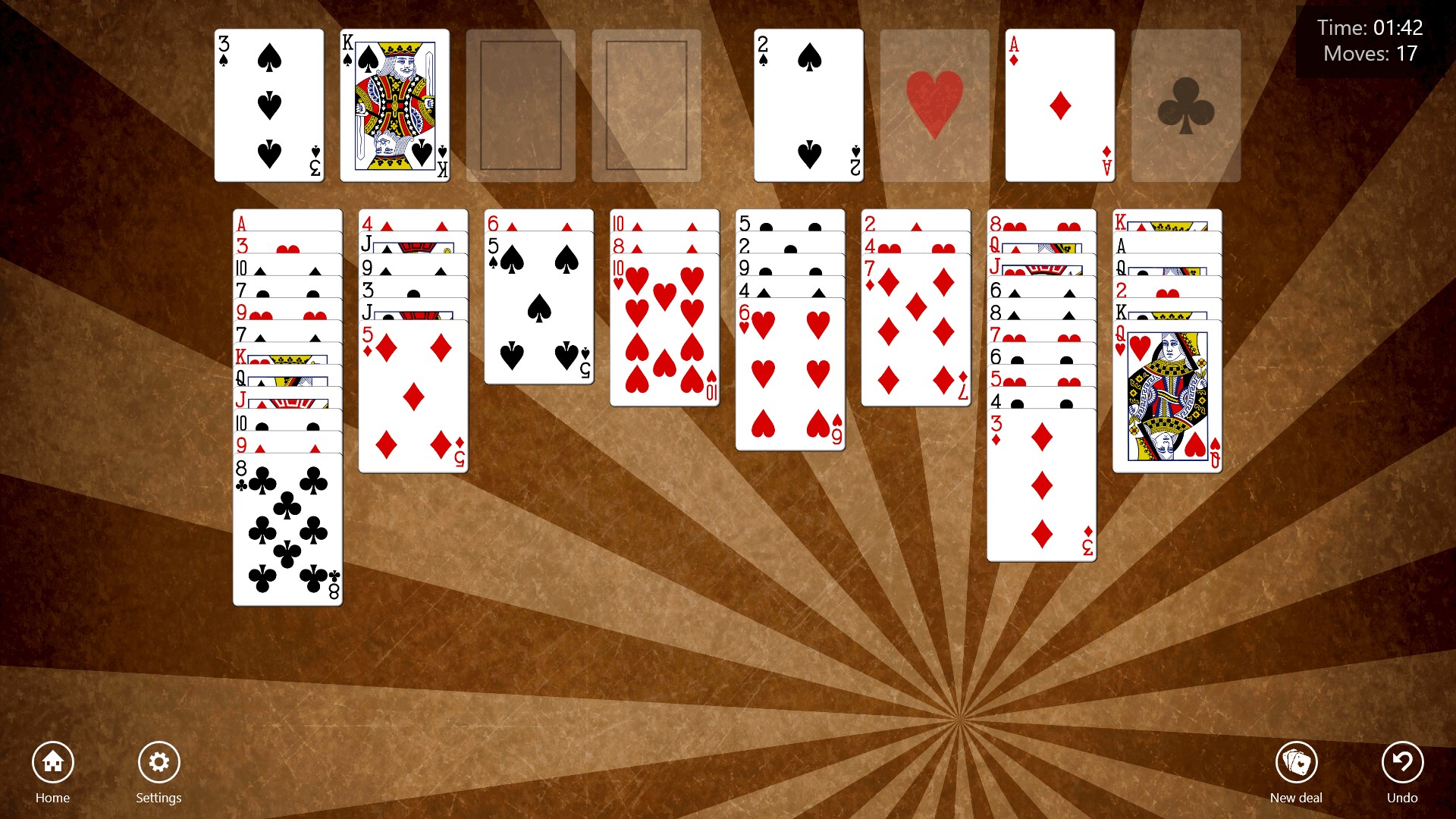
- High-definition, colorful card graphics that make playing a visually pleasing experience
- Benign, smooth animations and intuitive drag-and-drop controls for seamless gameplay
- Support for undo, hints, and auto-move options to assist beginners and experts alike
- Clean interface designed for effortless navigation and quick start
- Target Audience: Casual solitaire players, puzzle enthusiasts, and those seeking a relaxing yet challenging mental exercise, from beginners to expert players who crave a polished, accessible card game experience.
Engaging Gameplay and User Experience
Imagine sinking into a cozy corner with your favorite beverage, the dim glow of your monitor inviting you to unwind. That's exactly the vibe Freecell Solitaire HD Free aims to deliver. Launching the game feels like opening a well-loved deck from the past, but with a contemporary sheen. The interface strikes a perfect balance—minimalist but elegant, with vibrant cards that pop against a neutral background. Navigation is effortless; drag-and-drop mechanics feel natural, akin to shuffling physical cards on a table.
The game's responsiveness is impressive—animations are smooth and unobtrusive, enhancing immersion without causing any lag or frustration. The learning curve is gentle—while seasoned players will appreciate the advanced hints and undo features, newcomers can comfortably grasp the game mechanics without feeling overwhelmed. The app's design respects traditional Freecell rules, yet offers subtle enhancements like auto-complete, which accelerates gameplay for those who prefer quicker rounds.
Standout Features: A Closer Look
HD Graphics & Visual Appeal
While many digital card games stick to basic visuals, Freecell Solitaire HD Free elevates the experience with crisp, vibrant card designs and a clean, uncluttered layout. This not only makes the game more enjoyable visually but also improves clarity, especially on larger screens. The HD quality transforms a simple game into a visually appealing pastime, making each move feel like thoughtfully selecting cards on an elegant table.
Intuitive Controls & Assistance Tools
What truly sets this app apart is its user-centered control system. Dragging cards feels tactile and responsive, almost as if you're shuffling real cards on a sunny afternoon. For those who appreciate gentle guidance, the hints feature and undo button act as friendly helpers, enabling players to explore strategies confidently. The auto-move feature is akin to having a supportive assistant—quickly clearing the way for your next move without tedious manual dragging.
Comparison & Final Recommendations
Compared to other digital solitaire apps, Freecell Solitaire HD Free's emphasis on visual clarity and user-friendly assistance tools stands out. Unlike minimalist versions that prioritize simplicity over polish, this app combines aesthetic appeal with functional depth, making it suitable for long, relaxing sessions. Its support for varied skill levels ensures that everyone—from the newbie eager to learn strategies to the veteran seeking a swift, satisfying game—can enjoy it equally.
Overall, I'd recommend this app enthusiastically to anyone looking to enjoy a refined, accessible, and visually appealing Freecell experience on Windows. Whether you're waiting for your coffee to brew or looking to unwind after work, this game is a reliable and charming choice. Just like a well-crafted deck of cards, it offers both elegance and substance—making every game feel like a small victory.
Pros
- User-friendly interface
- HD graphics and animations
- Smooth gameplay with minimal lag
- Multiple game difficulty levels
- High replay value
Cons
- Limited customization options
- Lack of hints or undo features in free version
- Ads can occasionally disrupt gameplay
- No multisave functionality
- Limited tutorial for new players











