

- Category Strategy
- Developer Klondike Solitaire Game
- Available on PC, Mobile, Surface Hub, HoloLens
- OS Windows 10 version 10240.0 or higher
- DirectX Version 10
- languages Chinese (Simplified), English (United States)
An Elegant Twist on Classic Solitaire: FreeCell Solitaire Pro!! for Windows
If you're a fan of card games that blend strategic thinking with a touch of relaxation, FreeCell Solitaire Pro!! for Windows offers an experience that's as satisfying as completing a challenging puzzle on a lazy Sunday afternoon. It combines familiar gameplay with thoughtful features, making it an engaging choice for casual players and seasoned solvers alike. Let's explore what makes this app stand out in a crowded field of digital card games.
About the App: A Clear Focus on Strategic Clarity
FreeCell Solitaire Pro!! is developed and published by Klondike Solitaire Game, a developer known for its dedication to classic card game recreations. The app positions itself as a sleek, user-friendly digital adaptation of the beloved freecell variant, emphasizing clean design and smooth gameplay. Its core features include intuitive drag-and-drop mechanics, adaptive difficulty settings, and customizable visuals, aiming to cater to both new players and seasoned FreeCell enthusiasts. The primary user group encompasses casual gamers looking for relaxing diversion, solitaire purists seeking authentic experience, and those interested in mentally stimulating activities during idle moments.
A Fresh Take on Familiar Gameplay
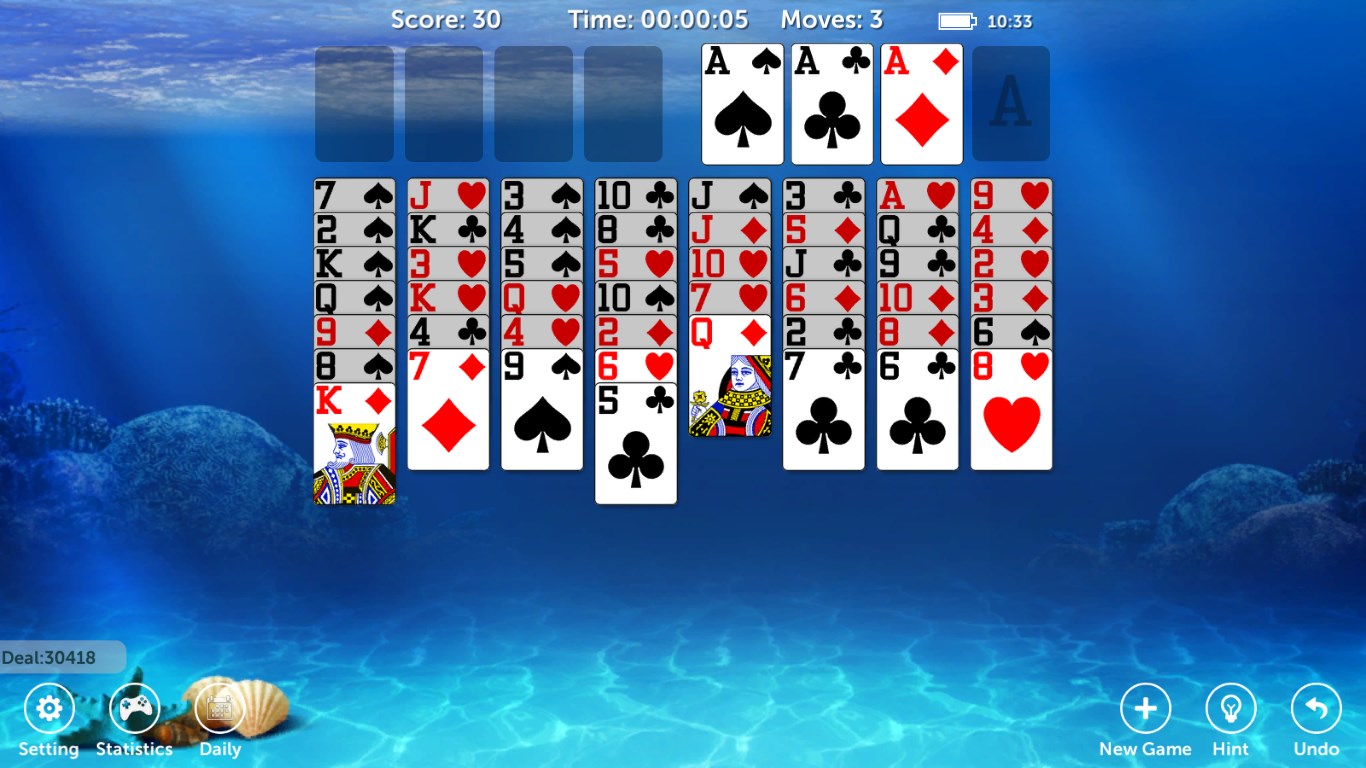
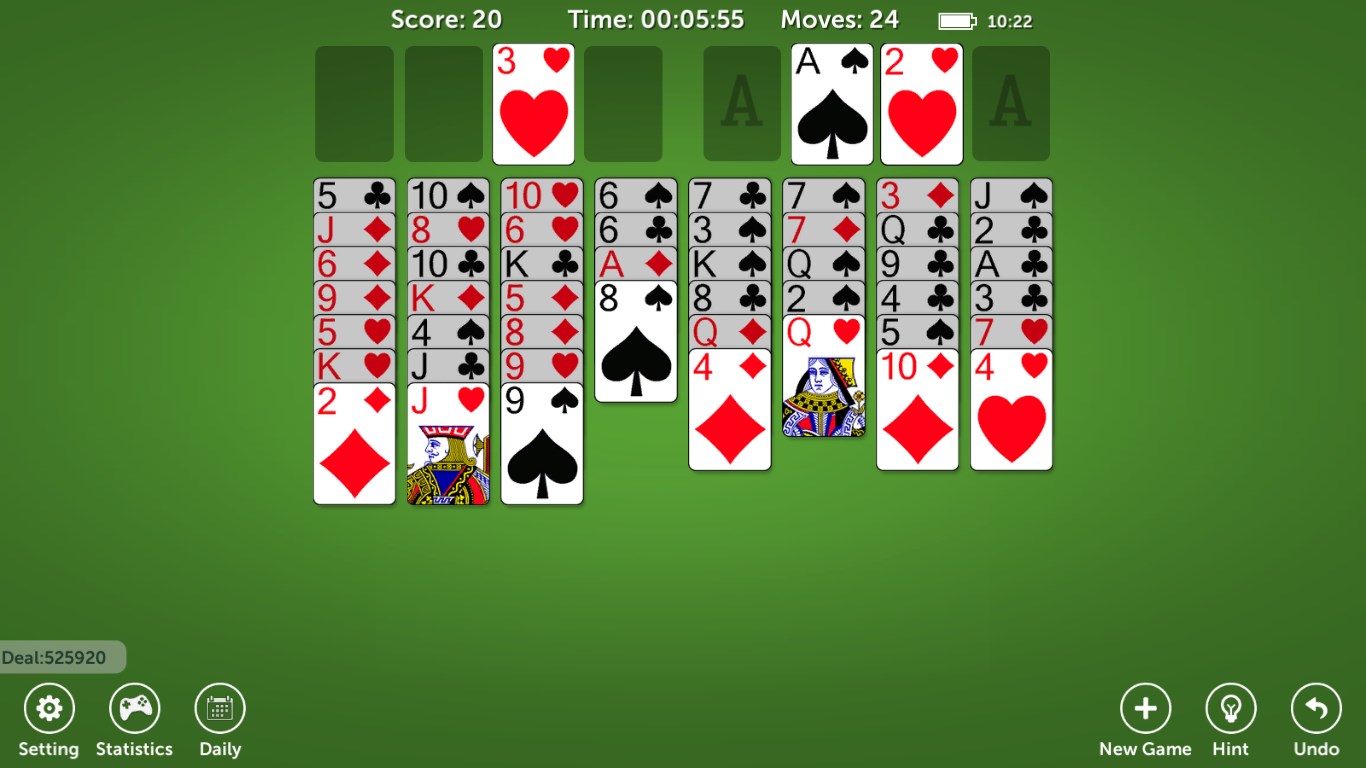
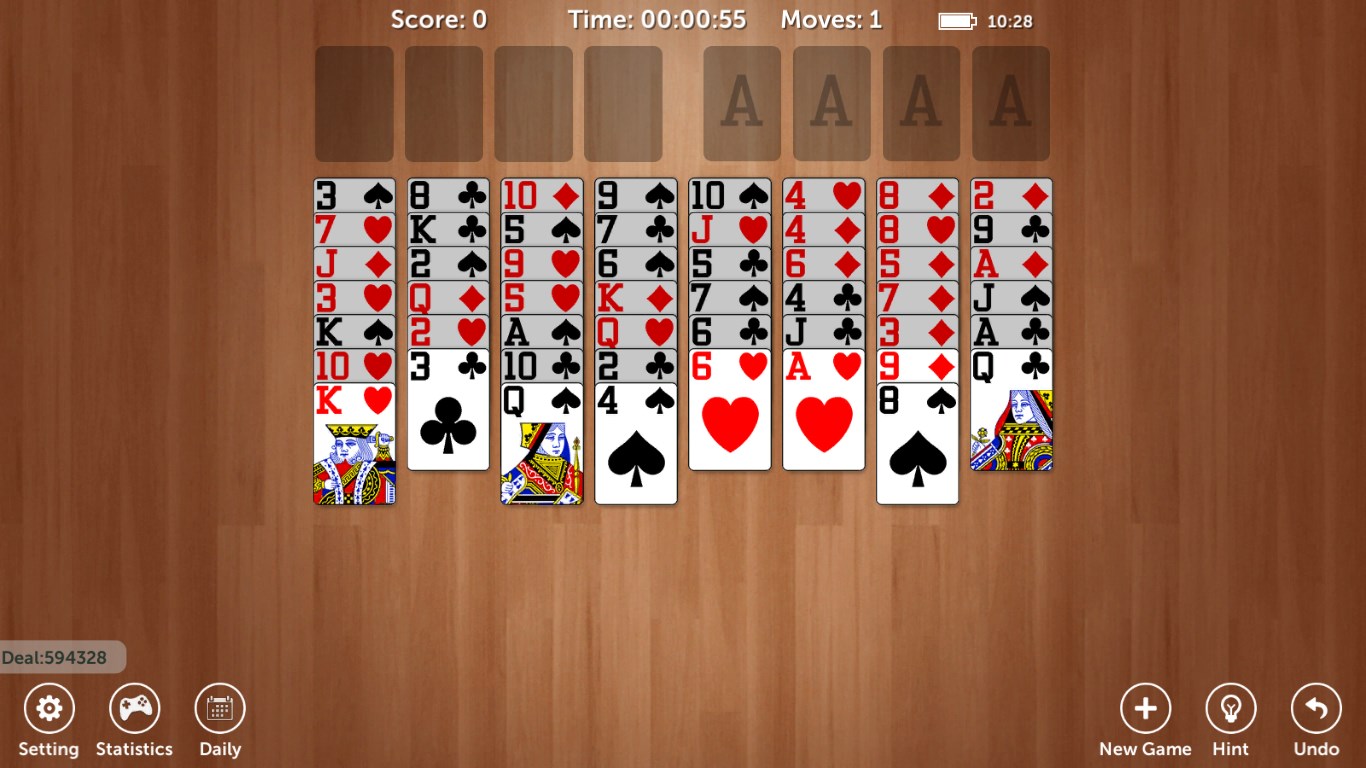
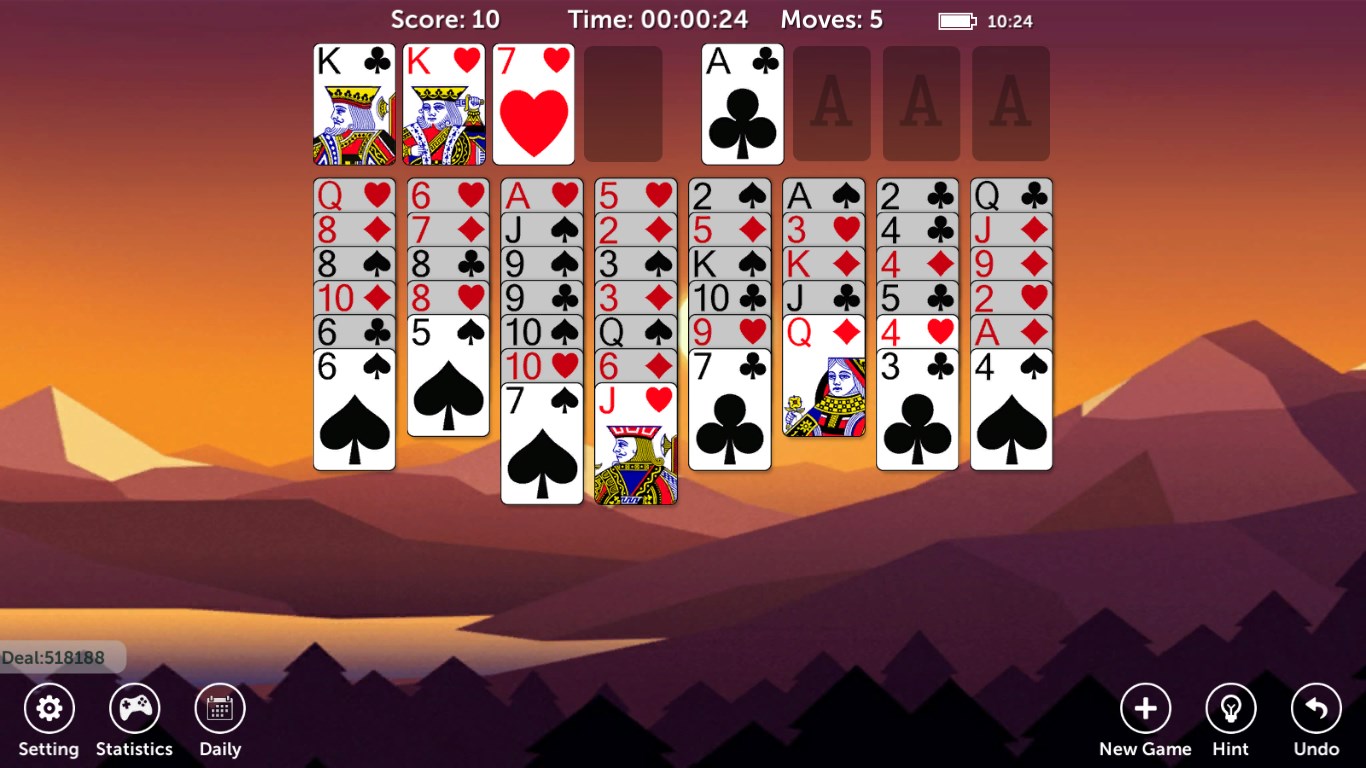
Imagine sitting in your favorite cozy corner, with the virtual deck shuffling seamlessly in your hands—this is the feeling the app aims to evoke. The game's onboarding is straightforward, inviting even newcomers to grasp the rules quickly, while offering enough depth for veterans to enjoy strategic mastery. The user interface is sleek yet inviting, featuring vibrant card designs and a minimalistic background that emphasizes clarity. This attention to visual detail enhances immersion and reduces fatigue, allowing you to focus solely on unraveling the puzzle.
Core Features That Shine
- Enhanced Decision Transparency: One of the app's standout features is its ability to vividly display the consequences of each move. When you drag a card, subtle animations and highlights visualize potential future states, helping players foresee the implications of their actions. This transparency turns a simple game into a strategic exercise, guiding you to make more informed decisions without feeling overwhelmed.
- Information Overload Management: Unlike many Solitaire apps that bombard players with distracting options or cluttered interfaces, FreeCell Solitaire Pro!! manages information with elegance. It offers clear indicators for possible moves, suppression of unnecessary hints (unless requested), and an adaptive layout that helps maintain focus. This thoughtful design ensures that players can concentrate on solving the puzzle rather than navigating menus or deciphering cluttered info.
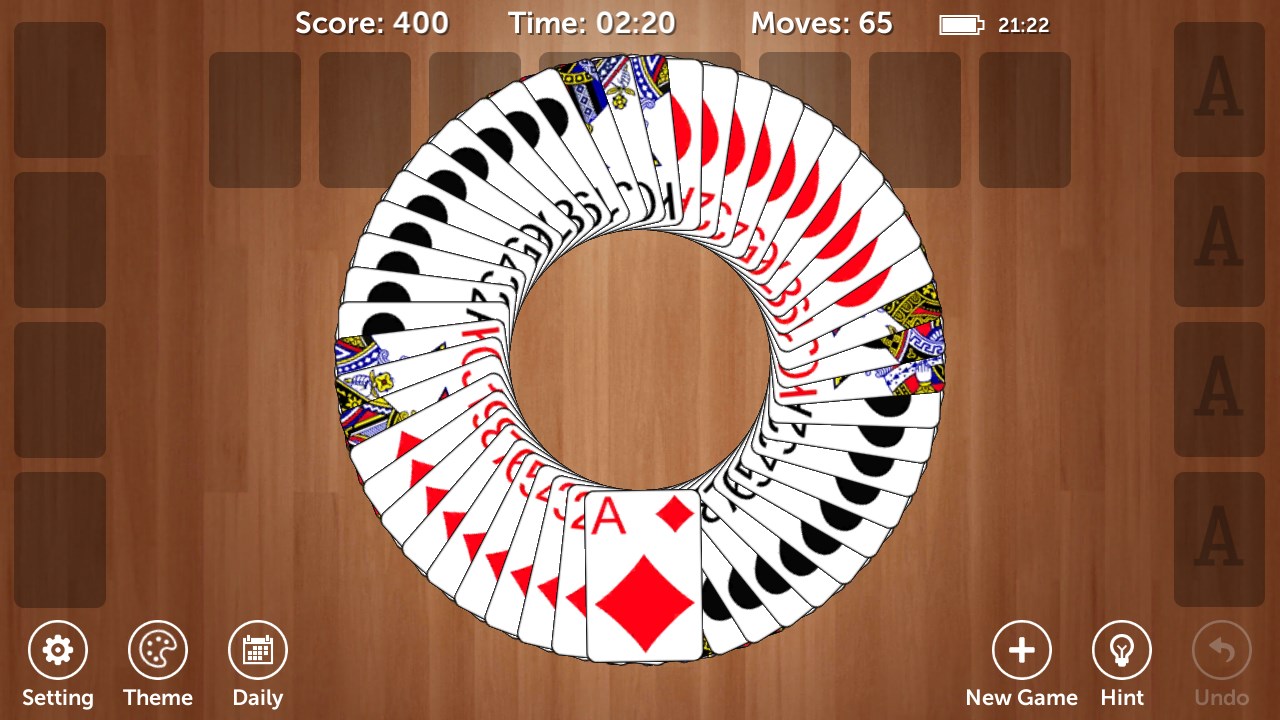
- Customizable Visual & Gameplay Settings: Beyond mechanics, the app allows players to tweak visual themes, card styles, and even difficulty levels. Whether you prefer a classic look reminiscent of old wood tables or a modern minimalist style, personalizing your experience is effortless, adding to the game's longevity and enjoyment.
User Experience: A Smooth Ride Through Strategy
The app excels in delivering a fluid and engaging user experience. The swipe and drag gestures are responsive, akin to handling real playing cards, which makes gameplay feel natural and satisfying. Its minimal lag and clean animations make navigating through levels a breeze, even on modest hardware. Learning curves are gentle; the game provides helpful hints, but only when sought, empowering players to challenge themselves without feeling constrained. For strategic aficionados, the app's decision visibility features add an extra layer of depth, transforming a casual game into a mental workout.
Differentiation: Why It Stands Out
Compared to other strategy-driven card apps, FreeCell Solitaire Pro!! distinguishes itself with its focus on clarity and strategic transparency. While many apps either hide uncertainties or overwhelm players with excessive hints, this app strikes a thoughtful balance by visually illustrating decision consequences without cluttering the interface. Its capacity to manage information overload ensures players can keep track of complex move sequences effortlessly. This design philosophy not only enhances user engagement but also fosters skill development, making each win feel earned rather than lucked into.
Final Thoughts: A Solid Choice for Strategy & Relaxation
Based on its well-rounded design, intelligent features, and user-centric approach, I would confidently recommend FreeCell Solitaire Pro!! for Windows to anyone seeking a classic yet thoughtfully modernized card game experience. It's particularly suitable for players who enjoy strategic decision-making and appreciate an interface that respects their focus. For those tired of fast-paced or cluttered apps, this game offers a calm, intellectually engaging escape—a digital deck waiting to be shuffled in your favor. Whether you're a freecell veteran or a curious newcomer, this app deserves a spot on your Windows desktop for those quiet moments of strategic bliss.
Pros
- Intuitive and user-friendly interface
- Smooth and responsive gameplay
- Multiple game modes and difficulty levels
- Ad-free experience
- Minimalistic and clean design
Cons
- Limited customization options
- Lack of instructional tips for beginners
- No official leaderboard or score tracking
- Occasional minor UI lag on older devices
- Absence of daily challenges or achievements










