

- Category Card & board
- Developer GRL Games
- Available on PC, Mobile, Surface Hub
- OS Windows 10 version 10240.0 or higher
- Keyboard Integrated Keyboard
- Mouse Integrated Mouse
- languages English (United States)
Full Deck Solitaire for Windows: A Fresh Take on Classic Card Games
If you're a fan of classic solitaire but crave a modern, polished experience, Full Deck Solitaire might just become your new favorite digital card companion. Offering a clean interface, smooth gameplay, and engaging features, this app brings a refined touch to the traditional card game we all know and love.
About the Developer and Core Features
Developed and published by GRL Games, a team dedicated to creating intuitive and enjoyable gaming experiences, Full Deck Solitaire is designed to appeal to players of all skill levels. Its main highlights include a variety of solitaire modes, customizable themes, and an intelligent hint system. The app caters to casual players looking for a relaxing pastime, as well as enthusiasts aiming to refine their skills with challenging puzzles and stat tracking.
Vivid Gameplay and Visual Appeal
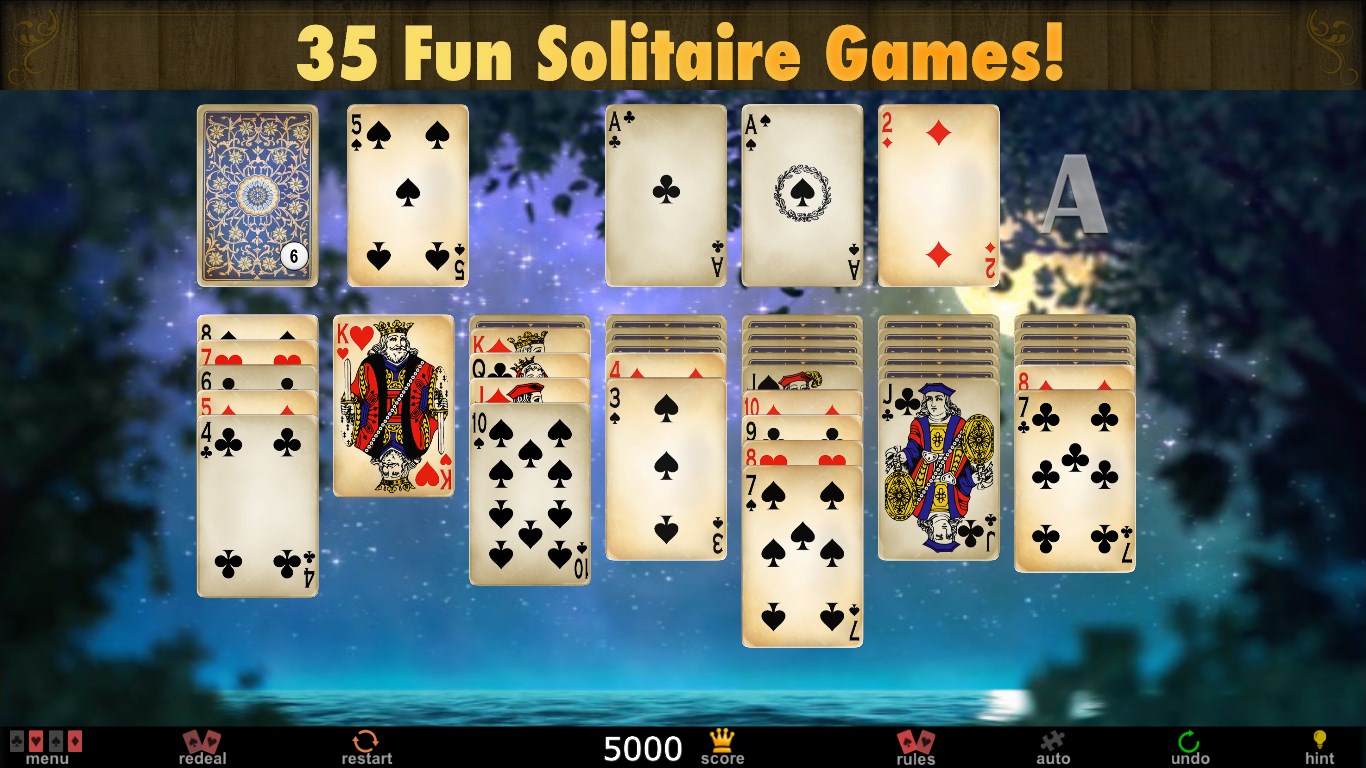
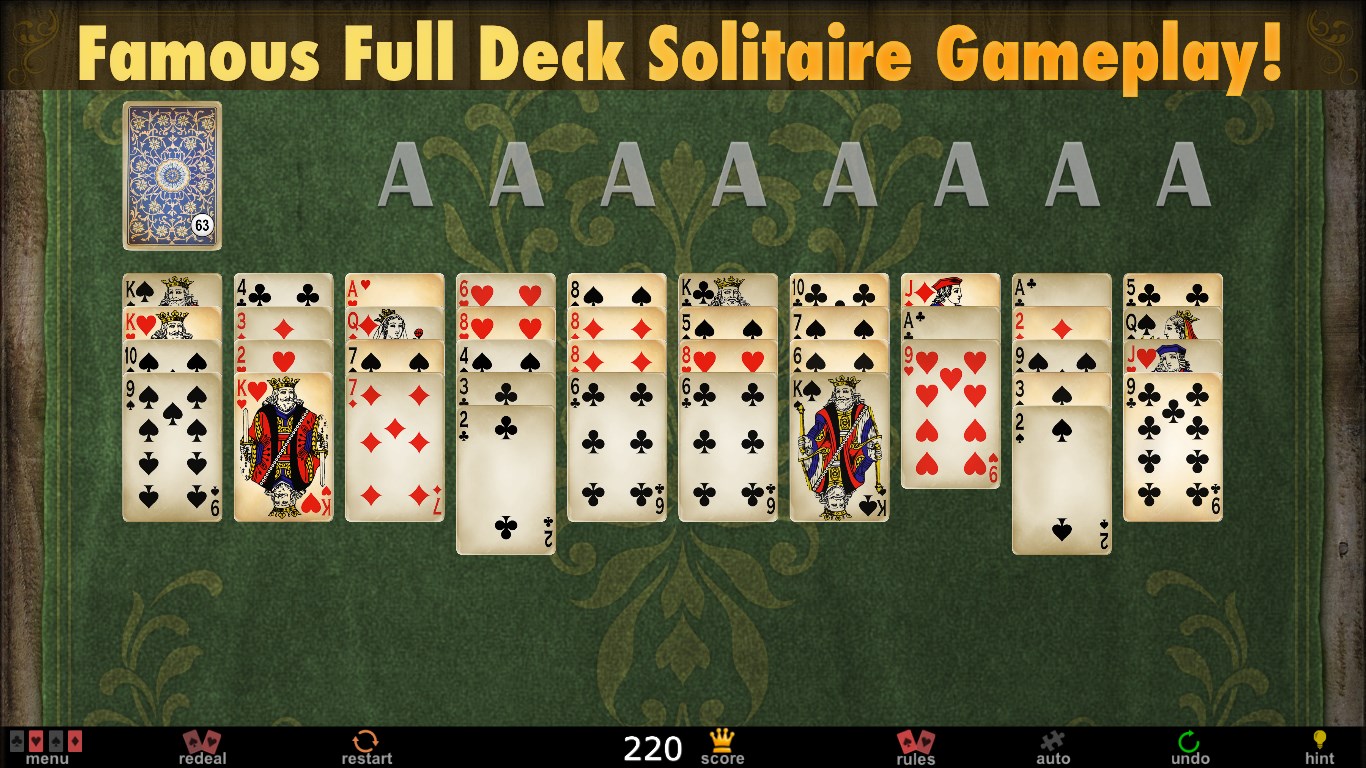
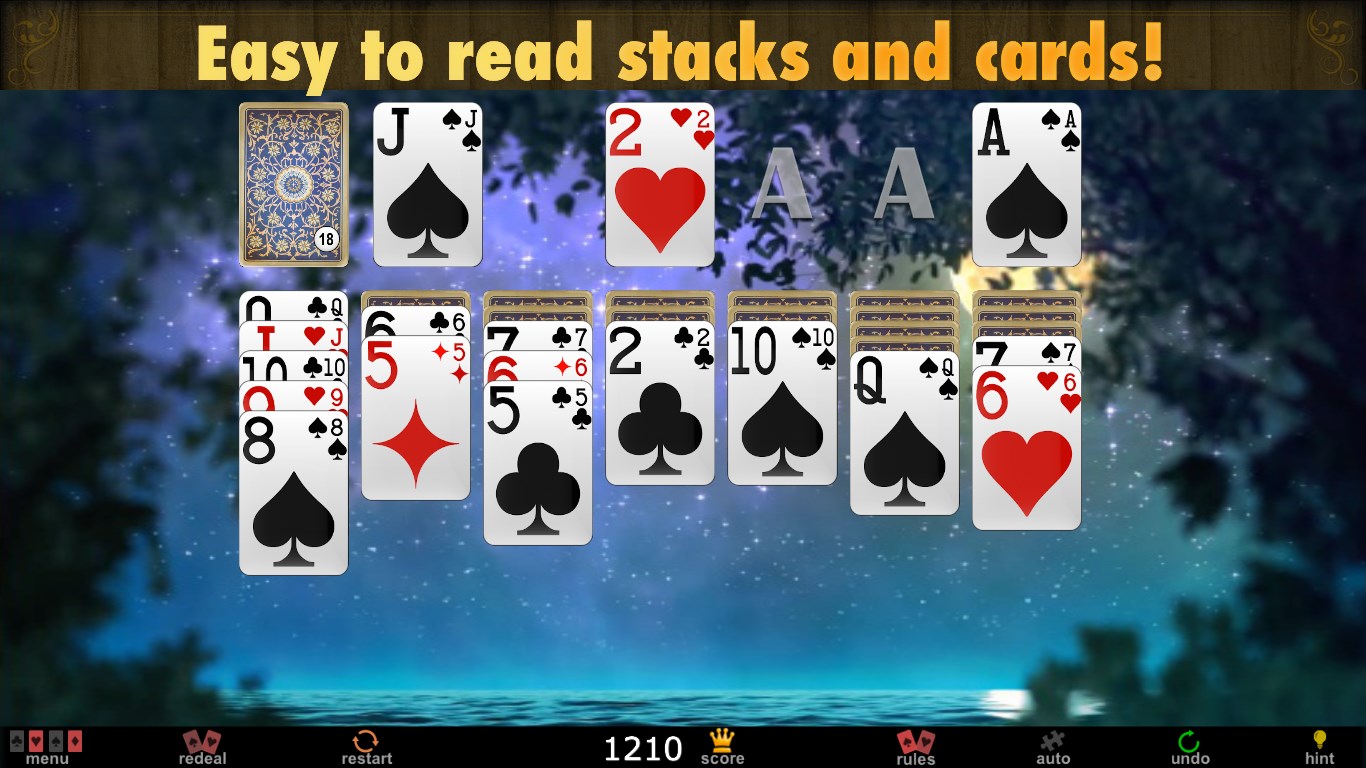
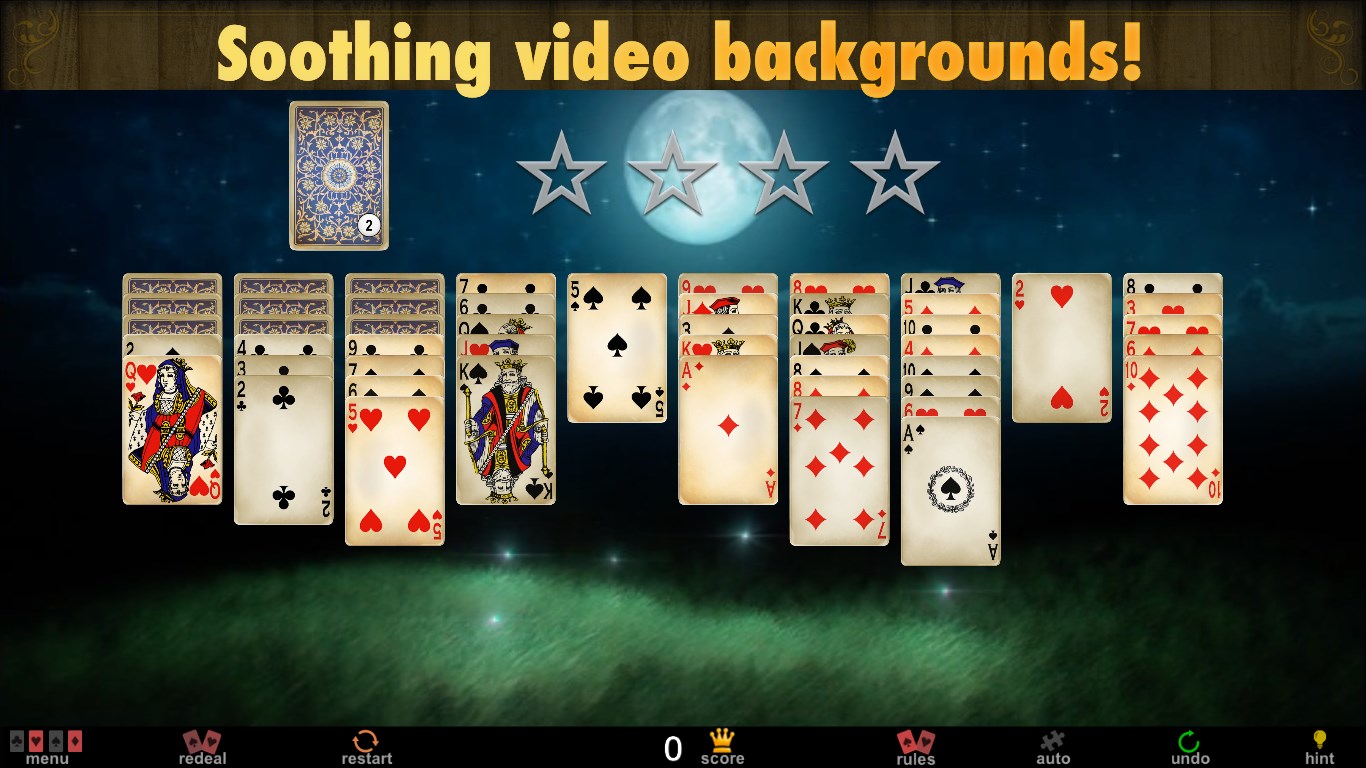
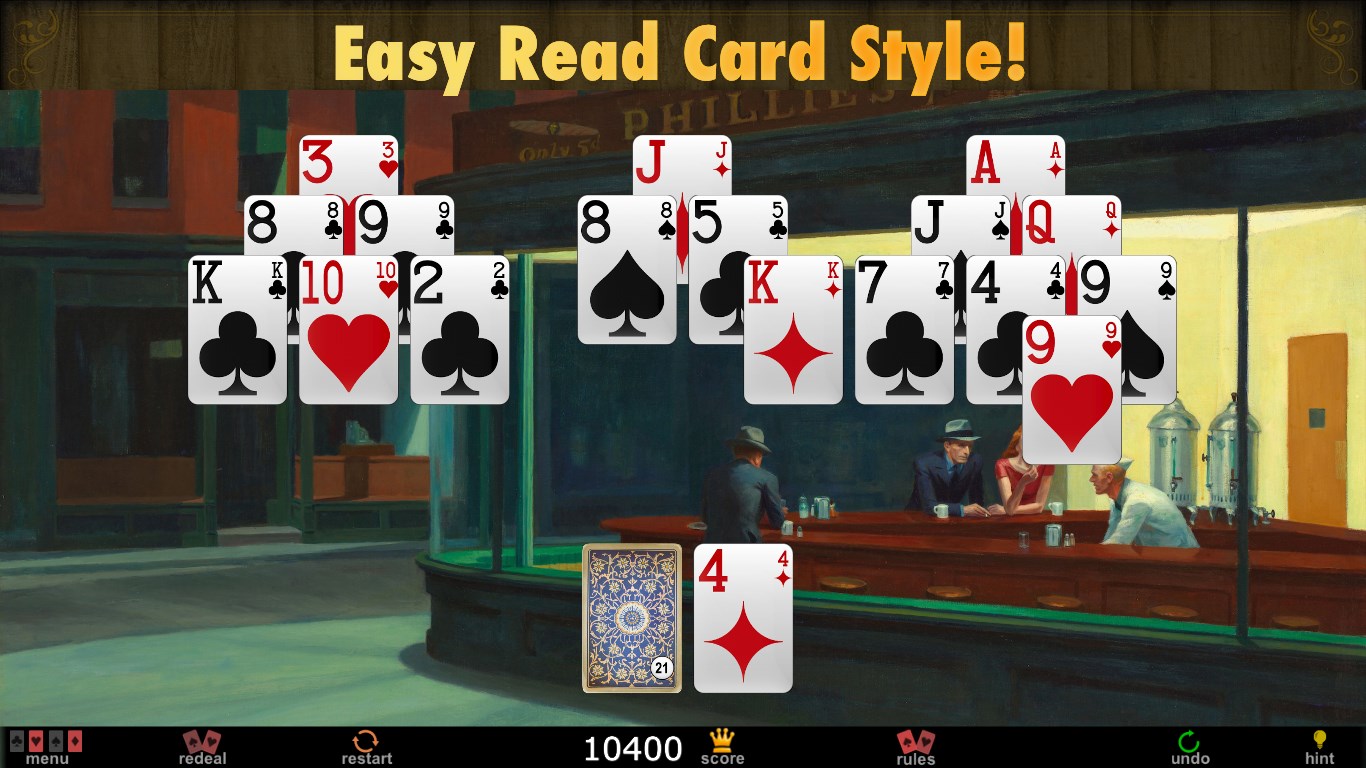
Imagine settling into a cozy corner, a cup of coffee in hand, as the digital cards effortlessly shuffle and align themselves with a satisfying click — that's the feeling Full Deck Solitaire aims to replicate. The interface is crisp, with elegant card designs and subtle animations that enhance immersion without distracting. The visual layout is intuitive, making navigation a breeze whether you're a seasoned player or a newcomer.
The app balances simplicity and sophistication, with highlightable cards, clear win indicators, and customizable backgrounds that cater to personal taste. Such design choices ensure that players focus on the game itself, rather than struggling with cluttered menus or confusing layouts.
Gameplay Mechanics and User Experience
The gameplay mechanics are fluid, providing a seamless experience from start to finish. Dragging and dropping cards feels natural, akin to shuffling physical cards on a smooth surface. The app's responsiveness ensures that even on slightly older hardware, the game remains smooth, with no noticeable lag or stuttering.
One of the standout features is the smart hint system, which gently guides players without taking away strategic control—a perfect assistant for beginners or those tackling tougher levels. The learning curve is gentle; users can quickly grasp the core mechanics but can also explore more advanced strategies for a rewarding challenge.
Customization options further enhance user engagement, allowing players to select themes, card backs, and backgrounds, turning each game into a personalized experience. The app also provides a clean layout that adapts well to various screen sizes, ensuring that the game looks great on all Windows devices.
What Makes Full Deck Solitaire Unique?
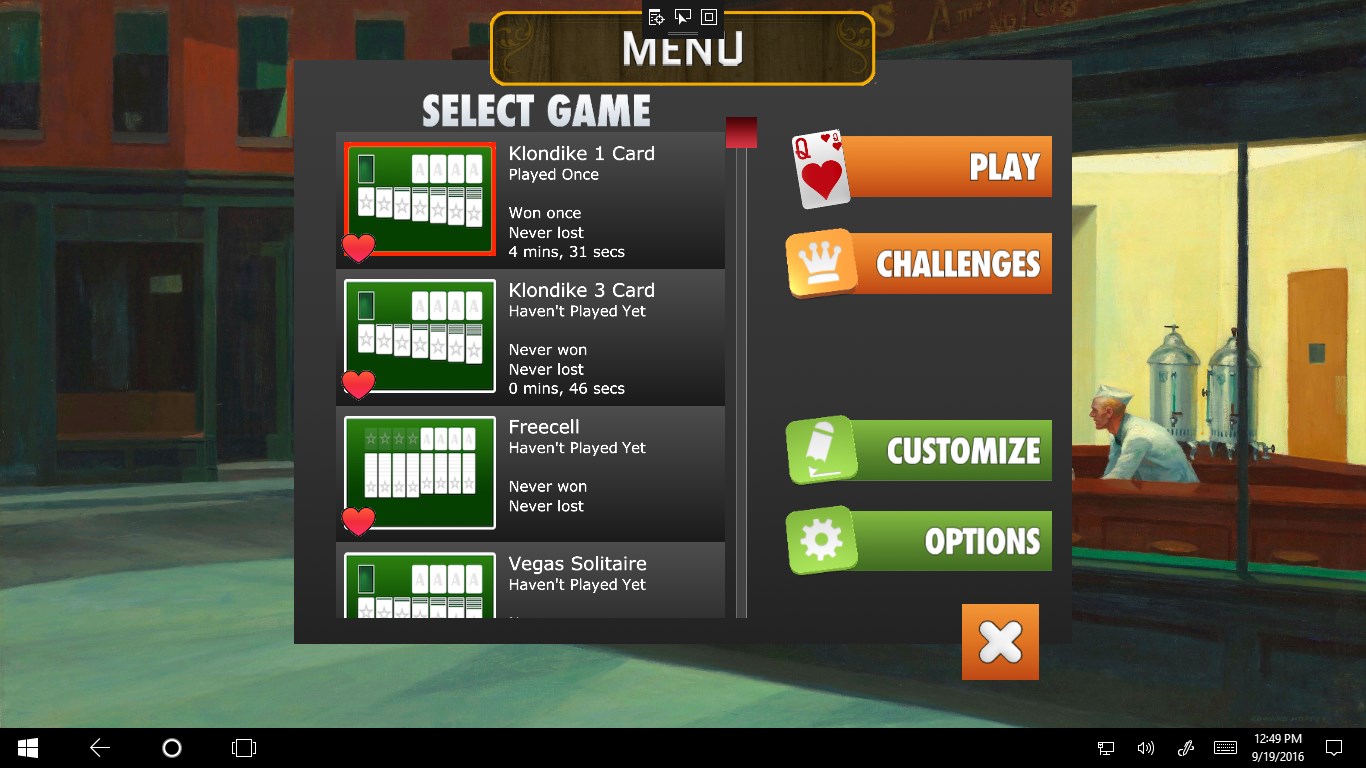
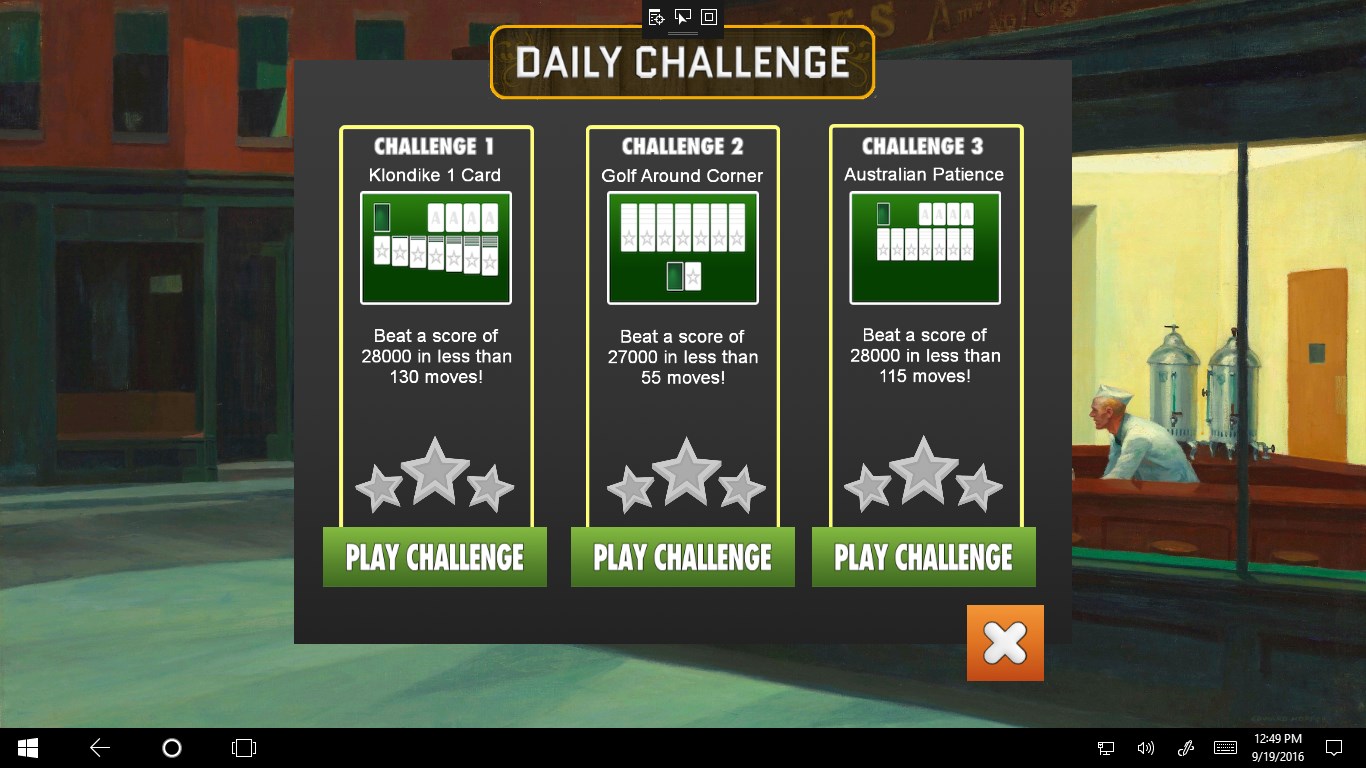
Compared to traditional solitaire apps, Full Deck Solitaire's primary distinction lies in its thoughtful balance of simplicity and sophistication. Its most notable feature is the adaptive hint system that intelligently suggests moves based on the current game state, helping players avoid unnecessary frustration while still promoting critical thinking. Additionally, the variety of game modes, including classic Klondike and other variations, caters to diverse preferences.
Furthermore, the app's smooth animations and aesthetic themes set it apart—transforming each game into a calming, almost zen-like experience. The meticulous attention to detail in visual design and intuitive controls makes it stand out in a crowded market of solitaire apps.
Final Verdict: Is It Worth Sitting Down for a Deal?
If you appreciate a refined, accessible, and visually pleasing solitaire experience, Full Deck Solitaire is a commendable choice. It excels in offering a clutter-free environment, thoughtful features, and a user-friendly interface that invites players to spend time unwinding or sharpening their skills.
While it may not reinvent the wheel, its polished execution and unique adaptive hints make it a reliable companion for solitaire enthusiasts. I would recommend giving it a try, especially if you're seeking a more elegant, distraction-free card game that respects your intelligence and personal preferences. Whether for quick sessions or long relaxing afternoons, this app proves to be a trustworthy and enjoyable partner.
Pros
- Intuitive User Interface
- Variety of Solitaire Variants
- Offline Accessibility
- Progress Tracking and Leaderboards
- Customization Features
Cons
- Limited Notification Settings
- Occasional Ads Disrupt Gameplay
- Performance Slightly Slower on Older Devices
- Limited Tutorial Guidance for Beginners
- Basic Sound Effects











