
- Category Productivity
- Developer Apppre Mobile
- Available on PC, Mobile, Surface Hub, HoloLens
- OS Windows 10 version 14393.0 or higher
- languages English
Streamlined Workflow at Your Fingertips: An In-Depth Look at G App Launcher for Windows
In today's fast-paced digital environment, efficiency isn't just a bonus—it's a necessity. G App Launcher for Windows positions itself as a sleek, intuitive tool designed to declutter your desktop and simplify app access, promising to make your Windows experience more fluid and manageable. As a professionally crafted launcher, it aims to unify your productivity landscape under a single, customizable interface, enabling users to navigate their PC ecosystem with ease.
About the Developer and Main Features
Developed and published by Apppre Mobile, a company known for creating user-friendly mobile and desktop utilities, G App Launcher seeks to bridge the gap between complexity and simplicity. Its core strengths include:
- Customizable App Organization: Easily categorize and group applications for faster access, reducing time spent searching.
- Quick Launch Shortcut Integration: Supports hotkeys and shortcuts, turning your frequently used apps into one click or keystroke commands.
- Sleek and Minimalist Design: Focuses on a clutter-free interface that seamlessly integrates into Windows, enhancing aesthetic appeal without sacrificing functionality.
- Lightweight Performance: Operates swiftly without burdening system resources, suitable even for lower-spec machines.
The target audience spans busy professionals, students, and anyone eager to optimize their Windows workflow by cutting down on desktop chaos.
Engaging the User: A Fresh Approach to Desktop Management
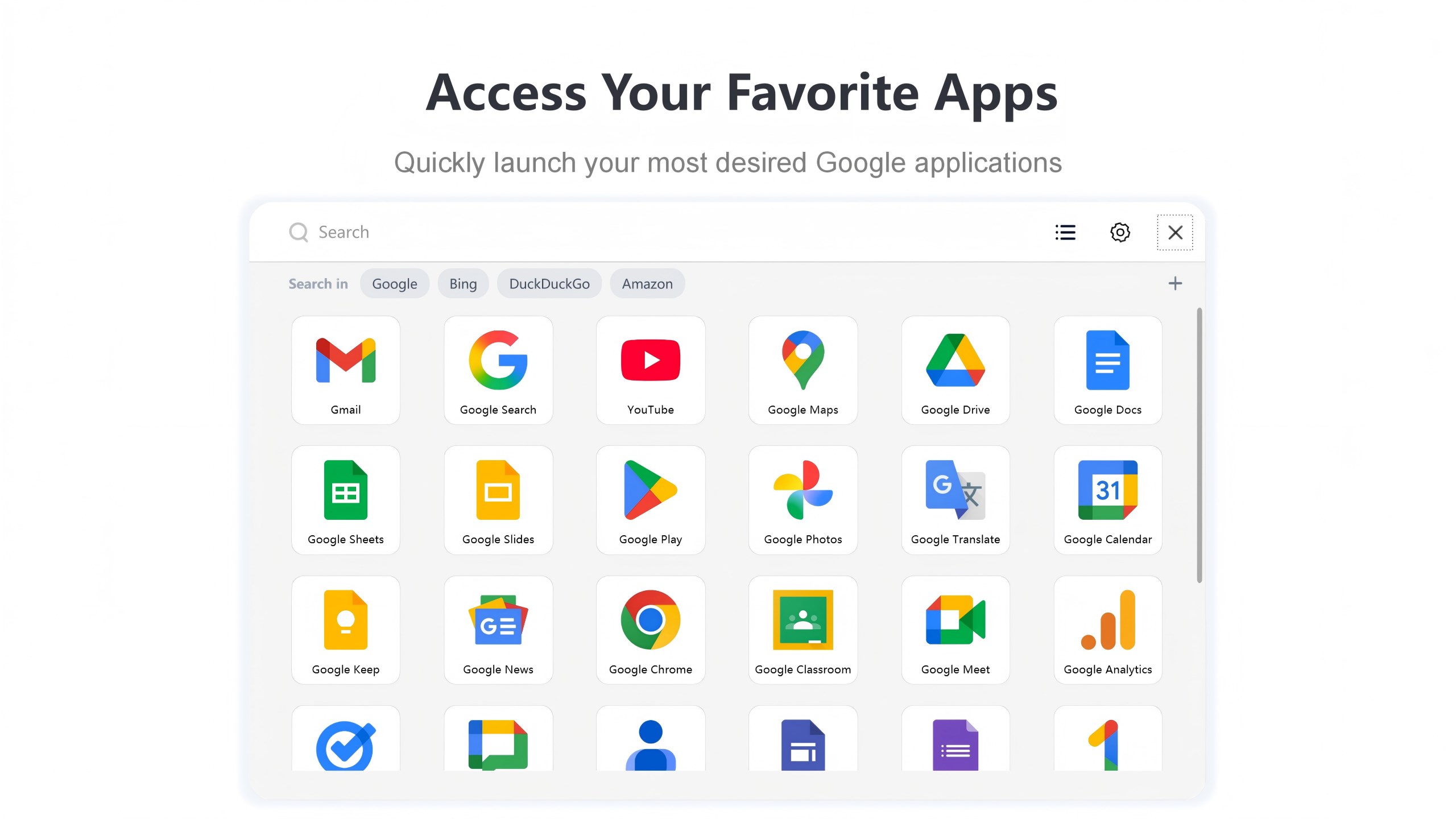
Imagine your desktop as a bustling city. G App Launcher acts as a smart navigation grid—eliminating the frantic search for that file or app, replacing it with a smooth, one-stop hub. It's like having a personal assistant whispering, “Your most-used apps are just a tap away.” The experience is surprisingly intuitive, making the switch from traditional desktop icon clicking to a centralized launcher almost instinctive.
Unpacking Core Functionalities
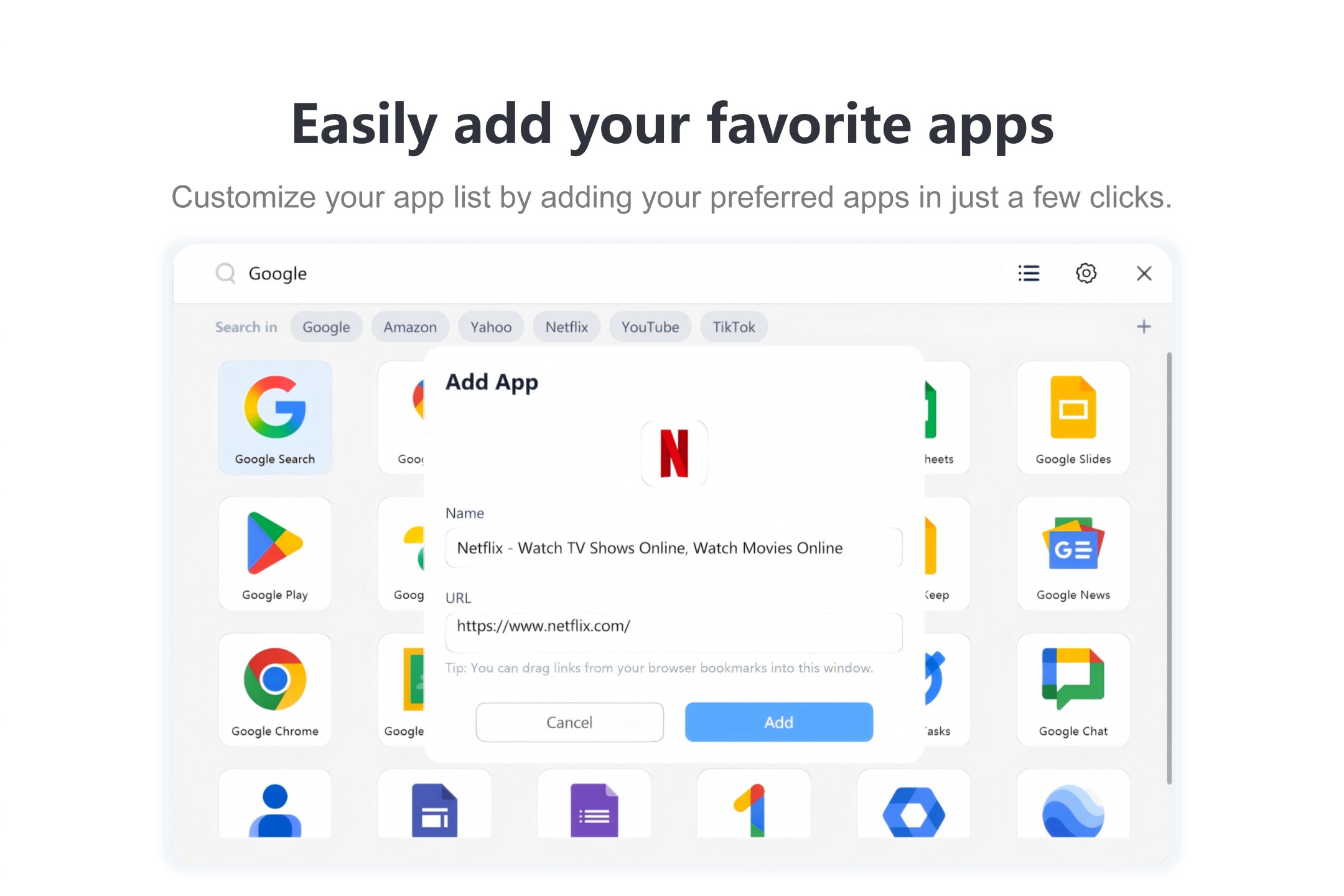
Customizable App Groups and Shortcuts
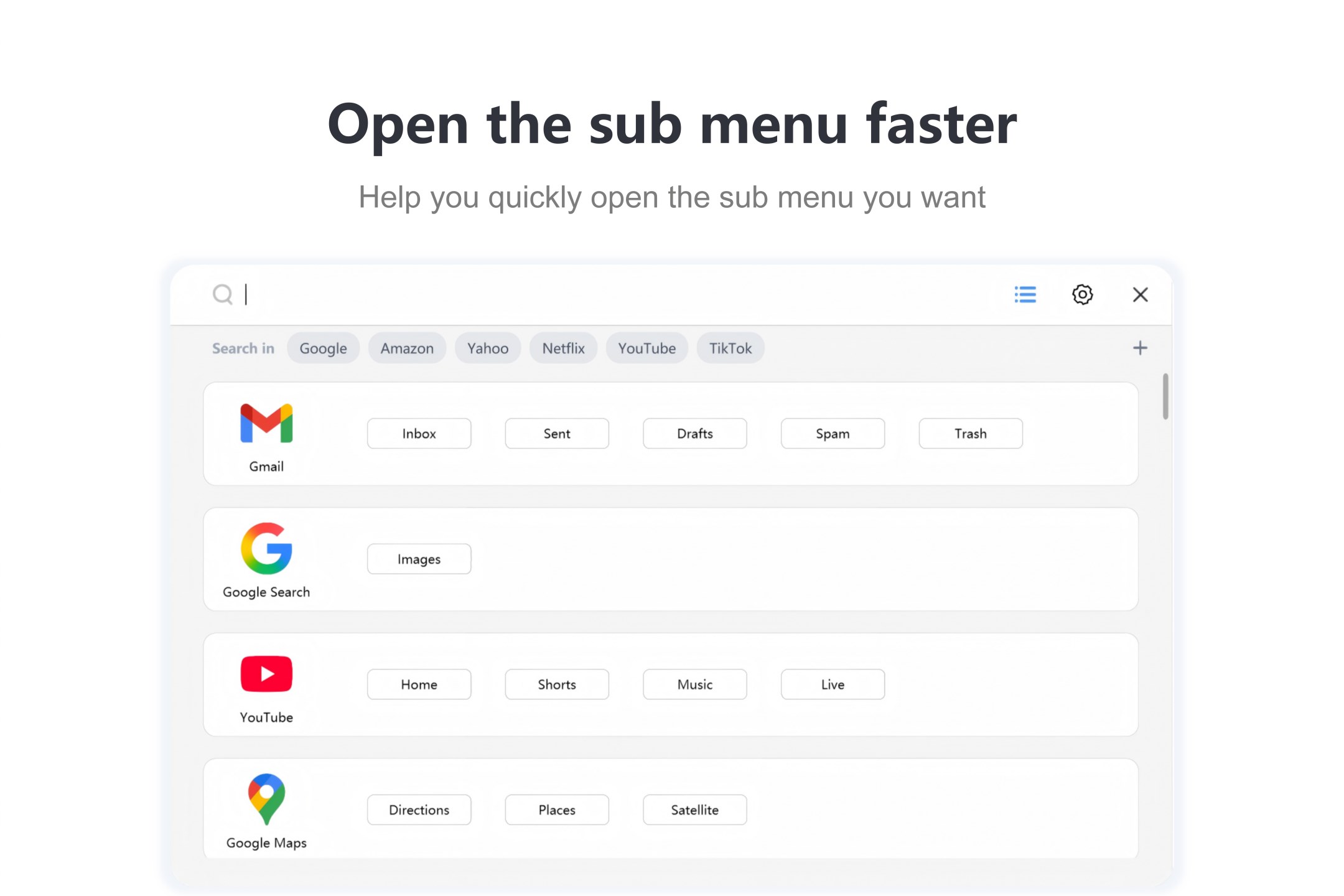
This feature is akin to creating folders, but with a modern twist. Users can assign apps to themed groups—think “Work,” “Games,” or “Utilities”—which then appear as neatly organized tiles. It simplifies multitasking; instead of hunting through a cluttered desktop, everything you need is consolidated into visually appealing, accessible sections. The support for hotkeys enhances this further, turning routine app launches into swift keystrokes, thus reducing cognitive overhead.
Seamless Interface and User Experience
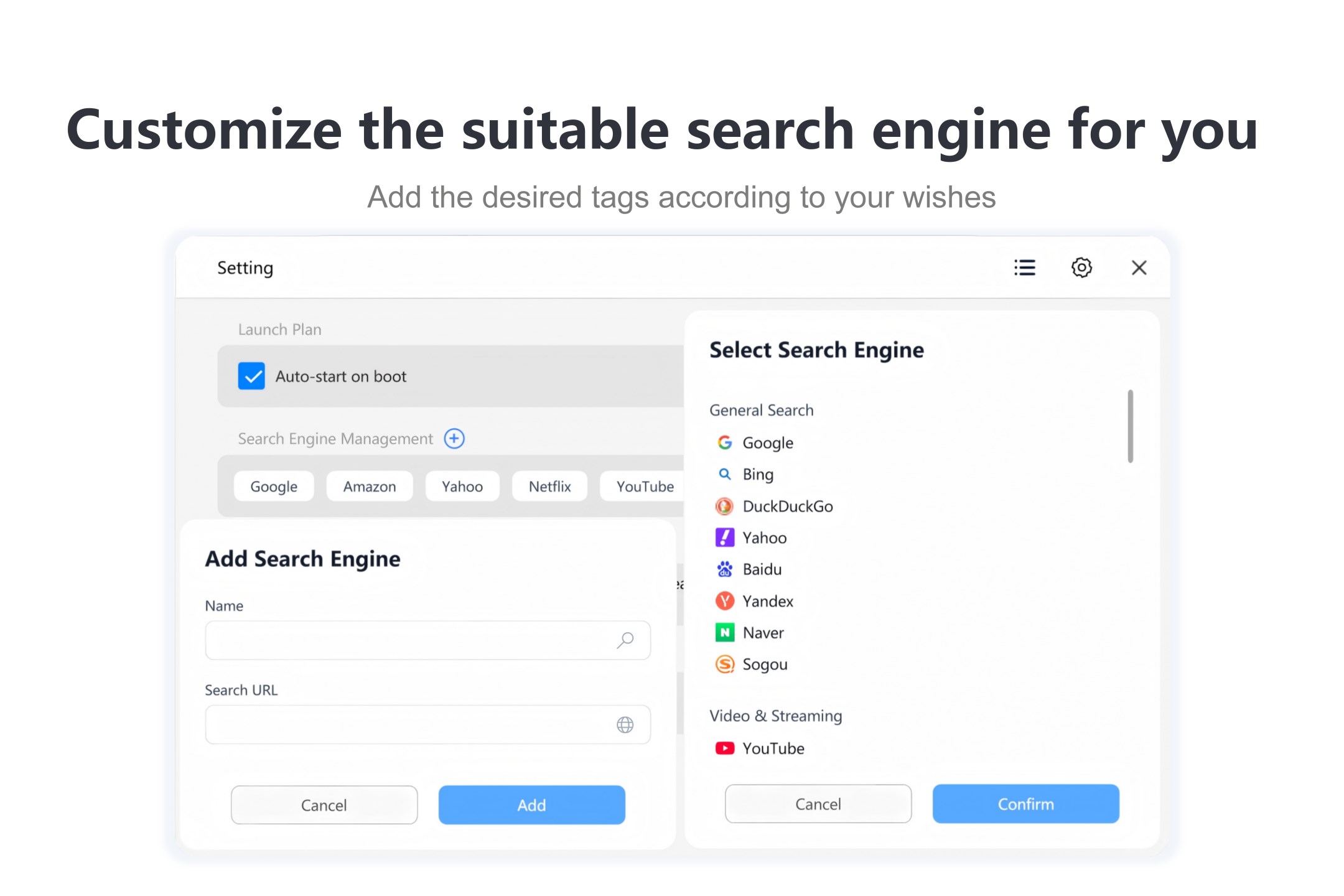
Design-wise, G App Launcher adopts a clean, elegant aesthetic—less like a maze and more like a well-organized toolbox. Operation feels fluid; transitions are smooth, with minimal lag, ensuring a sense of harmony rather than frustration. The learning curve? Slightly steeper than opening an app from the desktop, but the interface's clarity makes onboarding almost effortless. Users can customize themes and layouts, making the launcher a mirror of their personal or professional style.
Workflow Integration and Unique Advantages
Compared to conventional launchers or start menu alternatives, G App Launcher distinguishes itself through its emphasis on reducing cognitive load. Instead of overwhelming users with numerous features, it concentrates on core functions that enhance workflow efficiency. The intelligent grouping system and hotkey support allow for faster task switching, akin to Having a well-organized toolbox ready at your fingertips. Its minimalism means you get powerful organization without the clutter—an approach that supports focused work rather than distraction.
Final Thoughts and Recommendations
G App Launcher for Windows is a thoughtfully designed utility that shines in its simplicity and efficiency. While it might not have the extensive feature set of more bloated launchers, its strength lies in streamlining everyday app access, making it a valuable asset in any productivity toolkit. Recommended for users who prefer a clean, organized workspace and value speed over complexity, it is adaptable enough for both casual users and power users seeking a refined workflow partner.
In summary, if you're looking to bring order to your digital workspace without sacrificing ease-of-use or performance, G App Launcher deserves serious consideration. It's like having a smart assistant that keeps your desktop tidy and your workflow flowing smoothly—definitely worth giving it a try.
Pros
- User-Friendly Interface
- Quick Access to Apps
- Customizable Layouts
- Seamless Integration with Microsoft Services
- Regular Updates and Improvements
Cons
- Limited Customization Options
- Occasional Lagging on Older Devices
- Minor Bugs in Search Functionality
- Lack of Advanced Filtering Options
- Limited Language Support











