

- Category Security
- Developer Apppre Mobile
- Available on PC, Mobile, Surface Hub, HoloLens
- OS Windows 10 version 17763.0 or higher
- languages English
Unlocking Seamless Security: G Authenticator - For (Google) Service on Windows
If you're someone who values robust security but finds the usual authenticator apps a bit clunky, G Authenticator for Windows offers a sleek, straightforward solution tailored for your desktop environment. Developed by Apppre Mobile, this app aims to bring the convenience of two-factor authentication directly to your Windows device, making your digital life both safer and more manageable.
A Brief Overview of the App's Foundation
G Authenticator - For (Google) Service is crafted by the dedicated team at Apppre Mobile, with a focus on delivering a simple yet effective two-factor authentication tool. Its core features include generating time-based one-time passwords (TOTPs) seamlessly on Windows, supporting multiple account management, and offering a clean, user-friendly interface. Designed primarily for users who regularly access Google services or other compatible platforms, it caters to individuals who seek an efficient, desktop-centric alternative to mobile authentication apps.
Getting Into the Heart of Its Features
Intuitive and Organically Designed Interface
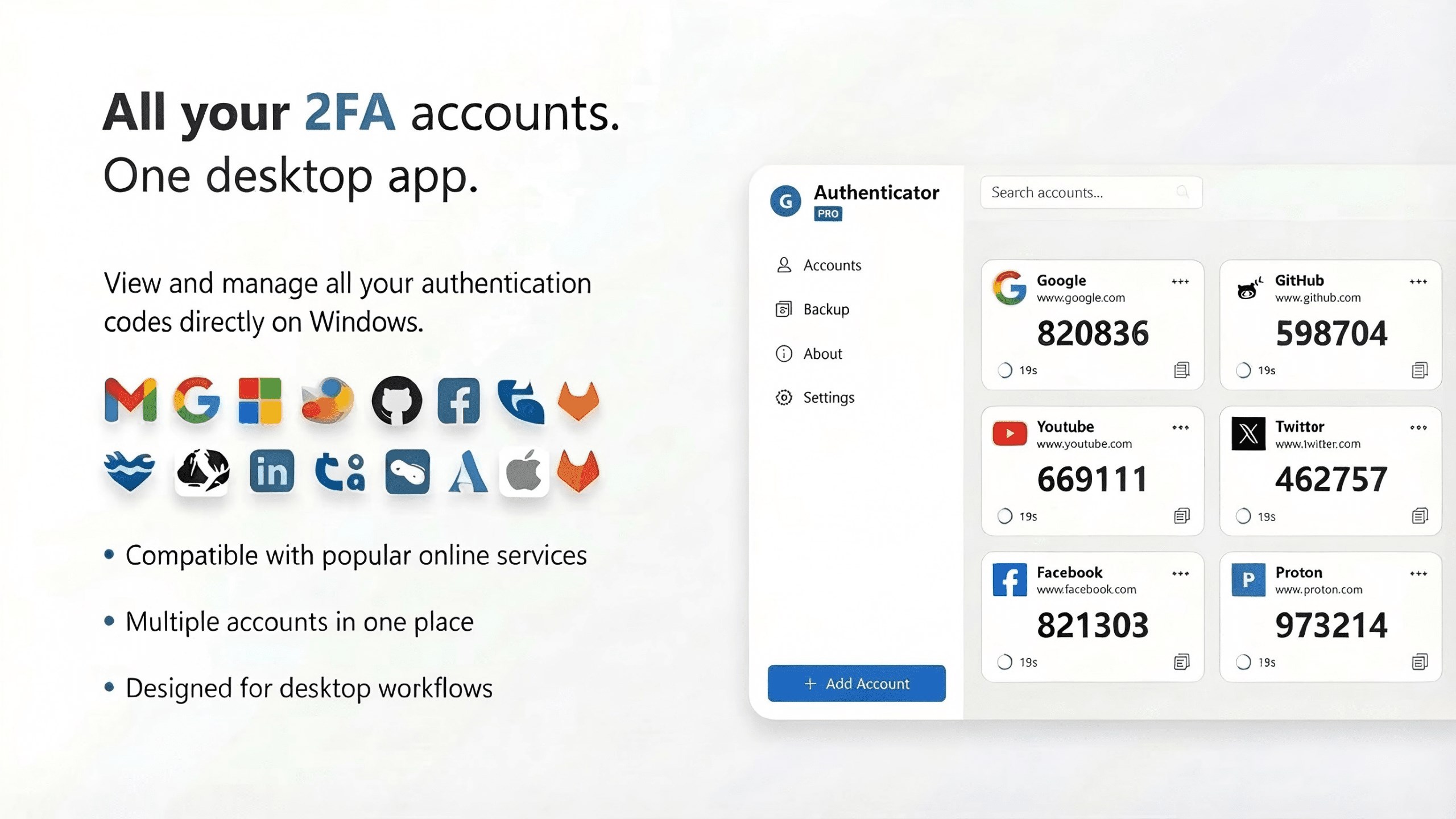
The app's interface resembles a neatly organized digital vault—clear, uncluttered, and visually appealing. With a focus on ease of use, even those new to authentication apps can navigate without a steep learning curve. The main screen displays all linked accounts, with recognizable icons and labels that make managing multiple logins straightforward. The visual simplicity ensures that users aren't overwhelmed, transforming what could be an intimidating security tool into a familiar and accessible workspace.
Fast and Reliable Code Generation
The core function—generating 2FA codes—is performed with impressive speed and accuracy. Once an account is added, the app produces six- or eight-digit codes that are synchronized precisely with the server time, mirroring the reliability you'd expect from mobile-first apps. This consistency is vital when time is of the essence during login, and the app's stability ensures you won't face frustrating delays or code mismatches.
Effortless Multiple Account Management & Export Options
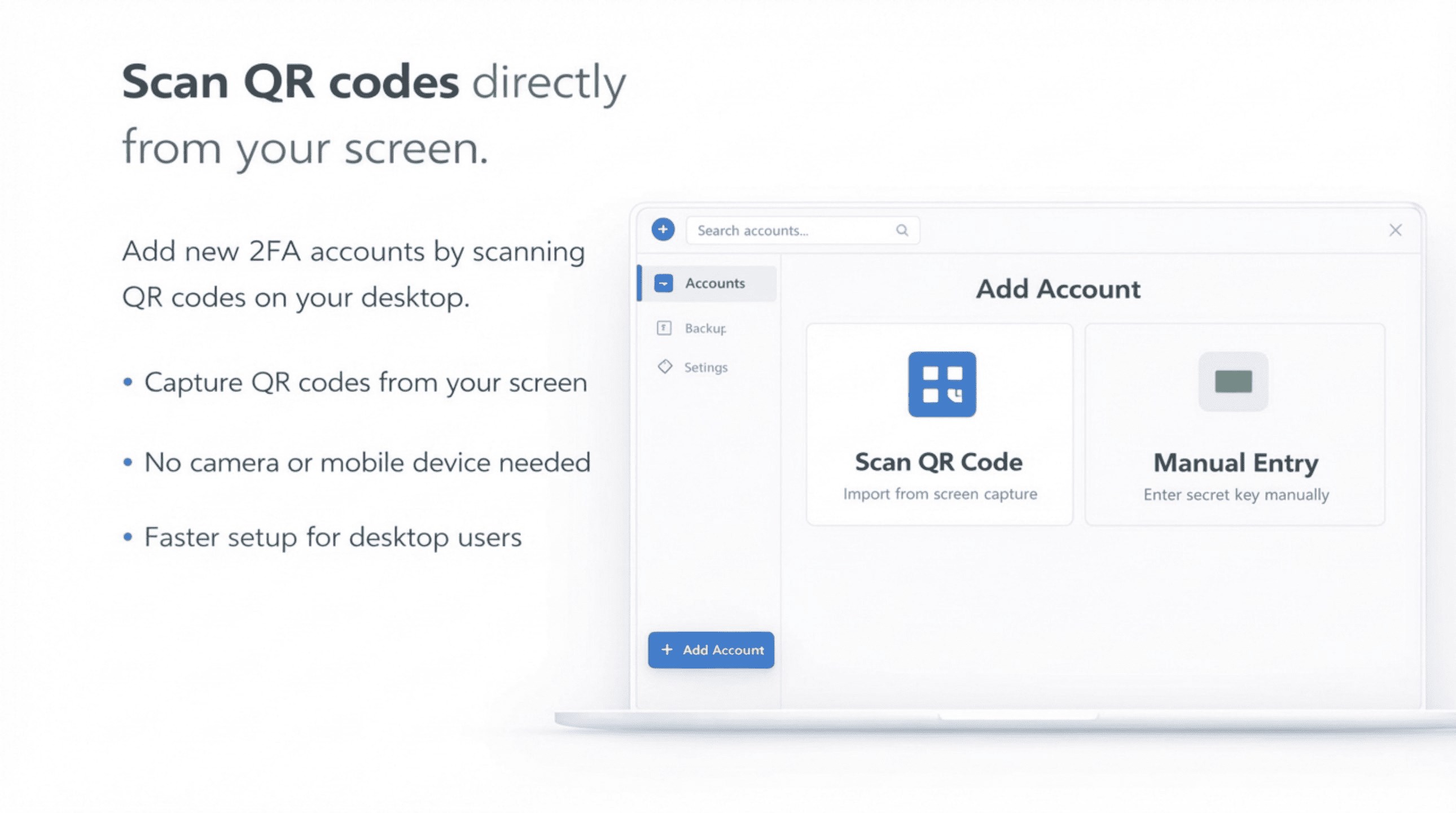
Managing several accounts is made effortless via this app—perfect for professionals juggling multiple services. You can add, edit, or remove accounts with simple clicks. Additionally, the app provides options to back up or export your account data securely, offering peace of mind against data loss or device changes. This flexibility sets it apart from some mobile-only counterparts that often lack straightforward desktop backup features.
Design, User Experience, and Unique Advantages
The application boasts a minimalist yet functional design that feels comfortable for long-term use. Its responsiveness is noteworthy; transitions are smooth, and the interface remains snappy regardless of the number of accounts linked. On the learning curve, new users will appreciate the straightforward setup process and intuitive flow, reducing the frustration often associated with security apps.
What truly makes G Authenticator stand out among similar tools is its dedicated Windows integration and multi-account management features that eliminate the need for mobile devices during verification. Moreover, its focus on hosting everything in one place—your desktop—makes it uniquely suited for users who prefer keyboard and mouse control without constantly switching devices. While many authenticator apps rely solely on mobile, this app's desktop-centric approach emphasizes accessibility and convenience, especially for users working primarily on their computers.
Would I Recommend It? Who Should Use It?
After thorough consideration, I'd say G Authenticator for Windows is a solid choice for anyone looking to streamline their two-factor authentication process on desktop. If you prioritize security with ease of access and appreciate a lightweight, well-designed application, this tool deserves a spot in your security arsenal. It's particularly suitable for enterprise users or developers who handle multiple accounts and prefer managing their 2FA credentials straight from their desktop environment.
However, for users who mainly operate via mobile or need multi-platform sync, it might be best to consider it as a complement rather than a replacement. As with any security app, routine backups and vigilant management of account recovery options are recommended to ensure your access remains seamless.
In essence, G Authenticator offers a thoughtfully crafted, reliable, and user-friendly experience—making it a commendable addition to the toolbox of digital security enthusiasts who value both form and function on their Windows devices.
Pros
- Secure two-factor authentication
- Easy setup and synchronization
- Offline functionality
- Automatic backup options
- User-friendly interface
Cons
- Limited customization options
- No native support for other services like Facebook or Dropbox
- Occasional syncing delays between devices
- Requires login to access backup features
- Potential app updates may temporarily disrupt functionality










