- Category Sports
- Developer Driftwood Software
- Available on PC
- OS Windows 8.1 or higher
- languages English (United States)
An Illuminating Take on Galaxy Bowling for Windows
Imagine stepping into a virtual bowling alley where the pins are set perfectly, and your every roll is met with precision feedback — Galaxy Bowling for Windows aims to bring that experience right to your fingertips. Designed with both casual bowlers and enthusiasts in mind, this app turns the mundane act of rolling balls into an engaging and interactive adventure. As a professional tech reviewer, I've taken a close look at its features, interface, and overall experience to see how it stacks up in the universe of sports simulation apps.
What's at the core of Galaxy Bowling?
Developed by Driftwood Software, Galaxy Bowling stands out with its imaginative theme and thoughtfully crafted gameplay mechanics. The app's main features include realistic physics-based ball rolls, a vibrant and immersive universe-themed interface, and real-Time performance tracking that allows players to analyze their game dynamics. Its goal is to make bowling accessible and entertaining whether you're on a quick break or aiming to improve your score over multiple sessions.
Dynamic Gameplay and Playability
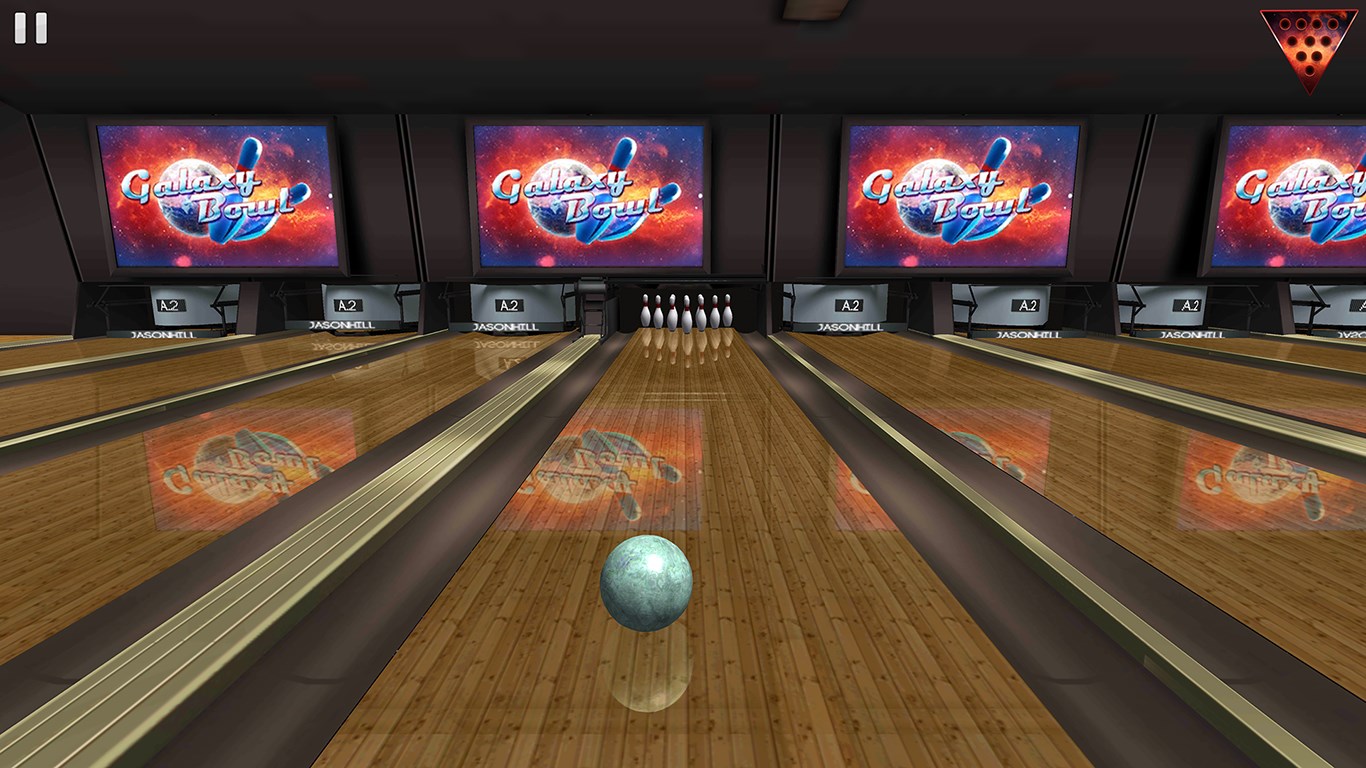
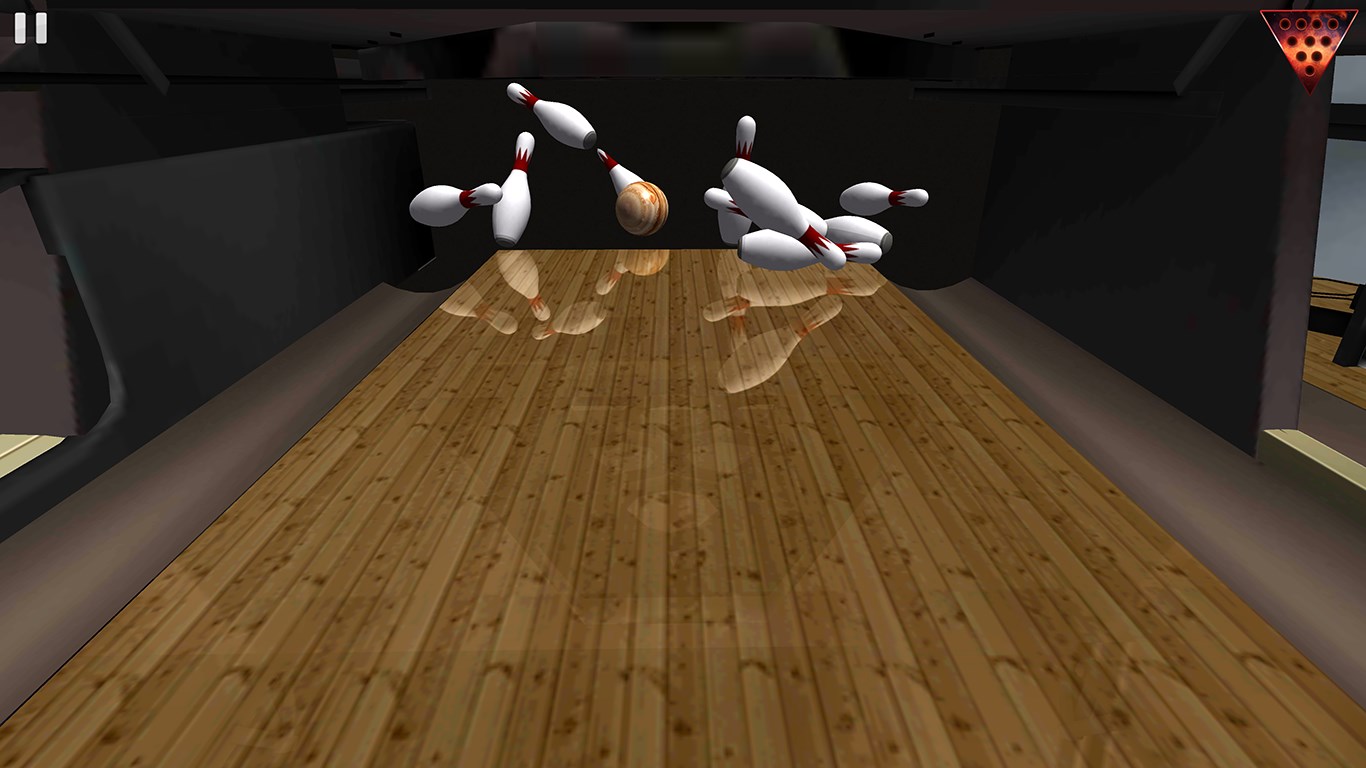
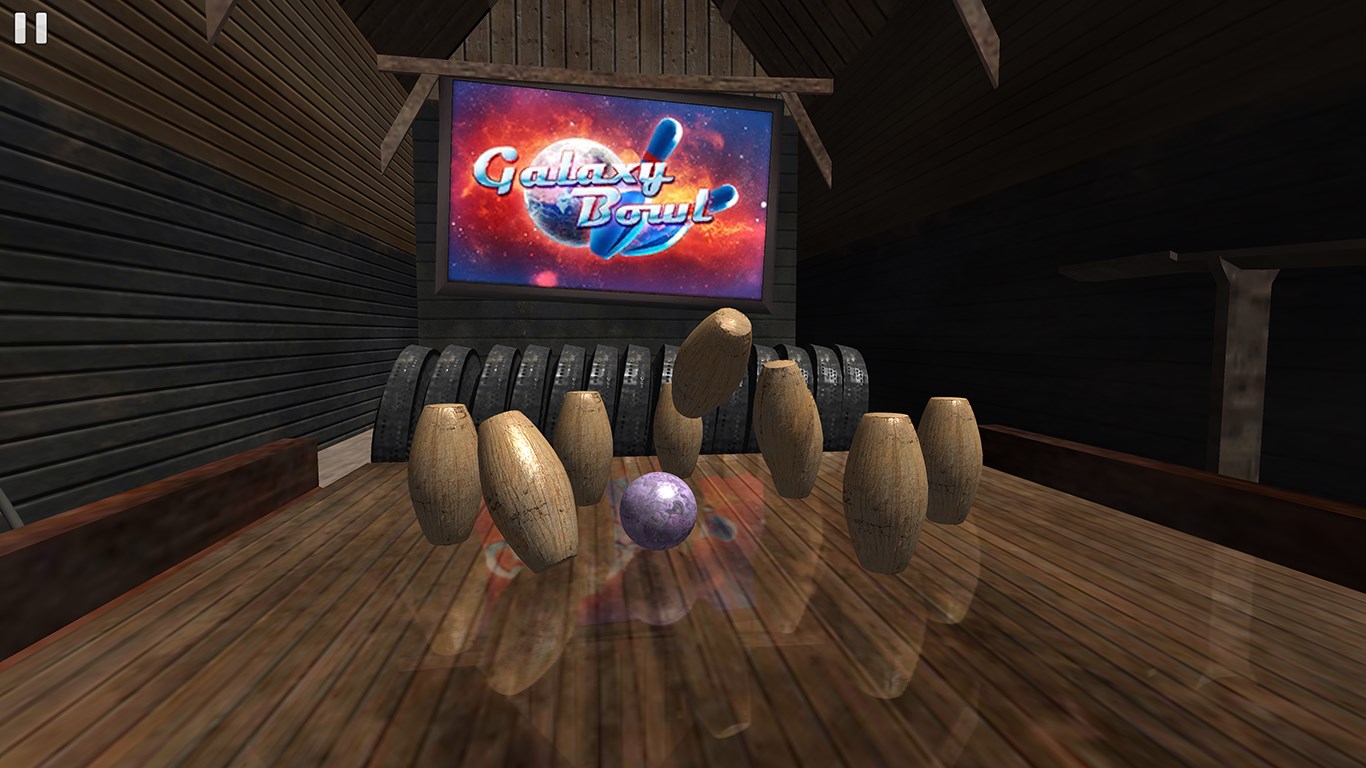
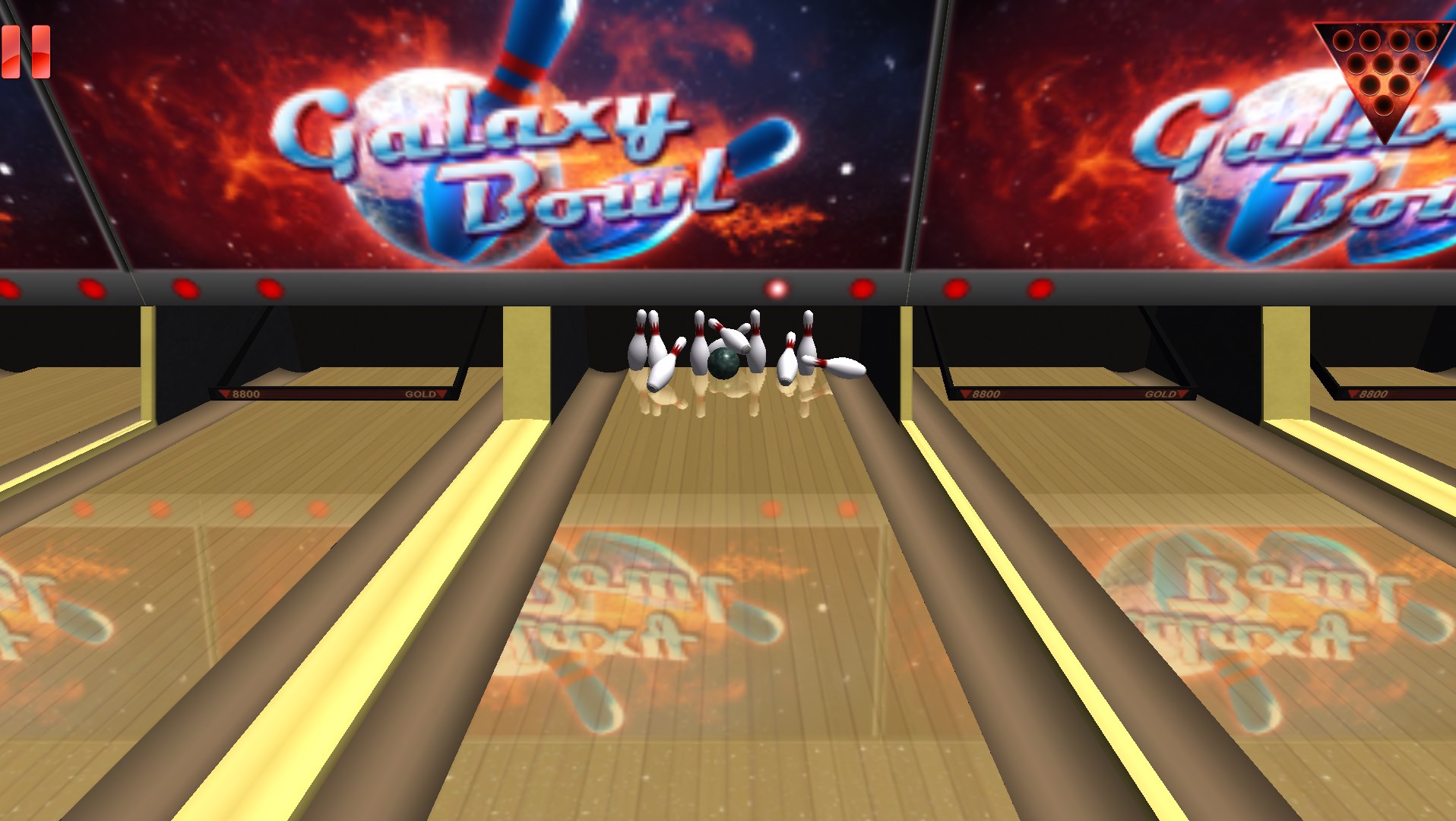
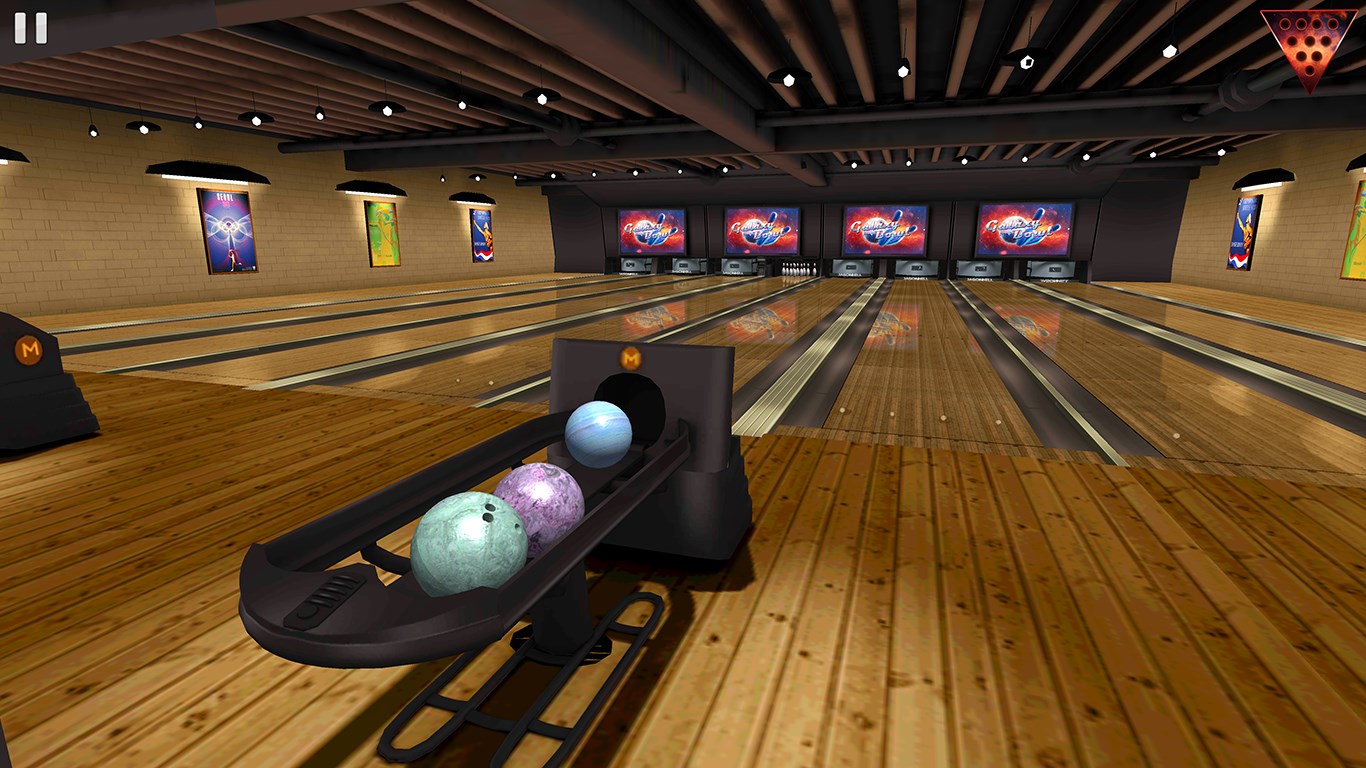
Right from the opening screen, Galaxy Bowling invites users into a lively cosmic environment, where the lanes are set against swirling nebulae and sparkling stars. This lively atmosphere sets the tone, making every game feel like an interstellar adventure. The physics simulation is commendably precise, with ball weight, spin, and speed affecting the trajectory naturally, mirroring real-world bowling behavior. The app excels in providing instant feedback, showing shot accuracy, pin action, and score progression vividly, which keeps players engaged and eager to beat their previous bests.
User Interface and Experience
The interface design strikes a perfect balance between playful aesthetics and straightforward usability. Intuitive controls allow users to select angles, power, and spin with minimal effort, making the game accessible even for beginners. Navigation is smooth, with well-organized menus that facilitate quick game setup and easy access to settings. The app's responsiveness is notable — actions are fluid, with minimal latency, ensuring that each throw feels immediate and satisfying. For those new to virtual bowling, the learning curve is gentle, thanks to an optional tutorial mode that introduces game mechanics in a friendly manner.
Highlighting Unique Features: Real-Time Data & Community Engagement
The standout aspect of Galaxy Bowling lies in its real-time data accuracy and lively community mechanics.
Unlike many competitors that offer static score tracking, Galaxy Bowling integrates precise real-time analytics, monitoring shot angles, ball speed, and spin with high fidelity, enabling players to understand their techniques deeply. This data-rich approach resembles having a personal coach guiding your every move, especially valuable for aspiring bowlers aiming to refine their skills.
Moreover, the app fosters community engagement through multiplayer modes, leaderboards, and social sharing options. Players can challenge friends, enter tournaments, or compare scores on global leaderboards. The social mechanics are designed to create a sense of camaraderie and friendly rivalry, boosting motivation and keeping the gameplay fresh and competitive over time. This blend of accurate performance feedback and community features distinguishes Galaxy Bowling from more isolated or purely entertainment-focused apps.
Final Verdict: A Solid Choice for Bowling Fans
In conclusion, Galaxy Bowling for Windows offers an engaging, well-crafted virtual bowling experience that shines brightest in its realistic physics and community interaction. It's especially suitable for users seeking more than just casual gameplay — those wanting detailed data insights combined with a lively social environment will find it particularly compelling. While it could benefit from additional customization options or more diverse game modes, its core features make it a recommended choice for both recreational players and serious enthusiasts alike.
Whether you're looking to unwind with a quick game or aspire to Master intergalactic bowling techniques, Galaxy Bowling provides a polished, fun, and effective digital alley. I'd suggest giving it a try if you enjoy sports simulations that combine technical accuracy with social flair — after all, every good game deserves a good friend to share it with!
Pros
- Intuitive gameplay mechanics
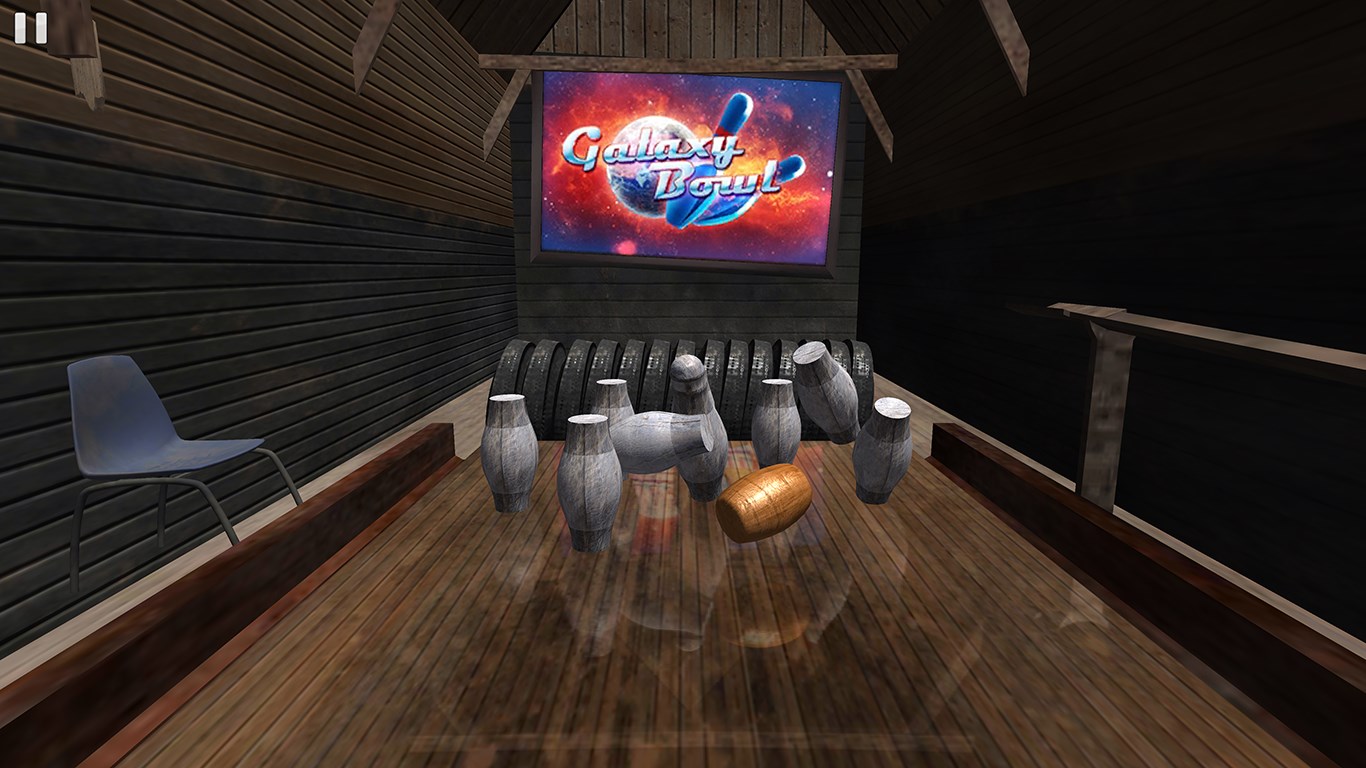
- Stunning 3D graphics
- Multiple game modes available
- Regular updates and new content
- Useful social features
Cons
- Occasional lag or delayed response
- Limited customization options for characters
- In-app purchase emphasis
- Difficulty connecting to online multiplayer
- Ads interrupt gameplay periodically