

- Category Entertainment
- Developer Guangzhou Chicken Run Network Technology Co.,Ltd.
- Available on PC
- OS Windows 10 version 0.0 or higher
- languages Chinese, Chinese (Simplified), Chinese (Simplified), Chinese (Simplified) (China), English, English (United Kingdom), English (United States), French, German, Russian, Italian, Spanish, Portuguese, Korean, Japanese, Polish
GameSir Connect for Windows: A Seamless Gaming Accessories Hub
GameSir Connect for Windows is a dedicated application designed to enhance your gaming experience by effortlessly managing and customizing your GameSir peripherals, making it a must-have companion for serious gamers and tech enthusiasts alike.
Crafted by Guangzhou Chicken Run Network Technology Co., Ltd.: A Focused Player in Gaming Accessories Management
Developed by Guangzhou Chicken Run Network Technology Co., Ltd., this app showcases their commitment to creating intuitive tools that bridge hardware and software for gamers. The team's expertise in gaming peripherals shines through in the app's thoughtful features and user-centric design.
Top Features That Elevate Your Playtime
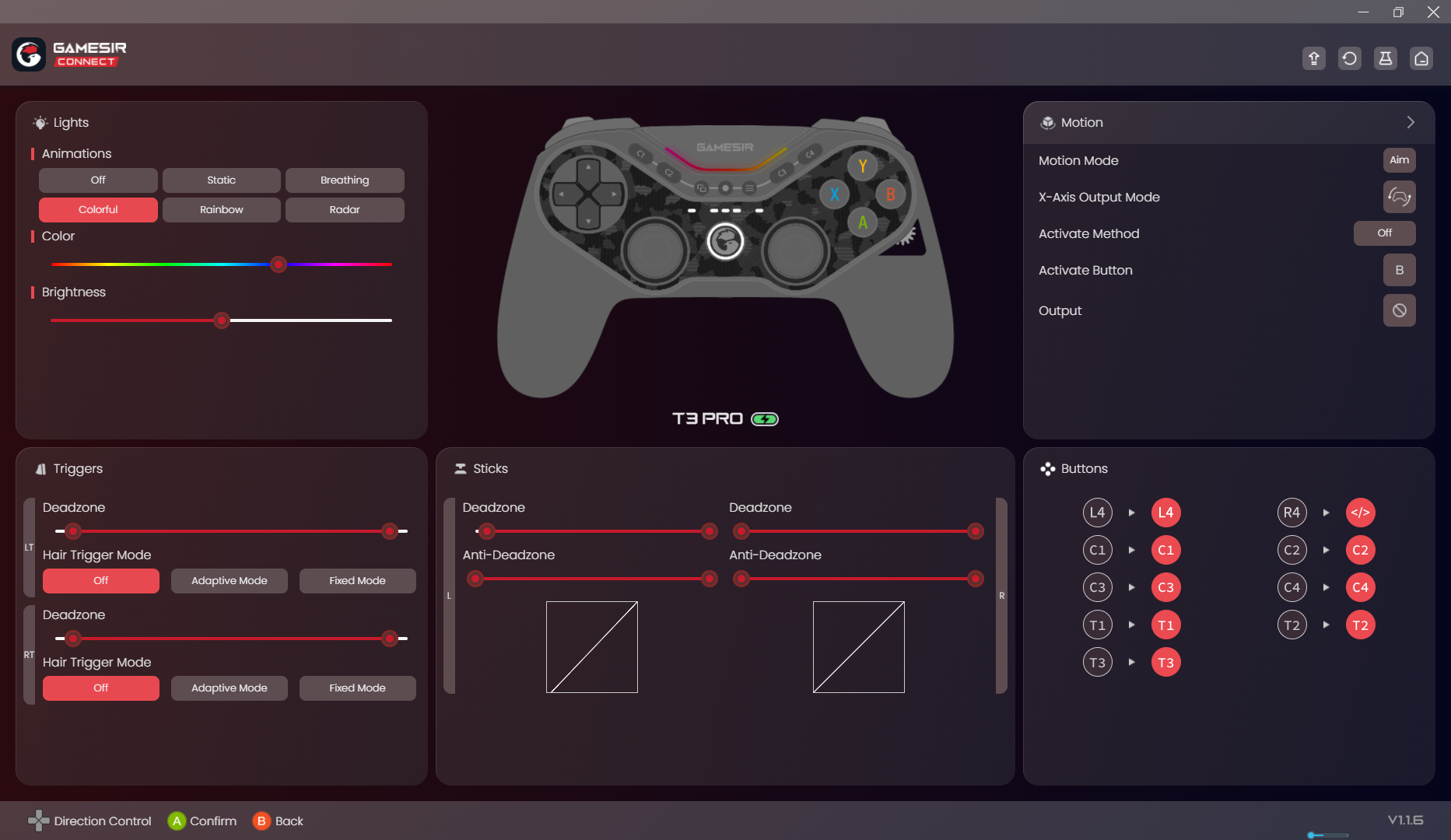
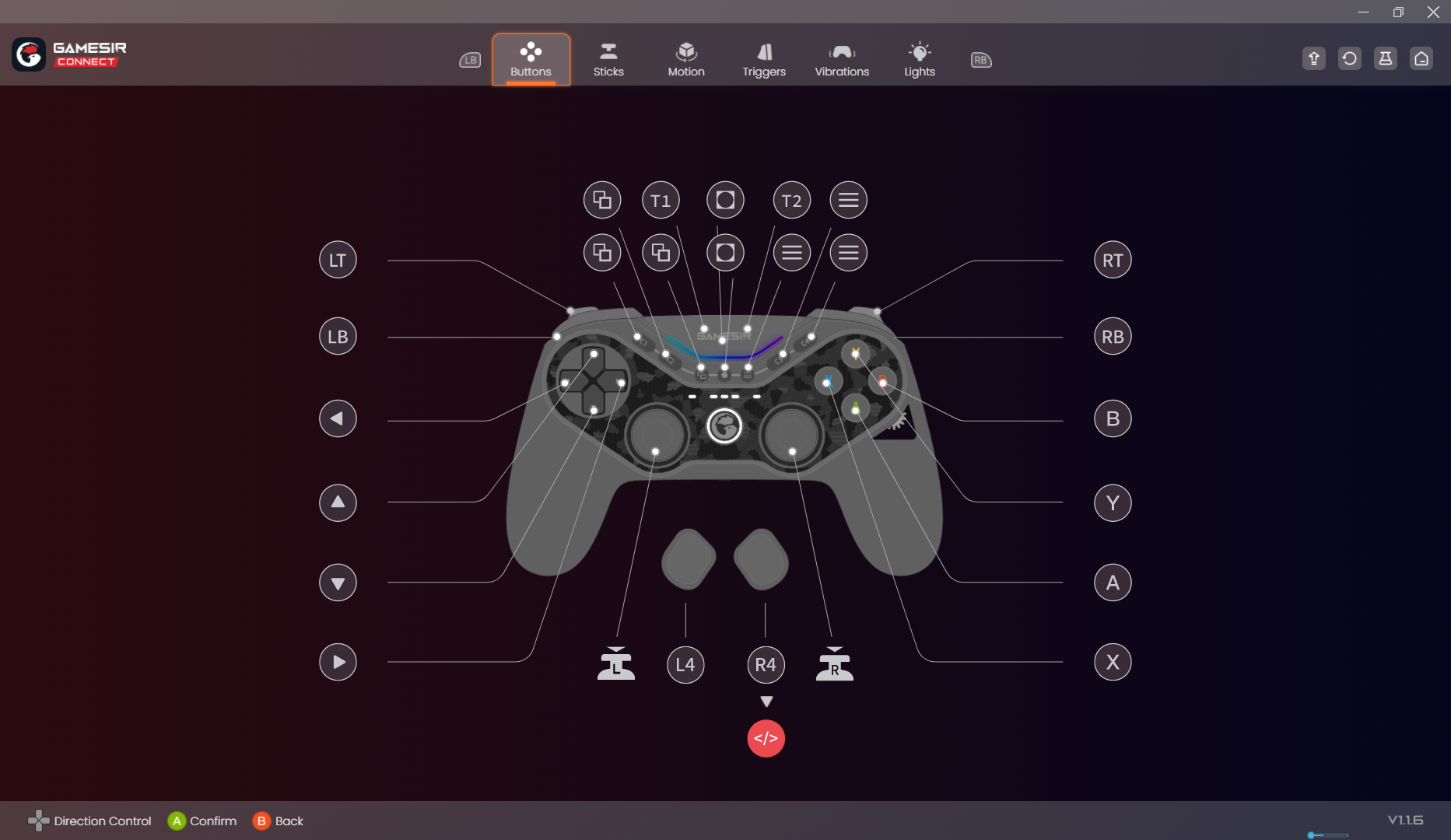
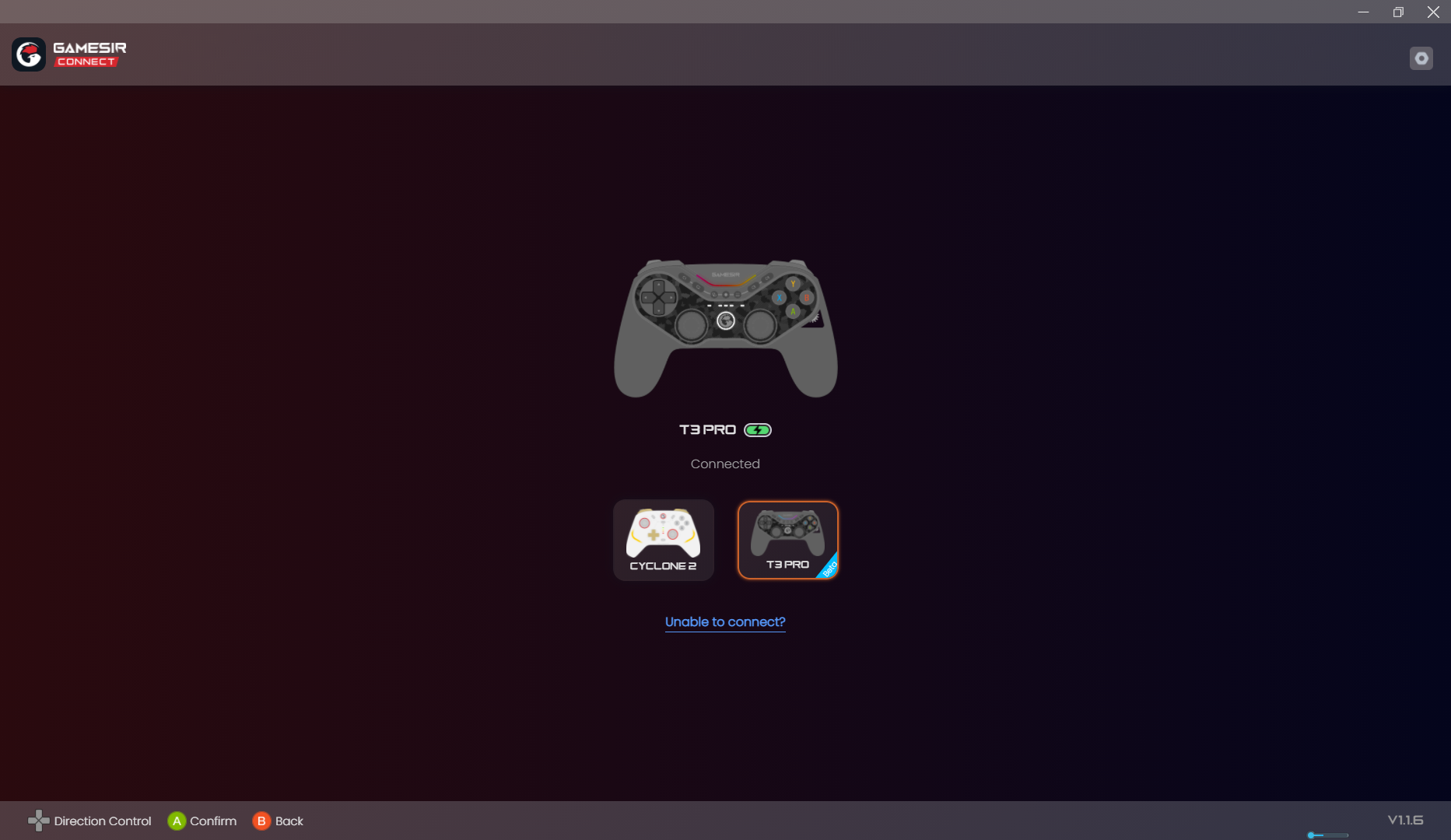
- Unified Device Management: Effortlessly connect and manage multiple GameSir devices within a single platform, simplifying setup and ongoing customization.
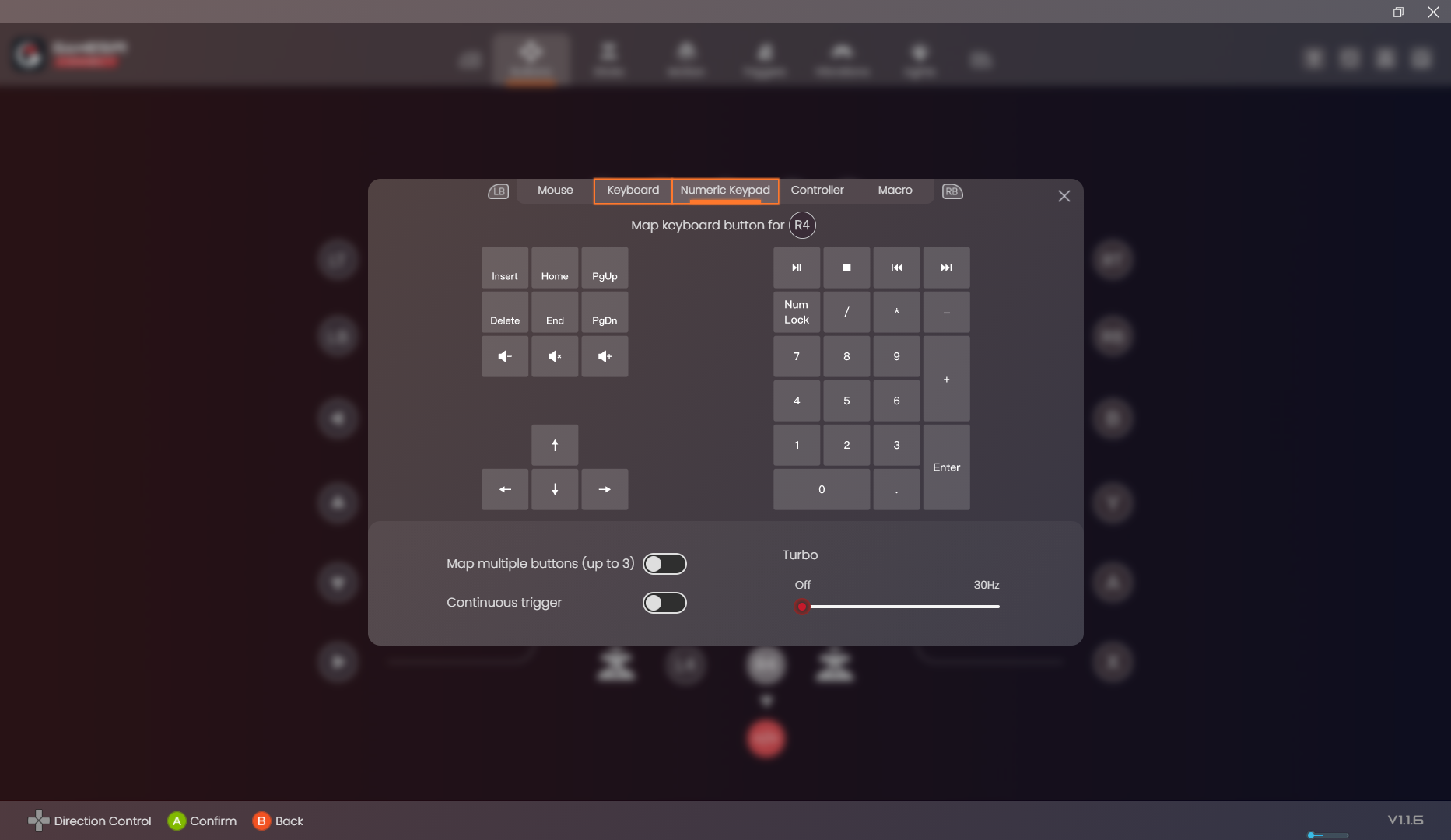
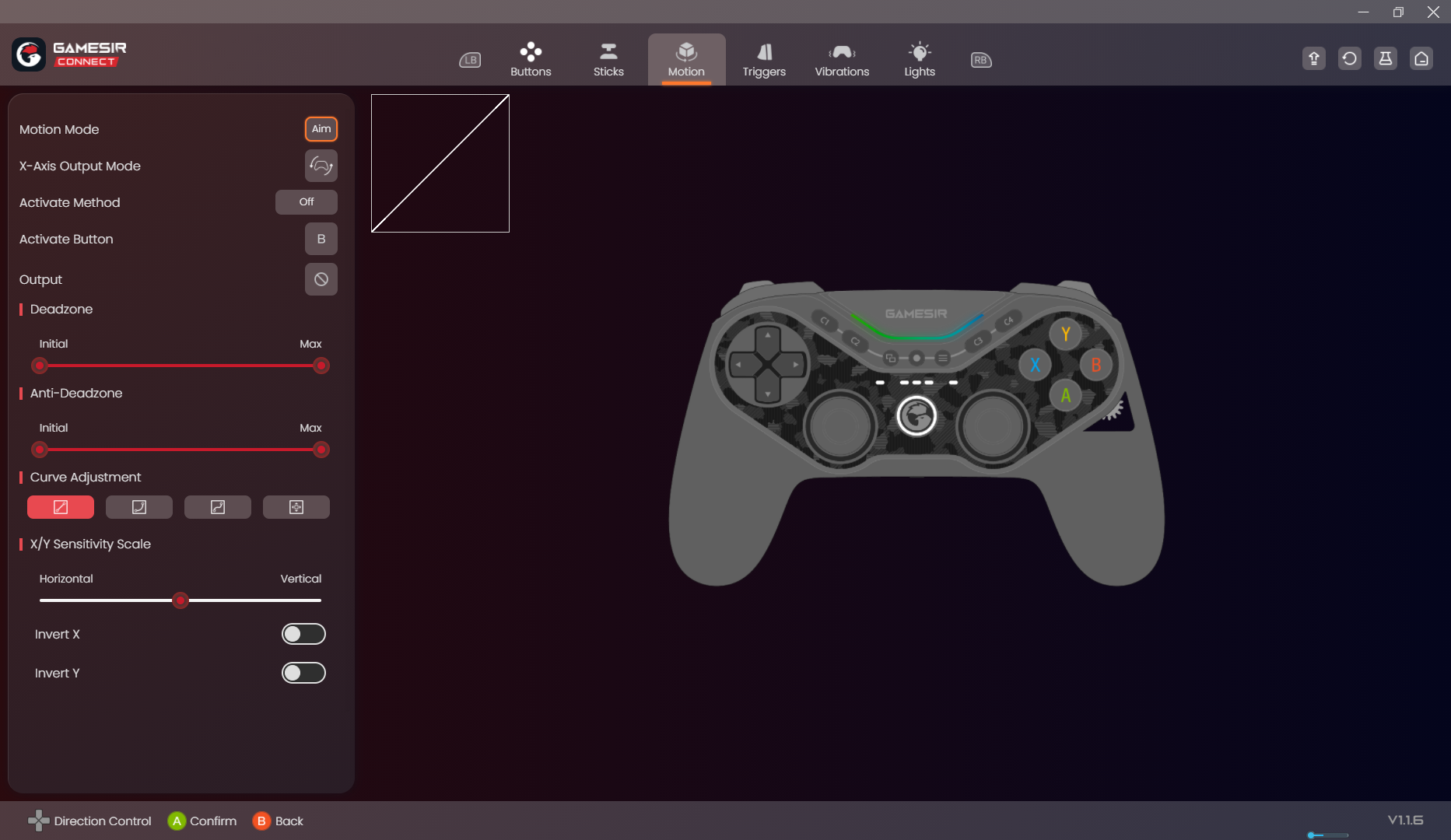
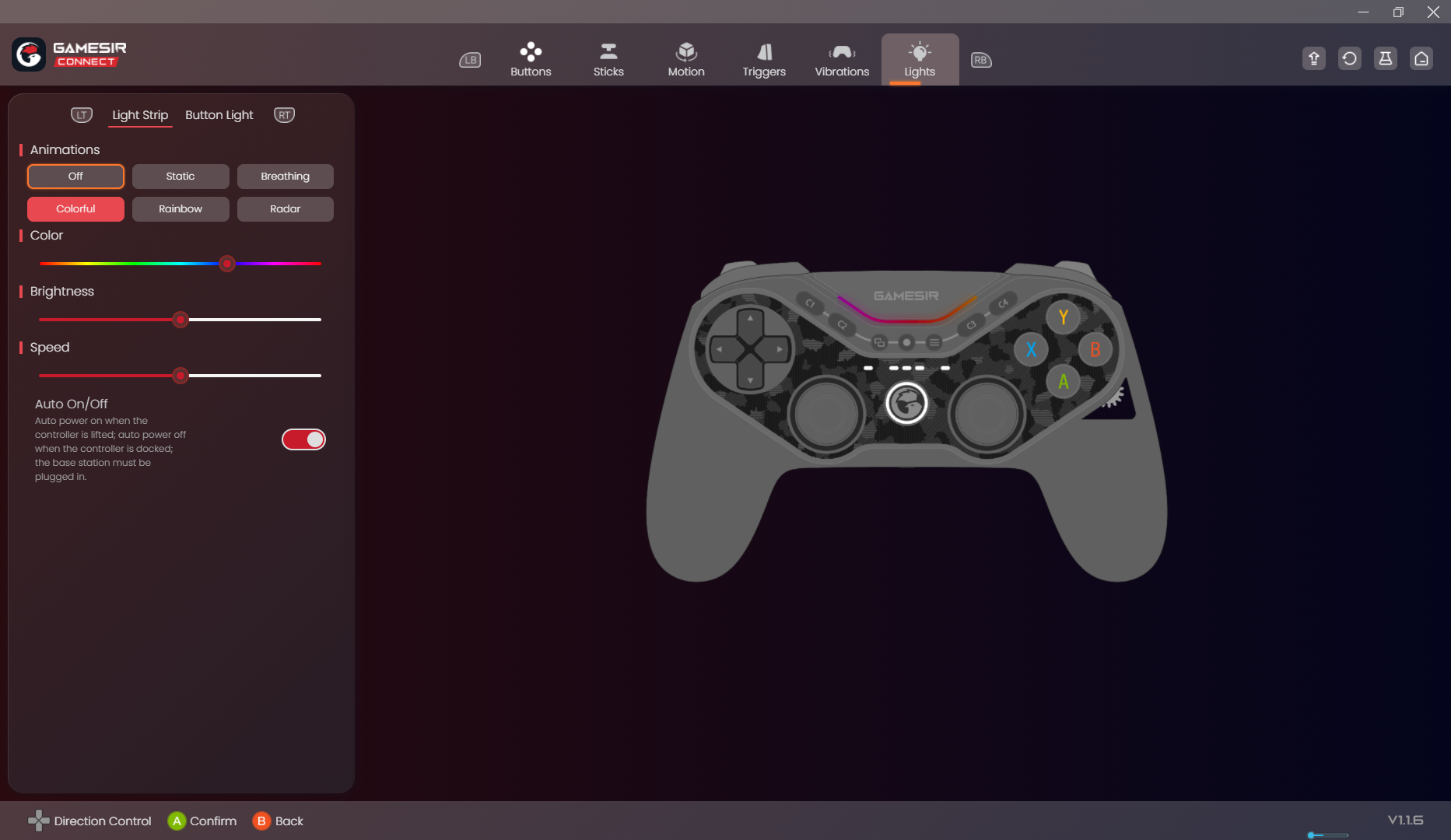
- Advanced Customization Options: Fine-tune button mappings, sensitivity levels, and lighting effects to personalize your gear and optimize performance for different game genres.
- Profiles and Presets: Save, switch, and share multiple configurations, enabling quick adaptation across various games or gaming styles.
- Real-time Monitoring and Updates: Keep track of device status and firmware updates seamlessly, ensuring your peripherals are always optimized.
Immersive and User-Friendly Interface
Gamers will appreciate how the interface balances simplicity with sophistication. The dashboard is clutter-free, akin to a well-organized cockpit, where each control is intuitively placed. Navigating through device settings feels fluid, like gliding on a freshly waxed skateboard—smooth and responsive. The learning curve is gentle, especially for users familiar with gaming peripherals, though newcomers may need a brief moment to familiarize themselves with advanced customization options.
Differentiating Features: Where GameSir Connect Stands Out
Unlike typical device management apps, GameSir Connect leverages a smart algorithm to assess content discovery and recommend profiles tailored to your gaming habits. Its personalized recommendations are notably more relevant than generic presets, thanks to an adaptive content discovery algorithm that learns your preferences over time. This focus on precise, context-aware customization sets it apart from other entertainment apps that often rely on broad, one-size-fits-all suggestions.
Furthermore, the app's ability to critique and improve profile relevance ensures players are not overwhelmed with irrelevant options, but are guided toward configurations that genuinely enhance their gaming experience. This smart, personalized approach creates a more immersive and satisfying environment—like a seasoned coach customizing drills specifically for your gameplay style.
Final Thoughts and Recommendations
Overall, GameSir Connect for Windows is a reliable and thoughtfully designed app suited for gamers seeking a comprehensive control center for their peripherals. Its standout feature—the intelligent, personalized content and profile recommendations—makes it particularly valuable for players who want tailored enhancements without drowning in options. While it's accessible for beginners, its rich customization capabilities appeal strongly to advanced users aiming for granular control.
I recommend this app to anyone who owns GameSir hardware and desires a cohesive, customizable experience that goes beyond simple device management. Whether you're a casual gamer or a competitive esports enthusiast, GameSir Connect can elevate your setup—think of it as an expert assistant, quietly working in the background to optimize your gear so you can focus solely on winning.
Pros
- Seamless device connectivity
- Intuitive interface
- Wide game compatibility
- Regular firmware updates
- Low latency connection
Cons
- Occasional connection drops
- Limited customization options
- Battery drain on devices
- Initial setup complexity
- Occasional app crashes











