
Frequently Asked Questions
How do I start playing Gang Beasts for the first time?
Download the app, create an account if needed, and select a game mode to begin. Follow the on-screen prompts for a quick start guide.
Can I play Gang Beasts offline with friends?
Yes, you can play local multiplayer offline by connecting multiple controllers or devices and selecting the local multiplayer mode.
What are the main game modes available in Gang Beasts?
Gang Beasts offers melee mode for fighting against AI or online players, and gang mode to team up against gangs in Beef City.
How do I customize my character in Gang Beasts?
Navigate to the character customization menu from the main screen, then select appearance options and outfits to personalize your character.
How do online multiplayer matches work in Gang Beasts?
Join online lobbies or create your own to compete with or against friends globally. Invite friends via the online matchmaking system.
Are there any in-app purchases or subscriptions available?
Yes, the game offers optional in-app purchases for cosmetic items and upgrades. Check Settings > Store for available options.
How can I upgrade or buy additional content in Gang Beasts?
Visit the in-game store through Settings > Store to browse and purchase upgrades or new characters using real money.
What should I do if the game crashes or won't launch?
Try restarting your device, ensure your app is updated, and reinstall if necessary. Contact support if the problem persists.
Are there parental controls or age restrictions for Gang Beasts?
Yes, parental controls can be set through your device's settings. The game is rated for players 12+ due to humorous violence.
Can I report bugs or give feedback about Gang Beasts?
Yes, you can contact support via the app's Help section or visit the official website for feedback and bug reports.
You May Like
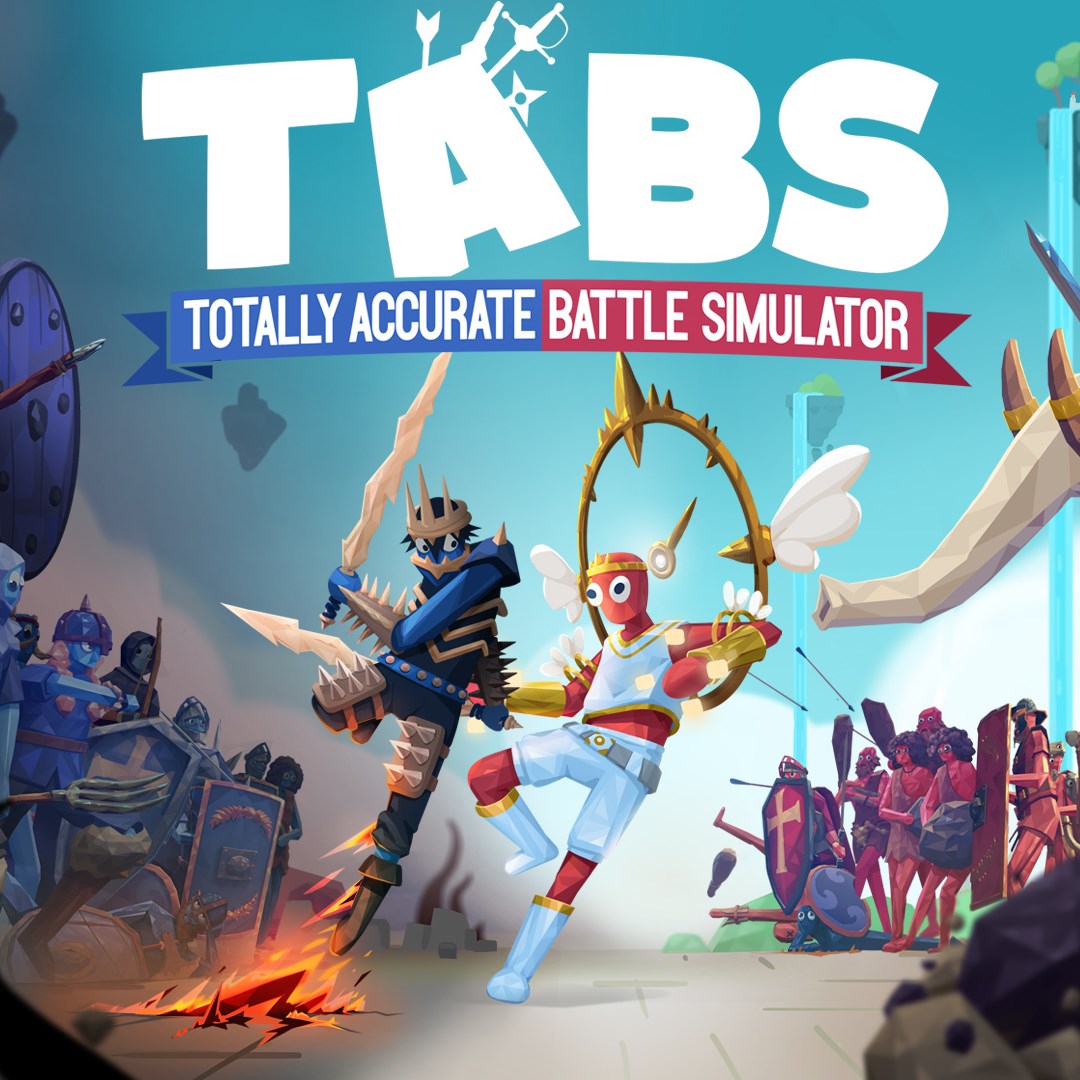
Totally Accurate Battle Simulator
for Windows
4.7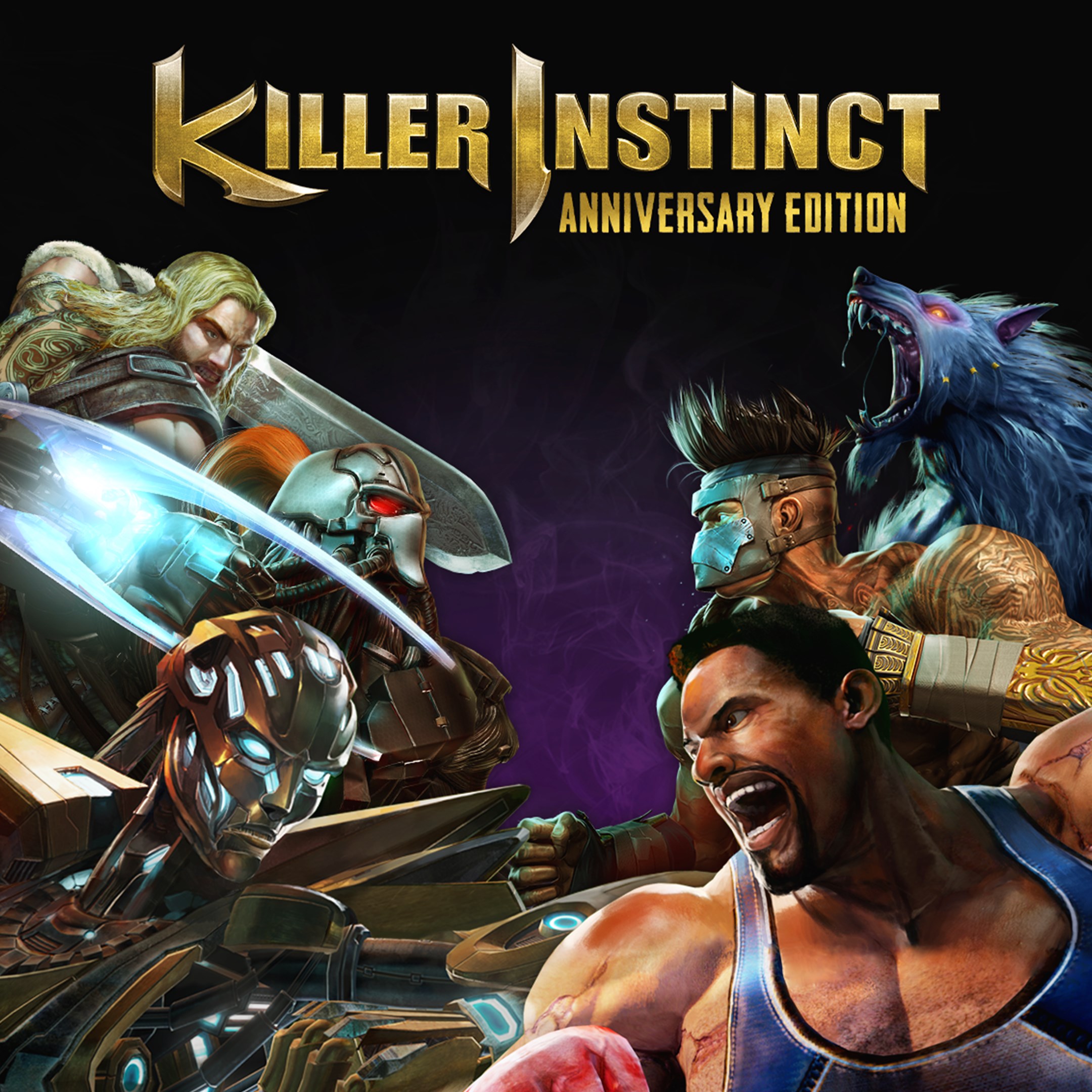
Killer Instinct: Anniversary Edition
for Windows
4.4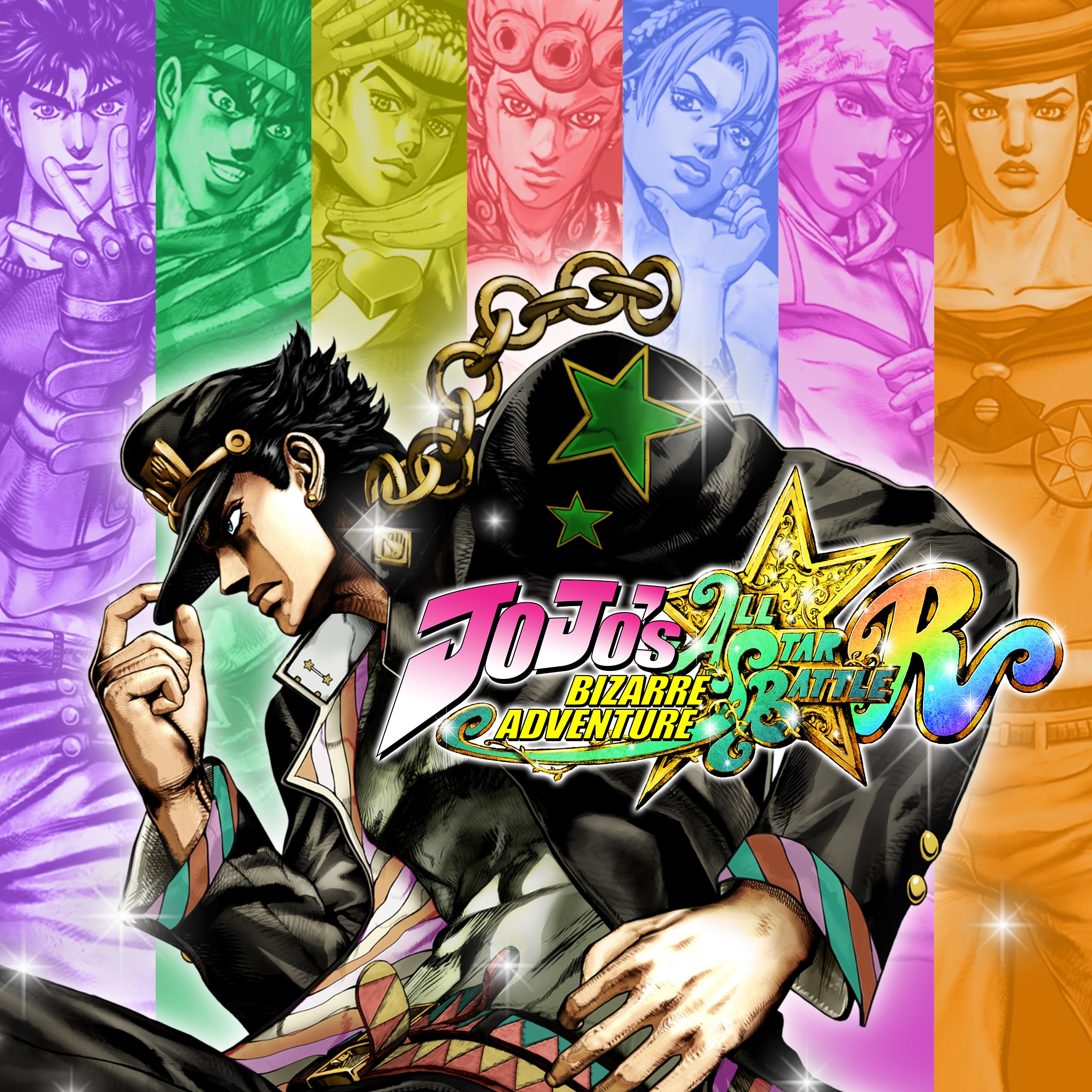
JoJo's Bizarre Adventure: All-Star Battle R
for Windows
4.3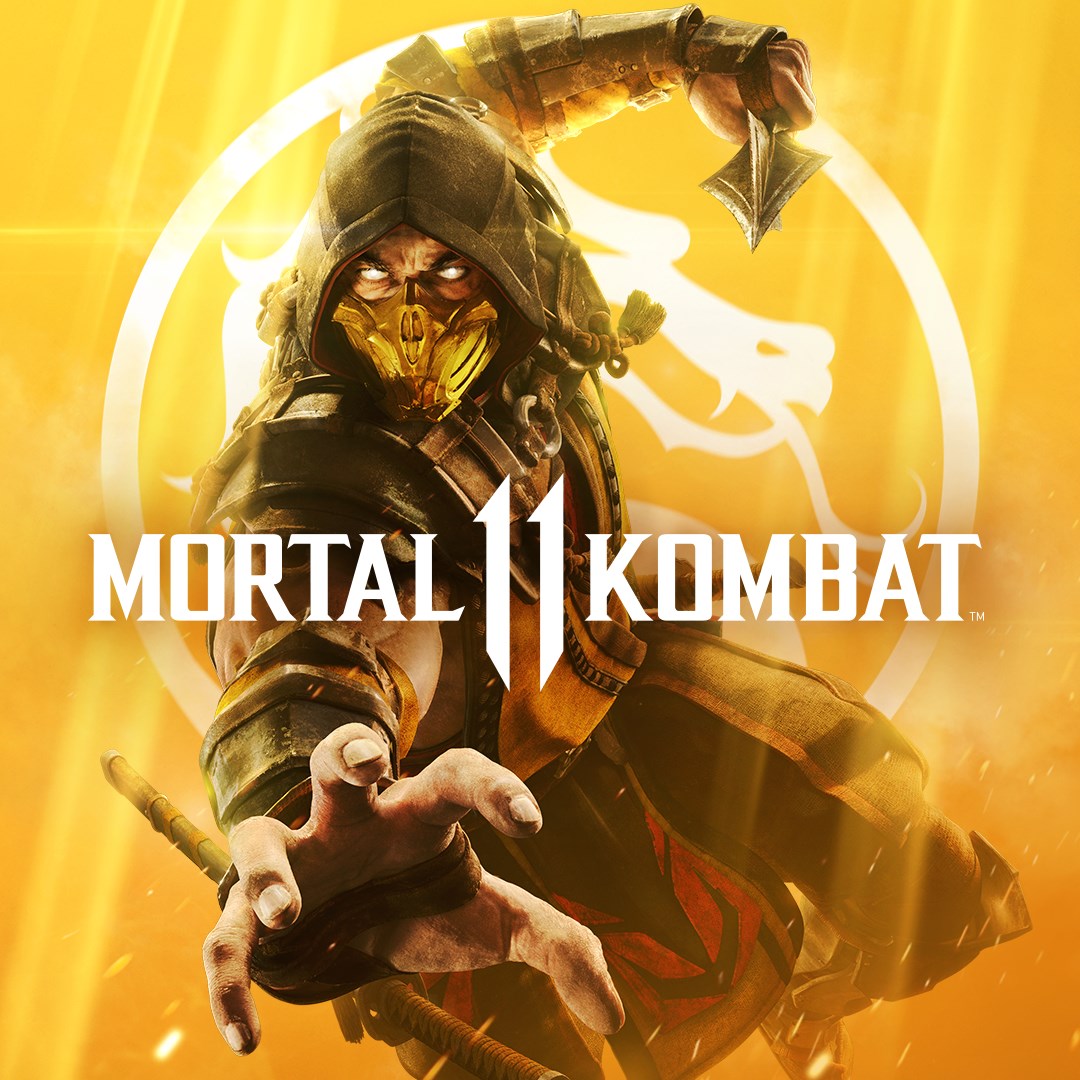
Mortal Kombat 11
for Windows
4.3
Mortal Kombat 11 Ultimate
for Windows
4.3
Guilty Gear -Strive-
for Windows
4.3
Killer Instinct
for Windows
4.3
Gang Beasts
for Windows
4.3
Injustice™ 2 - Standard Edition
for Windows
3.7
MARVEL VS. CAPCOM: INFINITE
for Windows
3.5
Nickelodeon All-Star Brawl 2
for Windows
3.1
Mortal Kombat™ 1: Definitive Edition
for Windows
2.9