
- Category Productivity
- Developer Neil Gerstenberg
- Available on PC
- OS Windows 10 version 0.0 or higher
- Keyboard Integrated Keyboard
- Mouse Integrated Mouse
- languages English
Introducing GCal Toolkit for Windows: A Seamless Calendar Companion
GCal Toolkit for Windows positions itself as a comprehensive productivity assistant designed to optimize your Google Calendar experience directly within the Windows environment, aiming to streamline scheduling and reduce chaos in your busy life.
Who's Behind the Magic?
Developed by Neil Gerstenberg and published by GCalTools, this application benefits from a dedicated team passionate about bridging the gap between web-based calendar services and desktop convenience, ensuring users can manage their schedules more efficiently without switching browsers or apps.
Key Features That Make a Difference
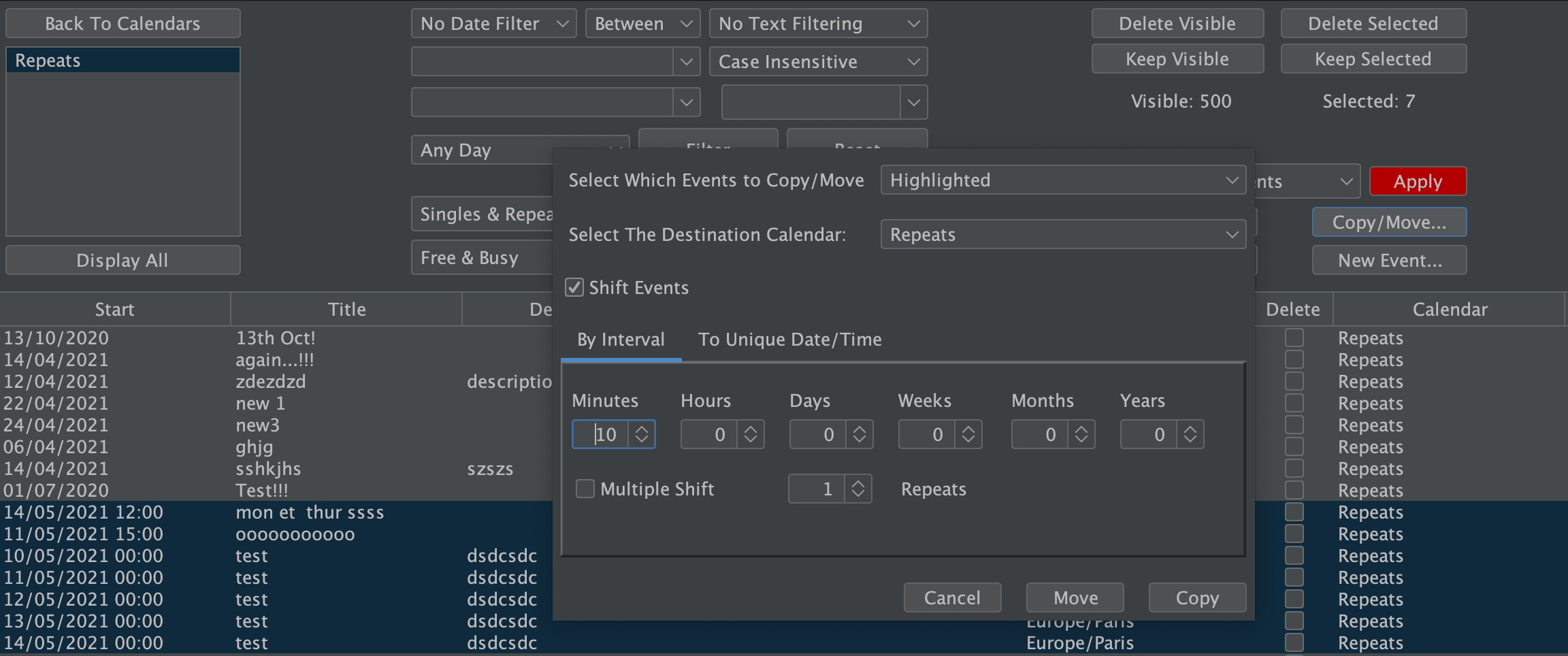
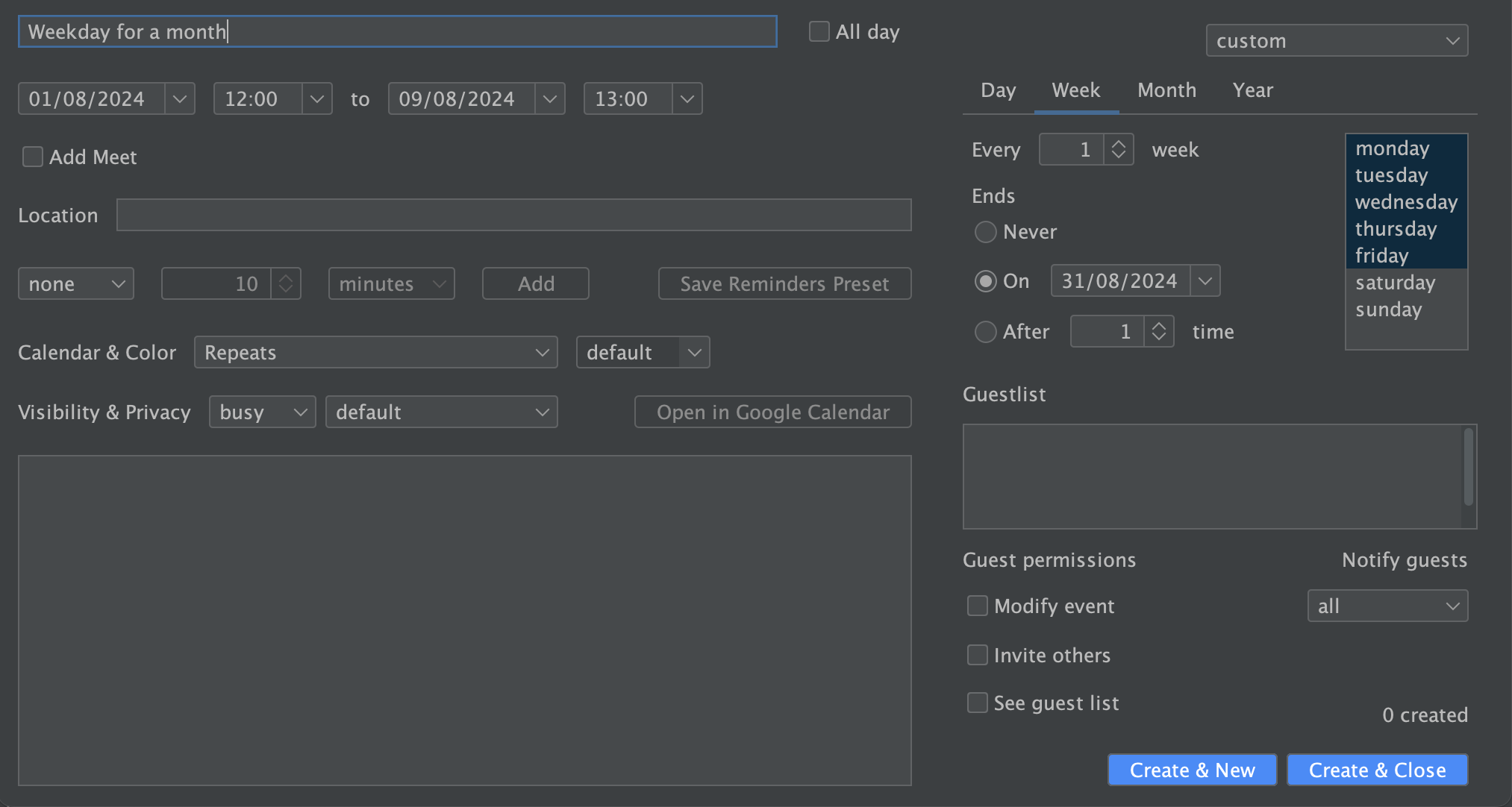
- Enhanced Calendar Management: Quickly view, edit, and create events inside a streamlined interface, reducing the need to switch between multiple tabs or apps.
- Unified Notifications & Reminders: Customizable alerts help keep you on top of crucial appointments, integrated seamlessly within Windows.
- Workflow Integration: Synchronizes smoothly with your Google Calendar, enabling faster workflow automation and minimal cognitive overload.
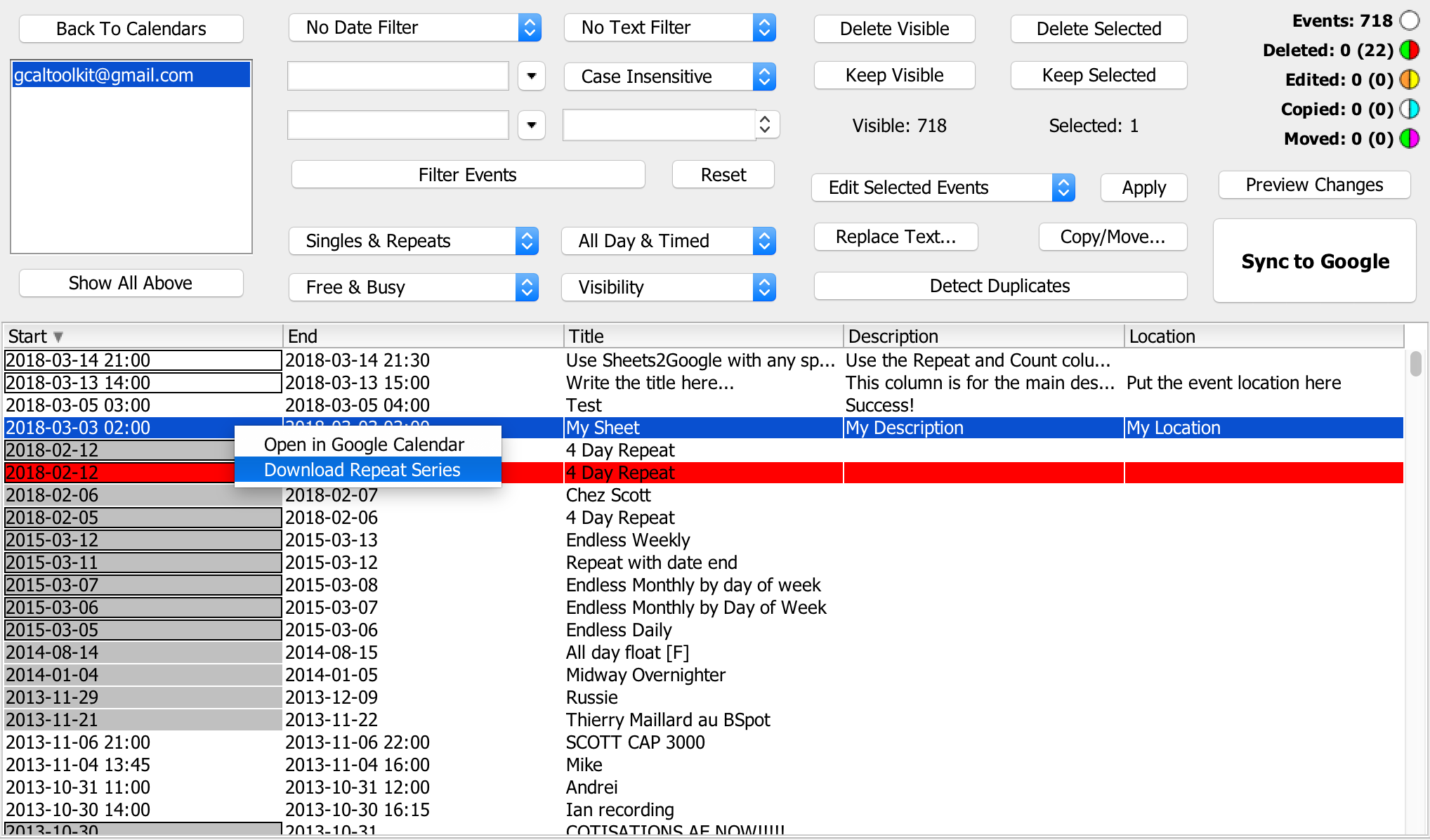
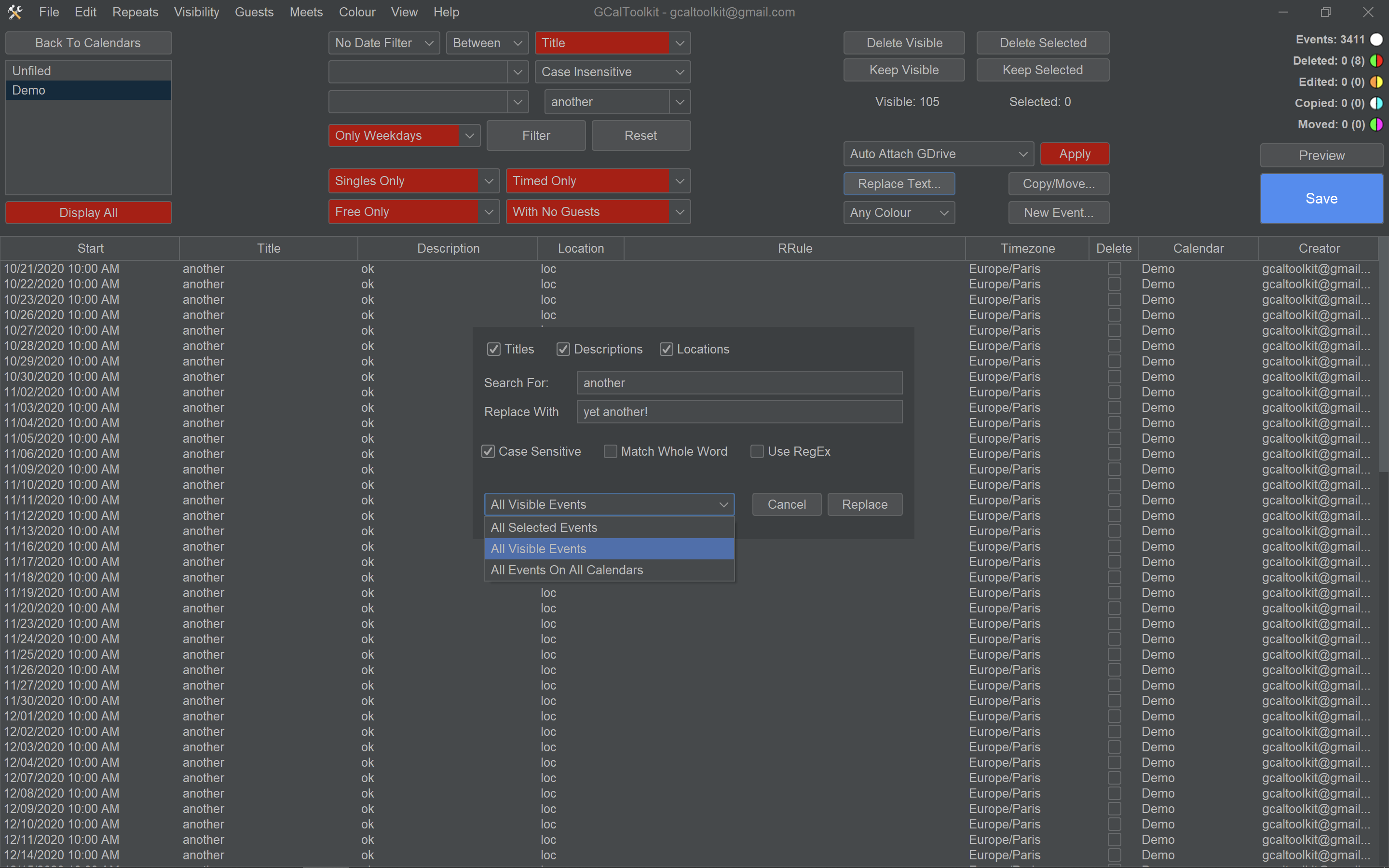
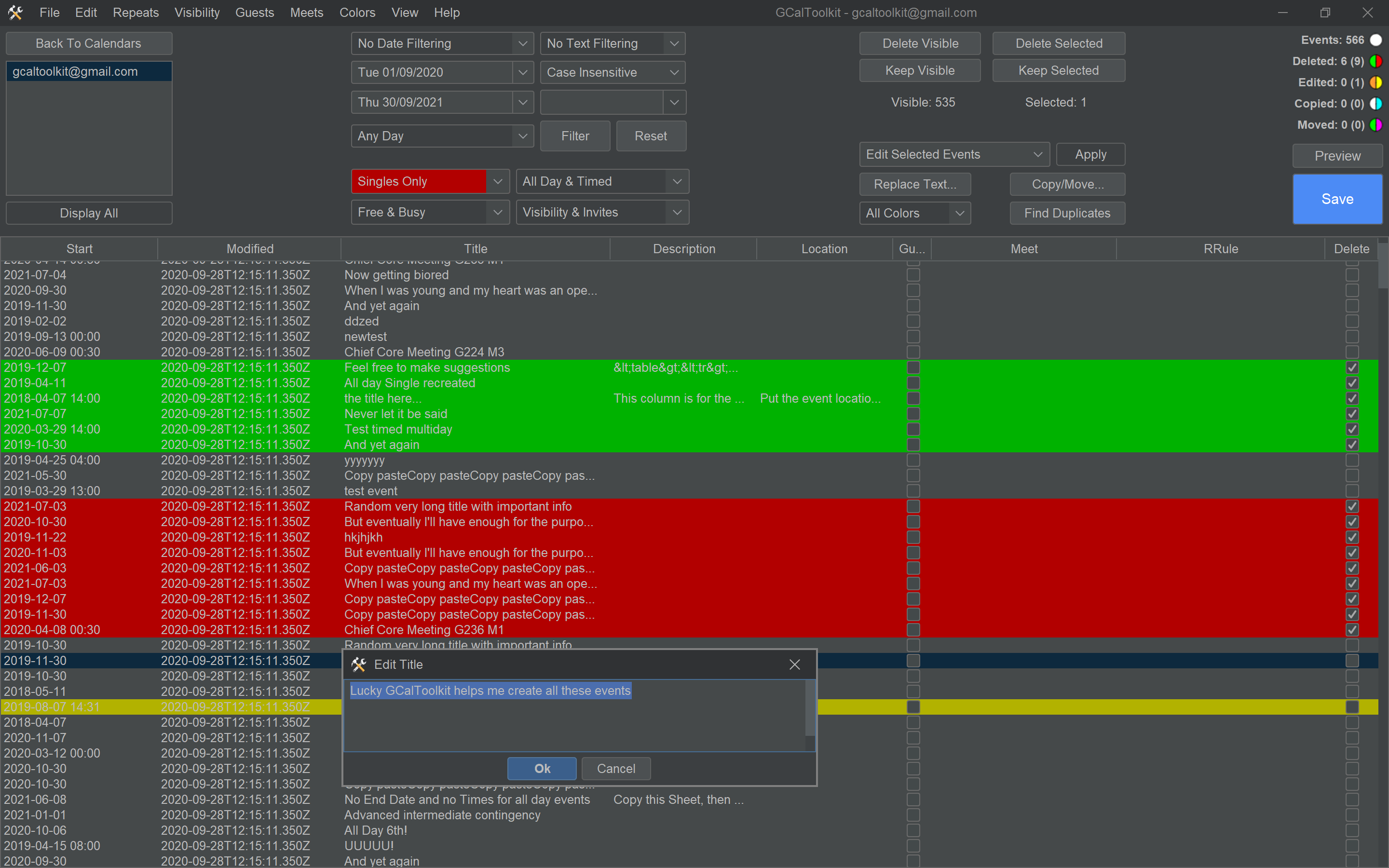
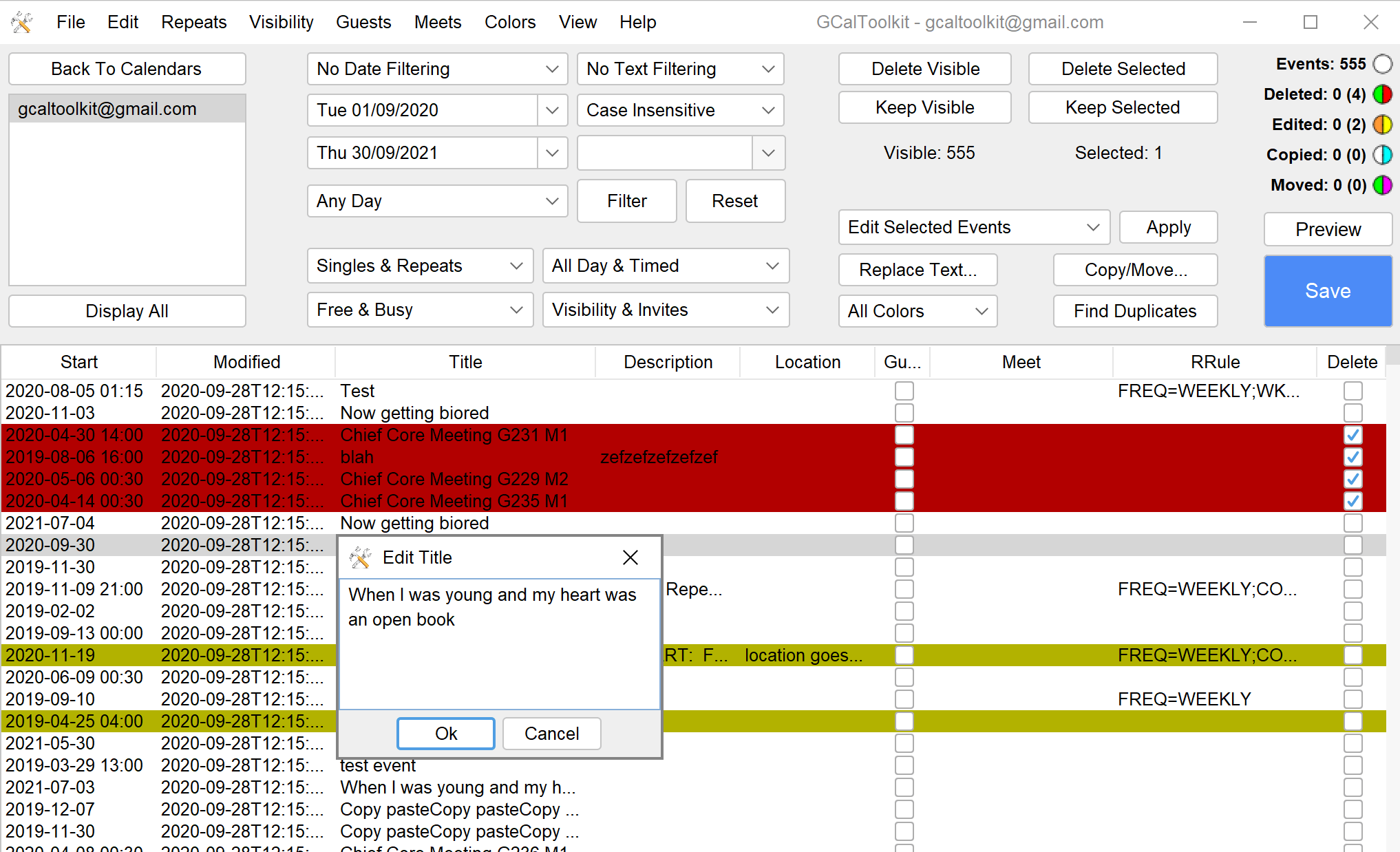
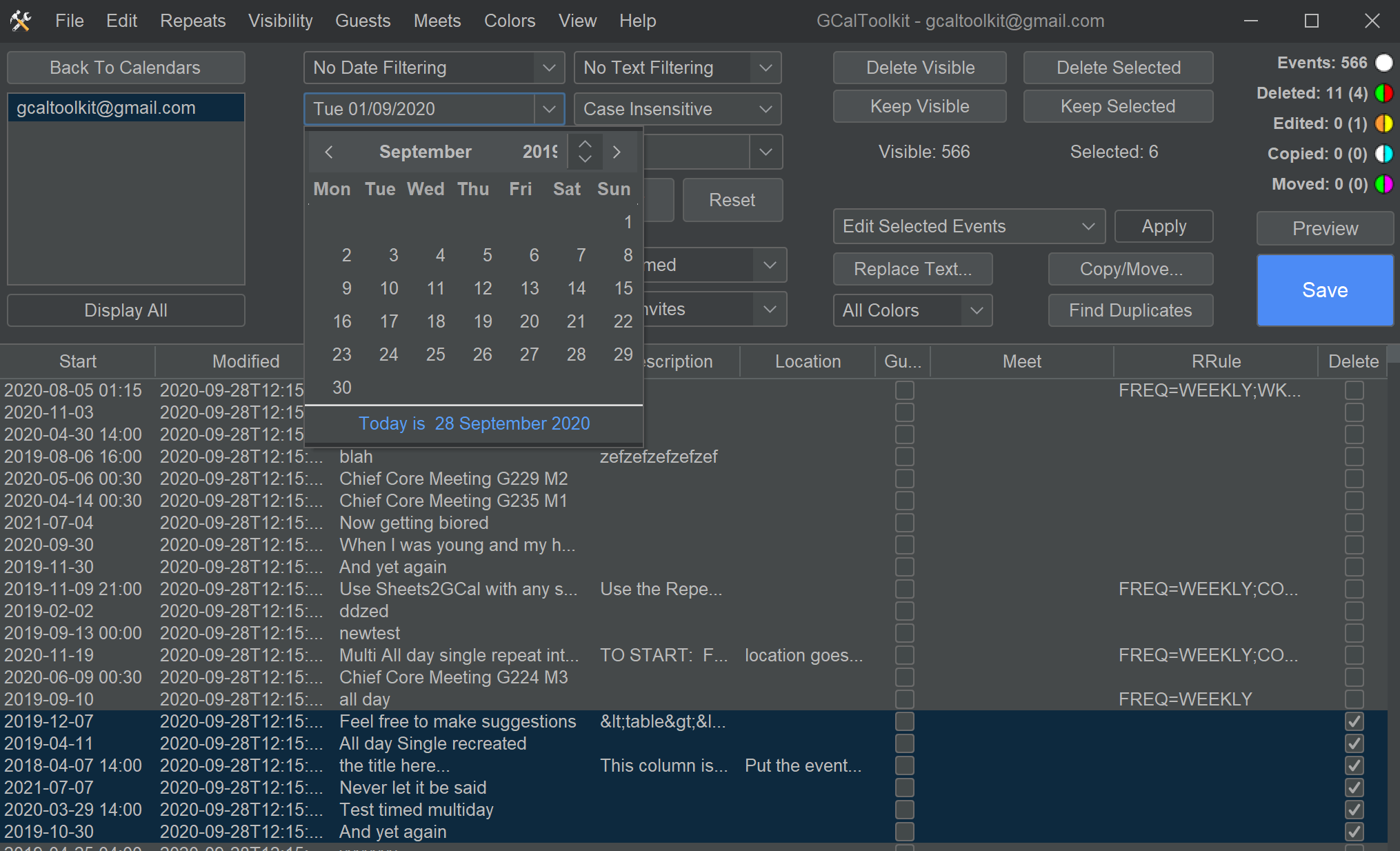
- Customizable Views & Filters: Allows users to tailor what calendar data they see, focusing on what's important and reducing visual clutter.
Engaging the Power of Simplicity and Efficiency
Imagine having your Google Calendar nestled right into your Windows desktop, like a digital dashboard that keeps your day running smoothly. The GCal Toolkit transforms what could be a cluttered and cumbersome process into an elegant experience where your schedule feels more like a well-organized toolkit rather than a chaotic desktop battlefield. It's the kind of app that feels like a tech-savvy assistant sitting right on your shoulder, quietly ensuring you'd never miss an appointment or struggle to find that one conflicting event again.
Core Functionality Walkthrough
Intuitive Calendar Management
GCal Toolkit provides an intuitive interface that brings intuitive calendar control to your fingertips. Creating or editing events is as simple as clicking a button and typing, but with added options for quick modifications, such as recurring events or reminders. Unlike some apps that hide features behind layers of menus, this one respects your need for speed—streamlining your task flow without sacrificing versatility.
Workflow and Notification Integration
One standout feature is how it consolidates notifications seamlessly, so you're not constantly toggling between your calendar and notifications. Instead, alerts appear right on your desktop, offering a gentle nudge to prepare for upcoming commitments. This tight integration diminishes the cognitive load typical of managing multiple apps, letting you focus more on your tasks rather than fiddling with tech.
Visual Customization & Filtering
To prevent overwhelm, the app offers extensive filters and view options—think of it as a set of lenses that bring your relevant schedule into crisp focus. Whether you prefer a day, week, or month view, and whether to highlight certain calendars or events, GCal Toolkit makes personalization straightforward, helping you avoid information overload and stay aligned with your priorities.
Design, Usability, and Unique Advantages
The interface balances functional clarity with a clean, modern aesthetic, making it approachable for both tech veterans and newcomers. Operation feels fluid—actions are snappy, and navigating between views is smooth, akin to gliding seamlessly across a well-paved road. Learning curve? Minimal, thanks to thoughtful default settings and contextual help, making initial setup and ongoing use feel natural.
What truly sets GCal Toolkit apart from other productivity apps is its laser focus on workflow integration and how it measures the reduction in cognitive load. Unlike bloated calendar apps packed with features that are more distracting than helpful, this tool emphasizes essential calendar functions delivered in a manner that complements your existing workflow. It's like having an efficient, unobtrusive assistant who respects your mental bandwidth while still delivering all the scheduling power you need.
Final Recommendations and Usage Scenarios
Would I recommend GCal Toolkit? Absolutely, especially if you're a heavy Google Calendar user who values a minimalist yet powerful desktop interface. It's perfect for professionals juggling multiple commitments, students managing coursework, or anyone seeking a smooth, integrated calendar experience without unnecessary complexity.
For those seeking a smarter way to manage their schedules—particularly if workflow efficiency and cognitive load are priorities—this app stands out as a reliable, thoughtfully designed solution. I'd suggest giving it a trial run to see how it can help streamline your daily planning, freeing you from the chaos of digital clutter and empowering you to focus on what truly matters.
Pros
- Seamless integration with Microsoft Outlook and Office apps
- Intuitive and user-friendly interface
- Customizable notifications and reminders
- Supports multiple calendar views (day, week, month)
- Lightweight app with quick loading times
Cons
- Limited offline functionality
- Occasional synchronization delays
- Basic customization options for themes and layouts
- In-app notifications can sometimes be missed
- Lacks advanced scheduling features like recurring task templates











