
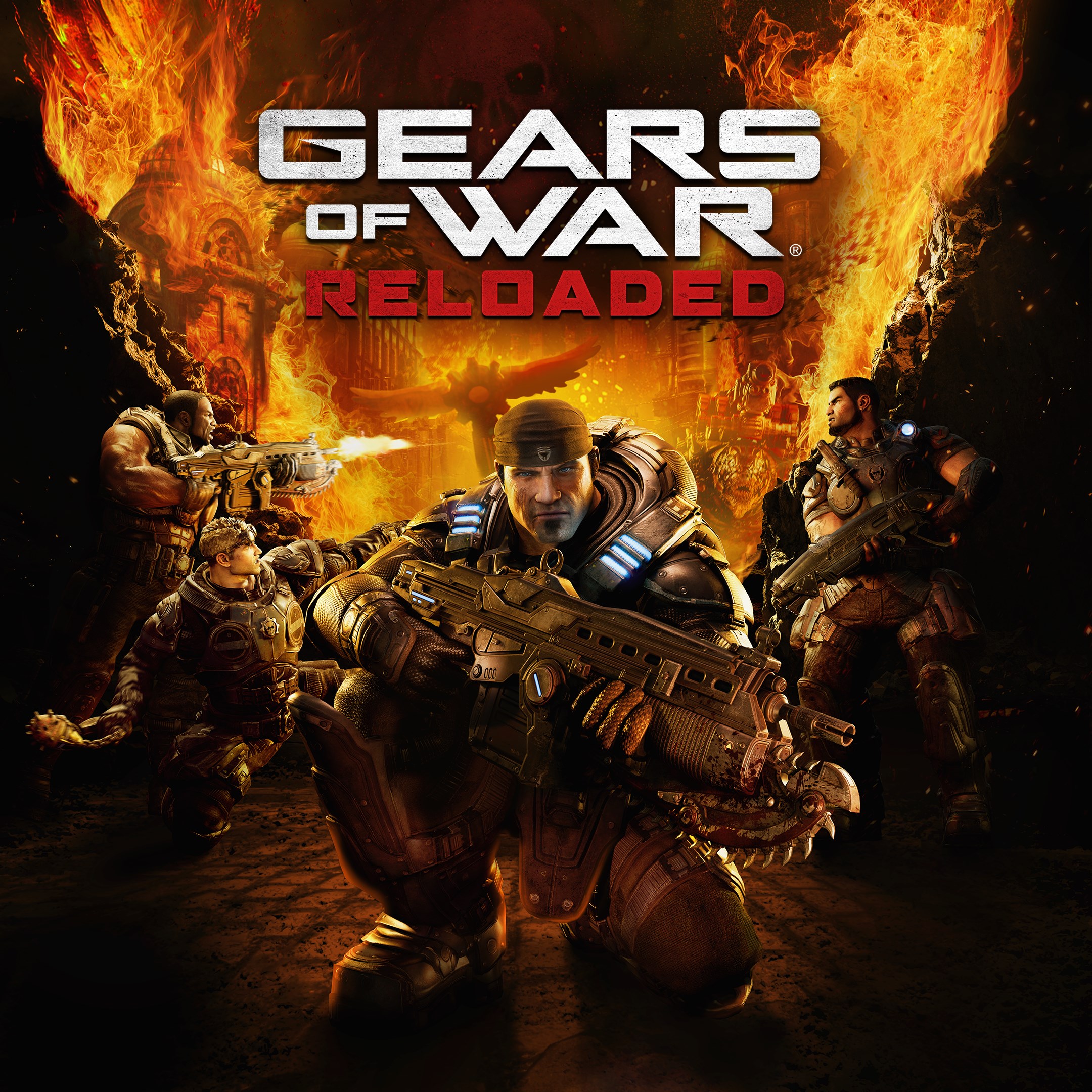
Frequently Asked Questions
How do I start playing Gears of War: Reloaded for the first time?
Download the app, launch it, create or sign into your account, and follow the tutorial prompts to begin your gaming experience.
Is Gears of War: Reloaded compatible with my gaming platform?
Yes, it supports Xbox Series X|S, PC, and handheld devices, with optimized performance and visuals tailored for each platform.
How can I switch between classic and modern control schemes?
Go to Settings > Controls and select your preferred control layout—either 'Classic' or 'Modern'—to customize your gameplay experience.
What are the key multiplayer features in Gears of War: Reloaded?
It supports online and split-screen co-op, up to 120fps combat, cross-play across platforms, and cross-progression via your Microsoft Account.
How does cross-play work in Gears of War: Reloaded?
Enable cross-play in Settings; it allows you to play with friends on other platforms without additional setup, provided cross-play is supported.
What options are available for cross-platform progression?
Sign in with your Microsoft Account to ensure your campaign progress and multiplayer stats are saved and synchronized across devices.
Are there any in-game purchases or subscription services?
Gears of War: Reloaded includes all post-launch content at no extra cost; there are no mandatory subscriptions, but optional cosmetic purchases are available.
How can I manage my in-game purchases or cosmetics?
What should I do if the game crashes or encounters performance issues?
Try restarting your device, ensure your graphics drivers are up to date, and check for game updates under Settings > Updates.
Does Gears of War: Reloaded support high-resolution displays and advanced features?
Yes, it supports 4K, HDR, ultrawide monitors, and features like DLSS3.5 and FSR3.1; ensure your device meets the requirements for optimal experience.
You May Like

DOOM + DOOM II
for Windows
4.8
Deep Rock Galactic - Ultimate Edition
for Windows
4.7
Roboquest
for Windows
4.7
Deep Rock Galactic - Deluxe Edition
for Windows
4.7
Quake II
for Windows
4.7
Deep Rock Galactic
for Windows
4.7
Enter The Gungeon
for Windows
4.6
Mech Arena
for Windows
4.6
Gears of War 4
for Windows
4.6
Gears 5
for Windows
4.6
Gears 5 Game of the Year Edition
for Windows
4.5
Brotato
for Windows
4.5