

- Category Productivity
- Developer Chat APP Studio
- Available on PC
- OS Windows 10 version 17763.0 or higher
- languages English (United States)
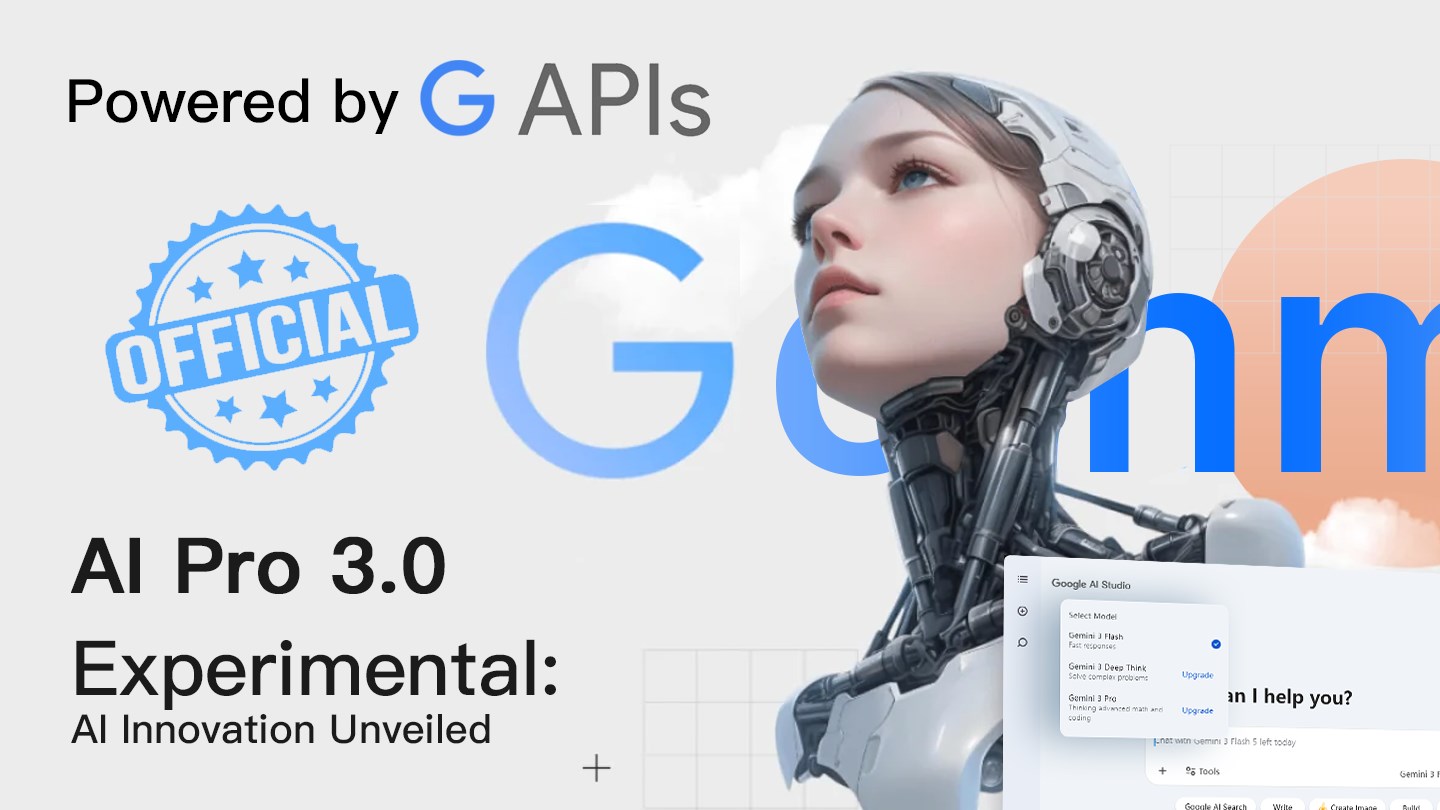
Meet GemMind AI: Your Multimodal Assistant for Windows
Imagine having a co-pilot who understands your voice, images, and text—helping you stay productive without the fatigue of juggling multiple tools. That's the promise of GemMind AI, a cutting-edge multimodal AI assistant designed to seamlessly integrate into your Windows workflow.
Who's Behind It? The Developers and Their Vision
Developed and published by Chat APP Studio, a company committed to crafting intelligent, user-friendly AI solutions, GemMind AI stands out as their latest innovation. Their goal is to bridge complex AI capabilities with everyday usability, making advanced technology accessible to wide audiences.
Key Features That Make GemMind AI Shine
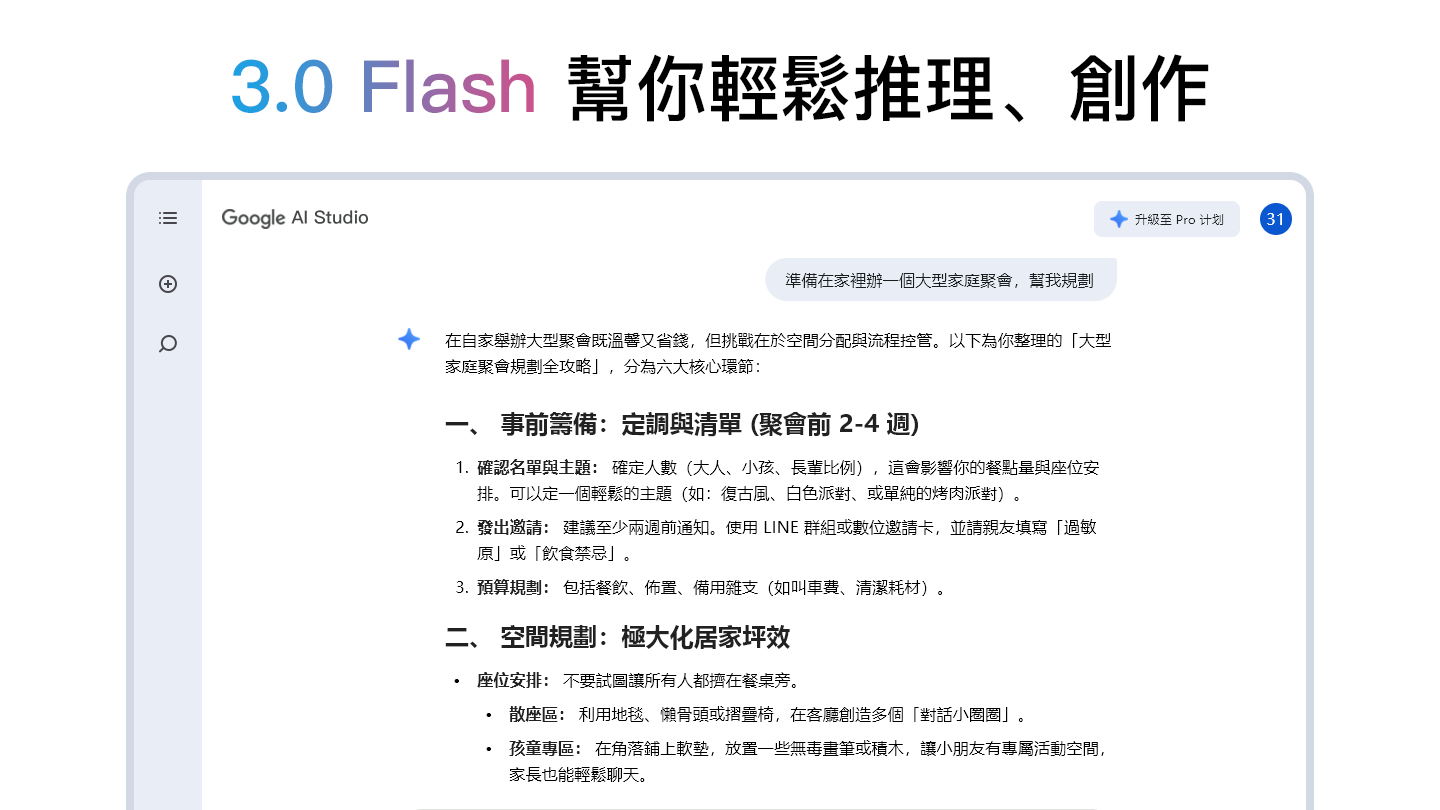
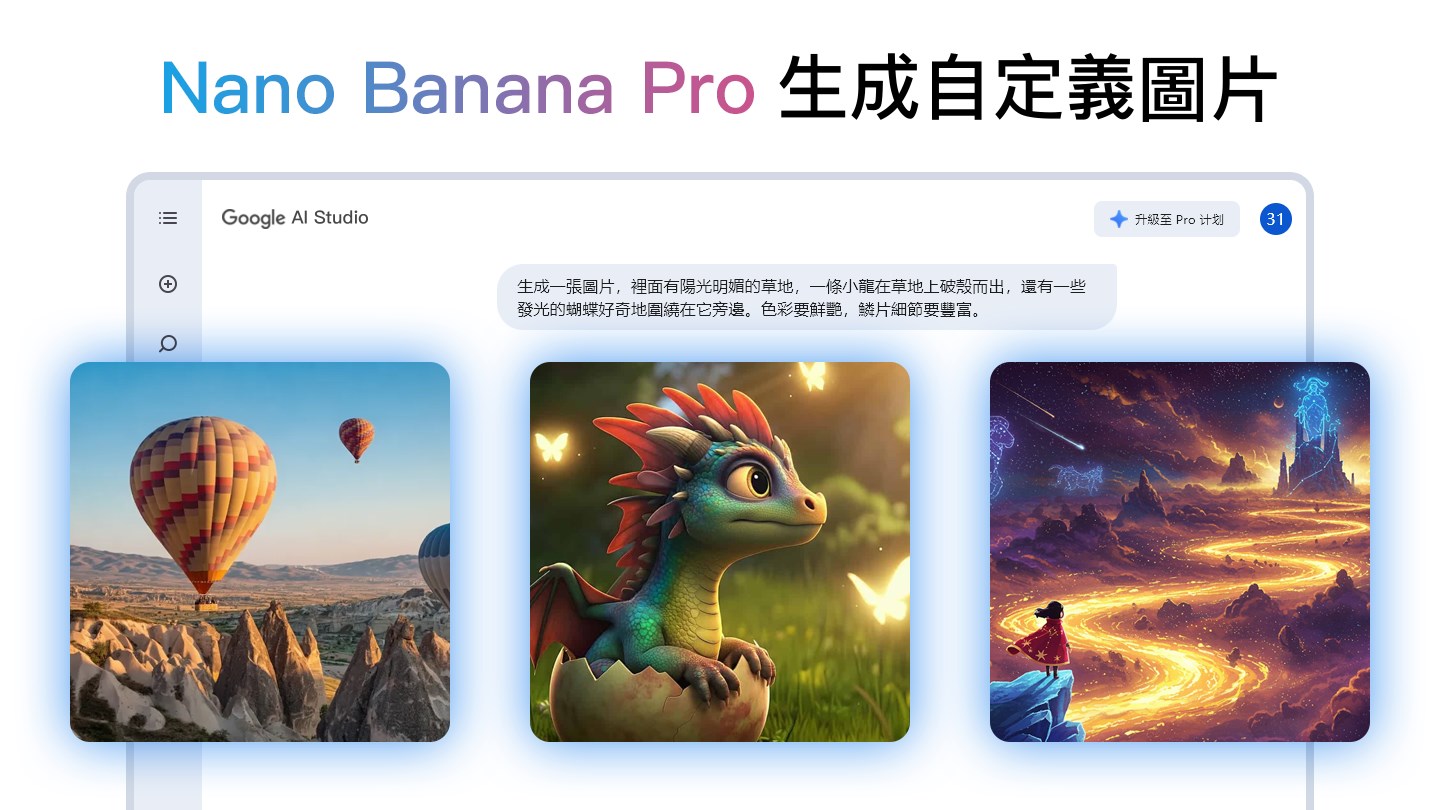
- Multimodal Input Processing: Effortlessly combine voice commands, image analysis, and text inputs to interact with your digital environment more naturally.
- Context-Aware Assistance: The AI adapts to your current task context, providing relevant suggestions and automations seamlessly.
- Enhanced Workflow Integration: Designed to fit smoothly into your existing Windows setup, boosting your productivity without adding complexity.
- Intuitive User Interface: User-centric design ensures an accessible experience, even for first-time users.
A Fresh Breeze in Productivity: An Enthusiast's Perspective
Imagine you're deep into a project, juggling multiple windows and tools—then, GemMind AI steps in like a helpful assistant that just gets you. With its sleek interface and fluid operation, using GemMind feels less like navigating a labyrinth and more like having a steady hand guiding you through your tasks. It's akin to having a conversation with a knowledgeable friend who understands not just your words but your intent, your visuals, and your workflow.
Multimodal Input: Speaking, Showing, Asking
The core strength of GemMind AI lies in its multimodal capabilities. Whether you're skimming through documents, describing images, or dictating notes, the app intelligently interprets your inputs. For example, showing a complex diagram and asking the AI for summaries or insights is straightforward. Voice commands can set reminders, while images can be analyzed for text extraction or object recognition—all within a unified interface. This feature transforms how you interact with your PC, making it more natural, more human.
Smart Workflow Integration and User Experience
Compared to many productivity apps that force you to adapt to their paradigms, GemMind AI molds itself around your existing habits. Its smooth performance and minimal learning curve mean you won't waste hours figuring out how to make it work. The interface is clean yet powerful—think of it as a high-performance sports car that is surprisingly easy to drive. The responsiveness and stability work like a well-oiled machine, reducing cognitive load and allowing you to focus on what truly matters.
How Does It Stand Out? Differentiation in the Productivity Arena
Many productivity tools offer siloed features—note-taking, task management, AI assistance—but GemMind AI's unique strength is its multimodal, context-aware approach. It reduces cognitive load by intelligently consolidating interactions that might otherwise require switching between apps or layers of complexity. While most AI assistants focus on voice commands or text, GemMind's ability to integrate visual cues and adapt to workflow context sets it apart. Think of it like a Swiss Army knife that not only has multiple tools but also knows when and how to deploy each one to maximize efficiency.
Final Thoughts: Who Should Use GemMind AI and When
I'd recommend GemMind AI to professionals seeking a smart, unobtrusive assistant that can handle diverse inputs without adding clutter. It's particularly useful if your work involves visual data, multimedia, or complex workflows. For those already invested in Windows ecosystems who value seamless integration and cognitive ease, this app offers a compelling, practical solution.
In summary, GemMind AI is less about overwhelming features and more about smart, effective assistance. Its multimodal capabilities and workflow sensitivity make it a noteworthy addition to any productivity toolkit. While not a magic bullet, it certainly enhances your ability to work smarter, not harder—with a friendly, intuitive touch.
Pros
- Advanced Multimodal Capabilities
- Intuitive User Interface
- Robust AI Assistance
- Personalization Features
- Regular Updates and Improvements
Cons
- Limited Language Support
- Occasional Response Delays
- Learning Curve for Advanced Features
- Battery Consumption
- Limited Offline Functionality











