

- Category Productivity
- Developer ASUSTeK COMPUTER INC.
- Available on PC
- OS Windows 10 version 16299.0 or higher
- languages Arabic, Chinese (Simplified) (China), Chinese (Traditional Chinese), Czech, Danish, Dutch, English, English (United States), Finnish, French, German, Greek, Hebrew, Hungarian, Indonesian, Italian, Japanese, Korean, Norwegian (Bokmål), Polish, Portuguese (Brazil), Portuguese (Portugal), Romanian, Russian, Slovak, Spanish, Swedish, Thai, Turkish, Ukrainian, Vietnamese
Streamline Your Workflow with GlideX for Windows
If you're someone juggling multiple devices, apps, and windows, GlideX offers a seamless bridge to connect and control your digital workspace. Designed to enhance productivity through intuitive multi-screen management, this app promises to turn your Windows device into a centralized hub for all your digital needs.
Who's Behind the Magic?
Developed and published by ASUSTeK COMPUTER INC., a well-established tech giant renowned for its innovative hardware solutions, GlideX benefits from the company's extensive expertise in creating user-friendly, performance-driven software. Their focus on integrating devices smoothly underscores GlideX's goal of simplifying complex workflows for users across various domains.
Core Features That Stand Out
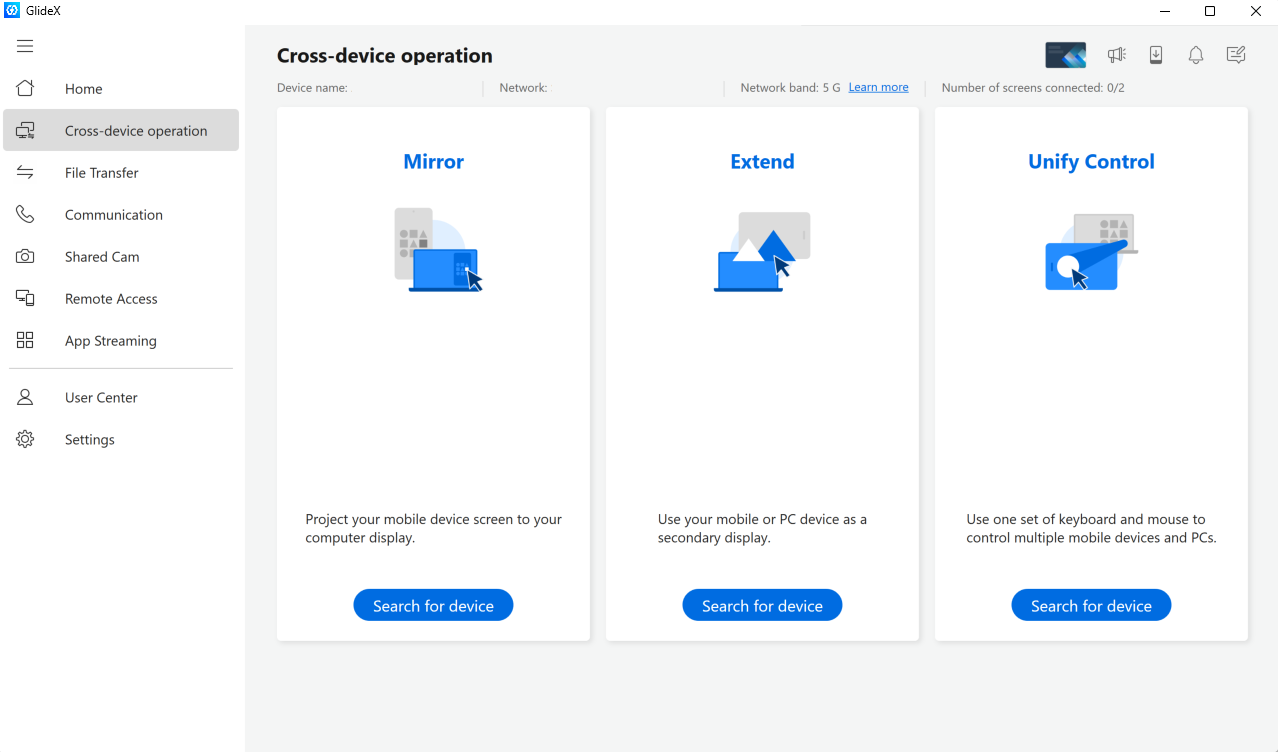
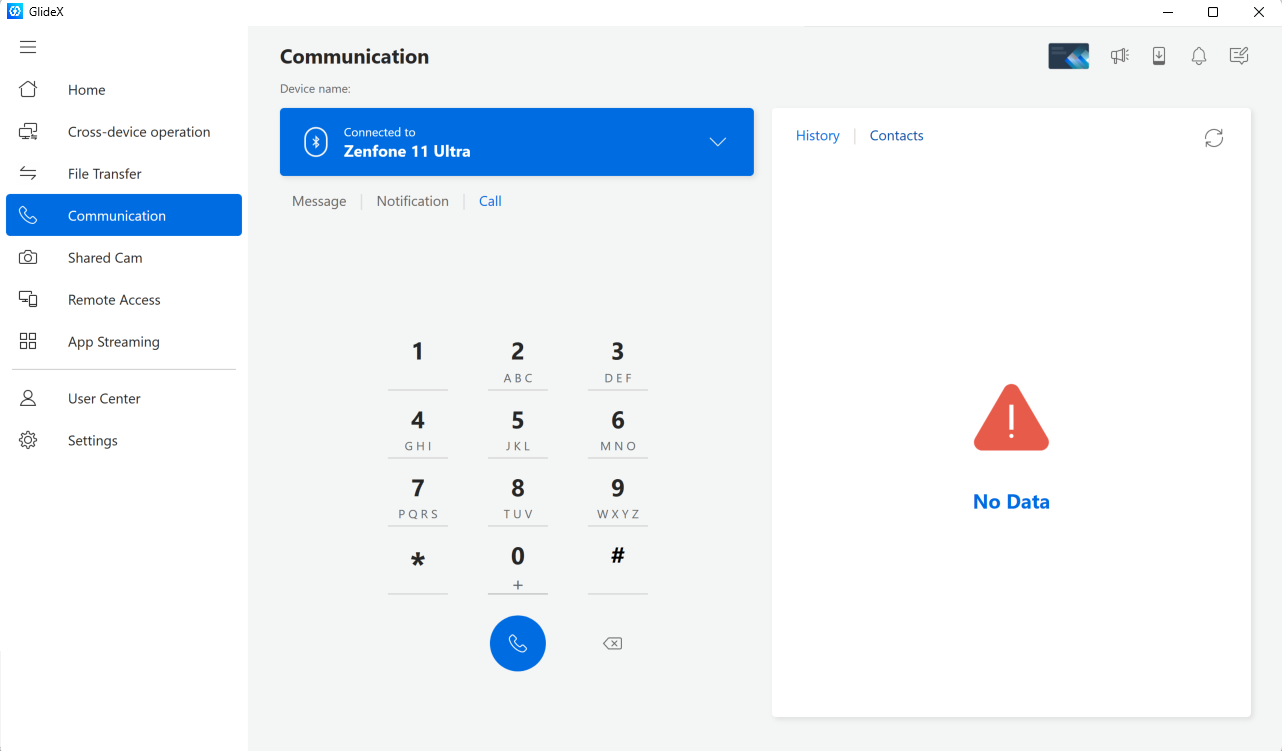
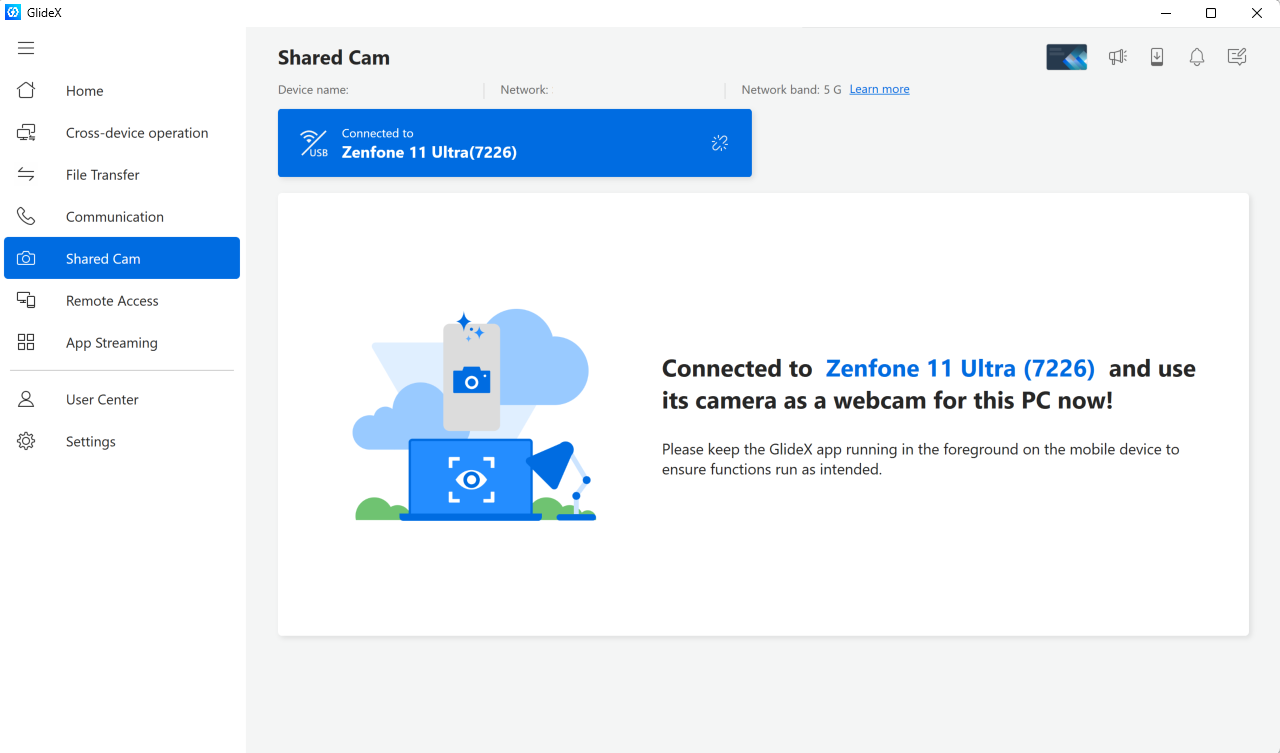
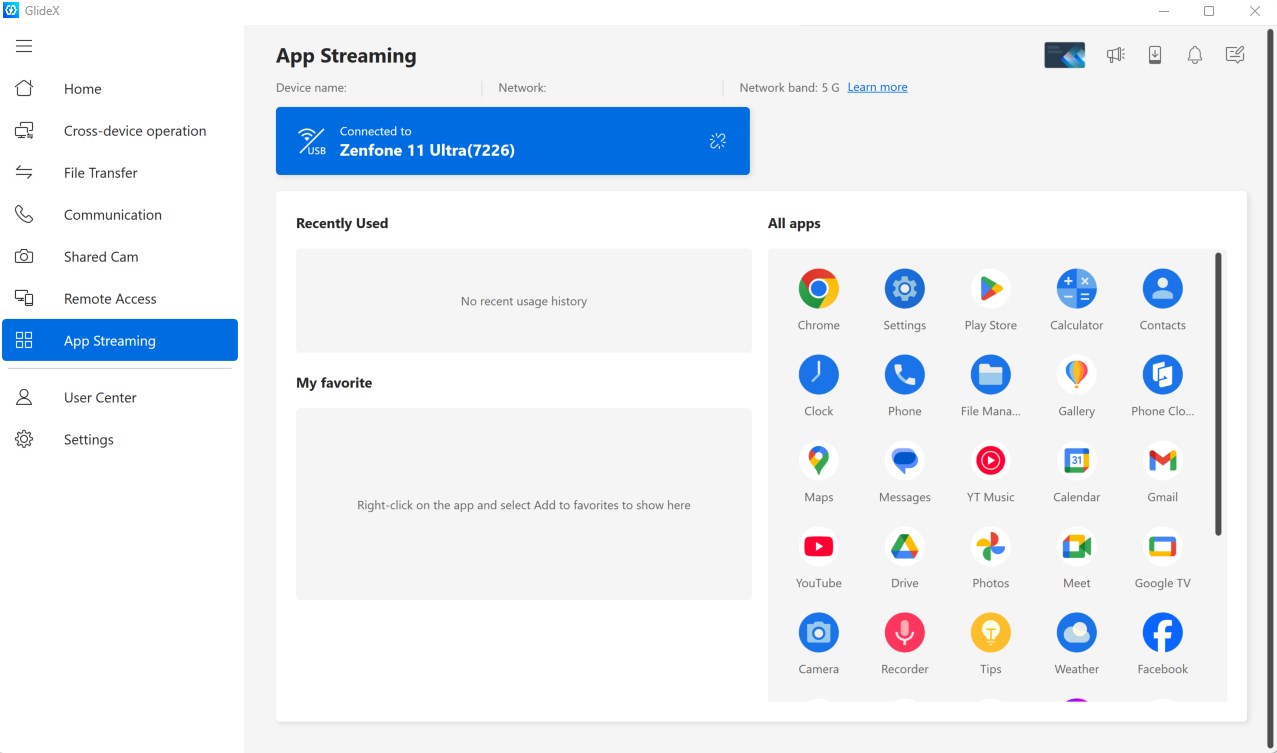
- Multi-Device Connectivity: Easily connect multiple devices—such as smartphones, tablets, or other PCs—and extend your desktop capabilities effortlessly, turning your device into an extra screen or remote control.
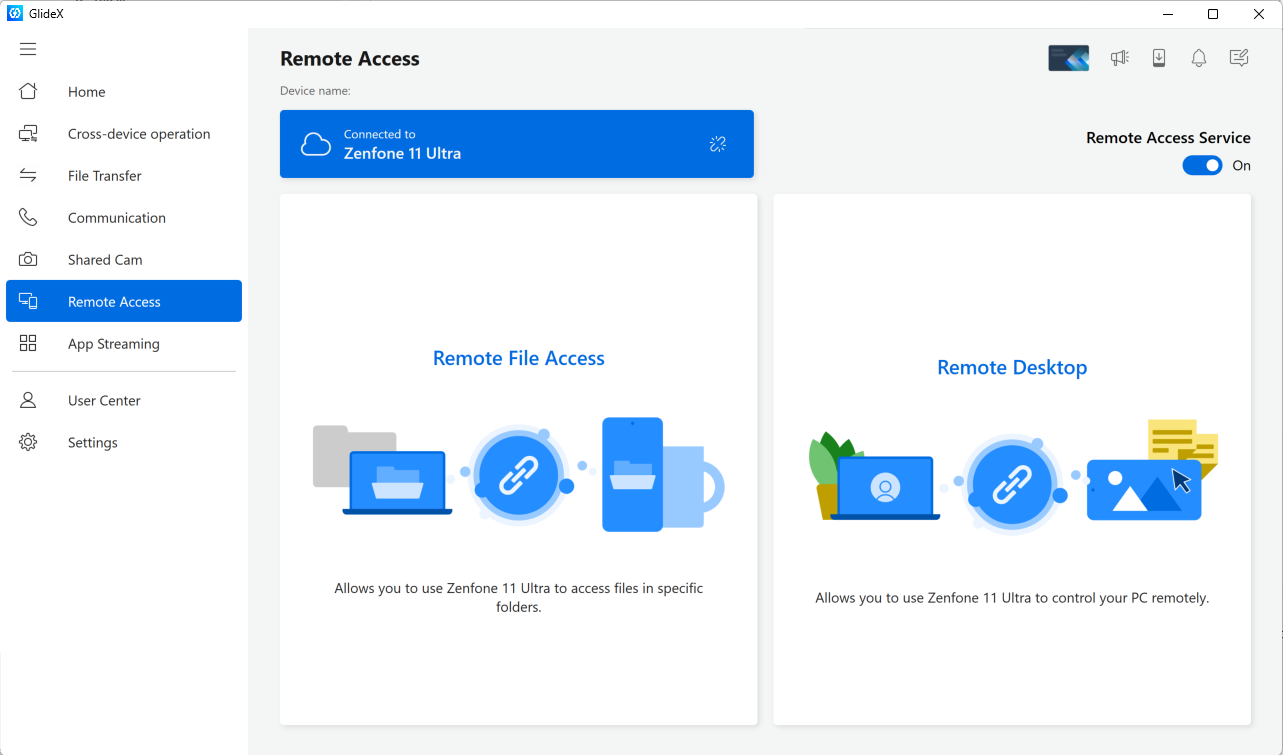
- Remote Screen Sharing and Control: GlideX's ability to mirror and control remote screens allows users to operate their mobile or secondary devices directly from Windows, perfect for presentations or multitasking.
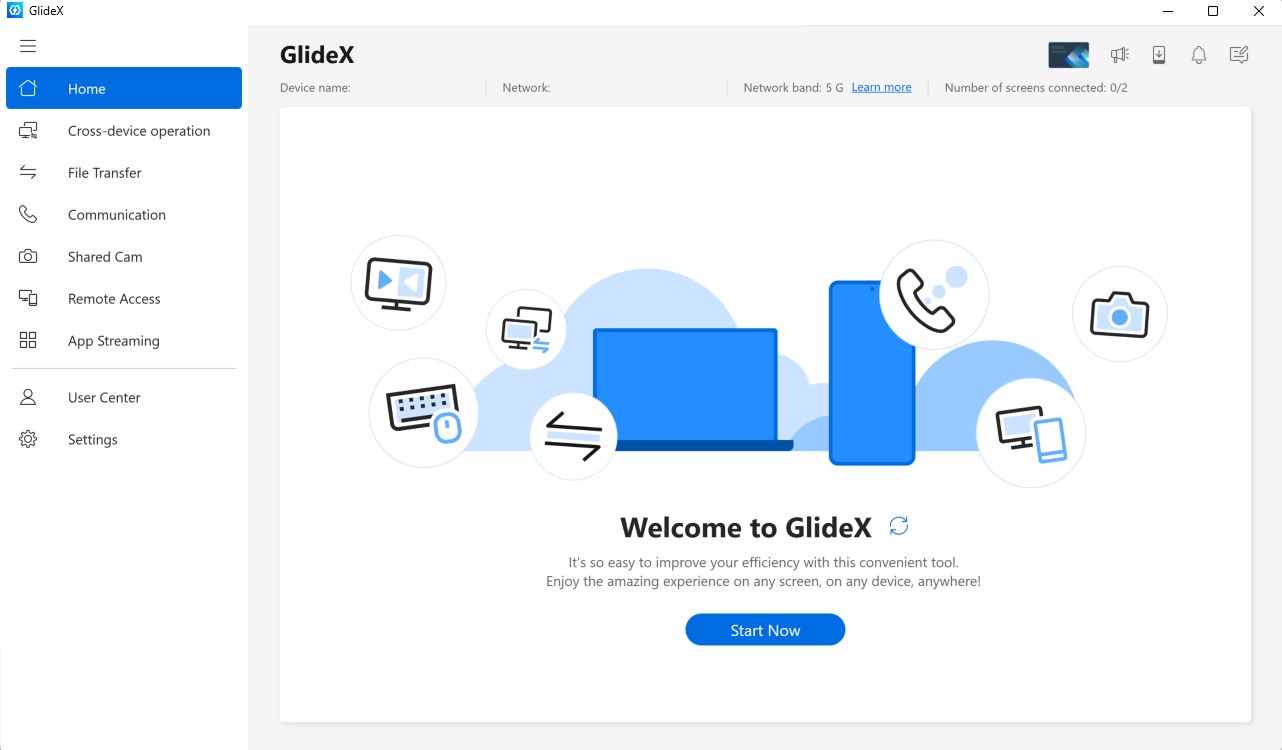
- Intuitive User Interface: A clean, thoughtfully designed interface minimizes clutter, making it easy even for non-technical users to set up and start utilizing multi-screen features in moments.
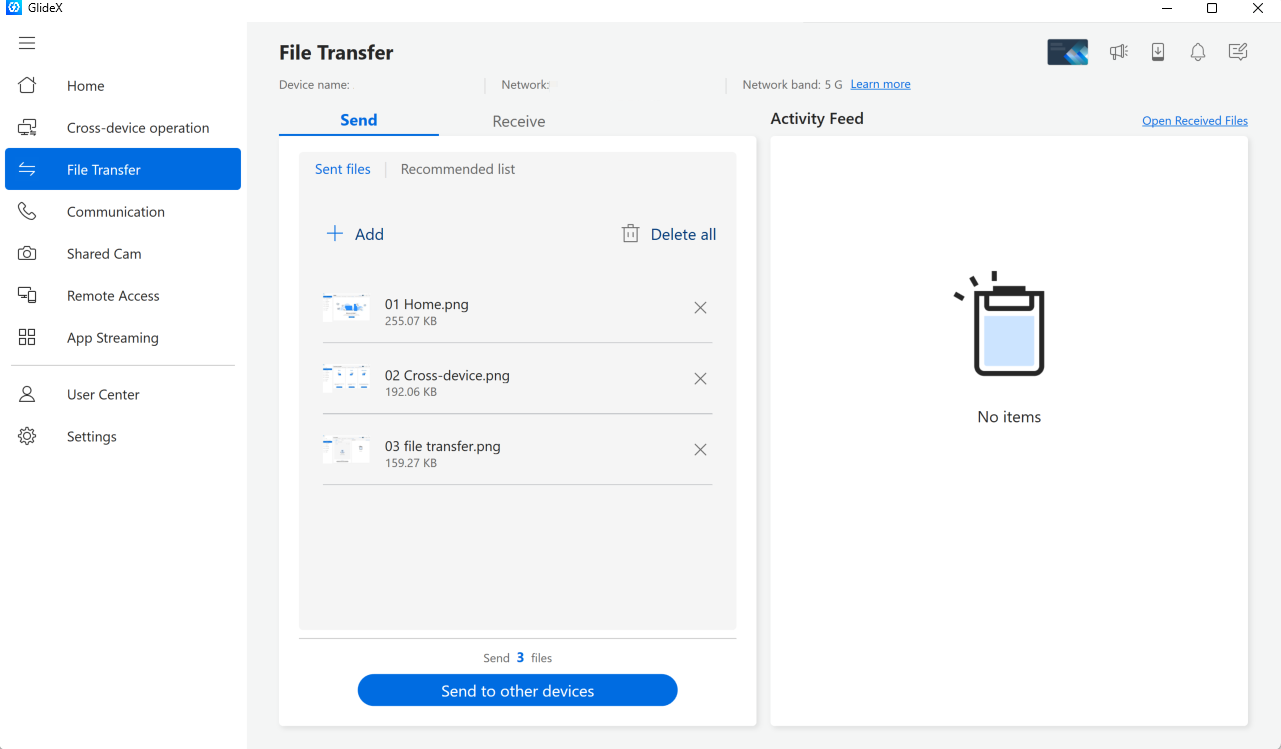
- Workflow Optimization Tools: Features like drag-and-drop file transfer and synchronized clipboard enhance your productivity flow without disrupting your focus.
A User-Friendly Experience That Feels Natural
Imagine having your tablet or smartphone as an extension of your desktop—GlideX makes this a reality with a straightforward setup process that feels more like playing a game than wrestling with complicated configurations. The app's interface is sleek, with large icons and simple menus guiding you through connection steps. Once connected, interactions are smooth and responsive, almost as if your devices are talking directly without a laggy lag.
Navigation is intuitive, with minimal learning curve. Even first-time users will appreciate how quickly they can start controlling their remote screens. The app handles multiple connections simultaneously without hustle, ensuring your workspace remains organized and clutter-free.
What Makes GlideX Truly Shine?
Compared to other productivity tools with similar multi-device support, GlideX's standout trait is its focus on reducing cognitive load through a clean, integrated workflow. While many apps cram in features that often complicate the user experience, GlideX strikes a careful balance—offering enough functionality without overwhelming the user. Its primary strength lies in its ability to integrate devices seamlessly, allowing users to shift focus from managing multiple windows to completing tasks efficiently.
This what sets it apart from competitors that often require intricate setups or suffer from inconsistent performance. GlideX's robust connection stability and minimal latency make multitasking feel natural, akin to flipping a switch and having an extra monitor magically appear. This efficiency empowers users to concentrate on their core work instead of fighting with their tools.
Final Thoughts and Recommendations
All in all, GlideX for Windows is a commendable tool for anyone seeking to expand their workspace effortlessly. If you frequently work across multiple devices or need a lightweight solution for remote screen sharing—especially in environments demanding quick transitions and minimal distractions—this app is worth trying out.
While it may not replace more advanced multi-monitor setups or specialized enterprise solutions, its straightforward design and core strengths make it an excellent addition for students, professionals, and remote workers alike. I recommend giving GlideX a shot if reducing workflow friction is your priority, and you're ready for a clever, unobtrusive companion in your digital daily routine.
Pros
- Intuitive user interface
- Smooth GlideX integration
- High-performance rendering
- Regular updates and improvements
- Customizable settings
Cons
- Limited device compatibility
- Necessity of high-end hardware for optimal performance
- Occasional minor bugs in new updates
- Limited customization options for UI themes
- Learning curve for new users










