

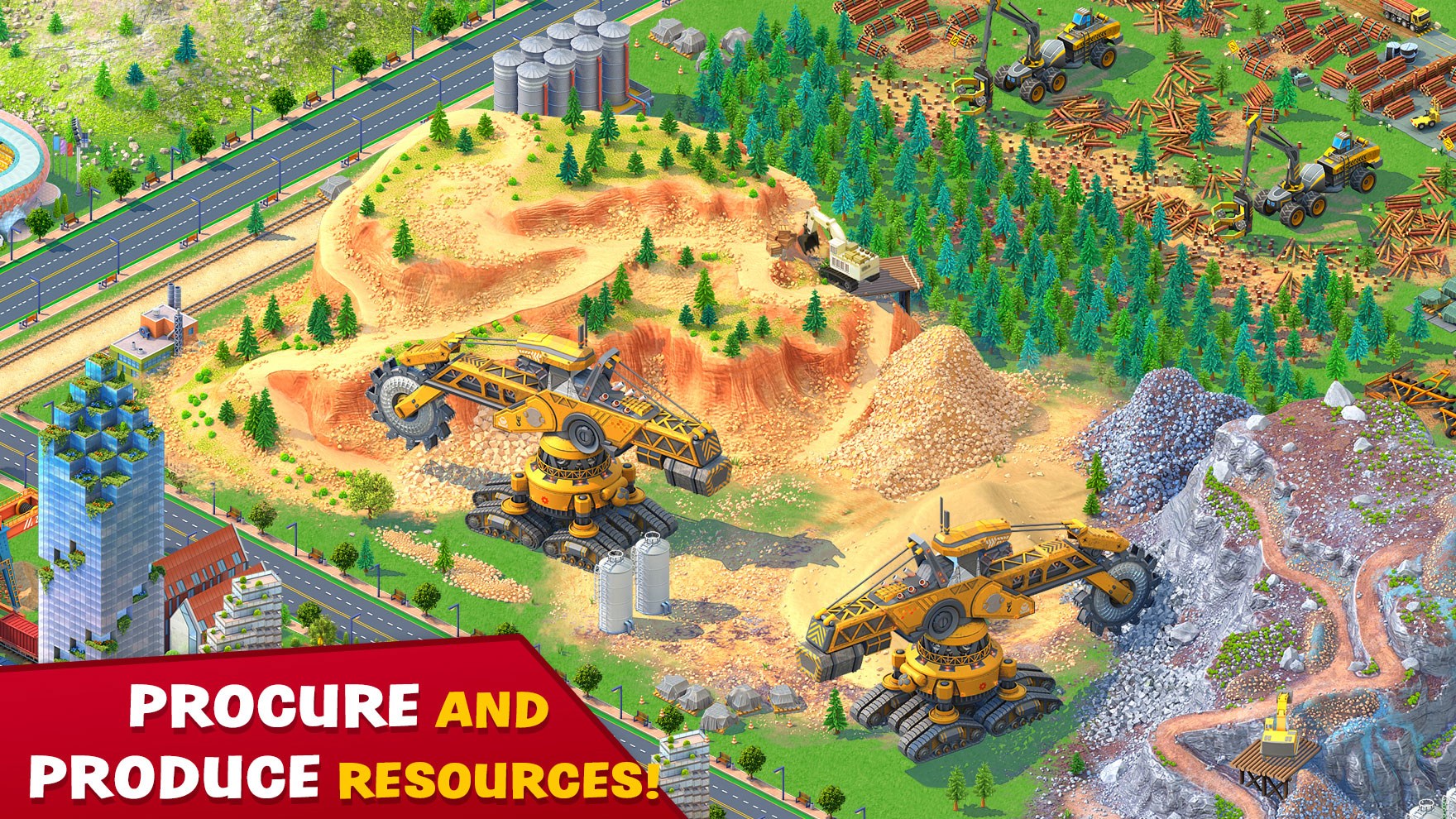
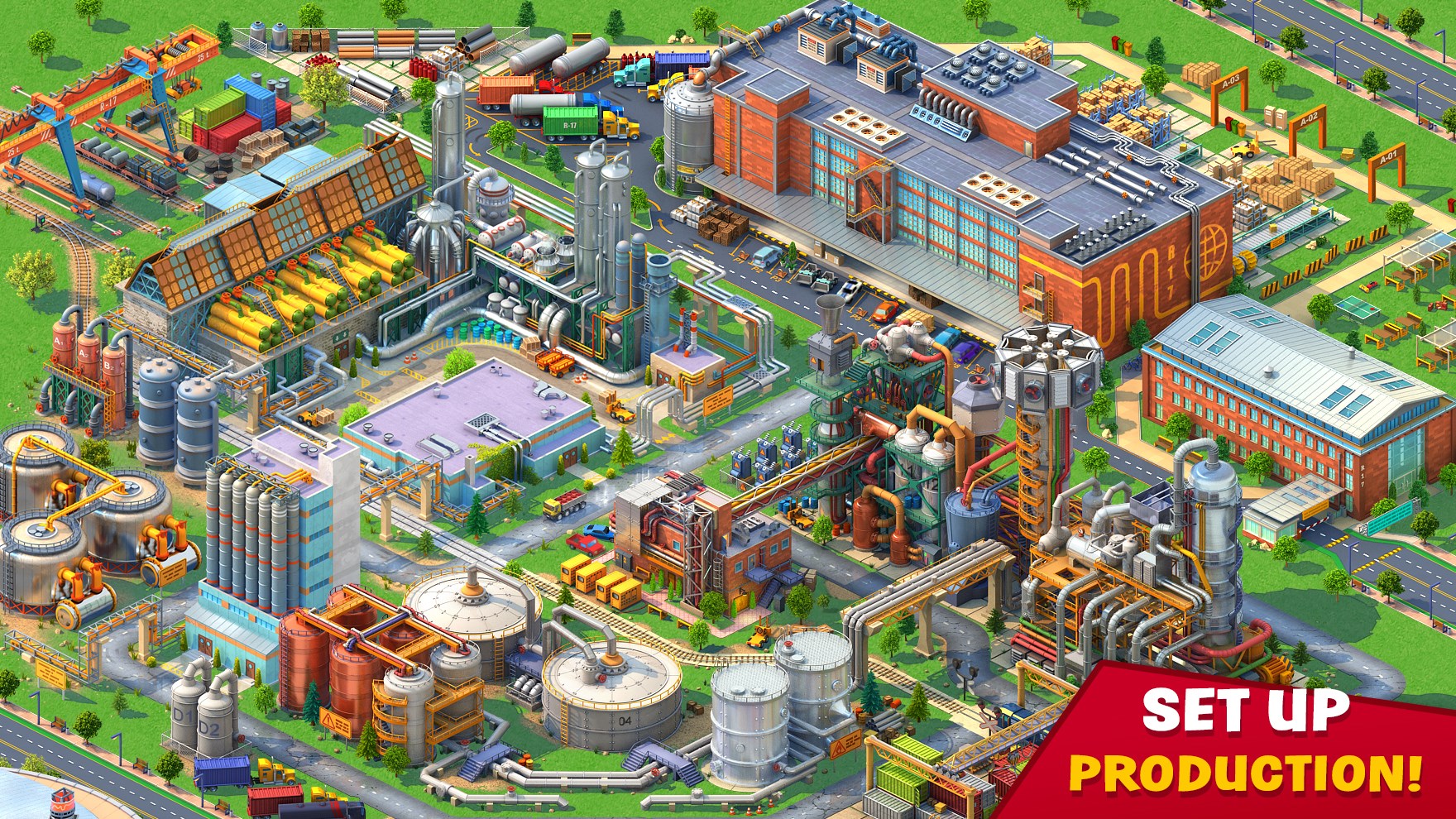
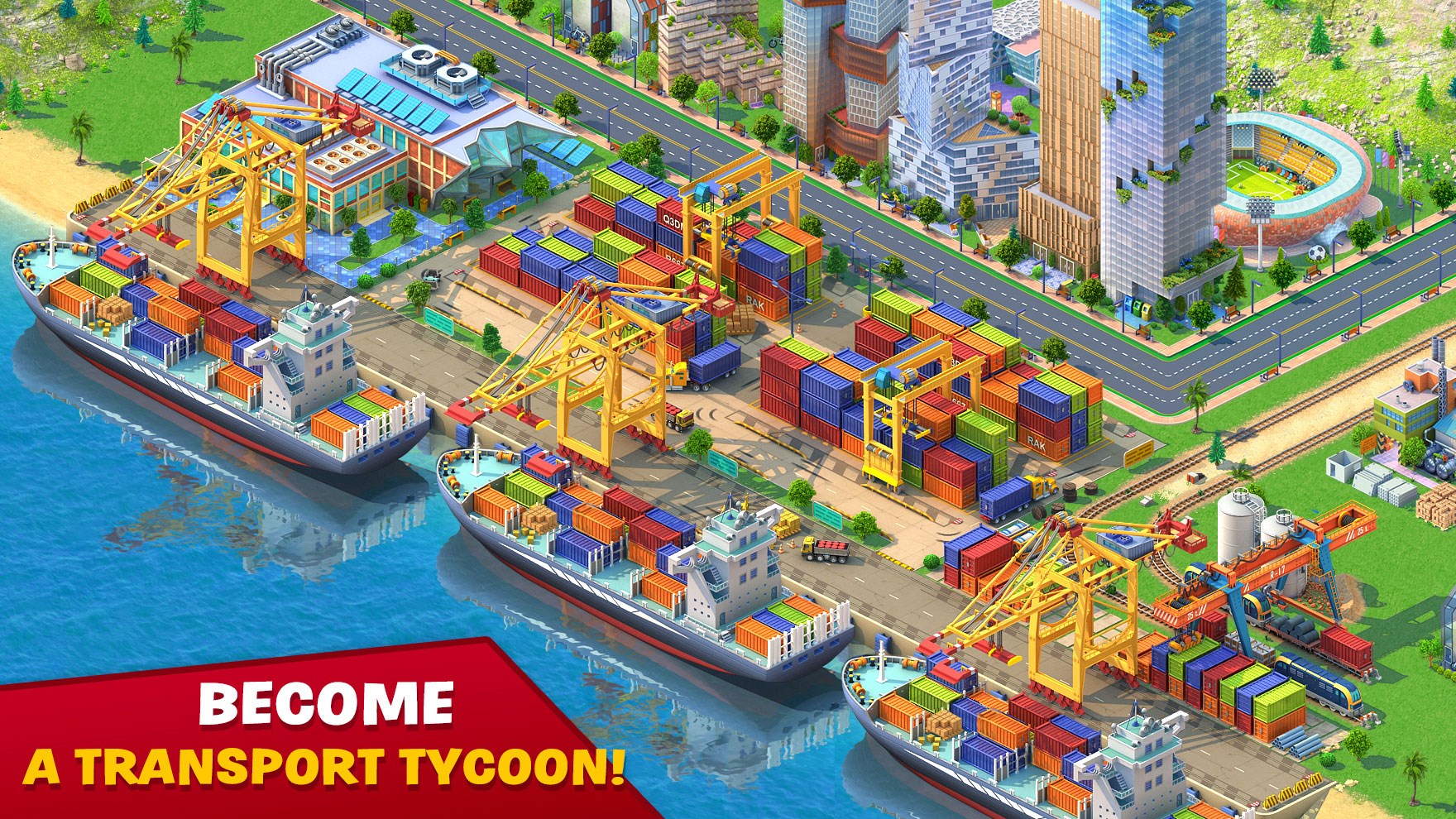
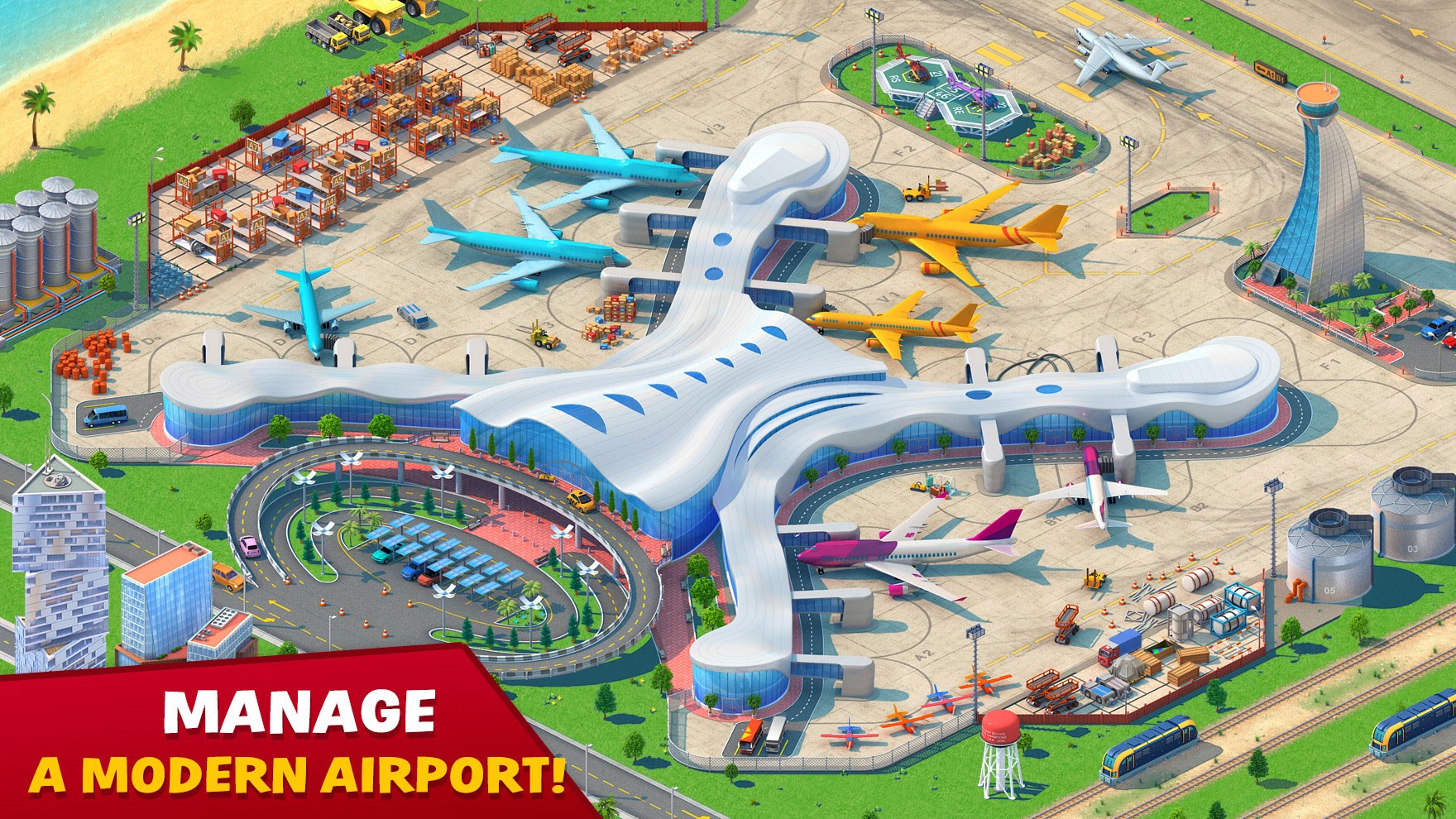
- Category Simulation
- Available on PC, Mobile, Surface Hub, HoloLens
- OS Windows 10 version 17134.0 or higher
- Keyboard Integrated Keyboard
- Mouse Integrated Mouse
- languages English (United States)
Global City for Windows: A Simulated Urban Environment with a Mechanical Flair
Global City for Windows is an interactive simulation app that offers a detailed and realistic virtual city experience, allowing users to explore urban mechanics and infrastructure in a dynamic environment.
About the Developer and Core Features
Developed by RED BRIX WALL LIMITED, this application centers on providing an immersive city simulation that emphasizes physics-based interactions and real-world mechanics. Its main features include realistic traffic and vehicle behaviors, dynamic infrastructure modeling, and a user-friendly interface designed for both enthusiasts and students alike.
- Realistic Physics and Mechanics: The application excels in mimicking real-world vehicle dynamics, traffic flow, and infrastructure stresses, offering an authentic experience.
- Interactive City Environment: Users can navigate through the city, interact with various elements such as traffic signals, buildings, and transportation systems, observing how they respond to different scenarios.
- Educational and Practical Focus: The app is designed to help users understand urban infrastructure mechanics and simulate real-life city planning challenges.
- Cross-User Collaboration: Features support sharing scenarios and learning modules, making it suitable for educational purposes or collaborative projects.
The target demographic includes urban planners, engineering students, or simulation enthusiasts seeking a hands-on approach to understanding city mechanics and infrastructure systems.
Engaging Experience in a Virtual Urban Playground
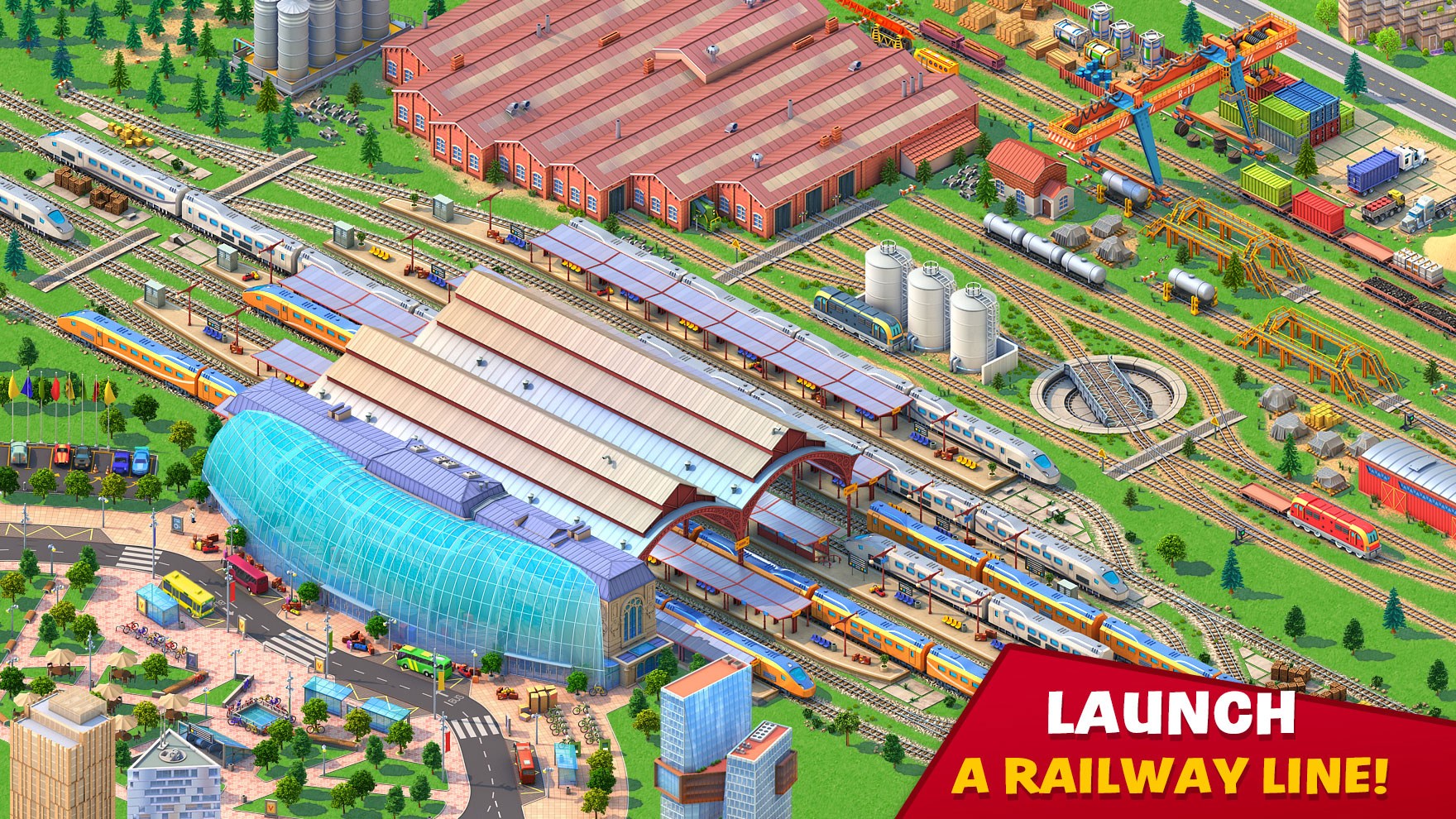
Imagine strolling through a miniature cityscape engineered not just for sightseeing but for stepping into the shoes of a city engineer—riding through streets, managing traffic, or seeing how structural changes ripple through the urban fabric. Global City for Windows transforms your screen into a bustling hub of activity, where every vehicle move and structural tweak reveals the hidden ballet of city mechanics. It's like having your own miniature urban sandbox to experiment with the physics underlying city life, all packed in a visually engaging and interactive package.
Core Functionality Breakdowns
Physics-Based Vehicle and Traffic Simulation
This feature is the heart of the app, where realism takes center stage. Vehicles respond to acceleration, braking, and turns with a fluidity that mimics real-world physics, giving users an intuitive feel for transportation dynamics. Traffic lights, lane changes, and congestion build a complex yet believable traffic ecosystem—think of it as conducting an orchestra of moving parts, each acting according to real-world rules. This precise simulation helps users grasp how traffic flow impacts city efficiency and safety.
Dynamic Infrastructure and Building Systems
The application models city infrastructure in a way that demonstrates how structural elements withstand environmental forces and usage stresses. Users can modify roads, bridges, and buildings, observing how these changes affect city stability and flow. The ability to simulate scenarios like heavy rainfall or increased traffic load provides insights into infrastructure resilience—perfect for students or professionals imagining the future of urban development.
User Interface and Experience
Designed with clarity and accessibility in mind, the interface resembles a well-organized workshop—buttons and controls are intuitively placed, allowing for easy navigation. The simulation runs smoothly across most modern PCs, with minimal lag, supporting a seamless exploratory experience. The learning curve is gentle enough for beginners yet deep enough for experienced users wanting to delve into complex scenarios, making it a versatile tool for a broad audience.
What Sets Global City Apart?
Compared to other urban simulation apps, Global City for Windows shines with its rich physics realism and its focus on real-world mechanics. While many simulators introduce city environments in a more visual or recreational context, this app emphasizes physically plausible behavior—vehicles follow momentum, bridges sway under load, and infrastructure responds predictably. Such attention to detail enhances both educational value and immersion, setting it apart from generic city builders.
Furthermore, its ability to analyze how mechanical principles transfer to real-world urban challenges makes it particularly valuable for learners and practitioners. Like a virtual physics lab for city planning, it bridges the gap between theoretical knowledge and practical application, fostering a deeper understanding of urban infrastructure dynamics.
Final Thoughts and Recommendations
Global City for Windows is a thoughtfully crafted simulation that balances educational utility with interactive fun. Its strongest points—particularly the realistic physics engine and infrastructure modeling—make it a standout choice for those interested in the mechanics of city design. For students, urban planners, or simulation aficionados aiming to explore the intricacies of city systems, this app offers a compelling, insightful experience.
We recommend this app for users who appreciate detailed mechanics and are eager to experiment with city scenarios in a safe, virtual environment. Beginners might find the interface welcoming, but a curiosity for city infrastructure is recommended for maximum enjoyment. Overall, Global City is a solid tool that opens a window into the fascinating world of urban mechanics, making complex concepts tangible and engaging.
Pros
- Intuitive User Interface
- Comprehensive City Data
- Real-Time Updates
- Personalized Recommendations
- Multilingual Support
Cons
- Occasional Slow Load Times
- Limited Offline Content
- Inconsistent Notifications
- Basic Customization Options
- Some Content Might Be Outdated










