

- Category Business
- Available on PC, Mobile, HoloLens
- OS Windows 10 version 17134.0 or higher
- languages Chinese (Simplified), Chinese (Traditional), English (United States), French, German, Japanese, Spanish (Spain)
GlobalProtect for Windows: Secure Connectivity Simplified
GlobalProtect for Windows, developed by Palo Alto Networks, is a comprehensive VPN application designed to provide users with secure and seamless remote network access. Whether working from a coffee shop or home office, this app aims to make security effortless without compromising on user experience.
Core Highlights That Stand Out
- Advanced Security Protocols: Incorporating cutting-edge encryption and threat prevention features, GlobalProtect ensures your data remains protected against emerging cyber threats.
- Unified Access Management: Simplifies the process of connecting to various network resources through a centralized platform, reducing hassle and boosting productivity.
- Built-in Collaboration Features: Allows users to securely share resources and communicate effectively within protected environments, enhancing remote teamwork.
- Policy-Based Access Control: Administrators can set precise access permissions, ensuring that users only access the resources appropriate for their role.
An Engaging Dive into GlobalProtect's Features
Imagine stepping into a bustling city where every street and building represents your network, and GlobalProtect acts as a reliable tour guide, navigating you safely through the cyber maze. With its intuitive design and robust security features, this app transforms what could be a complex wilderness into a well-charted path of safety and efficiency.
Seamless Connection and User-Friendly Interface
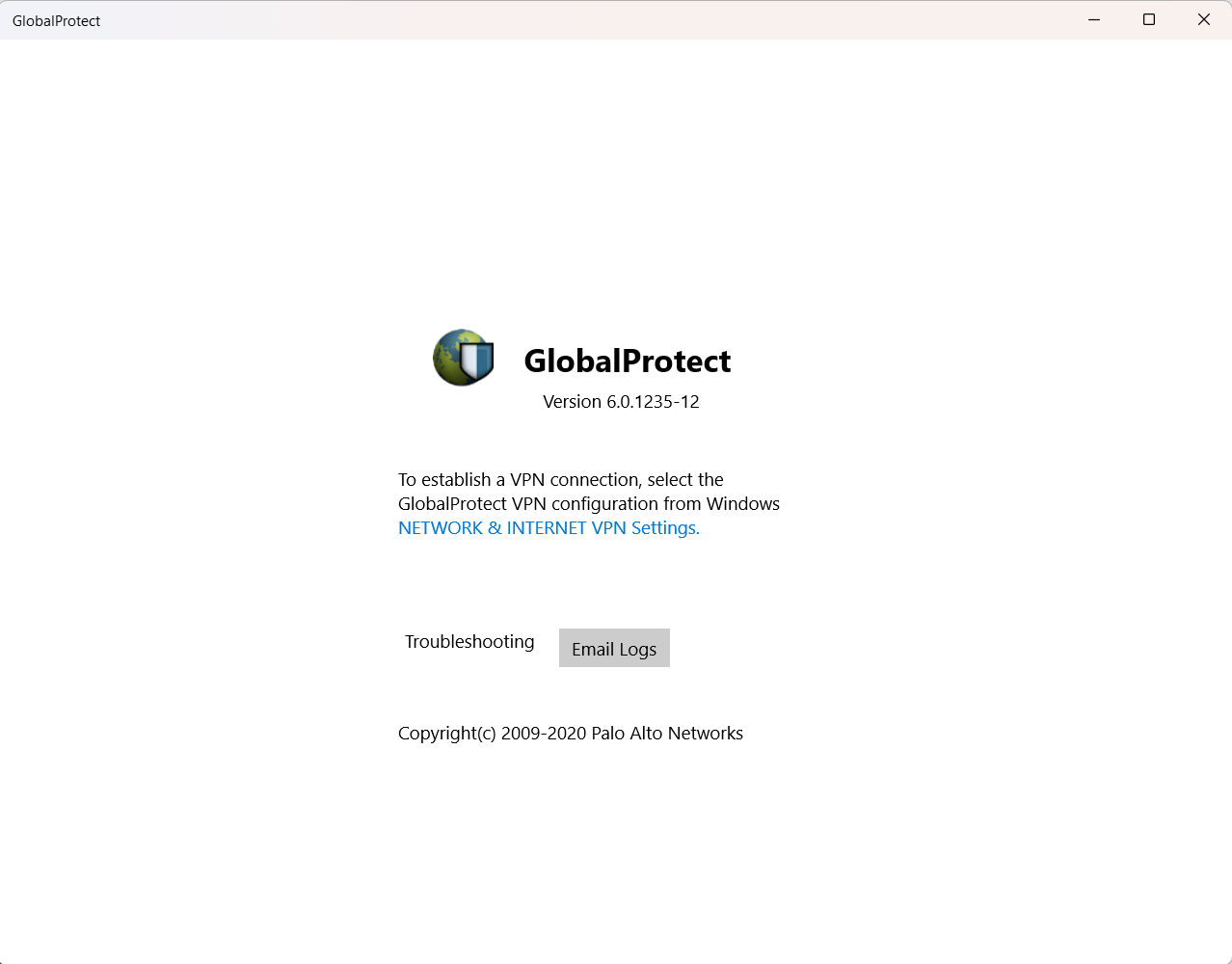
From the moment you open the app, GlobalProtect greets you with a clean, sleek interface that resembles the cockpit of an aircraft—compact yet packed with essential controls. The connection process is streamlined, with a simple toggle button to activate or disconnect the VPN. The interface is designed thoughtfully—clear labels, status indicators, and minimal clutter—making it easy even for non-tech-savvy users to get started. Transitions are smooth, with no noticeable lag, which is vital when you're trying to join an urgent video call or access important files on the fly.
Powerful Security and Network Management
At its core, GlobalProtect excels in providing a fortified tunnel for your data, akin to a high-security vault. The app leverages advanced encryption standards, ensuring your communications stay confidential. Its centralized policy management lets IT administrators deploy tailored rules—think of it as having a vigilant security guard directing who can see what, ensuring compliance while enabling flexible access. The app also integrates threat prevention features, actively monitoring for malicious activities and blocking potential intrusions before they reach your device.
Enhanced Collaboration and Remote Work Flexibility
One of GlobalProtect's most compelling features is its ability to facilitate secure collaborative work. Unlike conventional VPNs that merely connect you to a network, GlobalProtect offers integrated tools for resource sharing within the safety of your VPN. Imagine working on a confidential document with a colleague across borders, sharing updates and discussing edits in real-time, all within a protected digital environment. This feature sets it apart from many competitors, providing both security and a collaborative edge that empowers teams to work smarter and faster.
How Does It Compare and Who Should Use It?
Compared to other business VPN solutions, GlobalProtect's strength lies in its holistic integration of security, manageability, and collaborative features. While some VPNs focus solely on connectivity, this app aims to be an all-in-one remote access hub, making it especially appealing to organizations prioritizing data protection without sacrificing ease of use.
If you are an individual professional working remotely or a business with complex security needs, I recommend giving GlobalProtect a try. Its straightforward interface and robust features can streamline your remote access experience while keeping your data under lock and key. For tech teams managing multiple users, its policy-based controls and threat prevention capabilities make it a reliable partner in cybersecurity.
Final Verdict: A Trustworthy Companion for Secure Remote Access
GlobalProtect for Windows stands out as a well-rounded, security-first VPN solution that balances usability with powerful features. Its emphasis on collaborative security, combined with a user-friendly design, makes it a compelling choice for modern remote work environments. While no tool is perfect for every scenario, this app offers enough strength and flexibility to warrant a strong recommendation—especially if safeguarding your network is a top priority.
Pros
- Robust Security Features
- User-Friendly Interface
- Automatic Network Detection
- Multi-Platform Support
- Integration with Microsoft Ecosystem
Cons
- Connectivity Stability Issues
- High Resource Consumption
- Limited Customization Options
- Notification Overload
- Occasional Authentication Delays











