

- Category Entertainment
- Developer GOG sp. z o.o
- Available on PC
- OS Windows 10 version 0.0 or higher
- Keyboard Integrated Keyboard
- Mouse Integrated Mouse
- languages Chinese (Simplified), English, French, German, Polish, Ukrainian, Russian
Introducing GOG GALAXY for Windows: A Personalized Gaming Hub
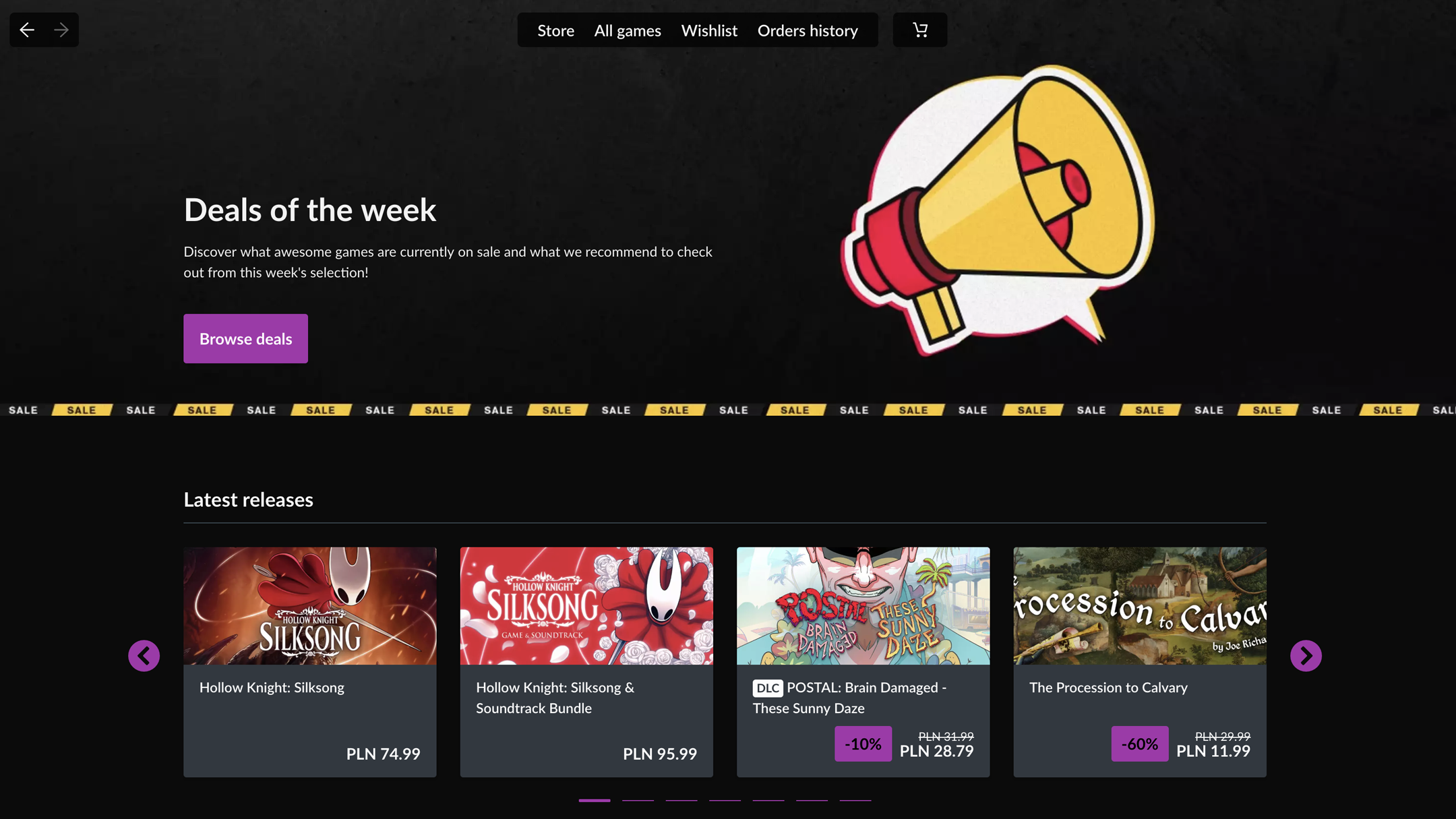
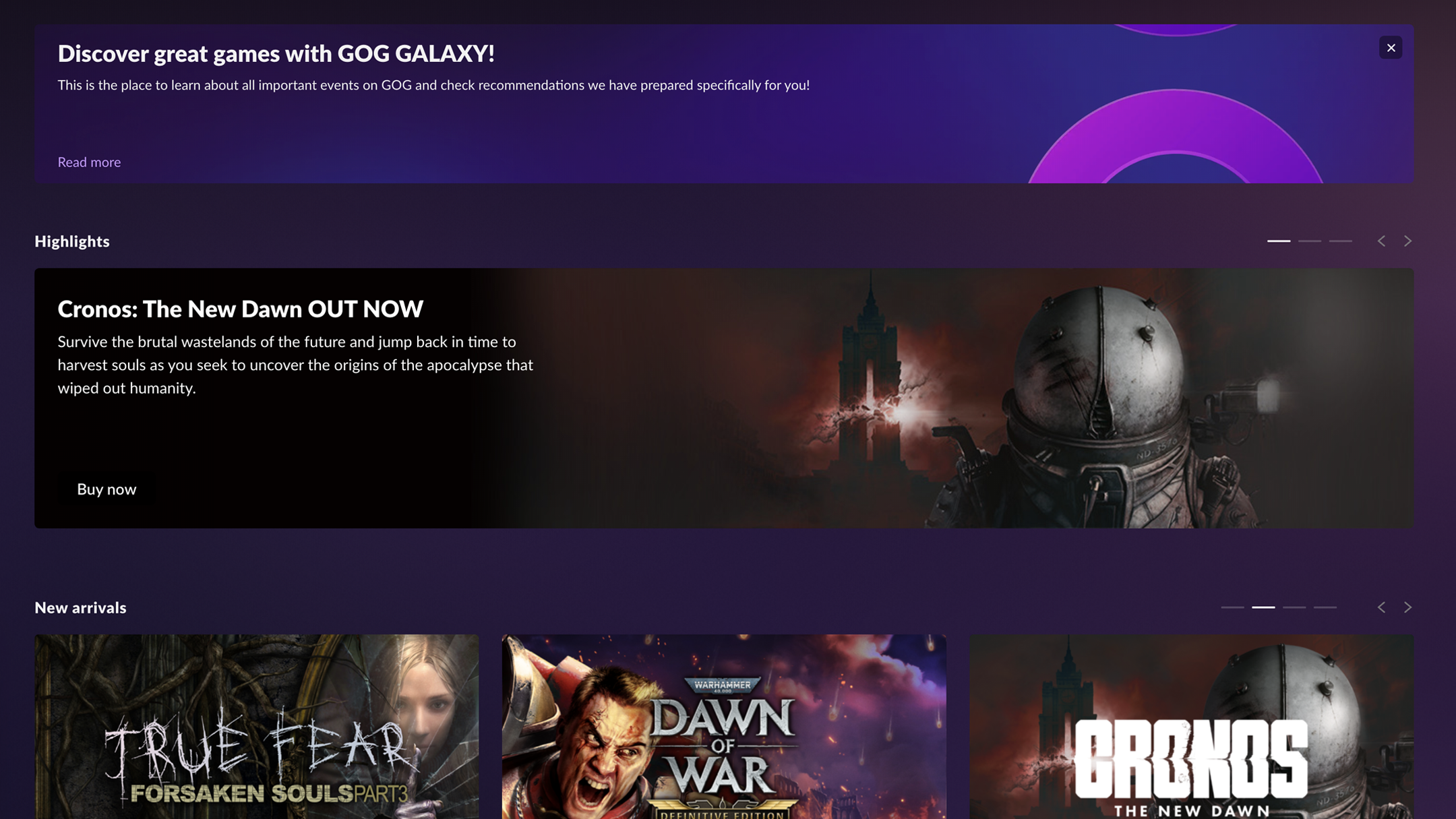
GOG GALAXY for Windows is a versatile game launcher and management platform designed to streamline gamers' digital libraries and enhance their gaming experience. Seamlessly integrating multiple game stores, it acts as a centralized hub, making game discovery and management more efficient and enjoyable. Developed by GOG sp. z o.o., the app aims to cater to casual gamers and enthusiasts seeking an organized, personalized, and user-friendly gaming environment.
A Fresh Take on Game Organization and Discovery
Imagine walking into a well-organized game closet—no more digging through folders or multiple apps to find the right game; everything you own is just a click away. GOG GALAXY brings this vision to life with its sleek interface and powerful features, transforming the way you interact with your game library. From the moment you start using it, you realize it's not just a launcher but a complete gaming companion built around convenience and personalization.
Unified Library and Cross-Platform Integration
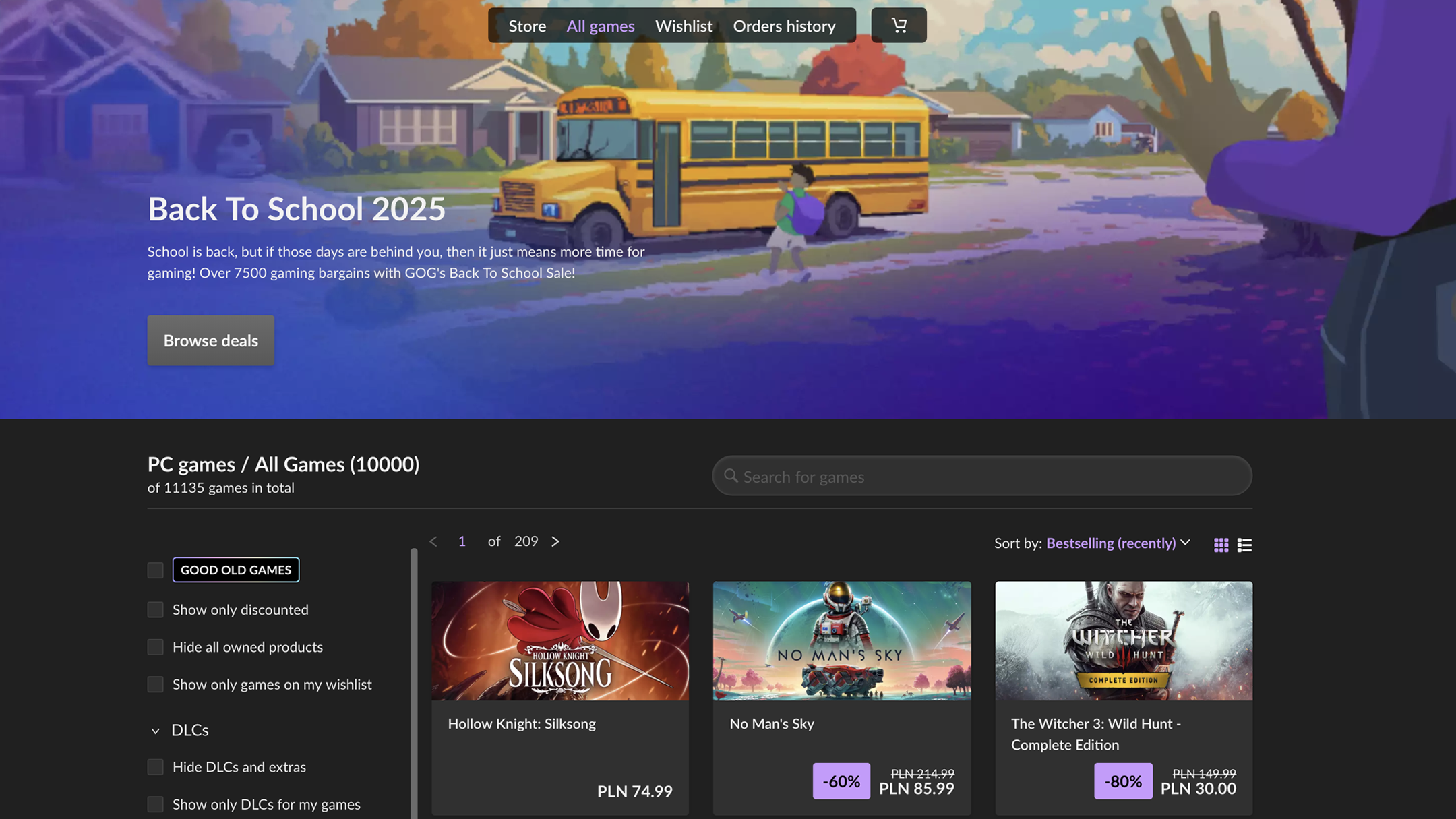
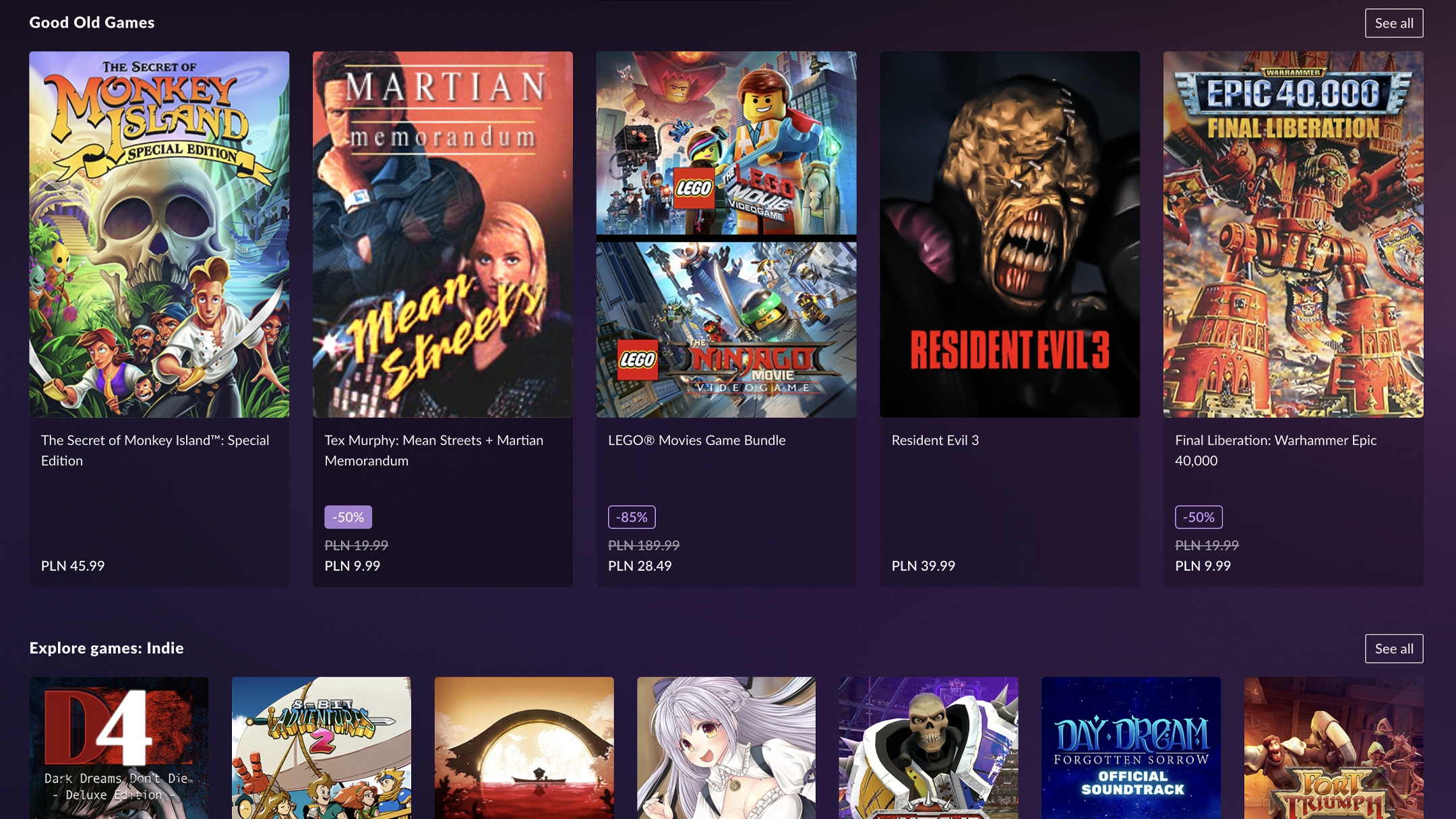
The core strength of GOG GALAXY lies in its ability to unify your gaming accounts across various platforms—such as Steam, Epic Games, and GOG.com itself—into a single, cohesive library. This eliminates the headache of juggling multiple launchers and provides a comprehensive overview of all your games in one place. Moreover, it supports cross-platform sync, meaning your progress and achievements can be tracked seamlessly across different devices and stores.
Smart Discovery and Personalized Recommendations
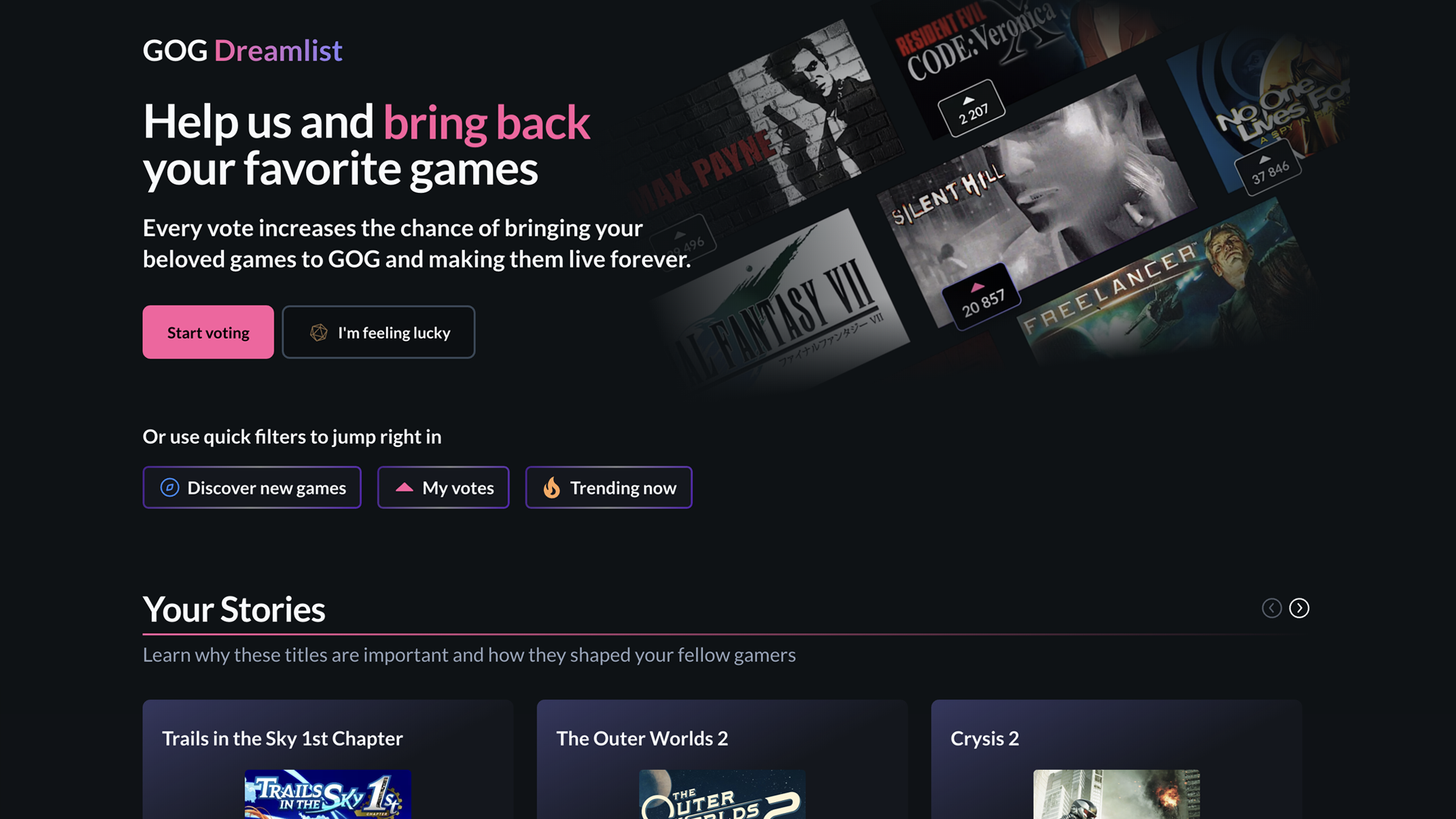
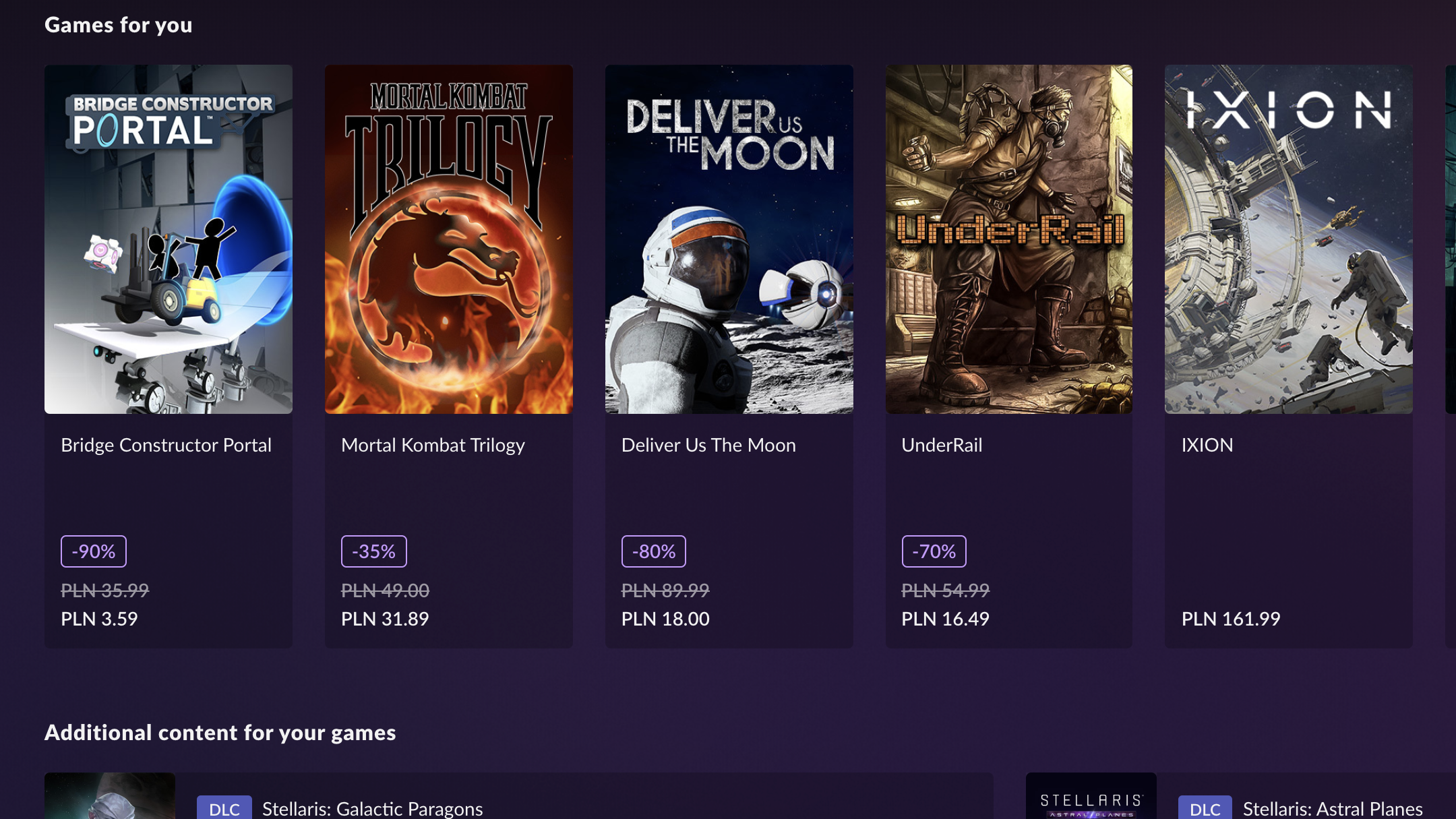
One of the standout features is its intelligent content discovery algorithm. Unlike generic recommendation engines, GOG GALAXY analyzes your gameplay history, preferences, and collection to suggest new games tailored to your taste. This personalized approach feels like having a trusted gaming buddy who knows exactly what you might enjoy next, making discovery less overwhelming and more delightful. The relevance of recommendations often exceeds those found in other entertainment apps since it considers your unique gaming profile rather than relying solely on popular trends.
Robust User Interface and User Experience
GOG GALAXY boasts a clean, intuitive interface reminiscent of a well-designed dashboard—every button and menu feels purpose-built, guiding users effortlessly through their gaming universe. The app's smooth operation ensures quick load times and minimal lag, even when managing large libraries. Its learning curve is gentle; newcomers can start organizing their games with minimal effort, while power users will appreciate the depth of customization and control available.
Unique Features That Elevate GOG GALAXY
The most compelling aspect of GOG GALAXY is undoubtedly its focus on personalized content curation. By leveraging sophisticated algorithms that analyze your gaming habits, it offers highly relevant game suggestions without inundating you with irrelevant titles. This tailored discovery process sets it apart from more generic game launchers and helps users stumble upon hidden gems suited precisely to their tastes.
Final Thoughts: Is GOG GALAXY Worth Giving a Try?
Considering its strengths in consolidation, personalized recommendations, and user-centric design, GOG GALAXY for Windows stands out as a thoughtful choice for gamers seeking a unified, intelligent, and streamlined platform. While it might not replace major store clients entirely for some users, its ability to create a personalized gaming ecosystem makes it worth trying—especially if managing multiple game libraries has become a chore. I'd recommend this app to anyone looking to bring order, convenience, and a touch of smart discovery to their gaming journey.
Pros
- Unified Library Management
- Customizable Game Launch Options
- Automatic Game Updates
- Enhanced Social Features
- Strong DRM-Free Focus from GOG
Cons
- Limited Platform Integration
- Performance and Stability Issues
- UI Sometimes Cluttered
- Lack of Advanced Social Features
- Limited Offline Functionality











