

Frequently Asked Questions
How do I start playing Golf With Your Friends - Ultimate Edition for the first time?
Download and install the game from your app store, then launch it and follow the on-screen instructions to create a profile and select your preferred game mode.
What are the basic controls for swinging and aiming?
Use the on-screen joystick to aim, tap the swing button to set power, and adjust your shot with subtle movements for precision.
Can I customize my character or equipment before playing?
Yes, access the customization menu via the main lobby to select hats, headgear, and other accessories to personalize your character.
What are the main features included in this Ultimate Edition?
It includes the base game, multiple unique courses, themed packs such as Headgear, Pizza Party, Sports, and additional packs like Racing and Caddy.
How do I access new courses and packs?
Navigate to the 'Content' or 'Store' section in the game menu, then download or unlock the courses and packs you want to play.
Are there in-app purchases, and how do I make a payment?
Yes, some content may require payment. Go to Settings > Store or Purchase Options to buy packs using your app store's payment methods.
Can I subscribe, and what are the benefits?
Currently, the game offers individual pack purchases rather than subscriptions. Check the store for bundle deals or special offers.
Will I lose my progress if I uninstall the app?
If you sign in with an account, your progress and purchases are saved online; otherwise, back up your save data to prevent loss.
How do I troubleshoot connection or gameplay issues?
Ensure your device has a stable internet connection, restart the app, or reinstall if problems persist. For further help, contact support via Settings > Help.
You May Like

Cozy Town: Build Explore Game
for Windows
4.8
FarmVille 2: Country Escape
for Windows
4.7
TriPeaks Solitaire Pro
for Windows
4.7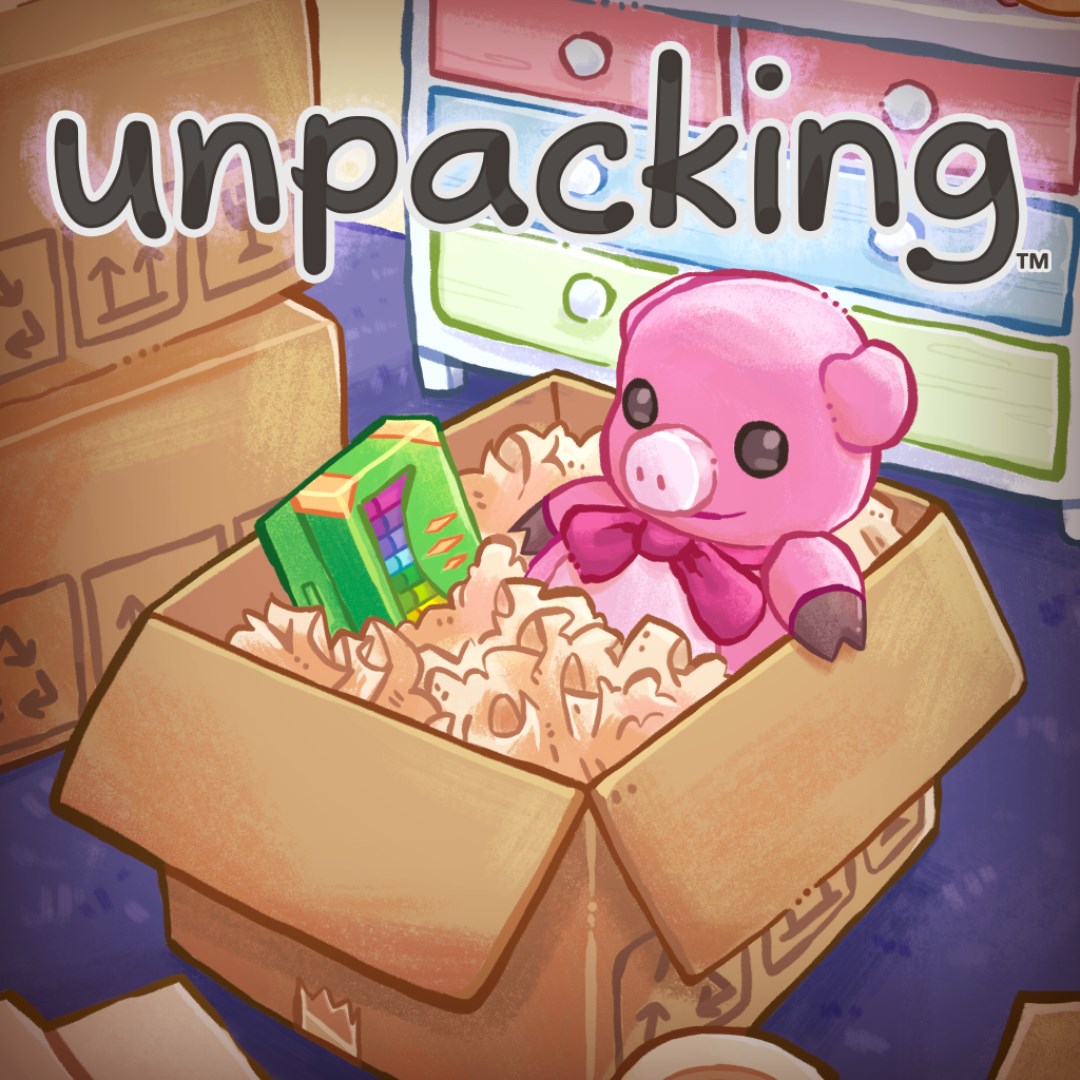
Unpacking
for Windows
4.6
Pyramid Solitaire Pro!!
for Windows
4.6
Cooking City: Panda House
for Windows
4.5
Disneyland Adventures
for Windows
4.5
Food Truck Chef™: Cooking Game
for Windows
4.4
Rush: A DisneyPixar Adventure
for Windows
4.4
Toca World Adventure
for Windows
4.2
Zoo Tycoon: Ultimate Animal Collection
for Windows
4.2
Janes Farm
for Windows
4.2