
- Category Productivity
- Developer Goodnotes Limited
- Available on PC, HoloLens
- OS Windows 10 version 19041.0 or higher
- Mouse Not specified
- Memory Not specified
- languages English
Introducing Goodnotes for Windows: Your Digital Notebook Companion
Goodnotes for Windows is a versatile digital note-taking application designed to bring the seamless organization and natural writing experience of its iOS counterpart straight to your Windows device, whether it's a touchscreen laptop or a tablet. With a focus on replicating the tactile sensation of writing on paper, this app aims to streamline your workflow and elevate productivity in both personal and professional settings.
About the Developer and Key Features
Developed and published by Goodnotes Limited, a company renowned for its flagship note-taking solutions, Goodnotes for Windows extends their expertise to the Windows platform, ensuring users experience continuity across devices. The app features several compelling highlights:
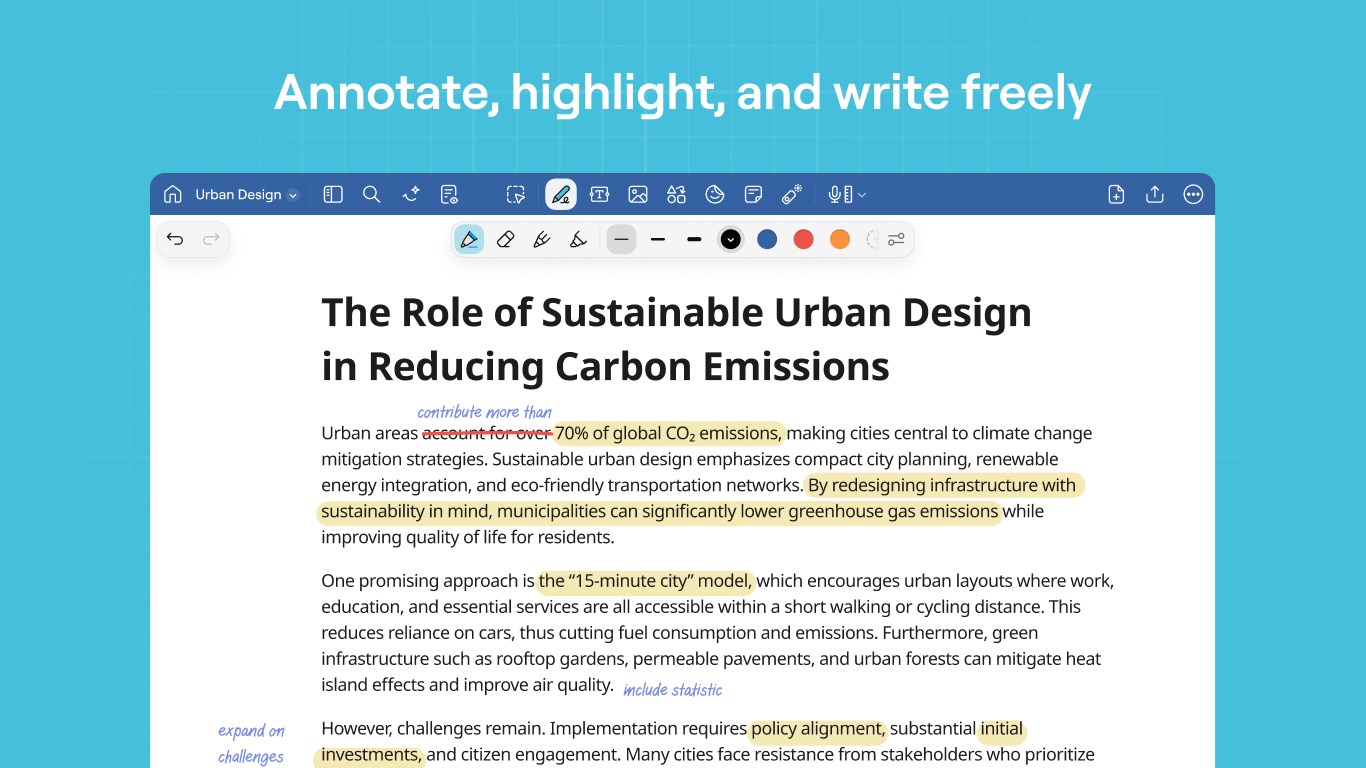
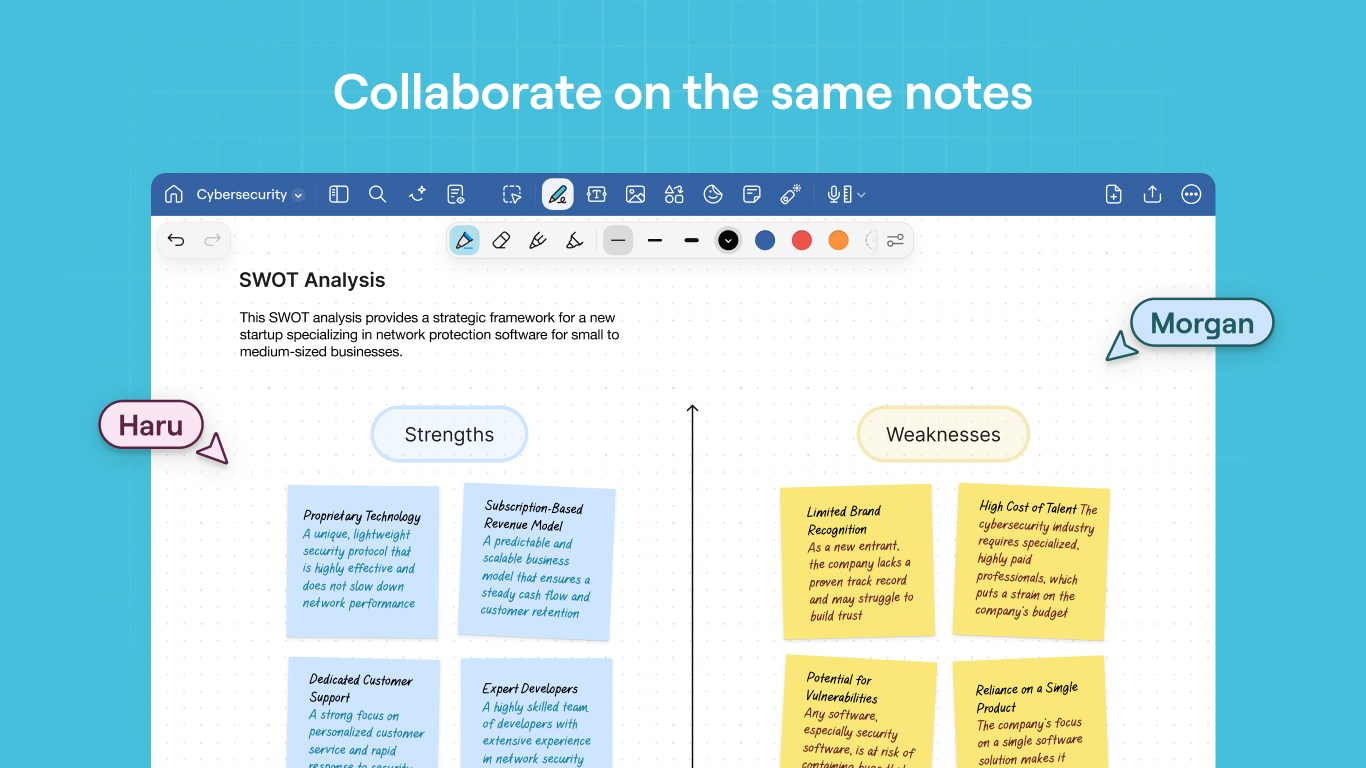
- Intuitive Handwriting and Annotation Tools: Mimics real pen strokes with precision, supporting various pen types, colors, and line thicknesses.
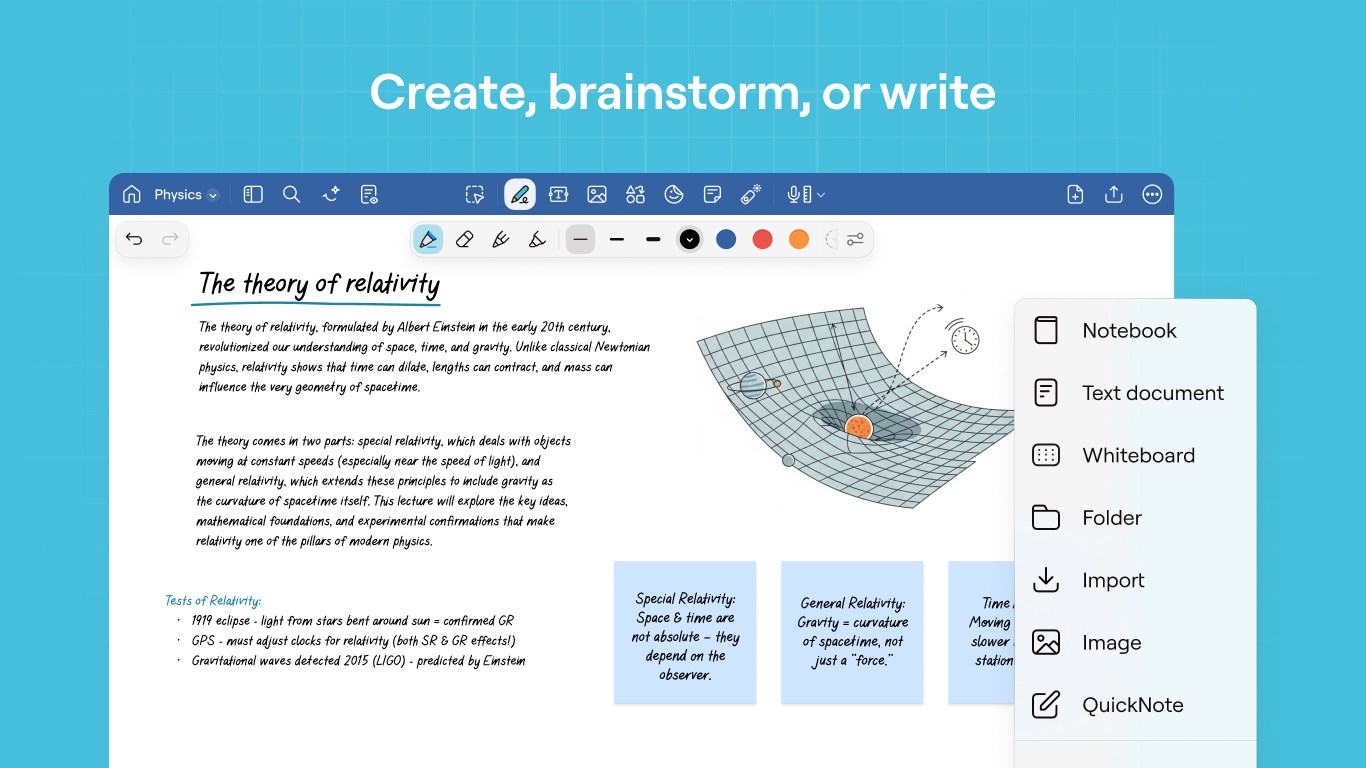
- Organized Digital Notebooks: Enables users to create, categorize, and search within multiple notebooks easily, emulating the familiar paper filing system.
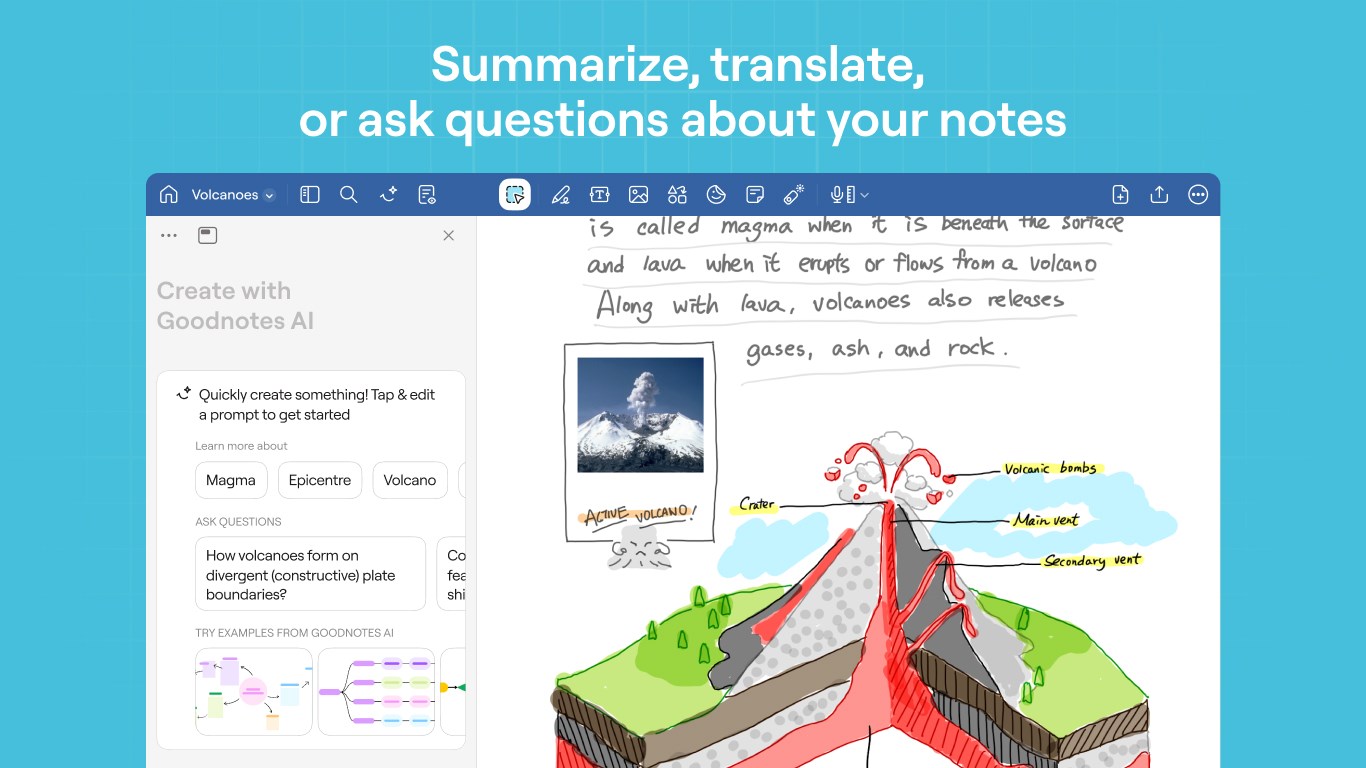
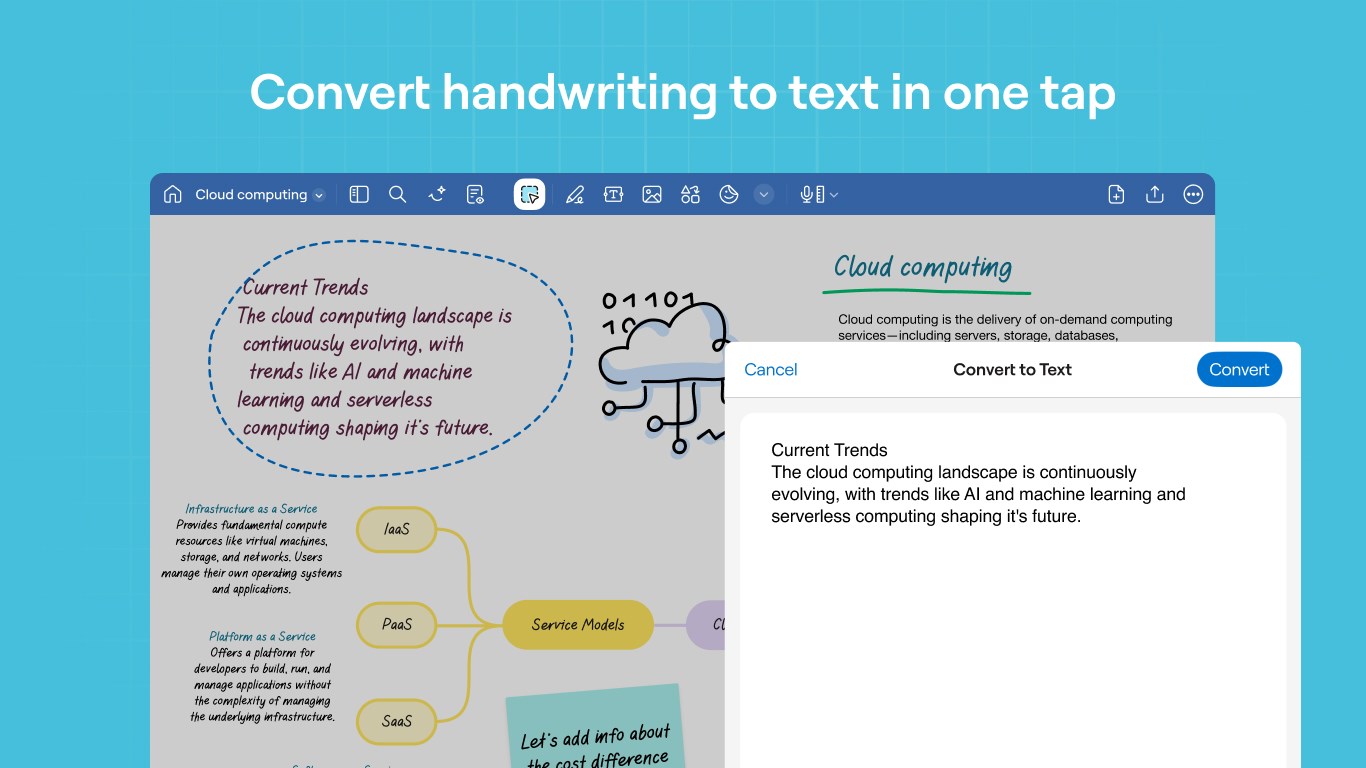
- Advanced Search with OCR: Integrates Optical Character Recognition to allow quick text searches within handwritten notes and typed content.
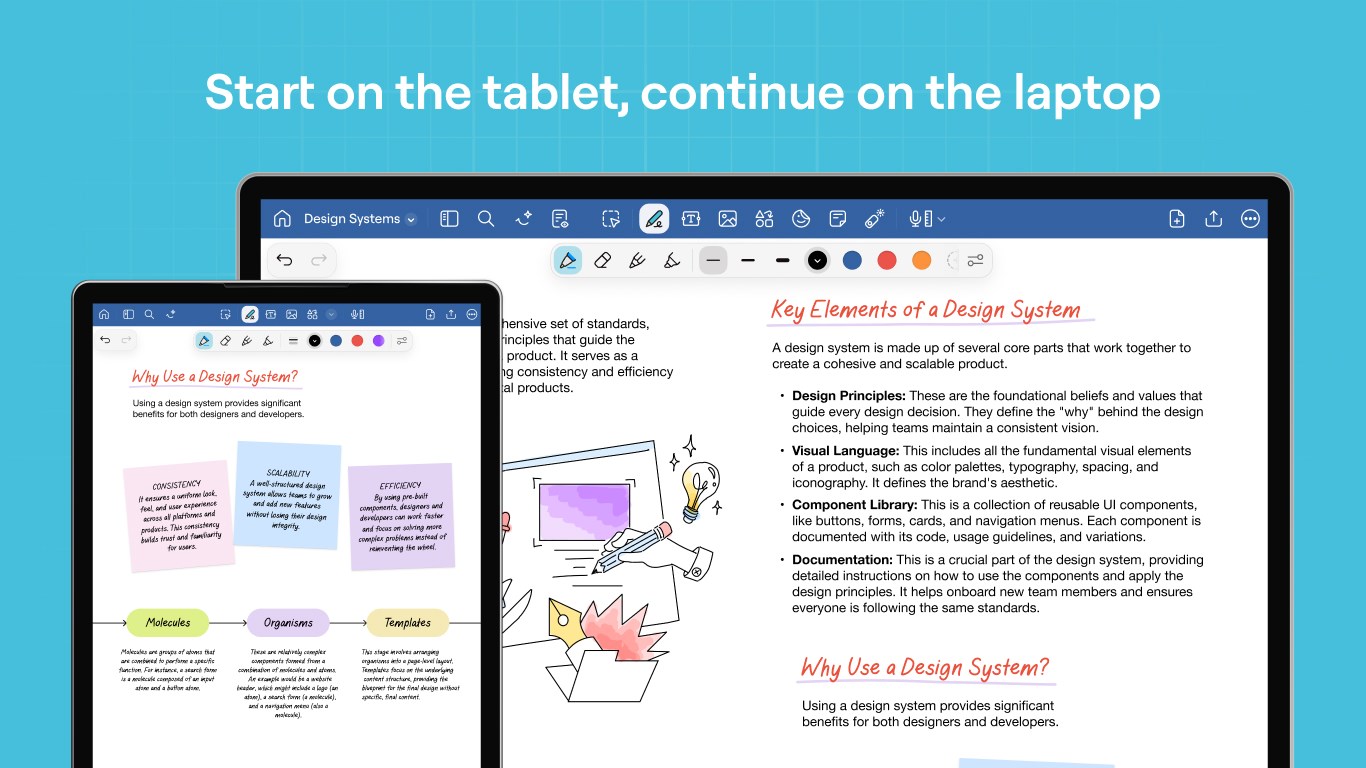
- Seamless Multi-Device Syncing: Ensures your notes are kept up-to-date across all your devices via cloud synchronization, facilitating workflows on the go.
Bright and User-Friendly Interface
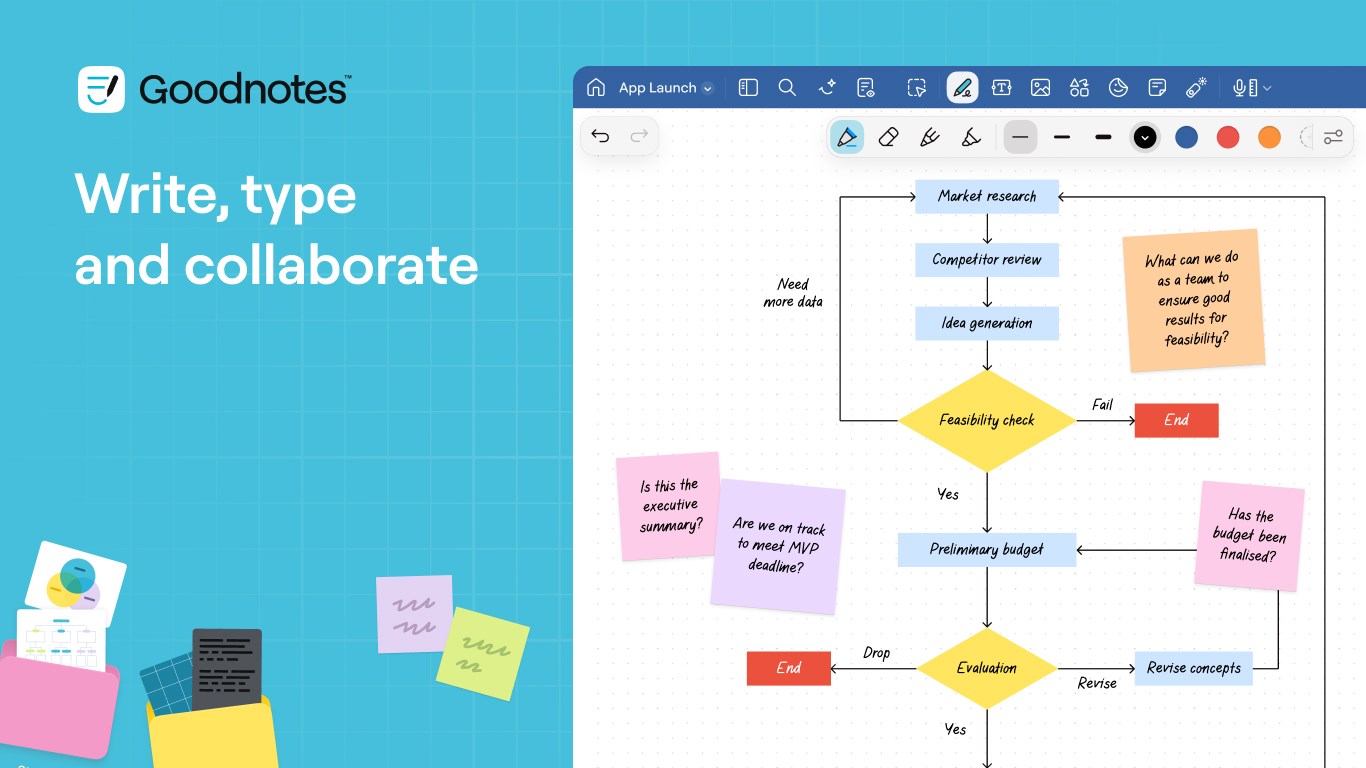
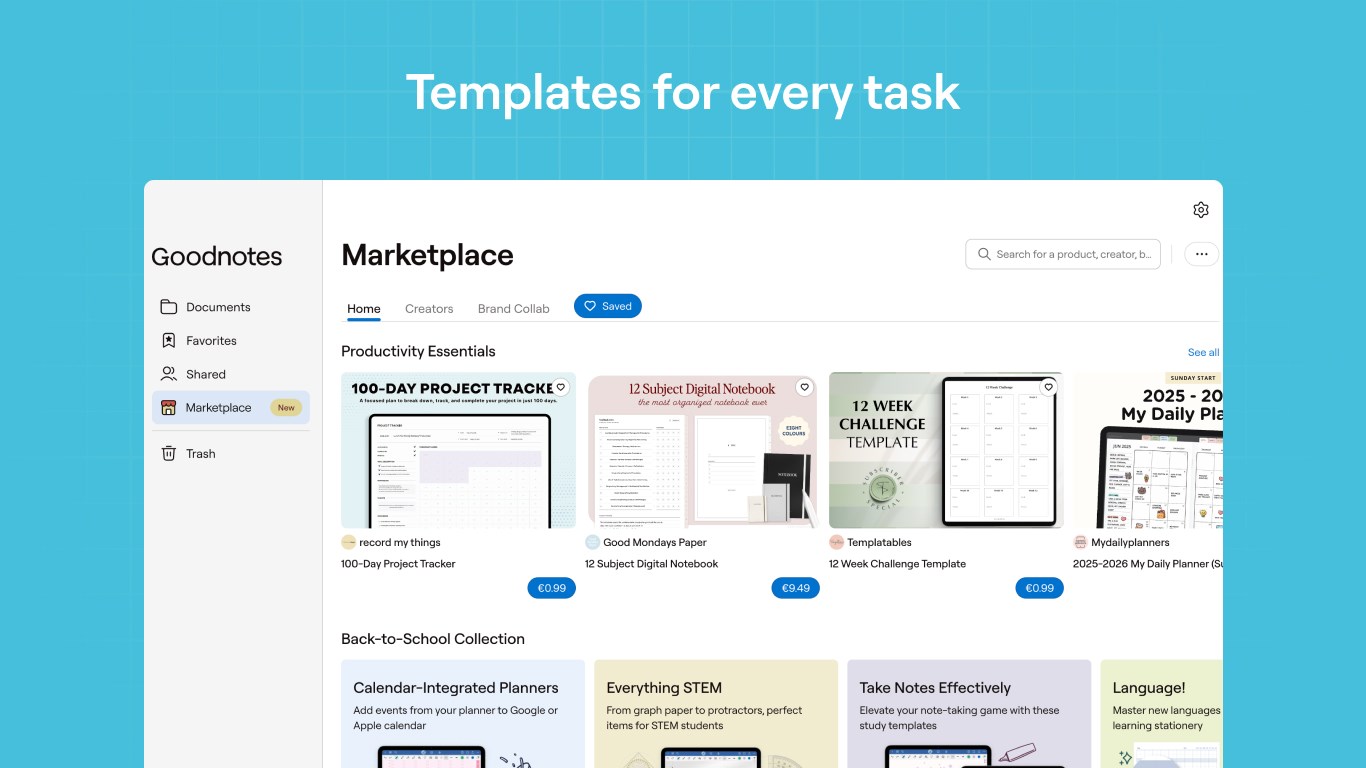
The app greets users with a clean, uncluttered interface that feels welcoming rather than overwhelming. The layout mirrors the familiar physical notebook, with a virtual cover and neatly arranged icons for creating new documents, accessing templates, and managing notebooks. Navigating through your notes feels like flipping through the pages of a real book, thanks to smooth scrolling and responsive touch gestures. The design is thoughtfully optimized for touch input, enabling effortless drawing or handwriting even in tight spaces.
Learning curves are minimal; most users can pick up essential features within minutes. The interface's logical flow reduces cognitive load, making it ideal for users who prefer an intuitive, straightforward note-taking experience rather than battling layered menus or excessive options.
Core Functionality: Turning Notes into Organized Masterpieces
Realistic Handwriting Experience Meets Digital Flexibility
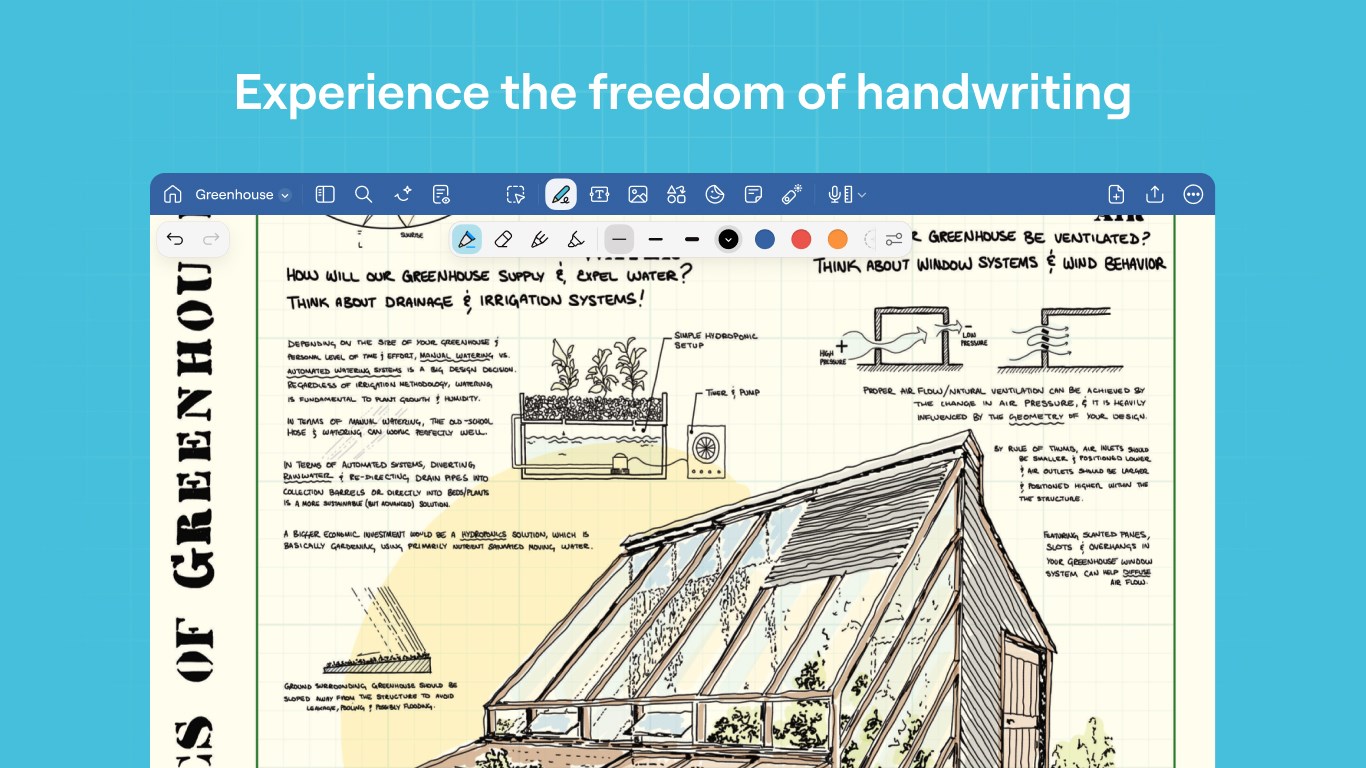
The most compelling feature of Goodnotes for Windows is its handwriting fidelity. The app faithfully replicates the feel of writing on paper, with smooth strokes that respond accurately to pen pressure and tilt. This creates a natural, satisfying writing process, especially important for students, designers, or professionals who jot down ideas or sketches frequently. The variety of pen tools, customizable colors, and adjustable line widths make each note feel personalized and functional. Furthermore, the app processes handwriting data efficiently, allowing quick editing and erasing without lag, which keeps your creative flow uninterrupted.
Smart Organization & Powerful Search Capabilities
Document management is a breeze thanks to the app's folder system and tagging features. Users can easily categorize notes or create project-specific notebooks, much like stacking physical binders on a shelf. The landscape changes when it's time to locate information: integrated OCR technology scans your handwritten notes and typed text, converting them into searchable content. It's akin to having a digital librarian who instantly finds what you need, saving hours of manual searching. This level of organization significantly reduces mental clutter, so you spend less time hunting and more time doing.
User Experience & Differentiation in a Crowded Market
Compared to other productivity tools, Goodnotes for Windows stands out with its emphasis on workflow integration and cognitive ease. Unlike feature-heavy apps that can overwhelm you, Goodnotes prioritizes reducing cognitive load, offering a straightforward yet powerful note-taking environment. Its seamless synchronization across devices ensures users don't need to juggle multiple apps or platforms—they just pick up where they left off.
The app's design fosters a natural flow, encouraging users to focus on their ideas rather than the tool itself. Its realistic handwriting simulation paired with intelligent search makes it more akin to carrying a physical notebook but with added digital powers—a true plus for those seeking efficiency without complexity.
Overall Recommendation and Usage Suggestions
In summary, Goodnotes for Windows is highly recommended for anyone looking to digitize their handwritten notes with minimal friction and maximum organization. It is particularly valuable for students, creatives, or professionals who prioritize natural writing experience and smart document management. The app is best utilized on devices with touch support for an optimal experience; a stylus enhances this further. For users already familiar with Goodnotes on iOS, this adaptation provides a familiar yet refined workflow. New users should appreciate its intuitive interface and focus on reducing cognitive load.
While it might lack some of the advanced features found in more complex office suites, its core strengths—realistic handwriting, efficient organization, and effortless search—make it a standout. It is an excellent choice for those who want a straightforward, effective digital note-taking app that feels natural to use. Give it a try if your workflow benefits from handwritten notes integrated seamlessly into your digital life.
Pros
- Intuitive User Interface
- Robust Pen and Annotation Tools
- Seamless Cloud Syncing
- Rich Multimedia Support
- Good Search Functionality
Cons
- Limited Export Formats
- Occasional Lag with Large Files
- Steep Learning Curve for Advanced Features
- Limited Customization Options
- Occasional Sync Delays











