

- Category Photo & video
- Available on PC
- OS Windows 10 version 17134.0 or higher
- Keyboard Integrated Keyboard
- Mouse Integrated Mouse
- Memory 6 GB
- languages English (United States)
Meet GoPro Player for Windows: Your Gateway to Stunning Footage
If you've ever marveled at the crystal-clear adventure shots captured on a GoPro, you'll love what the GoPro Player for Windows brings to your desktop. This application acts as a dedicated hub for viewing, editing, and managing your GoPro footage, transforming your raw recordings into compelling stories with just a few clicks. Designed with both casual enthusiasts and semi-professional videographers in mind, it's a streamlined tool that emphasizes ease of use without sacrificing powerful features.
Powerful, User-Friendly Interface
Imagine sitting down after a day of outdoor escapades, laptop open, ready to relive those moments in high definition. The interface of GoPro Player is notably intuitive, with a clean layout reminiscent of a well-organized photo gallery, making navigation feel natural from the get-go. It offers a smooth experience, with swift response times that allow you to quickly browse through your video library, trim footage, or apply basic edits. Even newcomers can jump into video playback or minor adjustments without a steep learning curve, thanks to straightforward controls and helpful tooltips.
核心功能亮点:精准编辑与差异化体验
1. Seamless Playback and 3D Video Support
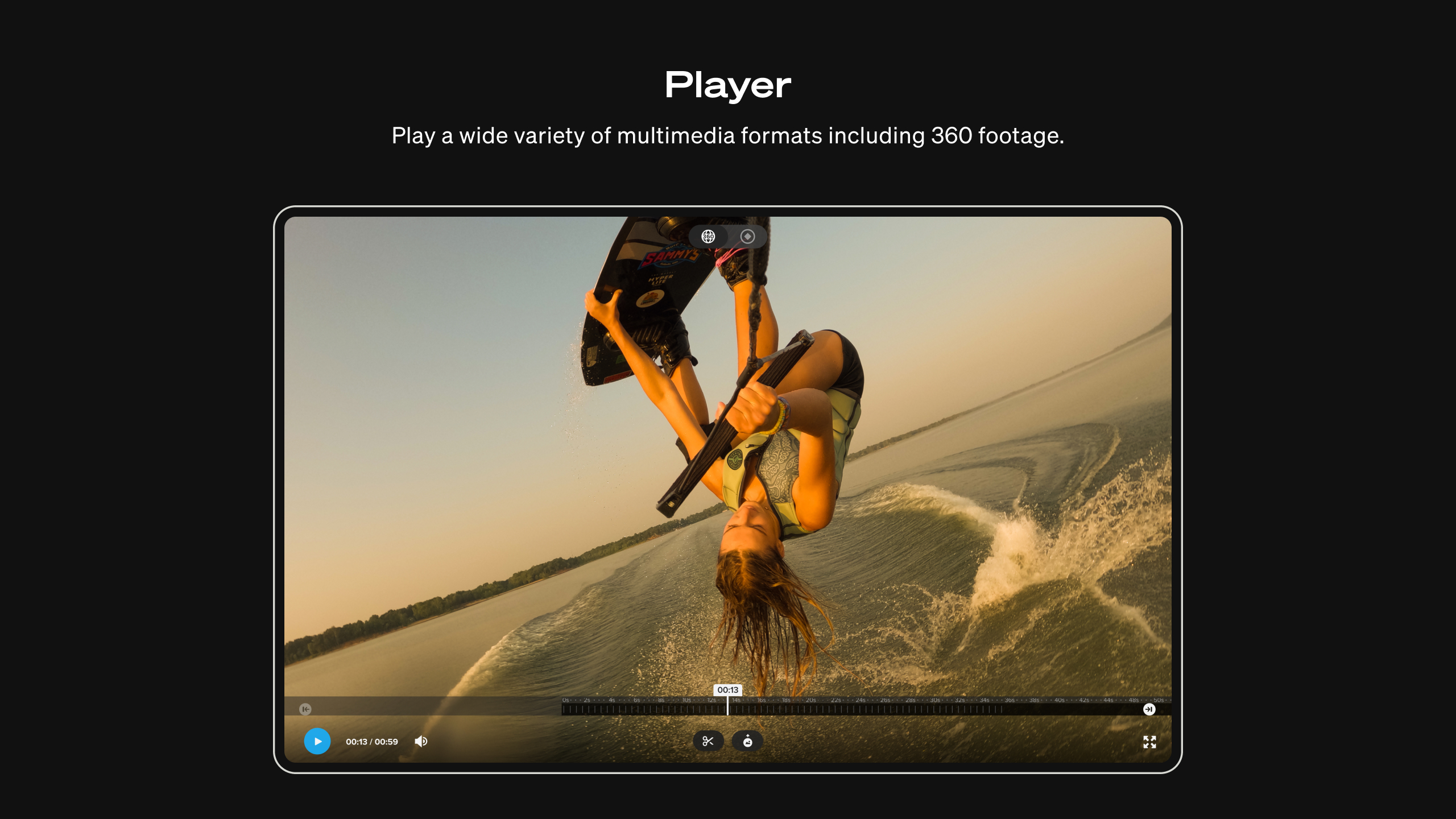
One of the standout features is the ability to smoothly play back 4K, 5K, and even 6K footage captured by GoPro cameras. Whether you're reviewing a high-adrenaline mountain biking run or a peaceful lake sunset, the app ensures you see your footage in stunning detail. Additionally, it supports 3D video formats, opening up opportunities for immersive viewing. This dual capability sets it apart from many basic media players or editing tools that often lack such specialized support.
2. Precise Video Trimming and Enhancements
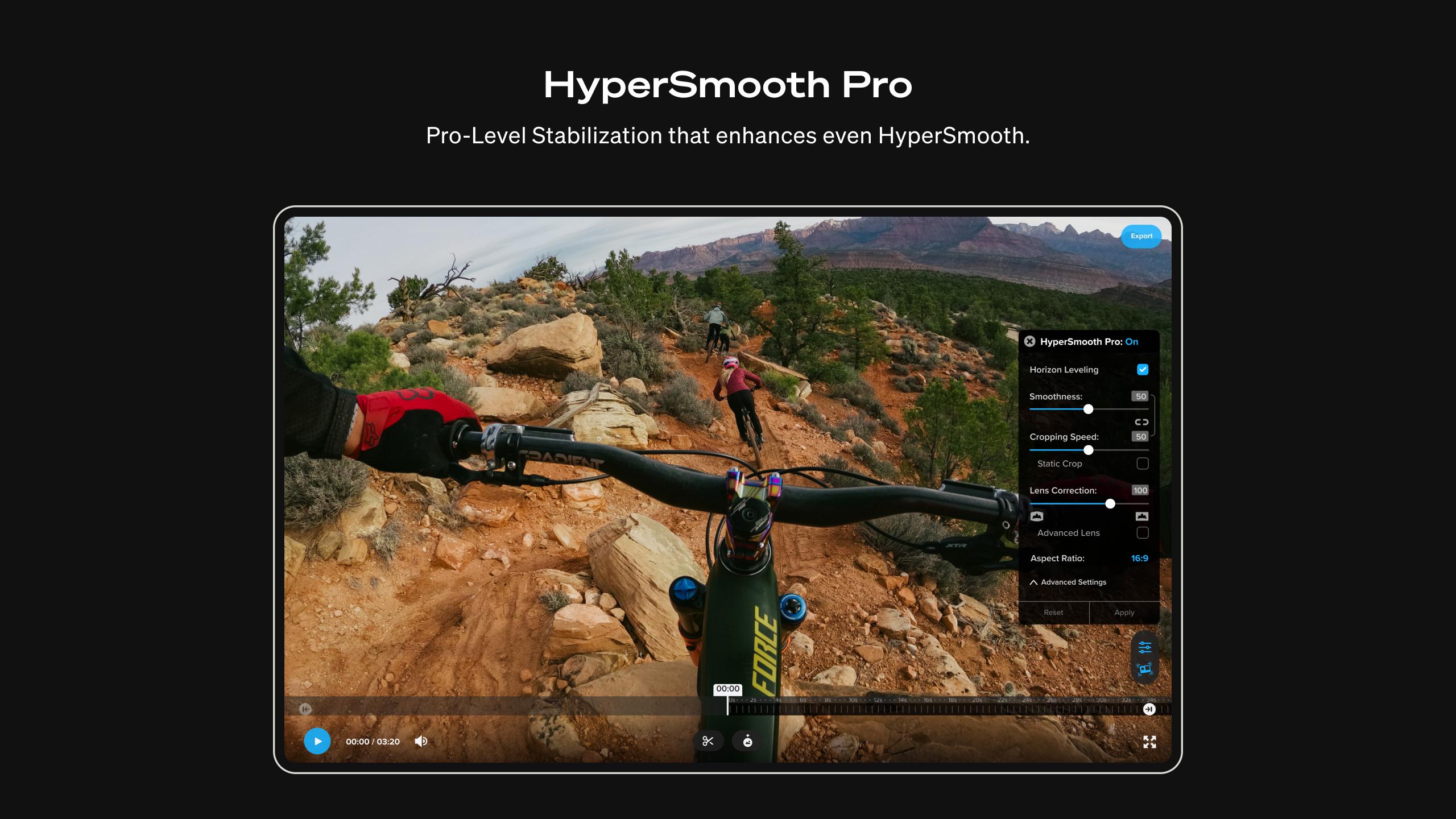
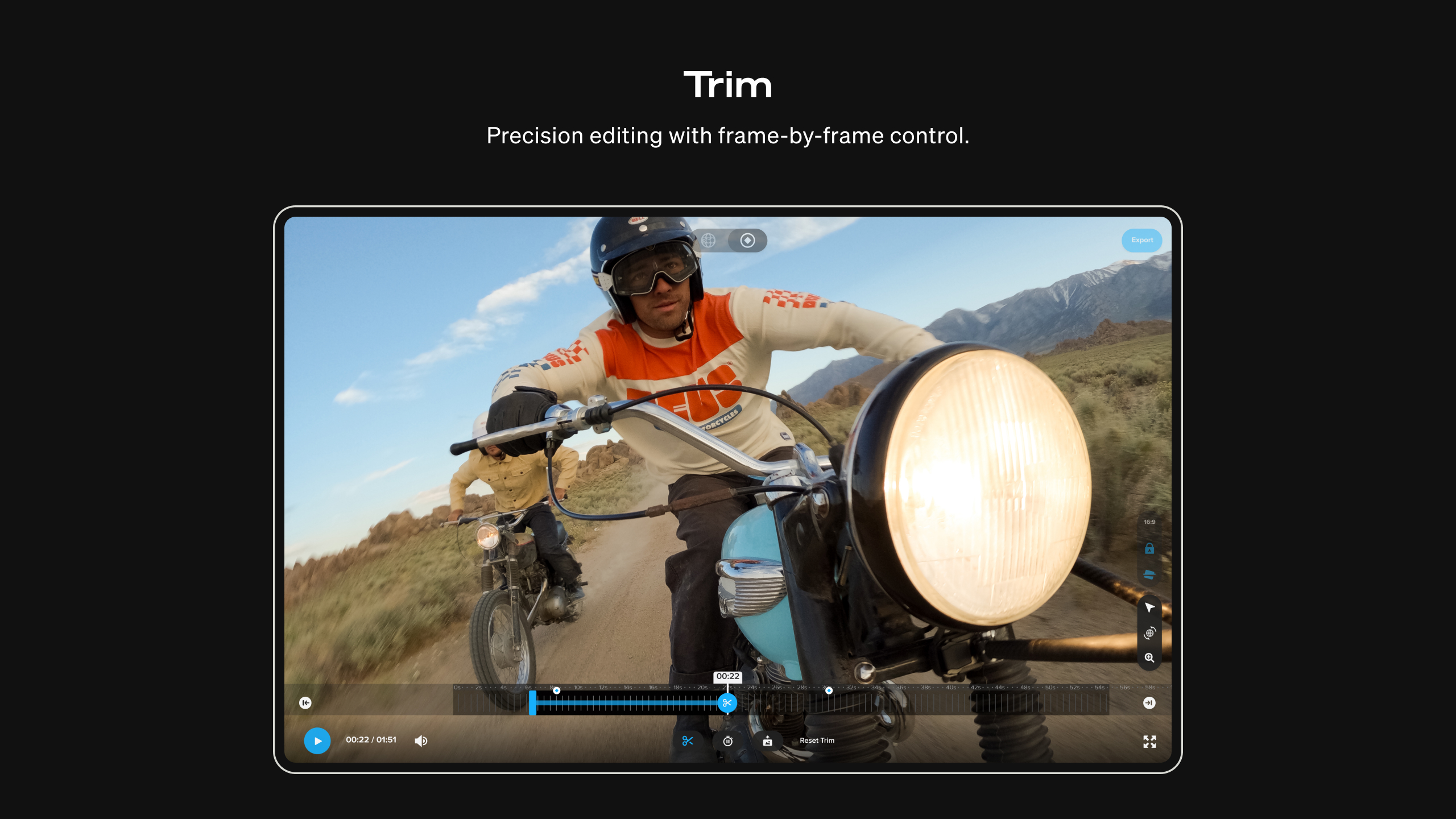
The app offers a robust trimming tool that feels akin to a precise scalpel—allowing users to cut out unwanted sections with pixel-by-pixel accuracy. Beyond trimming, basic enhancements like brightness, contrast, and stabilization are available, giving your videos that polished look without requiring a professional editing suite. Its focus on straightforward yet effective editing functionalities makes it ideal for quick turnarounds and sharing on social media or with friends.
3. Convenient Metadata and Export Options
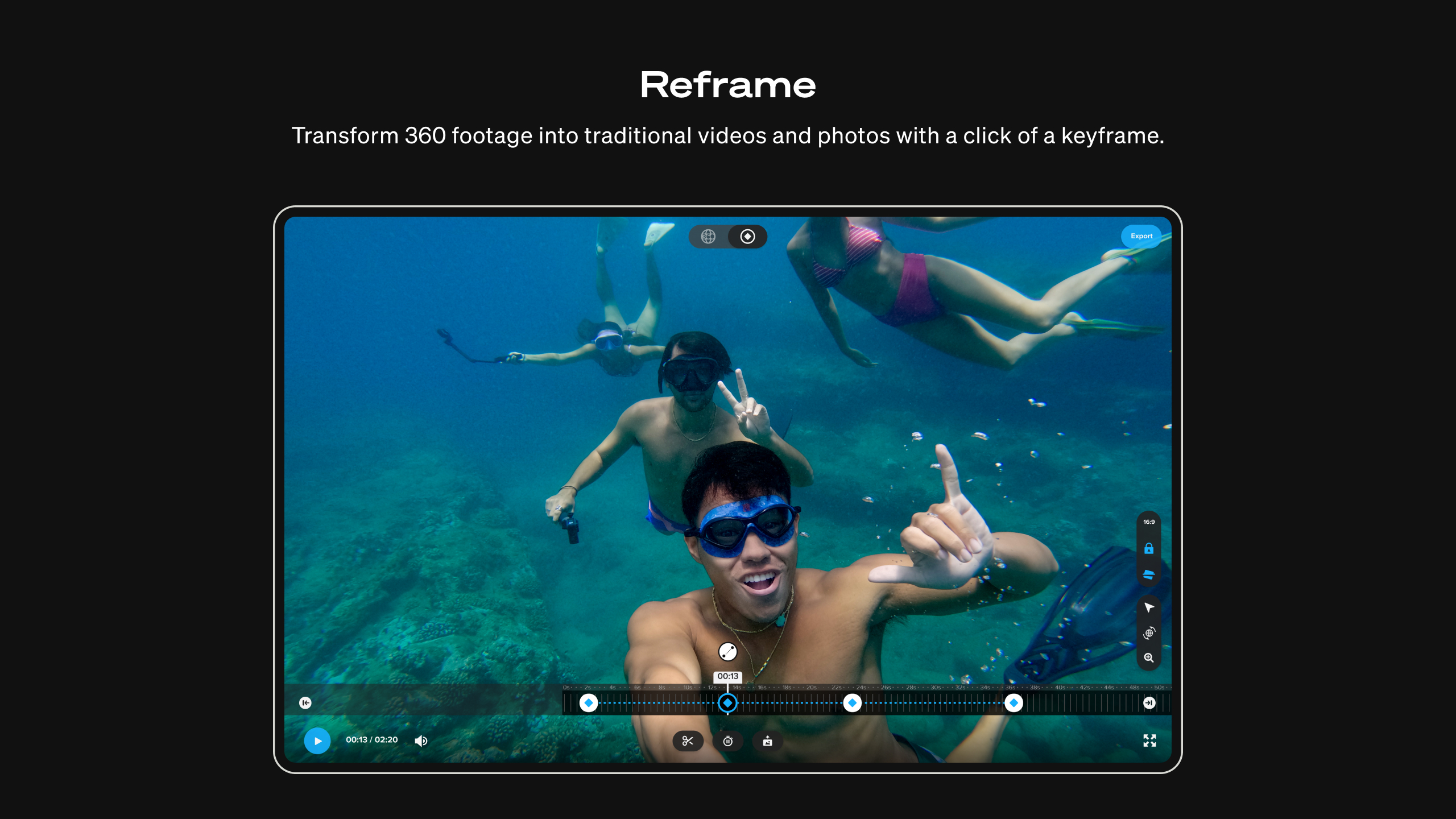
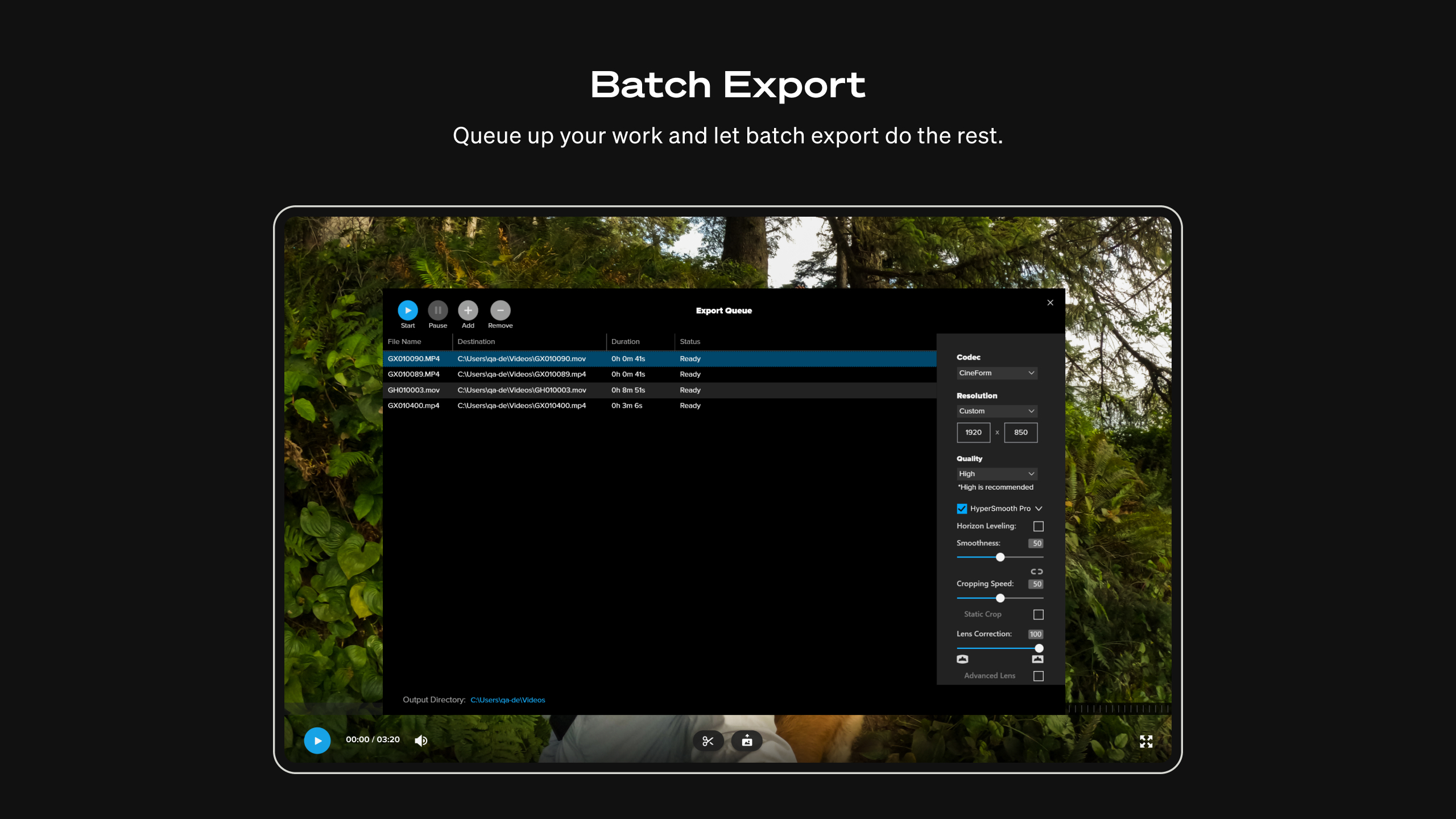
GoPro Player makes it simple to organize your footage through metadata management, which helps you categorize videos by date, location, or camera mode. When export time arrives, the app provides multiple options, including direct sharing to platforms like YouTube or saving in various resolutions. This level of convenience is especially appreciated by hobbyists who want efficient workflow management rather than complex editing pipelines.
Experience & Differentiation: Why It Stands Out
Compared to conventional media viewers or editing apps, GoPro Player for Windows shines with its tailored features for GoPro footage. Its superior support for high-resolution formats and compatibility with 3D videos provide a unique edge, making it indispensable for GoPro users who want a dedicated desktop companion. The app's minimalistic yet functional design also encourages exploration—whether you're casually reviewing footage or doing minor edits. Its focus on key functionalities like precise trimming supported by a clutter-free interface ensures a stress-free experience, setting it apart from bloated professional editors that can be intimidating for beginners.
Final Thoughts and Recommendations
For anyone invested in capturing action-packed moments or scenic vistas with a GoPro, this application is highly recommended as a primary viewer and basic editor. Its ease of use, support for high-quality video formats, and focus on user-centric features make it a reliable tool without the complexity of larger editing suites. While it might not replace professional editors for advanced post-production, it perfectly fits the needs of enthusiasts who want quick, quality results.
If you're looking for a straightforward, dedicated app that respects the unique capabilities of GoPro footage and offers a smooth user experience, GoPro Player for Windows is definitely worth trying out. It's like having a specialized camera assistant right on your desktop, helping you organize and showcase your adventures beautifully.
Pros
- Intuitive User Interface
- High-Quality Playback
- Advanced Editing Tools
- Seamless Import from GoPro Devices
- VR Content Compatibility
Cons
- Limited Export Formats
- Occasional App Crashes When Heavy Editing
- Slow Rendering Speed
- Limited Tutorial Resources
- Some Compatibility Issues with Older Devices











