


- Category Productivity
- Developer Grammarly, Inc.
- Available on PC
- OS Windows 10 version 0.0 or higher
- languages English (United States)
Grammarly for Windows: A Smart Companion for Flawless Writing
In today's fast-paced digital landscape, clear and correct writing is more vital than ever. Grammarly's Windows app aims to be your dependable sidekick, offering real-time grammar and style feedback to elevate your documents with minimal fuss.
About the App: Precision and Ease at Your Fingertips
Developed by Grammarly, Inc., this application brings sophisticated AI-powered writing assistance directly into your Windows environment. Its primary mission is to streamline your writing process by catching grammatical errors, enhancing clarity, and suggesting stylistic improvements seamlessly. Tailored for students, professionals, content creators, and anyone who values polished communication, this app fits into diverse writing workflows with impressive ease.
- Main functionalities: Advanced grammar and punctuation correction; style and tone adjustments; vocabulary enhancement; integration with various Windows applications.
- Target users: Business professionals, academics, students, and writers seeking quick, reliable editing assistance without switching platforms.
Engaging the User: Writing Made Simpler and Smarter
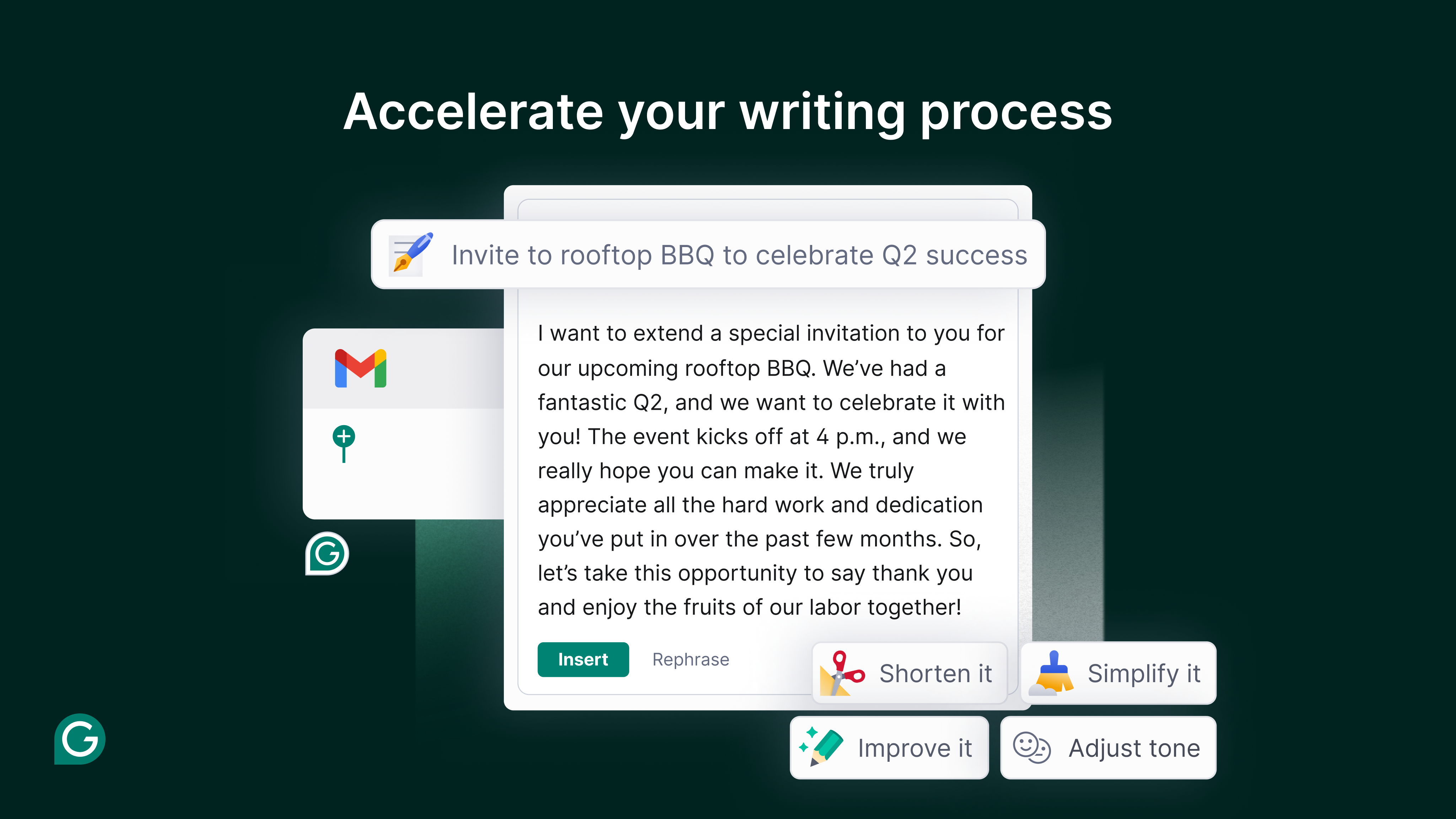
Imagine sitting at your desktop with a brilliant idea taking shape—words flowing, but the nagging worry of typos and awkward phrasing. Grammarly for Windows steps in like a trusted peer, quietly monitoring your writing in the background, ready to lend a helping hand. Its AI-driven suggestions are so unobtrusive yet effective that it feels like having a professional editor alongside you—minus the hefty bill.
Core Functionality 1: Real-Time Grammar and Style Checks
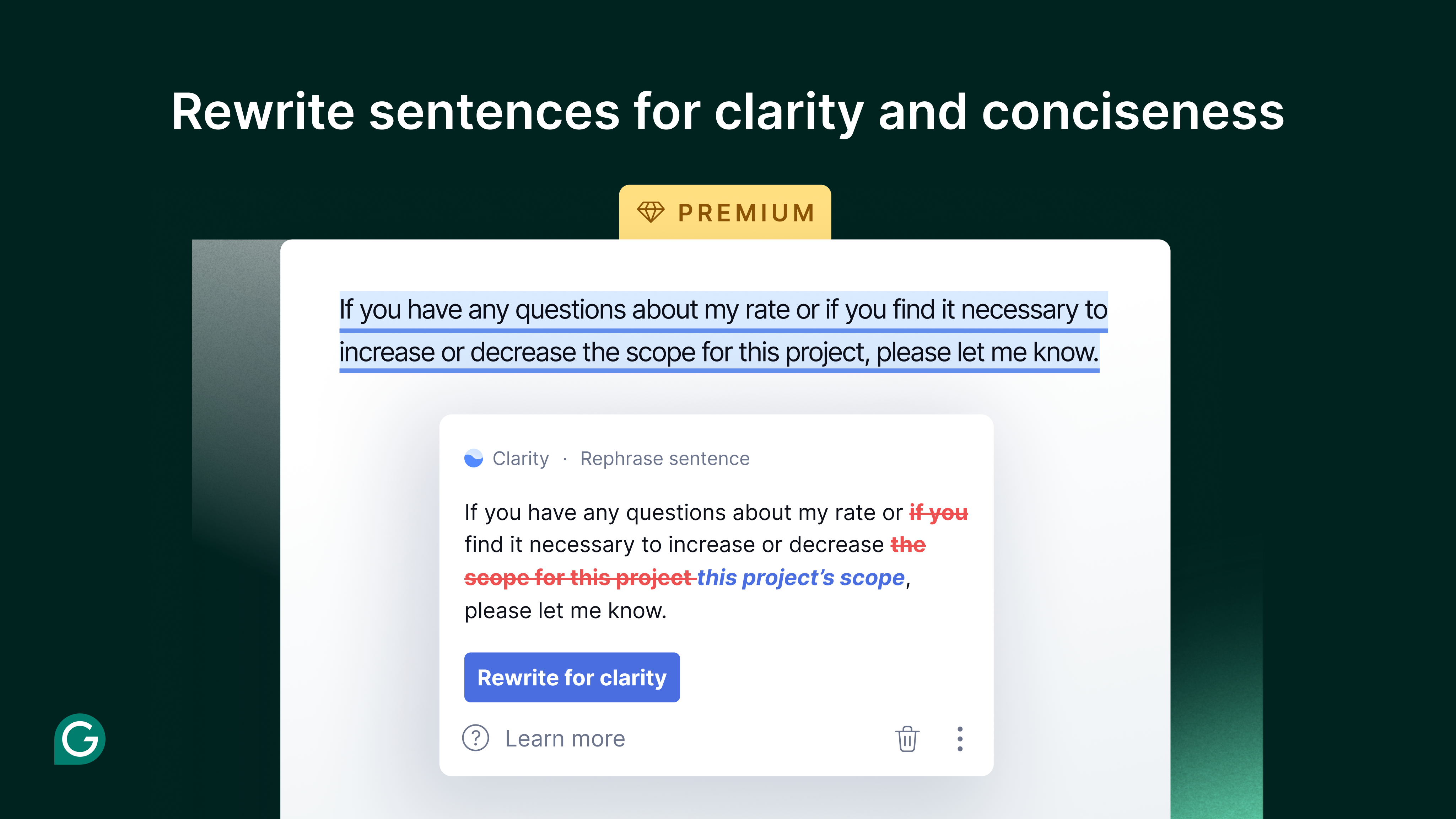
At the heart of Grammarly's appeal is its ability to provide continuous, instant feedback on your writing. As you compose or edit, it highlights errors—be they grammatical slip-ups, punctuation misses, or awkward sentences—and offers clear explanations. This isn't just about correctness; it's about instructing you to write more confidently. The suggestions are context-aware, ensuring that corrections align with your overall tone and intended message, making your work not only correct but compelling.
Core Functionality 2: Tone Adjustment and Vocabulary Enhancement
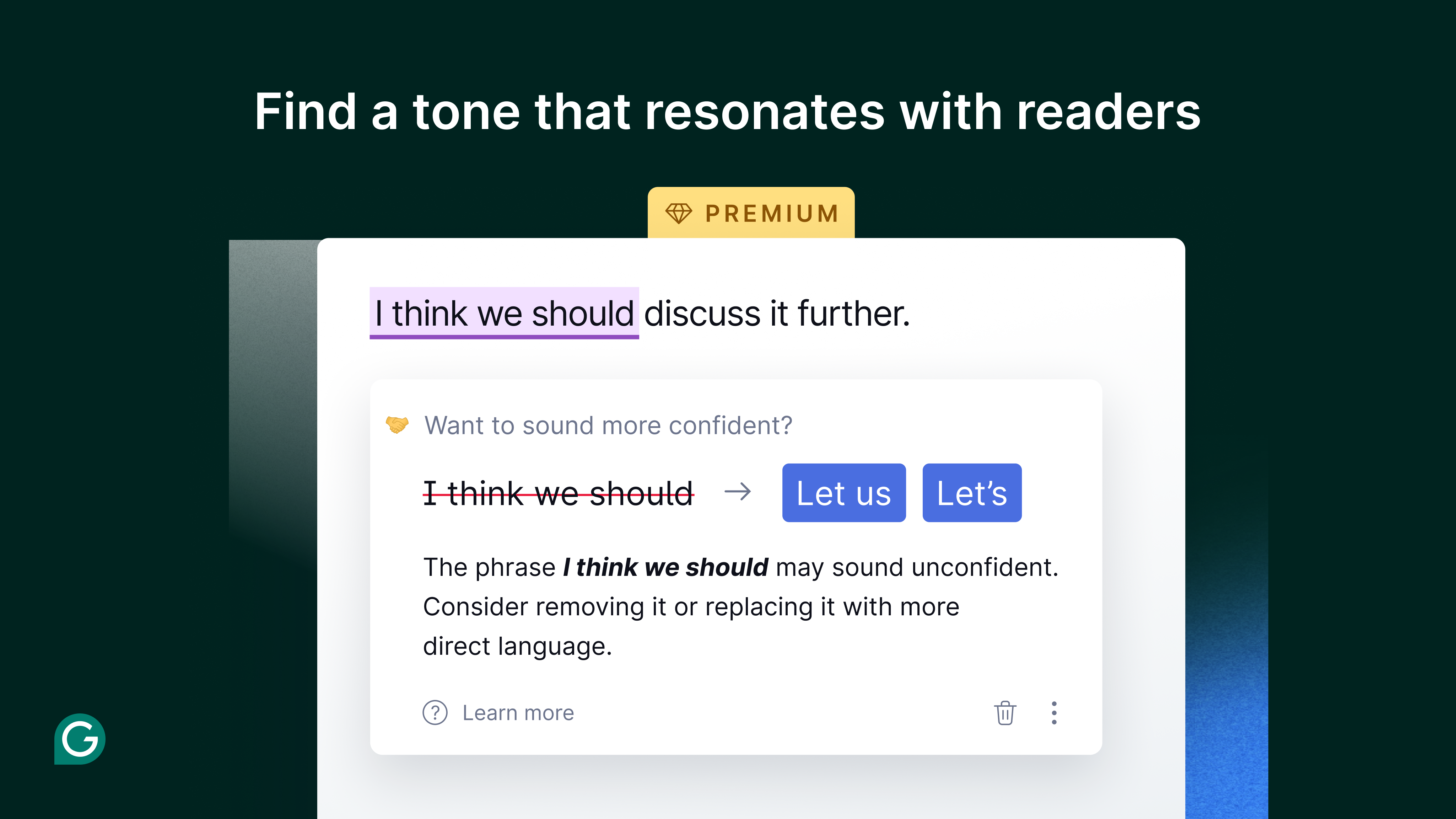
What sets Grammarly apart is its nuanced understanding of tone. Whether you're crafting a formal report, an informal email, or persuasive content, the app suggests modifications to match your desired style. Additionally, its vocabulary enhancement tool introduces you to more precise or varied word choices, helping you avoid repetition and elevate your writing. This dual approach ensures your message resonates exactly as intended, with the right words and the right tone.
User Experience: Seamless, Intuitive, Non-Disruptive
The app's interface embodies simplicity—clean, minimalistic, akin to a friendly dashboard that invites you to write without distraction. Navigating through features is intuitive, with suggestions appearing unobtrusively, so you don't feel overwhelmed. Its responsiveness is commendable; even large documents receive real-time feedback without noticeable lag. Learning curve? Very gentle—most users can benefit from its core functionalities immediately, turning it into a natural extension of their writing habits.
Distinctive Edge: Workflow Integration and Cognitive Load Reduction
Unlike some cluttered editing tools, Grammarly's primary strength lies in its seamless workflow integration. It operates right within your native Windows applications—be it Microsoft Word, Outlook, or even your browser—allowing effortless corrections without switching contexts. By automating the grammatical oversight, it significantly reduces cognitive load, freeing your brain from the burden of meticulous proofreading, so you can focus on ideas and creativity. Its feature set strikes a commendable balance: enough richness for comprehensive editing but without the complexity that can overwhelm novice users—making it a practical, productivity-boosting companion rather than a cumbersome toolkit.
Final Verdict: A Recommended Tool for Everyday Writers
If you're seeking a reliable, user-friendly AI assistant to refine your writing effortlessly, Grammarly for Windows deserves your attention. It excels in making your editing process smooth and unobtrusive, especially with its real-time grammar correction and tone adjustment features—these are what set it apart from other productivity apps. I recommend it to professionals and students alike who value clarity and professionalism in their documents and prefer a tool that integrates gracefully into their existing workflows. For those aiming to elevate their writing quality without additional complexity, Grammarly is a solid, trustworthy choice.
Pros
- Advanced AI-Powered Grammar Checking
- User-Friendly Interface
- Comprehensive Writing Style Suggestions
- Real-Time Feedback
- Integration with Multiple Platforms
Cons
- Limited Free Features
- Occasional False Positives
- Heavy Dependency on Internet Connection
- Privacy Concerns
- Performance Slowdowns in Longer Texts











