


- Category Social
- Developer Microsoft
- Available on PC, HoloLens
- OS Windows 10 version 19041.0 or higher
- languages English (United States)
A Seamless Hub for Group Communications on Windows
GroupMe for Windows offers a straightforward yet powerful way to keep your group conversations organized across devices. With its focus on messaging clarity and user convenience, it acts as a reliable bridge for both casual chats and more coordinated group discussions.
Who's Behind the Curtain?
Developed by Microsoft and published under the Skype banner, GroupMe for Windows benefits from the robust infrastructure and polished user experience associated with industry giants. The app leverages Microsoft's technological prowess to deliver stable connectivity and integration with the broader Microsoft ecosystem.
Top Features That Make a Difference
1. Real-Time Messaging with Rich Media Support
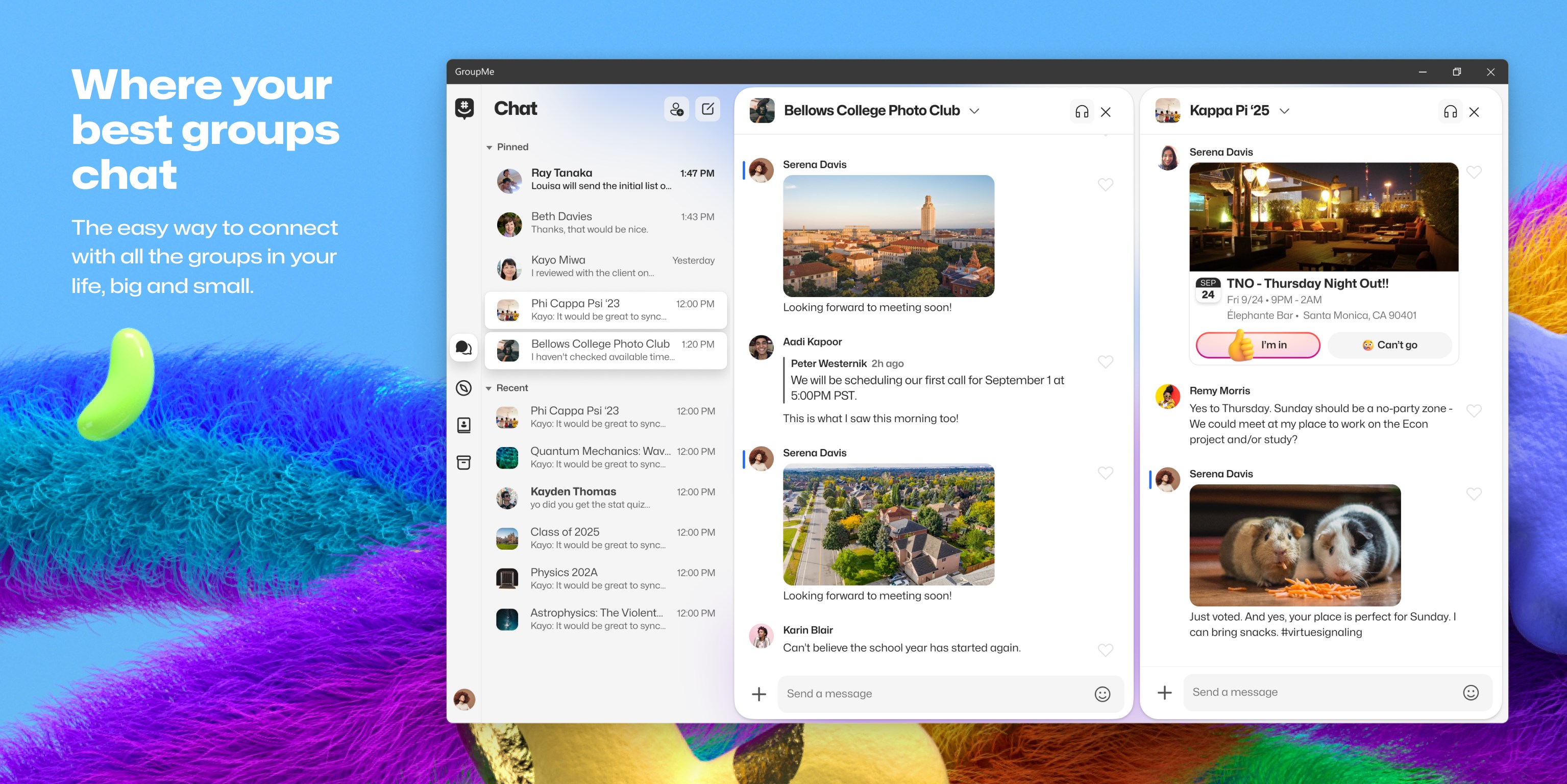
The core of GroupMe is its smooth, real-time messaging capabilities. Users can send texts, images, videos, and even doodles without missing a beat. The interface smoothly handles media sharing, making conversations lively and engaging.
2. Connection Discovery and User Authenticity
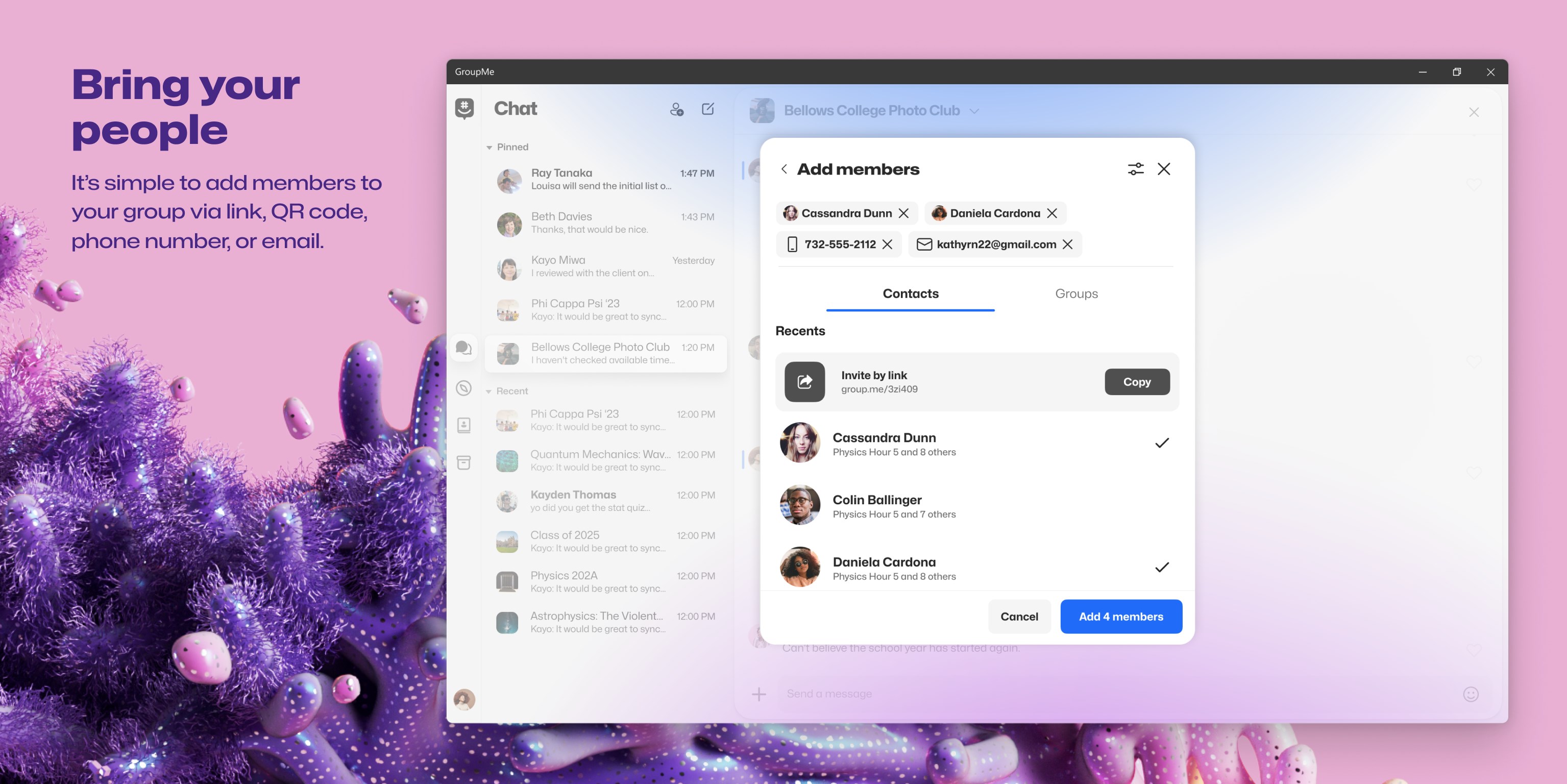
This app shines in its ability to facilitate connection discovery—whether through phone contacts, email, or QR codes—making it easy to find and join groups or chat with new contacts. Additionally, built-in authenticity verification guards against impersonation, ensuring your conversations remain secure and trustworthy.
3. Customizable User Profiles & Group Management
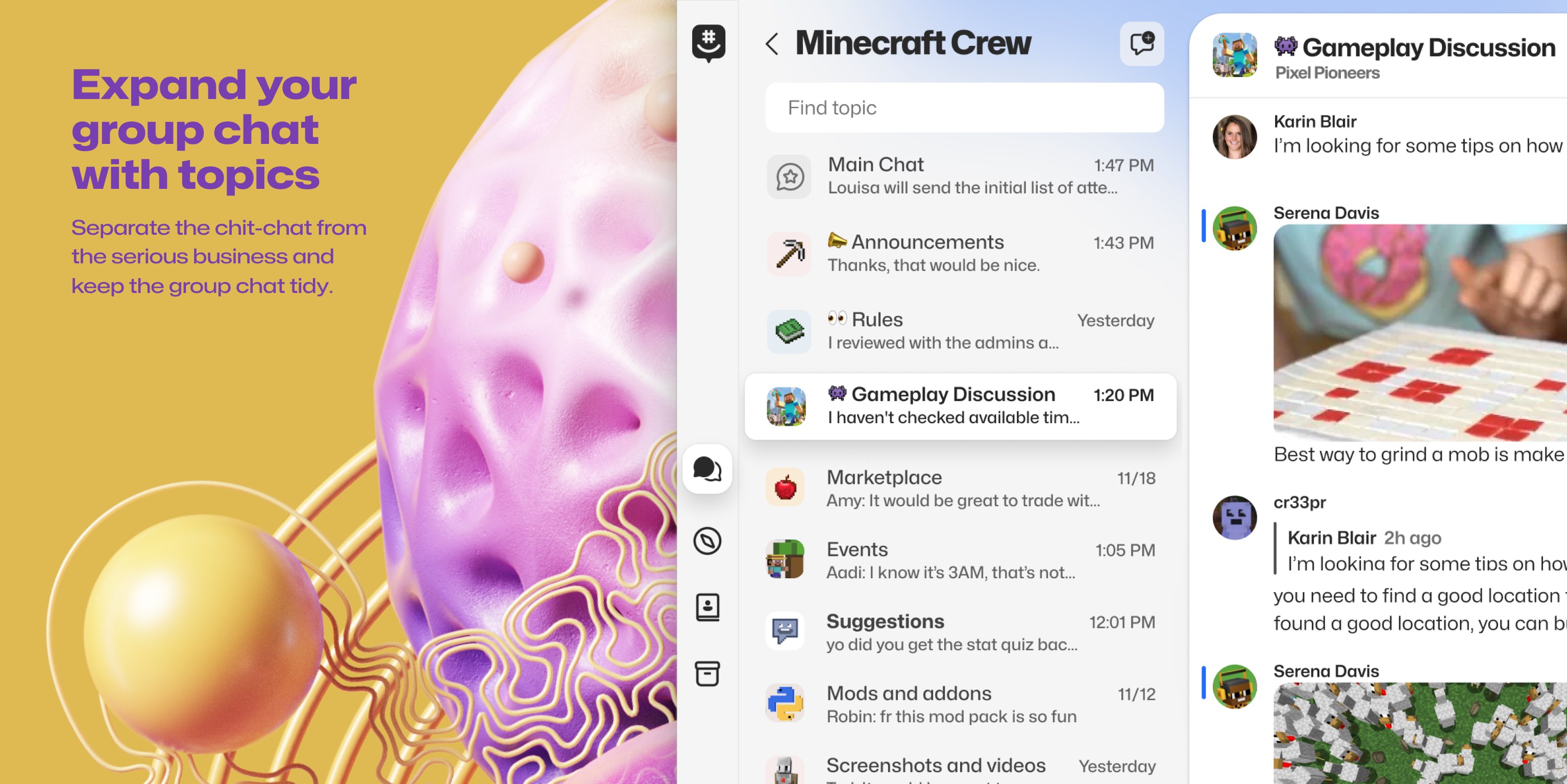
GroupMe allows users to personalize their profiles—set profile pictures, status messages, and nicknames—adding a touch of individuality. Managing groups is straightforward, with options to mute notifications, pin conversations, or customize group settings, aligning the app with varied user preferences.
Design, Usability, and User Experience
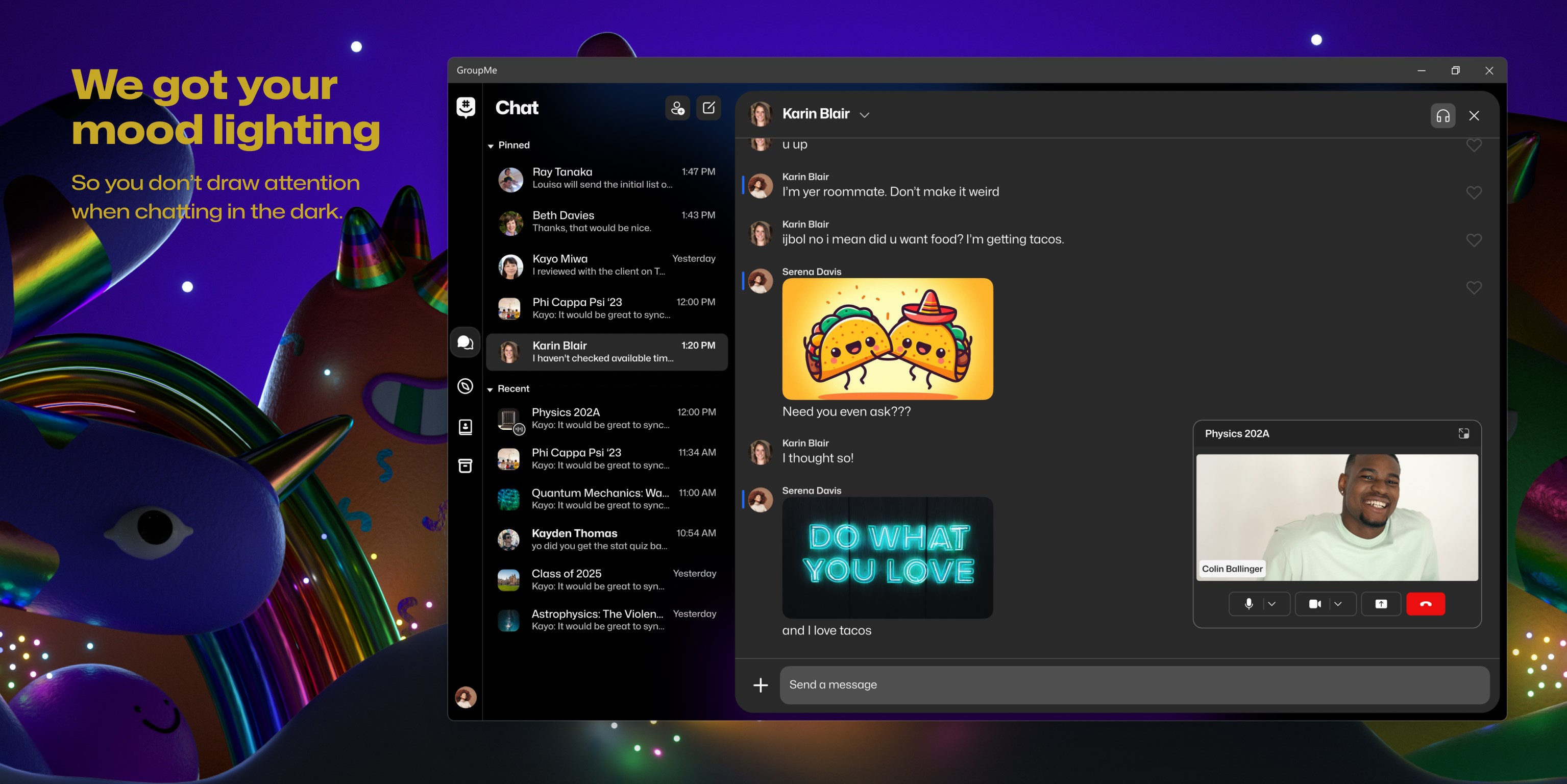
The interface of GroupMe for Windows adopts a clean, intuitive design reminiscent of a desktop messenger—organized yet accessible. Navigating through chats feels natural, aided by responsive controls that respond instantly to user inputs. The app's architecture facilitates a gentle learning curve; even new users find it easy to start conversations and manage groups without fuss.
In terms of performance, the app demonstrates commendable responsiveness, with messages appearing swiftly and media loading seamlessly. Users can switch between chats, create new groups, or access settings with minimal effort, making it suitable for both tech-savvy and casual users.
What Sets it Apart?
While many social messaging apps focus on broad social networking features, GroupMe distinguishes itself through robust connection discovery and confirmed user authenticity. Its ability to integrate seamlessly with Microsoft contacts and employ effective identity verification means users can trust who they're communicating with—particularly valuable in professional or sensitive contexts.
Moreover, the user profile customization feature enhances personal expression within groups, promoting a sense of community and authenticity—like decorating your own digital bulletin board within a bustling communal space.
Final Verdict & Usage Recommendations
Considering its polished performance, security features, and user-centered design, I recommend GroupMe for Windows to anyone seeking a reliable platform for group communication—be it for professional teams, hobby groups, or family chats. The app's particularly strong connection discovery and verification functionalities make it suitable for users prioritizing secure and authentic interactions.
If you're looking for a streamlined, dependable messaging app that doesn't drown you in extraneous features, GroupMe stands out as a solid choice—think of it as your well-organized clubhouse where everyone knows they're chatting with the right friends.
Pros
- User-friendly interface
- Seamless group chat management
- Cross-platform support
- Integrated media sharing
- Free to use with basic features
Cons
- Limited message customization options
- Occasional lag during high traffic
- No built-in end-to-end encryption by default
- Limited admin controls for group management
- In-app notifications can be inconsistent










