


- Category Productivity
- Developer Gstarsoft Co., Ltd
- Available on PC
- OS Windows 10 version 0.0 or higher
- languages English, English (Afghanistan), English (Åland Islands), English (Albania), English (Algeria), English (American Samoa), English (Andorra), English (Angola), English (Anguilla), English (Antarctica), English (Antigua and Barbuda), English (Armenia), English (Aruba), English (Australia and New Zealand), English (Australia), English (Azerbaijan), English (Bahamas), English (Bangladesh), English (Barbados), English (Belarus), English (Belize), English (Benin), English (Bermuda), English (Bhutan), English (Bolivia), English (Bonaire, Saint Eustatius and Saba), English (Bosnia and Herzegovina), English (Botswana), English (Bouvet Island), English (British Indian Ocean Territory), English (British Virgin Islands), English (Brunei), English (Bulgaria), English (Burkina Faso), English (Burundi), English (Cambodia), English (Cameroon), English (Canada), English (Cape Verde), English (Caribbean), English (Cayman Islands), English (Central African Republic), English (Chad), English (Christmas Island), English (Cocos (Keeling) Islands), English (Comoros), English (Congo (DRC)), English (Congo), English (Cook Islands), English (Côte d'Ivoire), English (Croatia), English (Curaçao), en-cz, English (Djibouti), English (Dominica), English (Dominican Republic), English (Eastern Africa), English (Equatorial Guinea), English (Eritrea), English (Estonia), English (Ethiopia), English (Falkland Islands), English (Faroe Islands), English (Fiji), English (French Guiana), English (French Polynesia), English (French Southern and Antarctic Lands), English (Gabon), English (Gambia), English (Georgia), English (Germany), English (Ghana), English (Gibraltar), en-gr, English (Greenland), English (Guadeloupe), English (Guam), English (Guernsey), English (Guinea-Bissau), English (Guinea), English (Guyana), English (Haiti), English (Heard Island and McDonald Islands), English (Honduras), English (Hong Kong SAR), en-hu, English (Iceland), English (India), English (Indonesia), English (Iraq), English (Ireland), English (Isle of Man), English (Israel), English (Jamaica), English (Jersey), English (Jordan), English (Kazakhstan), English (Kenya), English (Kiribati), English (Kyrgyzstan), English (Laos), English (Latvia), English (Lesotho), English (Liberia), English (Libya), English (Lithuania), English (Macao SAR), English (Macedonia, FYRO), English (Madagascar), English (Malawi), English (Malaysia), English (Maldives), English (Mali), English (Malta), English (Marshall Islands), English (Martinique), English (Mauritius), English (Mayotte), English (Micronesia), English (Moldova), English (Monaco), English (Mongolia), English (Montserrat), English (Mozambique), English (Myanmar), English (Namibia), English (Nauru), English (Nepal), English (Netherlands Antilles (Former)), English (Netherlands), English (New Caledonia), English (New Zealand), English (Nicaragua), English (Niger), English (Nigeria), English (Niue), English (Norfolk Island), English (Northern America), English (Northern Mariana Islands), English (Oman), English (Pakistan), English (Palau), English (Palestinian Authority), English (Papua New Guinea), English (Philippines), English (Pitcairn Islands), English (Puerto Rico), English (Qatar), English (Reunion), English (Romania), English (Rwanda), English (Saint Barthélemy), English (St Helena, Ascension, Tristan da Cunha), English (Saint Kitts and Nevis), English (Saint Lucia), English (Saint Martin (French Part)), English (Saint Pierre and Miquelon), English (Saint Vincent and the Grenadines), English (Samoa), English (San Marino), English (São Tomé and Príncipe), en-sa, English (Senegal), English (Seychelles), English (Sierra Leone), English (Singapore), English (Sint Maarten), English (Slovakia), English (Slovenia), English (Solomon Islands), English (Somalia), English (South Africa), English (South Georgia and the South Sandwich Islands), English (Southern Africa), English (Sri Lanka), English (Sudan), English (Suriname), English (Svalbard and Jan Mayen), English (Swaziland), English (Tajikistan), English (Tanzania), English (Thailand), English (Timor-Leste), English (Togo), English (Tokelau), English (Tonga), English (Trinidad and Tobago), English (Turkey), English (Turkmenistan), English (Turks and Caicos Islands), English (Tuvalu), English (U.S. Minor Outlying Islands), English (U.S. Virgin Islands), English (Uganda), en-ae, English (United Kingdom), English (United States), English (Uzbekistan), English (Vanuatu), English (Holy See (Vatican City)), English (Vietnam), English (Wallis and Futuna), English (Western Africa), English (Zambia), English (Zimbabwe)
Introducing GstarCAD for Windows: A Robust CAD Solution for Professionals
GstarCAD for Windows by Gstarsoft Co., Ltd. is a powerful CAD drafting and design software tailored for engineers, architects, and designers seeking precise, efficient, and reliable tools for technical drawing creation and editing. It stands out as an alternative to mainstream CAD applications, emphasizing productivity and ease of use.
Meet the Developer – Gstarsoft Co., Ltd.
Gstarsoft Co., Ltd., a reputable software developer specializing in CAD solutions, has a long-standing history of crafting innovative architectural and engineering design tools. Their focus on delivering high-performance and cost-effective CAD platforms has established GstarCAD as a credible competitor in the industry, consistently pushing the envelope in CAD technology.
Key Features That Elevate GstarCAD
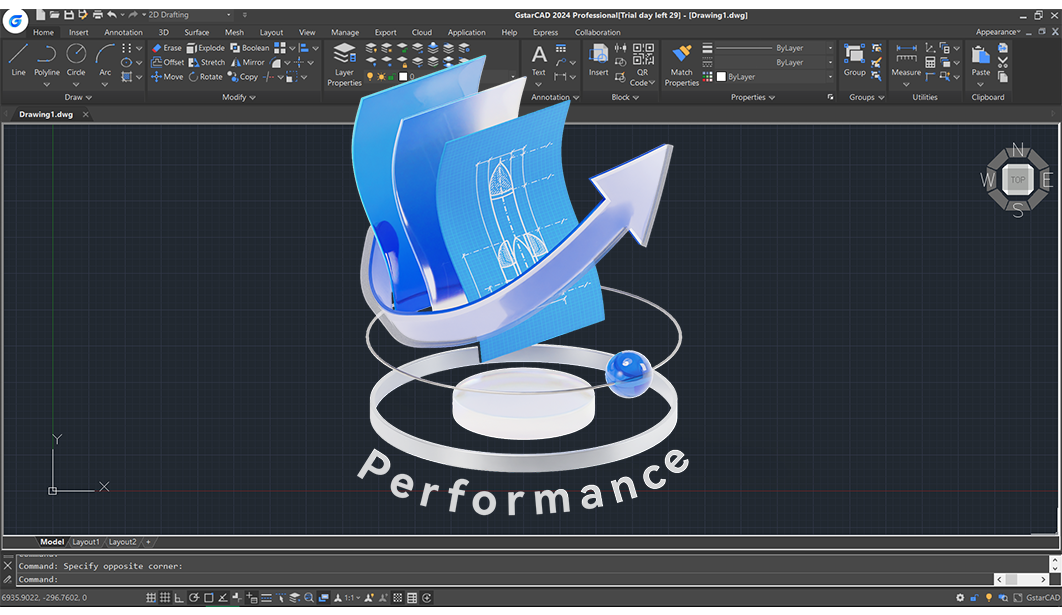
- Familiar Interface with Enhanced Performance: GstarCAD offers a user-friendly interface reminiscent of industry leaders, combined with optimized speed for large files, reducing waiting times.
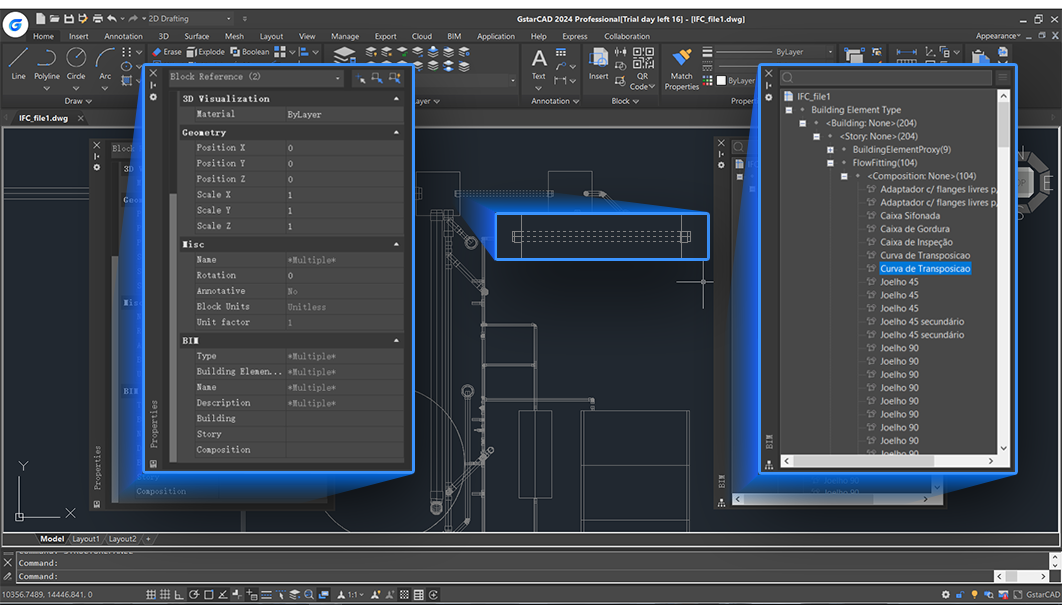
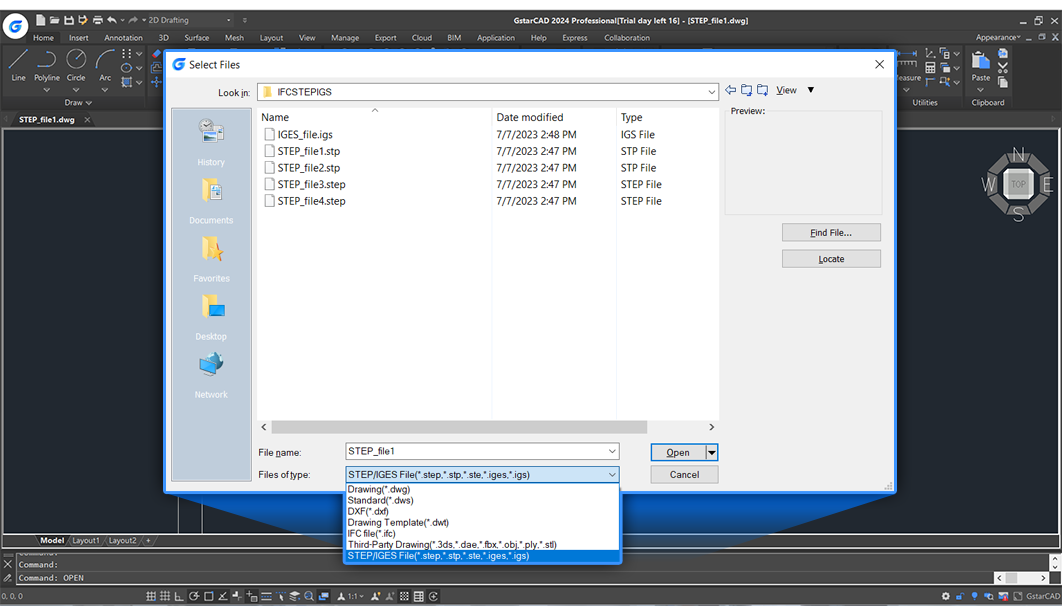
- Compatibility & Compatibility & Compatibility: Supports DWG/DXF formats seamlessly, ensuring smooth collaboration with other CAD platforms without data loss.
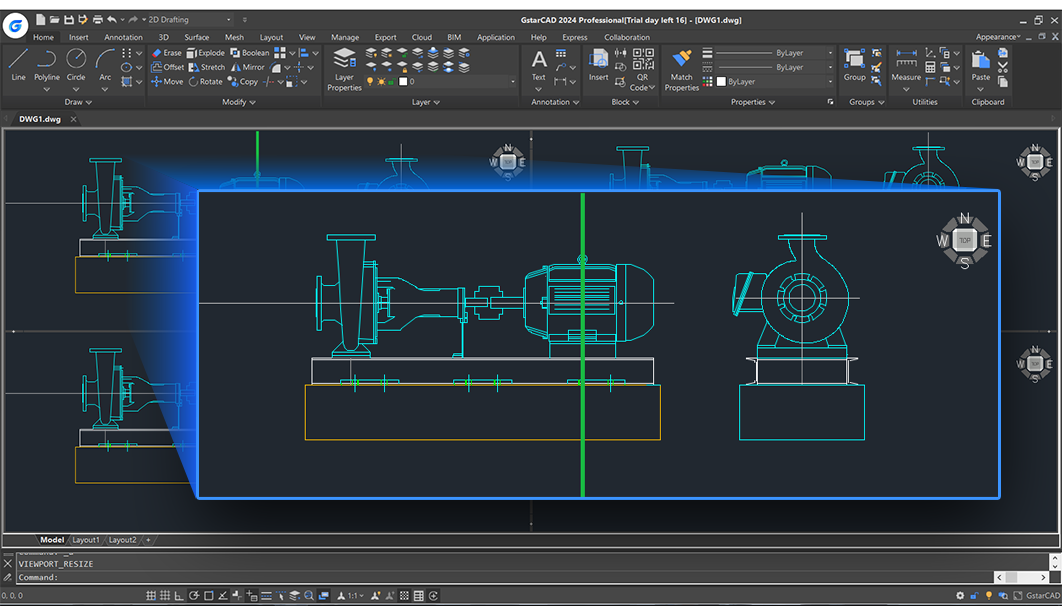
- Advanced Drafting Tools & Customization: Includes a comprehensive set of drawing and editing tools, along with customizable ribbons and tool palettes to streamline workflow.
- Automation & Productivity Enhancements: Features like batch plotting, customizable scripts, and intelligent layer management boost efficiency for frequent tasks.
Designing a Better Workflow: Intuitive & Efficient User Experience
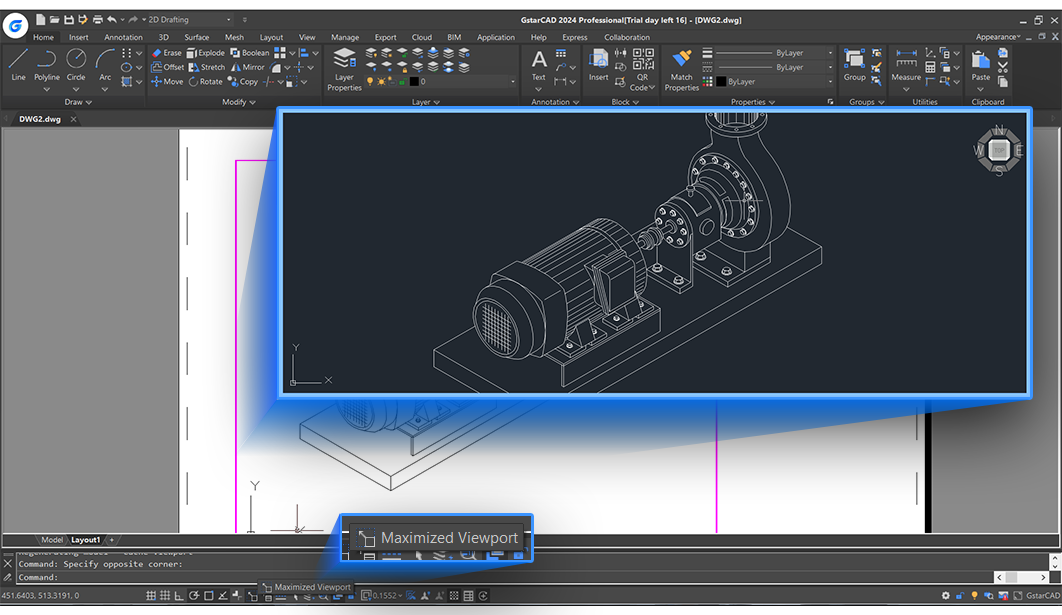
Stepping into GstarCAD feels akin to entering a well-organized workshop — everything is within arm's reach, and the environment inspires confidence. Its interface echoes familiar CAD layouts but integrates subtle enhancements that guide users intuitively through complex projects. The software's responsiveness ensures that opening sizable design files feels like unfolding a well-collated set of blueprints rather than battling lag or sluggishness. For new users, the learning curve is moderate, thanks to comprehensive tutorials and customizable workspaces that let you tailor the environment to your preferences, minimizing cognitive overload.
Core Functionality: Precision Drafting Meets Smart Tools
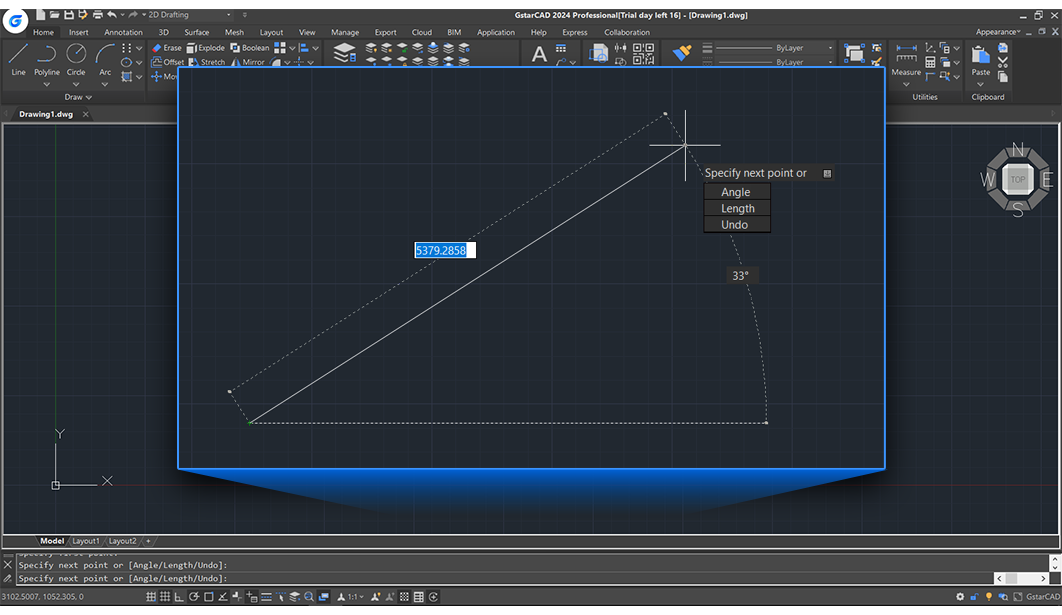
One of GstarCAD's standout features is its high-fidelity drawing precision coupled with intelligent drafting tools. The software's snap and grid systems are remarkably refined, making alignment and measurement tasks smoother than ever — almost like a magnet pulling everything into perfect harmony. The advanced layer management system allows for complex designs to be organized logically, aiding in both clarity and editing efficiency.
Another impressive element lies in its automation capabilities. Repetitive tasks that typically demand manual effort are now more manageable through scripting and batch processes. For example, batch plotting enables project dissemination to multiple recipients without repetitive clicks, freeing your mind from tedious routines and allowing focus on creative problem-solving. Such features epitomize the software's philosophy: reduce cognitive load without sacrificing feature richness.
What Makes GstarCAD Unique: Workflow Integration & Minimal Cognitive Load
Unlike some CAD tools that drown users in layers of features and complex menus, GstarCAD strikes a balance by emphasizing workflow integration efficiency. It's comparable to a well-choreographed dance where each move is purposeful — tools are thoughtfully grouped, interface customization is straightforward, and commands are easily accessible. This reduces the mental stress often associated with juggling between disparate drafting utilities, making the software feel like an extension of your own hand.
Moreover, its compatibility with typical DWG files and smooth interoperability ensures that teams can collaborate seamlessly, regardless of their primary CAD environment. The thoughtful design reduces the need to constantly decipher or convert files, lowering the cognitive load and boosting productivity. Essentially, GstarCAD's strength lies in doing a lot of the mental heavy lifting for you, so you can focus on the design logic instead of fighting the tools.
Final Verdict: A Strong Choice for Professional Drafting
If you're seeking a CAD application that combines familiar workflows with thoughtful performance enhancements and streamlined user experience, GstarCAD is worth considering. It may not boast the flashiest marketing, but its core strengths in workflow efficiency, compatibility, and reduced complexity make it a pragmatic tool for professionals who value stability and productivity. I recommend it especially to those who need reliable drafting software that integrates seamlessly into their existing processes — think of it as a trusted drafting partner rather than just another software package.
Pros
- Intuitive User Interface
- High Compatibility
- Affordable Pricing
- Powerful Drafting Tools
- Regular Updates and Support
Cons
- Limited 3D Capabilities
- Learning Curve for Advanced Features
- Performance with Large Files
- Limited Third-Party Plugin Support
- Interface Customization Restrictions











