
- Category Developer tools
- Developer Opticos Studios
- Available on PC
- OS Windows 10 version 18335.0 or higher
- Keyboard Not specified
- Mouse Not specified
- languages English (United States)
Introducing GWSL for Windows: Bridging Windows and Linux Seamlessly
GWSL (Green Windows Subsystem for Linux) is a powerful application designed to bring the full Linux experience into your Windows environment, transforming your desktop into a versatile development hub. Developed by Opticos Studios, this app simplifies Linux integration without the need for complicated setups or virtual machines, making it an appealing choice for developers, students, and tech enthusiasts alike.
Core Features That Make GWSL Stand Out
1. Seamless Linux Desktop Integration
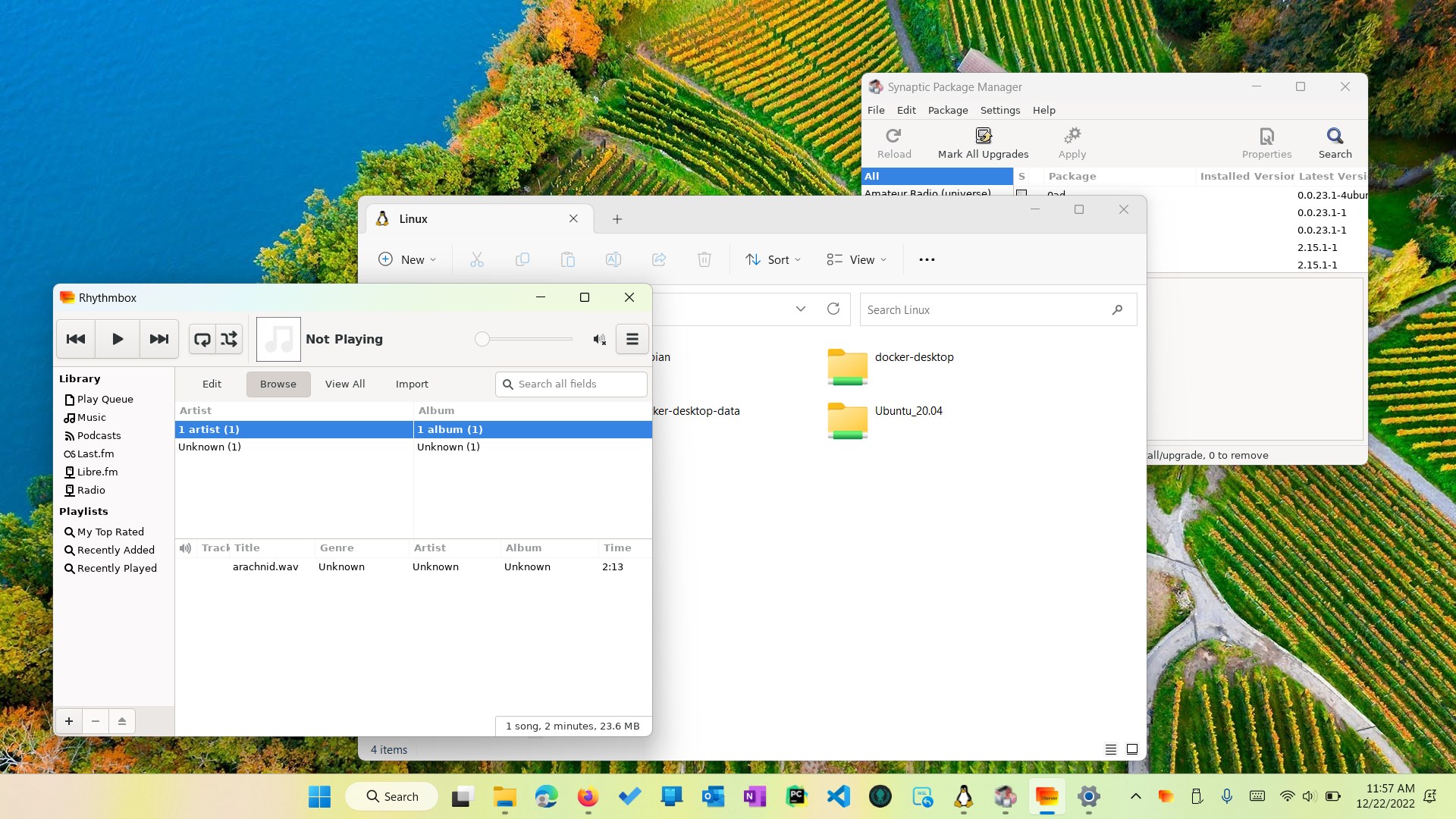
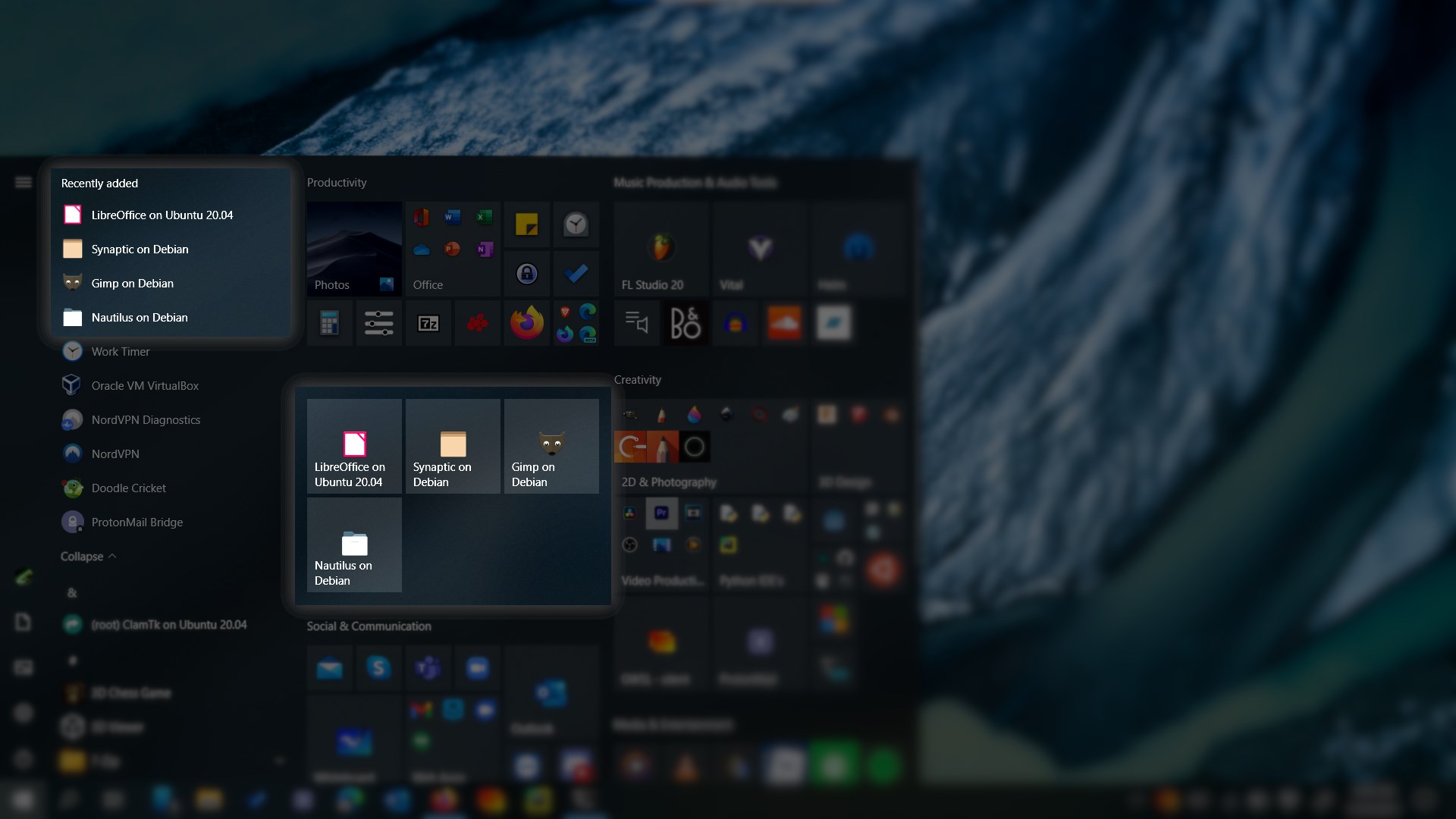
GWSL acts as a bridge, allowing users to run Linux graphical applications directly on Windows with minimal fuss. It leverages the Windows Subsystem for Linux (WSL) but goes beyond by offering an intuitive interface and easy configuration. Whether you're using Ubuntu, Debian, or other distributions, GWSL streamlines the process, giving you a native-like Linux desktop experience embedded within your Windows environment.
2. User-Friendly Interface and Configuration
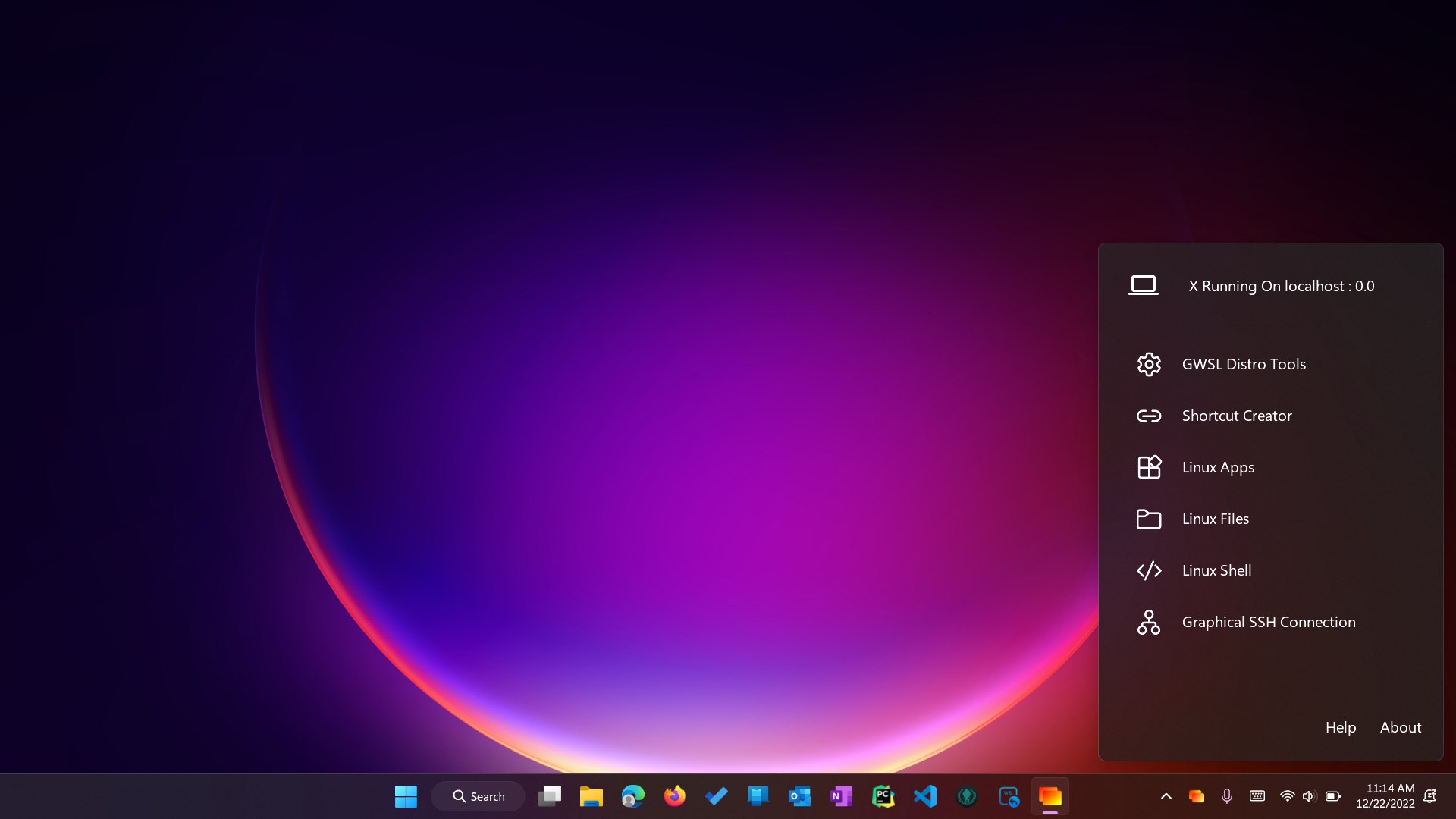
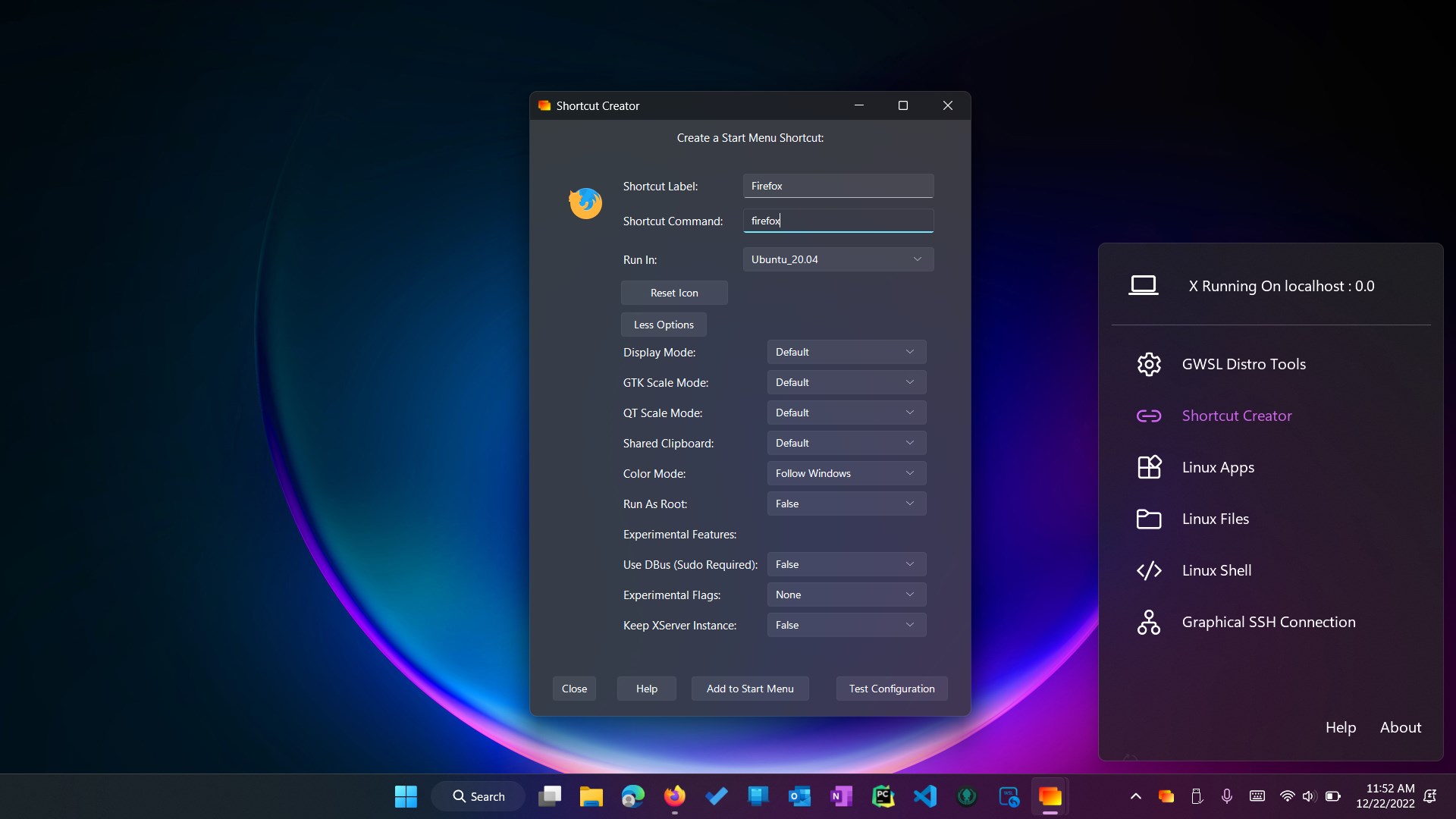
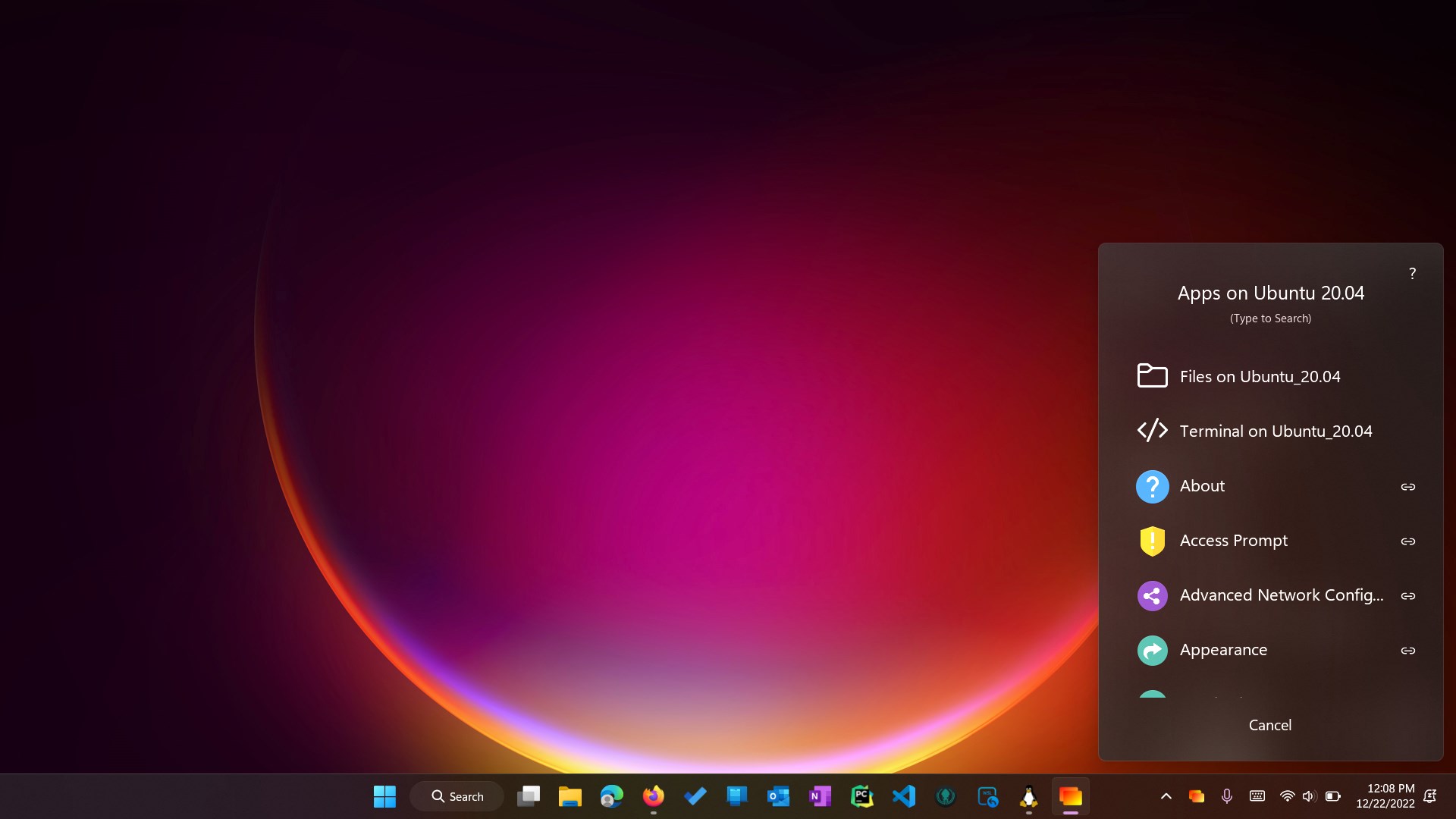
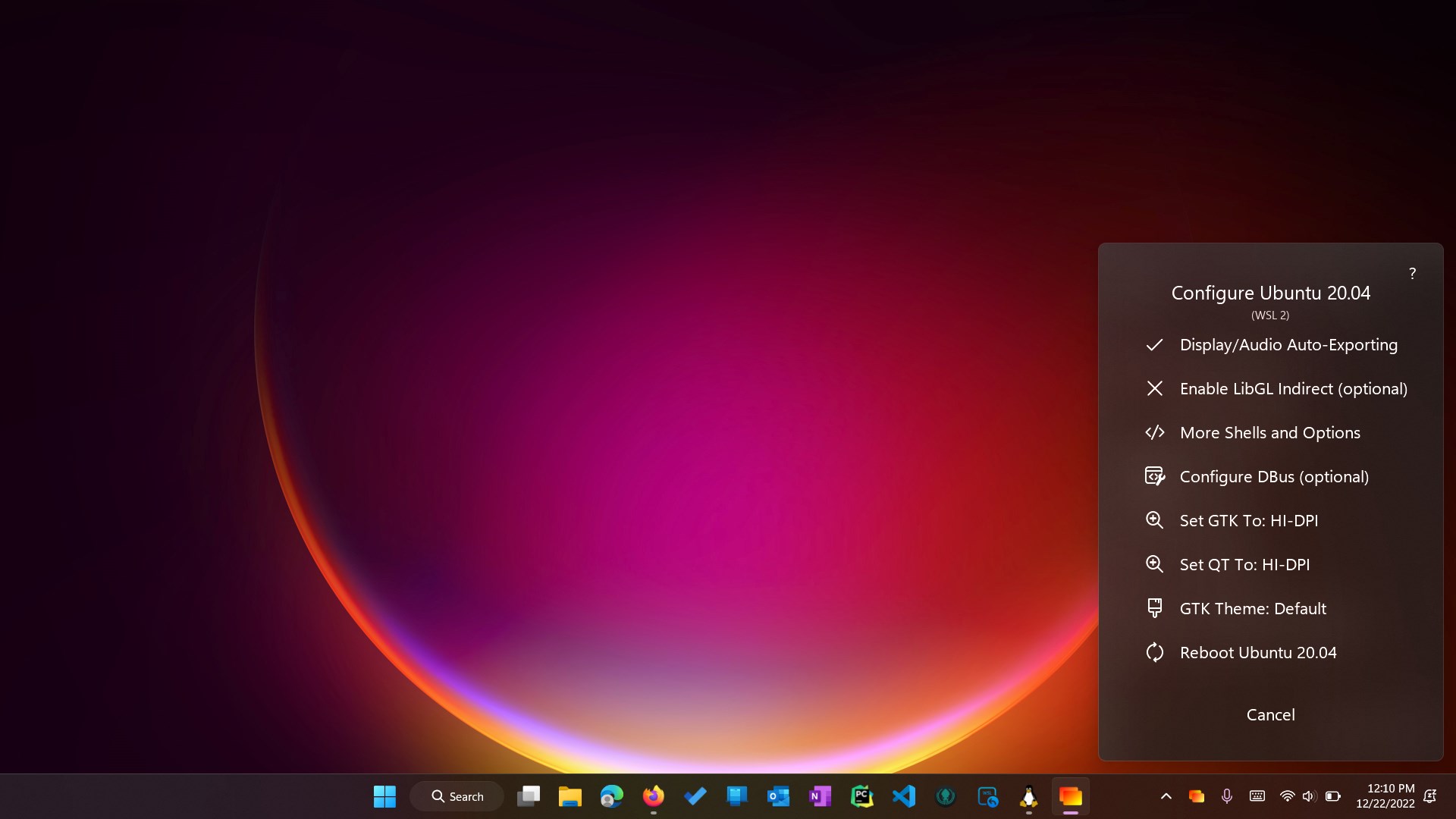
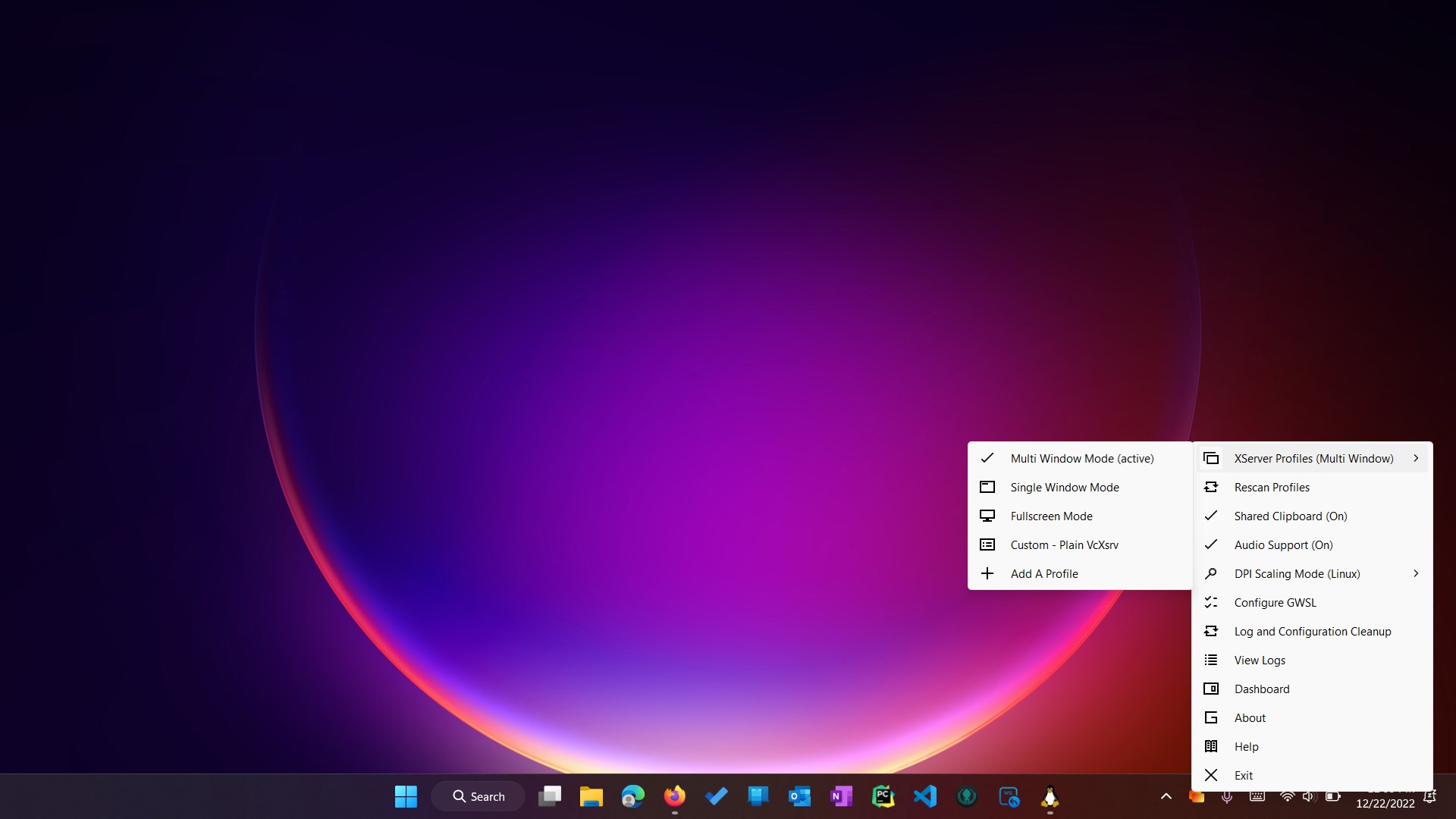
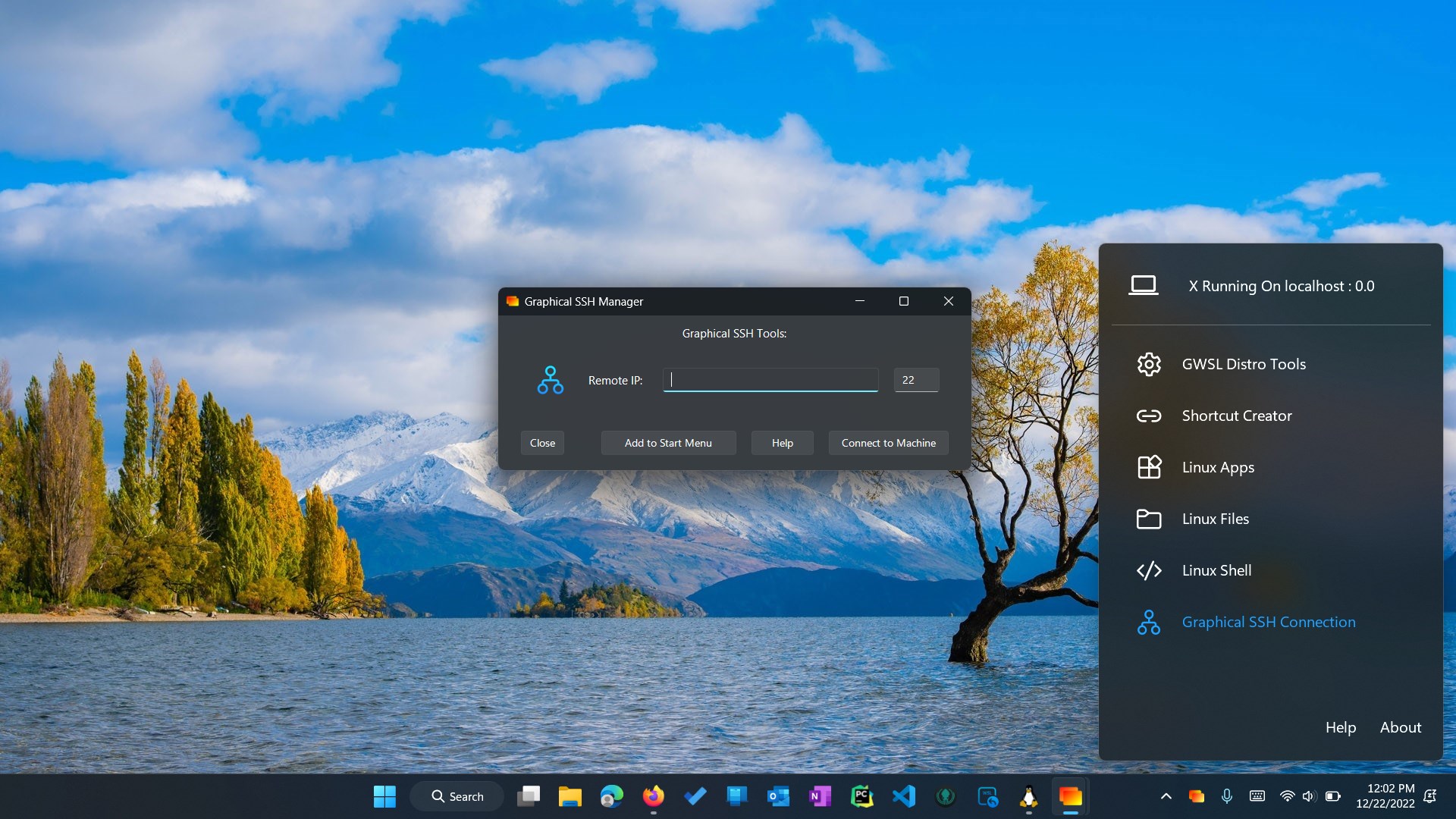
One of GWSL's most attractive features is its straightforward interface. Instead of editing complex config files, users can launch and manage Linux apps through a simple menu. It offers graphical dashboards to control multiple WSL instances, display settings, and application windows—all within a clean, organized layout. For newcomers, the learning curve is gentle, resembling the ease of toggling a switch rather than wrestling with command-line intricacies.
3. Enhanced Compatibility and Customization
GWSL supports a variety of Linux distributions, and allows easy customization of display settings, networking, and window management. This flexibility makes it adaptable to diverse workflows, from coding and server management to experimenting with Linux tools without leaving Windows. The ability to run essential GUI apps alongside Windows programs enhances productivity and workflow fluidity.
User Experience and Design
From the moment you open GWSL, it's like entering a modern, tidy workspace—intuitive, organized, and approachable. The interface is visually appealing, employing a sleek minimalist design that feels both professional and welcoming. Navigating through setups and configurations feels natural, thanks to well-designed menus and straightforward prompts.
Performance-wise, GWSL delivers a smooth experience. Linux applications launch quickly, and the window management is responsive, with minimal lag. It makes switching between Windows and Linux environments feel as effortless as flipping a page—no heavy virtualization overhead or significant resource drain.
Learning curve? Thankfully gentle. For users familiar with Windows but new to Linux, GWSL offers a gentle onboarding experience, abstracting away the more intimidating parts of Linux setups while providing enough control for advanced users to tweak their environment. It's like having a friendly guide showing you the best shortcuts and tricks to get the job done efficiently.
Unique Advantages Over Similar Developer Tools
Unlike traditional WSL setups or virtual machine solutions, GWSL provides a single, unified interface tailored specifically for graphical Linux applications. It effectively turns your Windows system into a dual-universe, where Linux GUI apps run natively—this is a significant step up from the command-line-only WSL or utilizing cumbersome virtualization. Its ability to manage multiple Linux distributions simultaneously, with simplified configuration, is like having a toolbox that adapts to various projects effortlessly.
Furthermore, GWSL emphasizes simplicity without sacrificing power, making it uniquely accessible. Its design reduces the complexity often associated with Linux integration, which can be a barrier for less technical users. It stands out by offering a balance of ease of use and customization—ideal for those who want Linux tools integrated into their daily Windows workflow without learning a new OS entirely.
Final Thoughts and Recommendations
Overall, GWSL for Windows emerges as a dependable, user-friendly tool that fills a niche for those seeking a lightweight yet powerful way to run Linux applications within Windows. Its most impressive features—particularly its seamless graphical integration and straightforward management—make it an excellent choice for developers, students, or hobbyists who want to experiment with Linux without committing to dual booting or virtualization.
If your goal is to have a Linux environment that feels as integrated and effortless as turning on a light switch, GWSL is worth exploring. Its ease of setup and operation make it suitable for both beginners and more experienced users. I recommend it especially for those who need to run Linux GUI apps alongside their Windows workflow, making their tech environment as flexible as a Swiss Army knife.
In sum, GWSL is a smart, approachable solution for bridging the gap between Windows and Linux—bringing the best of both worlds onto a single desktop.
Pros
- Seamless Windows and Linux integration
- User-friendly graphical interface
- Supports multiple Linux distributions
- Good performance with GPU acceleration
- Regular updates and active community support
Cons
- Limited customization options
- Occasional compatibility issues with some Linux apps
- Complex initial setup for beginners
- Requires Windows 10 or later with WSL 2 installed
- Potential performance variability depending on system hardware











