



- Category Simulation
- Available on PC, Mobile, HoloLens, Surface Hub
- OS Windows 10 version 19041.0 or higher
- DirectX Version 10
- languages English (United States)
Introducing Happy Clinic for Windows
Happy Clinic for Windows is an engaging simulation game designed to immerse players in the role of a healthcare manager, combining fun gameplay with educational elements that subtly teach about medical workflows and patient care management.
About the Developer and Core Features
Developed by Nordcurrent Group UAB, a company known for creating casual and simulation games that offer both entertainment and learning experiences. The app's main highlights include:
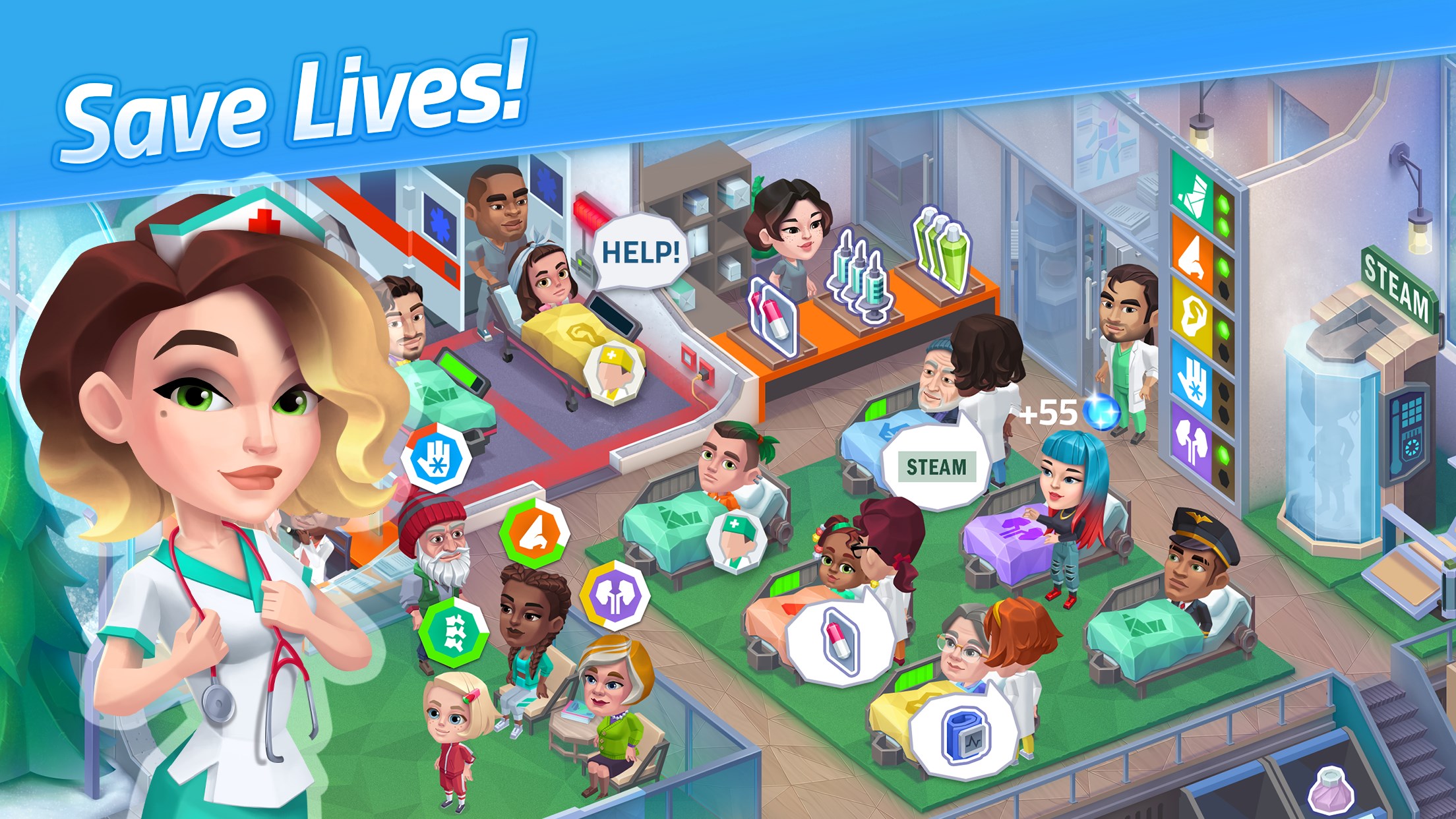
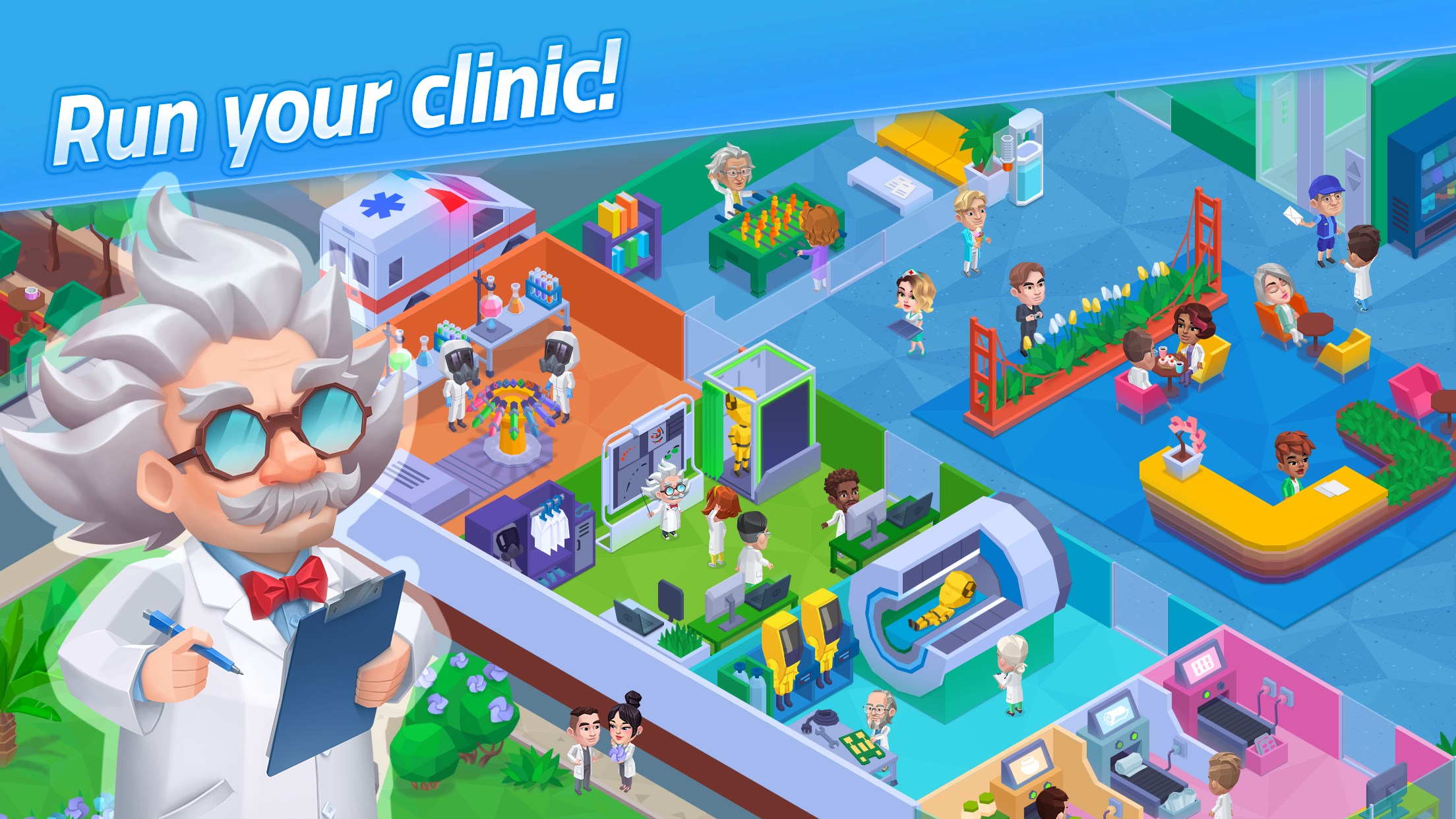
- Realistic Clinic Management: Players oversee daily clinic operations, from patient intake to treatment, creating a lifelike medical environment.
- Interactive Diagnostic Procedures: The game employs mini-games that simulate diagnostic tests, fostering an understanding of medical procedures.
- Task Optimization and Prioritization: Players strategize to manage emergencies and routine appointments efficiently, emphasizing time and resource management.
- Educational Insights: Subtle integration of medical knowledge and workflow best practices aimed at a broad audience, especially students and medical enthusiasts.
Targeted at casual gamers, students interested in healthcare careers, and anyone curious about hospital operations, the app offers an accessible entry point into the medical world.
Vivid Gameplay and Interface Experience
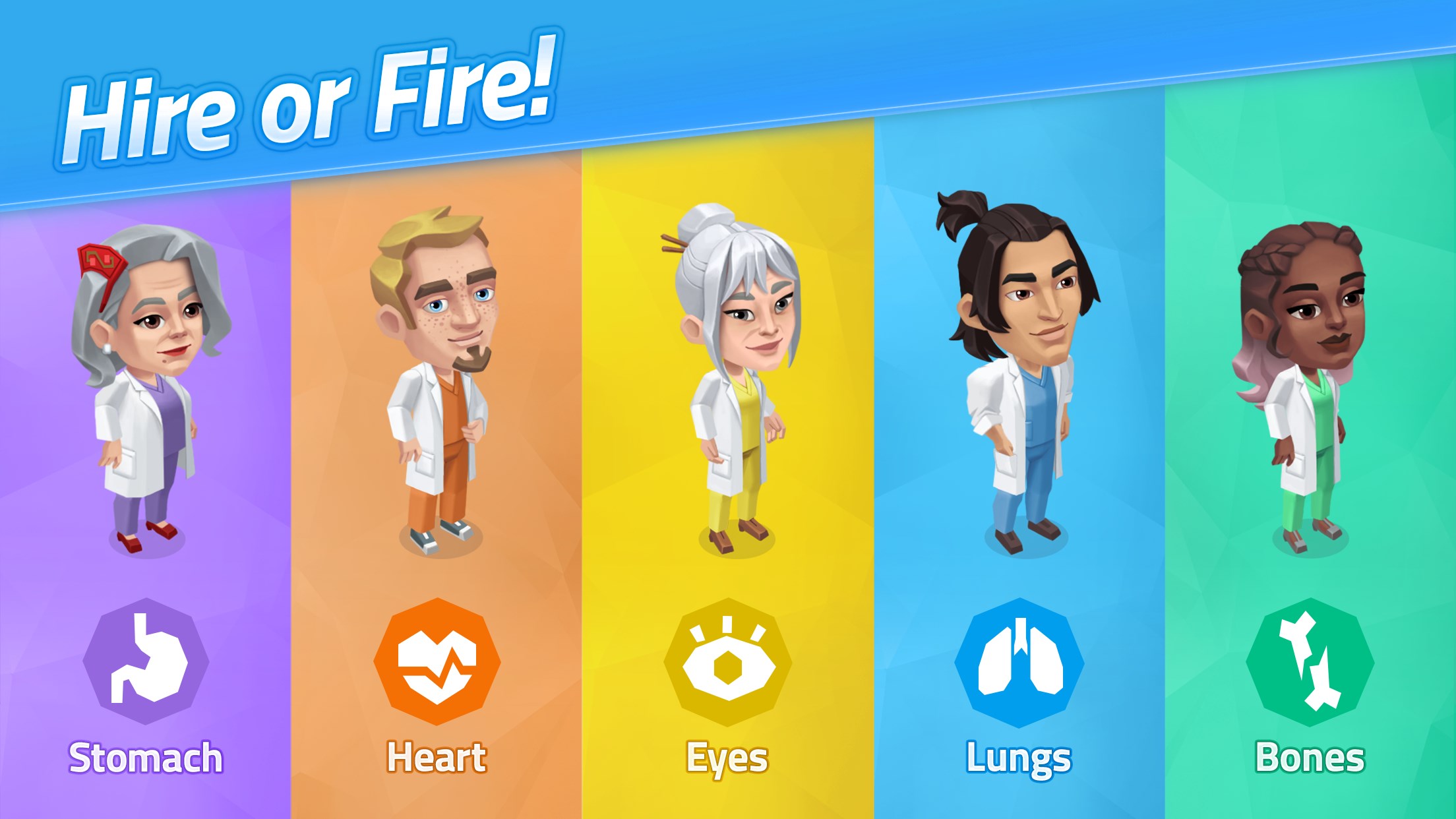
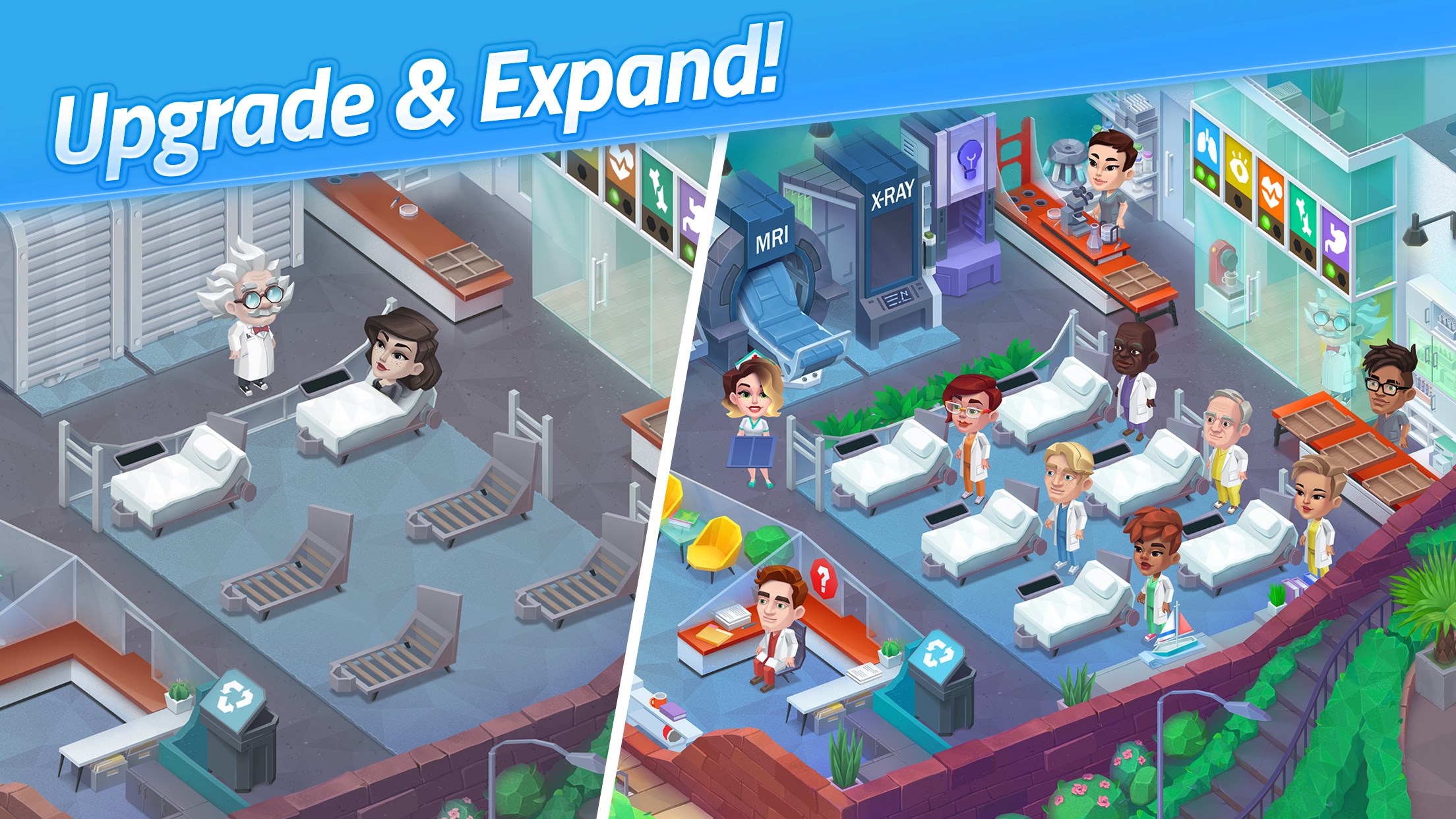
Imagine walking into a bright, bustling clinic, where every click and swipe uncover a new aspect of medical management—Happy Clinic's interface is like a friendly navigator guiding you through this miniature hospital universe. The layout is intuitive, with colorful icons and straightforward menus that make onboarding smooth, even for first-time users. The game's visual style resembles a lively cartoon—bright colors and charming characters—which keeps the experience light-hearted yet immersive.
The gameplay feels fluid, with minimal lag or glitches, ensuring that players stay engaged without frustration. Learning curves are gentle; instructions are clear and well-paced, making it perfect for both younger audiences and adults who appreciate a relaxed gameplay style. The interface design emphasizes ease of access, letting users jump right into managing their clinic without cumbersome tutorials.
Unique Selling Points: Realism and Practical Learning
What truly sets Happy Clinic apart from other simulation games is its focus on realistic mechanics without sacrificing playful charm. Its simulation of diagnostic procedures stands out—it models the steps and decision-making processes involved in medical testing, giving players a tangible sense of how these elements work in real life. Unlike some games that abstract away the details, Happy Clinic emphasizes the practical aspect, deepening users' understanding of medical workflows.
Moreover, the game cleverly bridges virtual management with real-world skills. Whether strategizing patient flow or handling emergencies, players practice resource allocation and prioritization—valuable skills that are directly transferable to actual healthcare settings. This blend of education and entertainment offers a distinctive edge, appealing to those who seek a meaningful yet enjoyable experience.
Overall Recommendation and Usage Suggestions
Based on its balanced design, engaging gameplay, and educational potential, I recommend Happy Clinic for Windows as a solid choice for casual gamers and aspiring health professionals alike. It's particularly suitable for those interested in understanding clinic operations through a friendly and approachable interface. For educators, it may serve as a complementary tool to introduce basic healthcare concepts in a fun setting.
If you're looking for a simulation that combines realistic mechanics with a lighthearted presentation, Happy Clinic delivers a unique experience worth exploring. Just keep in mind that, while it offers educational insights, it's primarily designed for entertainment—and not a substitute for professional medical training. Nonetheless, it's a delightful way to sprinkle some medical curiosity into your gaming routine.
Pros
- User-Friendly Interface
- Comprehensive Health Information
- Personalized Appointments
- Timely Notifications
- Secure Data Handling
Cons
- Limited Language Support
- Slow Loading Times
- Inconsistent UI Elements
- Basic Video Content
- Offline Access Restrictions











