

- Category Card & board
- Developer Casual Game Studio
- Available on PC
- OS Windows 8 or higher
- languages Chinese (Simplified), English (United Kingdom), English (United States)
Hearts# for Windows: A Beautifully Crafted Digital Card Experience
Hearts# for Windows is a polished adaptation of the beloved classic card game, offering a seamless and engaging digital experience for fans and newcomers alike.
About the Developer and Core Features
Developed and published by Casual Game Studio, Hearts# aims to bring the timeless Hearts game to desktop users with ease of access and thoughtfully designed features.
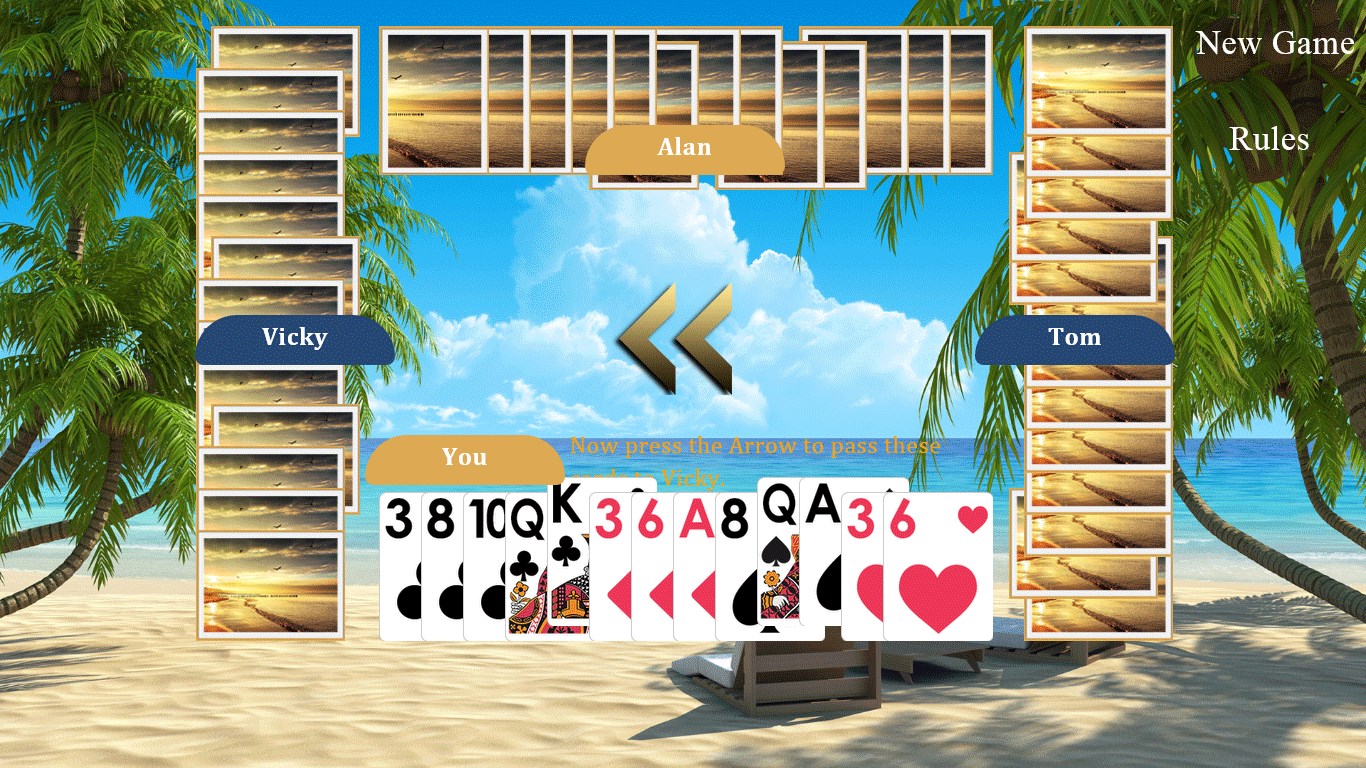
- Key Highlights: Elegant interface with customizable themes, smooth gameplay with responsive controls, and an intelligent AI opponent that mimics human tactics.
- Target Audience: Casual gamers, card game enthusiasts, and anyone looking for a relaxing, strategic pastime on Windows devices.
A Playful Introduction to Hearts#
Imagine sitting back with a cup of coffee, the sun streaming through your window, fingers poised over your keyboard—Hearts# beckons you into a world where every strategic decision feels satisfying and every victory a small triumph. Whether you're in for quick practice rounds or lengthy matches, this app promises a delightful blend of classic charm and modern polish. Think of it as having a refined card table right at your fingertips, ready whenever you are.
Core Functionality Breakdown
Intuitive Interface and Customization
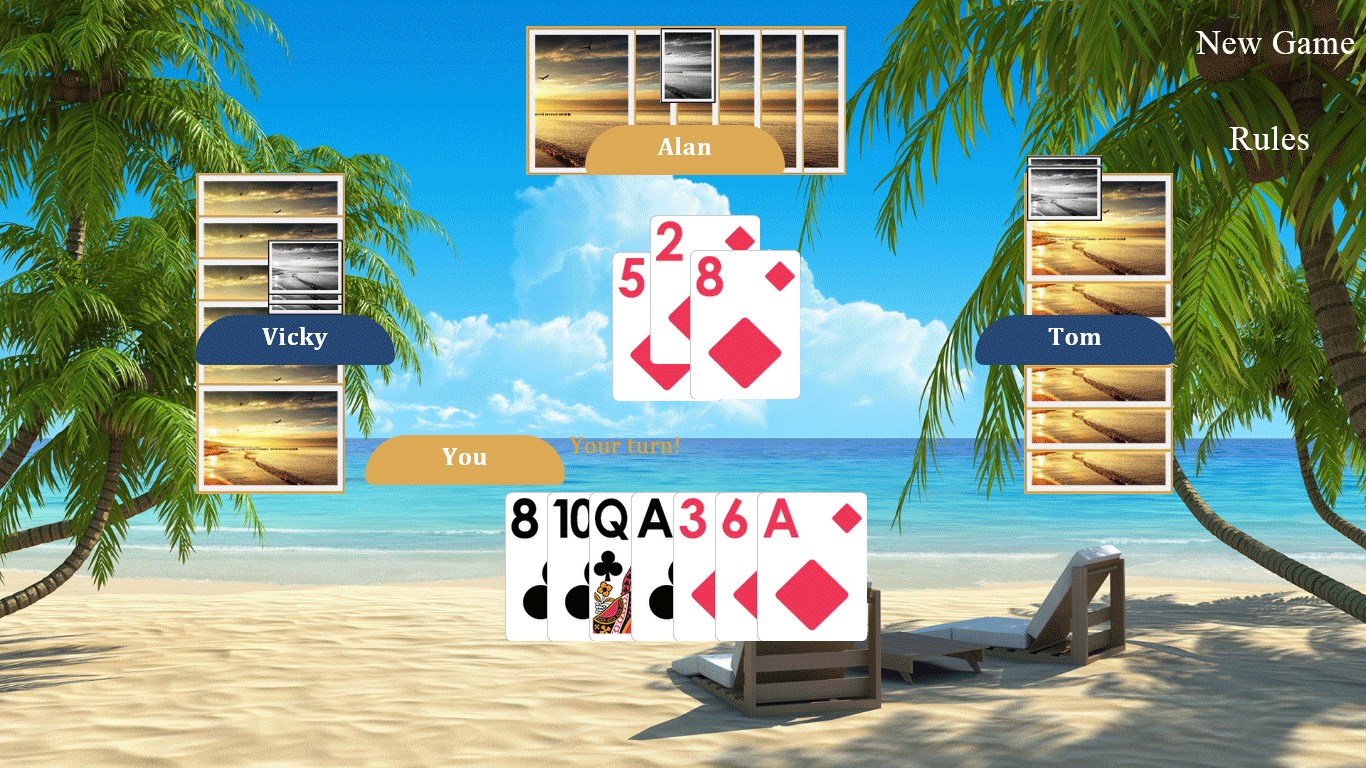
Hearts# greets you with a sleek, uncluttered interface that makes finding your way through menus as effortless as shuffling a deck. The game offers a variety of themes—from traditional card backings to playful, colorful designs—allowing players to personalize their experience. The intuitive layout ensures that both beginners and seasoned players can jump in quickly, without wading through complicated instructions.
Smart and Responsive Gameplay
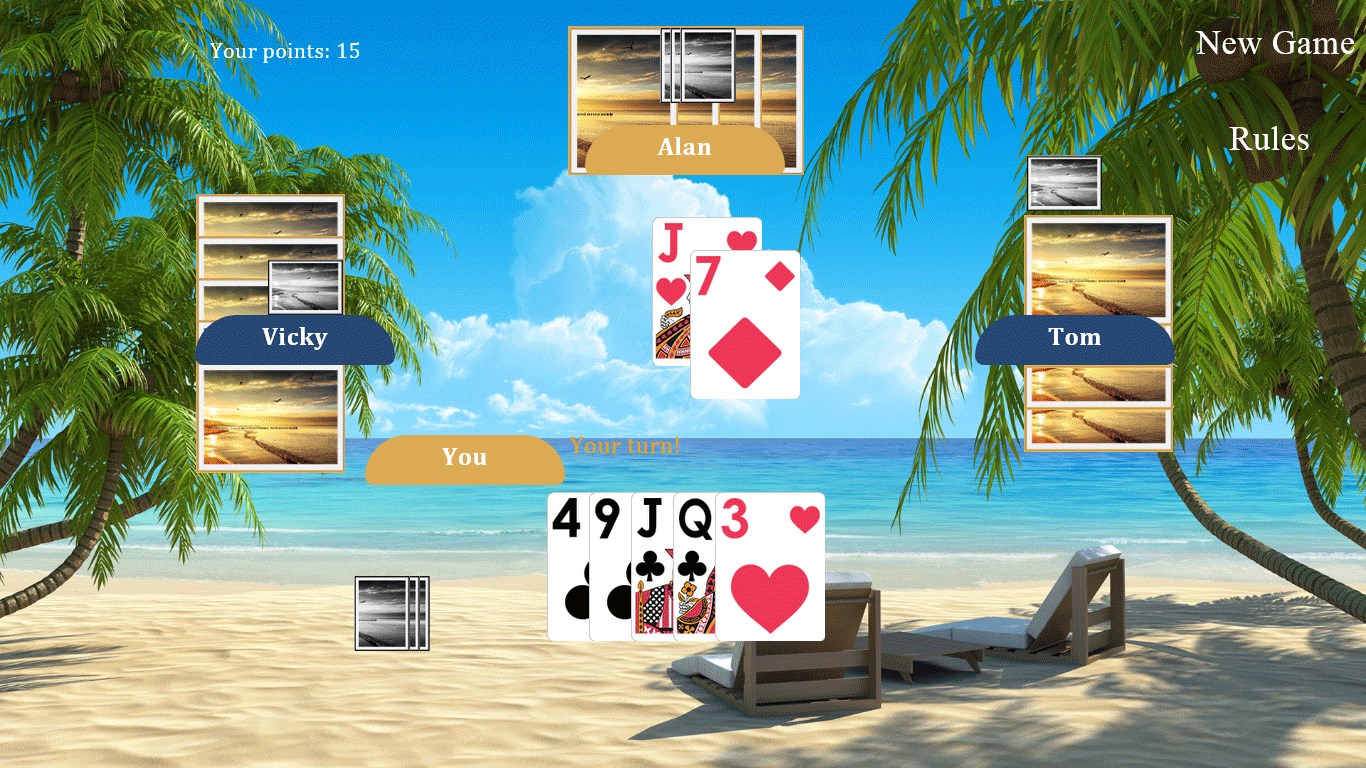
One of the app's standout features is its AI, which employs adaptive strategies that challenge players without feeling unfair. The game responds smoothly to player inputs with minimal lag, thanks to optimized coding. The controls are simple yet precise, giving a natural feel akin to handling physical cards. Whether you're trying to shoot the moon or play cautiously, the game reacts fluidly to your every move, making each session satisfying and realistic.
Learning Curve and User Experience
Hearts# balances accessibility with depth. New players will find helpful tutorials and hints that gently introduce the game's mechanics, while experienced players can tweak difficulty settings for a more challenging experience. The overall experience is smooth, with quick load times and clean animations that avoid clutter, creating an ambiance that is both calming and engaging.
Unique Selling Points and Differentiation
What sets Hearts# apart in a crowded market of card app options is its focus on aesthetic customization and adaptive AI. Unlike many counterparts that feel generic or overly simplistic, Hearts# invites players to personalize visuals—imagine changing the backdrop or card designs as if decorating a cozy game room. Its AI, meanwhile, learns from your moves, adjusting its tactics to keep the game interesting and unpredictable. This intelligent design makes replayability high, a feature often overlooked in digital card games.
Furthermore, the app's clean and clutter-free interface allows players to focus on the game itself—no distracting ads or unnecessary clutter, just pure strategic fun. It's like playing at a well-maintained table in a quiet café, where the emphasis is on the game, not the distractions.
Final Thoughts and Recommendations
Hearts# for Windows is a solid choice for anyone seeking a refined, user-friendly digital version of Hearts. Its combination of customizable visuals, intelligent AI, and smooth gameplay makes it a particularly appealing option for casual and semi-serious players alike. I'd recommend it to those who appreciate a visually pleasant interface and a game that adapts to your skill level. While it may not have the multiplayer features of online competitive platforms, its desktop-centric approach makes it perfect for solo play or playing with friends on the same device.
Overall, Hearts# stands out for its attention to detail and warm, approachable design—an enjoyable bridge between cherished tradition and modern gaming convenience.
Pros
- User-friendly interface
- Engaging gameplay
- Regular updates
- Offline access
- Customizable options
Cons
- Limited tutorial for new players
- Occasional app crashes on certain devices
- In-app purchase prompts disrupt gameplay
- Minor UI inconsistencies on small screens
- Limited social features











