

- Category Card & board
- Developer Fons Sonnemans
- Available on PC, Mobile, Surface Hub, HoloLens
- OS Windows 10 version 17763.0 or higher
- languages English (United States)
Introducing Hearts Pro for Windows: Your Digital Card Companion
Hearts Pro for Windows is a thoughtfully designed digital adaptation of the classic card game, combining intuitive functionality with a sleek interface to cater to everyday players and dedicated enthusiasts alike. Whether you're looking to enjoy a quick game or hone your strategic skills, this app aims to bring the timeless game of Hearts to your fingertips in a modern, accessible format.
Who's Behind the Magic?
Developed by Fons Sonnemans and published by Reflection IT, Hearts Pro is crafted by a team passionate about blending traditional gameplay with digital convenience. Their focus appears to be on delivering a smooth, user-friendly experience that stands out in the crowded market of card apps.
Main Features That Make Hearts Pro Shine
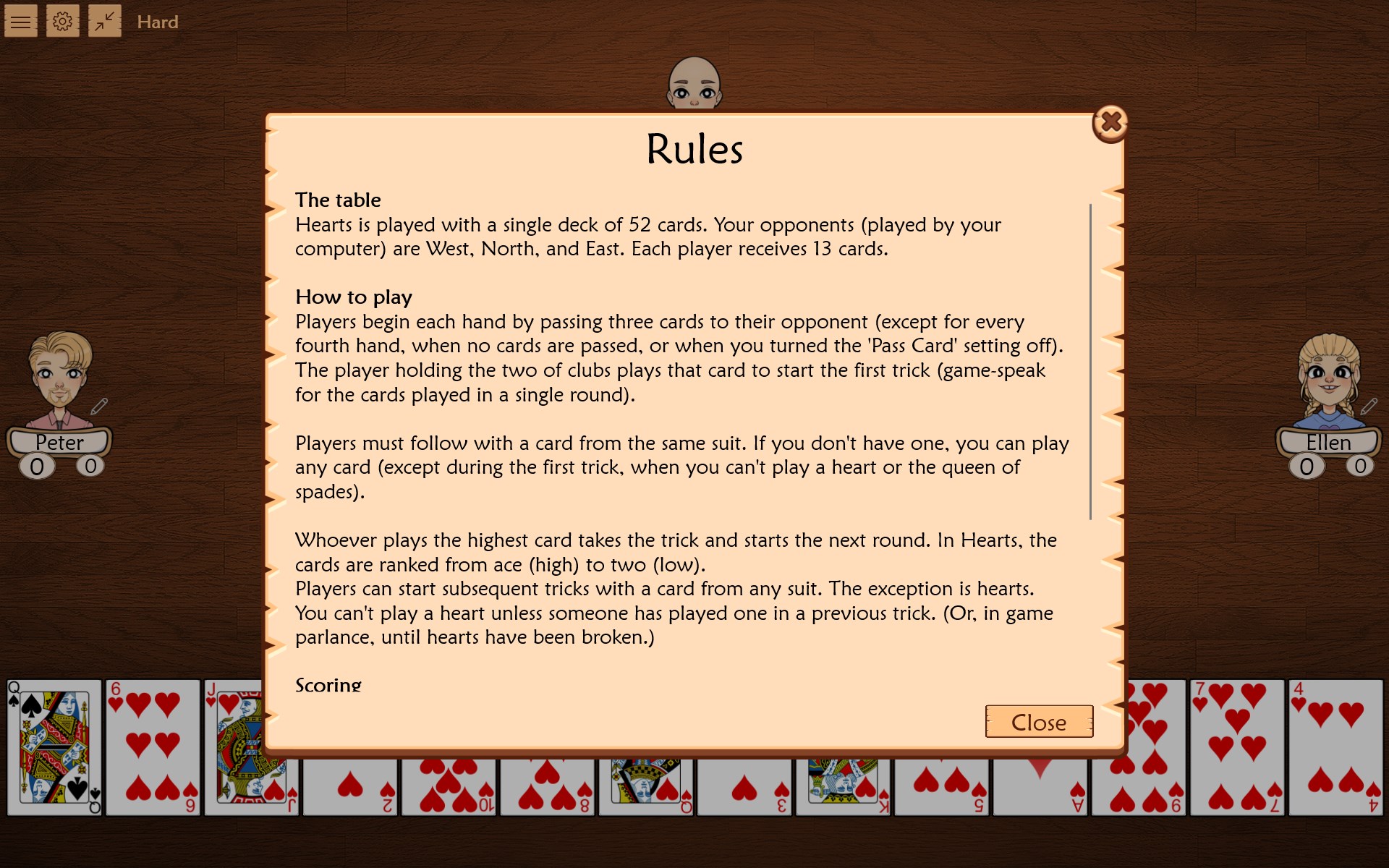
- Intuitive Gameplay Mechanics: The app faithfully replicates classic Hearts rules, with smart AI opponents that adapt to your skill level for engaging matches.
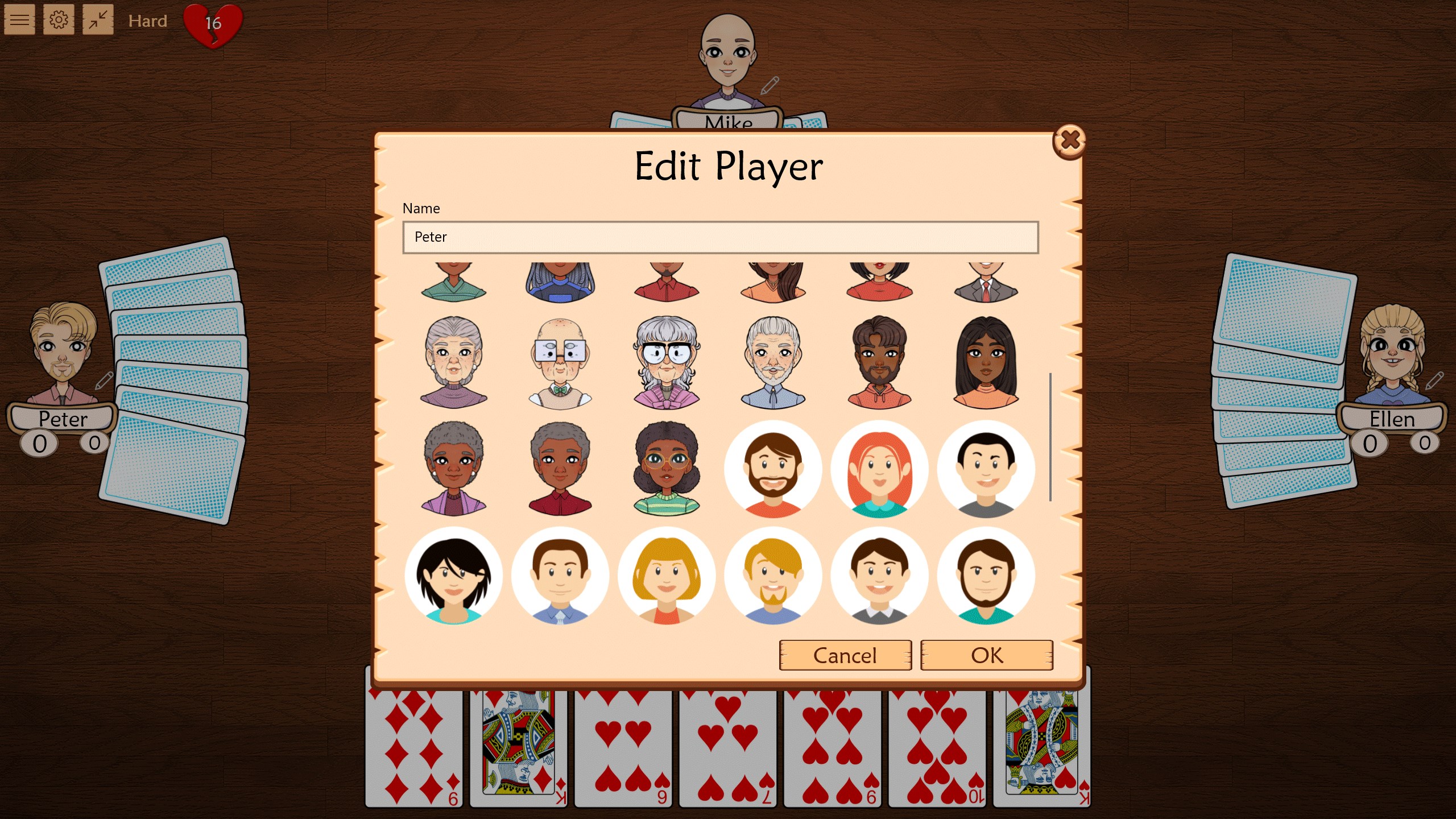
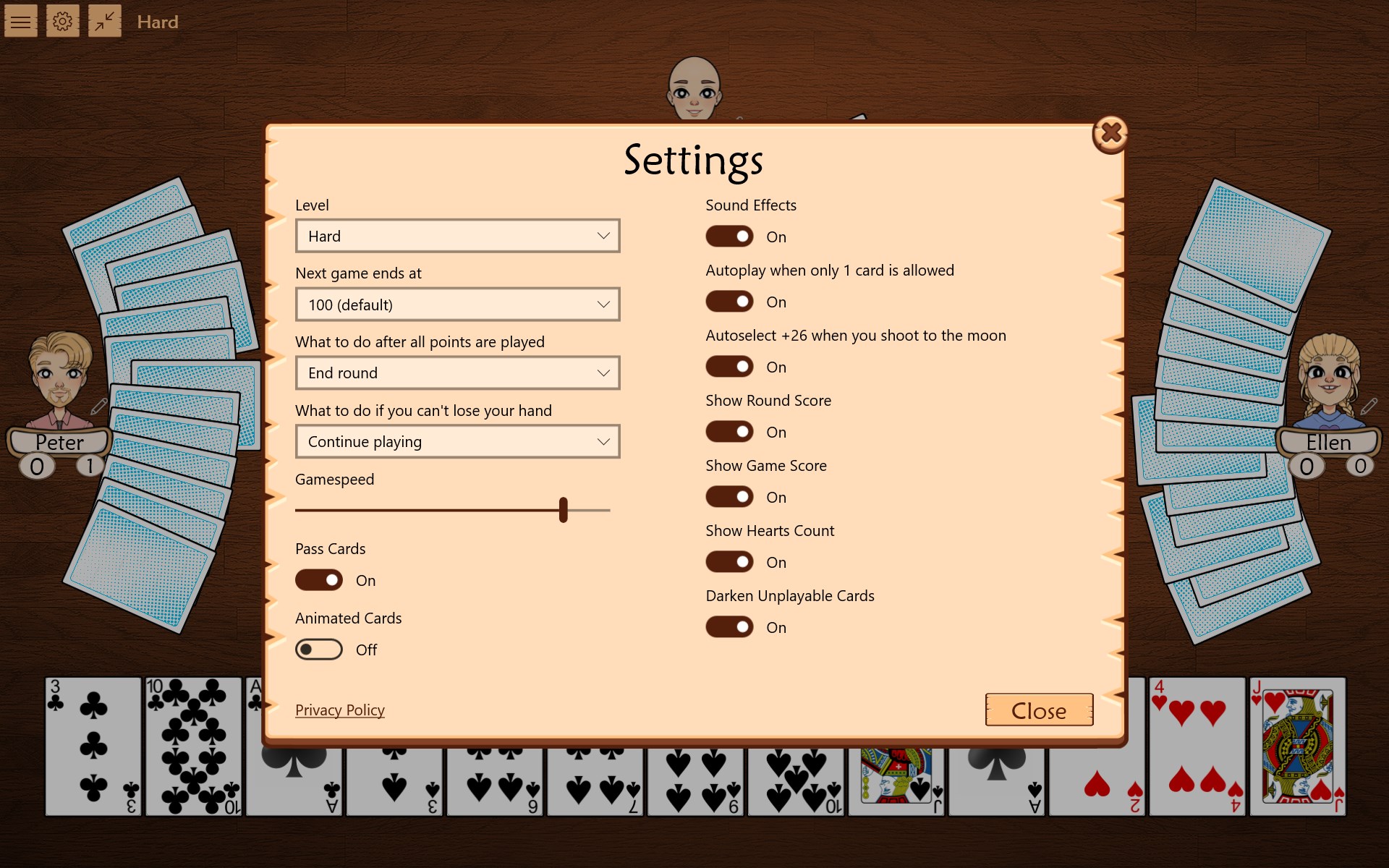
- Customizable Settings: Users can tweak rules, difficulty levels, and display options to personalize their gaming experience.
- Elegant and Clear Interface: The design emphasizes simplicity and clarity, making navigation effortless even for newcomers.
- Offline Play and Quick Setup: No need for an internet connection, allowing spontaneous play anywhere, anytime.
A Closer Look: Core Functionality & User Experience
Smooth and Stylish Interface
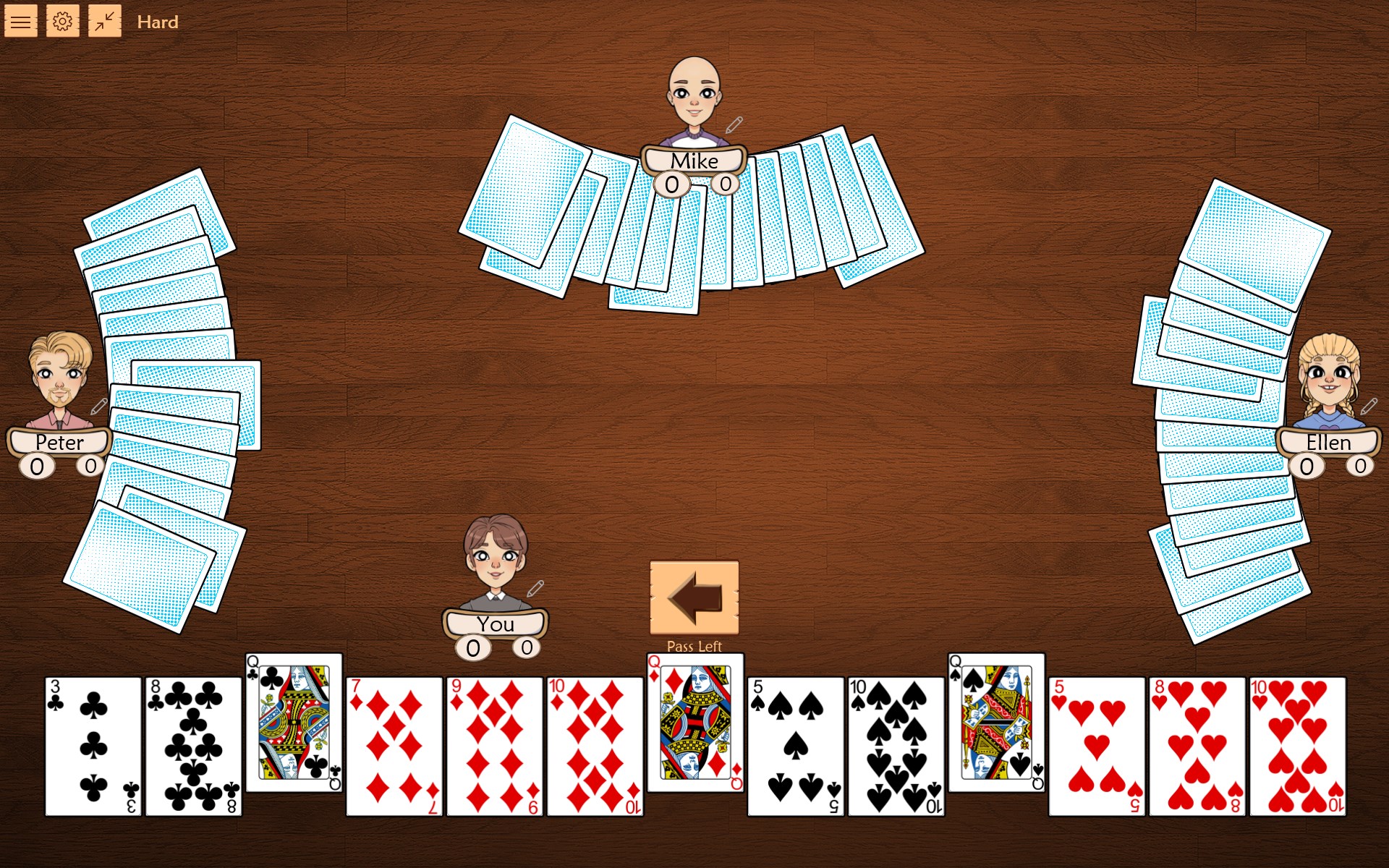
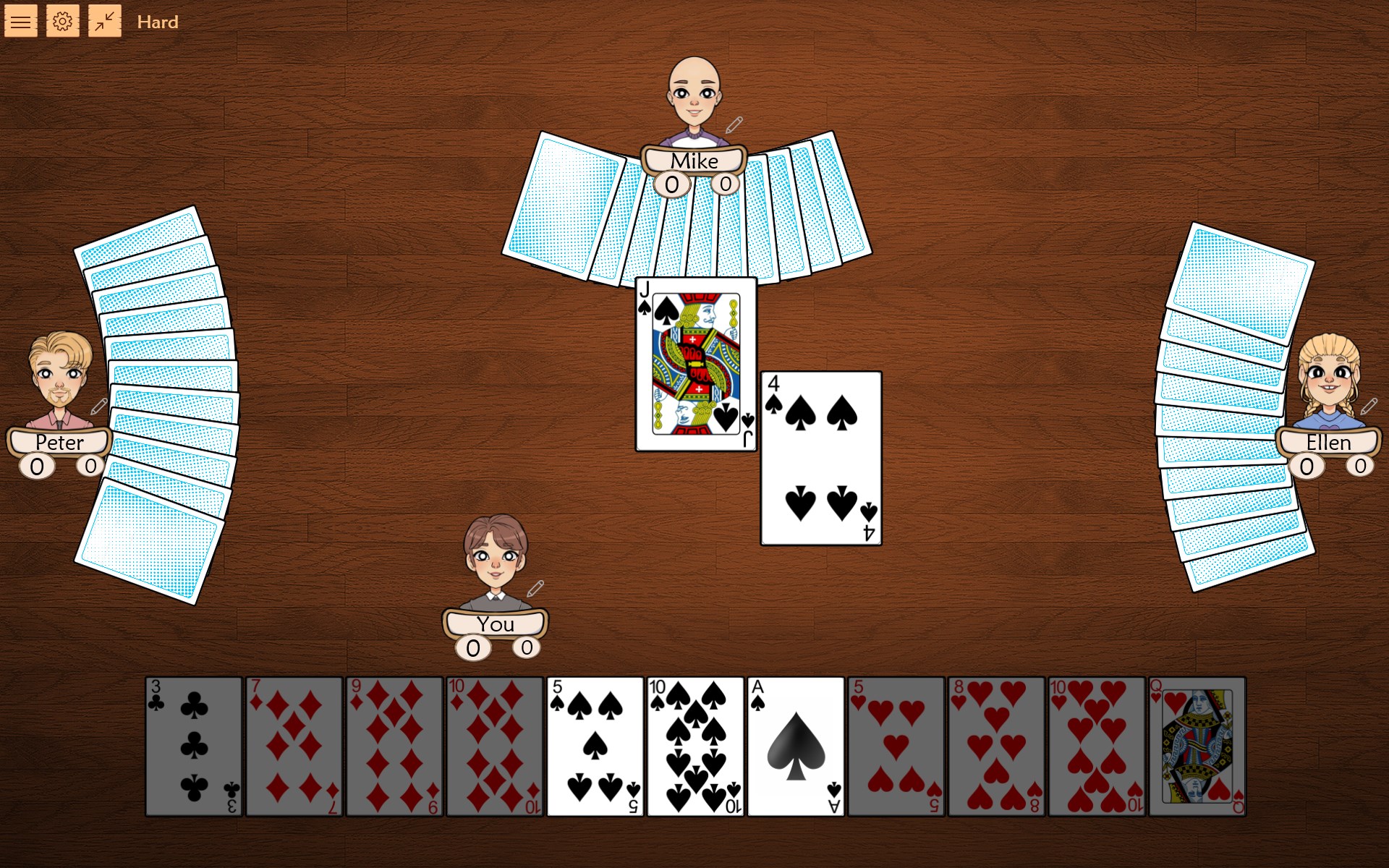
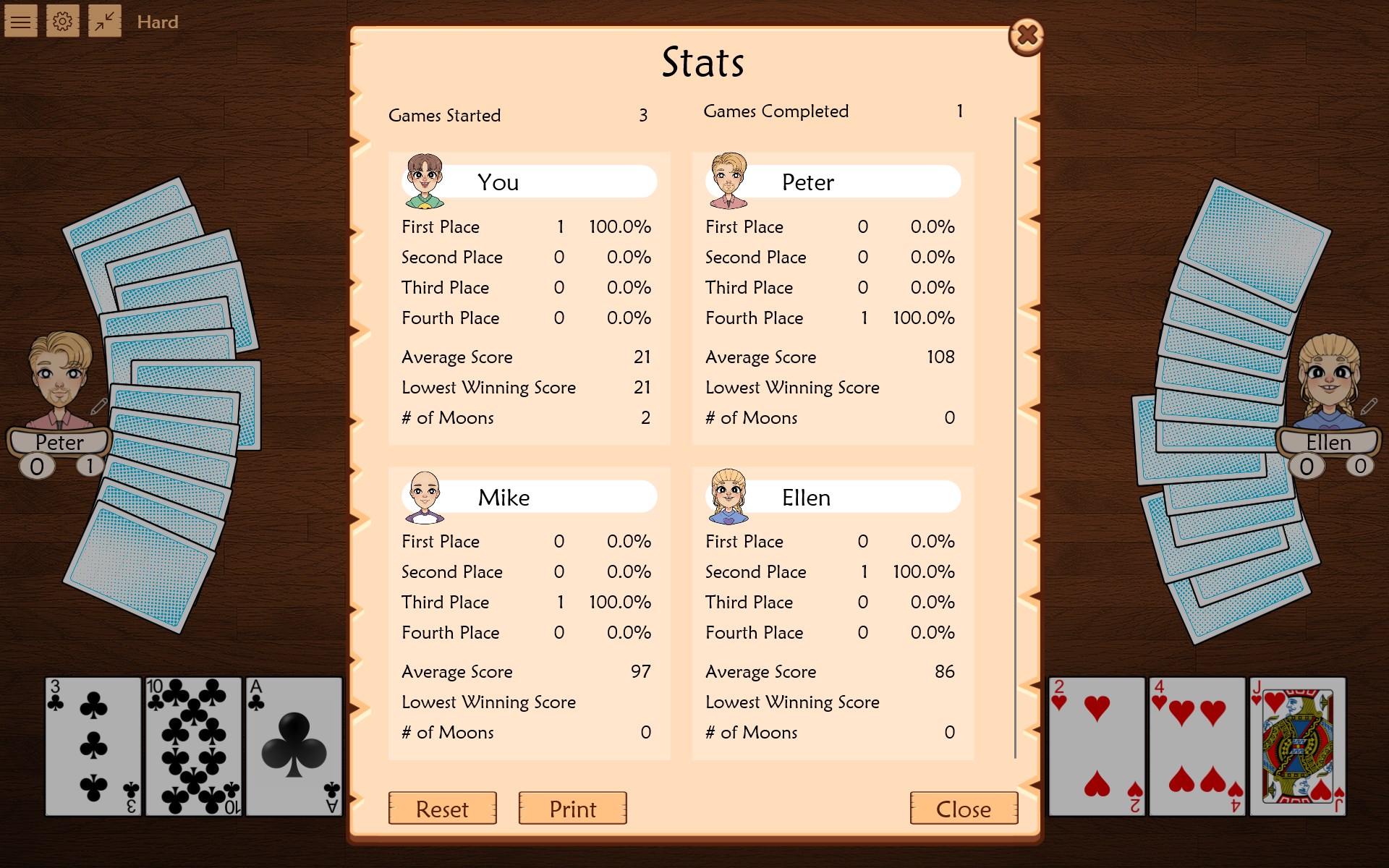
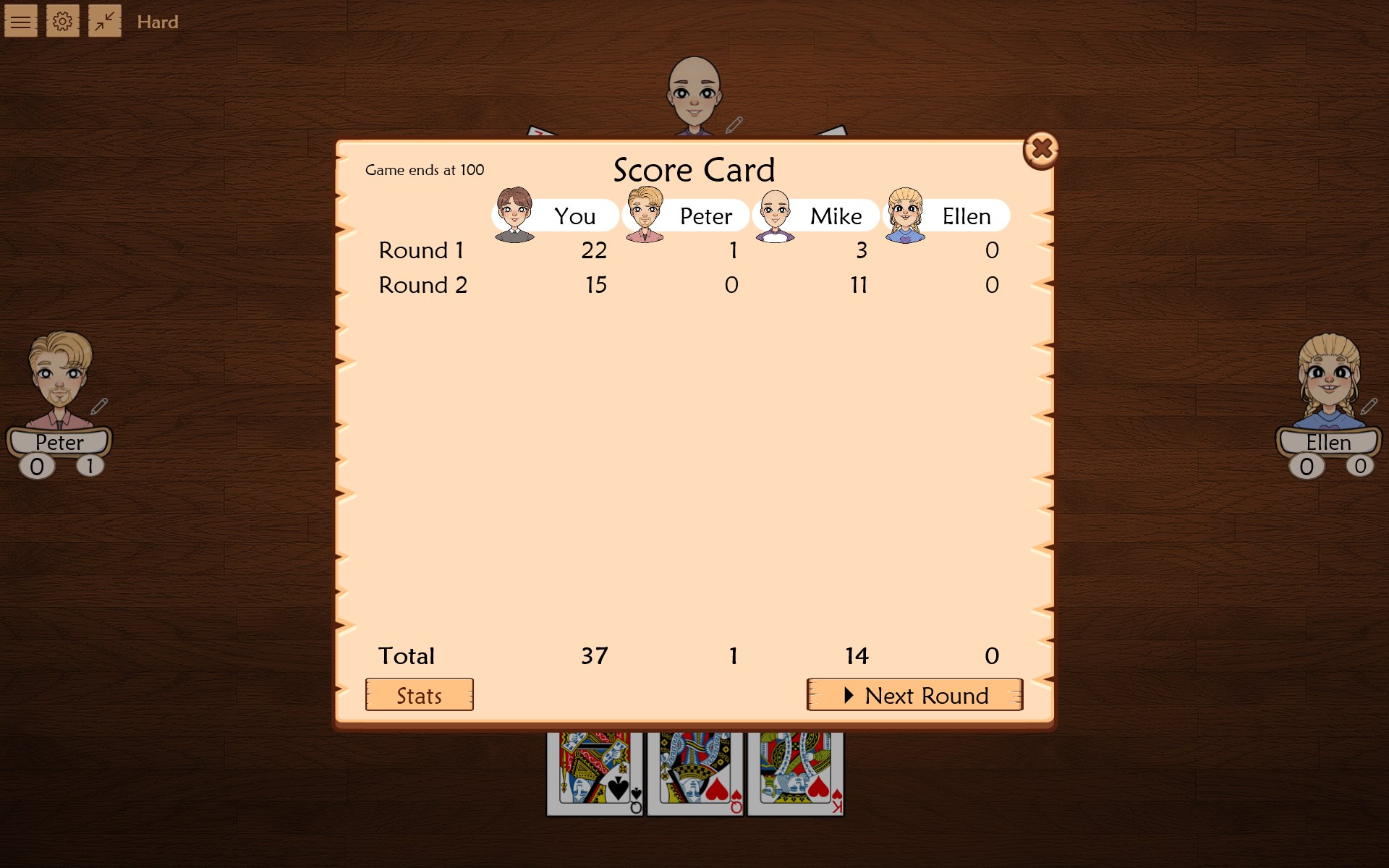
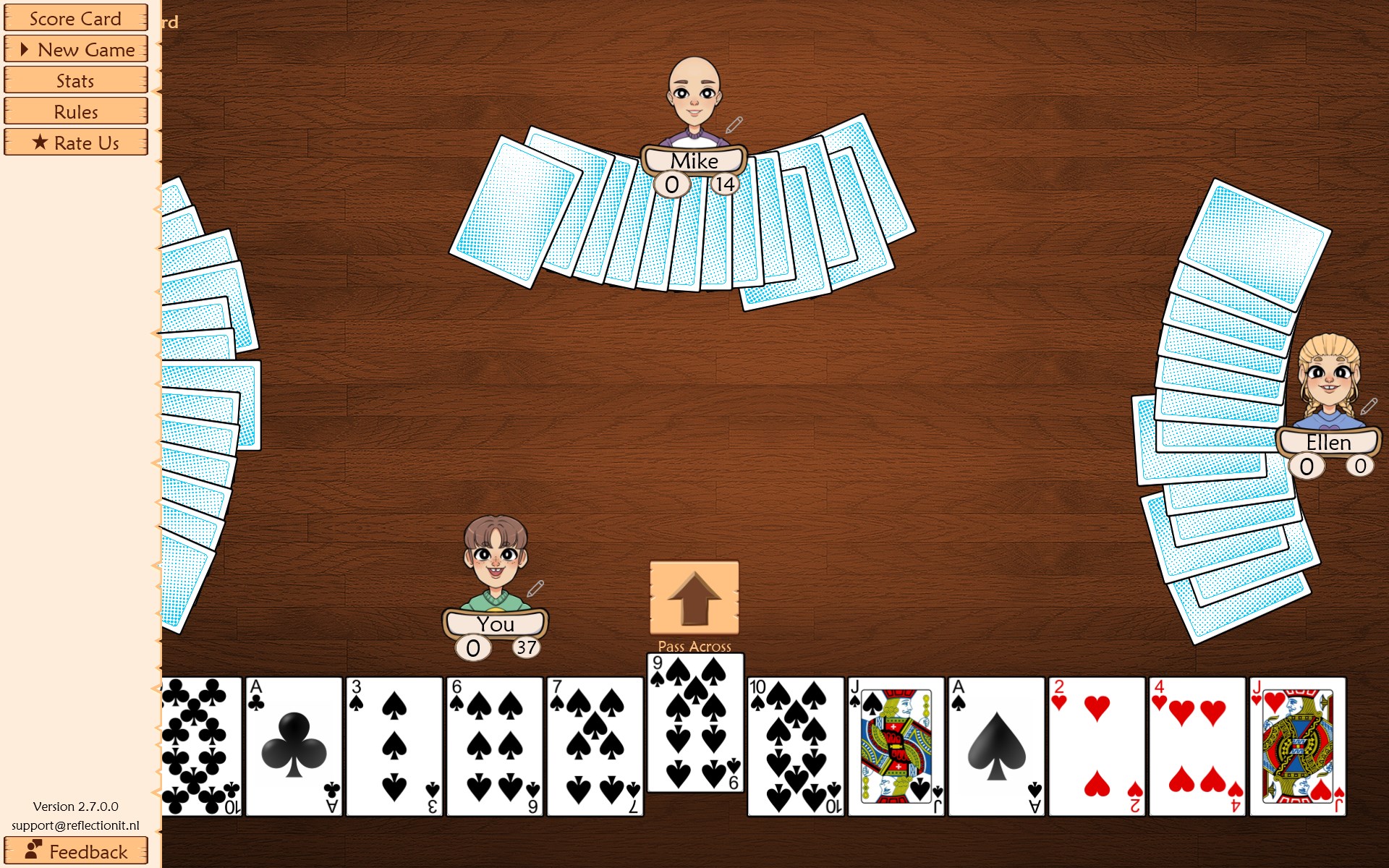
Upon launching Hearts Pro, you're greeted with a minimalistic yet inviting interface that resembles a high-quality playing table—pleasant to the eye and free from unnecessary clutter. The cards are crisp, with subtle animations that make the game feel lively without being distracting. The layout logically segregates various functionalities—game setup, rules, and options—making navigation feel natural, even to first-time users.
Engaging Game Mechanics & AI
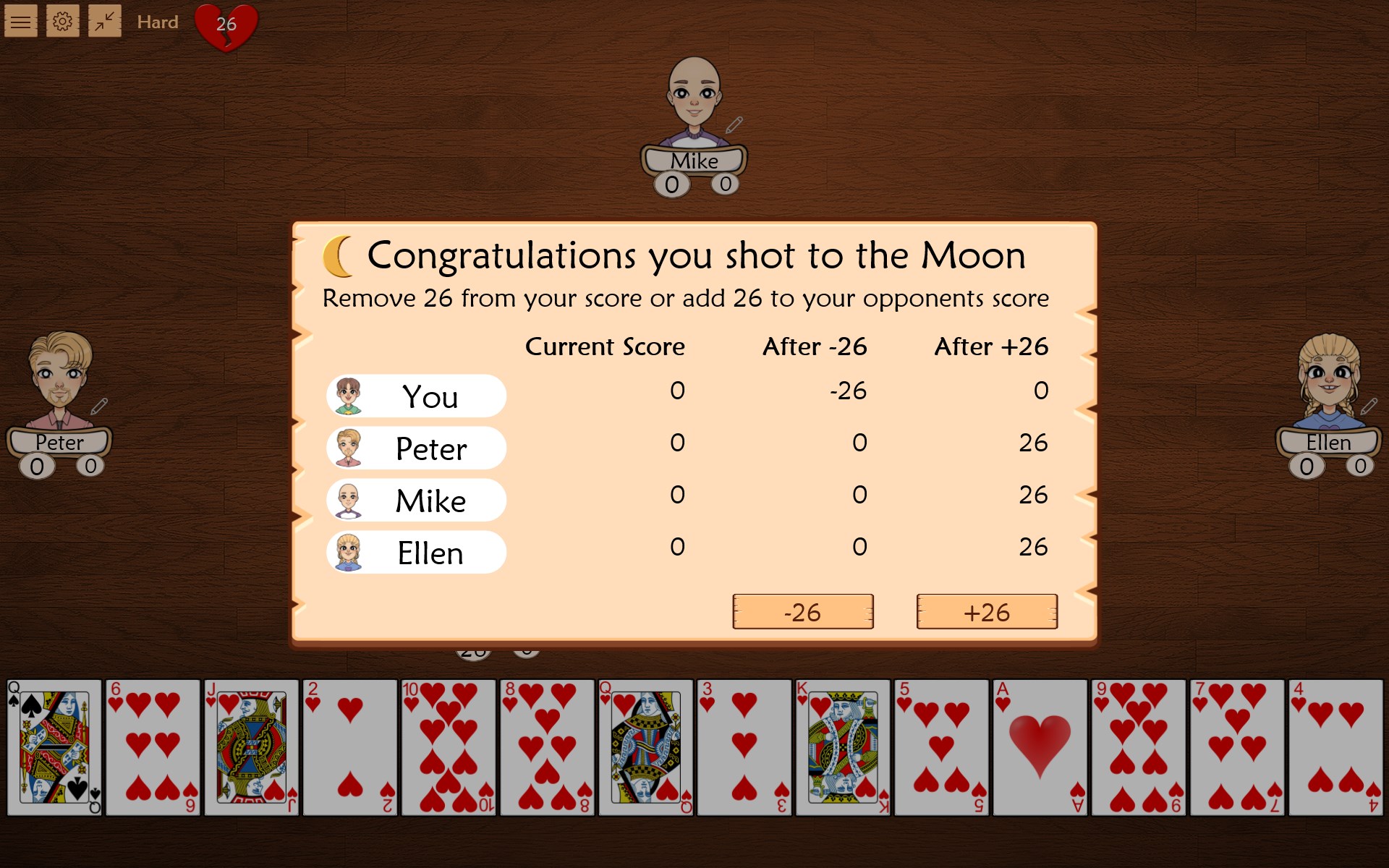
The heart of any card app is how it plays, and Hearts Pro excels here. The AI opponents are surprisingly perceptive, capable of blocking and bidding strategically, similar to human players. This elevates the game beyond mere chance, encouraging players to develop tactics and improve their skills. The game's responsiveness is commendable; actions like card selections and passing flow seamlessly, reinforcing a sense of fluidity akin to playing with real cards around a table.
Learning Curve & Customization
Hearts Pro balances accessibility with depth. New players can quickly grasp the basic rules through an optional tutorial, while experienced players appreciate advanced features and rule adjustments. The app allows customization of difficulty settings, enabling a gradual learning curve. Its straightforward controls—clicking or tapping—are intuitive, making the transition from physical cards to digital smooth and frustration-free.
What Sets Hearts Pro Apart from Similar Apps?
While numerous card games exist in the digital realm, Hearts Pro's standout feature lies in its elegant simplicity combined with deep customization options. Unlike many competitors that prioritize flashy graphics or multiplayer online features, this app's strength is its focus on a high-quality solo experience that closely mimics real-world play. Its adaptive AI and personalized rule settings provide an environment where players can refine their skills without feeling overwhelmed by excessive complexity or clutter. This thoughtful balance of realism and user control is what makes Hearts Pro particularly appealing.
Final Thoughts: To Play or Not to Play?
Given its well-calibrated gameplay, polished interface, and the ability to enjoy Hearts offline, I'd recommend Hearts Pro highly to casual players and card game aficionados alike. It's especially suitable for those who value fidelity to tradition mixed with modern usability. If you crave a smooth, thoughtfully crafted digital Hearts experience that respects the classic's spirit while offering room for personal tweaks, this app is worth installing.
Pros
- Engaging gameplay with intuitive controls
- Beautiful, colorful card designs
- Multiple game modes for variety
- Accessible for all skill levels
- Regular updates with new features
Cons
- Limited multiplayer options
- Occasional advertisements disrupt gameplay
- Battery consumption can be high during extended play
- Some customization options are limited
- Tutorials are brief and could be more detailed











