

- Category Business
- Developer DefinedBytes
- Available on PC, Mobile, Surface Hub, HoloLens
- OS Windows 10 version 17763.0 or higher
- languages English (United States)
Introduction: Visualizing Data with Precision and Elegance
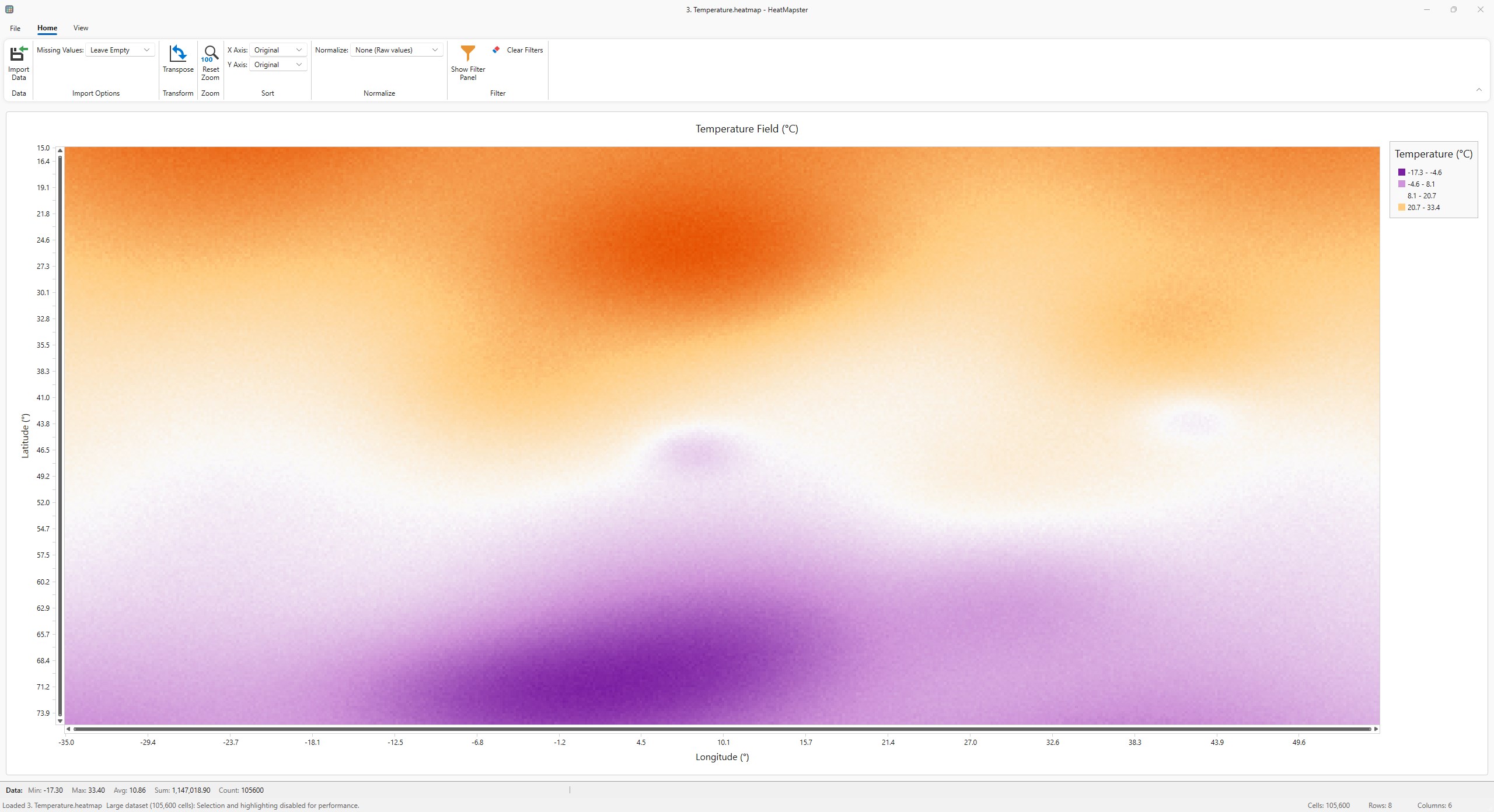
HeatMapster for Windows is a dedicated tool designed to transform your data into insightful heatmaps effortlessly. Whether you're analyzing user interactions, tracking physical activity, or visualizing geographic data, this application promises to make complex information both accessible and visually appealing. It's like having a high-powered optical lens that reveals patterns hiding within your datasets, all wrapped in a sleek and intuitive interface.
About the Developer and Key Features
Developed and published by DefinedBytes, HeatMapster is crafted to serve researchers, data analysts, and professionals who seek a seamless way to generate accurate heatmaps on Windows platforms. The app's major highlights include:
- Versatile Data Importation: Supports multiple data formats, enabling users to bring in information from various sources without hassle.
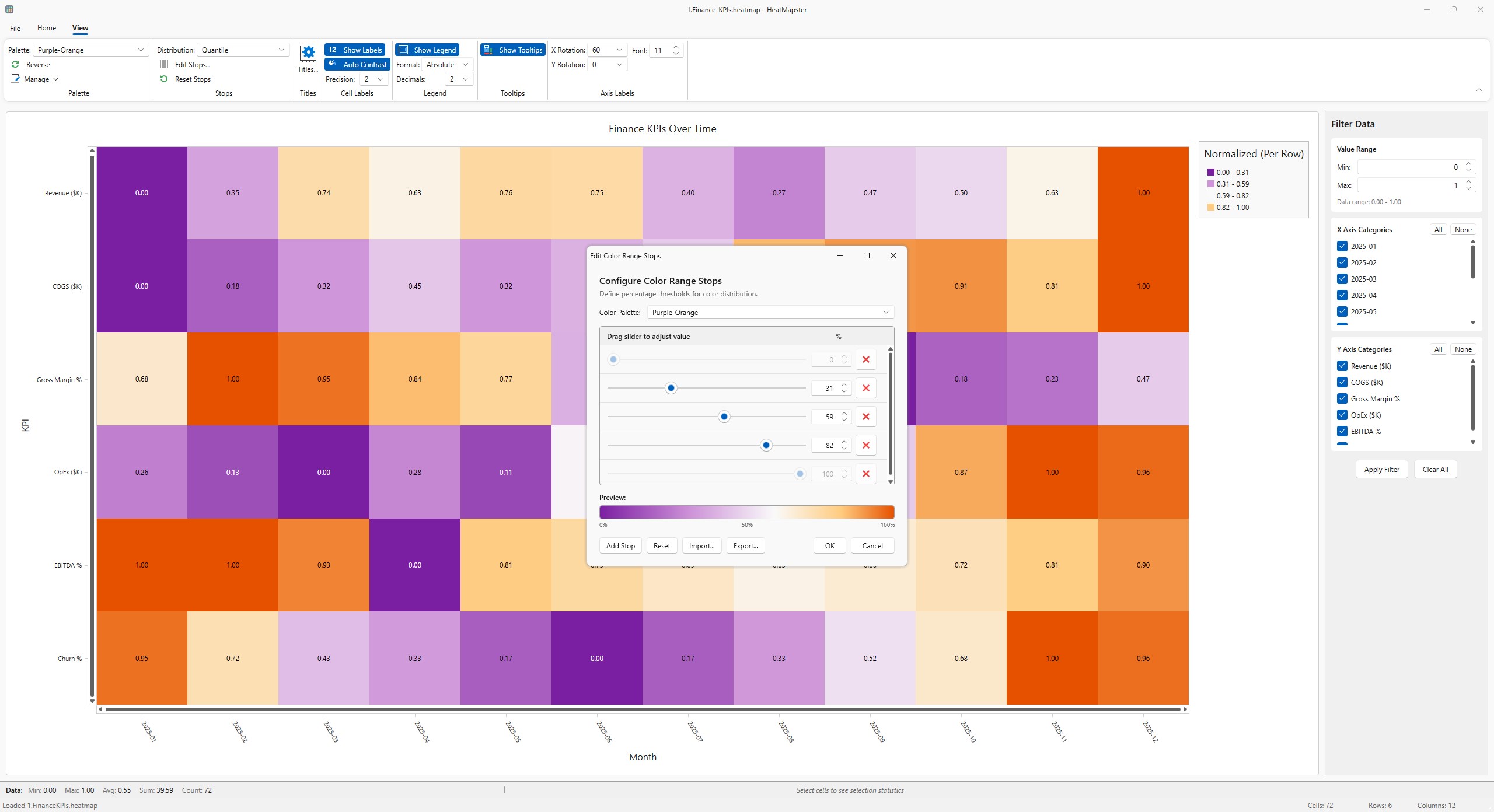
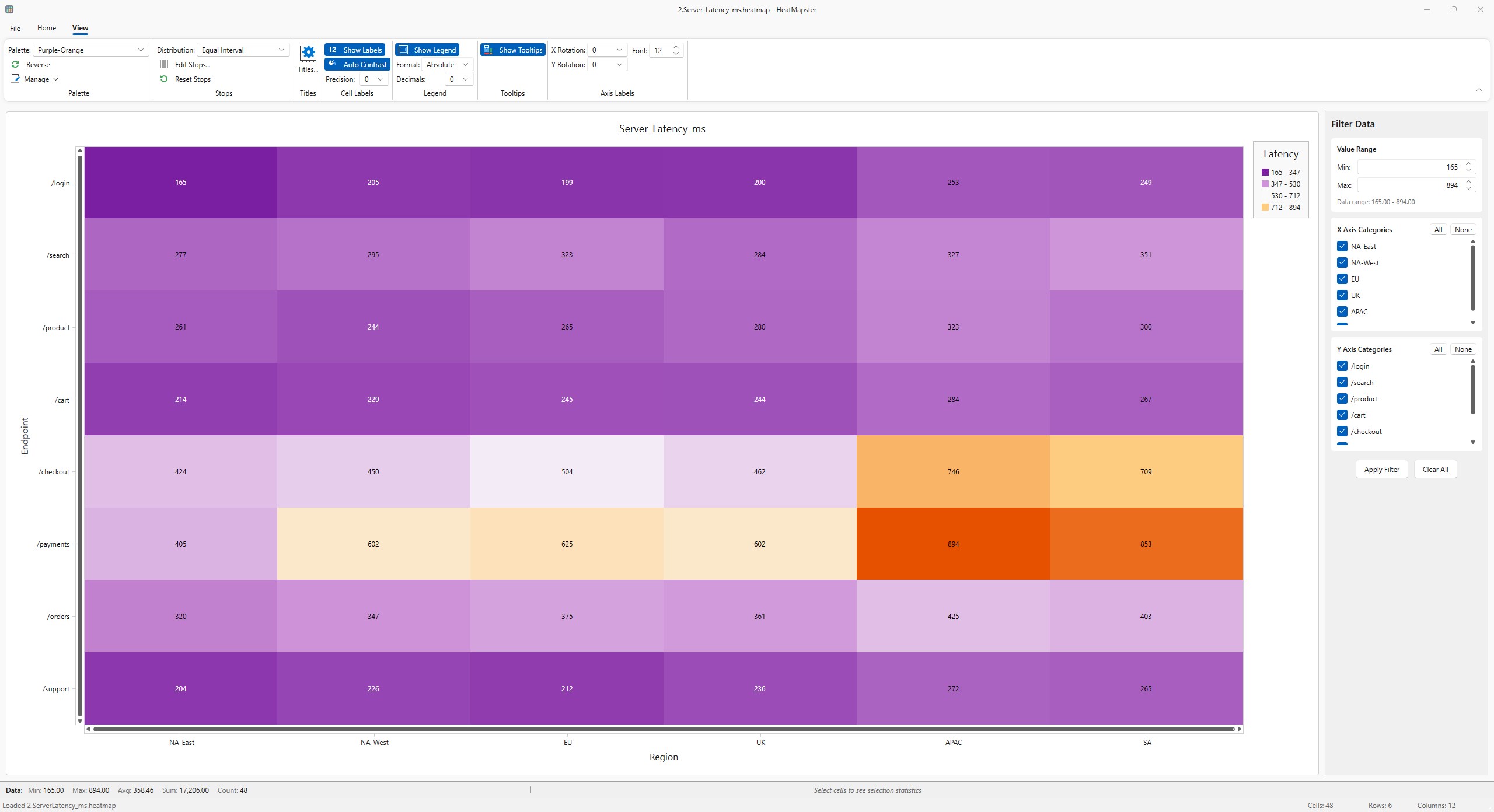
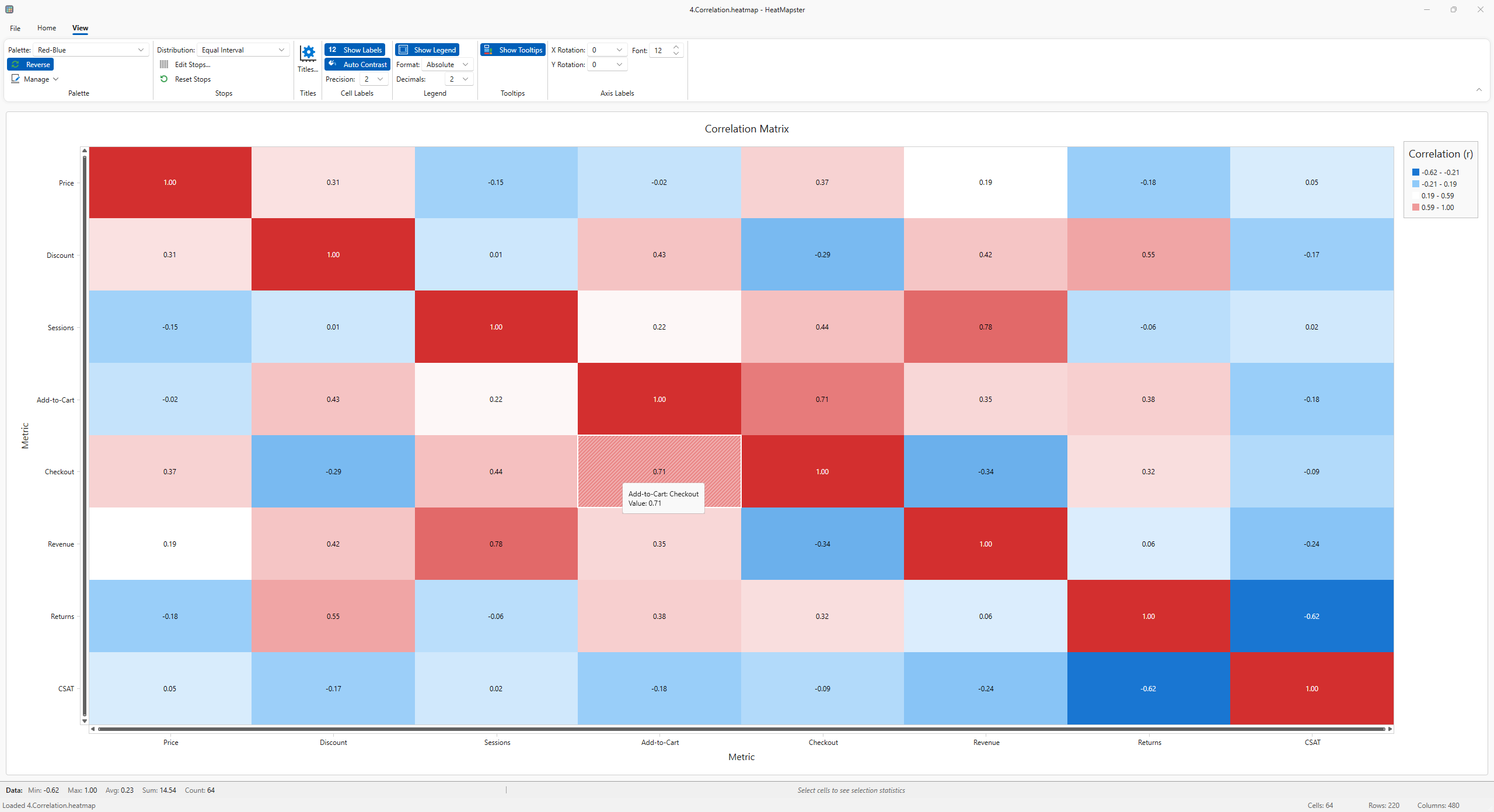
- Customizable Heatmap Generation: Offers detailed control over color schemes, intensity scales, and region focus, allowing tailored visualizations.
- Real-time Preview & Export: Provides instant rendering with options to export high-quality images suitable for reports or presentations.
- Collaborative Interface Elements: Facilitates sharing and collaborative editing, ideal for team projects involving spatial or interaction data.
The target audience includes data scientists, UX researchers, marketing analysts, and anyone interested in spatial data visualization with an emphasis on clarity and ease of use.
Dynamic and Engaging User Experience
Imagine diving into a bustling city map, where glowing hotspots reveal the most frequented cafes or pedestrian traffic paths. HeatMapster's user interface is designed to evoke such vivid storytelling, combining visual clarity with simplicity. The dashboard is clean and thoughtfully organized, making navigation feel intuitive—whether you're a novice exploring heatmaps for the first time or a seasoned analyst fine-tuning complex datasets.
Interaction feels smooth and responsive, thanks to optimized rendering engines. The learning curve is gentle; newcomers can quickly grasp import and customization options, while advanced users will appreciate its depth of control over parameters. Export functions are equally straightforward, delivering crisp heatmaps suitable for polished reports or professional presentations. Overall, the app's design fosters an engaging workflow that makes data visualization less of a chore and more of an inspiring craft.
Core Functionalities: Spotlight on Innovation
Customizable Data Mapping
This feature is the heart of HeatMapster. Users can fine-tune how data points translate into heat intensity, choosing from an array of color gradients and scales. Imagine adjusting the “temperature” gauge on a weather forecast—this intuitive control helps emphasize the most critical areas or insights. Unlike many competitors that lock you into preset styles, HeatMapster provides flexible options, empowering users to craft visuals that truly resonate with their analysis goals.
Spatial and Collaborative Visualizations
What sets HeatMapster apart is its emphasis on collaborative work. Besides producing standalone heatmaps, the app integrates features that allow multiple users to annotate, share, and refine visualizations. Think of it as a shared digital canvas, where teams can brainstorm and iterate in real-time. This aspect is particularly valuable for projects requiring input from various stakeholders—marketing teams, UX designers, and data scientists can all contribute without switching platforms.
Recommendation and Usage Tips
All in all, HeatMapster for Windows stands out as a thoughtful, user-centric visualization tool. Its main strength lies in blending powerful, customizable heatmap creation with collaboration-friendly features, making it ideal for team environments and detailed analysis tasks. For those frequently working with spatial data or data-driven storytelling, this app offers a reliable and enjoyable experience.
While it isn't overly complex, newcomers should spend some time familiarizing themselves with the customization options to maximize its potential. I'd recommend it for professional settings where clarity and precision are essential, and where visual storytelling can influence decision-making. If your work revolves around dynamic data visualization with collaboration needs, HeatMapster could very well be a valuable addition to your toolkit.
Pros
- Intuitive heatmap visualization
- Easy integration with various platforms
- Customizable color schemes
- Real-time data updates
- Detailed analytics and reporting features
Cons
- Limited free version features
- Occasional lag during complex data processing
- Steep learning curve for new users
- Limited customization options for heatmap overlays
- Occasional inaccuracies in data capture on certain devices











