
- Category Photo & video
- Developer Duckhead Software
- Available on PC
- OS Windows 10 version 19041.0 or higher
- languages English (United States)
Introducing HEIC to JPEG for Windows: Simplifying Image Conversion with Precision
In a world where high-quality images are king, efficiently converting HEIC files to universally compatible JPEGs can feel like navigating a maze. Fortunately, HEIC to JPEG for Windows by Duckhead Software steps in as a reliable companion, streamlining this process with user-friendly ease while maintaining quality and speed.
A Quick Look at the App
HEIC to JPEG for Windows is a lightweight yet powerful application designed to convert Apple's HEIC image format into the more broadly supported JPEG format seamlessly. Developed and published by Duckhead Software, a team dedicated to crafting simple but effective image management tools, this app aims to serve users who often encounter incompatibility issues when sharing photos across different devices and platforms.
**Main Features Highlights:**
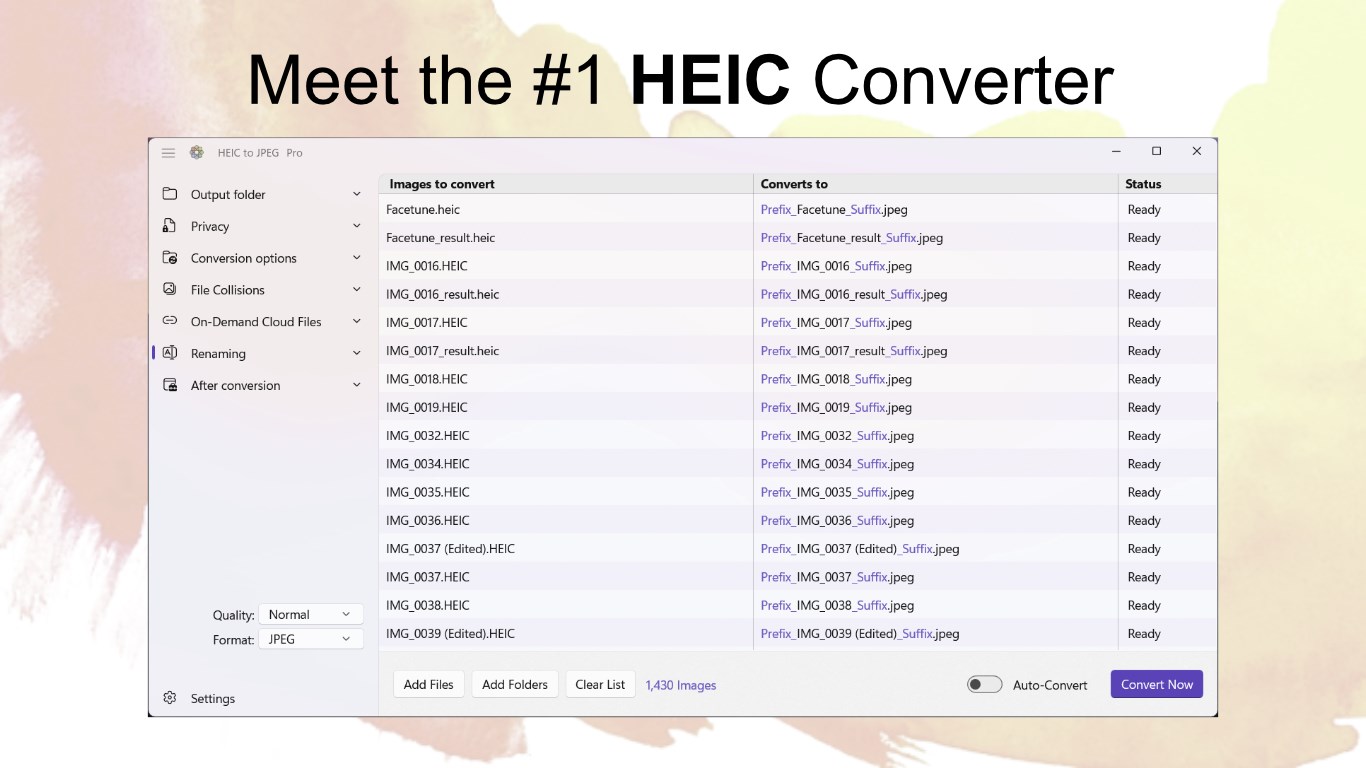
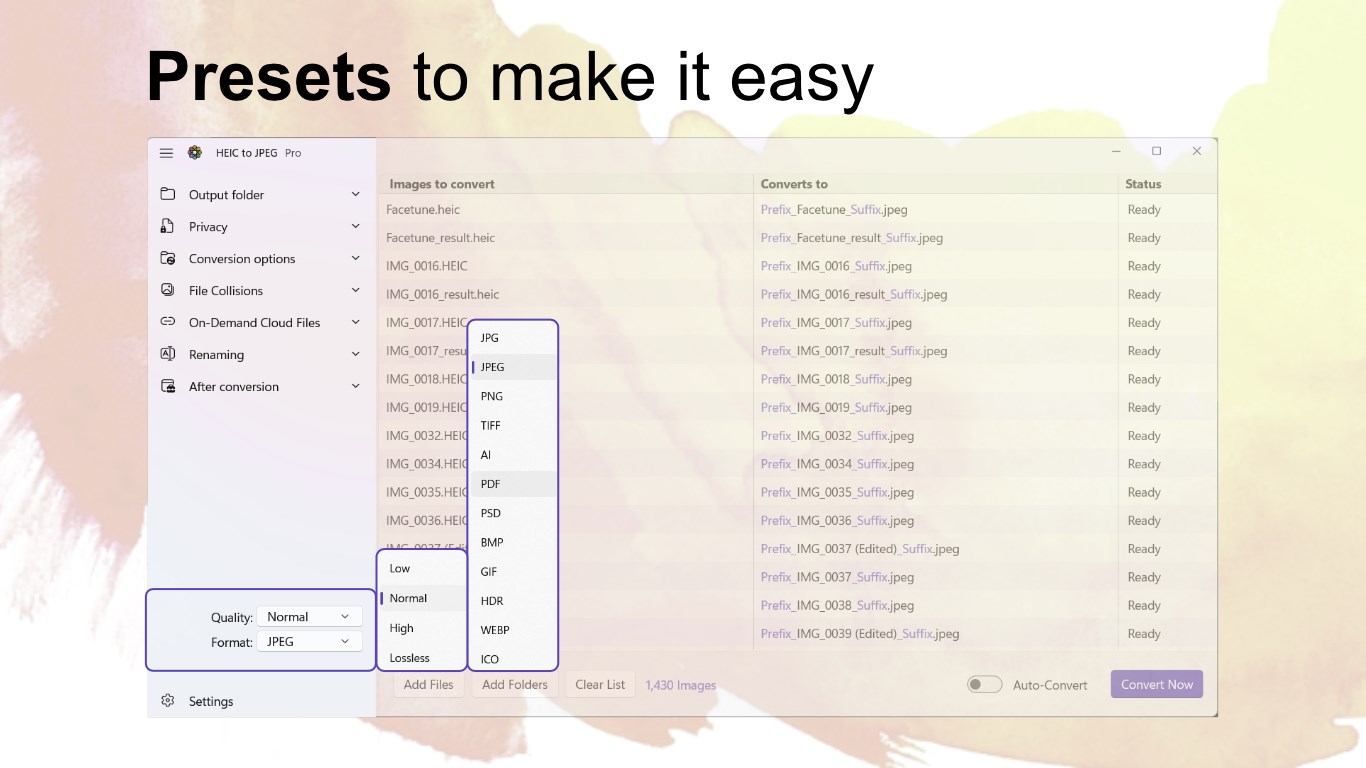
- Bulk conversion support, enabling multiple images to be processed at once—saving time and effort.
- High-fidelity conversion that preserves image quality, avoiding artifacts or loss of detail.
- Simple drag-and-drop interface, making the conversion process intuitive even for less tech-savvy users.
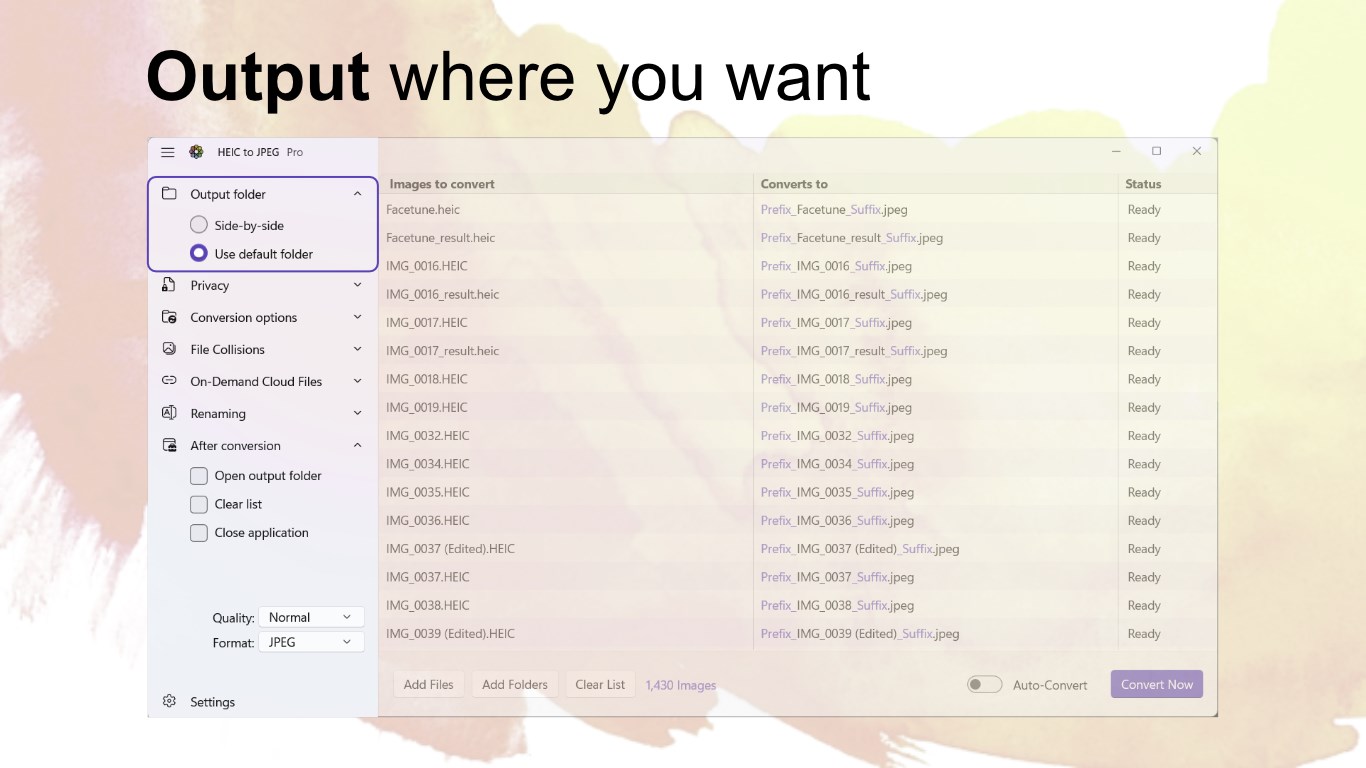
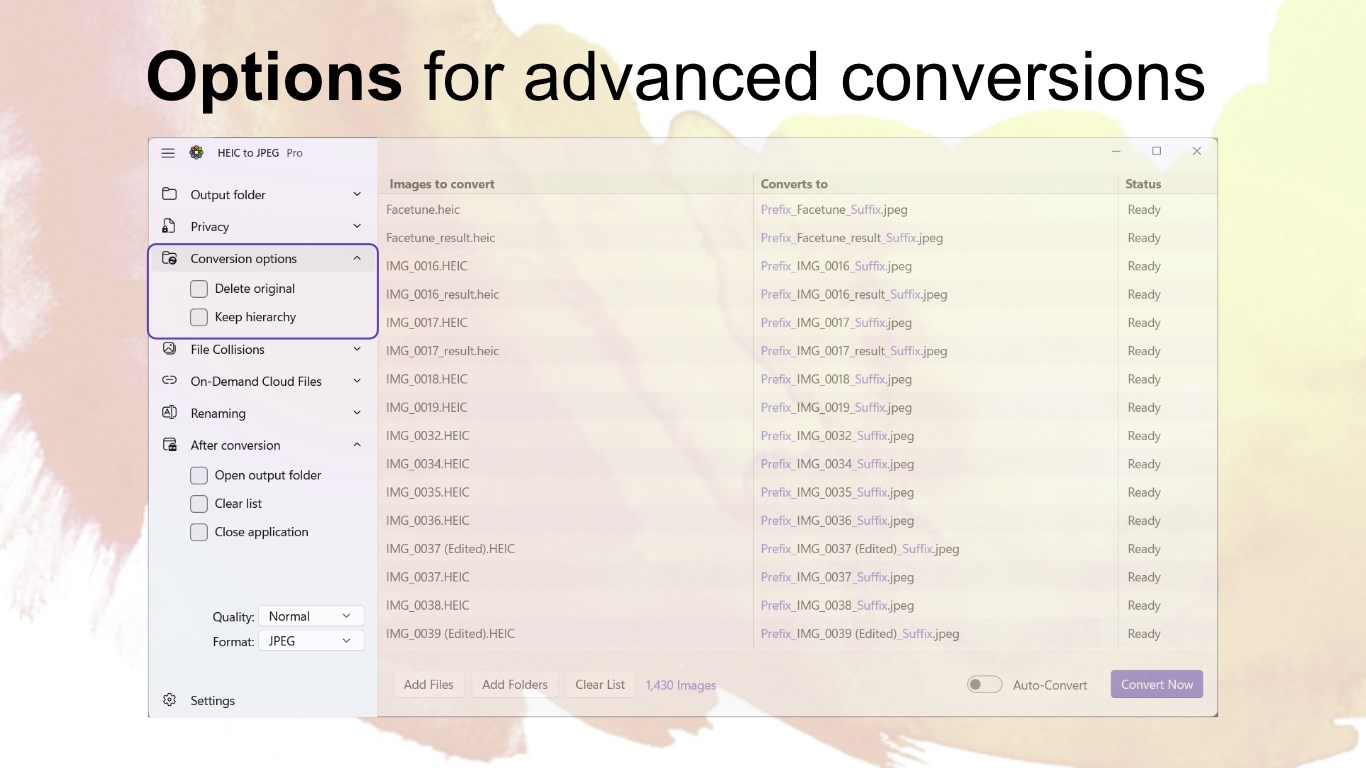
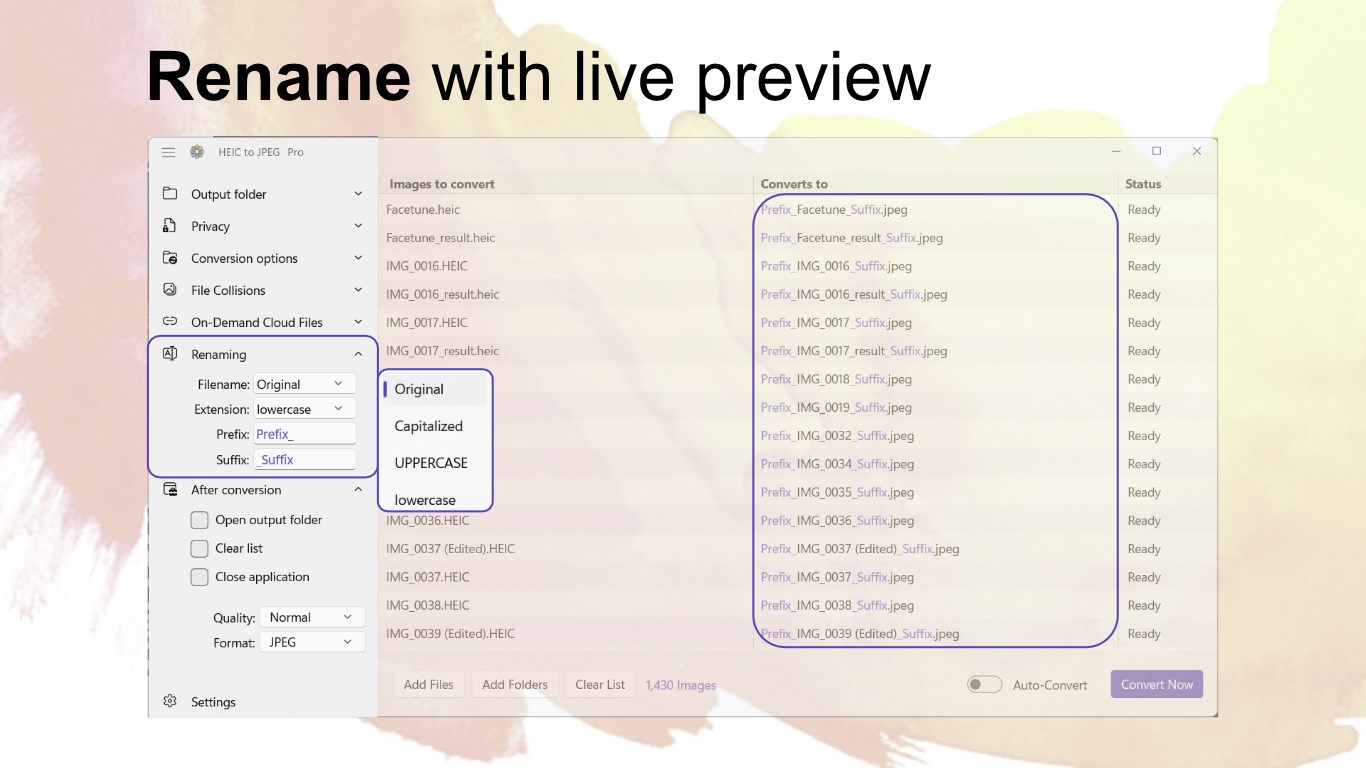
- Option to customize output destination and naming conventions, aiding in organized workflows.
**Target Users:**
Photographers, casual users, and professionals who manage large photo libraries and need quick compatibility solutions without sacrificing image quality. Particularly useful for users working within Windows environments who frequently deal with HEIC images from iPhones or other Apple devices.
Enjoyable and Efficient User Experience
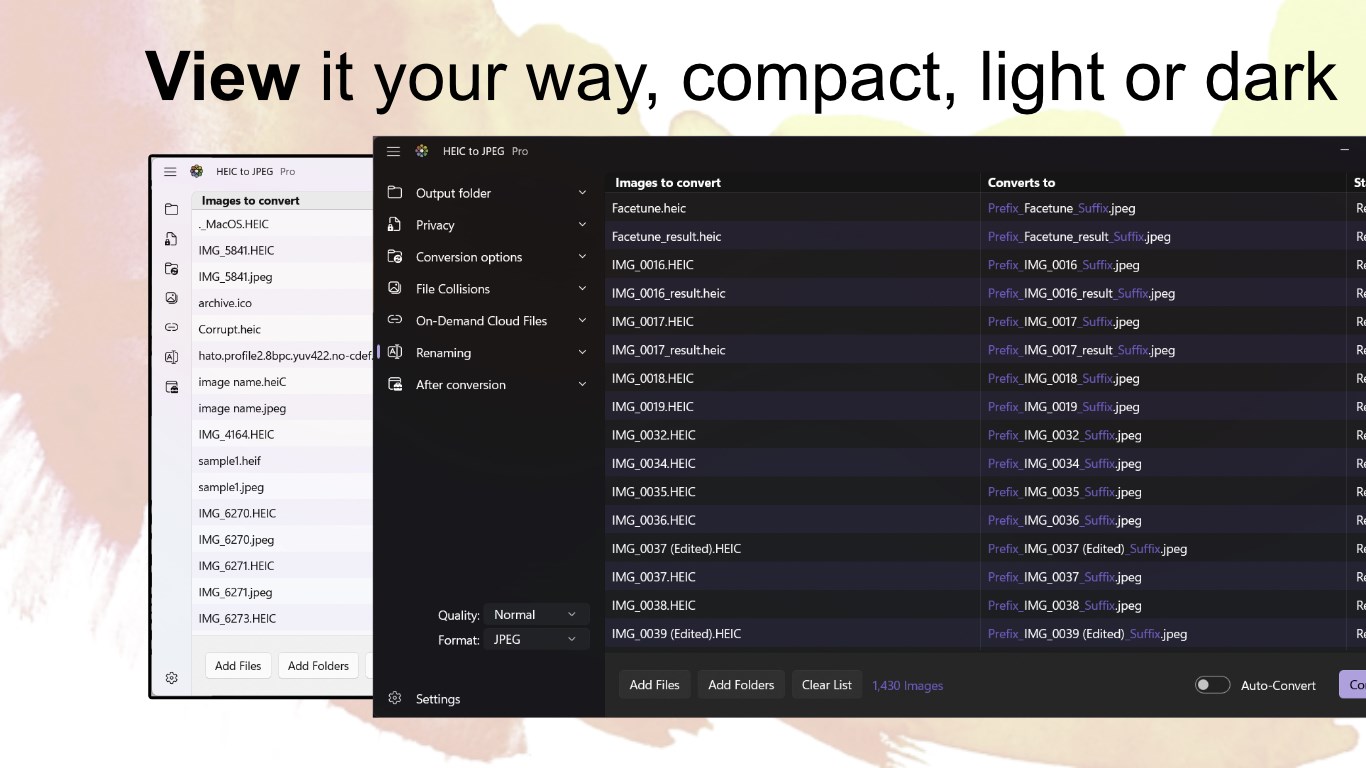
From the moment you launch HEIC to JPEG for Windows, it feels like stepping into a well-organized workspace—minimal clutter, straightforward options, and a clear flow. Its clean interface resembles a neatly arranged photo studio, inviting users to start converting without fuss. The app's responsiveness is impressive; it processes multiple images swiftly, akin to a busy artist painting a canvas with precision and speed. Navigating through its options is as smooth as gliding on ice—no lag, no confusing menus, just a natural learning curve that feels more like a friendly guide than a steep mountain to climb.
The drag-and-drop feature is especially handy; think of it as spreading out your photos on a desk and quickly flipping a switch, transforming your HEIC files into JPEGs with just a few clicks. Output settings are easy to configure, which helps streamline ongoing projects or batch operations, perfect for users with large photo libraries.
Unique Advantages and What Sets It Apart
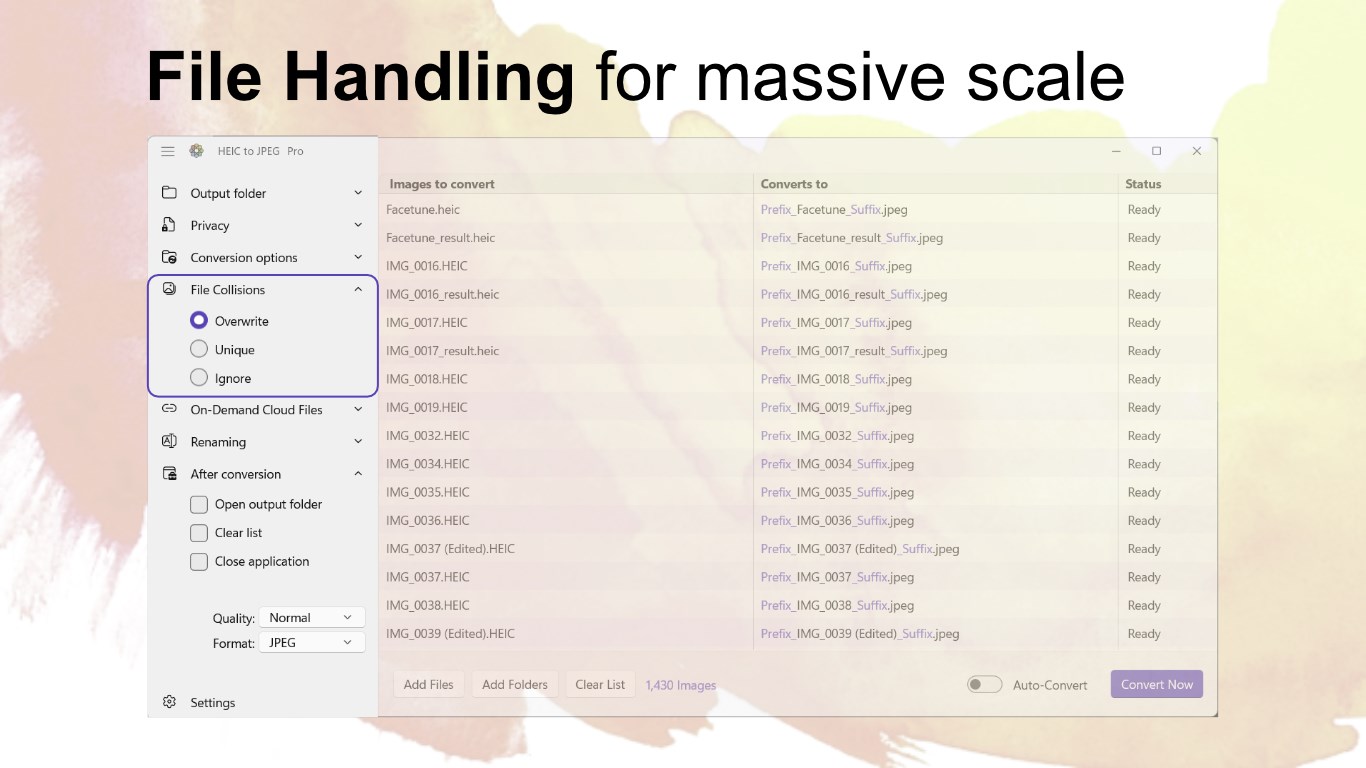
While many image converters promise fast results, HEIC to JPEG for Windows stands out with its focus on quality preservation and user-centric design. One of its most special features is the ability to convert multiple images simultaneously without compromising quality—a true time-saver. Unlike some competitors that limit batch sizes or degrade quality under heavy load, this app maintains fidelity throughout the process.
Another notable point is its simplicity; it forgoes complicated settings and technical jargon, making it accessible for beginners yet still powerful enough for advanced users who need quick turnaround. Its lightweight footprint ensures it won't bog down your system, even when processing large quantities of files.
Furthermore, the app's versatility in output customization means you can easily save your JPEGs in organized folders or assign specific naming conventions—ideal for photographers or content creators managing numerous images.
Final Thoughts: A Practical Choice for Everyday Image Needs
All in all, HEIC to JPEG for Windows by Duckhead Software is a highly practical tool that manages to combine simplicity with efficiency. It's like having a dependable digital assistant—one that swiftly turns your HEIC images into widely compatible JPEGs while keeping the process straightforward. I'd recommend this app to anyone frequently working with Apple photos or needing quick, high-quality conversions without the fuss of complex settings. Whether you're an everyday user or a professional on the move, this tool's balance of speed, quality, and ease of use makes it a worthwhile addition to your photo toolkit.
Pros
- High Conversion Speed
- User-Friendly Interface
- Batch Conversion Support
- Maintains Image Quality
- No Registration Required
Cons
- Limited Output Formats
- Lack of Advanced Settings
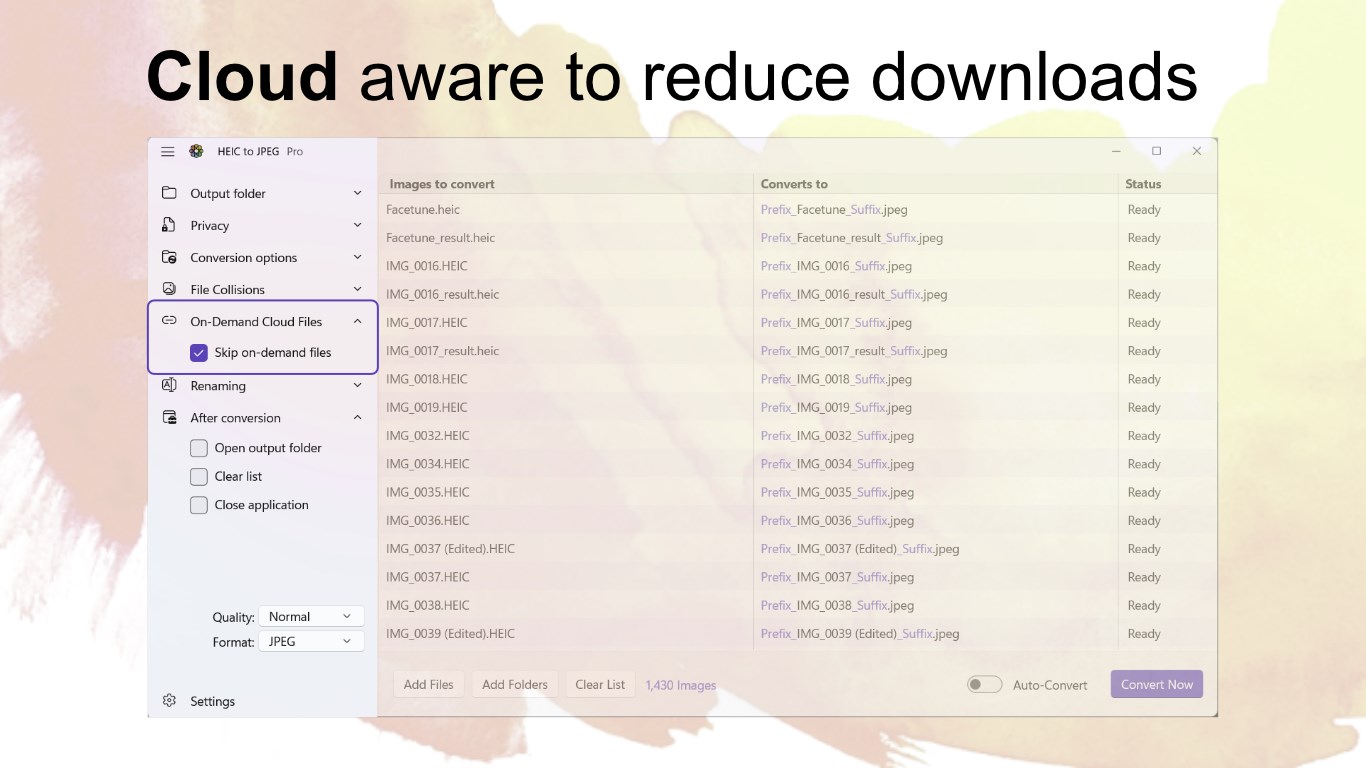
- No Cloud Integration
- Potential Compatibility Issues
- Limited Free Usage Details











