

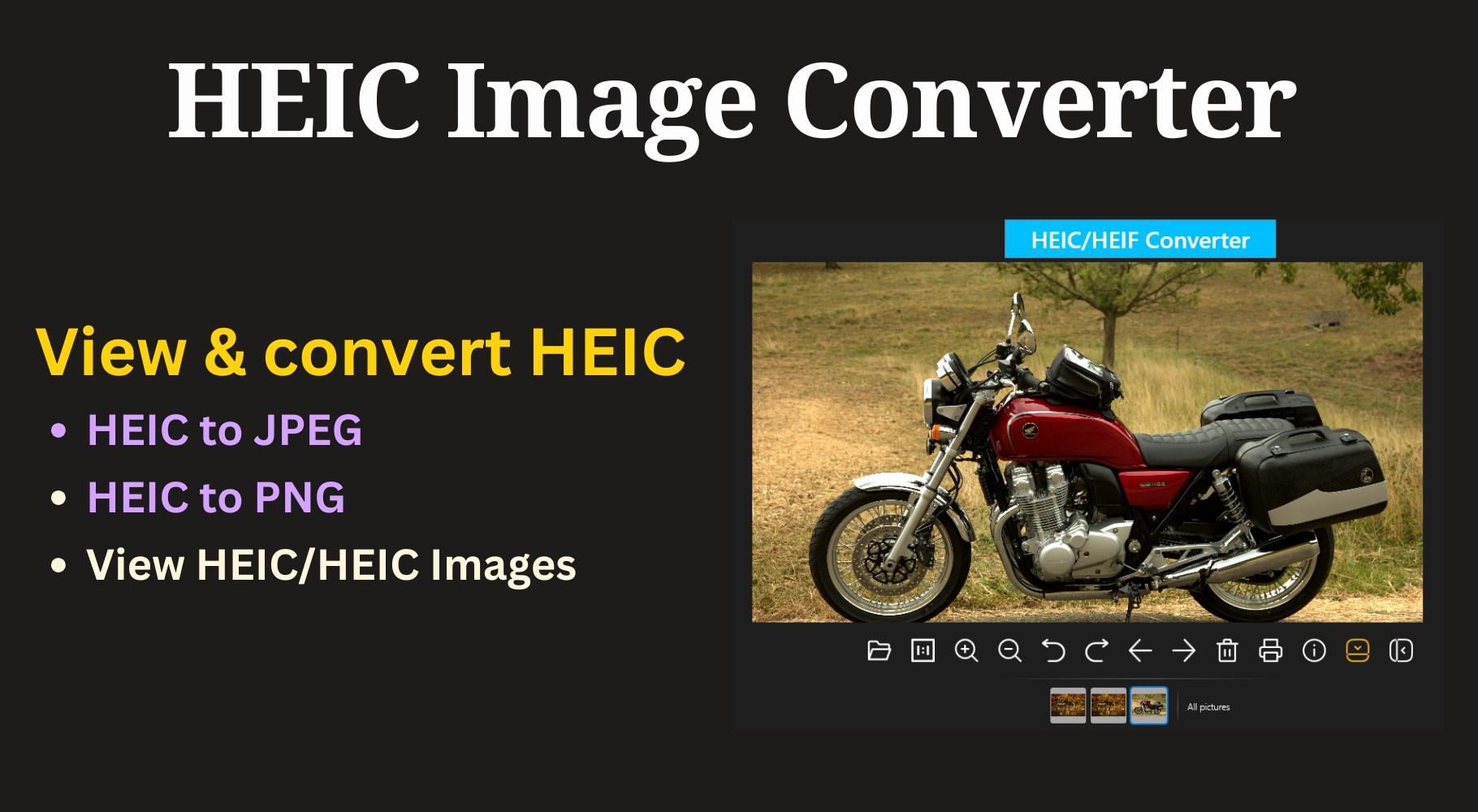
- Category Photo & video
- Developer HEIC
- Available on PC, Mobile, Surface Hub, HoloLens
- OS Windows 10 version 19041.0 or higher
- languages English (United States)
HEIC Viewer for Windows: A Sleek Solution for HEIC File Management
If you're tired of struggling with incompatible photo formats and want a straightforward way to view HEIC images on Windows, HEIC Viewer for Windows by GameTools offers an inviting approach. With its lightweight design and targeted features, this app positions itself as an efficient HEIC file viewer tailored for everyday users who prefer simplicity without sacrificing functionality.
Meet the Developers Behind the App
Developed by HEIC and published by GameTools, this application benefits from dedicated expertise in media format handling, focusing specifically on providing a seamless viewing experience for HEIC images. Although small in size, the team's focus on user-centric functionality ensures a reliable tool for Windows users.
Key Features that Shine
- Native HEIC File Support: The app opens HEIC images directly without conversion, preserving original quality and metadata.
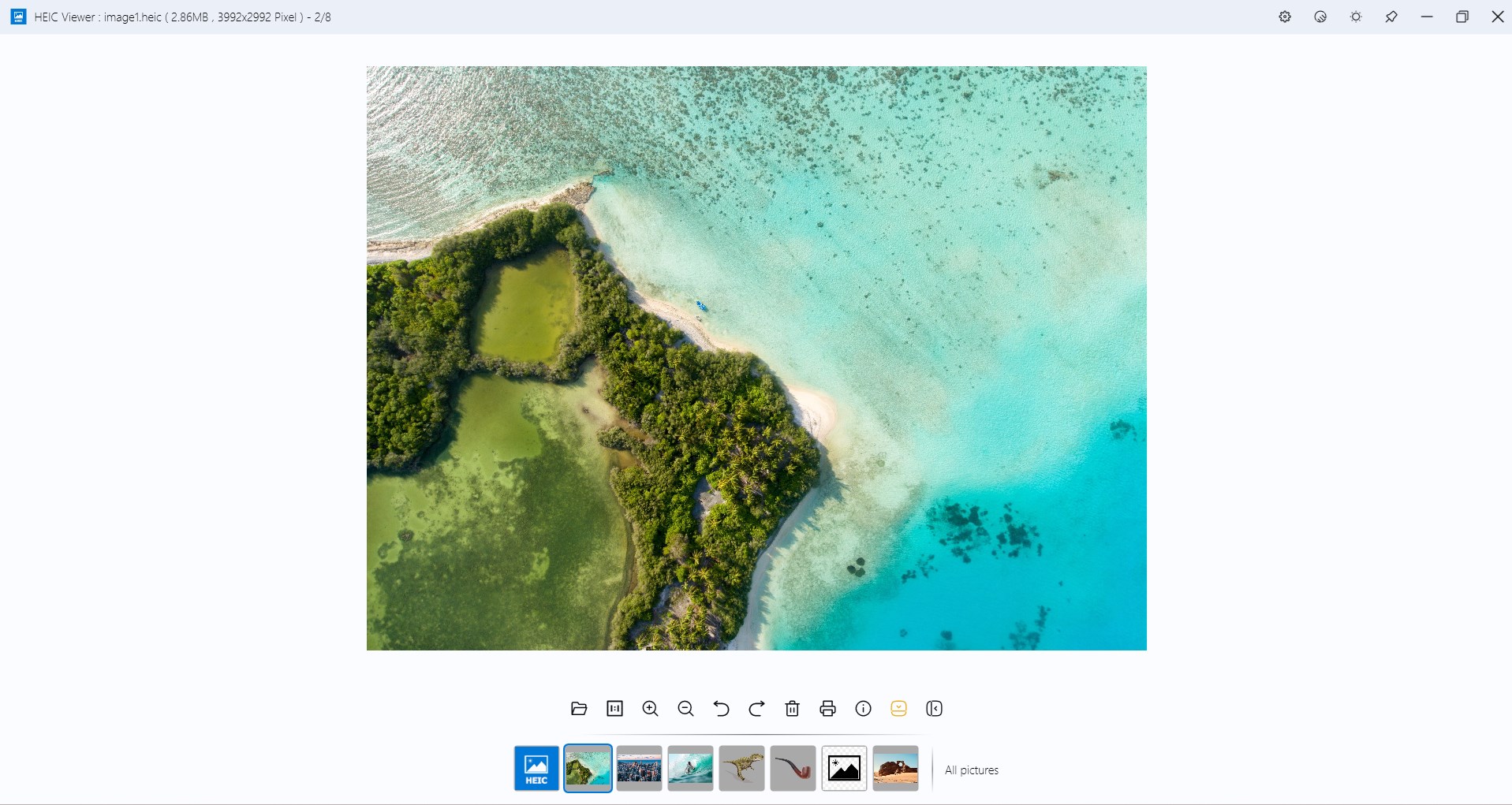
- Batch Viewing and Management: Easy navigation through multiple images, making it handy for users managing large photo collections.
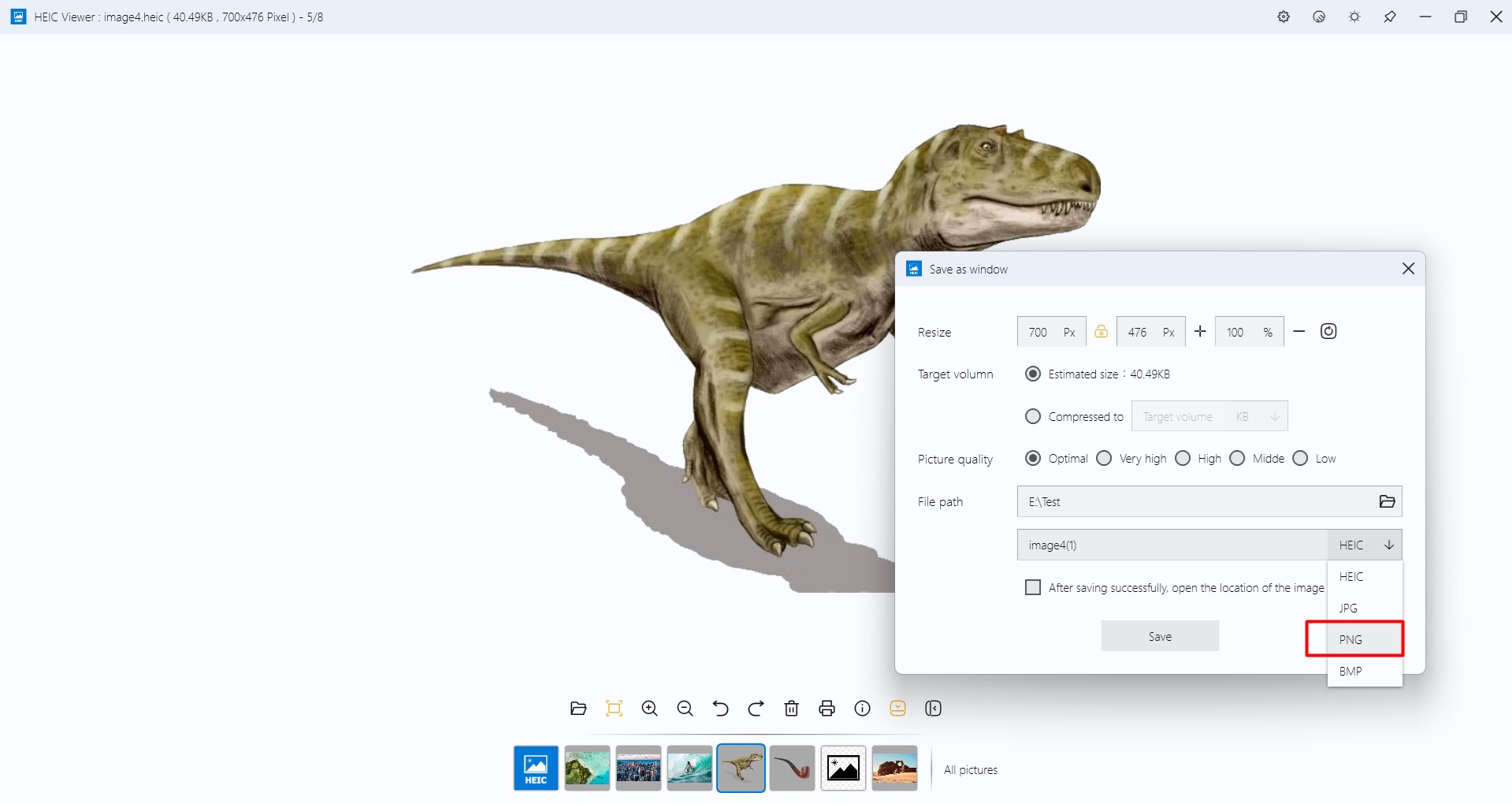
- Simple Export Options: Allows exporting HEIC images to common formats like JPEG or PNG, aiding in compatibility and sharing.
- Lightweight & Fast: Designed to start quickly and provide swift image rendering without unnecessary bloat.
A Fun yet Functional Photo Companion
Let's face it, opening a HEIC file on Windows often feels like trying to fit a square peg into a round hole — there's a disconnect between formats and viewers. HEIC Viewer for Windows steps in like a friendly guide—calm, efficient, and easy to use—making your browsing experience feel like flipping through a well-organized photo album rather than wrestling with incompatible software. Its minimalistic interface and smooth navigation make it feel like opening a digital photo frame, where images come alive with just a click.
Effortless Navigation & User Experience
The design of HEIC Viewer for Windows is clean and intuitive. Upon launch, users are greeted with a simple gallery interface—no clutter, no confusing menus. The app boasts rapid load times; images appear almost instantaneously, making the process feel seamless. The learning curve is gentle: even first-time users find it simple to browse, open, and manage images. The app's minimalist approach means that the focus remains on your photos, rather than on complicated controls or confusing options.
Clarity in Design and Performance
When it comes to user interface, HEIC Viewer for Windows nails the balance between simplicity and functionality. The controls are clearly labeled, and navigation feels fluid—scrolling through images resembles flipping pages in a well-loved photo book. Its performance remains consistently smooth, even with large image files or multiple images loaded simultaneously. This stability is crucial for anyone dealing with high-resolution HEIC photos that tend to be hefty in size and detail.
What Makes It Stand Out?
Compared to other media viewers, HEIC Viewer for Windows offers a niche advantage: dedicated HEIC support without complicated conversions or extra bloat. Its primary feature—native, quick viewing of HEIC files—sets it apart from general-purpose photo applications that may require plugins or extensions. Furthermore, export functionality streamlines workflows by allowing users to convert HEIC images to more widely-supported formats without needing additional tools, making this app a one-stop solution for HEIC management.
Final Thoughts & Recommendations
Overall, HEIC Viewer for Windows is a thoughtfully designed tool that meets the needs of casual users and professionals alike who require straightforward HEIC image viewing and management. While it isn't packed with extensive editing features like some high-end photo apps, its specialization in HEIC support and ease of use make it a valuable addition to your Windows toolkit. I'd recommend it especially for those who frequently encounter HEIC images and want a quick, reliable way to access them without unnecessary fuss. For users seeking a dedicated HEIC viewer that's both simple and effective, this may well be your new favorite digital photo companion.
Pros
- User-Friendly Interface
- Fast Performance
- Supports Batch Viewing
- Lightweight Design
- Seamless Integration
Cons
- Limited Format Support
- Basic Editing Features Missing
- No Advanced Image Tools
- Occasional Compatibility Issues
- No Built-in Conversion











