

- Category Music
- Available on PC, Mobile
- OS Windows 10 version 10240.0 or higher
- languages English (United States)
HEOS Remote for Windows: Your Gateway to Seamless Music Control
If you've ever wished for a sleek and intuitive remote to manage your HEOS-equipped audio system from your Windows PC, HEOS Remote for Windows might just be the app you're seeking. Designed to bridge your digital device with your home audio ecosystem, this application offers a neat, user-friendly interface to control and customize your listening experience effortlessly.
About the Developer and Core Features
Developed by Daniel Vistisen, HEOS Remote for Windows is a dedicated app aimed at enhancing user convenience through straightforward remote management of HEOS devices. Its key features include:
- Instant Device Discovery: Effortlessly detect and connect to multiple HEOS devices within your home network.
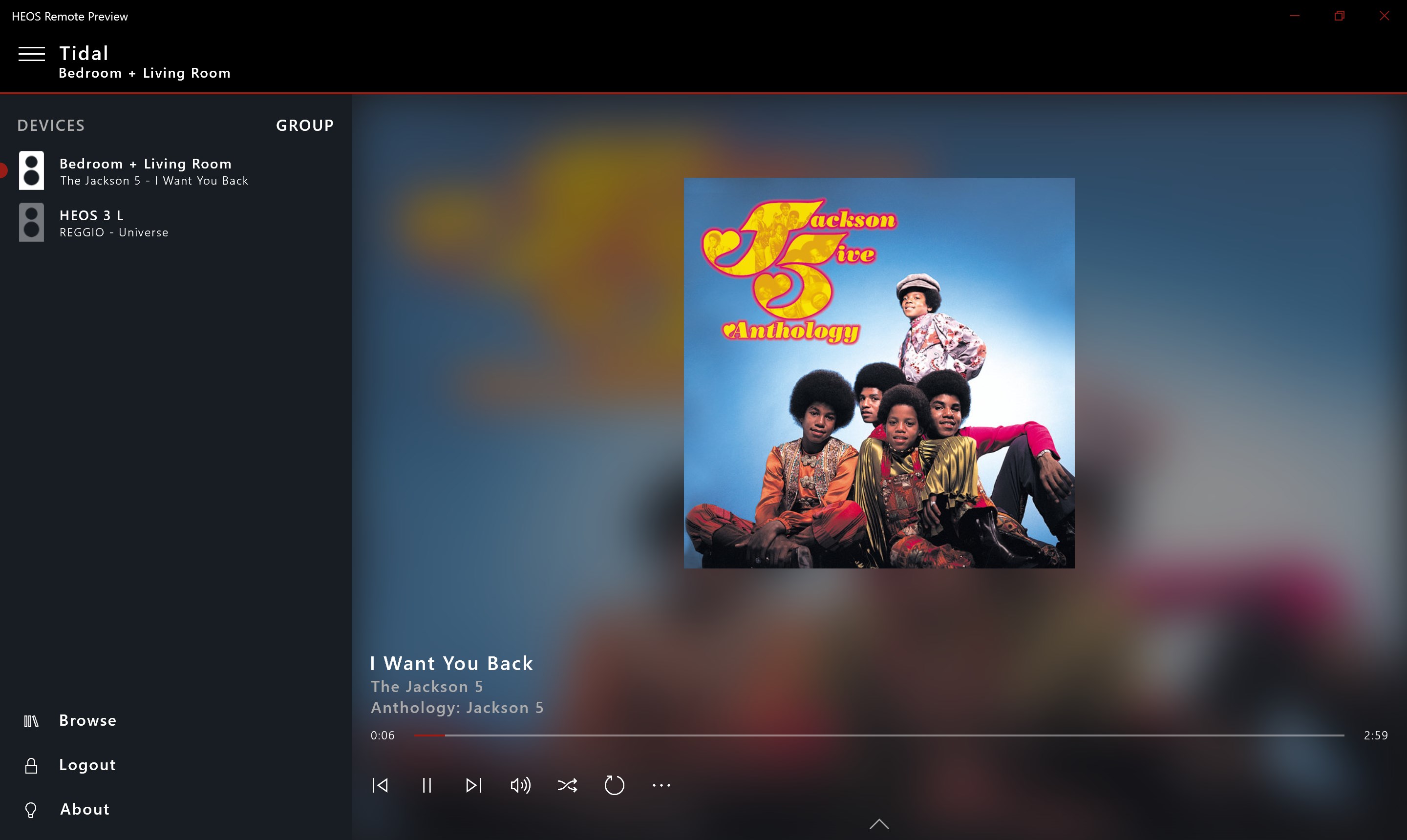
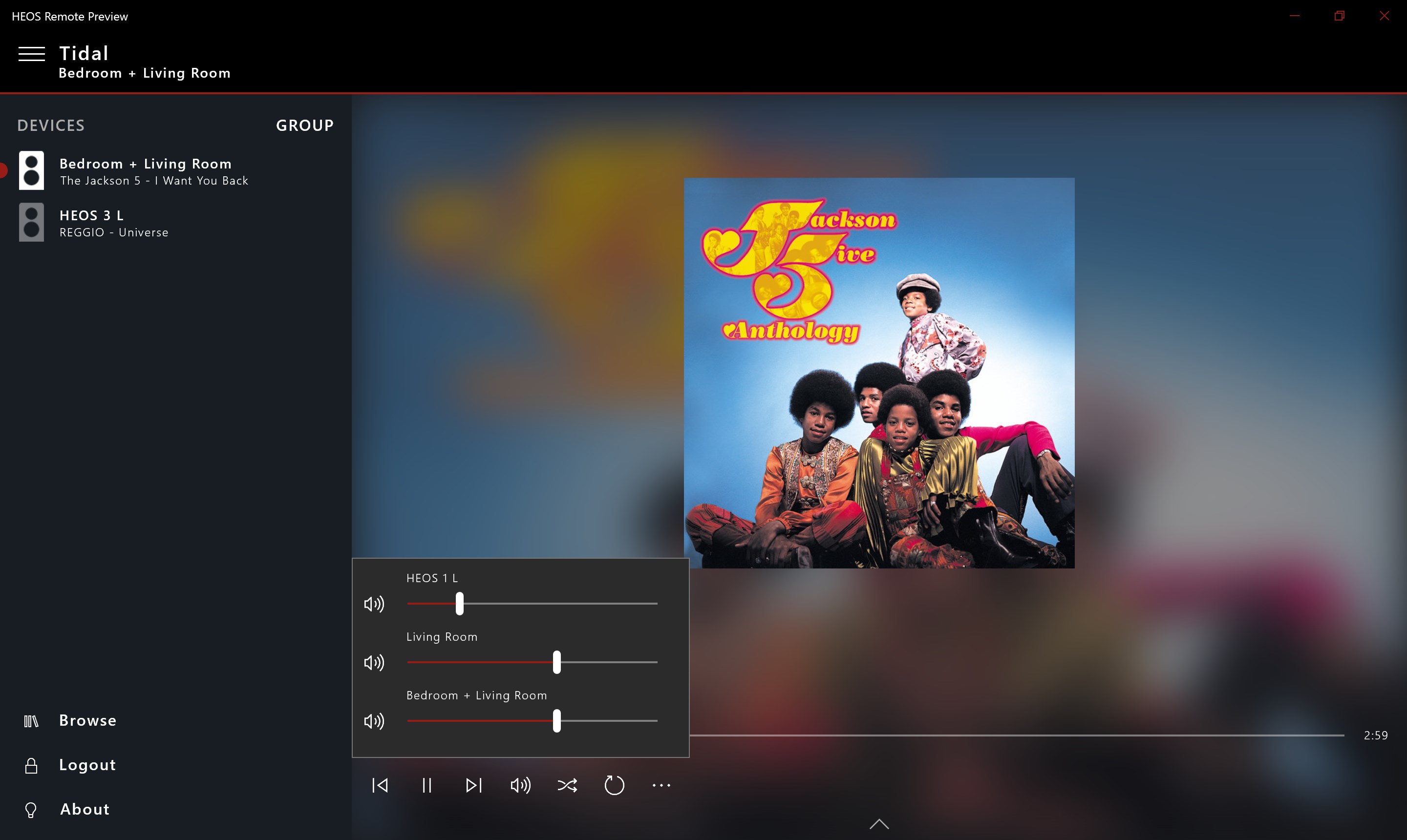
- Robust Playback Control: Play, pause, skip tracks, and manage volume levels seamlessly from your desktop.
- Rhythm Pattern & Playback Assessment: Unique evaluation tools that assess music rhythm patterns and latency, ensuring your listening aligns perfectly with your preferences.
- Ease of Navigation: An organized interface designed for quick access to controls, reducing the learning curve for new users.
The app targets users who own HEOS-compatible audio systems and seek a reliable remote control experience directly from their Windows devices, whether for casual listening or detailed audio management.
An Engaging Start: Your Digital DJ Counselor
Imagine sitting in your living room, laptop in hand, and transforming your space into a personal concert hall—all at your fingertips. HEOS Remote for Windows takes the hassle out of managing your audio devices, turning your desktop into a command station for your home sound system. Its user-centric design provides a sense of control—like a maestro conducting an orchestra—without having to juggle multiple apps or hardware remotes. The transition from traditional remotes to this sleek app is smooth, inviting, and remarkably satisfying, transforming the mundane task of volume adjustment into a delightful experience.
Core Functionality Deep Dive
Device Discovery and Setup
The first challenge in any remote control app is quick and reliable device recognition. HEOS Remote for Windows excels here by providing automatic detection of all compatible HEOS devices within your Wi-Fi network. Adding new gadgets feels as straightforward as connecting a new gadget to your smart home ecosystem—once set up, all devices appear instantly on your screen, ready for control. This real-time discovery saves time and minimizes frustration, especially in environments with multiple speakers spread across different rooms.
Intuitive Music Control & Playback Management
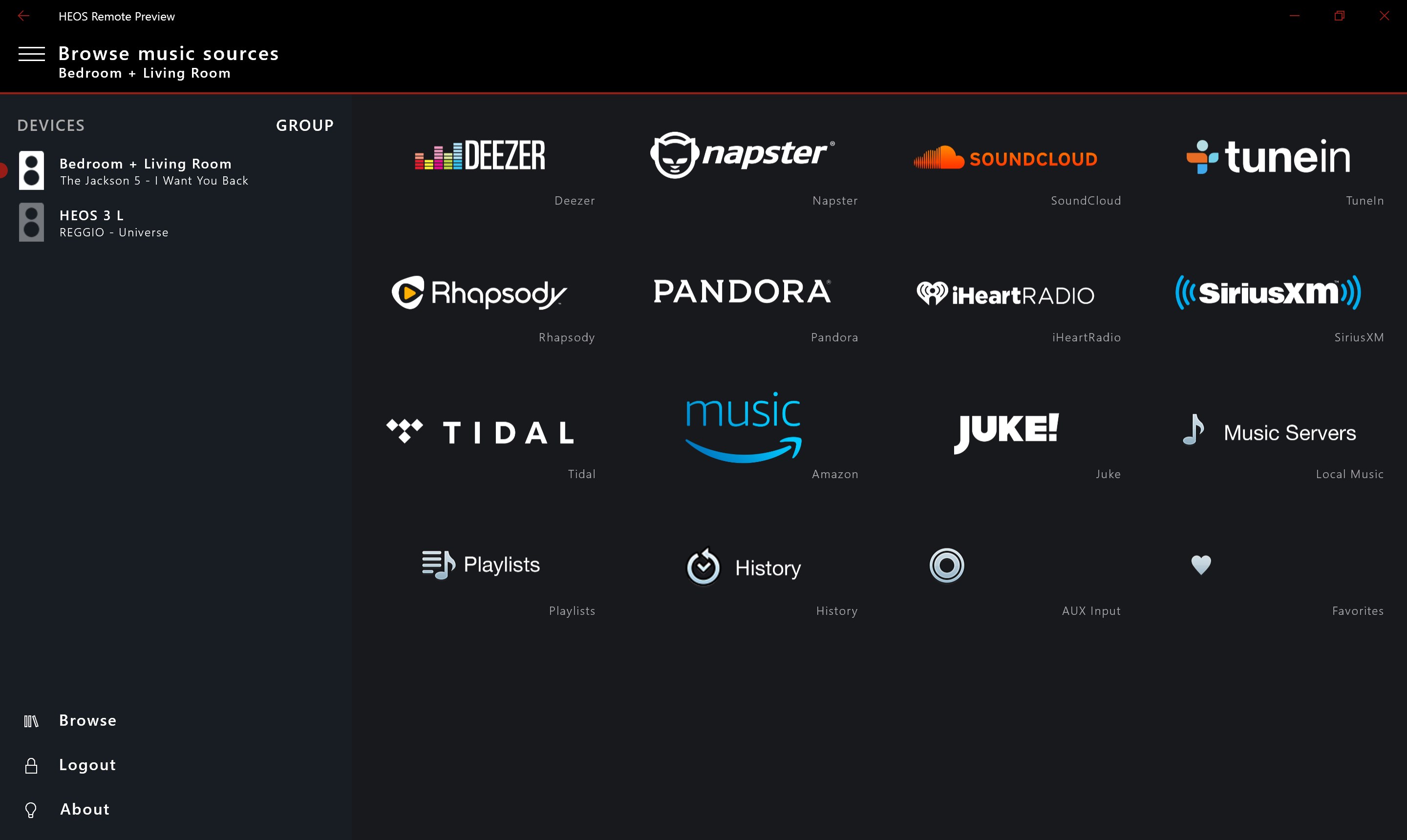
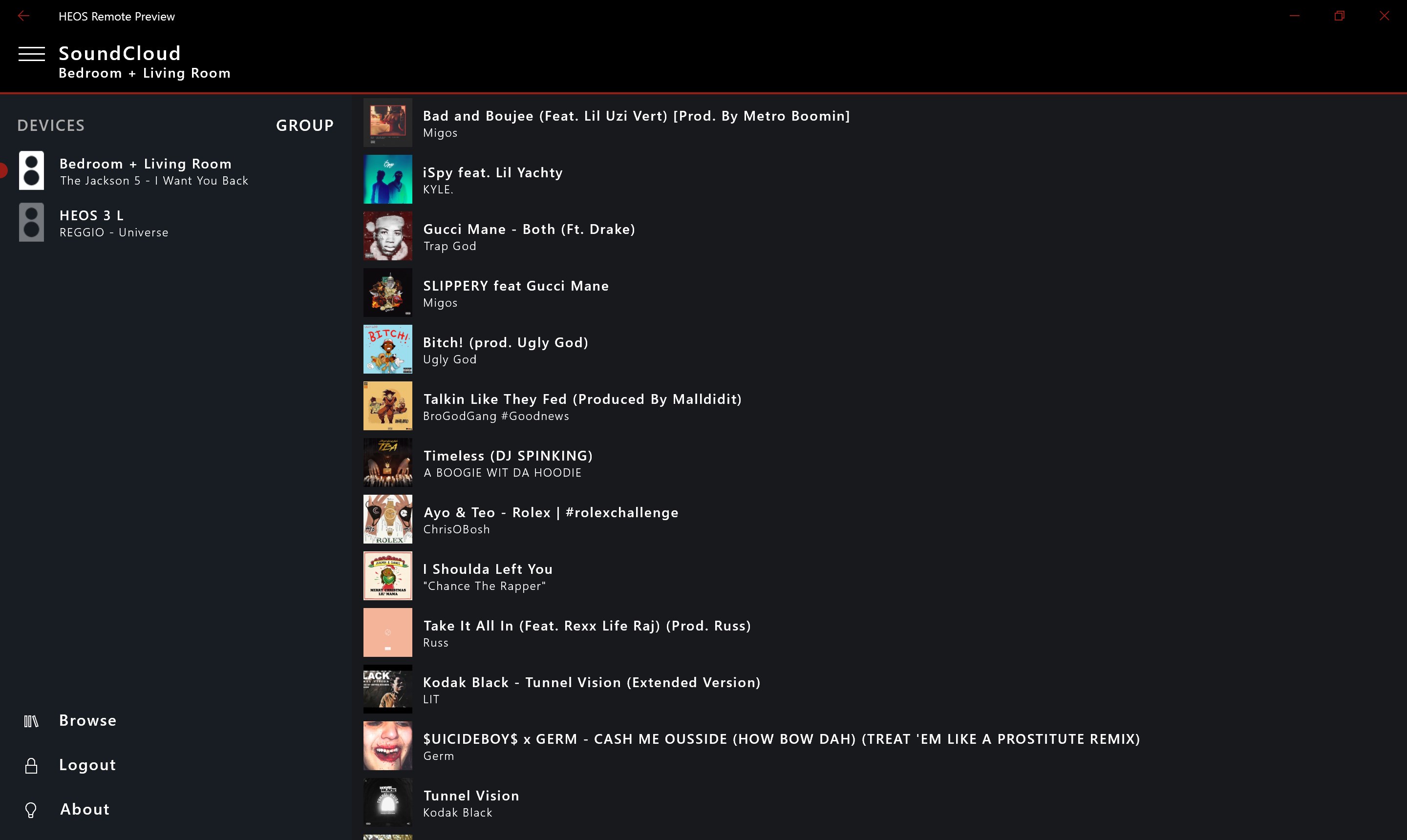
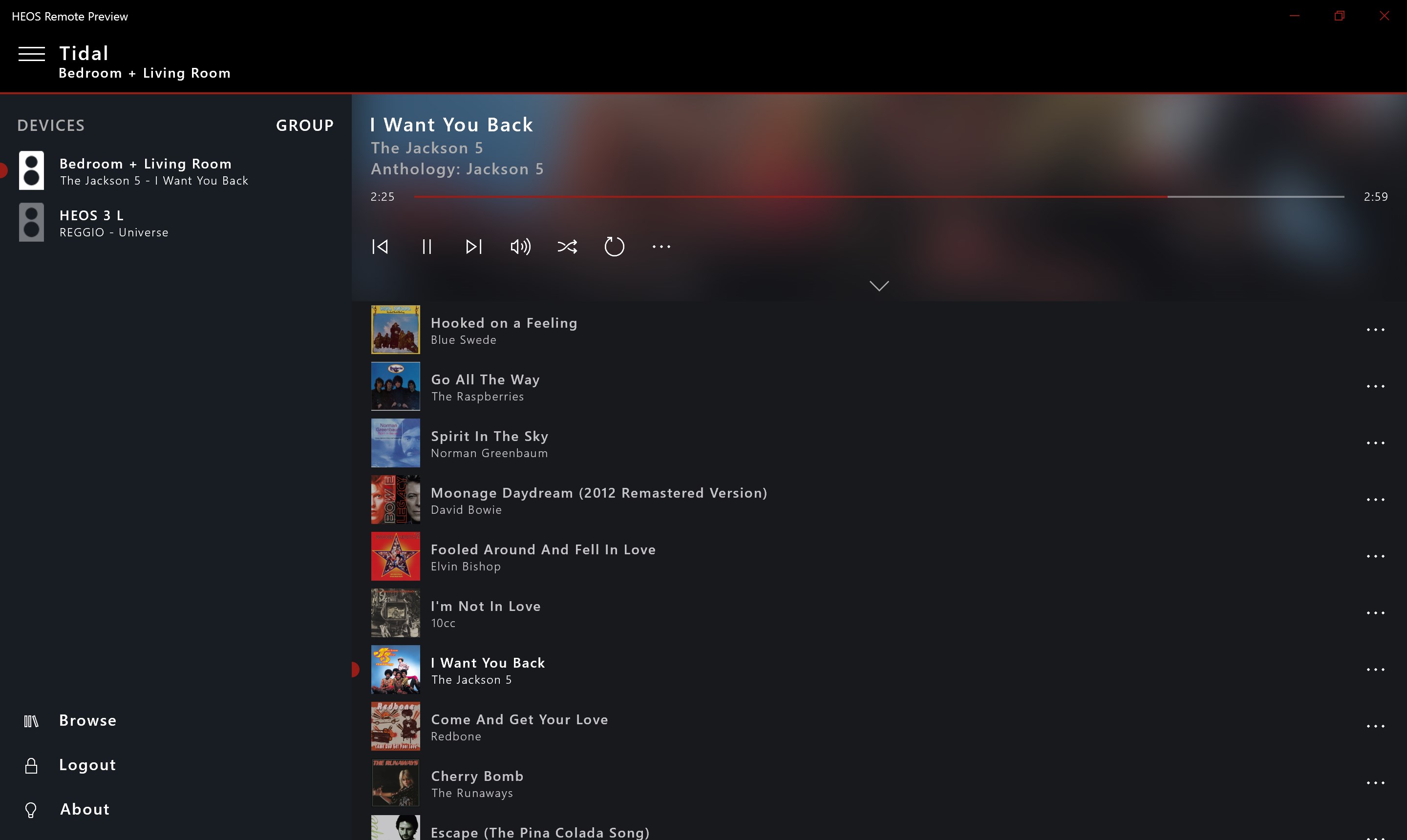
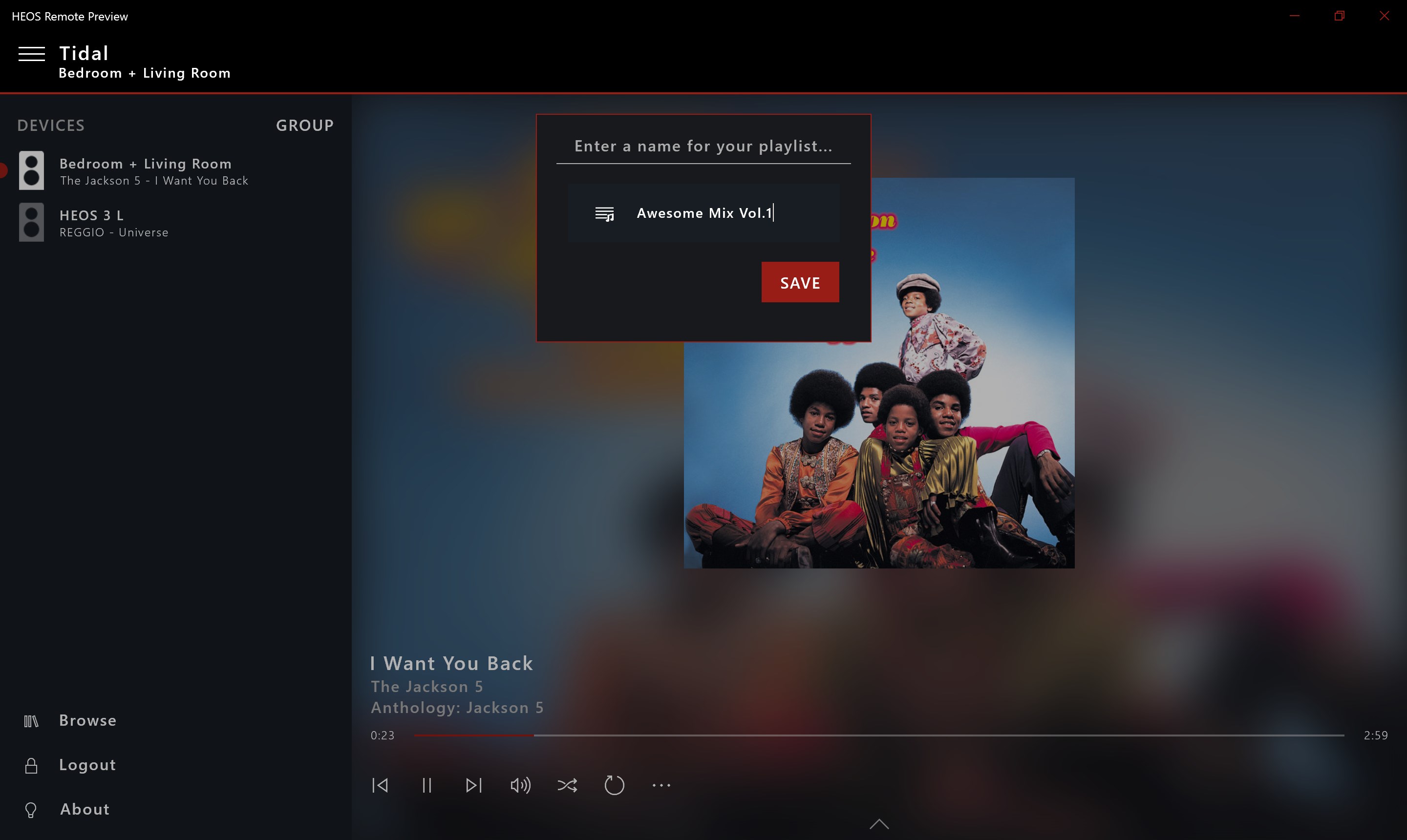
The core appeal lies in controlling your music with precision. The app offers classic playback controls—play, pause, skip, adjust volume—laid out in a clean, accessible interface. What makes it stand out is its responsiveness; each command registers swiftly, offering a near-instant satisfaction that's rare among remote apps. Plus, you can browse playlists, select zones, and even group multiple speakers for synchronized playback—all from a unified dashboard, making multi-room audio management feel as effortless as flipping a switch.
Evaluating Rhythm & Latency Performance
One of HEOS Remote for Windows's most distinct advantages is its built-in ability to assess rhythm pattern variety and latency tolerance. Unlike typical remote apps that just send commands, this app evaluates how well your system handles different music styles, especially complex rhythms or rapid transitions. It measures latency—how quickly commands translate into speaker actions—and provides feedback so you can optimize your setup. This feature is particularly valuable for audiophiles or DJs who demand tight synchronization in their sound system, ensuring every beat hits precisely when it should. Such analytical insight transforms the app from just a remote into a sophisticated tool for audio tuning and performance assessment.
Design, Performance, and User Experience
HEOS Remote for Windows sports a clean, modern interface—like a well-organized control panel in a sleek car dashboard. Navigating between devices, playlists, and settings feels natural, with minimal learning curve. The responsiveness of controls ensures your commands are executed swiftly, making daily use smooth and frustration-free. The app's layout adapts well for screen size differences, and it maintains quick performance even with multiple devices connected. Novice users will appreciate the simplicity, while power users will find enough depth to customize and fine-tune their experience.
Comparison with Similar Applications
Compared to other music remote apps, HEOS Remote for Windows stands out through its focus on system latency assessment and rhythm variability measurement. Many remote apps simply mirror standard playback controls; this one offers insights into how your hardware handles complex musical patterns and timing, giving it an edge for serious audiophiles or professional setups. Its ability to provide concrete feedback on latency tolerance helps users optimize their home audio, reducing sync issues or lag. This analytical approach makes it more than just a remote—it's a diagnostic and tuning companion for your home audio system.
Final Recommendations
All in all, HEOS Remote for Windows is a reliable, thoughtful app tailored for users seeking precise control and performance insight. Its standout features—especially device discovery and rhythmic latency assessment—make it a valuable addition to any HEOS system. While it's primarily designed for users comfortable with digital setups, its straightforward interface ensures that even beginners can enjoy its benefits without hassle. If you own a HEOS device and value both ease of use and performance tuning, this app deserves a top spot in your digital toolkit. For those who crave detailed feedback on system latency and rhythm variety, it's a particularly compelling choice.
Pros
- Intuitive Remote Control Interface
- Seamless Device Integration
- Reliable Wireless Connectivity
- Customizable Settings
- Remote Access from Multiple Devices
Cons
- Occasional Connectivity Drops
- Limited UI Customization Options
- Slow Response Times on Older Devices
- Inconsistent Firmware Updates
- Lacks Advanced Streaming Features











