

- Category Productivity
- Available on PC
- OS Windows 10 version 16299.0 or higher
- Memory 2 GB
- DirectX Version 11
- Keyboard Integrated Keyboard
- Mouse Integrated Mouse
- Memory 6 GB
- languages Chinese (Simplified), Chinese (Traditional Chinese), Dutch, English, Finnish, French, German, Italian, Japanese, Korean, Norwegian (Bokmål), Portuguese, Russian, Spanish, Swedish, Turkish
A Visual Sanctuary at Your Fingertips: An Introduction to Home Design 3D for Windows
If you've ever wished to bring your interior design ideas to life or experiment with home layouts without breaking a sweat, Home Design 3D for Windows might just become your new best friend. This application offers a virtual sandbox for creating, editing, and visualizing home interiors with a splash of creativity and ease. Developed by the reputable team at Anuman Interactive / Microids, this app aims to bridge the gap between architectural planning and user-friendly interaction. Whether you're a budding interior designer, an enthusiastic homeowner, or simply someone who enjoys playing with spatial arrangements, this software promises to deliver functional and engaging features designed with you in mind.
What Makes It Stand Out? Core Features That Spark Creativity
Intuitive 3D Room Customization
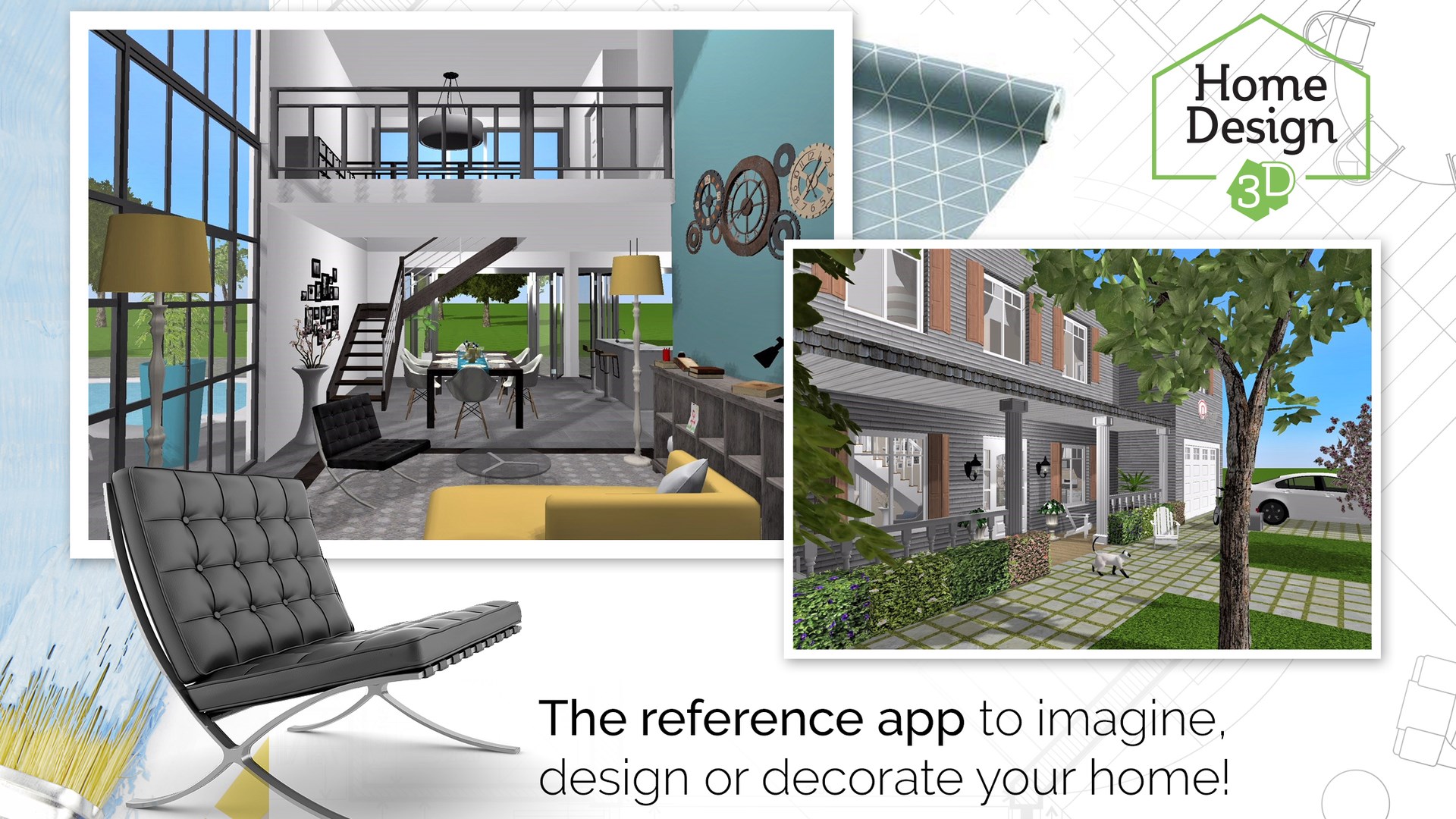
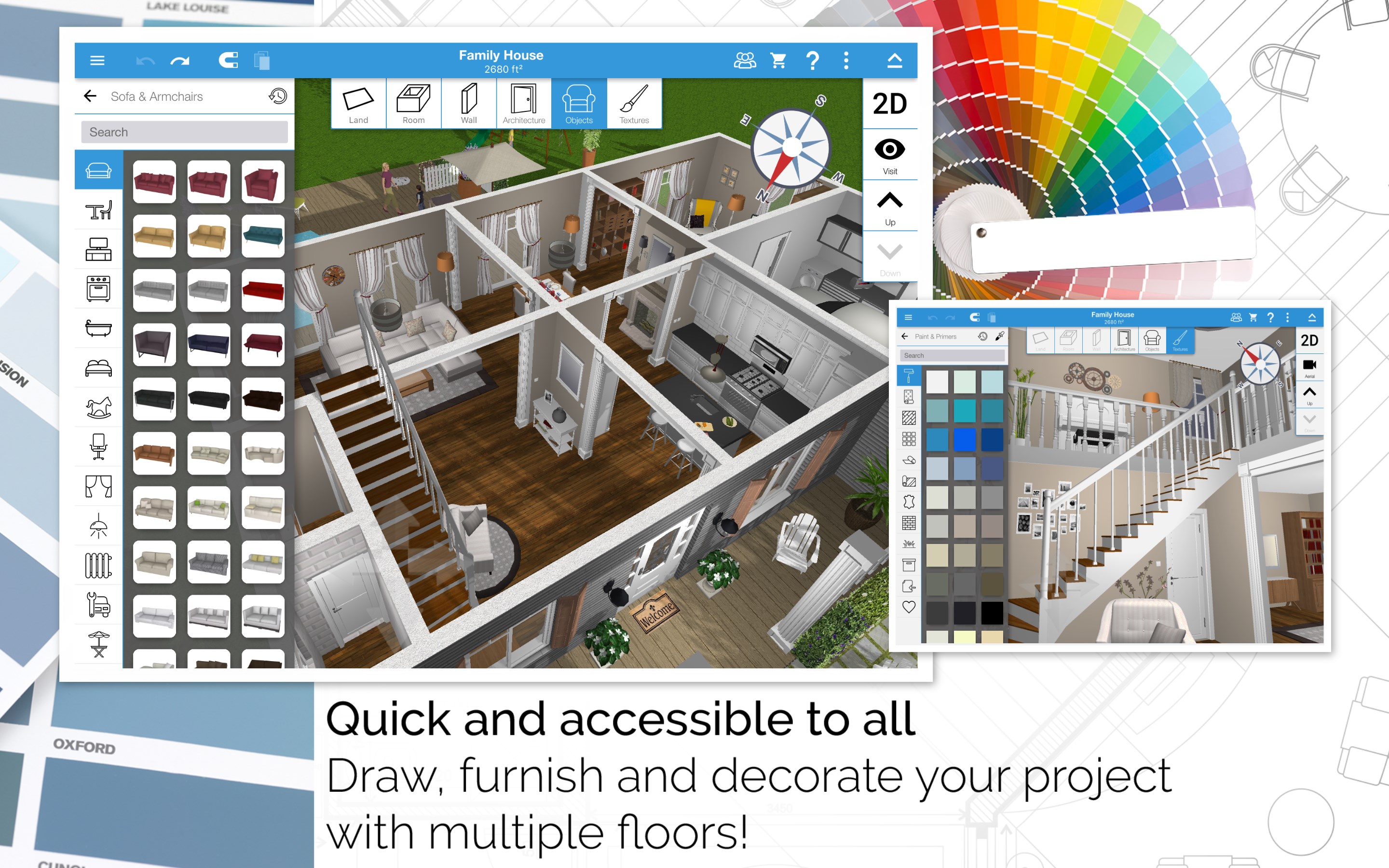
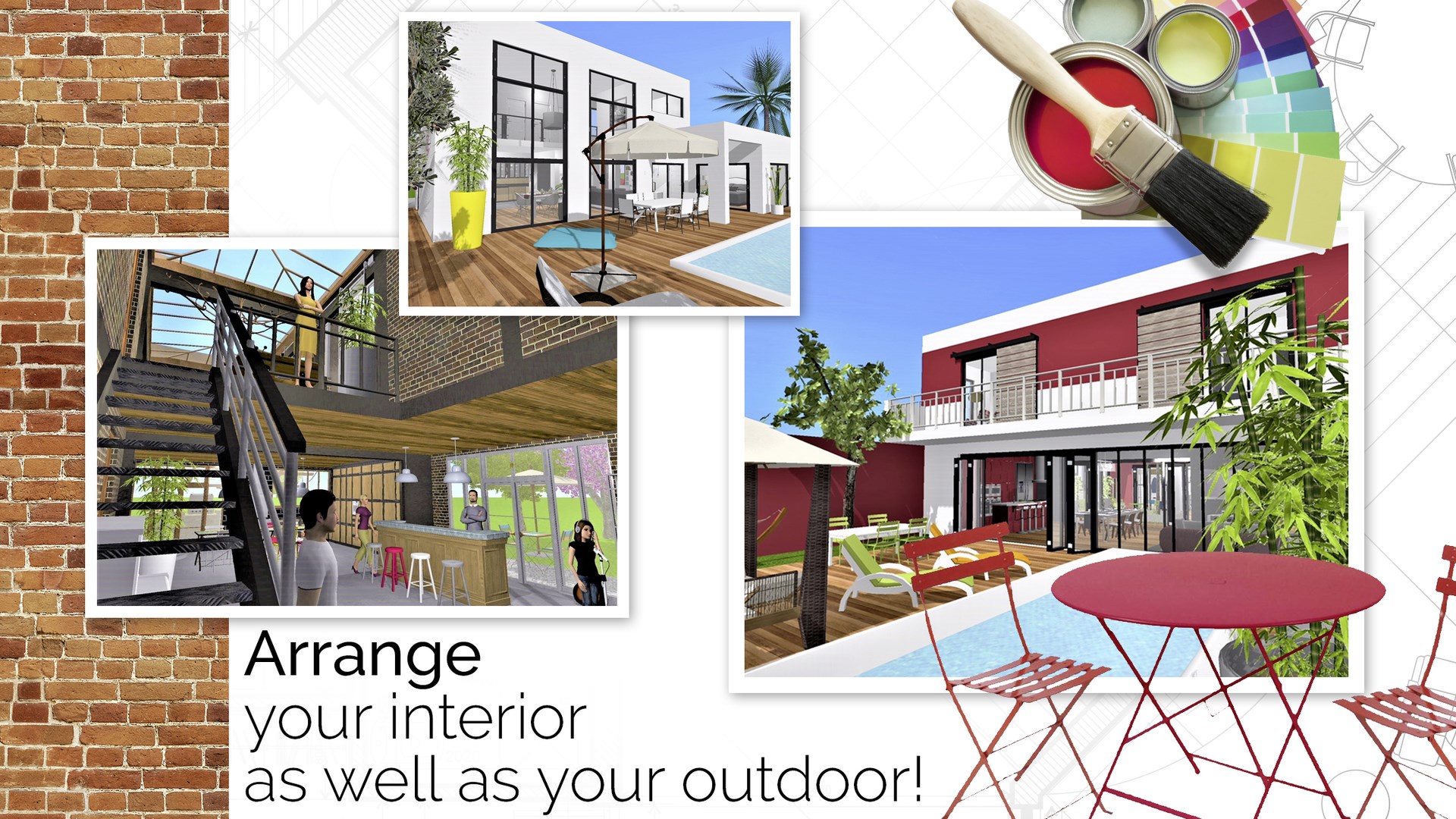
At the heart of Home Design 3D lies its powerful yet user-friendly 3D modeling engine. Users can effortlessly sketch floor plans, adjust room dimensions, and switch views seamlessly. The intuitive drag-and-drop interface lets you decorate your space in real-time, akin to playing an interactive puzzle where every piece is a potential living space. Precise control over furniture placement, wall colors, flooring, and lighting ensures your vision is accurately translated into the virtual environment, providing an immersive experience that blurs the line between imagination and reality.
Rich Library of Decor and Furniture
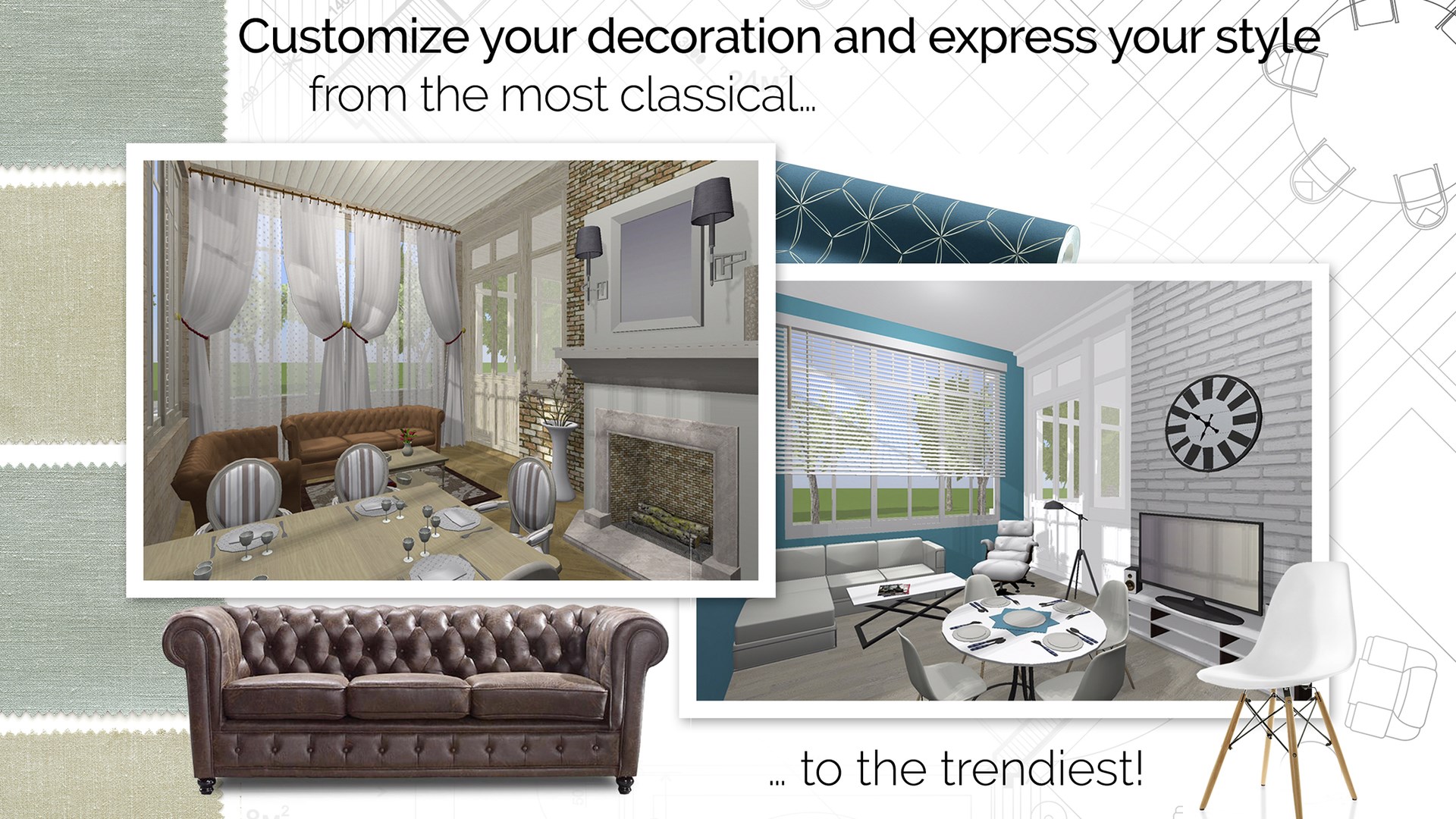
The app generously offers an expansive library of furniture, appliances, and decor items, enabling customization that's rich in detail and variety. Whether you prefer sleek modern aesthetics or cozy rustic charm, the library covers multiple styles, allowing you to craft living spaces that reflect your personal taste. The search function and categorization help streamline your design process, making it easy to find exactly what fits your vision.
Real-Time Visualization and Sharing
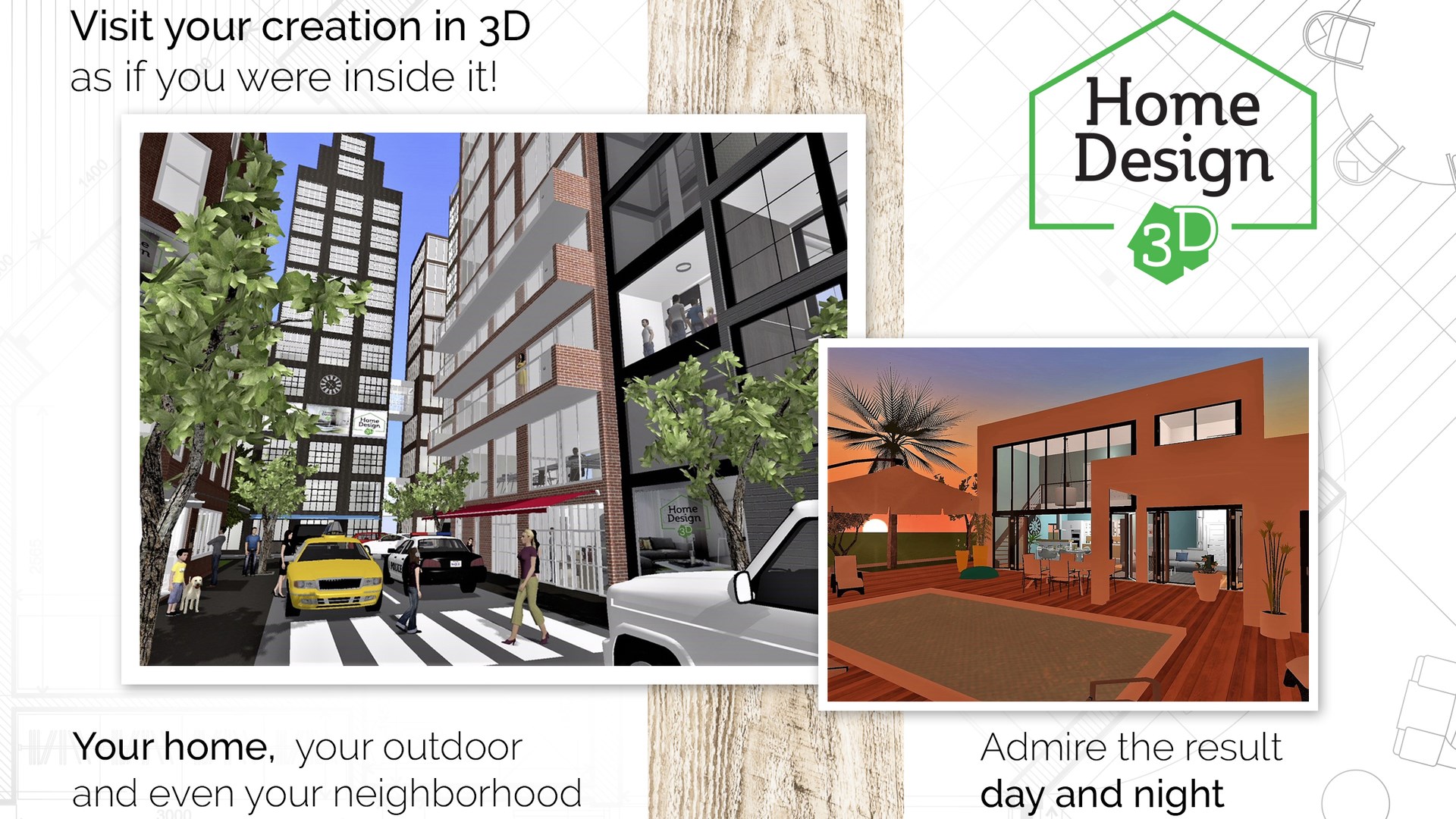
One of the app's most compelling features is its ability to render your designs instantly in 3D, giving you a virtual walkthrough that feels remarkably real. This dynamic visualization aids in understanding spatial relationships and lighting effects, making it easier to identify potential issues or improvements. Additionally, the app supports exporting projects or sharing them directly via social media or other platforms, perfect for collaborating with clients, friends, or family members who can give feedback or simply marvel at your creativity.
User Experience: Sleek, Accessible, and Engaging
The interface of Home Design 3D for Windows strikes a commendable balance between simplicity and functionality. The clean layout and intuitive icons make navigation feel natural, almost like sketching on a digital notepad. The learning curve is gentle—new users can start designing within minutes, while seasoned designers will appreciate the depth of control available for detailed customization. Responsiveness is generally smooth, with minimal lag during complex manipulations, making the entire process fluid and satisfying—much like turning a well-oiled gear wheel that keeps your creativity spinning effortlessly.
Standing Out in the Landscape of Design Tools
Compared to more complex CAD or architectural software, Home Design 3D for Windows offers a refreshing blend of ease of use and visual sophistication. Its standout feature is the combination of real-time 3D visualization with an accessible interface—this reduces the typical cognitive load associated with intricate design applications while still providing meaningful features. Unlike productivity tools that focus purely on efficiency or task management, this app encourages a flow state: you're free to experiment without being bogged down by technical complexities, making it ideal for casual users and hobbyists.
Final Recommendations and Usage Suggestions
For those seeking an inviting platform to unleash their interior design ideas without steep learning curves, Home Design 3D for Windows presents a compelling choice. It is particularly beneficial for users who value visual feedback and wish to iterate quickly. However, if you require ultra-detailed architectural plans or construction-ready blueprints, you might find its capabilities somewhat limited. I recommend this app for personal projects, creative exploration, or initial planning phases rather than professional-scale drafting.
Overall, I'd rate Home Design 3D for Windows as a valuable addition to your digital toolkit—an engaging, approachable, and surprisingly capable design companion. Whether you're redesigning your living room or sketching out dream homes, this app transforms the task into an enjoyable and productive adventure. So go ahead, dive in, and start turning your ideas into vivid realities—all from the comfort of your PC.
Pros
- Intuitive Drag-and-Drop Interface
- Extensive Asset Library
- 3D Visualization Features
- Cross-Platform Compatibility
- Export and Sharing Options
Cons
- Limited Advanced Features
- Performance Issues on Low-End Devices
- Lack of Detailed Measurement Tools
- Limited Customization Options for Assets
- Rendering Speed Can Be Slow











