

- Category Productivity
- Available on PC, Mobile, Surface Hub
- OS Windows 10 version 19041.0 or higher
- languages English (United States)
Hotspot for Windows: Seamless Wi-Fi Connectivity at Your Fingertips
Hotspot for Windows, developed by TechVidal, is a straightforward application designed to turn your PC into a portable Wi-Fi hotspot, making internet sharing effortless and reliable for various devices. Whether you're in a coffee shop or on the go, this app aims to provide quick, secure, and stable hotspot creation without the fuss of complex configurations.
Core Features That Make Hotspot Stand Out
Easy Setup with Minimal Fuss
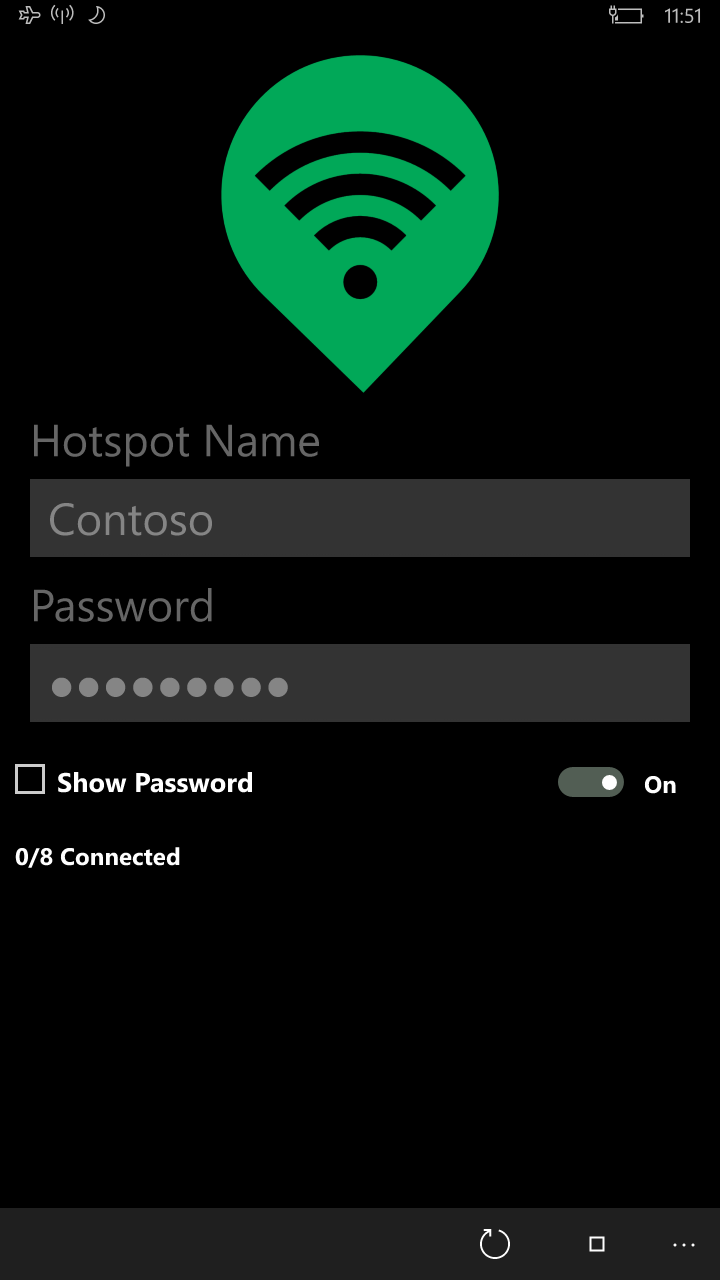
One of Hotspot's most appealing aspects is its streamlined setup process. Users can turn their Windows PC into a Wi-Fi hotspot in just a few clicks. The interface guides you through a straightforward wizard, eliminating the need for deep networking knowledge, which is especially beneficial for tech novices. This effortless setup ensures that even someone unfamiliar with network configurations can quickly share their internet connection.
Robust Connection Management and Security
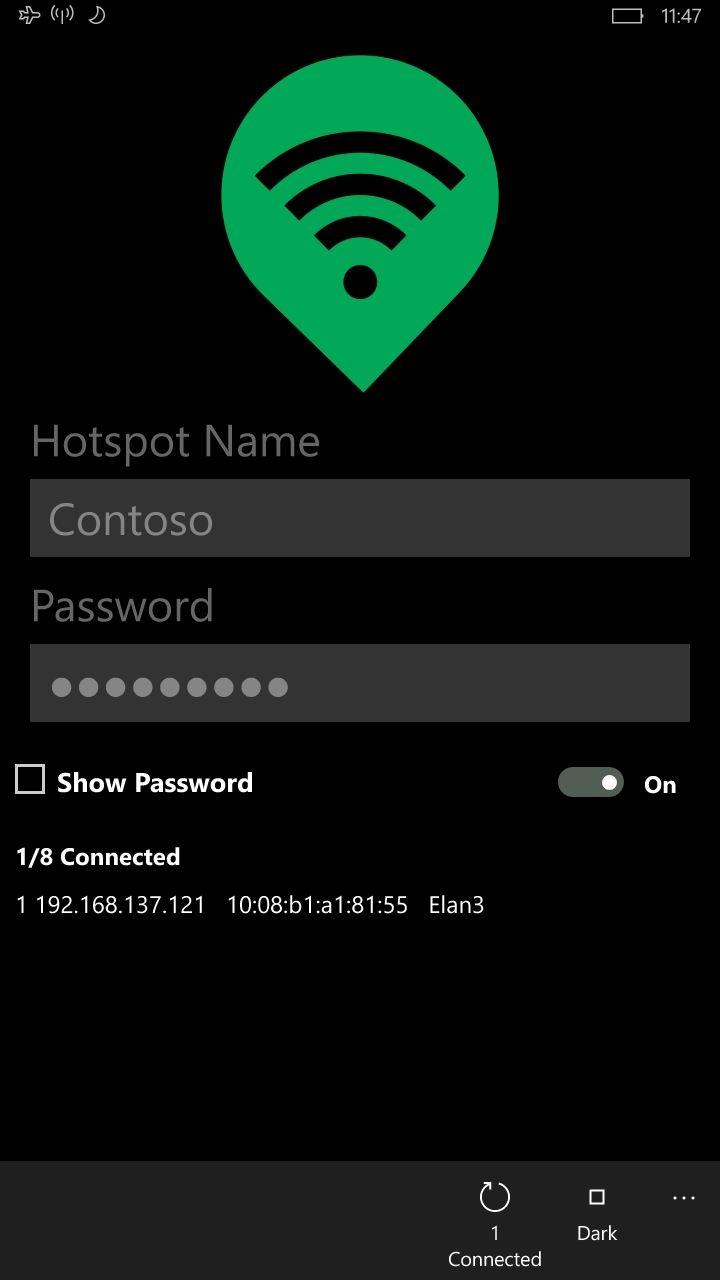
The app offers robust management features—allowing users to monitor connected devices in real-time and control access effortlessly. Additionally, it supports the implementation of security protocols such as WPA2, ensuring that your shared connection remains protected against unauthorized access. These features give users peace of mind, knowing their internet sharing doesn't compromise security.
Stable Performance and Compatibility
Hotspot for Windows emphasizes stability, providing consistent connection quality even when multiple devices connect simultaneously. It's designed to work seamlessly across Windows 10 and Windows 11, supporting various network adapters. Moreover, the app automatically detects available networks and optimizes settings accordingly, reducing connection drops and ensuring a reliable experience similar to a dedicated router.
Intuitive User Experience and Design
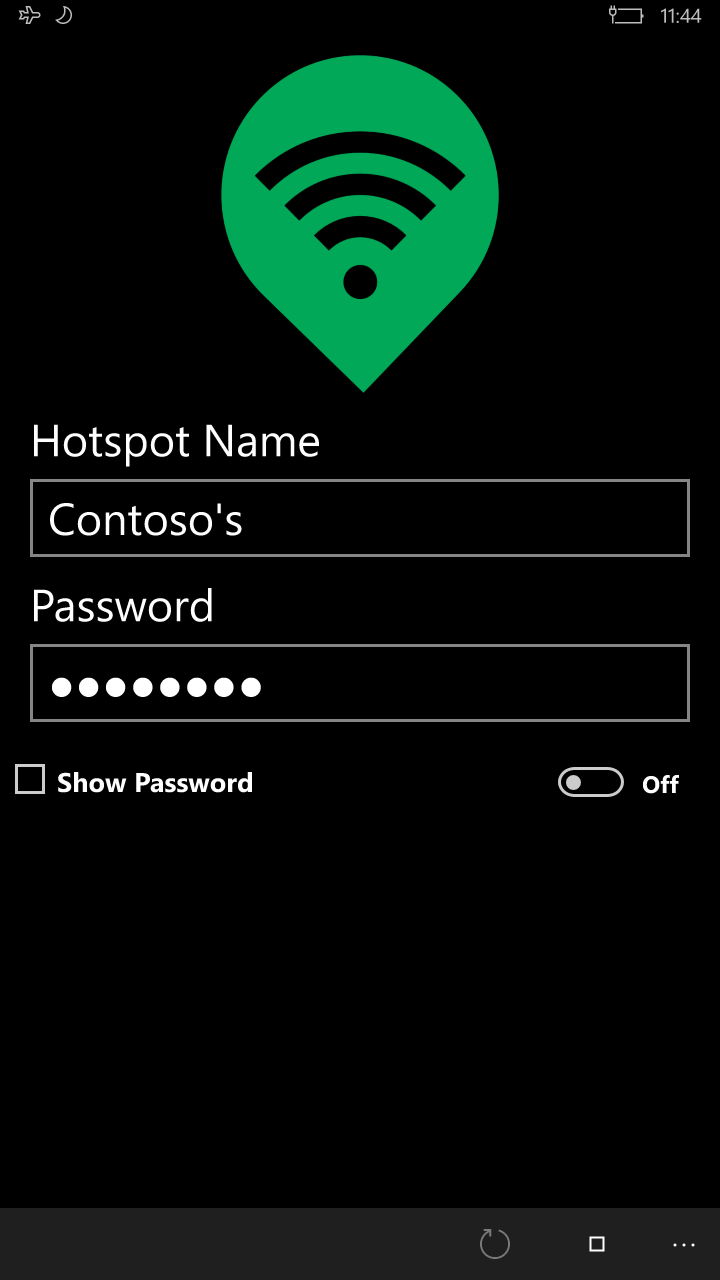
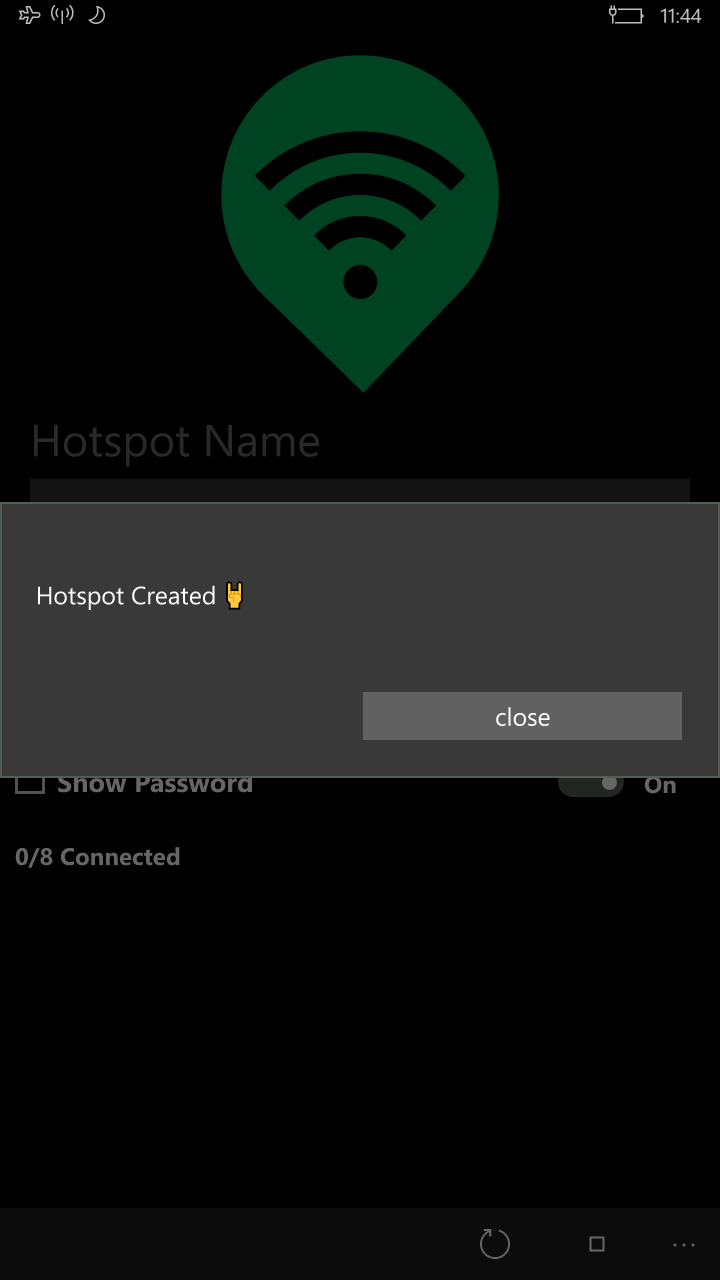
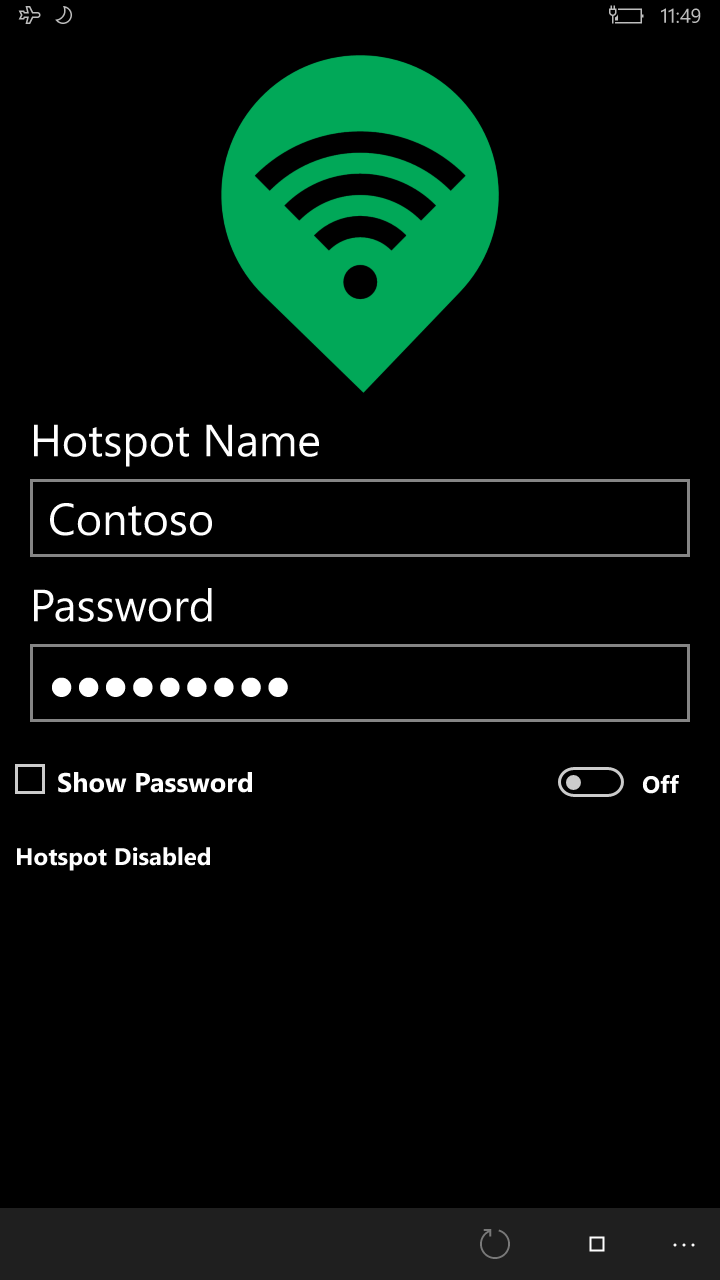
The interface of Hotspot for Windows resembles a clean, modern dashboard—easy to navigate, with clearly labeled buttons and status indicators. The setup process is guided step-by-step, making it accessible for users of all levels. Operational response is swift; clicking the 'Start Hotspot' button immediately activates the service, and device management features are intuitive to access and use. Users report that the app's minimalistic design reduces cognitive load, allowing focus on their tasks rather than figuring out technical intricacies.
Unique Competitive Edge: Workflow Integration & Simplified Complexity
Unlike some productivity tools overloaded with features, Hotspot focuses on its core promise: simplifying internet sharing. Its standout feature is the effortless integration into everyday workflow—think of it as a reliable assistant that ensures your devices stay connected without extra steps. This minimizes cognitive load, freeing your mental bandwidth from managing network details. Compared to other apps that might include flashy features but overwhelm users with options, Hotspot's minimal yet effective approach reduces frustration and enhances efficiency—making it especially suitable for professionals, freelancers, or travelers who need quick, dependable connectivity without learning curves.
Final Recommendations and Usage Tips
Based on its strengths, Hotspot for Windows earns a solid recommendation for users seeking a simple, effective solution to share their internet connection. It's ideal for those who prioritize stability, security, and ease of use over a multitude of bells and whistles. For users who need a dependable device-to-device connection in a variety of environments—at home, in meetings, or while traveling—this app is a worthwhile addition to your digital toolkit.
In sum, Hotspot for Windows by TechVidal stands out as a no-nonsense, user-centric app that cuts through the technical complexity to deliver a smooth and secure hotspot experience. Its focus on workflow efficiency and reducing cognitive demands makes it a smart choice for anyone needing quick internet sharing without the fuss. Consider giving it a try for your next adventure in connectivity!
Pros
- User-friendly Interface
- Reliable Connection Stability
- Supports Multiple Devices
- Lightweight and Fast
- Customizable Settings
Cons
- Limited Hotspot Management Features
- Occasional Connectivity Drops
- Need for Manual Updates
- Limited Free Features
- Minimal Customer Support











