

- Category Productivity
- Available on PC
- OS Windows 10 version 0.0 or higher
- languages English (United States)
Hotspot Shield - VPN for Windows: A Reliable Shield for Your Digital Journey
Hotspot Shield VPN for Windows, developed by Pango Inc., positions itself as an easy-to-use yet robust virtual private network solution that prioritizes security, privacy, and seamless browsing—making it a compelling choice for everyday users and privacy-conscious professionals alike.
Fundamental Details and Target Audience
Created by Pango Inc., a company with a track record of delivering security-focused applications, Hotspot Shield VPN stands out with its straightforward approach to online privacy. The app's key features include quick connection setup, high-speed servers across numerous regions, and strong encryption protocols. Designed to cater to a broad demographic—from casual internet users wanting to bypass geo-restrictions to remote workers seeking secure connections—the application balances ease of use with solid functionality, making it accessible for newcomers and seasoned tech enthusiasts alike.
An Engaging Journey into Privacy: Why Hotspot Shield Stands Out
Imagine browsing the web like a secret agent slipping through the shadows—your digital footprints shielded from prying eyes, your data cloaked in layers of encryption. Hotspot Shield VPN for Windows transforms this vision into reality with minimalist elegance and practicality. Its straightforward interface and reliable performance turn what can be a complex security landscape into a friendly, manageable space—much like having an invisible cloak in the digital world. Whether you're streaming content safely from international servers or securing your work connection on a public Wi-Fi, Hotspot Shield makes privacy effortless and invisible, yet powerful—like a trusted bodyguard silently standing by your side.
Core Functionality: Speed and Security at Lightning Pace
The core appeal of Hotspot Shield lies in its promise of high-speed VPN connections paired with unyielding security. The app employs proprietary Hydra Protocol, enhancing connection stability while maximizing speed—meaning you won't have to sacrifice browsing or streaming quality for privacy. Its vast network of servers across multiple countries ensures you can seamlessly bypass restrictions and access geo-blocked content without agonizing over lag or buffering. For professionals working remotely, this means reliable, fast, and secure access to company resources, closely mimicking the security of an office network.
Core Functionality: User-Centric Interface and Experience
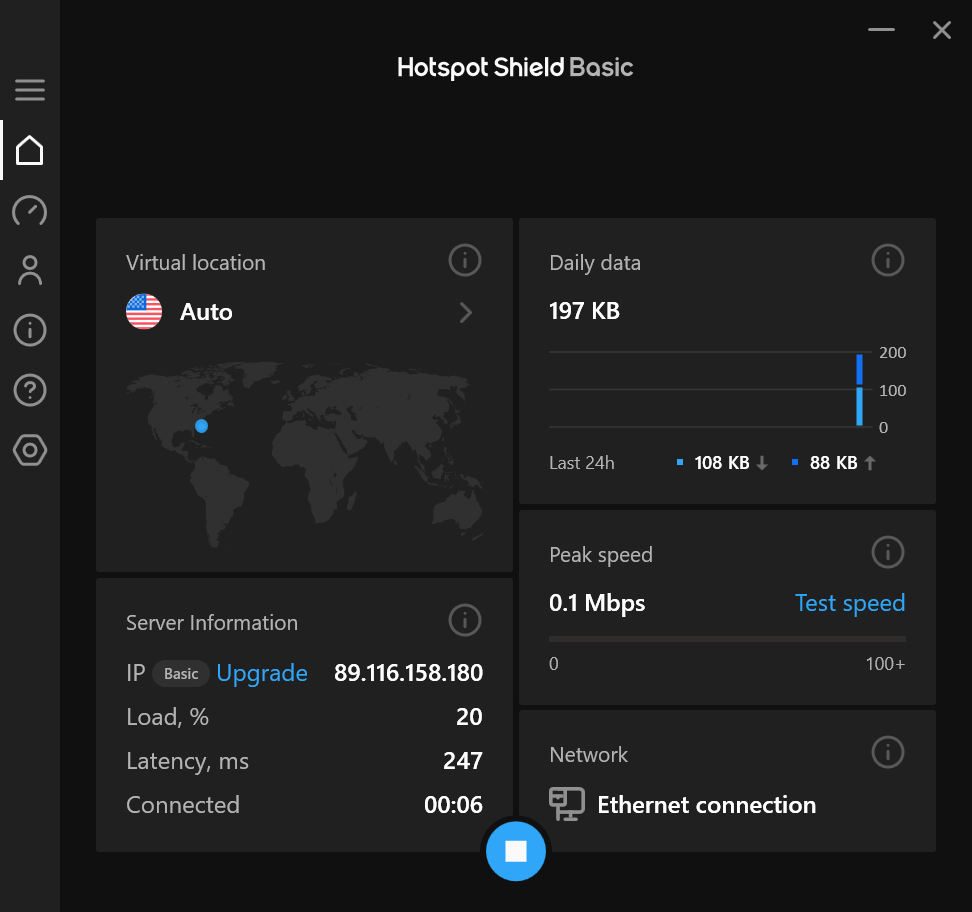
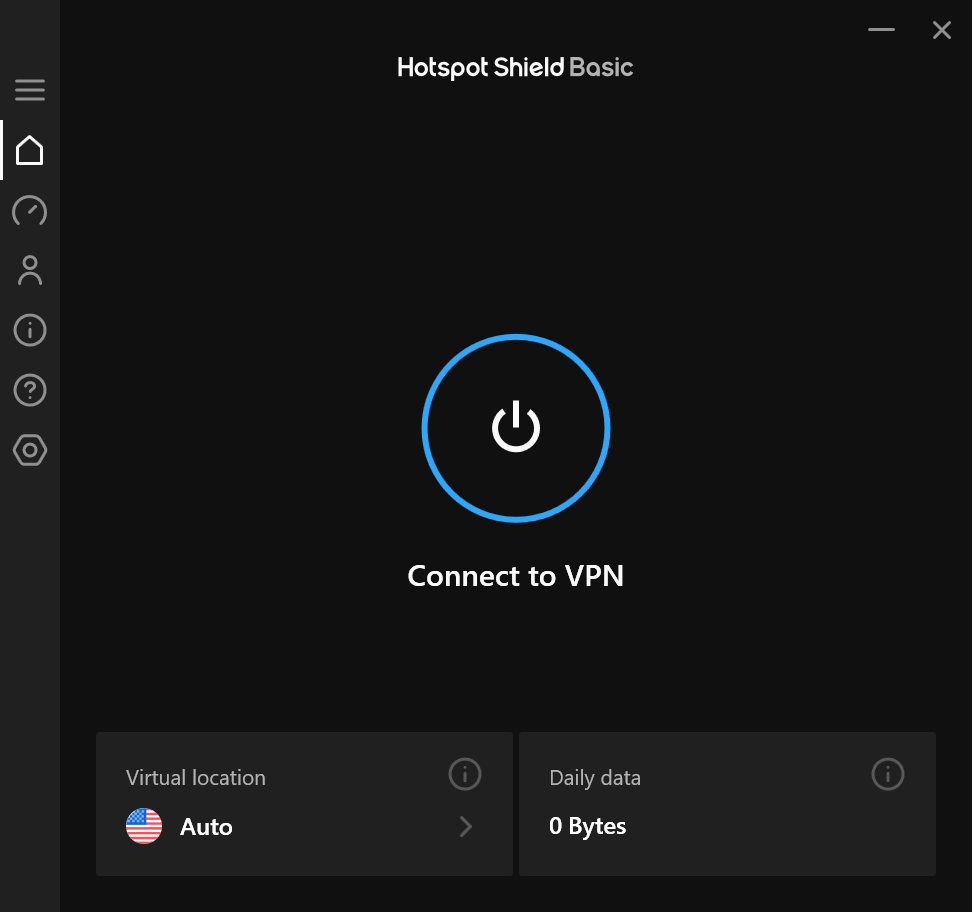
One of Hotspot Shield's most delightful features is its sleek, intuitive interface—think of it as the dashboard of a modern spacecraft: clean, uncluttered, and designed for efficiency. Starting with just a click, users can establish a VPN connection in seconds, making the setup process feel more like flipping a switch than configuring a complicated system. The app's operation is surprisingly smooth; transitions are quick, and the connection status updates are clear. The minimal learning curve means new users can be up and running almost instantly, free from the mental load of deciphering complex menus or settings—like riding a bike with training wheels that come off effortlessly.
What Sets It Apart: Workflow Integration and Cognitive Load Reduction
Compared to other VPN solutions cluttered with excessive features, Hotspot Shield's strength lies in its focus on core usability and performance. Its design philosophy reduces cognitive load for users—by hiding unnecessary options and emphasizing a straightforward workflow—making security an unobtrusive layer rather than a burden. This focus on reducing cognitive effort ensures that users can prioritize their tasks rather than battling with tangled menus or confusing options. In essence, it's like having a reliable co-pilot who intuitively supports your navigation through the digital landscape, rather than complicating your journey.
Final Recommendation and Usage Suggestions
In summary, Hotspot Shield VPN for Windows makes a compelling case for itself with its dependable speed, robust security measures, and user-friendly design. It is well-suited for users who value straightforward privacy tools that integrate seamlessly into their daily workflows. For anyone seeking a trustworthy VPN that doesn't demand a steep learning curve, Hotspot Shield is worth considering. I recommend it particularly for professionals, students, and casual users who want effective online protection without the fuss—think of it as a trusted digital companion offering peace of mind with minimal effort.
Pros
- Strong security features
- High-speed connections
- Broad server network
- User-friendly interface
- Strict no-logs policy
Cons
- Limited free version
- Occasional connection drops
- Premium features require subscription
- Limited configuration options
- Occasional latency issues in congested areas











