


- Category Productivity
- Available on PC
- OS Windows 10 version 0.0 or higher
- languages English
An Introduction to Houseplan for Windows
Houseplan for Windows stands out as a dedicated application designed to streamline and enhance the process of creating detailed interior and exterior house layouts. Unlike generic design tools, it focuses specifically on architectural planning, making it a go-to for homeowners, architects, and designers alike.
Developer and Core Features
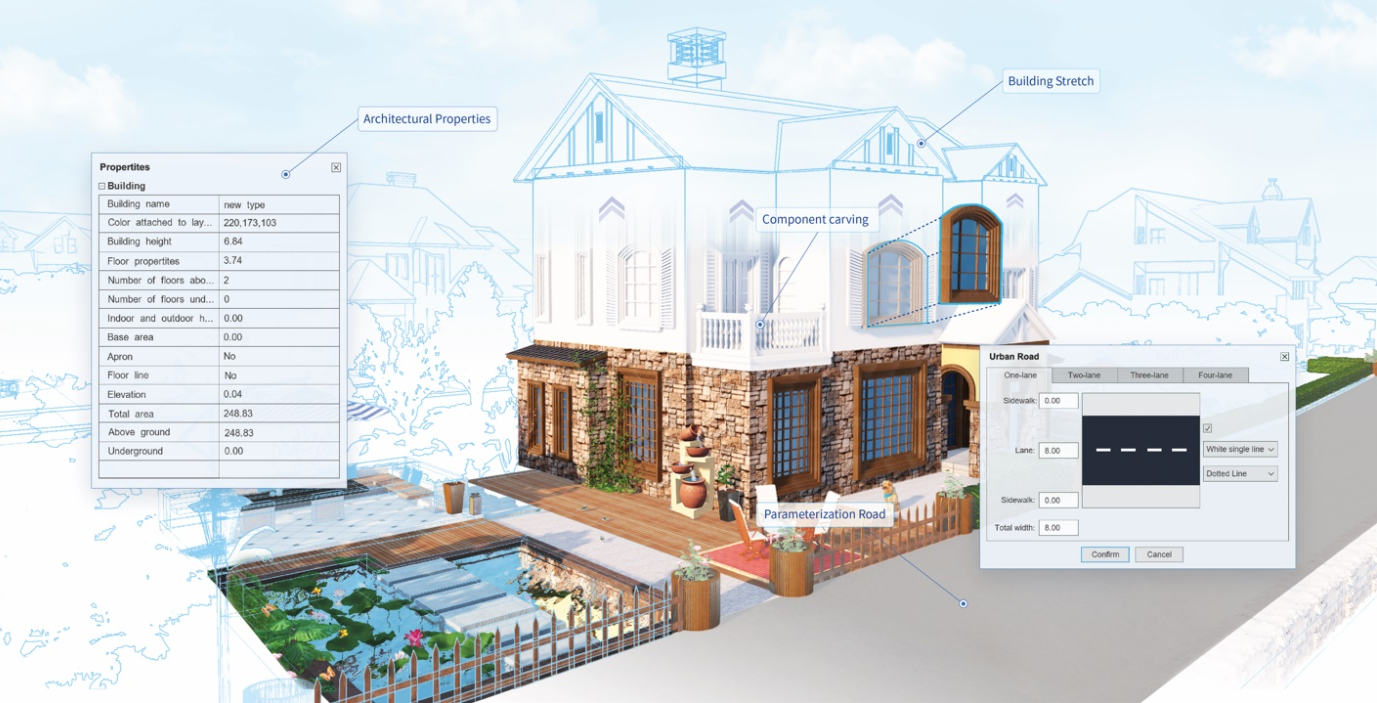
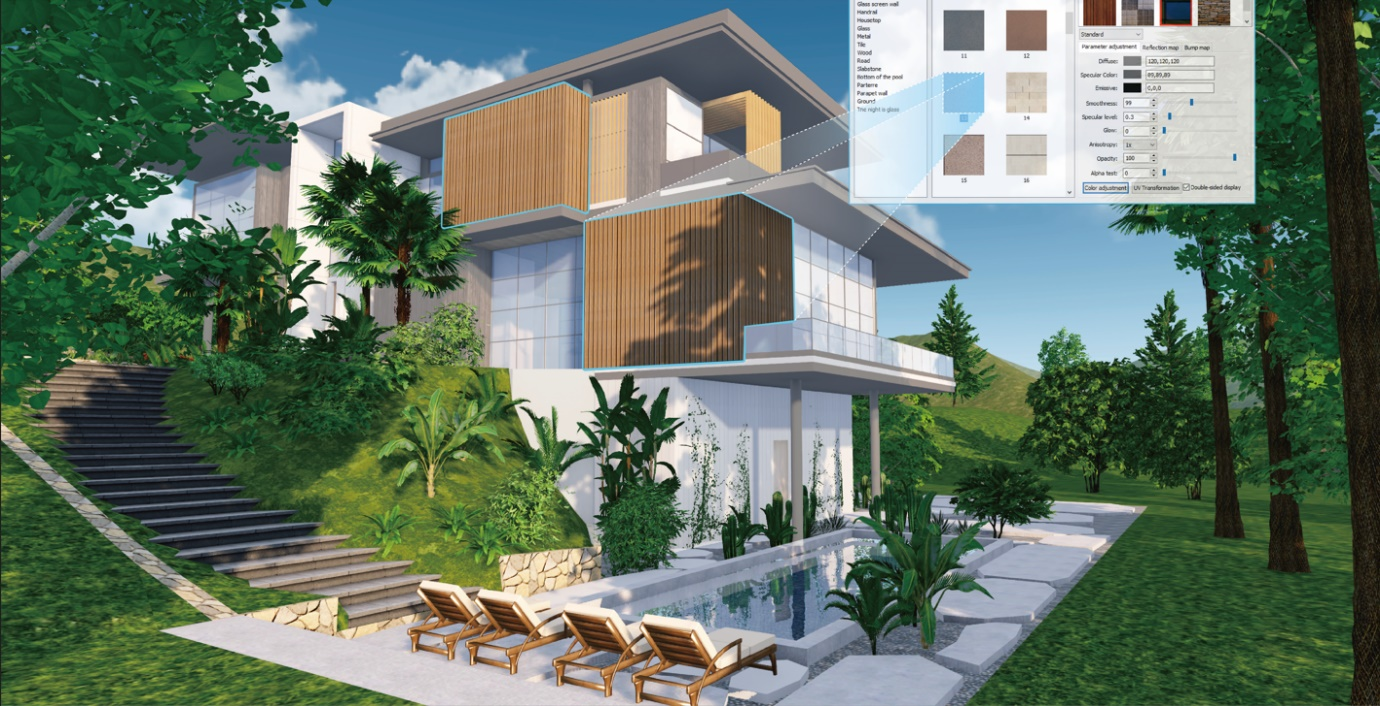
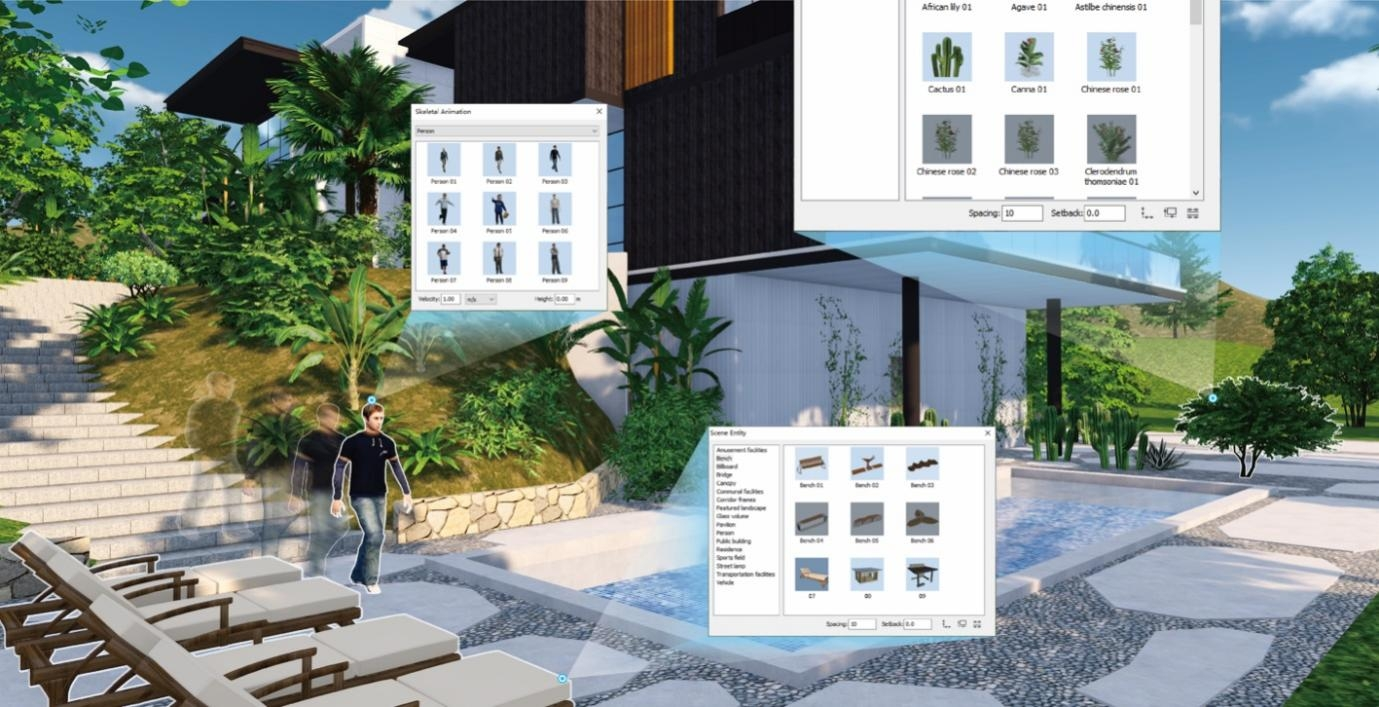
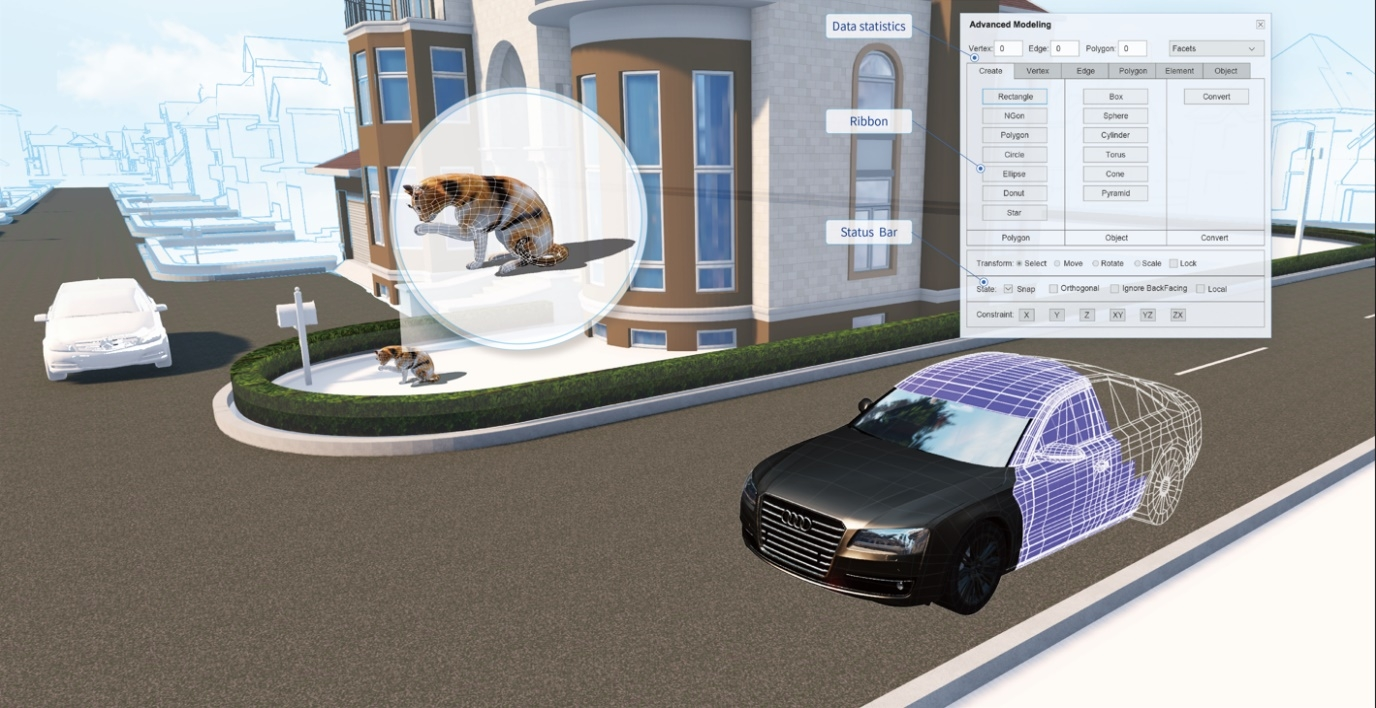
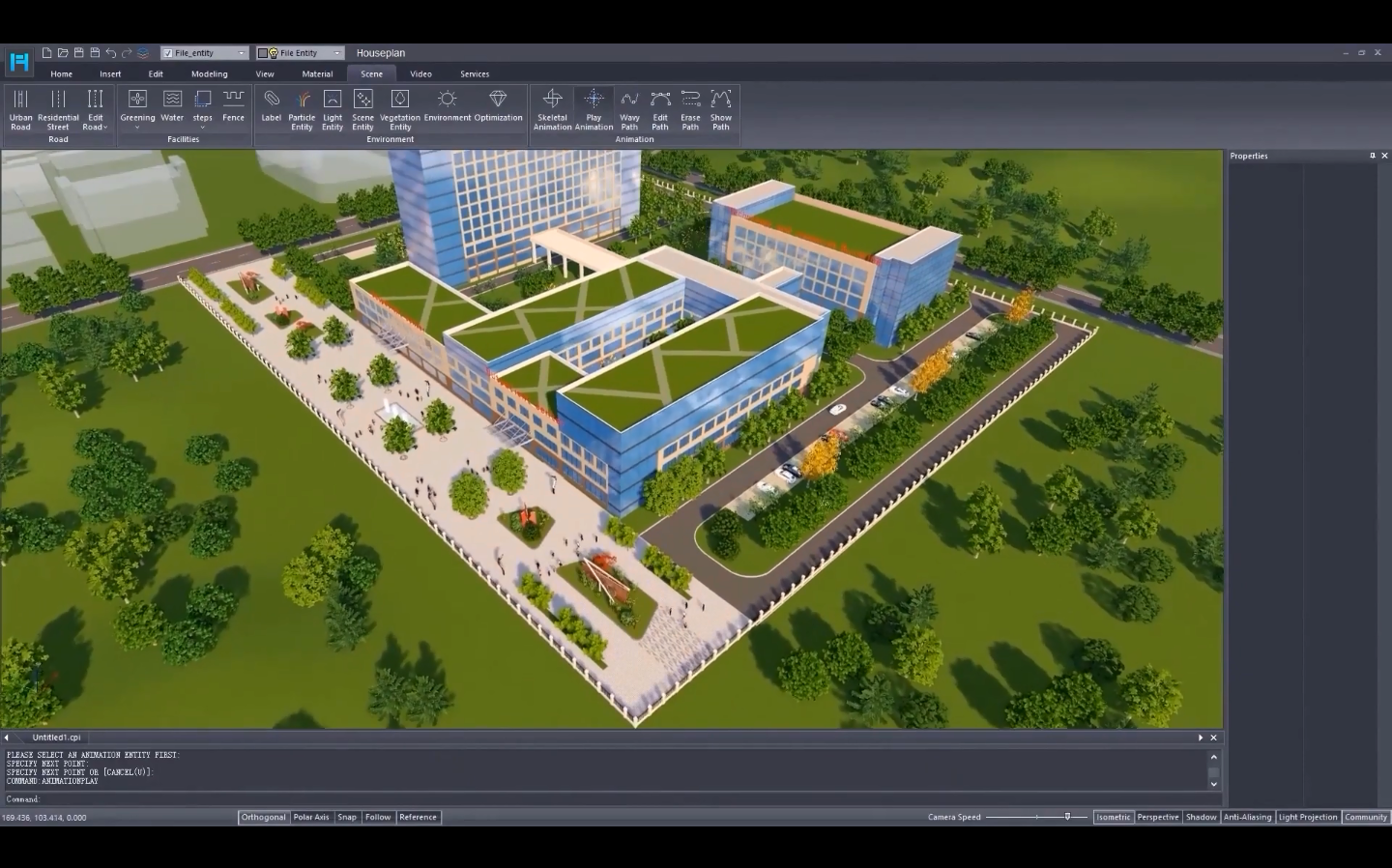
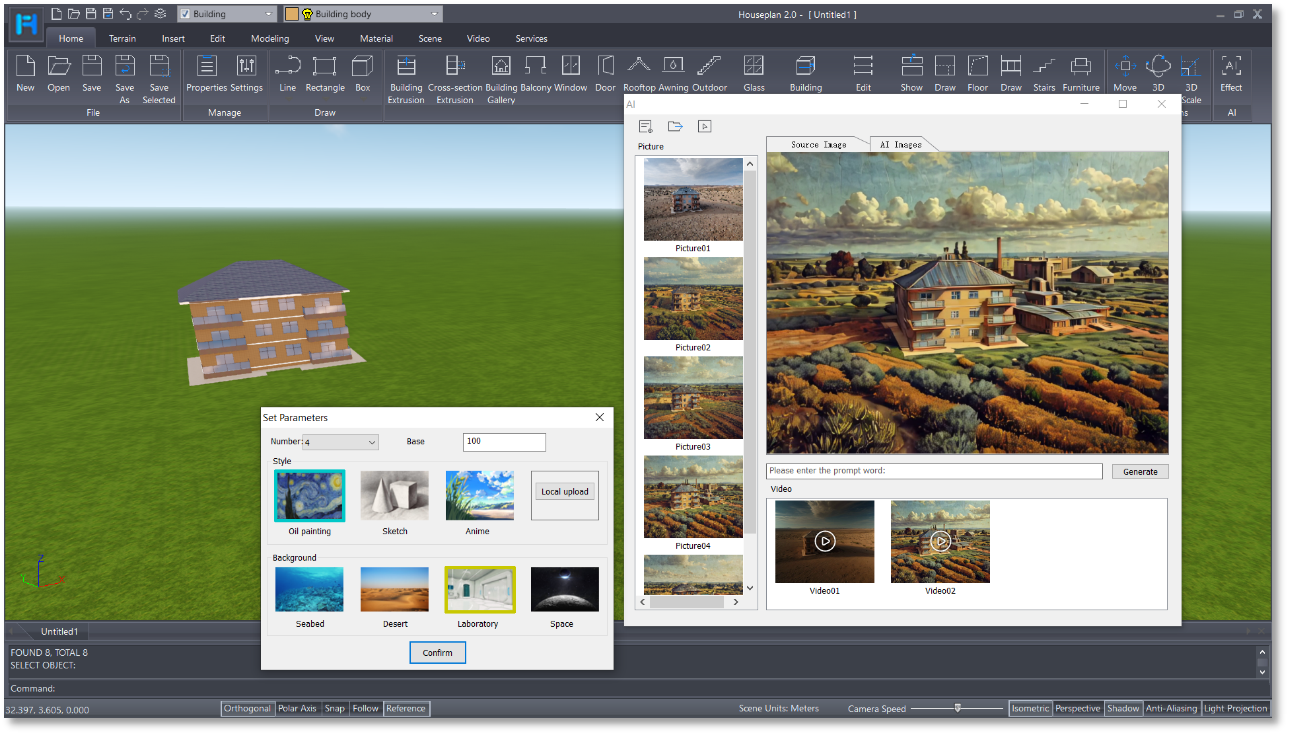
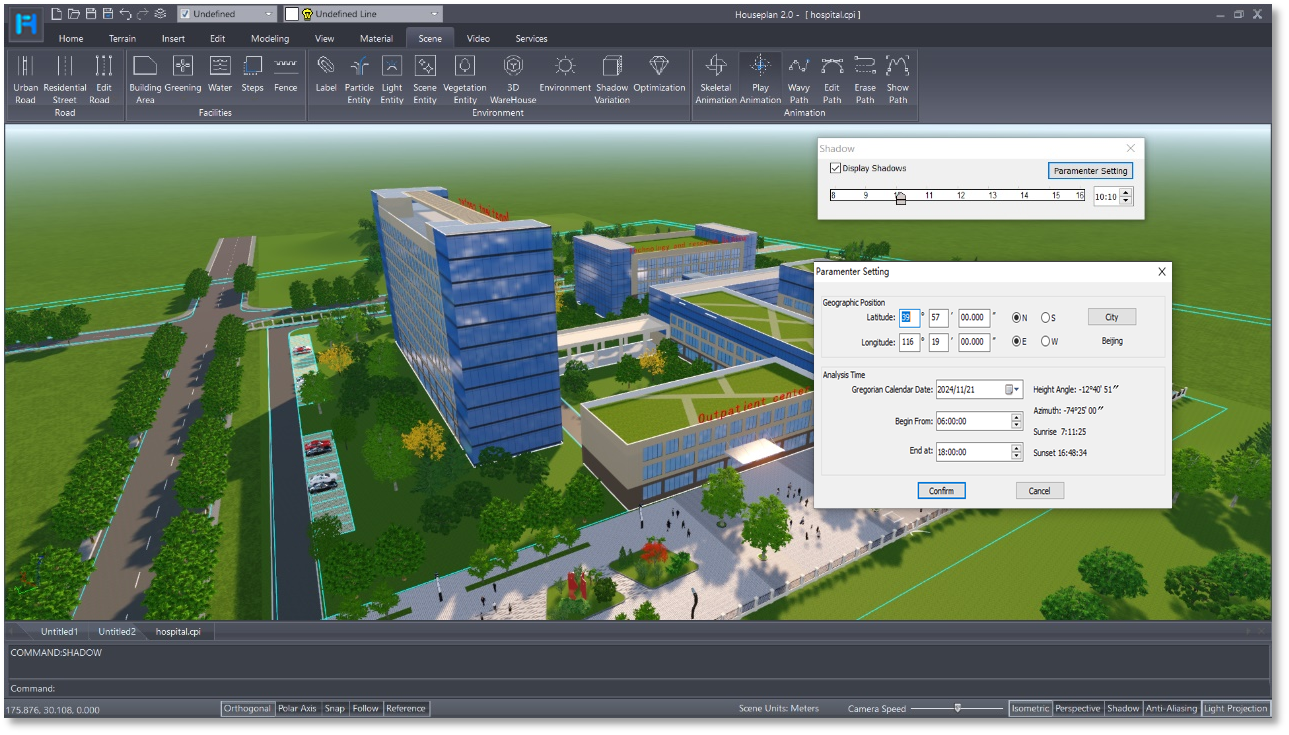
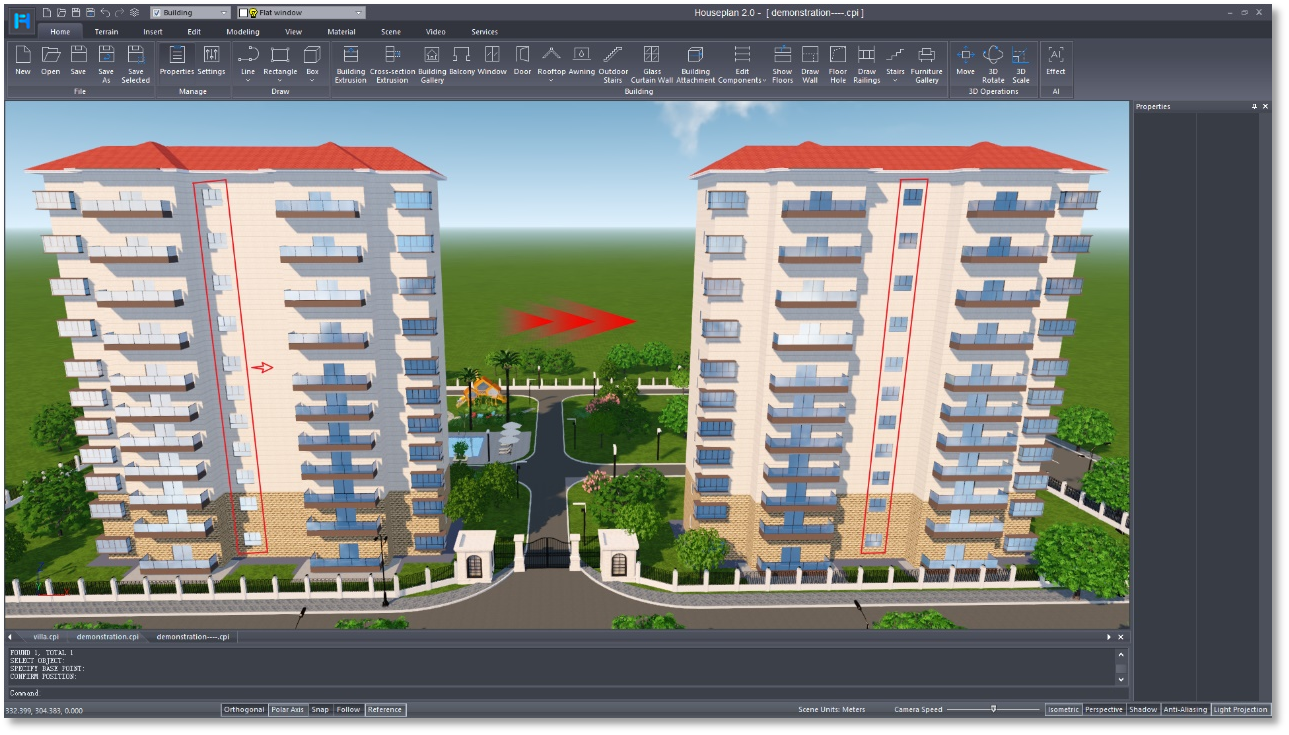
The app is developed by Gstarsoft Co., Ltd., a reputable team known for their dedication to precision graphical tools. Its key features include intuitive drag-and-drop interface, a rich library of furniture and building components, and powerful customization options. Additionally, it offers real-time visualization, allowing users to see changes instantly, and supports detailed measurements to achieve high-precision plans.
Setting the Scene: Why It Matters
Imagine standing in the middle of your dream house, visualizing every staircase curve and window placement before a single brick is laid—that's the magic Houseplan brings to your fingertips. Whether you're a professional architect or a passionate homeowner, this app transforms complex design tasks into an engaging, almost artistic experience. Its user-friendly nature ensures you're not just designing, but also enjoying the process.
Core Functionality 1: Seamless Design Workflow
The standout feature of Houseplan is its seamless integration into your workflow. With an array of pre-made templates and easy-to-use tools, you can quickly kickstart your project and make modifications effortlessly. The intuitive drag-and-drop method reduces the cognitive load typically associated with complex CAD programs, letting you focus on your creativity rather than battling software complexity. This is facilitated by a clean, organized interface that guides you naturally through each step.
Core Functionality 2: Precision and Customization
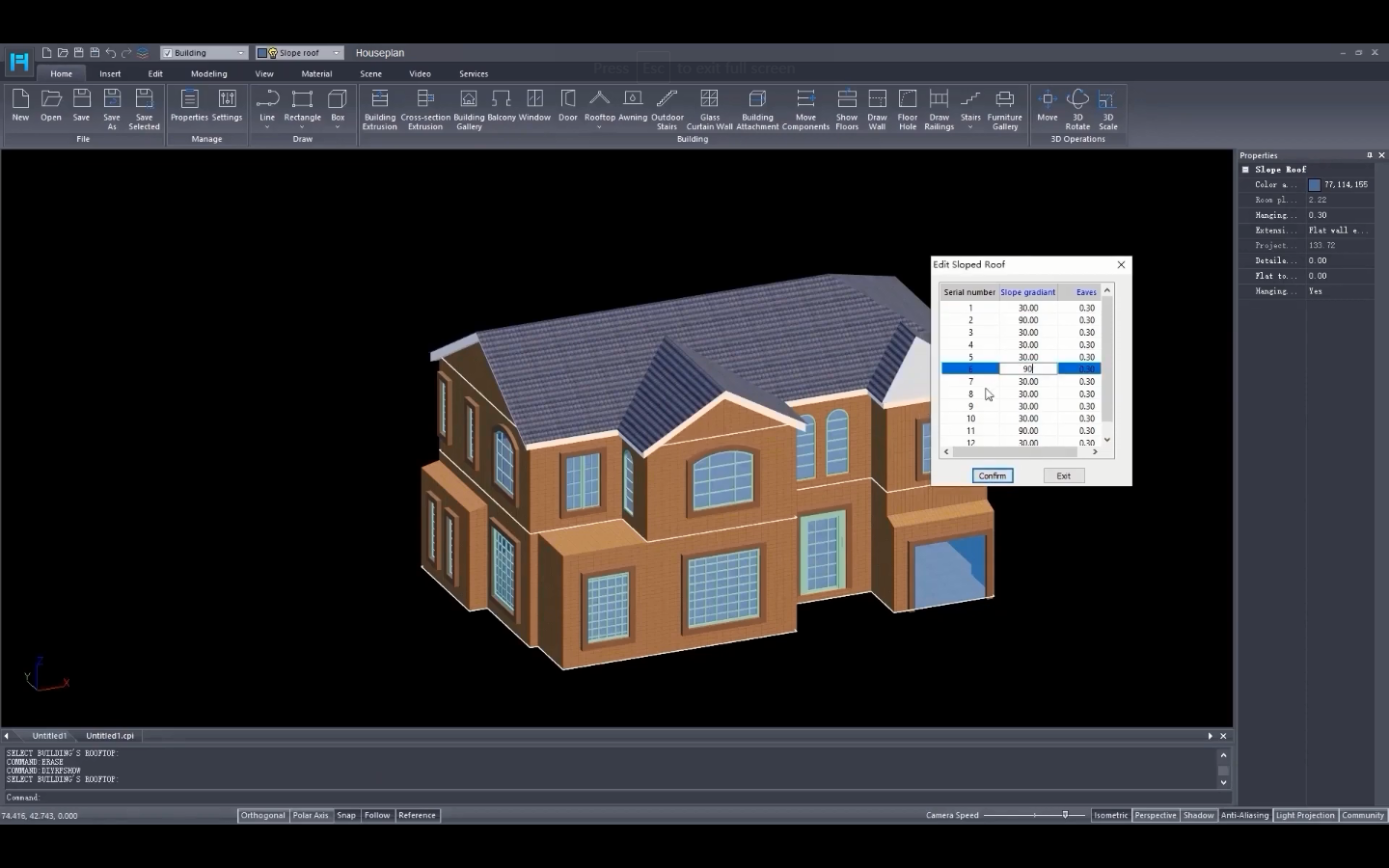
Precision is king here. The app supports detailed measurement inputs, ensuring your designs are accurate down to the millimeter. Its rich symbol library and customization capabilities enable you to tailor every aspect—from window styles to roof slopes—to match your vision perfectly. This level of control makes it ideal for those who want detailed blueprints without the steep learning curve of professional tools.
Design & User Experience
Houseplan's interface feels like flipping through a well-organized sketchbook — straightforward, inviting, and even fun to explore. The visual layout is clear, with tools logically placed, minimizing the learning curve. Response times are swift, ensuring your design flow remains uninterrupted, and the real-time visualization provides instant feedback, making adjustments feel almost natural.
Differentiation from Other Productivity Tools
What truly sets Houseplan apart from other generic floor-planning applications is its laser focus on architectural accuracy combined with workflow efficiency. Many design apps are cluttered by features that distract or overwhelm users, but Houseplan emphasizes reducing cognitive load by offering only the essential tools needed for precise layout creation. This streamlined approach accelerates your design process and reduces frustration, especially for non-expert users. Its ability to integrate detailed measurements and rich customization within a simple interface offers a unique balance often missed by broader design software.
Final Thoughts and Recommendations
Overall, Houseplan for Windows is a thoughtfully crafted application that offers a good balance of power and simplicity. It is particularly recommended for homeowners wanting to experiment with layouts, small architecture firms, or students learning architectural design. Its focus on workflow integration and reduction of unnecessary complexity makes it a reliable, enjoyable tool for efficient planning.
If you're seeking an app that simplifies architectural layout creation without sacrificing precision, Houseplan deserves a spot in your digital toolbox. Dive in, explore your ideas, and bring your dream house to life with a tool that works as hard as you do.
Pros
- User-friendly interface
- Extensive library of house plans
- High-quality images and detailed floor plans
- Customization features
- Regular updates and new plans
Cons
- Limited filtering options
- Occasional slow loading times
- Some plans lack detailed specifications
- Limited integration with third-party tools
- In-app purchase options for premium plans are somewhat unclear











