




- Category Personalization
- Developer Microsoft Corporation
- Available on PC
- OS Windows 10 version 18362.0 or higher
- languages English (United States)
Unlocking Nature's Palette: A Deep Dive into Hues of Nature for Windows
If you're someone who finds serenity and inspiration in nature's colors, Hues of Nature for Windows might just be your new digital sanctuary. This app promises to transform your desktop ambiance by bringing the calming and vibrant hues of nature directly to your screen, blending aesthetic appeal with customizable flexibility. Developed by the trusted Microsoft Corporation, it's designed for users eager to personalize their digital environment with ease and elegance.
Key Features that Make Hues of Nature Stand Out
At its core, the app is centered around delivering a seamless, immersive experience that tailors your desktop's look to your mood and preferences. Its highlight features include a rich library of nature-inspired color palettes, intuitive customization controls, and smooth theme integration. These elements work together to create a harmonious visual environment that doesn't overwhelm but instead enhances your everyday computing experience.
A Vibrant World in Your Desktop
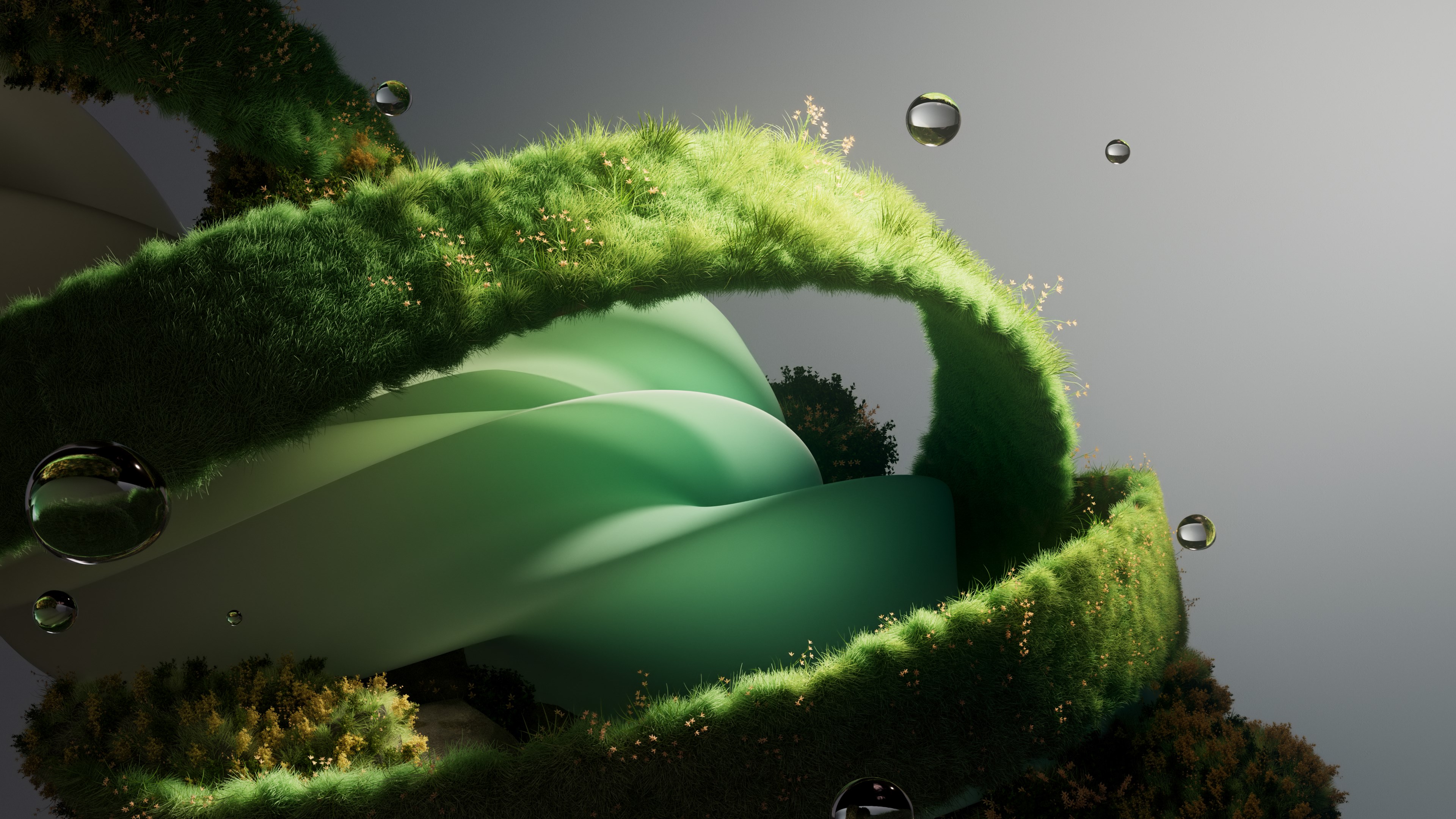
Imagine your workspace transformed into a tranquil forest at dawn or a lively autumn park—all achievable with just a few clicks. The app offers an extensive collection of carefully curated color themes inspired by various natural scenes. Whether you're seeking the muted tones of a misty mountain or the lively shades of a sunset, its library caters to diverse aesthetic tastes. This makes it particularly appealing for users who want their workspace to reflect their mood or inspire creativity without the hassle of manually selecting and matching colors.
Effortless Customization and User-Friendly Experience
Navigation through Hues of Nature is a breeze—its sleek interface resembles a well-organized art gallery, where each palette is an exhibit designed for exploration. The app's intuitive controls allow users to adjust tones, brightness, and contrast with minimal effort, promoting a learning curve that's friendly even to less tech-savvy users. Transitioning from one theme to another is fluid, and real-time previews help you decide which hue best suits your current vibe. The app's performance is commendable, maintaining a smooth and responsive experience, even when managing multiple customizations.
Unique Differentiators: Creativity Meets Compatibility
What sets Hues of Nature apart from other personalization tools is its focus on natural inspiration combined with extensive customization options. Unlike apps that offer generic themes or static backgrounds, this app provides a wide variety of nature-inspired palettes that can be fine-tuned to match your existing Windows themes. It seamlessly integrates with Windows system settings, ensuring that your color choices are consistent across different elements, from taskbar to window borders. This compatibility feature makes it an excellent choice for users who like cohesive visual styles without the complexity of manual adjustments.
Final Verdict: Is It Worth a Spot on Your Desktop?
Considering its elegant design, ease of use, and emphasis on natural aesthetic appeal, Hues of Nature for Windows earns a solid recommendation for casual users, creative professionals, and nature enthusiasts alike. If you're looking to infuse your daily digital interactions with the calming beauty of the outdoors while maintaining personalized control, this app delivers that promise effectively. It's most suitable for those who appreciate refined visuals and wish to avoid overwhelming customizations—think of it as a gentle breeze refreshing your workspace rather than a stormy upheaval.
In conclusion, Hues of Nature stands out in the crowded field of personalization apps by blending natural inspiration with thoughtful design and user-centric functionality. It's a practical, calming, and aesthetically engaging tool that can elevate your Windows environment—perfect for creating a virtual escape whenever you need one.
Pros
- Beautiful and Relaxing Visuals
- High-Quality Graphics and Resolution
- User-Friendly Interface
- Offered Free of Charge
- Regular Updates with New Content
Cons
- Limited Customization Options
- Slow Loading Times on Some Devices
- Ads Occasionally Appear During Browsing
- No Offline Download Option for All Wallpapers
- Lack of Detailed Information About Images










