

- Category Productivity
- Developer Information Architects Inc.
- Available on PC
- OS Windows 10 version 0.0 or higher
- Keyboard Integrated Keyboard
- Mouse Integrated Mouse
- Memory 2 GB
- DirectX Version 9
- languages English, French, Spanish, German, Japanese
iA Writer for Windows: The Minimalist's Powerhouse for Focused Writing
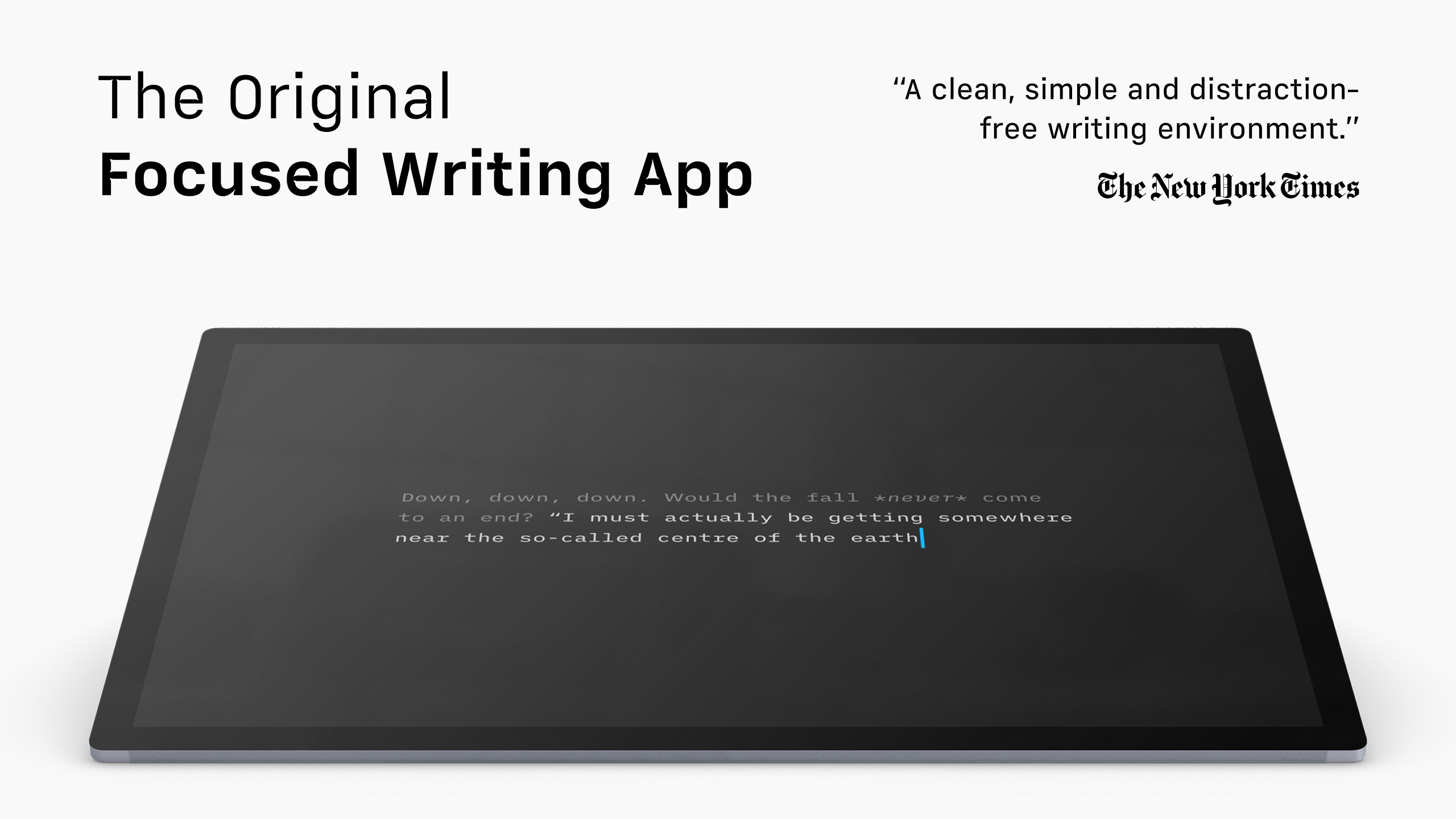
If you're searching for a sleek, distraction-free writing environment that keeps your thoughts flowing smoothly, iA Writer for Windows offers a compelling blend of simplicity and efficiency. Designed to elevate your writing experience without overwhelming you with features, this app aims to be your dedicated digital notebook—clean, straightforward, and reliable.
Meet the Brain Behind the Box: Developer and Publisher
Developed by Information Architects Inc., a team renowned for their dedication to user-centric design and productivity tools, iA Writer for Windows is published globally by Information Architects AG. Their focus on balancing simplicity with powerful functionality has earned them a dedicated following among writers, students, and professionals alike.
Core Highlights: What Makes iA Writer Stand Out?
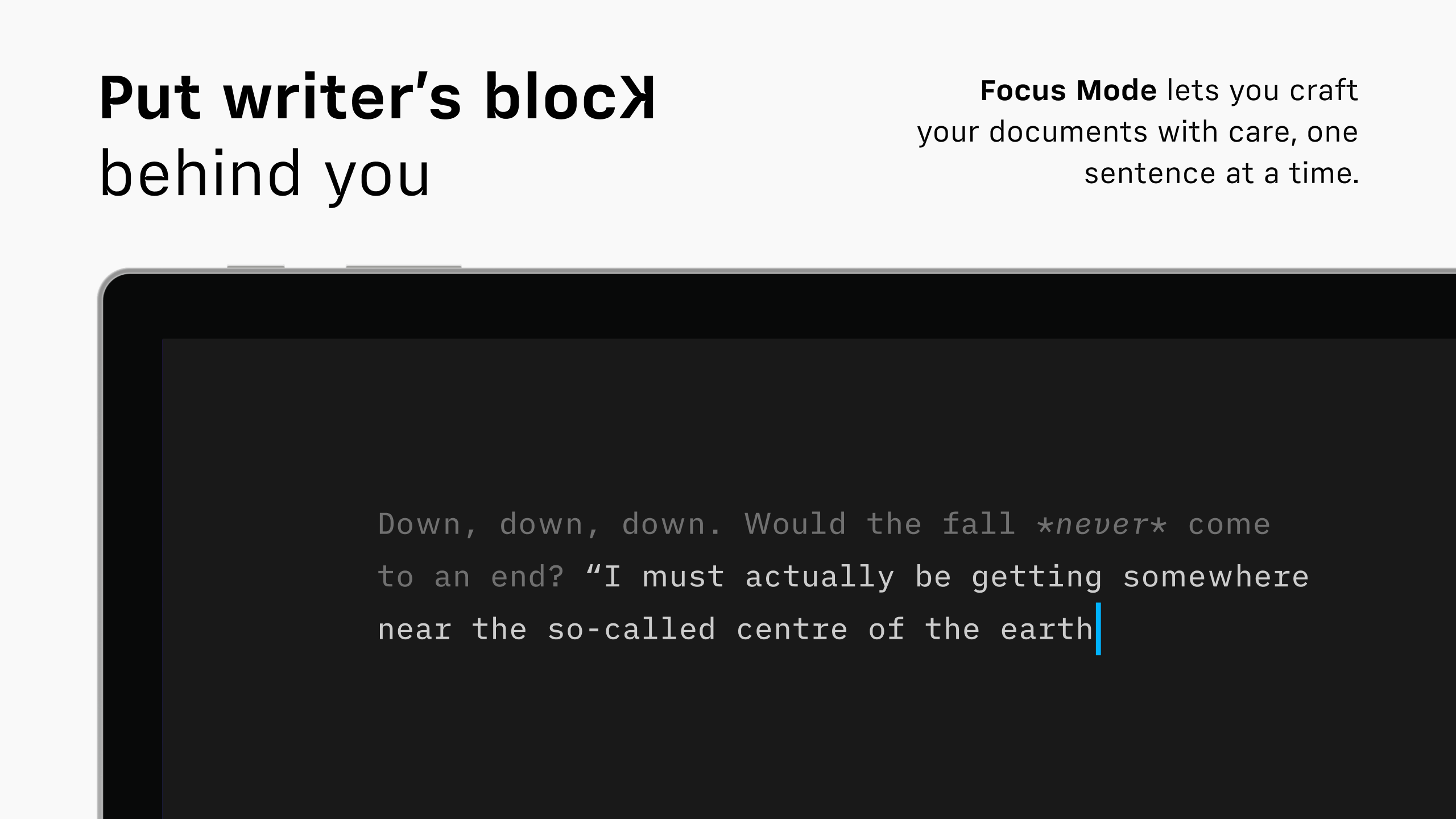
- Distraction-Free Focus Mode: An environment that minimizes clutter, helping you concentrate solely on your words.
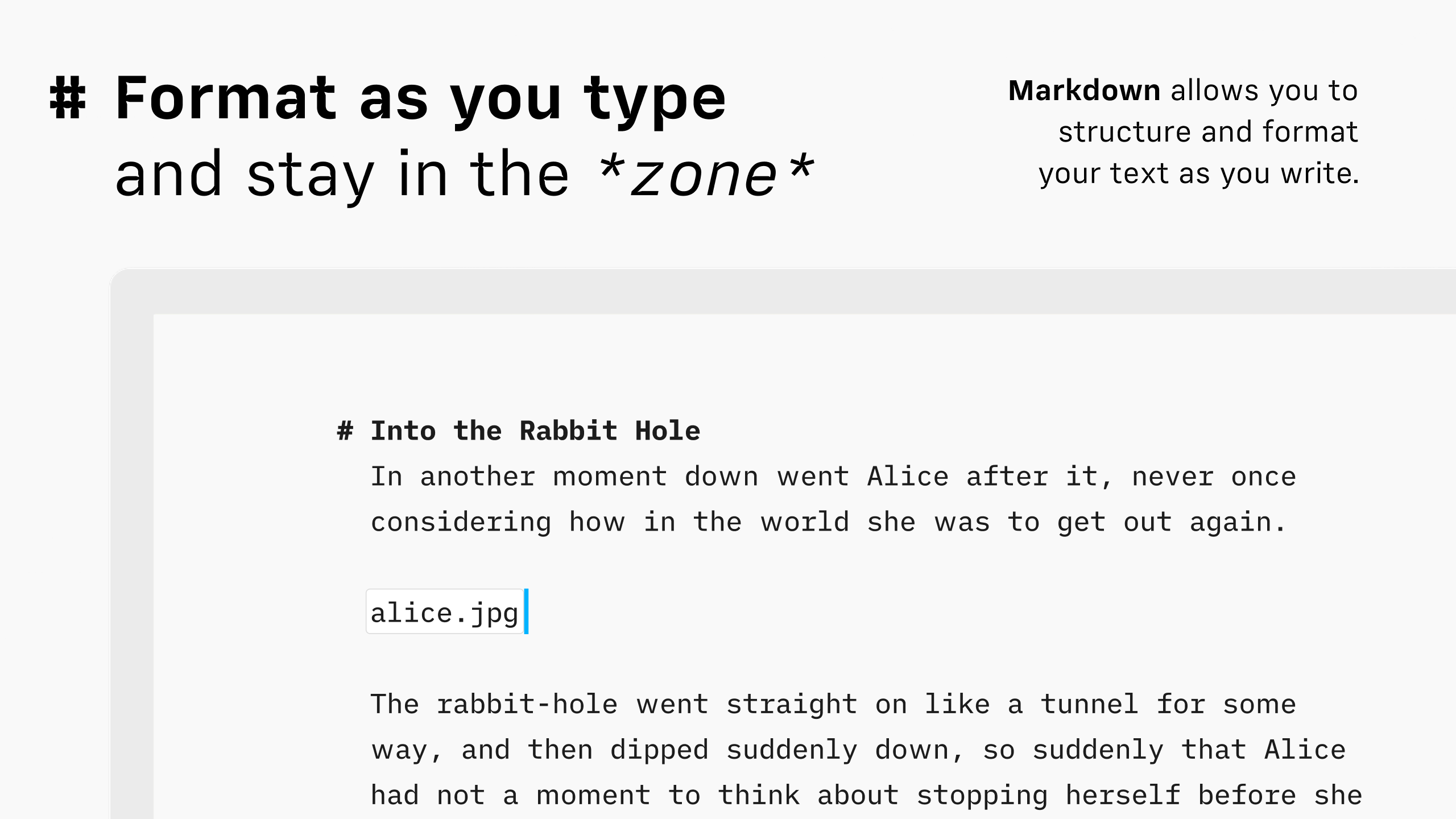
- Markdown-Based Formatting: Seamless writing and styling with minimal fuss, perfect for exporting to various formats.
- Inline Preview & Syntax Highlighting: Real-time visualization of your formatting, reducing the cognitive load during editing.
- Cross-Platform Sync & Integration: Synchronize effortlessly across devices, ensuring your work is always at your fingertips.
Immersive Writing Experience: Beyond the Basics
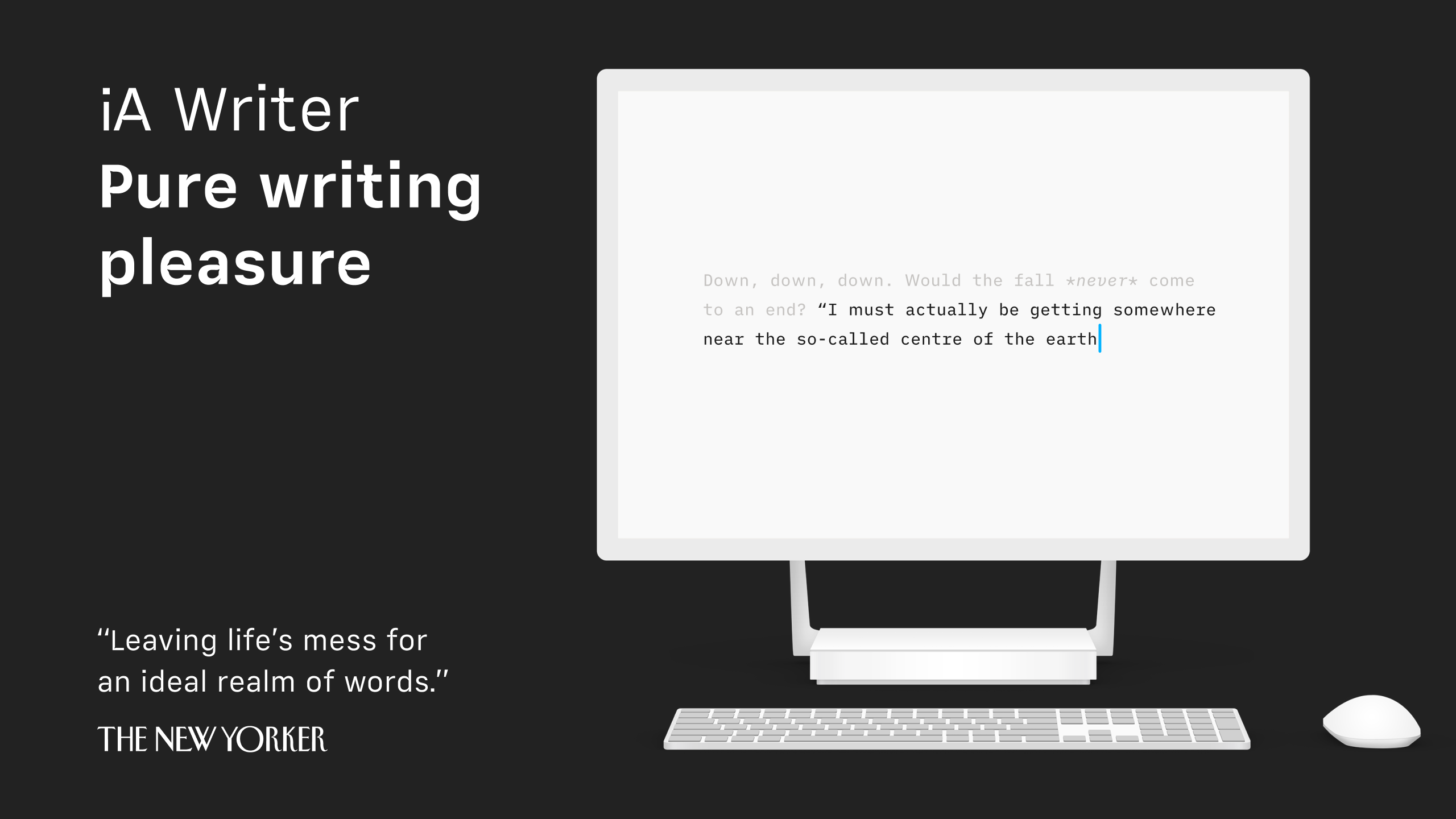
Diving into iA Writer for Windows is like entering a calm, organized study—clean lines, muted tones, a focused space that gently pushes aside distractions. The initial setup requires minimal effort, with a straightforward interface that feels organic from the first click. The core workspace centers around a plain, uncluttered text area—like a pristine sheet of paper—ready for your ideas.
Minimalist Interface and Smooth Operation
The interface embodies elegance, with a monochrome palette and intuitive controls that disappear when not in use, allowing your content to take center stage. Operation is impressively fluid; types flow seamlessly without lags or hiccups, which is vital for maintaining creative momentum. Navigating your documents, switching modes, or accessing settings feels snappy and natural, making it a pleasure to work for hours without fatigue.
Learning Curve and User Experience
For newcomers, the learning curve is gentle. The app's design champions the principle of "less is more," so most users can jump right in with minimal instruction. Advanced users will appreciate the customizable themes and keyboard shortcuts that accelerate their workflow. The app's focus on reducing cognitive load—by hiding unnecessary options and streamlining key functions—ensures that your mind remains engaged on content, not controls.
Unique Strengths: Workflow Integration and Cognitive Clarity
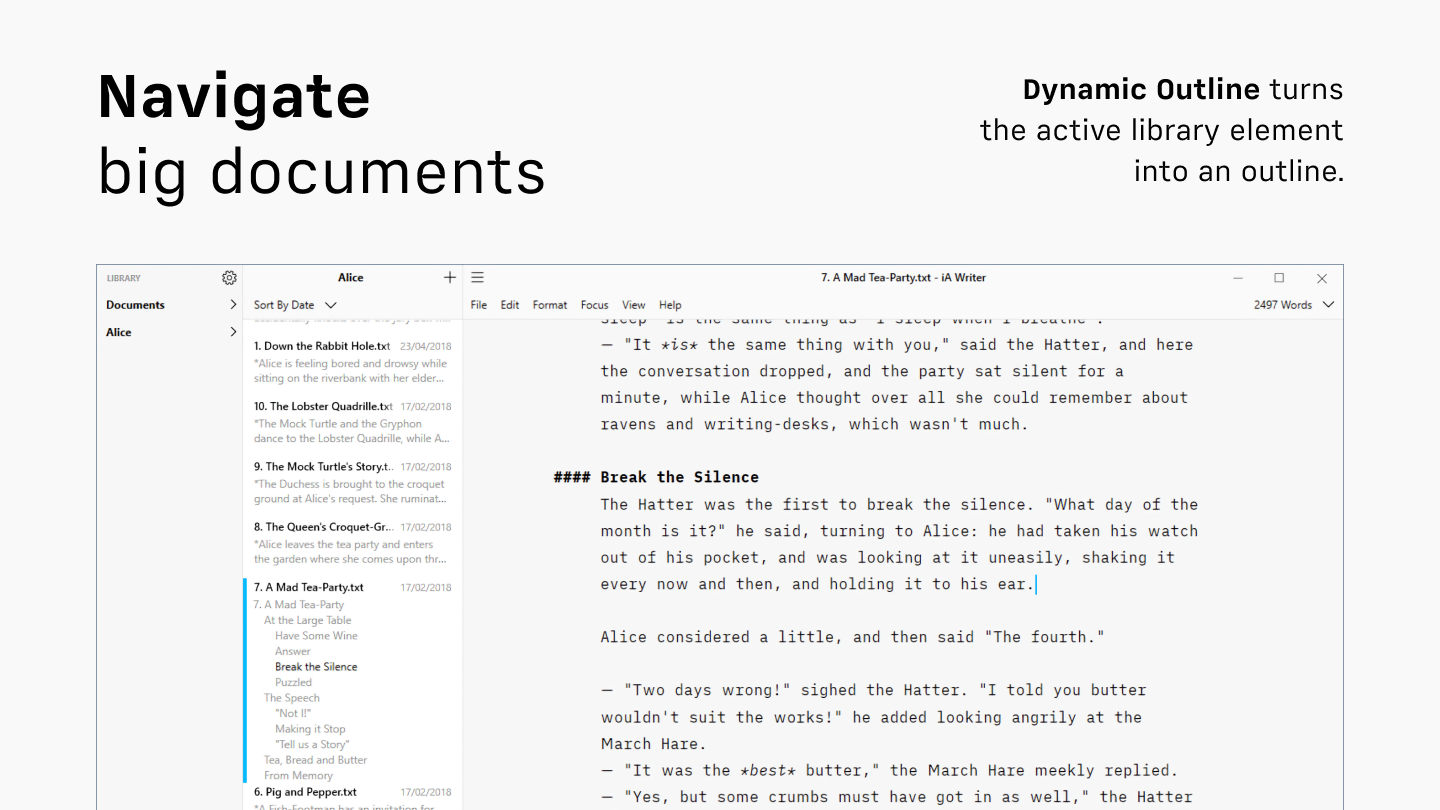
What sets iA Writer apart from other productivity apps isn't just its minimalist aesthetic but its pride in optimizing your workflow. Unlike feature-rich editors that attempt to cater to every need but often overwhelm the user, iA Writer emphasizes core writing tasks, integrating smoothly with cloud services like Dropbox and OneDrive for effortless synchronization. This focus means less time spent on managing files and more on actual writing.
From a cognitive perspective, iA Writer minimizes mental clutter. Its seamless Markdown editing combined with real-time inline preview reduces the need to context-switch between writing and formatting, thereby lowering cognitive load. Think of it as wielding a fine pen on a smooth sheet—clarity and flow are preserved, without the distracting flicker of toolbars or menus.
Final Verdict and Recommendations
iA Writer for Windows is highly recommended for writers, students, and professionals who crave a straightforward, elegant environment for their textual work. It's particularly ideal for those who value workflow efficiency and mental clarity over extensive customization. While it may lack some advanced features found in more complex editors, its strength lies in delivering a distraction-free, cohesive writing process.
For anyone seeking a reliable companion to focus on ideas rather than interface clutter, iA Writer is a worthy choice. Its unique blend of simplicity, powerful Markdown support, and seamless cross-device sync offers a balanced solution—like a trusty pen that feels like an extension of your mind.
Pros
- Clean and distraction-free interface
- Markdown support with live preview
- Cross-platform synchronization
- Focus mode feature
- Export options with PDF and Word support
Cons
- Limited customization options
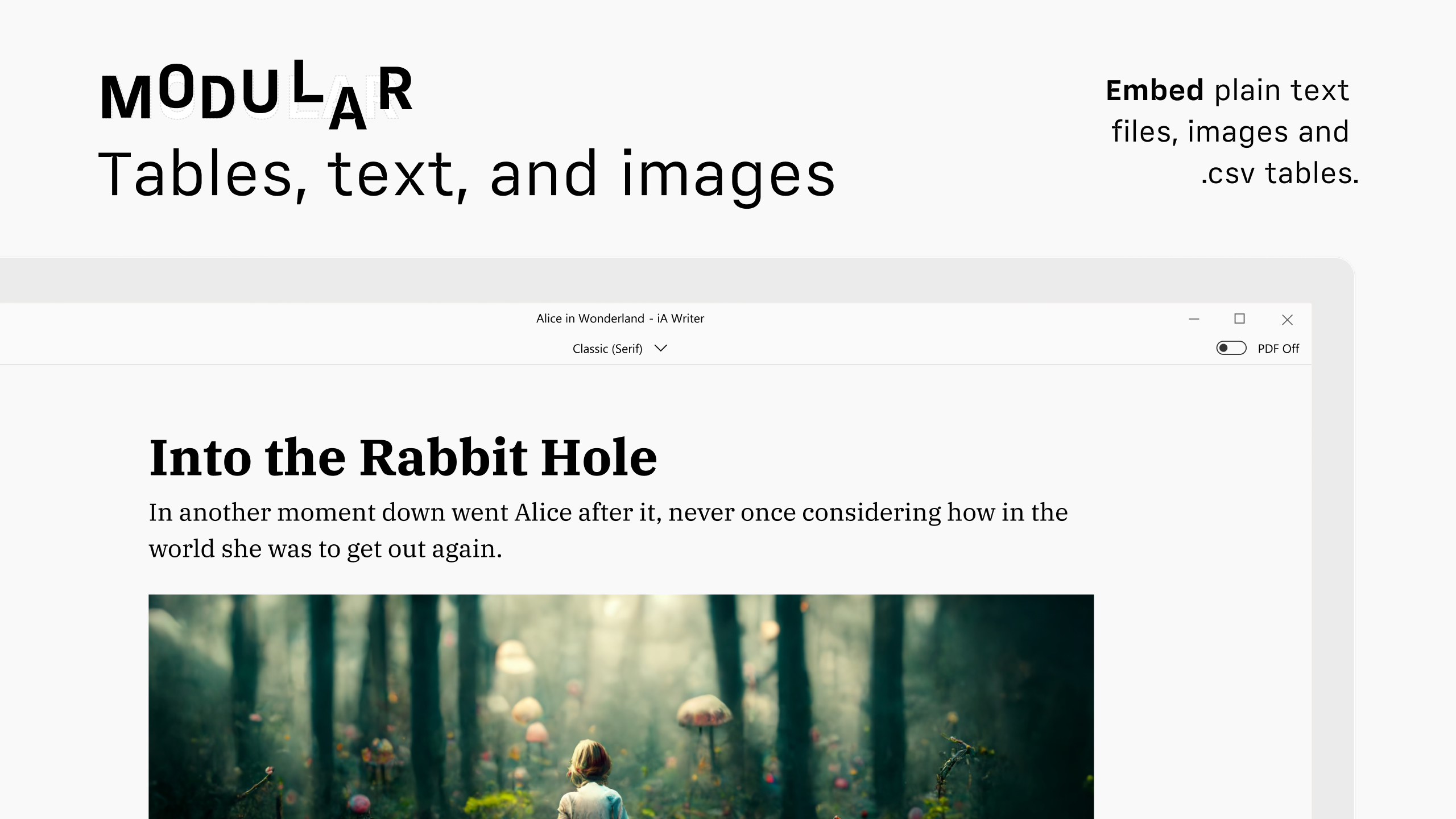
- Lack of rich media embedding
- Basic editing features without advanced tools
- No built-in version history
- Pricing might be a barrier for some users











