
- Category Multimedia design
- Developer ibis inc.
- Available on PC
- OS Windows 10 version 19041.0 or higher
- DirectX Version 11
- Memory 2 GB
- Keyboard Not specified
- Mouse Not specified
- languages Arabic, Chinese (Simplified), Chinese (Traditional Chinese), Dutch, English, French, German, Hebrew, Hindi, Indonesian, Italian, Japanese, Korean, Portuguese, Russian, Spanish, Thai, Turkish, Vietnamese
Introducing ibis Paint for Windows: A Versatile Digital Art Companion
ibis Paint for Windows is a comprehensive drawing software designed for both amateur and professional artists seeking a robust, user-friendly digital painting experience. Its suite of powerful tools combined with an intuitive interface makes it a compelling choice for creatives looking to craft detailed illustrations and animations right on their PCs.
About the Developer and Core Features
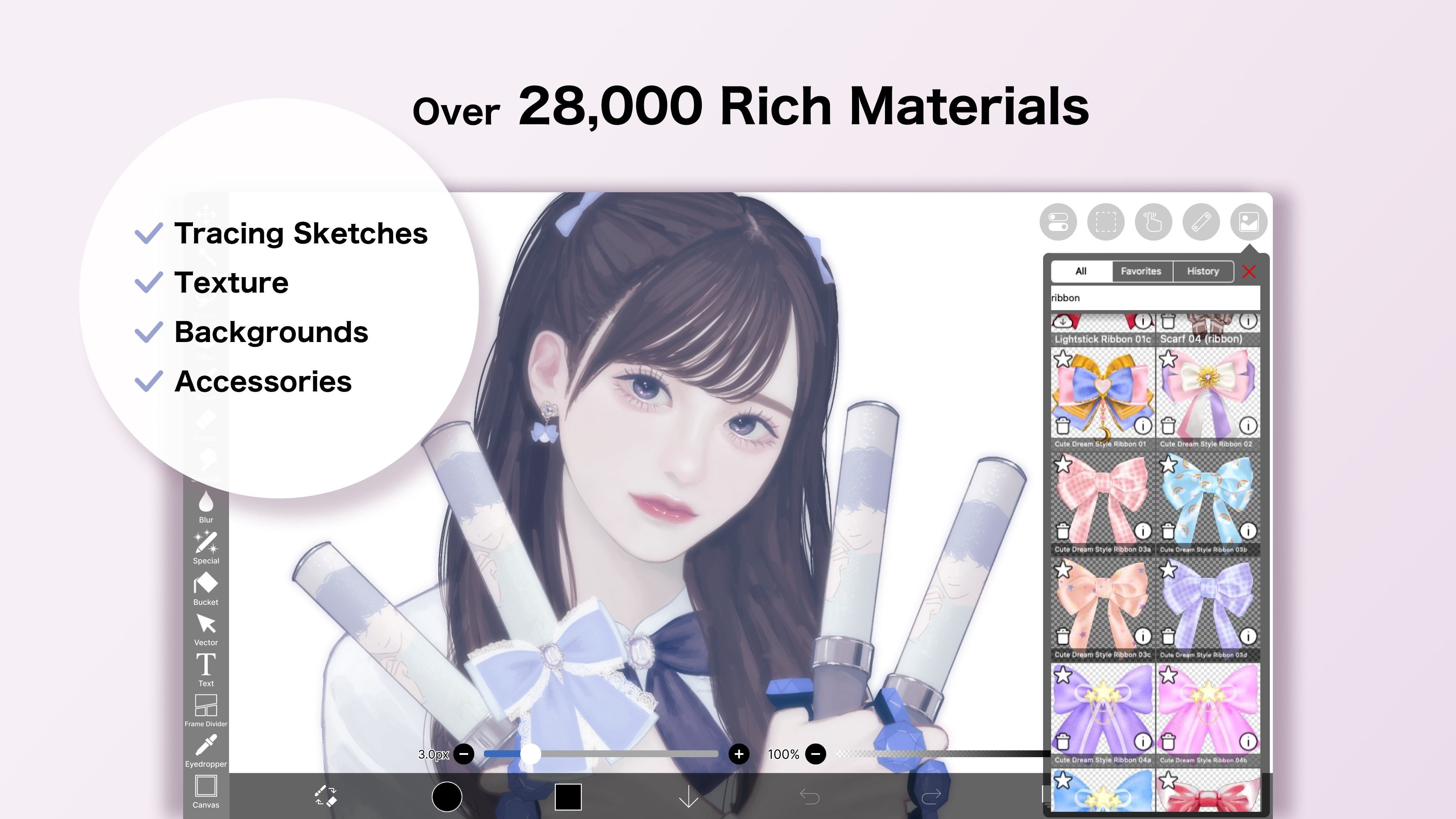
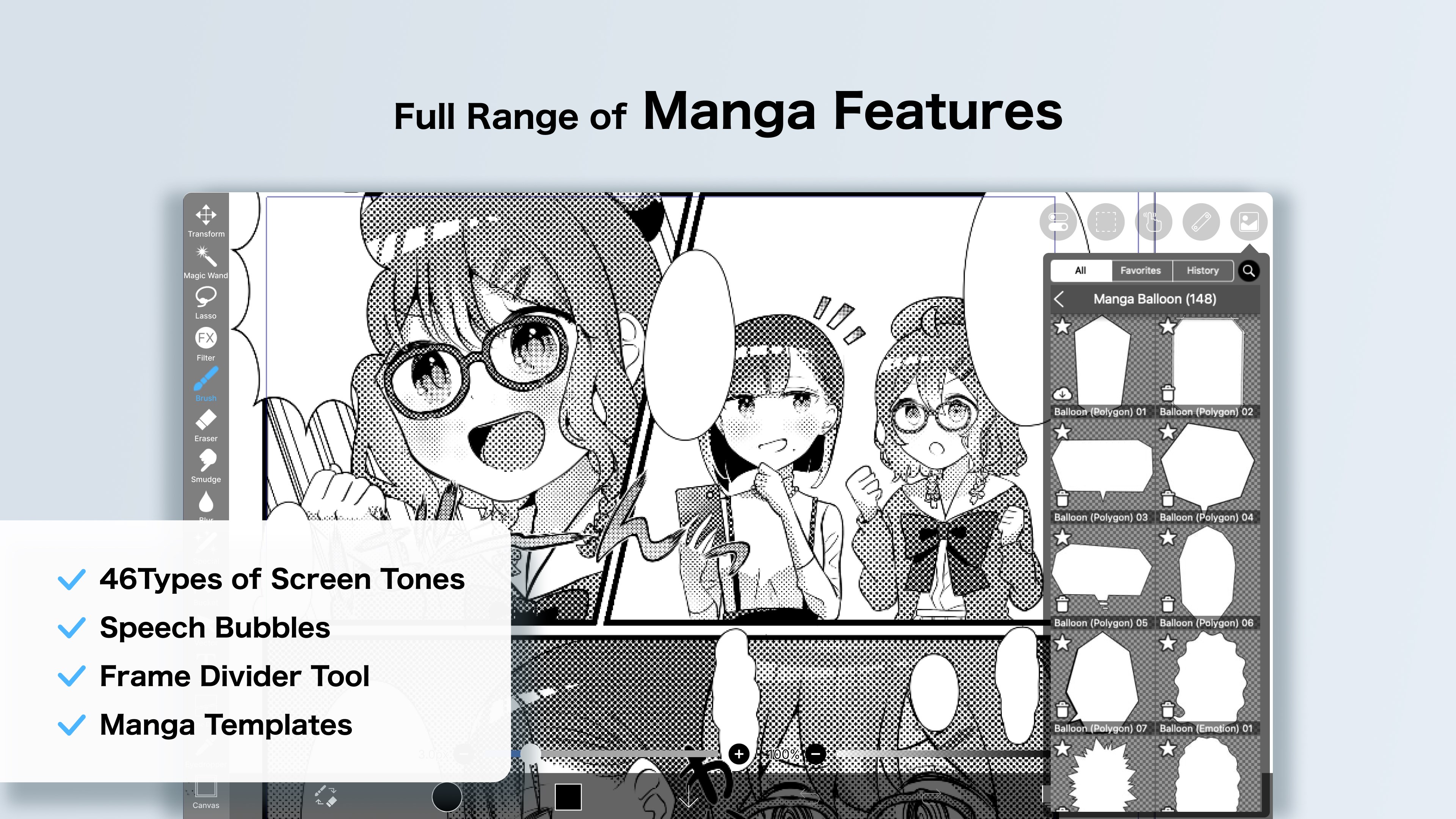
Developed and published by ibis inc., a company renowned for its mobile drawing apps, ibis Paint for Windows extends their expertise into the desktop realm. The app's main highlights include a rich array of customizable brushes, a seamless layer management system, and an extensive library of tutorials and community sharing features. Designed with versatility in mind, this software caters to hobbyists, professional illustrators, and animation enthusiasts alike.
A Fun and Engaging Introduction to a Creative Playground
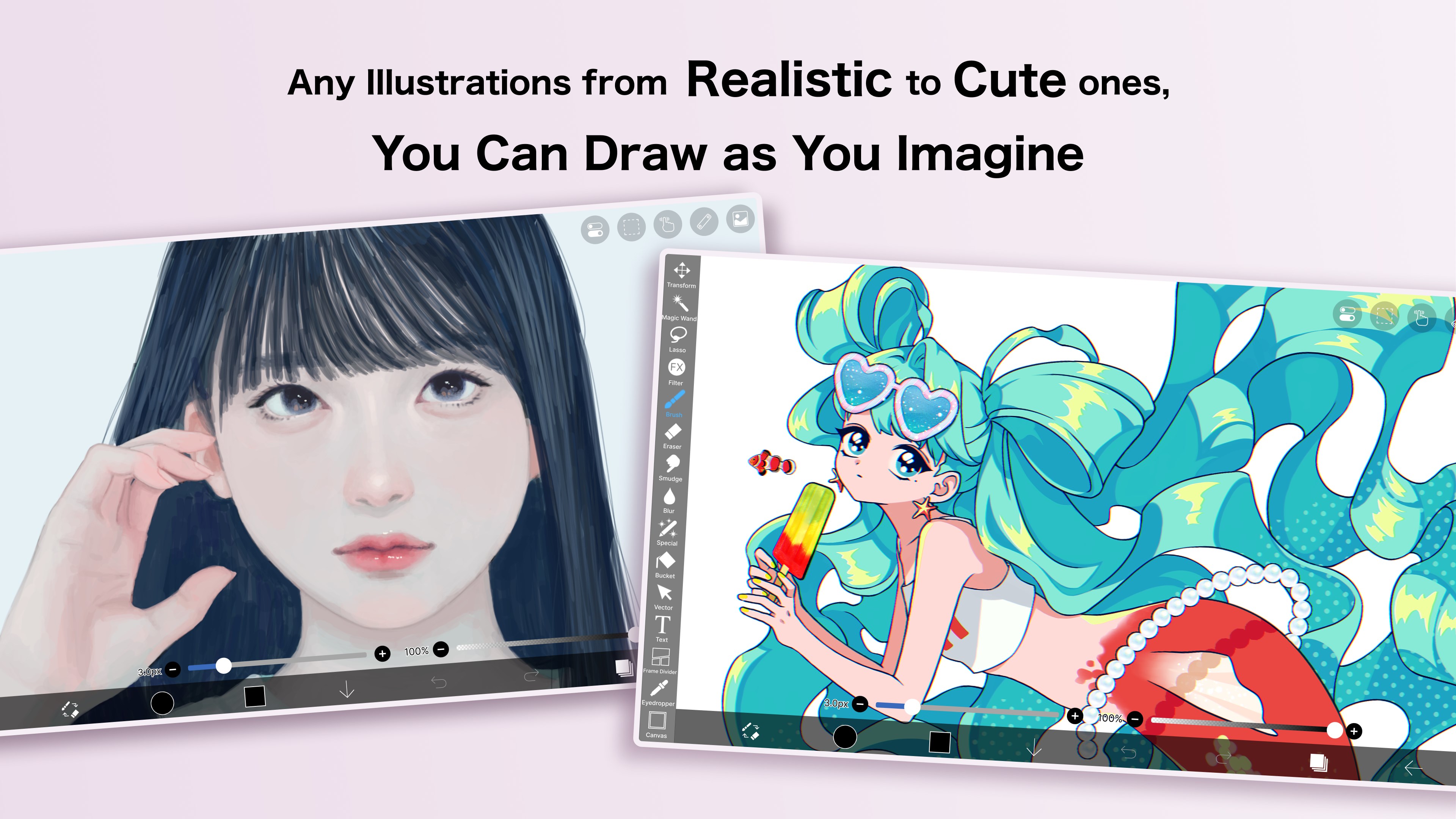
Imagine stepping into a studio where every brush stroke accurately mimics real-world textures, and your ideas come alive with vibrant colors and intricate details. That's the promise of ibis Paint for Windows—a digital canvas that invites you to explore your artistic potential without the usual technical barriers. Whether you're sketching a delicate portrait or designing complex comics, this app aims to be your reliable partner on the journey of creation, offering both simplicity and depth in its tools.
Powerful and Customizable Brushes: Artistic Freedom at Your Fingertips
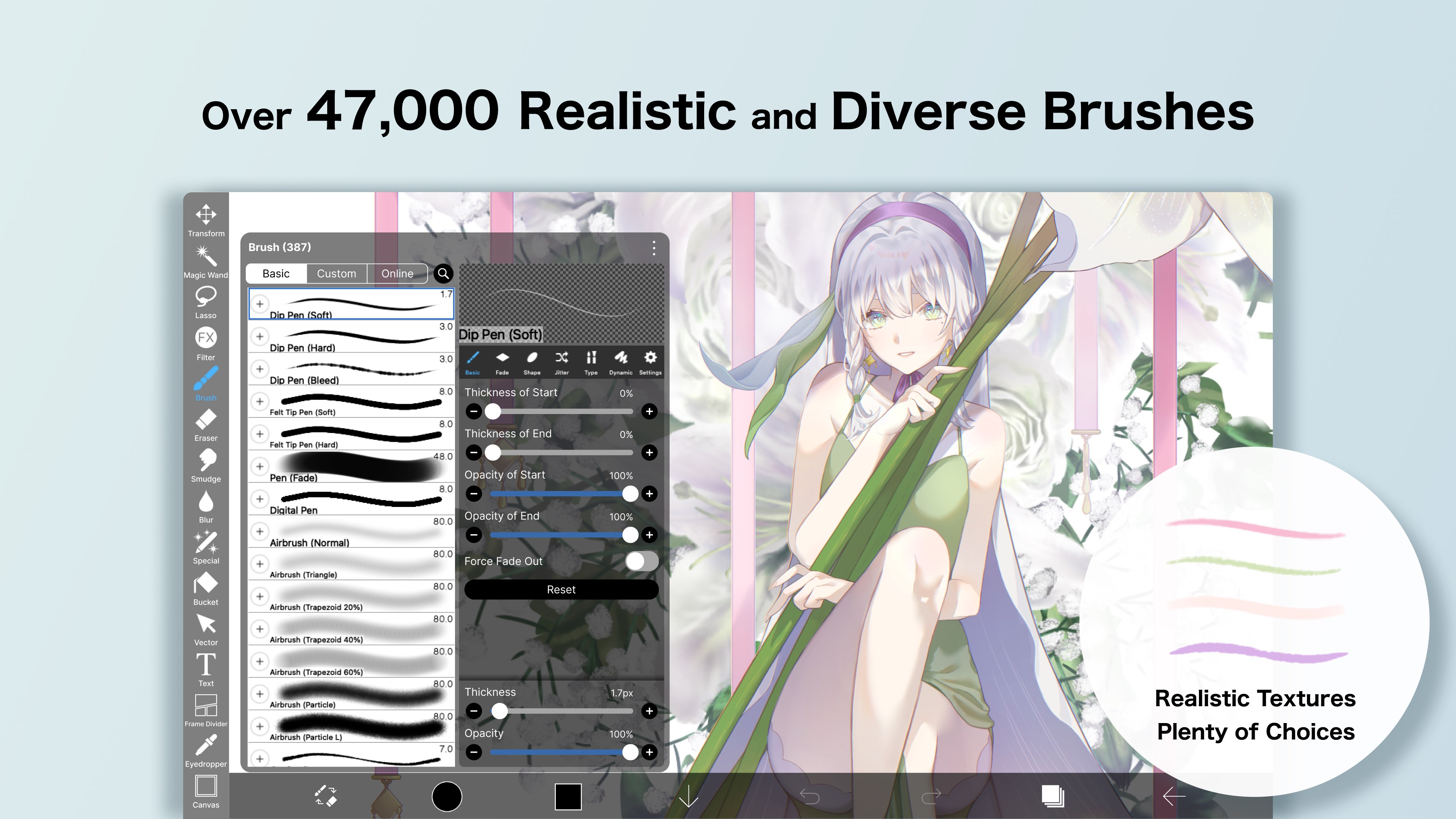
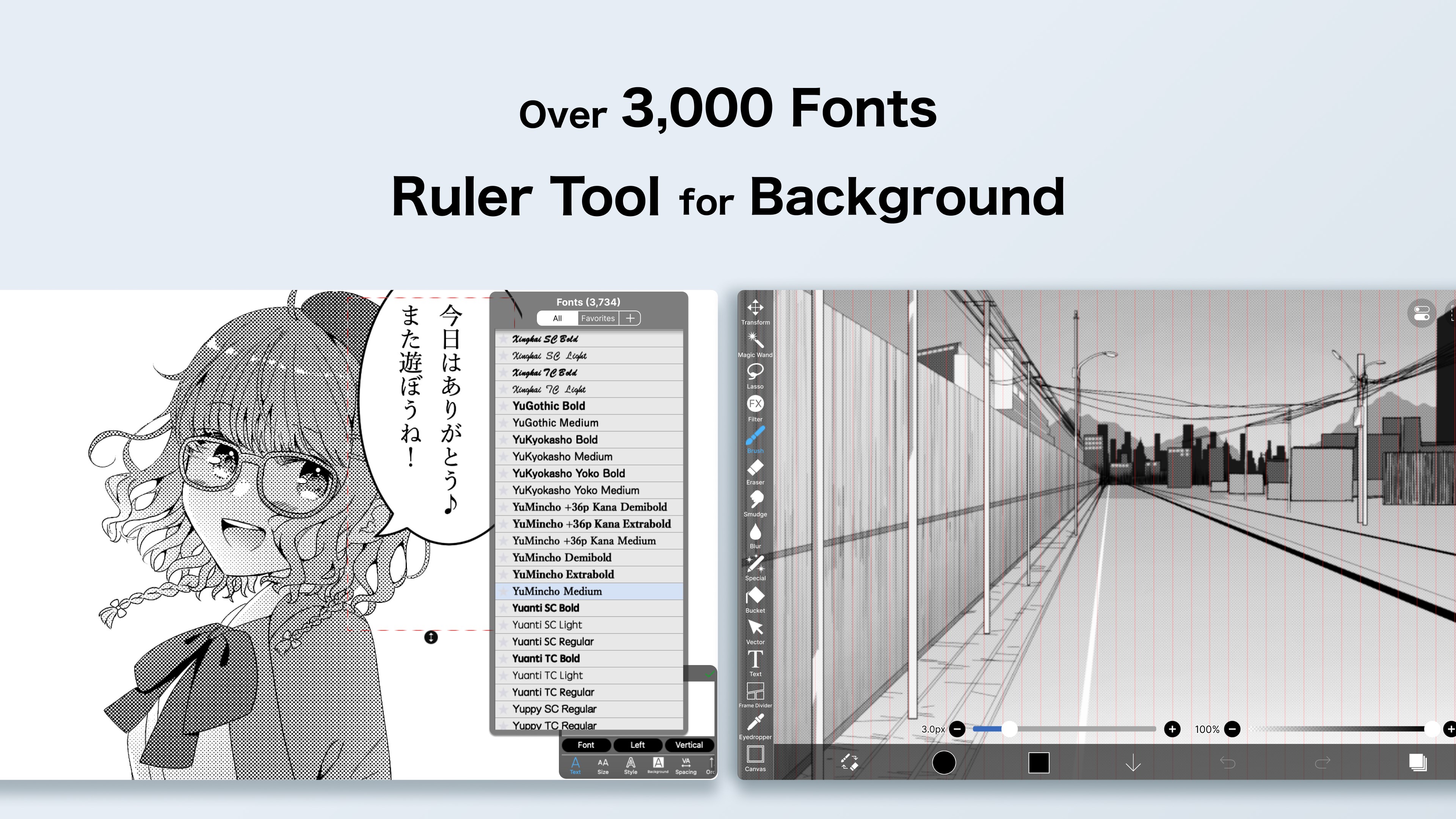
One of ibis Paint's standout features is its impressive collection of brushes—over 800 options—ranging from traditional pencils and watercolors to unique textured brushes that evoke the feel of real media. Users can customize brush settings extensively, adjusting size, opacity, and blending modes, thus turning each brush into a personal instrument. The app's precise pressure sensitivity and tilt support replicate the nuances of drawing with physical tools, making the digital experience more intuitive and life-like. This flexibility is particularly appealing for artists who seek to preserve their signature style and experiment freely.
Layer Management and Advanced Editing Tools
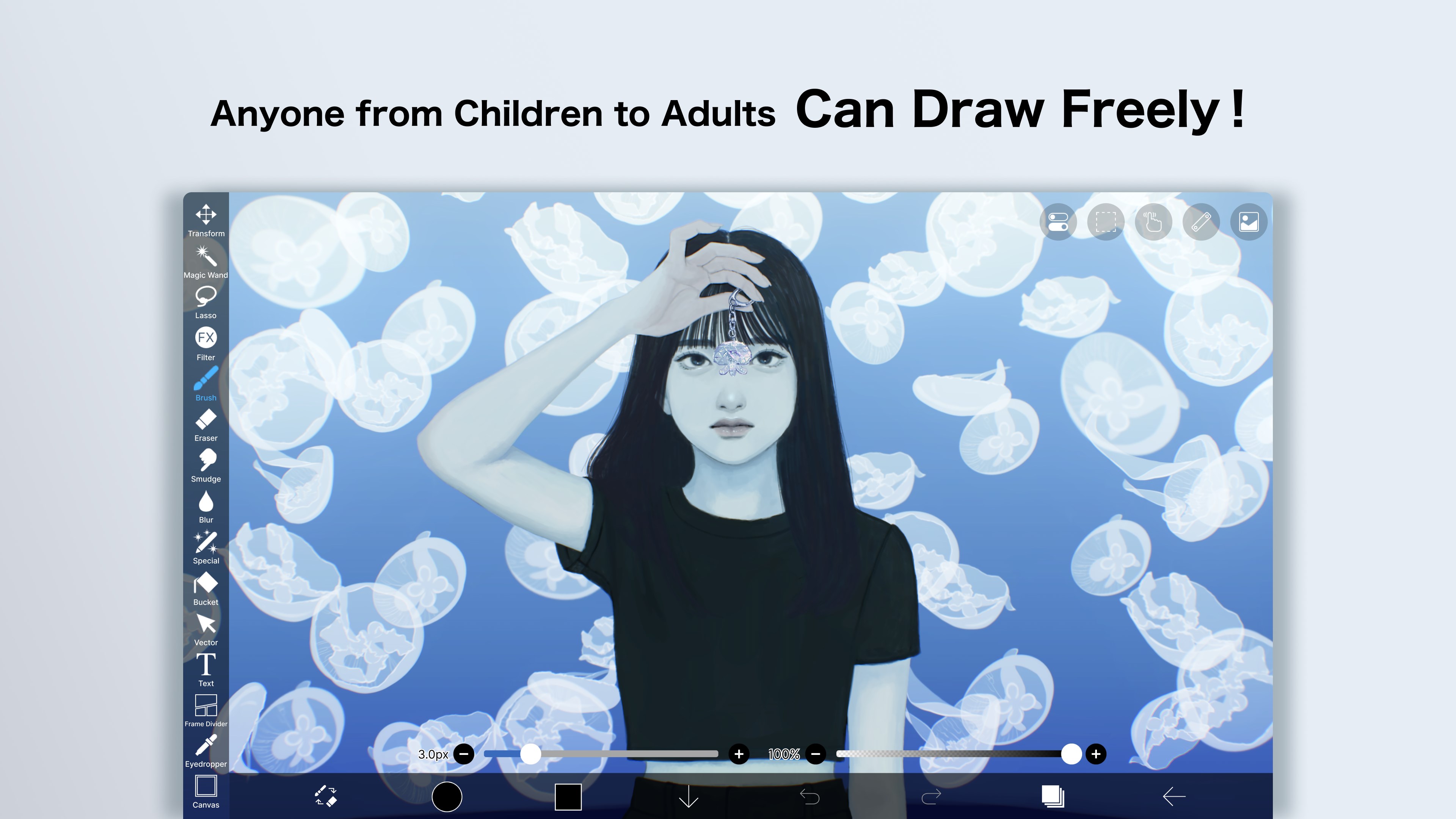
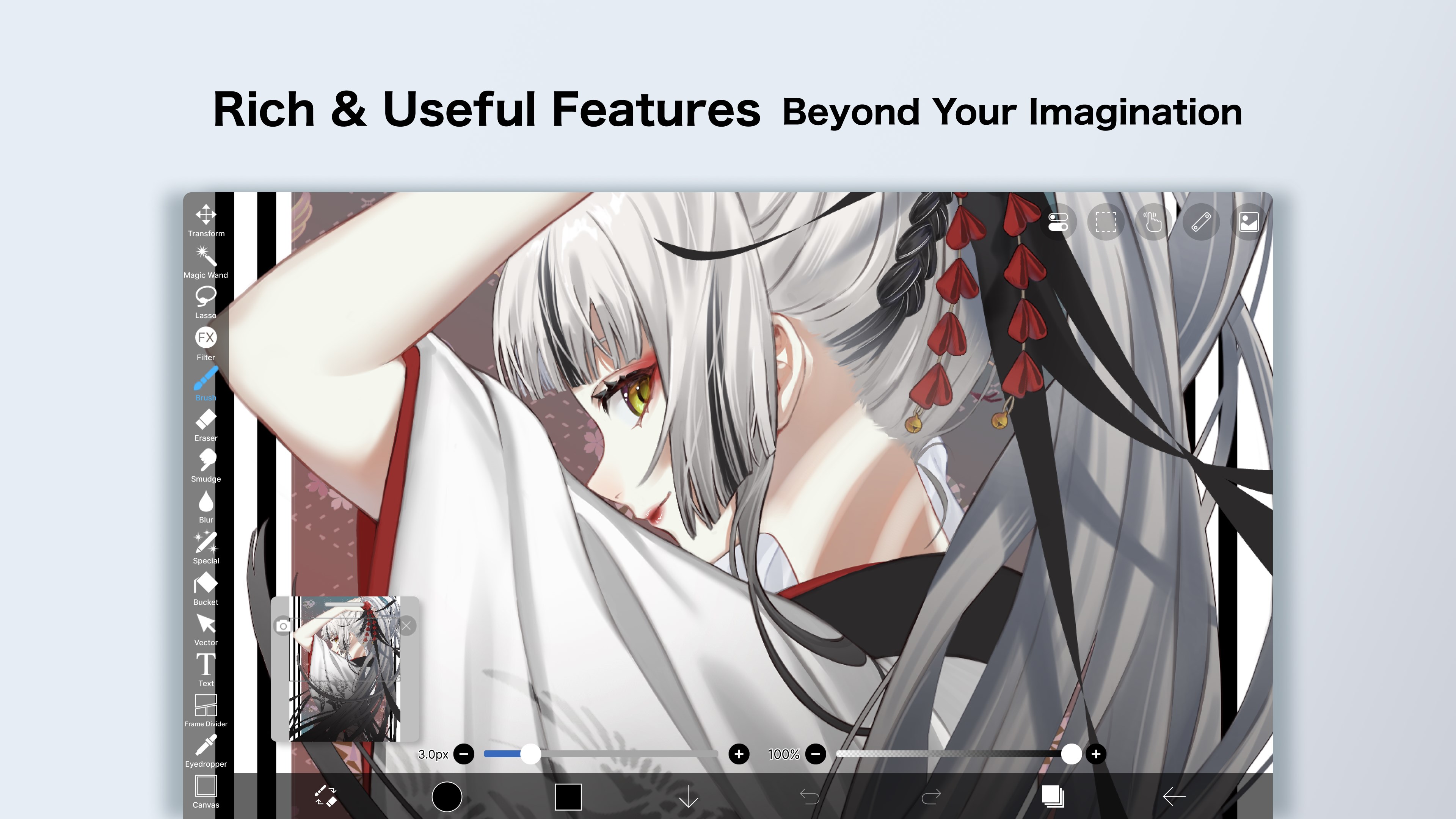
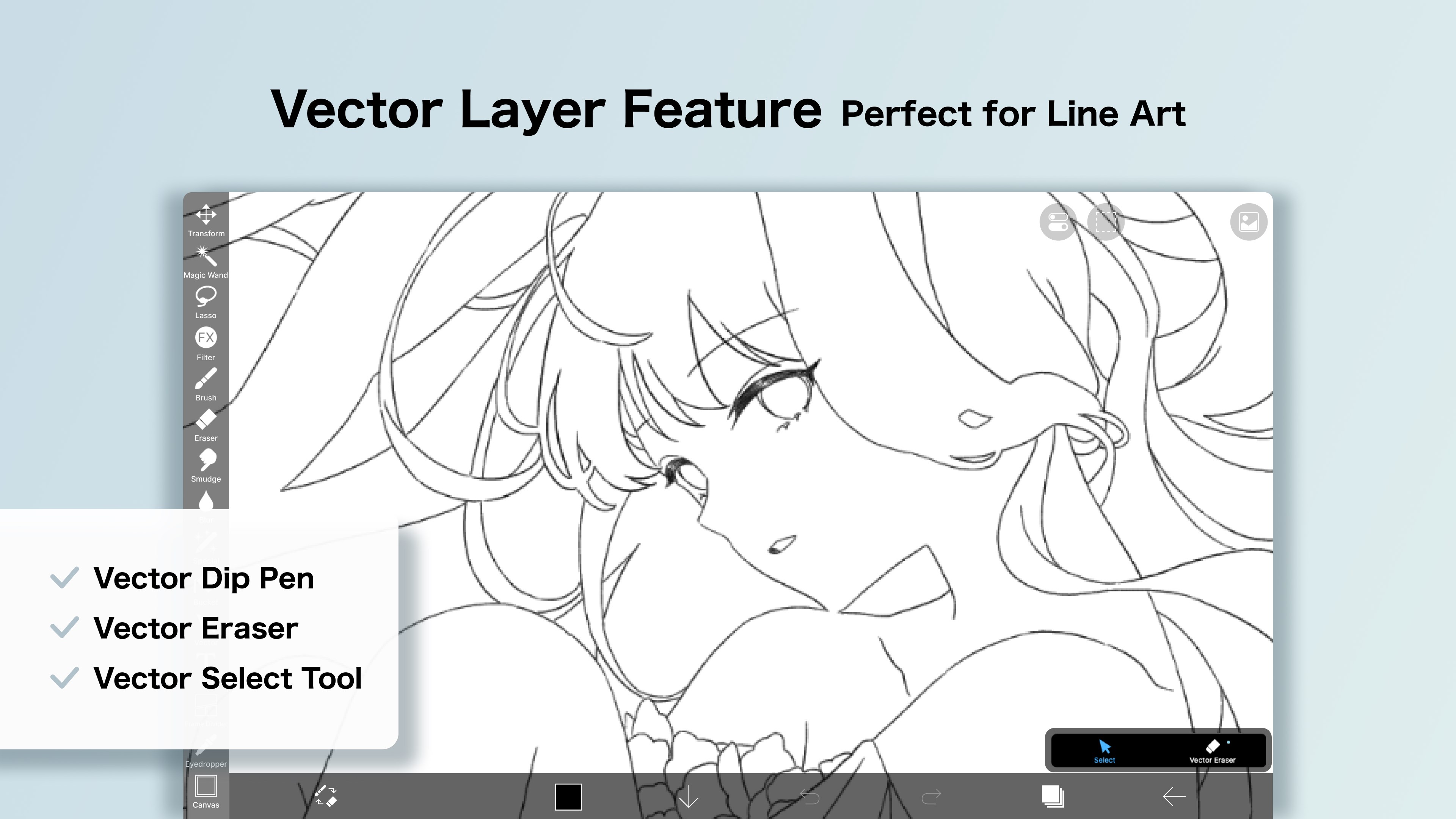
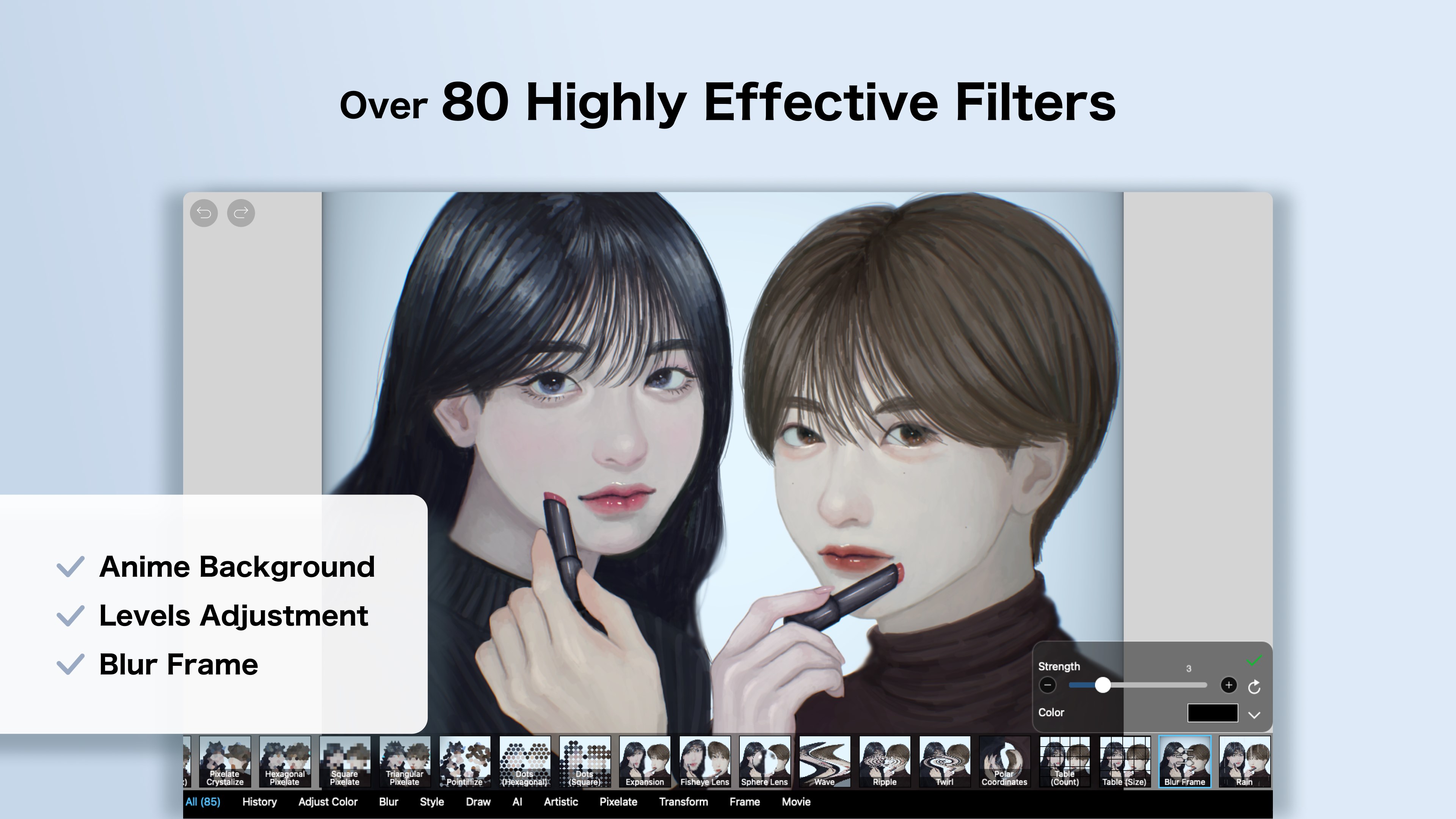
Layer handling in ibis Paint for Windows mirrors the sophistication found in professional-grade software. Users can create, organize, and merge multiple layers effortlessly, with options for clipping, masking, and adjustment layers that enhance creative control. The app also includes a variety of selection tools, transformation options, and filters, enabling artists to refine their work with precision. These features collectively empower users to build complex compositions—comparable to working on a traditional canvas but with the convenience of digital editing.
User Experience: Intuitive Design Meets Smooth Performance
The interface of ibis Paint for Windows is clean and thoughtfully organized, positioning essential tools within easy reach. Navigation feels seamless; the app responds quickly to inputs, ensuring that your creative flow isn't interrupted by lag or confusion. The learning curve is gentle—beginners can quickly familiarize themselves with essential functions, while experienced artists can delve into advanced features without feeling overwhelmed. The app's responsiveness and stability make it suitable for prolonged creative sessions, akin to having a reliable workspace that adapts to your needs.
Unique Advantages and Differentiators
Compared to other multimedia design apps, ibis Paint for Windows shines with its community-centric approach. Its integrated social features allow users to share their artwork directly within the app, receive feedback, and participate in challenges—fostering a vibrant creative community. Additionally, the app's extensive tutorial library helps newcomers learn techniques step-by-step, effectively reducing the barrier to entry. The most distinctive feature is perhaps its rich brush customization combined with real-time stroke rendering, which offers an authentic drawing feel unmatched by more generic painting programs.
Conclusion: A Recommended Digital Sketchpad for Creatives
All in all, ibis Paint for Windows is a solid, feature-rich application that balances professional tools with user-friendly design. Its standout brush customization and community features make it particularly appealing for artists eager to experiment and share their work. While it might not replace high-end professional software for very specialized tasks, it offers a compelling blend of power and accessibility that makes it a worthy addition to any digital artist's toolkit. I'd recommend it to anyone looking to explore digital illustration, especially those who appreciate a vibrant community and versatile tools—think of it as your new creative workshop, ready to inspire at every stroke.
Pros
- Rich set of brushes and tools
- User-friendly interface
- Layer support with blending modes
- High-resolution canvas support
- Responsive stylus support
Cons
- Limited export options in free version
- occasional lag during intensive brush strokes
- No animation features
- Some advanced tools may have a learning curve
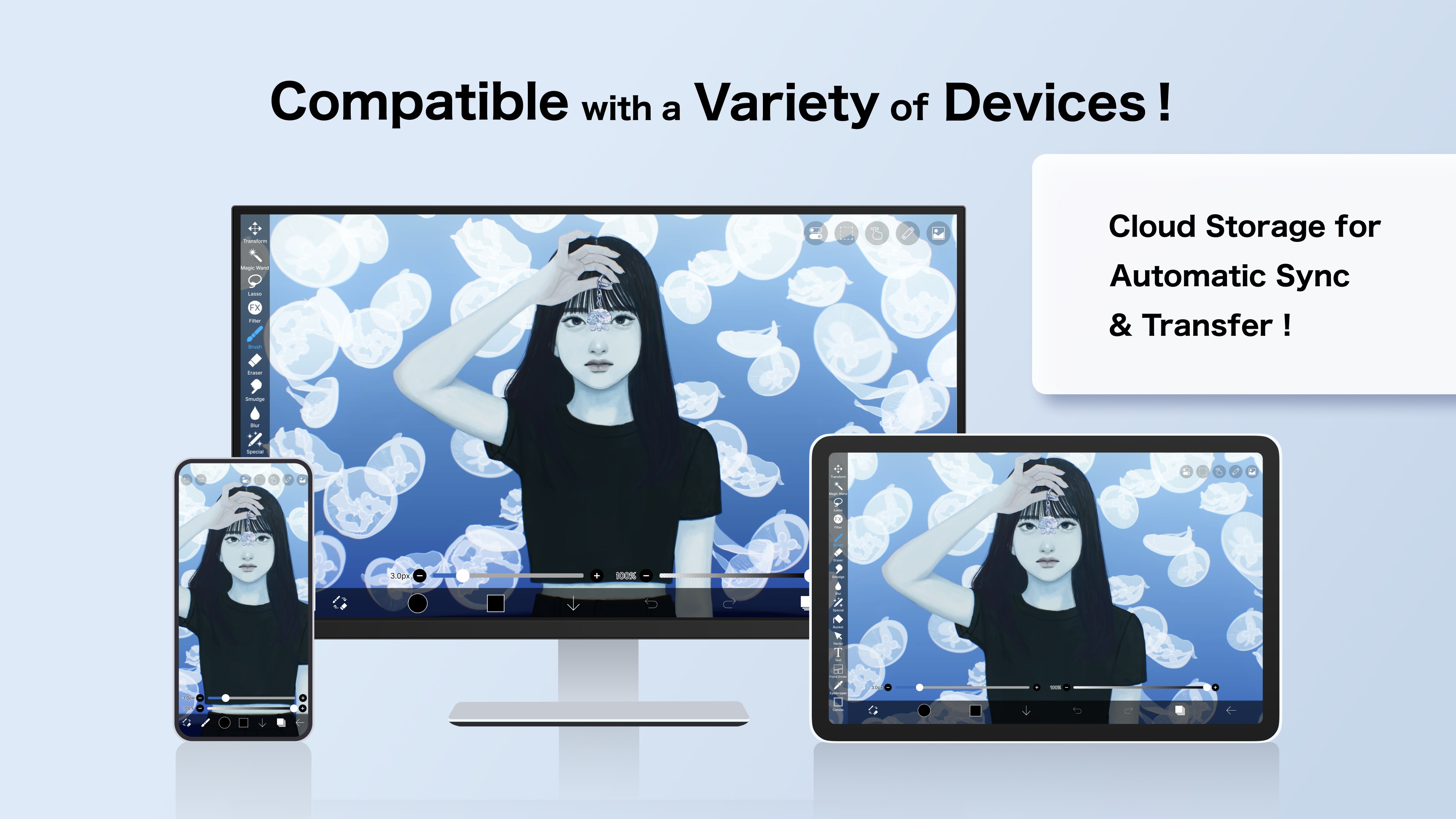
- Limited cloud storage integration











