

- Category Productivity
- Available on PC
- OS Windows 10 version 18362.145 or higher
- languages Arabic, Catalan, Chinese (Simplified), Chinese (Traditional), Chinese (Traditional, Hong Kong SAR), Croatian, Czech, Danish, Dutch, English (Australia), English (United Kingdom), English (United States), Finnish, French, French (Canada), German, Greek, Hebrew, Hindi, Hungarian, Indonesian, Italian, Japanese, Korean , Malay, Norwegian (Bokmål), Polish , Portuguese (Brazil), Portuguese (Portugal), Romanian, Russian, Slovak, Spanish (Latin America), Spanish (Spain), Swedish, Thai, Turkish, Ukrainian, Vietnamese
Seamless Cloud Integration with iCloud for Windows
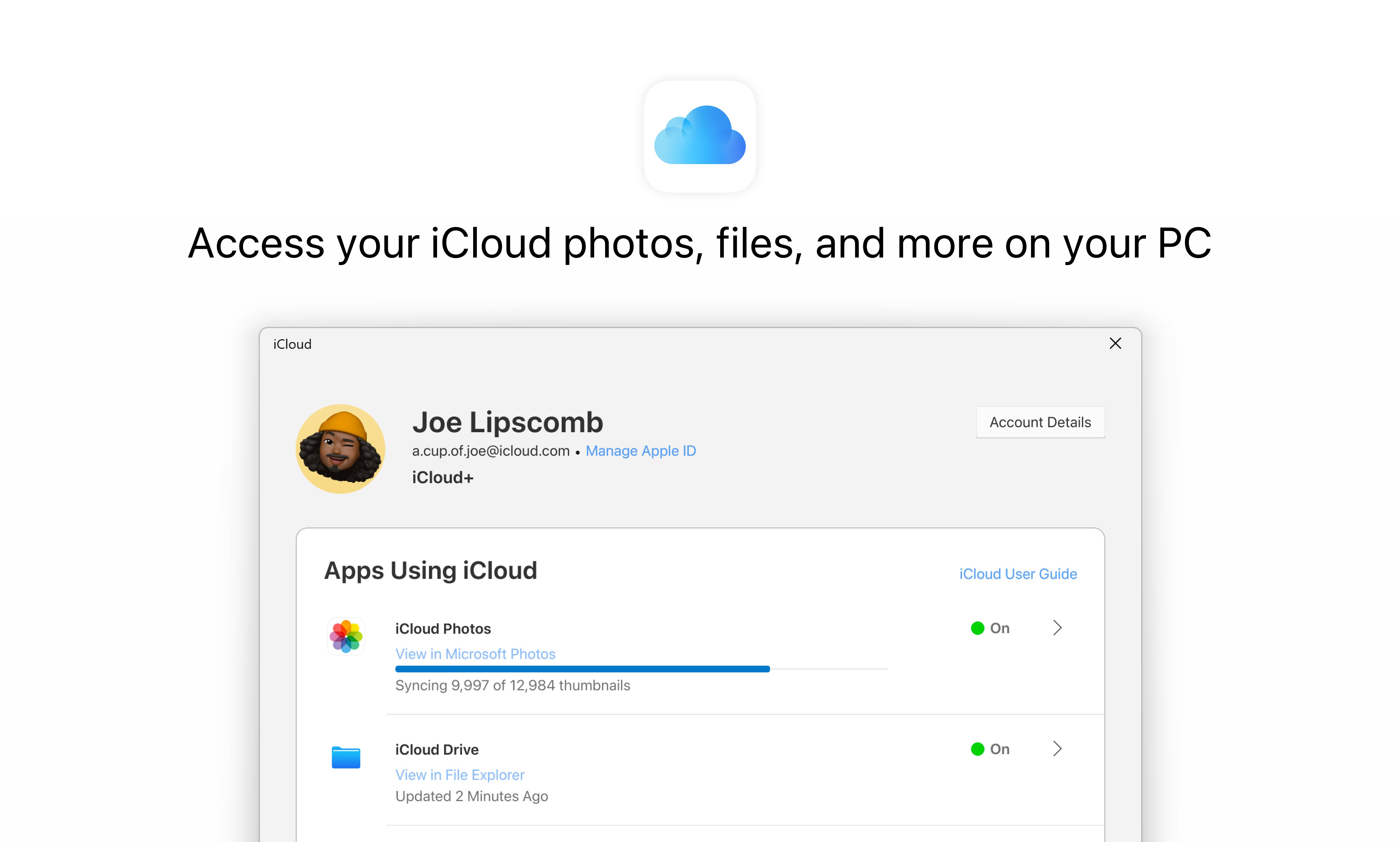
iCloud for Windows acts as a bridge connecting your Windows PC to the Apple ecosystem, offering a streamlined way to access your Apple data directly from your desktop. Designed to bring the magic of iCloud's cloud storage and synchronization to Windows users, this app aims to unify your digital life across platforms without the hassle.
Developed by Apple Inc.
This application is developed and maintained by Apple Inc., ensuring tight integration with iCloud services and adherence to Apple's standards for security and usability.
Highlighting Key Features: Efficiency and Simplicity
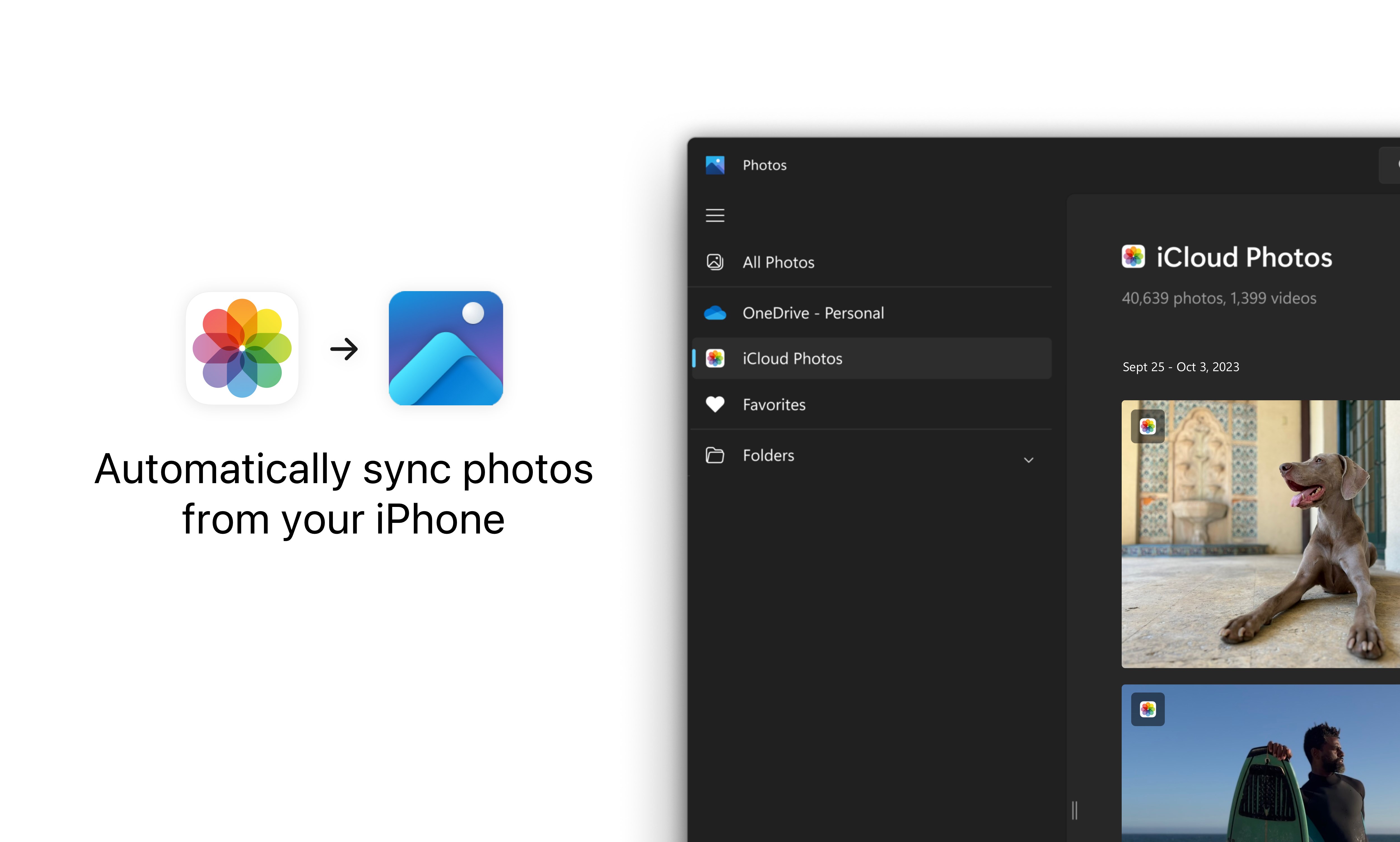
- Photo Library Synchronization: Automatically uploads and syncs your photos and videos across devices, keeping your memories fresh and accessible wherever you are.
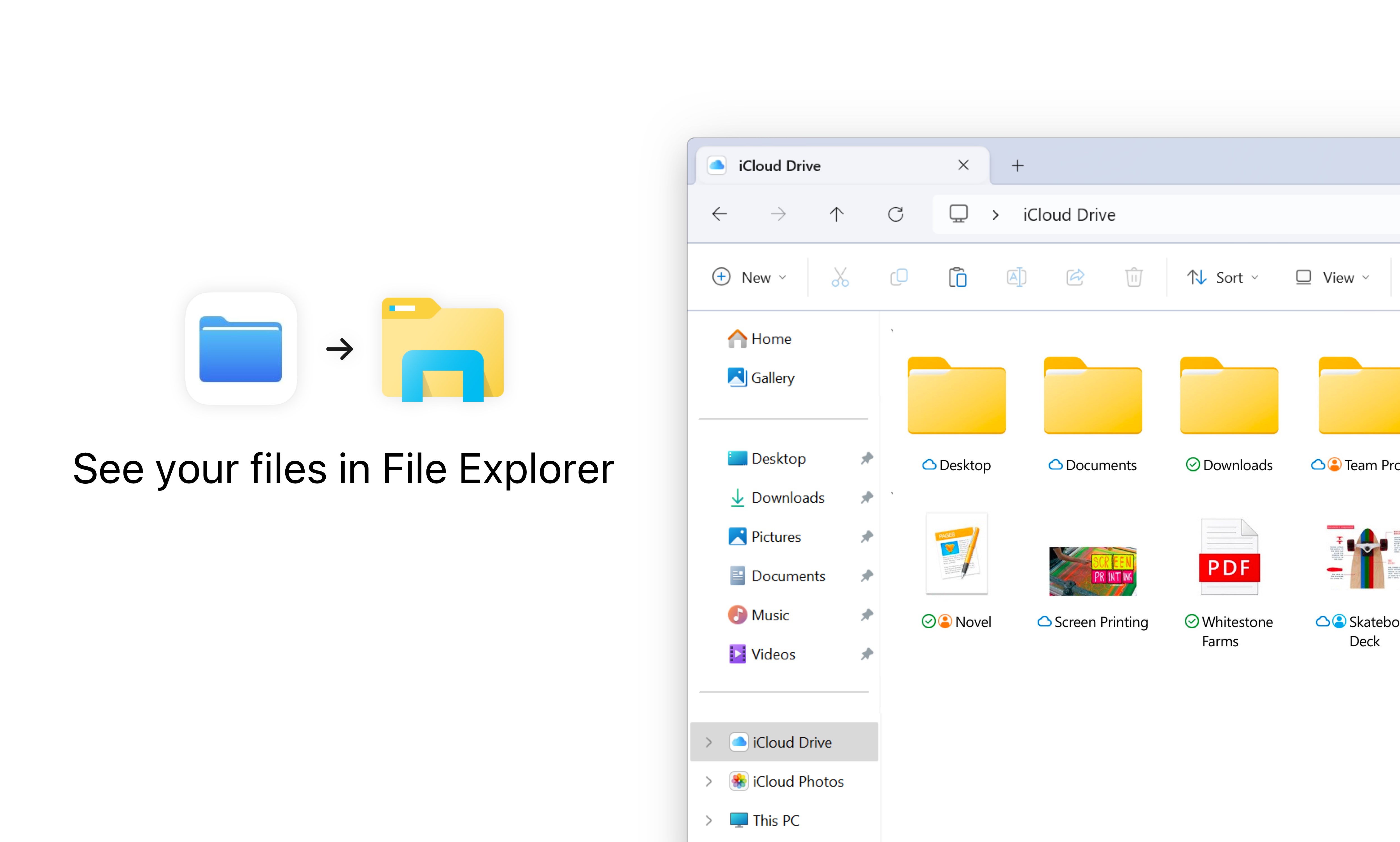
- File Access and Management: Seamlessly accesses iCloud Drive files directly from your Windows Explorer, making file management intuitive and organized.
- Contacts, Calendars, and Mail Integration: Synchronizes your important contacts, calendars, and email data, reducing the need to switch between different apps and platforms.
- Optimized for Workflow Efficiency: Designed to minimize cognitive load by integrating familiar Apple features into a Windows environment, streamlining productivity without the clutter of unnecessary features.
Engaging Evaluation of the App
Imagine a busy professional who hops between Mac and Windows devices; navigating two ecosystems can feel like trying to juggle flaming torches—exciting but risky. iCloud for Windows steps into this scenario as a reliable friend, quietly syncing your crucial data and freeing you from the chaos of inconsistent file versions or missed updates.
Design and User Interface: Friendly and Familiar
The interface adopts a clean, straightforward layout reminiscent of Apple's intuitive style, making it easy for even first-time users to find what they need. Unlike cluttered cloud management apps, iCloud on Windows keeps core functionalities neatly organized, with clear icons and minimal distractions. The setup process is straightforward, with guided prompts that make configuring synchronization options feel like a breeze rather than a chore.
Performance and User Experience: Smooth Sailing
Once configured, the app runs quietly in the background, with synchronization processes occurring seamlessly without noticeable lag. File transfers and photo uploads happen in the background, allowing users to continue working without interruption. Its stability and responsiveness stand out, especially considering the diverse Windows hardware landscape. Learning the interface takes just a few minutes, making it accessible for both tech-savvy users and those less familiar with cloud management.
Unique Selling Points: Workflow Integration and Cognitive Ease
Compared to other productivity tools, iCloud for Windows excels in its ability to perfectly blend into existing workflows—much like a skilled conductor seamlessly coordinating an orchestra. The standout feature is its tight integration with native Windows Explorer and Apple services, reducing the mental effort required to manage multiple apps or switch contexts. This focus on reducing cognitive load—by providing a unified, straightforward interface—sets it apart from cloud apps that outshine with numerous features but drown users in complexity.
Final Recommendation and Use Cases
Based on its stability, ease of use, and thoughtful integration, I would recommend iCloud for Windows to anyone who regularly uses Apple devices alongside a Windows PC. It's particularly valuable for professionals managing photos, documents, and calendars across platforms, or for users who prefer the Apple ecosystem's consistency but work primarily on Windows. While it may not replace comprehensive cloud suites like OneDrive or Google Drive, its strengths lie in bridging the gap—delivering a smooth, low-cognitive-load experience that keeps your digital life coordinated and calm.
Pros
- Seamless integration with iCloud ecosystem
- User-friendly interface
- Fast and reliable synchronization
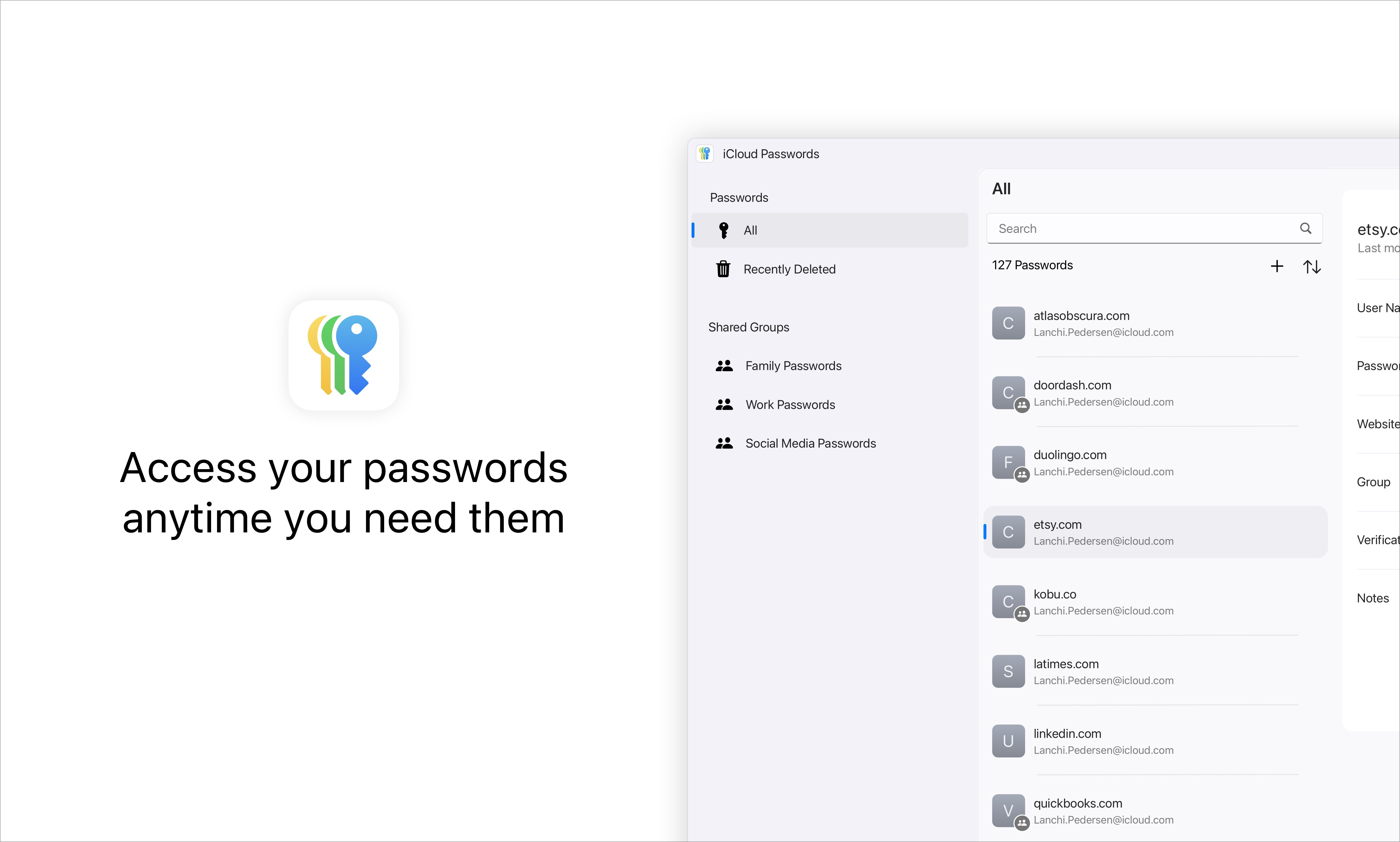
- Robust data security measures
- Supports multiple file types
Cons
- Limited offline access for some files
- Occasional sync delays
- Requires stable internet connection for full functionality
- App stability issues reported on some devices
- Advanced features may require subscription or additional storage plan











