

- Category Multimedia design
- Developer Dmitry Kozhinov
- Available on PC
- OS Windows 10 version 0.0 or higher
- Keyboard Integrated Keyboard
- Mouse Integrated Mouse
- languages Catalan, Danish, Dutch, English, Finnish, French, German, Italian, Japanese, Portuguese (Brazil), Spanish, Swedish
IconEdit2 for Windows: A Sleek and Efficient Vector Icon Editor
IconEdit2 is a dedicated vector icon editing application designed to streamline the process of creating and editing icons on Windows, offering a user-friendly experience with professional-grade features.
Clean Design with Focused Functionality
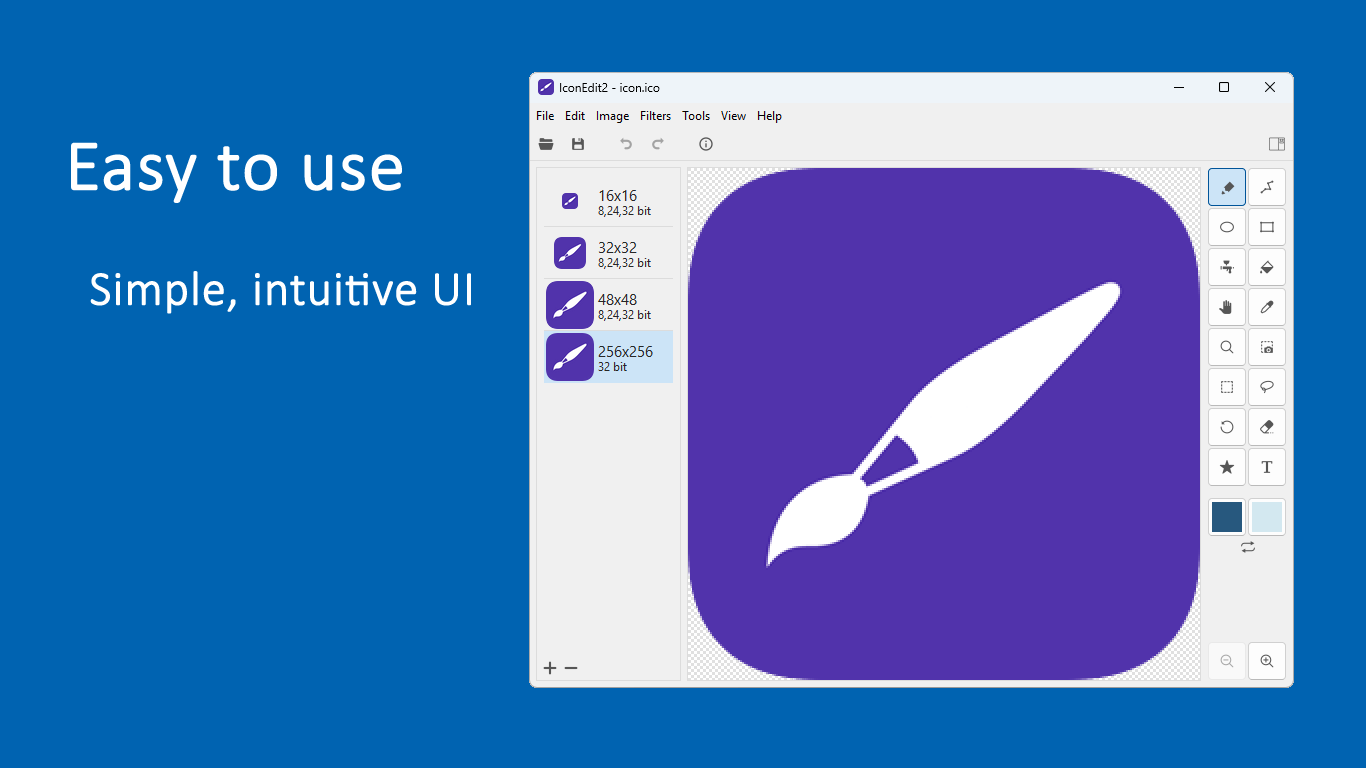
Developed and published by Dmitry Kozhinov, IconEdit2 stands out with its intuitive interface that resembles a simplified canvas, making it accessible for both beginners and seasoned designers. Its core strengths lie in precise vector editing, support for multiple formats, and quick export options—perfect for developers and graphic designers seeking efficiency without compromising quality.
Getting Started: A Playful Journey into Icon Creation
Imagine diving into a digital toolkit where each stroke is as fluid as a brush on a canvas, yet precise enough to fine-tune every pixel—this is how IconEdit2 welcomes you. Its straightforward layout means no steep learning curve, allowing users to jump right into creating icons for apps, websites, or user interfaces with minimal fuss. Whether you're enhancing existing icons or crafting entirely new ones, the app's environment feels both approachable and professional, making every creative process feel less like work and more like a satisfying craft.
Core Features That Make IconEdit2 Shine
- Vector Precision and Editing Tools: Think of this as your digital sculpting station. The app offers a comprehensive set of tools—Bezier curves, anchor point adjustments, and path editing—that enable meticulous control over icon shapes. Whether creating sleek modern icons or detailed illustrative designs, this feature ensures your vectors are sharp and scalable.
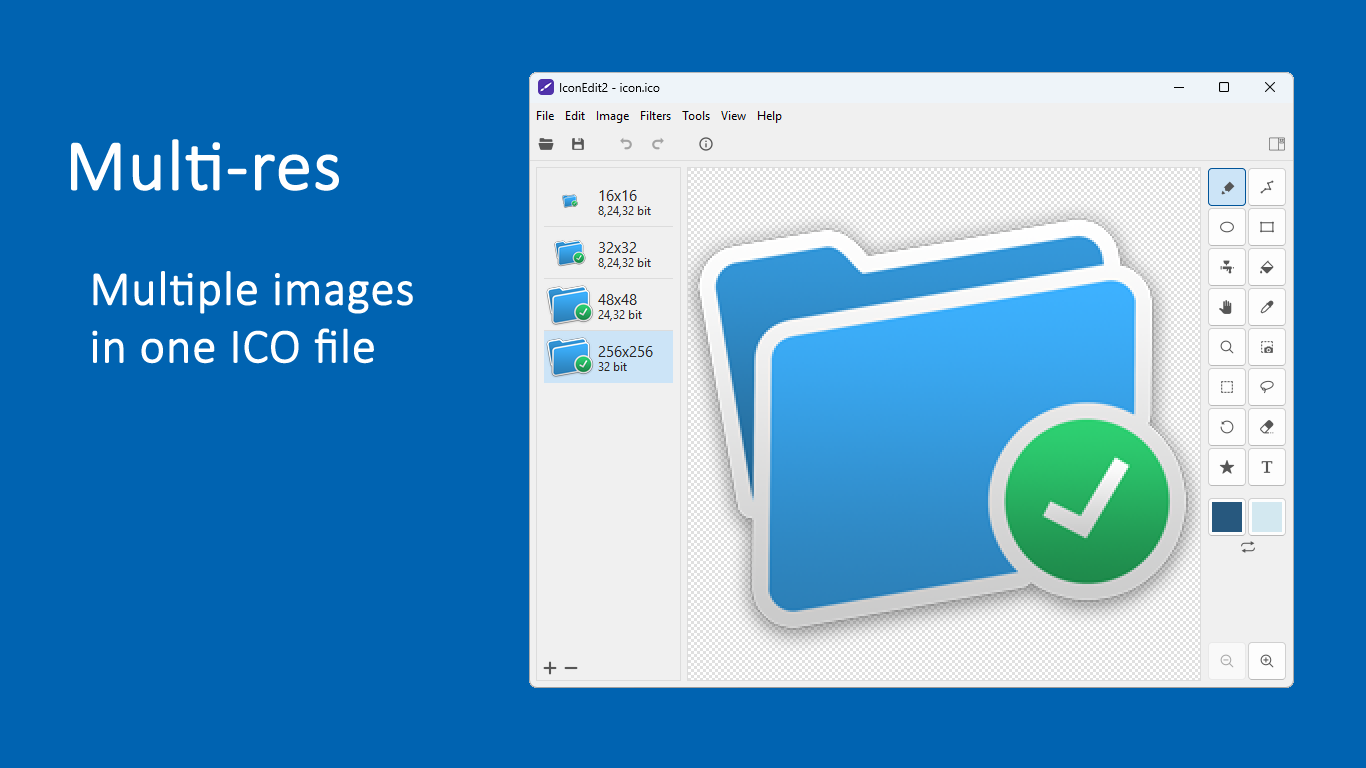
- Multi-Format Export and Support: Flexibility is vital; IconEdit2 supports exporting icons in various formats like PNG, ICO, SVG, and more. This versatility makes it suitable for multiple platforms, whether you're designing app icons for Windows, iOS, or Android, or preparing assets for web use.
- Smart Alignment and Snapping Features: Creating symmetrical and balanced icons becomes effortless with intelligent alignment tools. Imagine having an invisible magnet guiding your elements into perfect position—save time and improve consistency with this handy feature.
Design, Usability, and Unique Selling Points
The interface of IconEdit2 appears like a minimalist digital workspace—clean, clutter-free, and almost inviting. Navigation is smooth; zooming, panning, and editing layers happen seamlessly, even with complex vector paths. The learning curve is gentle, comparable to finding your way around a familiar workshop, making it accessible for quick drafts or detailed finalizations.
What truly sets IconEdit2 apart from other multimedia design applications is its laser focus on icon creation paired with lightweight performance. Unlike bulkier graphic suites that overwhelm with unnecessary tools, IconEdit2's specialization means faster rendering speeds and less resource consumption. Additionally, its support for multiple export formats, especially SVG alongside traditional icon formats, allows designers to integrate icons effortlessly across various digital ecosystems—an edge in today's multi-platform environment.
Final Thoughts: A Solid Choice for Icon Enthusiasts
If you're on the hunt for a straightforward yet powerful tool dedicated to icon design, IconEdit2 deserves a look. While it might not have the expansive design features of full-fledged graphic editors, its precision editing, ease of use, and format versatility make it an excellent choice for dedicated icon makers, developers, or UI designers. I recommend giving it a try if your work involves creating crisp, scalable icons regularly—it's like having a mini, professional-grade studio right on your desktop.
Pros
- Intuitive user interface
- Supports multiple icon formats
- Built-in editing tools
- Fast rendering speed
- Affordable pricing and free trial available
Cons
- Limited advanced editing features
- Occasional crashes on large files
- No cloud storage integration
- Limited tutorials and help resources
- Basic filtering options











