
- Category Business
- Available on PC, Mobile, Surface Hub
- OS Windows 10 version 17763.0 or higher
- languages Arabic, Chinese (Simplified), Chinese (Traditional Chinese), Dutch, English (United States), French, German, Hebrew, Italian, Japanese, Spanish (Spain), Turkish
Effortless Faxing with a Modern Touch
If you've ever wished for an easier way to send and receive faxes without the hassle of traditional fax machines or clunky hardware, iFax App offers a streamlined solution tailored for Windows users. Designed to bridge the gap between classic communication methods and today's digital workflows, this app transforms the tedious fax process into a breeze, all within a sleek and user-friendly interface.
Developed by Crowded Road — A Team Focused on Simplicity and Efficiency
Created by Crowded Road, a developer dedicated to crafting intuitive productivity tools, iFax App emphasizes ease of use combined with robust functionality. Their team aims to optimize the digital fax experience, making it accessible whether you're in an office, working remotely, or on the go.
Key Features That Make iFax Stand Out
- One-Click Fax Sending and Receiving: Simplifies your workflow by enabling quick, single-tap fax dispatch and receipt, eliminating outdated manual processes.
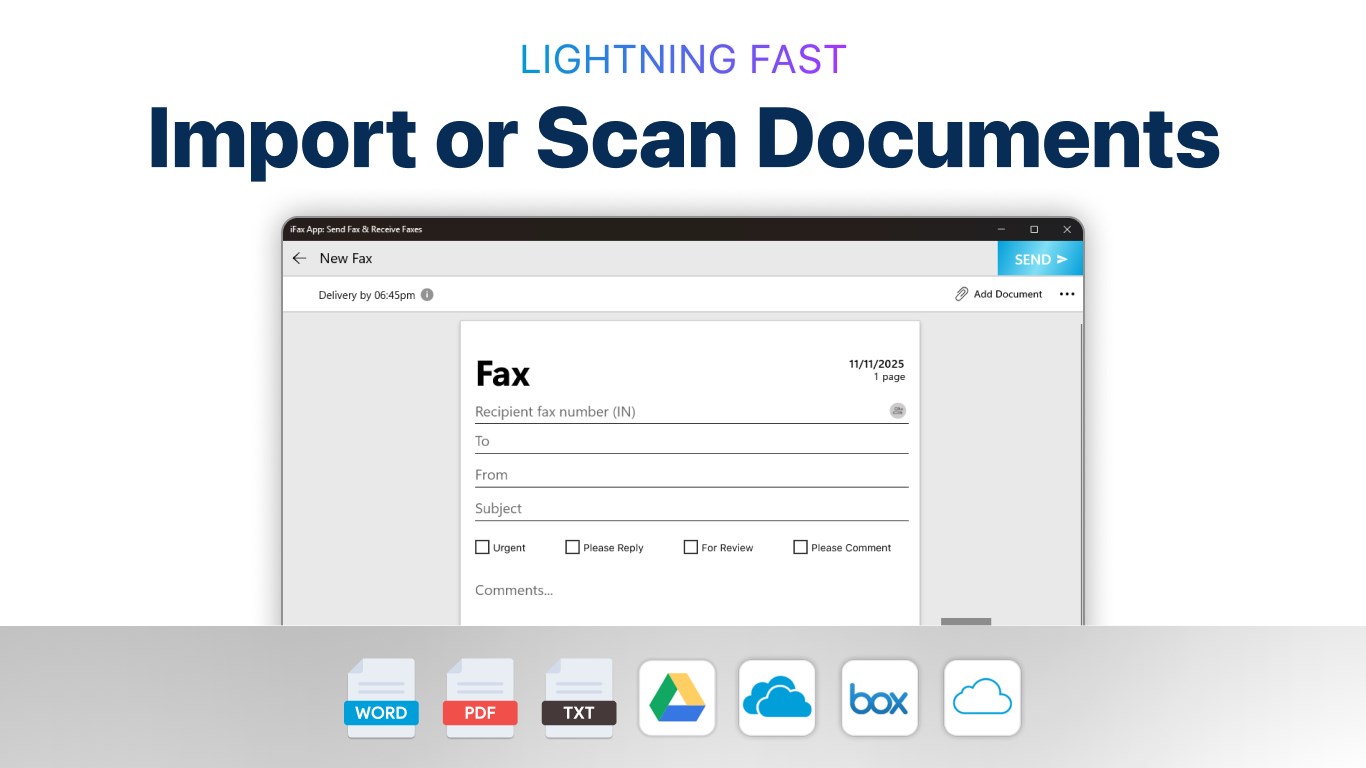
- Multi-Document Support: Allows you to send multiple files in different formats—PDF, DOCX, images—making it versatile for diverse business needs.
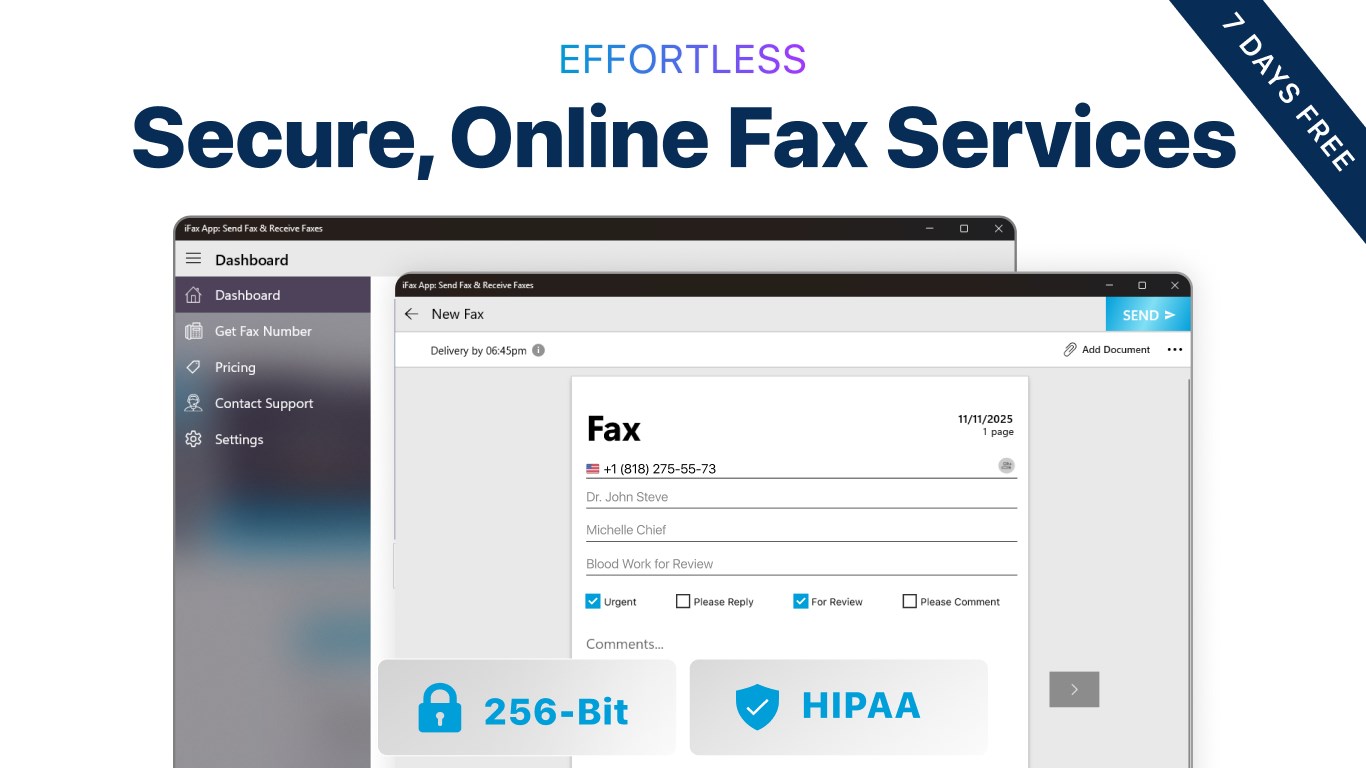
- Secure and Reliable Transmission: Ensures your faxes are sent securely via encrypted channels, giving peace of mind when handling confidential information.
- Cloud Integration and Storage: Seamlessly connects with cloud services for easy document access, archiving, and management within the app.
An Engaging Look at the iFax Experience
Imagine waving goodbye to the tumble of papers and the squeak of fax machines trying to groan to life—iFax App ushers in a new era of modern communication. Its straightforward design feels like a well-organized digital inbox, where tasks are sorted and ready at your fingertips. Whether you're a busy professional or a small business owner, this app promises to transform your fax routine into something surprisingly effortless and even enjoyable.
User Interface and Overall Experience
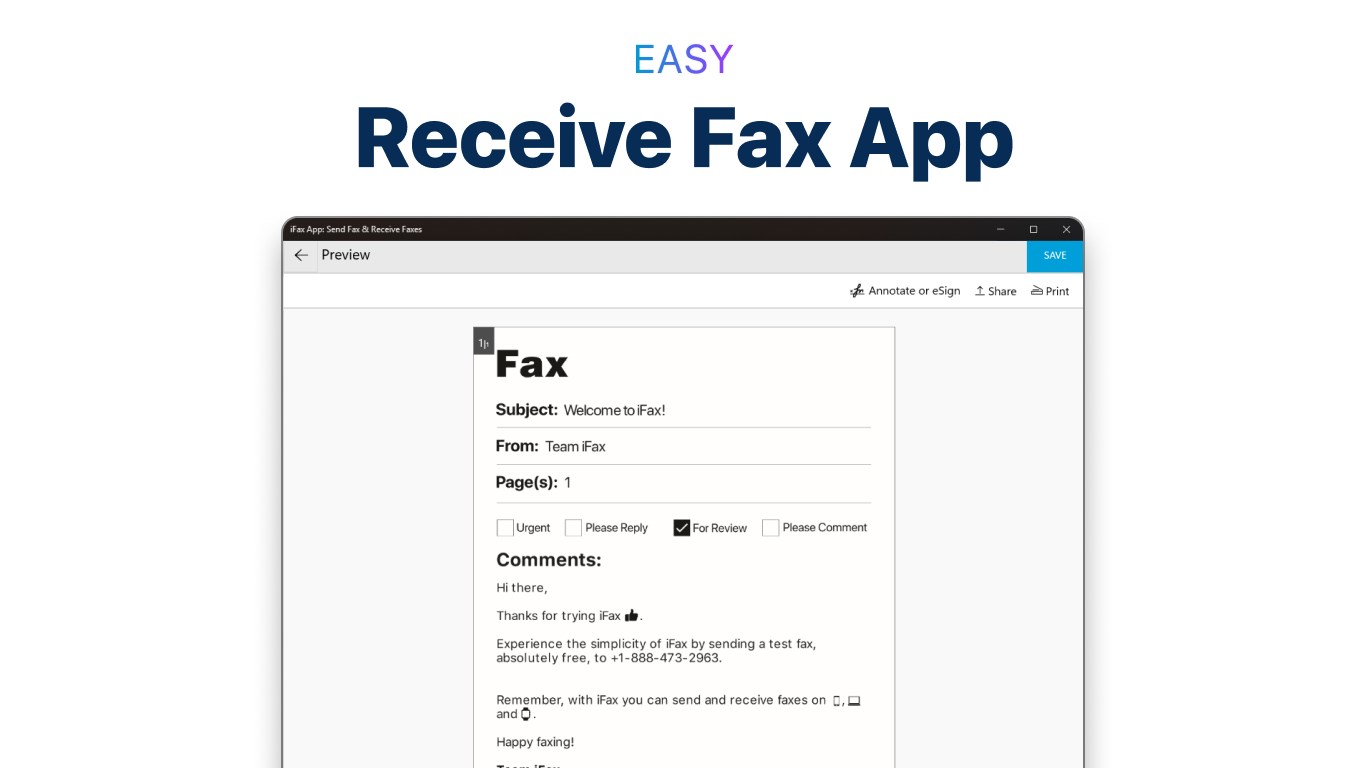
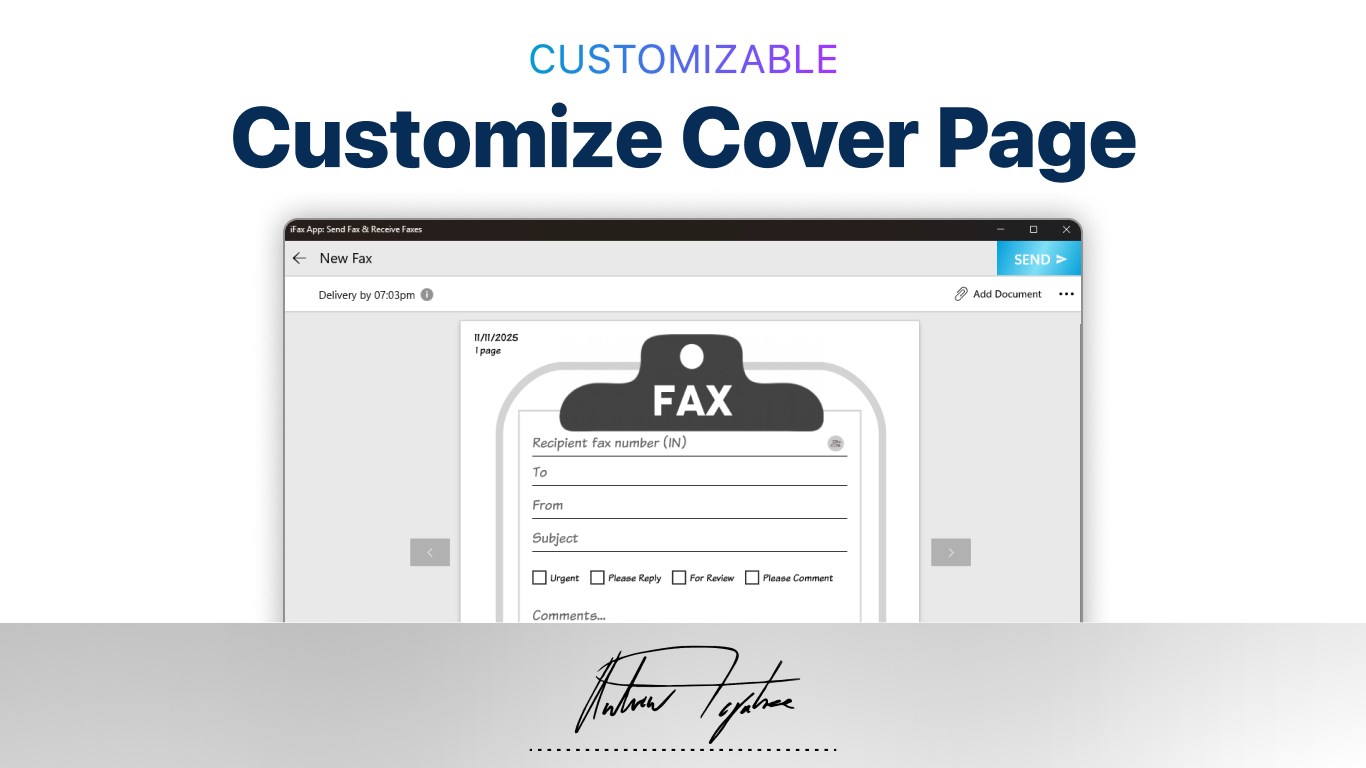
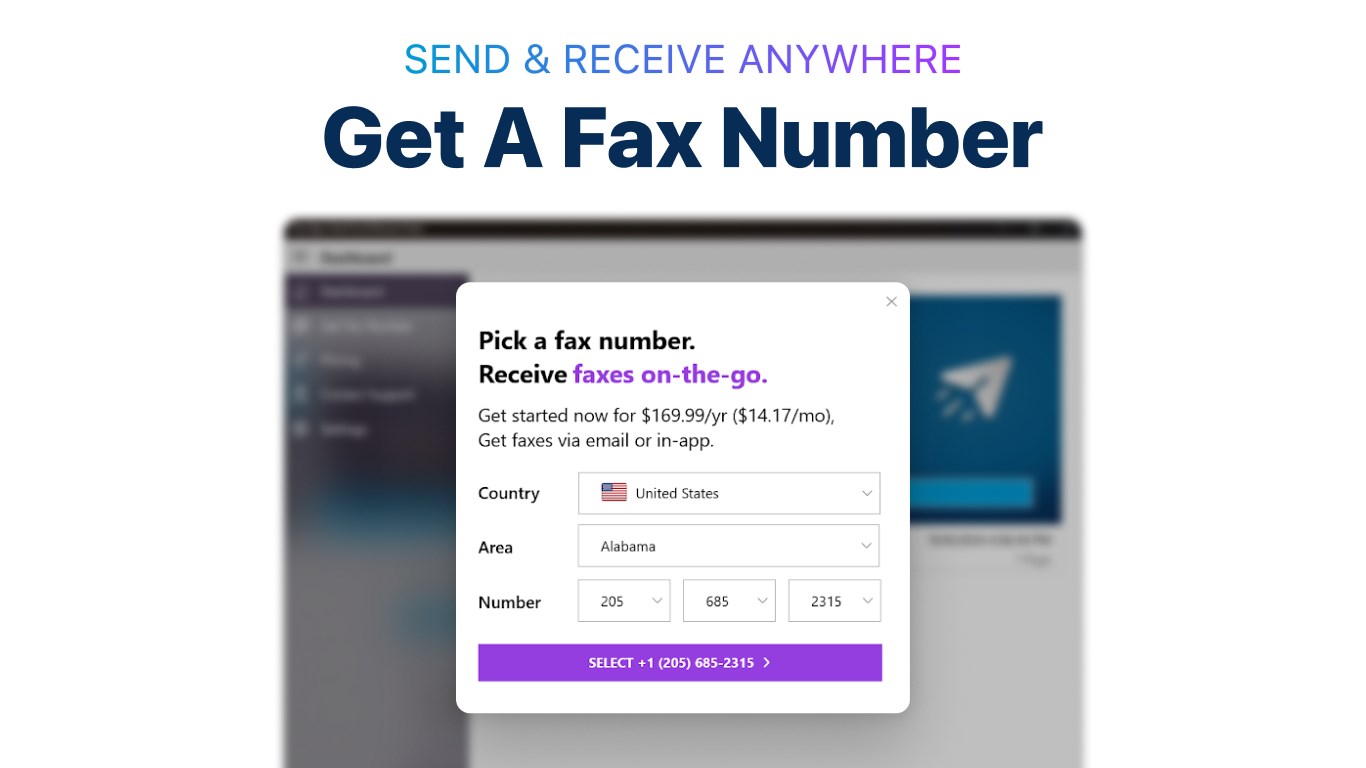
The interface of iFax is clean and intuitive, striking a balance between simplicity and functionality. Colorful icons guide you effortlessly through the process—sending a document feels almost as natural as clicking “Send” email. The app's responsiveness is commendable, with minimal lag or load times. Learning to navigate the features requires only a few minutes' effort, making it accessible for new users and tech veterans alike.
Core Functionalities Delve Deeper
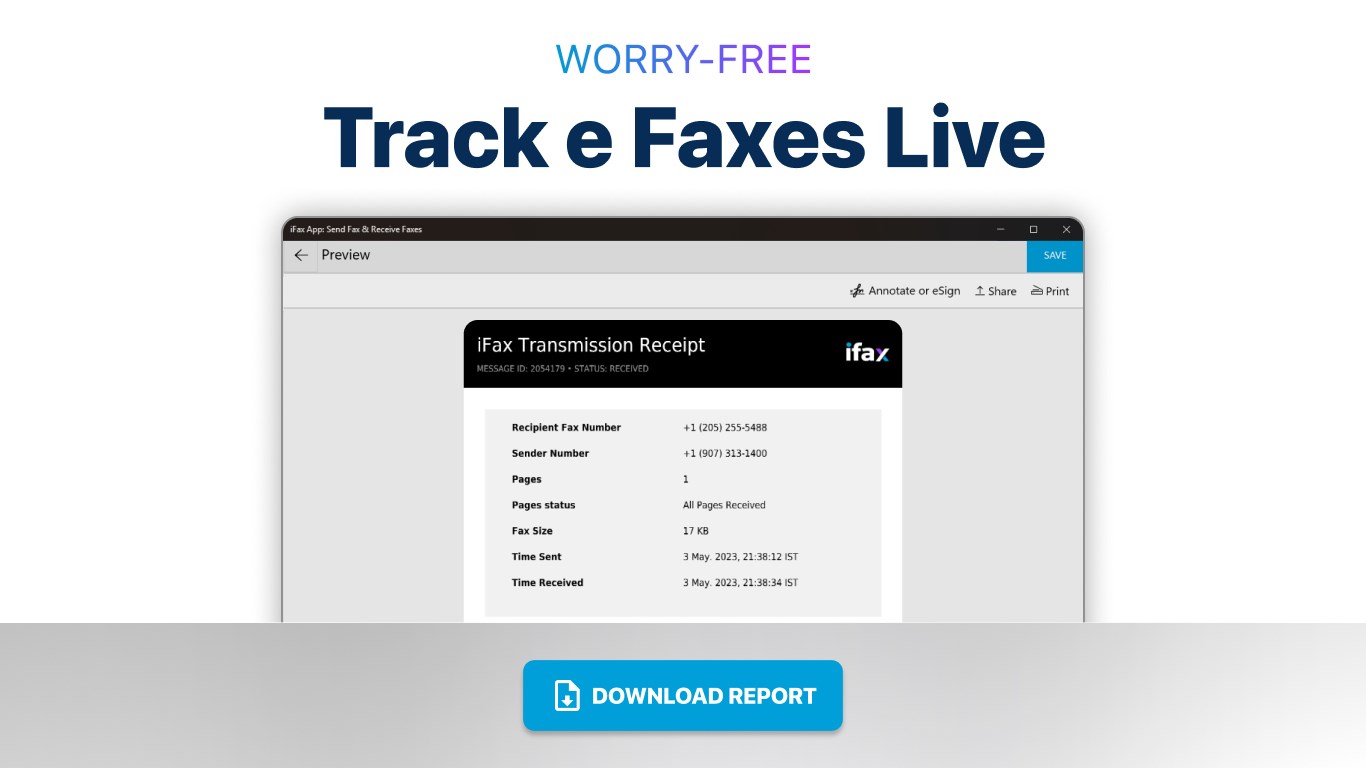
The core strength of iFax lies in its seamless operation. The faxing process is akin to sending an email—select your document, choose your recipient, and hit send. The app supports batch sending, saving your time when dispatching multiple faxes, which is particularly useful for busy offices. Additionally, the real-time notifications inform you immediately when a fax has been successfully sent or received, akin to the instant confirmations we're used to with email and messaging apps.
Unique Selling Proposition and Differentiation
While many business apps offer basic document handling, iFax's standout feature is its integrated task management designed specifically for fax workflows. Unlike traditional fax apps, it doesn't just send and receive— it tracks your transmission history, organizes your faxes, and provides collaborative tools, such as sharing received faxes directly with team members or saving them into shared cloud folders. This collaborative work feature makes iFax more than just a standalone tool—it becomes part of a cohesive digital workspace. Its ability to combine secure faxing with team-centered management is a notable step up from competitors that treat faxing as a standalone service.
Final Recommendations and Use Cases
Overall, iFax App strikes a compelling balance between simplicity and functionality, making it suitable for small businesses, remote teams, or professionals who need a reliable, modern alternative to traditional faxing. If your workflow involves frequent document transmission and you value security, iFax's cloud integration and encryption stand out as particularly beneficial. I'd recommend giving it a try if you're seeking a straightforward, efficient way to handle faxes on Windows—especially if your team values collaboration and document management alongside communication.
Pros
- User-Friendly Interface
- Seamless Fax Sending and Receiving
- Multiple Document Format Support
- Secure Encryption
- Cloud Integration
Cons
- Limited Free Usage
- Occasional Delivery Failures
- Slow Processing Times on Large Files
- App Stability Issues on Older Devices
- Limited Customer Support Options











