


- Category Productivity
- Developer ILOVEPDF S.L.
- Available on PC
- OS Windows 10 version 17763.0 or higher
- Keyboard Integrated Keyboard
- Mouse Integrated Mouse
- Memory 300 MB
- languages Spanish (Spain)
Introducing iLovePDF for Windows: Your All-in-One PDF Companion
Imagine managing all your PDF needs with a single, streamlined app that blends robust features with an intuitive interface—welcome to iLovePDF for Windows. Designed to simplify your document workflow, this application aims to be your go-to tool for reading, editing, and organizing PDFs effortlessly.
Built by a Trusted Name in PDF Solutions
Developed and published by ILovePDF S.L., a company renowned for its comprehensive suite of PDF tools, this app benefits from a rich background in creating user-friendly, reliable, and efficient document management solutions. Their expertise ensures that iLovePDF integrates seamlessly into your Windows environment, offering a familiar yet powerful experience.
Core Features That Make a Difference
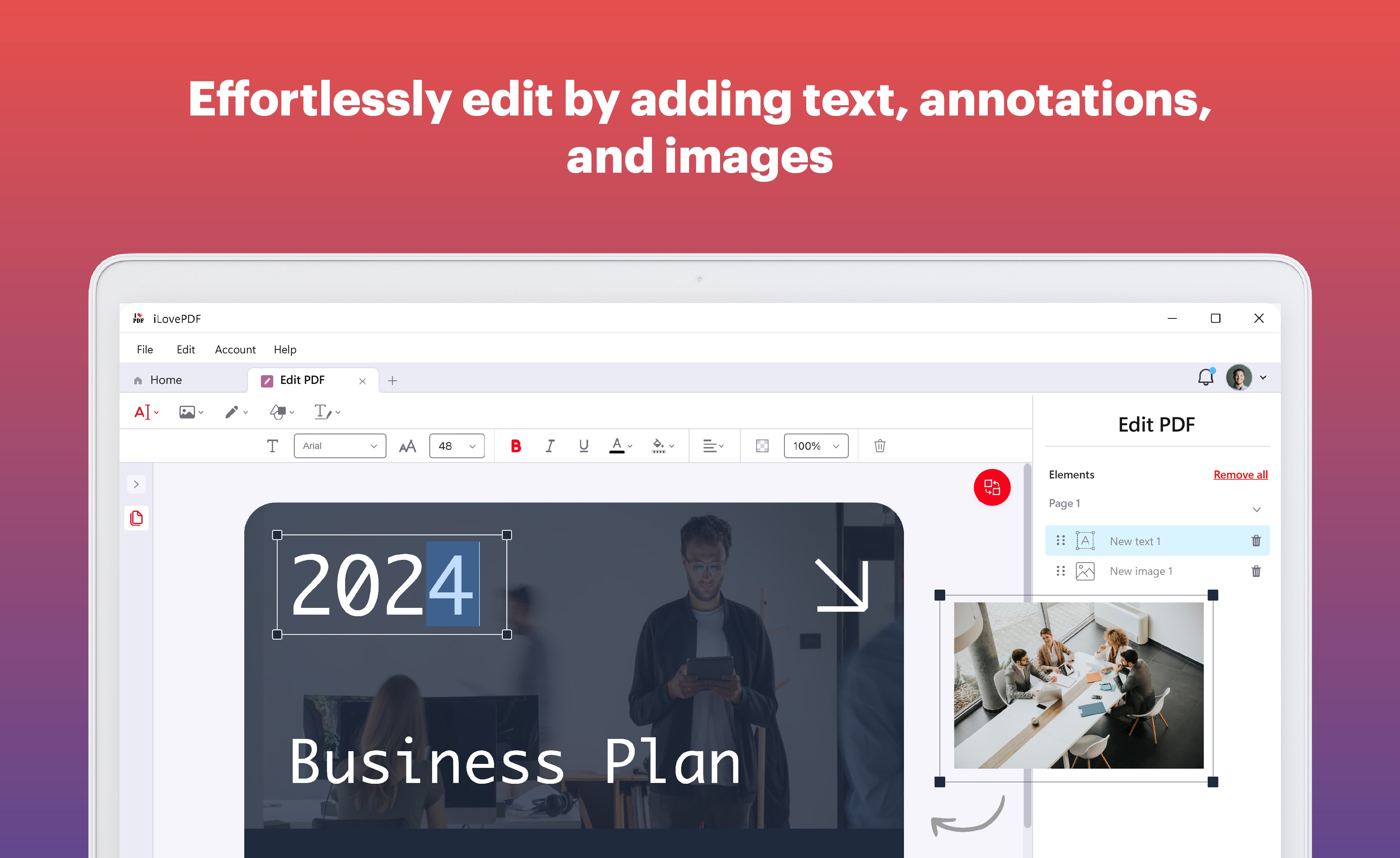
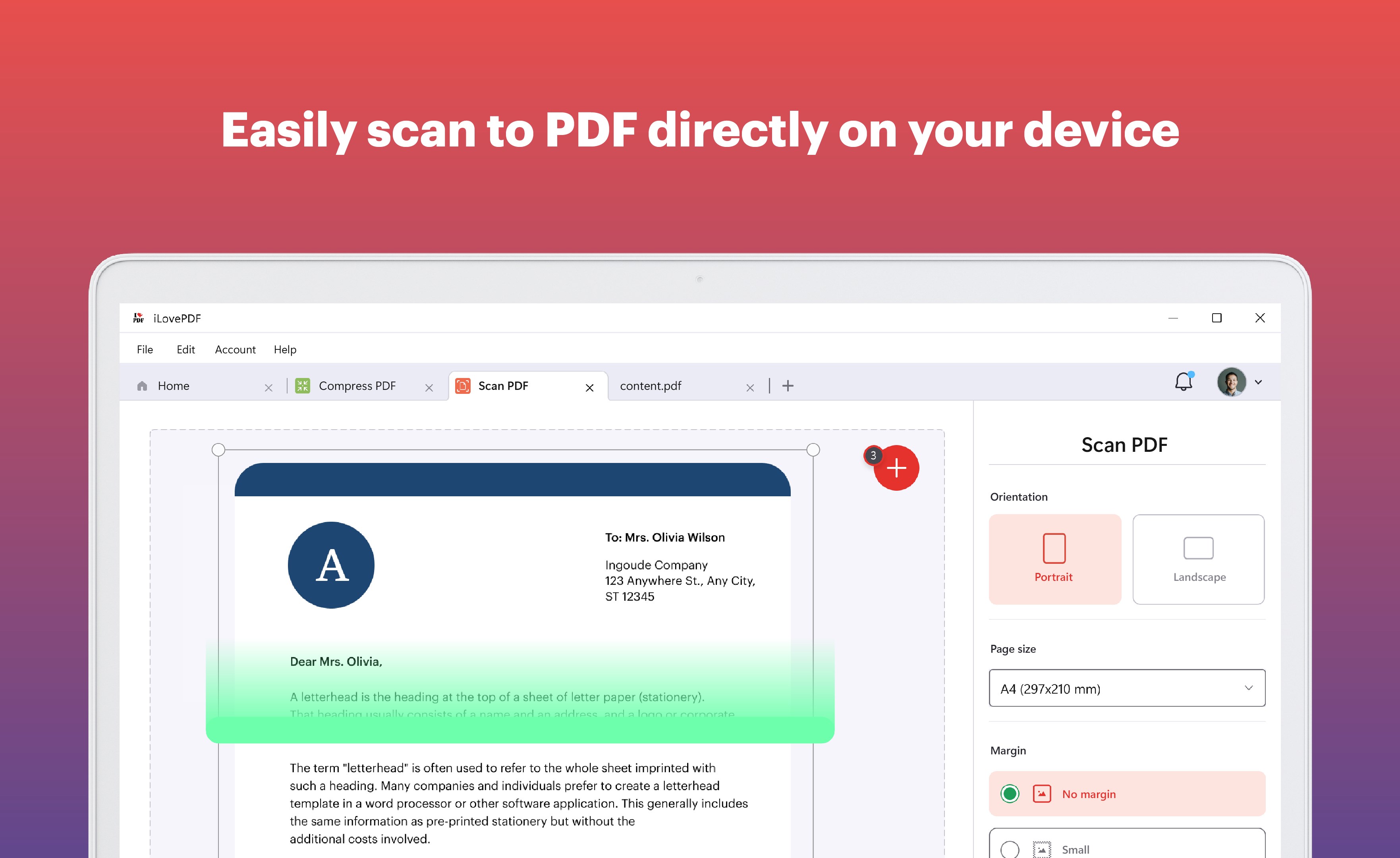
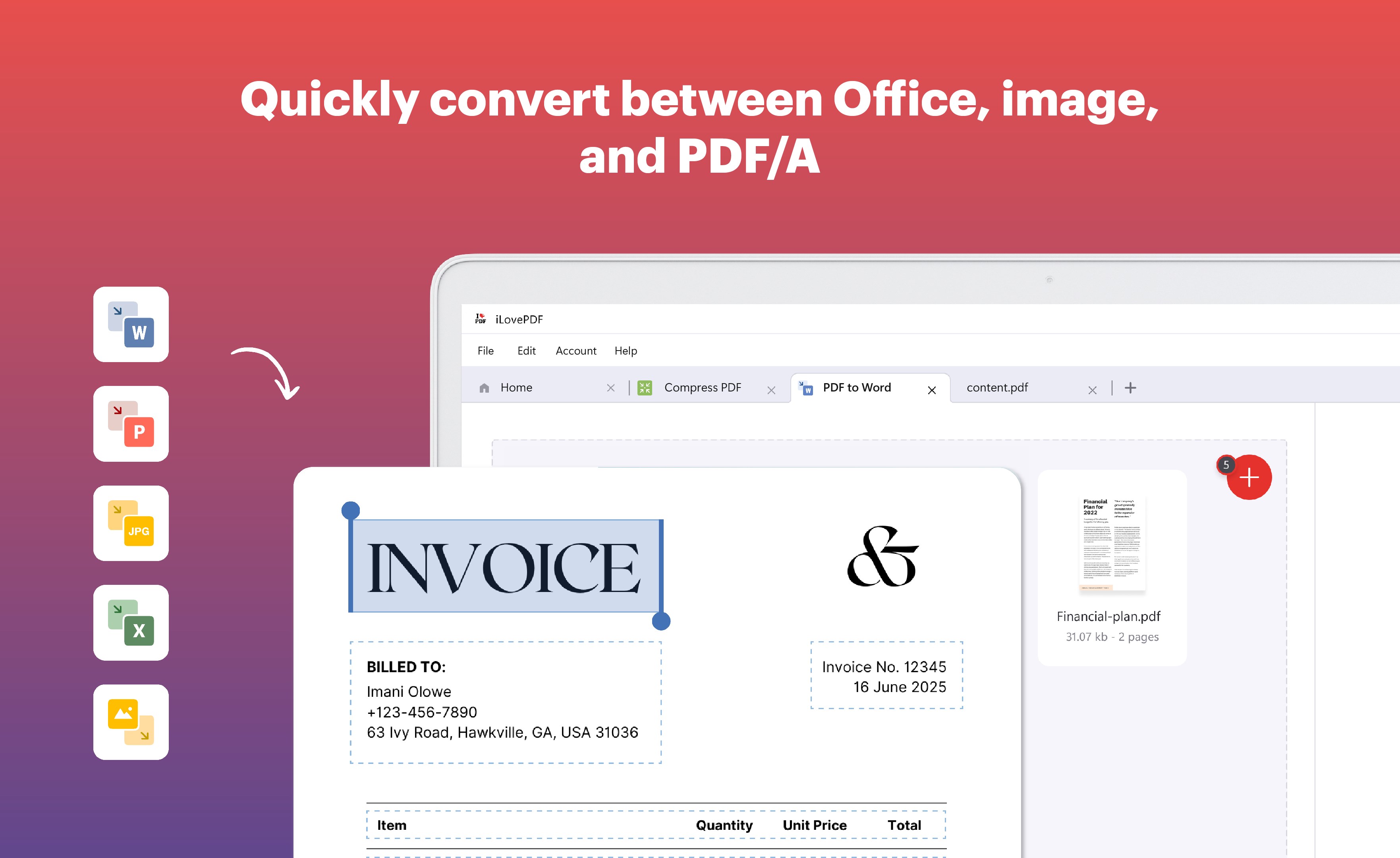
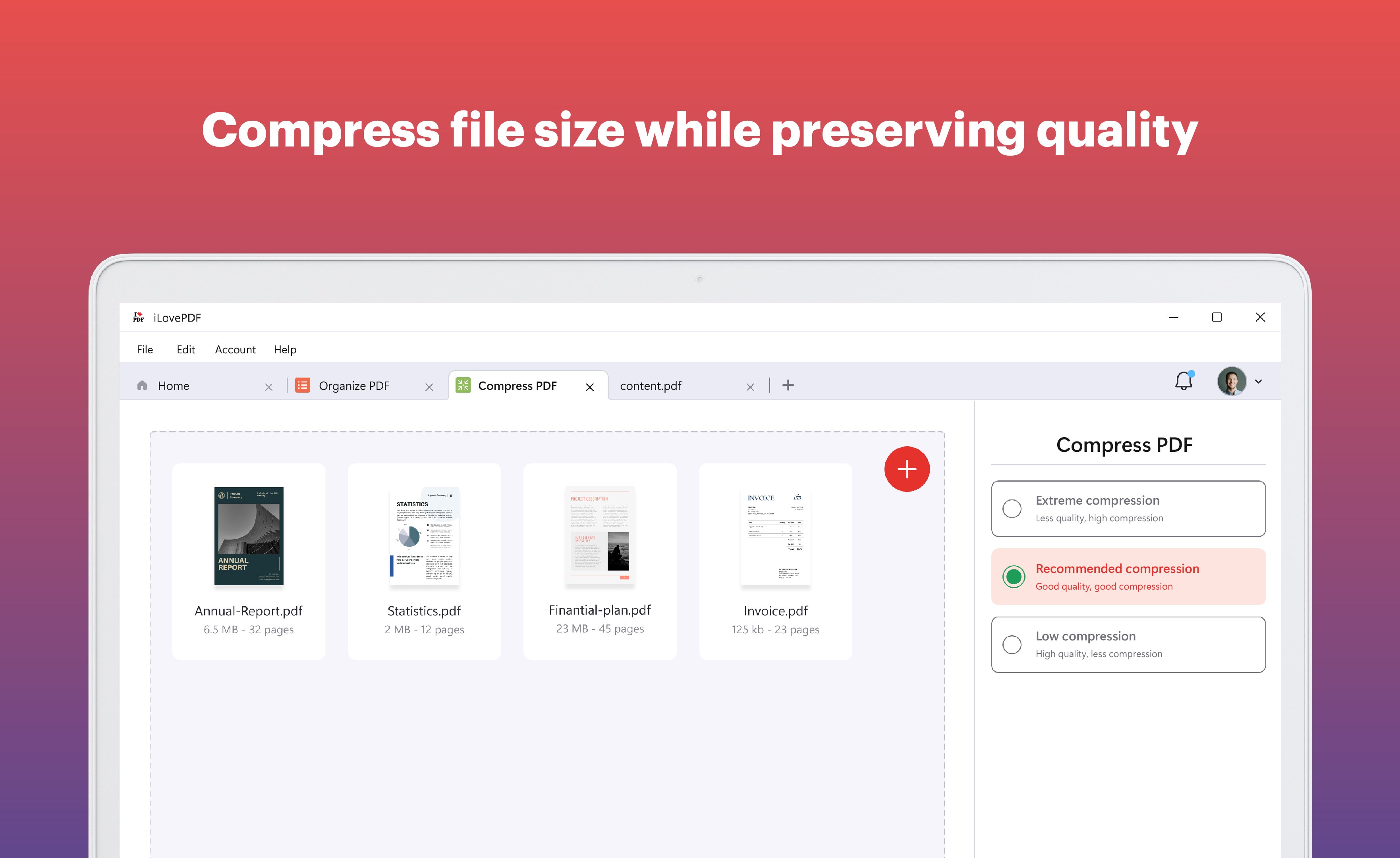
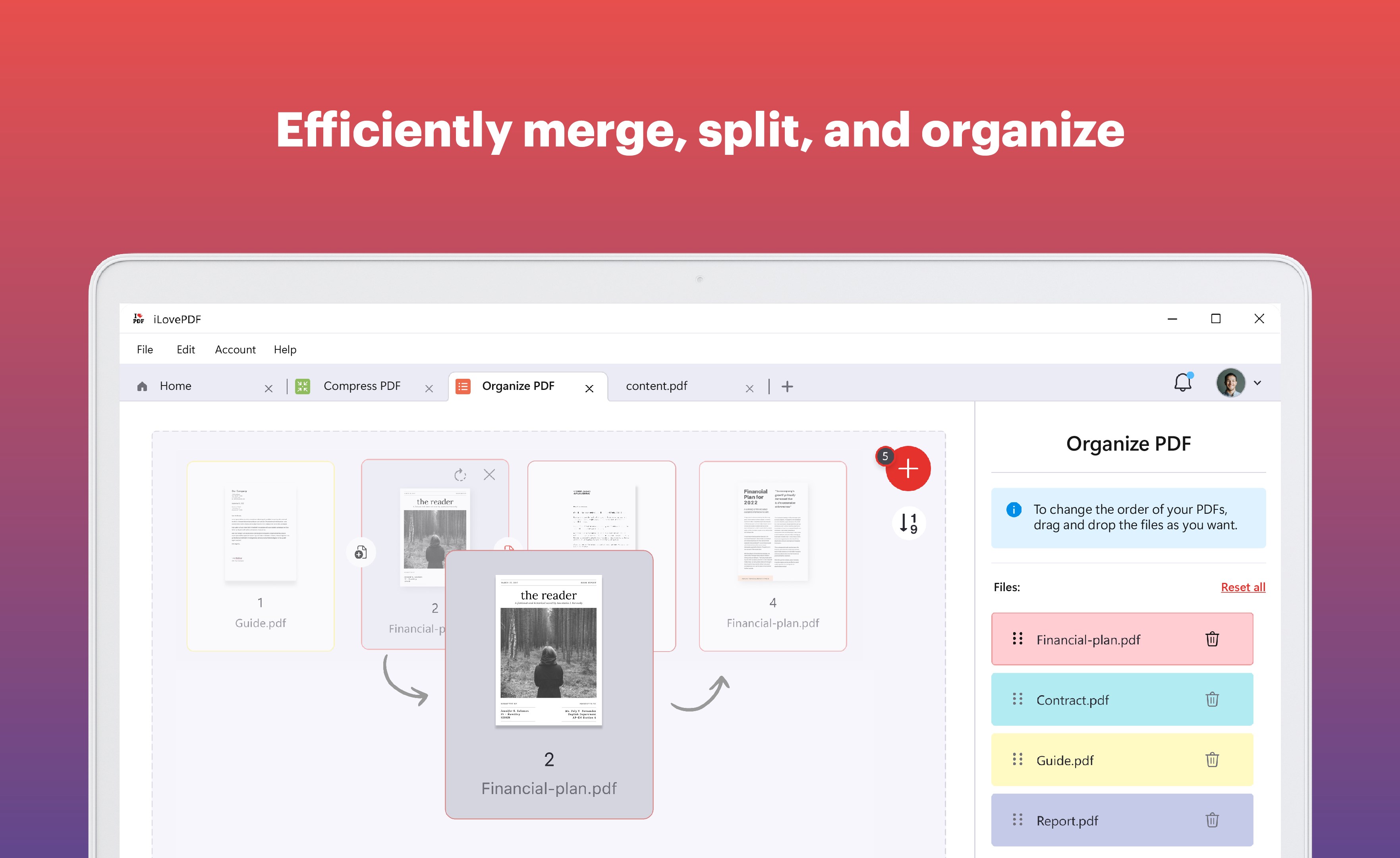
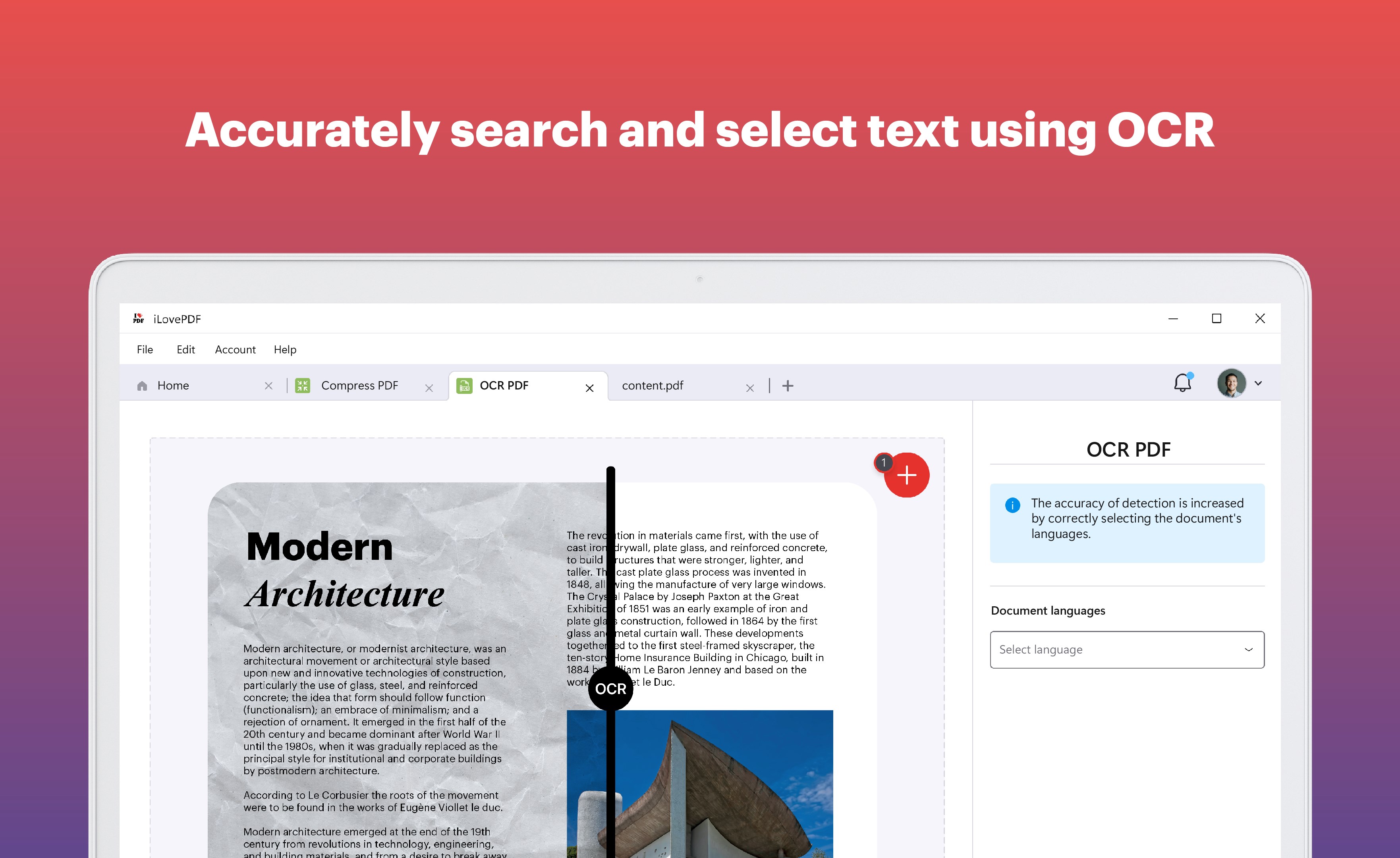
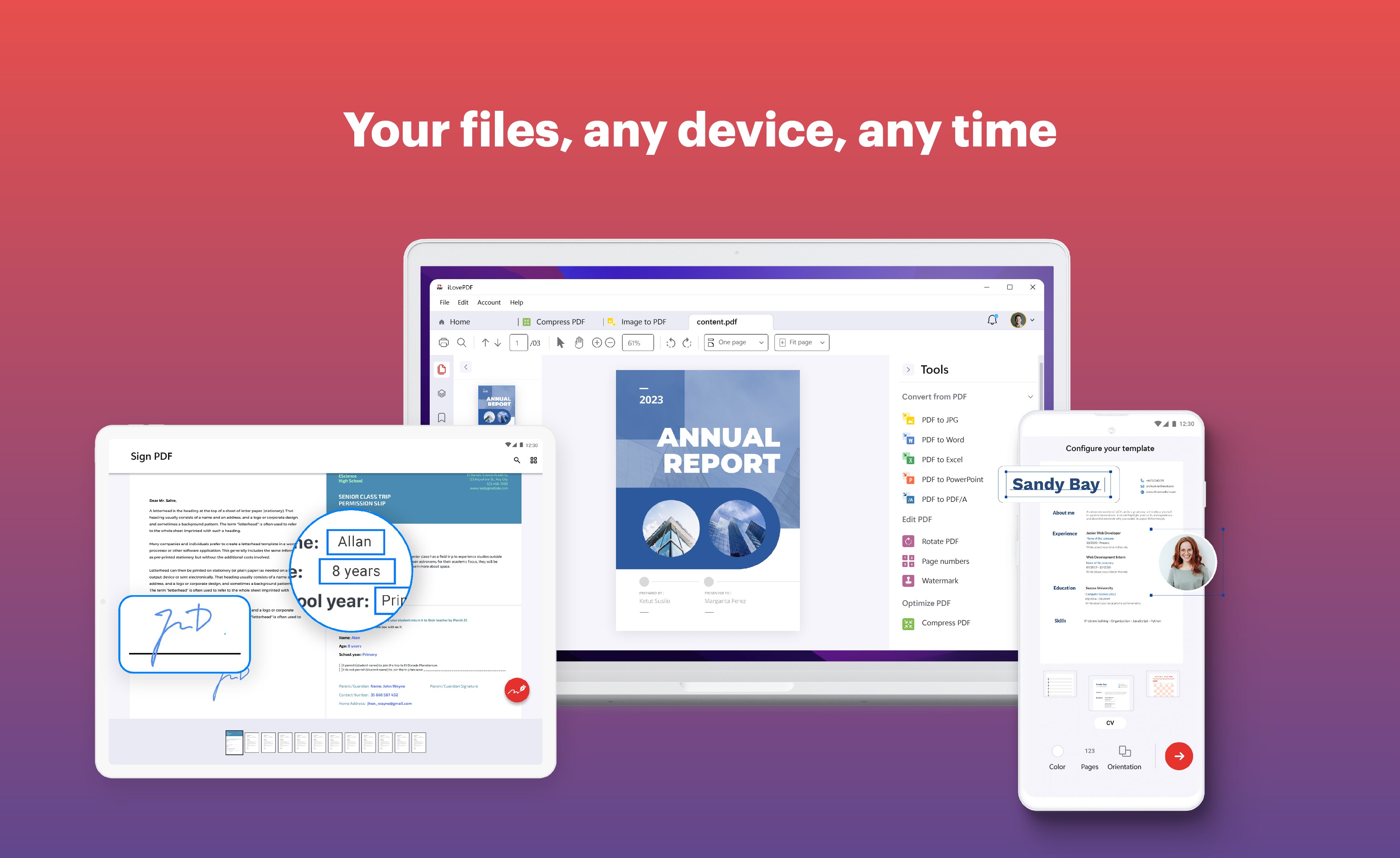
- All-in-One PDF Editing & Reading: Seamlessly view and modify PDFs with tools for annotating, merging, splitting, and converting—saving you from juggling multiple apps.
- Intelligent Workflow Integration: The app's design smartly minimizes cognitive load by providing clear, accessible features that blend into your existing workflow, whether you're editing a report or annotating a contract.
- Cloud Storage & Collaboration: Easily connect with cloud services like OneDrive, Dropbox, or Google Drive, enabling real-time collaboration and effortless file access across devices.
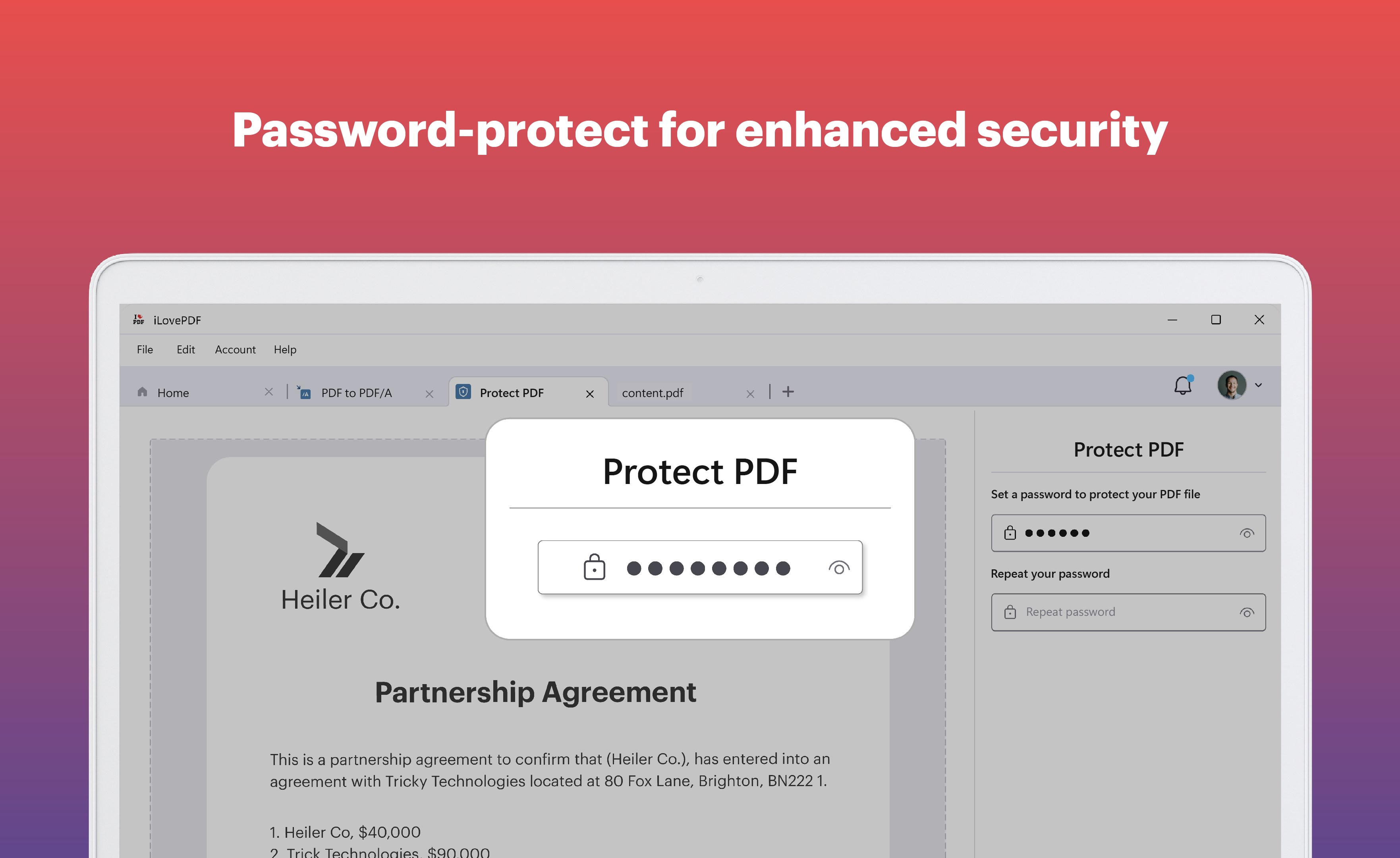
- Secure & Reliable Processing: Prioritizes document security with protective measures, ensuring your sensitive PDFs stay private and protected.
A Detailed Look at User Experience & Unique Selling Points
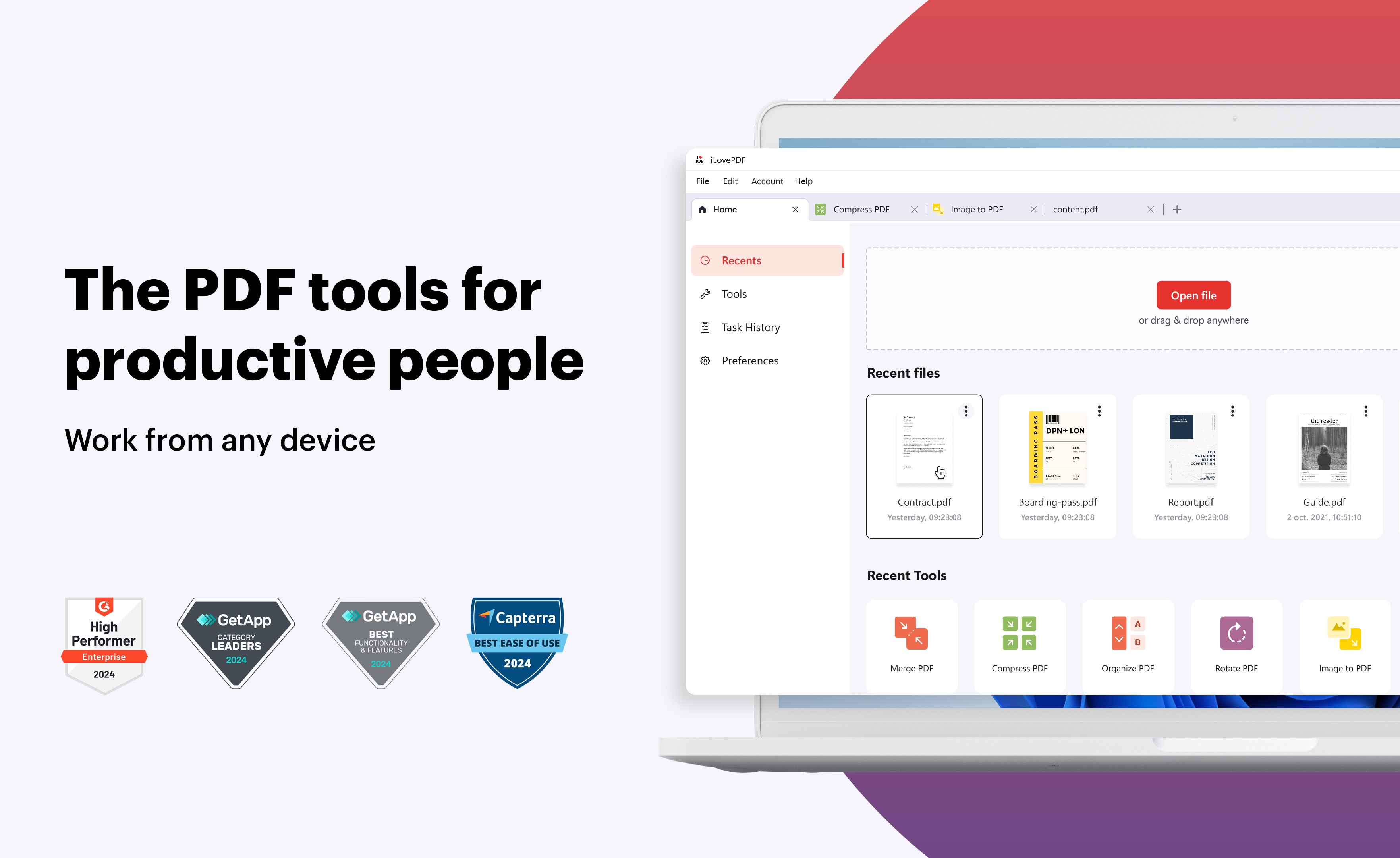
From the moment you launch iLovePDF for Windows, it feels less like opening a complex software and more like opening a well-organized toolbox. The interface balances between a modern aesthetic and functional simplicity—think of it as your well-lit, clutter-free desk where every tool has its place. The layout keeps essential features within easy reach, making navigation intuitive even for first-time users.
Speed and fluidity define the app's operation. Tasks like merging multiple PDFs or adding annotations happen swiftly, with responsive feedback that keeps your workflow flowing—no frustrating lags or confusing menus to navigate. The learning curve is gentle; most features can be grasped within minutes, thanks to clear icons and straightforward controls.
One of the app's standout features is its workflow integration efficiency. Unlike some PDF tools that require toggling between multiple complex settings, iLovePDF offers a unified interface that emphasizes minimalism and usability. This reduces cognitive load, meaning less mental effort to produce quality results—ideal for busy professionals juggling numerous files. Moreover, the app's focus on feature simplicity, avoiding overwhelming options, ensures users can accomplish their tasks without unnecessary distraction.
Compared to other productivity applications, iLovePDF shines in how it marries comprehensive functionality with ease of use. Its core strength lies in enabling quick, cohesive workflows—whether you're editing a contract, compiling research data, or commenting on documents—without the typical "trial-and-error" that often accompanies feature-rich software.
Recommendations & Usage Suggestions
For professionals who regularly work with PDFs—be it students, corporate employees, or freelancers—iLovePDF for Windows provides a reliable, efficient solution that won't bog down your workflow. I recommend it largely for its intuitive design and streamlined feature set, which can significantly cut down time spent on document manipulation. It's especially beneficial if you value a clean, distraction-free workspace and prefer tools that integrate smoothly into your existing document management ecosystems.
While it does cover most basic and advanced PDF tasks very well, power users with highly specialized needs might find some advanced editing options limited compared to full desktop suites. Nonetheless, for everyday use, the app strikes a sensible balance between simplicity and capability.
All in all, iLovePDF for Windows is a commendable choice for those looking to enhance their PDF workflows without unnecessary complexity. It's like having a reliable digital assistant that organizes, edits, and secures your documents with ease, allowing you to focus more on your content and less on managing files.
Pros
- User-friendly interface
- Versatile PDF editing features
- Cloud storage integration
- Fast performance
- Supports multiple devices
Cons
- Limited free features
- Occasional bugs with annotations
- File size restrictions in free version
- Limited offline functionality
- Occasional slow synchronization










