

- Category Photo & video
- Developer Dương Diệu Pháp
- Available on PC
- OS Windows 10 version 17763.0 or higher
- Keyboard Integrated Keyboard
- Mouse Integrated Mouse
- Memory Not specified
- languages English (United States)
Introducing ImageGlass 9 – A Fresh Take on Windows Photo Viewing
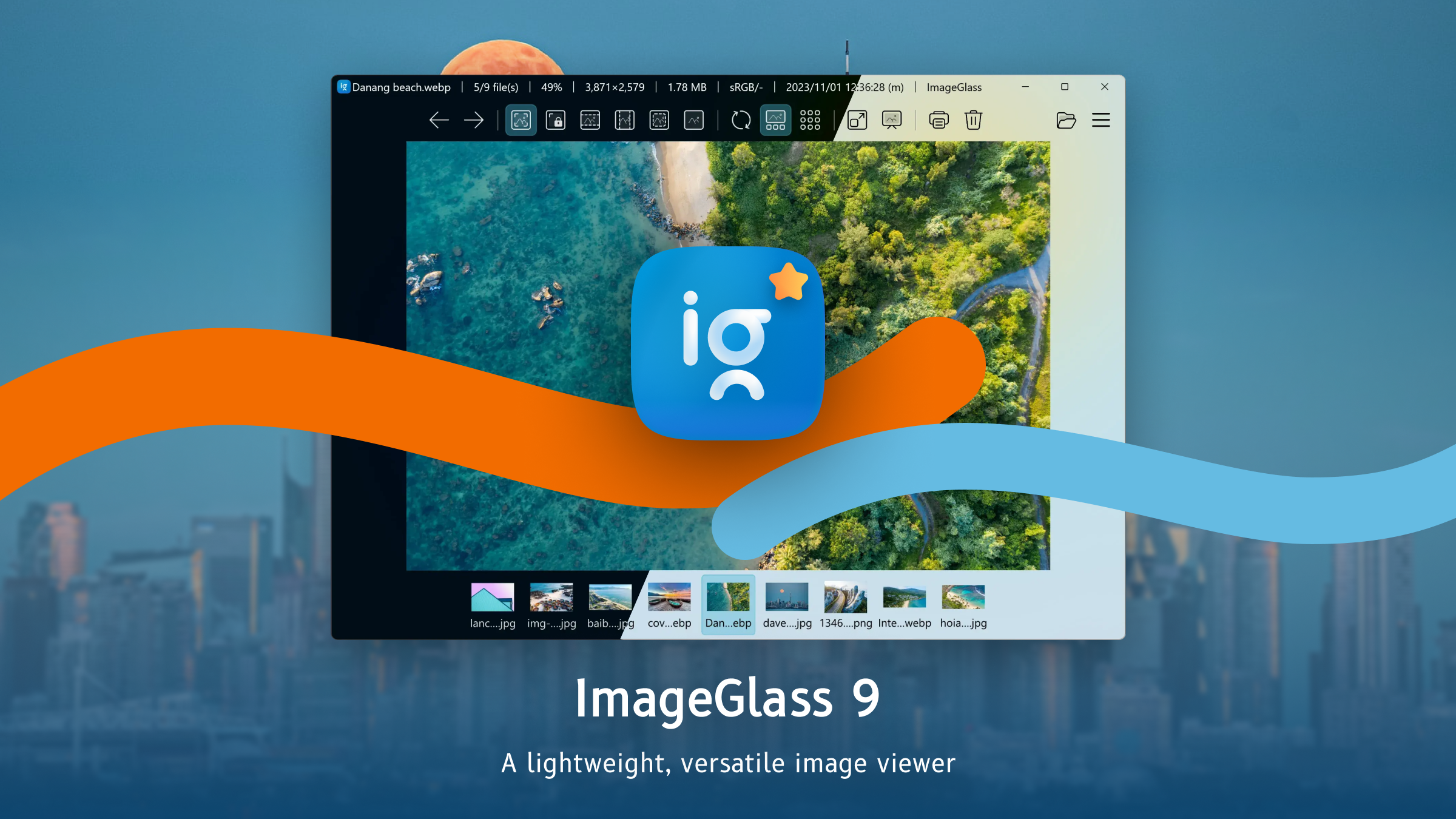
Imagine a photo viewer that's as smooth as gliding through your collection on a lazy Sunday afternoon—organized, swift, and surprisingly customizable. That's what ImageGlass 9 aims to offer for Windows users craving a simple yet powerful way to browse their images without the clutter of complicated editing tools or intrusive ads. Developed by Dương Diệu Pháp, this free application positions itself as a lightweight, user-friendly alternative to more bloated photo viewers, focusing solely on what truly matters: viewing your images effortlessly.
Who's behind the curtain?
The app is developed and published by Dương Diệu Pháp, an independent developer dedicated to creating streamlined and efficient software solutions tailored for everyday users. With a focus on clean interfaces and reliable performance, the developer aims to enhance the photo viewing experience through minimalist design and essential features.
Key features that shine
- Universal Format Support: Handles a broad range of image formats—from popular JPEG, PNG, and GIF to raw files and even some animation formats—meaning you rarely need to switch apps.
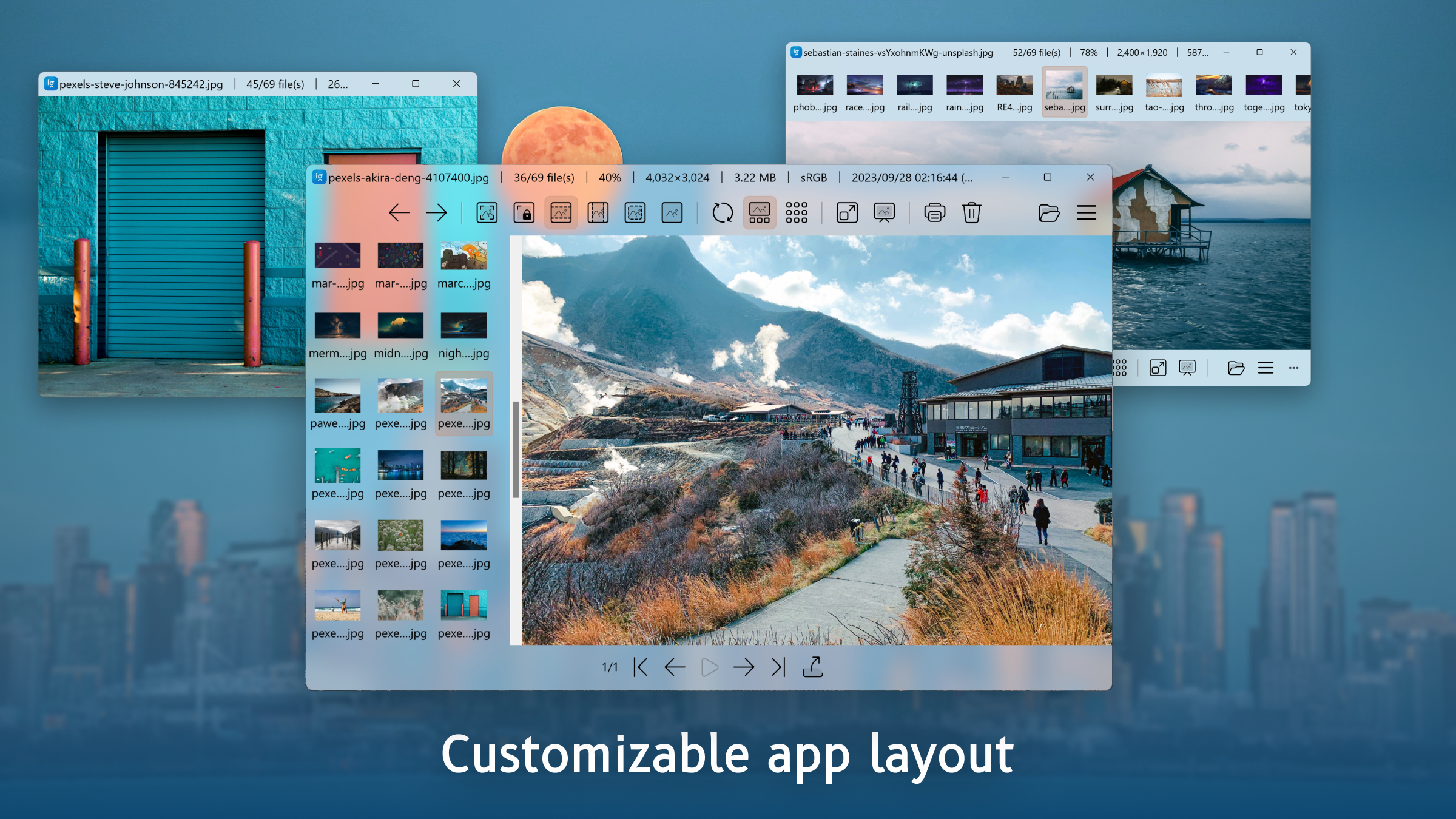
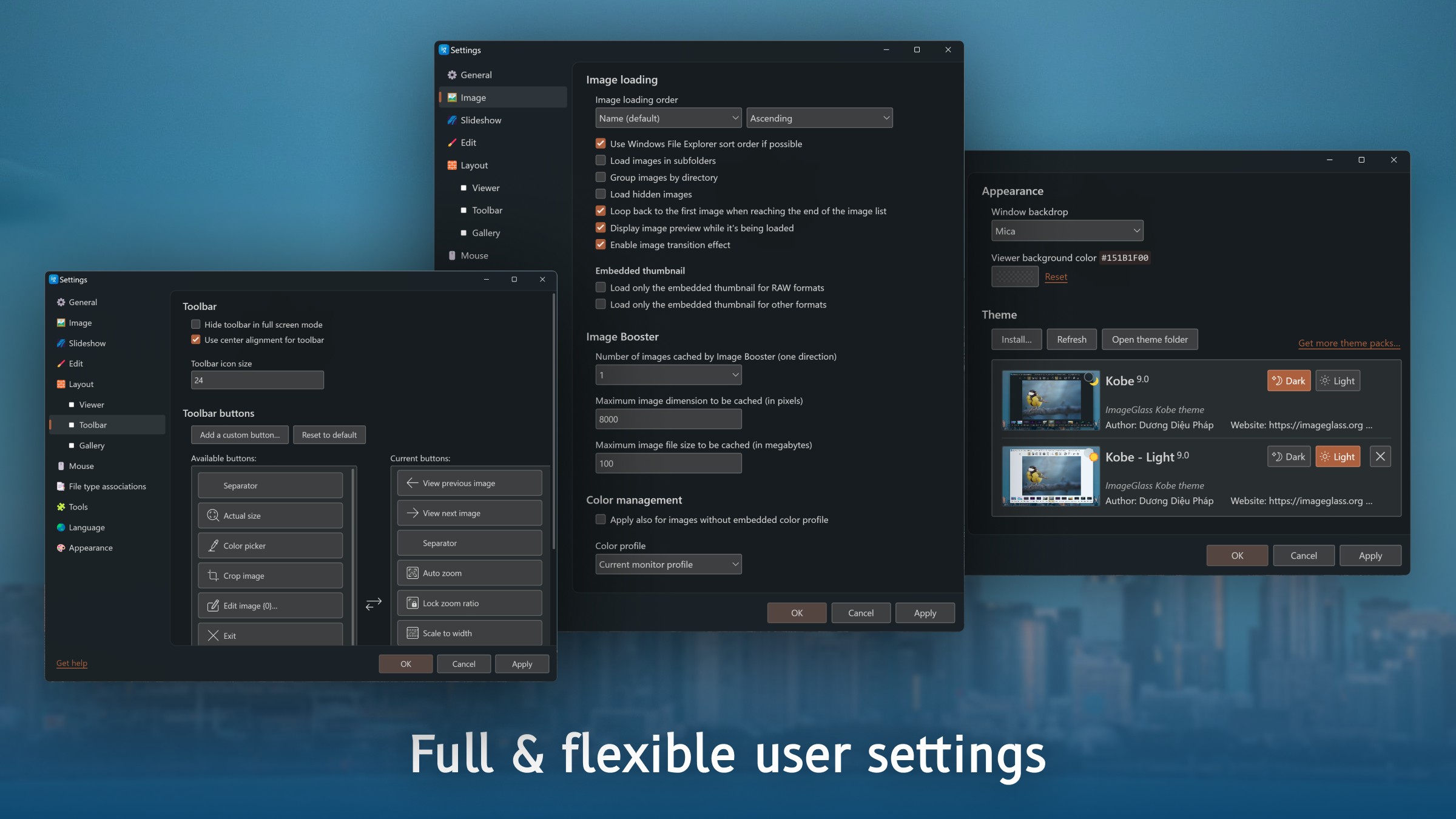
- Customizable Interface & Themes: Allows users to tailor the viewing environment with themes, layout options, and adjustable viewing modes, ensuring your experience is just right.
- Advanced Slideshow & Navigation: Smoothly navigate through galleries with intelligent thumbnails, keyboard shortcuts, and a slideshow feature that makes viewing multiple images feel like a cinematic experience.
- Lightweight & Fast: Designed to open instantly and operate without lag, making it perfect for quick look-ups or browsing extensive photo folders.
Engaging and Intuitive User Experience
Stepping into ImageGlass 9 feels akin to walking into a well-organized art gallery—clean, inviting, and ready to showcase images without distractions. The interface is minimalist yet thoughtfully designed, with a sidebar for navigation and a main pane dedicated to your images. Moving from one photo to the next is buttery smooth, thanks to optimized performance that feels surpassingly fluid, even with high-resolution files. Learning curve? Basically nonexistent—if you've used any photo viewer before, you'll be at home immediately.
Viewing experiences—more than just a slide
The core joy of ImageGlass lies in its focus on presentation. The app supports multiple viewing modes, including grid, full-screen, and fit-to-window, which adapt neatly to your needs. The slideshow feature is especially noteworthy, allowing for silent or sound-supported displays, with customizable transition effects. The interface's simplicity doesn't compromise power—it's perfectly suited for users who want quick access, with options to fine-tune display settings or toggle image annotations with ease.
Navigation and performance—speed and elegance combined
One of the standout qualities of ImageGlass 9 is its responsiveness. Opening a folder with hundreds of images is as snappy as flipping through a photo album. Keyboard shortcuts streamline navigation, similar to having a personal assistant at your fingertips. Beyond speed, the app maintains stability and smoothness, underpinning a pleasant viewing experience that's less about waiting and more about enjoying your images.
What sets it apart in the crowded photo viewer space?
While many photo viewers chase after complex editing features or flashy interfaces, ImageGlass 9 keeps its sights firmly on simplicity and flexibility. Its support for a broad variety of file formats, especially RAW and animated images, makes it stand out for photography enthusiasts and casual users alike. The app's ability to be extensively customized—via themes, layout arrangements, and optional toolbar configurations—gives it an edge over more rigid programs. Compared to giants like IrfanView or FastStone, ImageGlass offers a more modern and minimal aesthetic without sacrificing functionality, making it an excellent choice for those seeking a clean, unobtrusive viewing experience.
Final thoughts: Should you give it a shot?
If you're tired of juggling multiple apps or dealing with bloated software that feels more like a workstation than a simple viewer, ImageGlass 9 deserves your attention. Its core advantage—fast, versatile, and highly customizable image viewing—makes it a reliable companion for everyday image browsing. While it doesn't pack advanced editing features, that's hardly its purpose; instead, it excels in presenting your photos beautifully and efficiently. I recommend it for users who value speed, simplicity, and a clutter-free interface. Whether you're a casual user, a photography hobbyist, or someone who manages large image collections, ImageGlass 9 could be the digital photo viewer you didn't know you needed.
Pros
- Lightweight and fast loading time
- Supports a wide range of image formats
- User-friendly and customizable interface
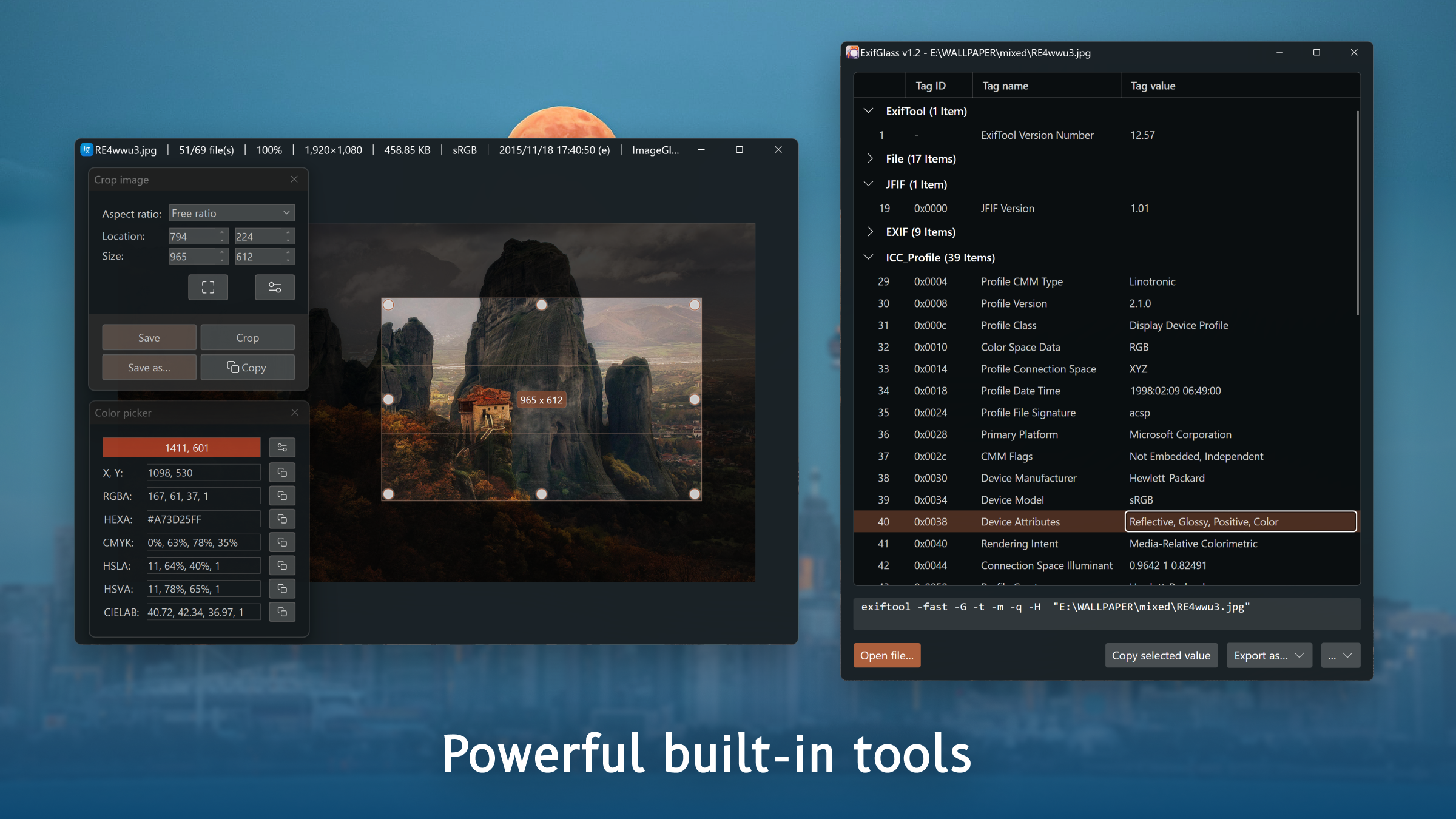
- Built-in basic editing tools
- Open-source and free to use
Cons
- Limited advanced editing features
- No support for cloud-based image storage
- Minimal support for slideshow or presentation modes
- Default interface may seem somewhat outdated
- Occasional minor bugs affecting stability











