
Frequently Asked Questions
How do I start playing Injustice 2 - Standard Edition for the first time?
Download the app, install it, then open the game and follow the tutorial prompts to understand the basic controls and gameplay.
Can I play Injustice 2 offline, or is an internet connection required?
An internet connection is required for battles and updates; some single-player modes may work offline, but online features need internet.
How do I unlock new characters in the game?
Play matches to earn gear and resources; some characters are unlocked by progressing or completing specific quests and challenges.
What strategies can I use to build the strongest roster?
Focus on upgrading gear, leveling up characters, and diversifying your team to adapt to different battle scenarios.
How can I customize and upgrade my characters?
Use earned gear and resources in the gear menu to enhance your characters' stats and abilities for better performance.
Are there any in-app purchases, and how do I make them?
Yes, you can buy gear, characters, or currency through the shop. Access it via the main menu and select the items you want.
How do I manage my subscription or in-game purchases?
Go to Settings > Account > Subscriptions to view or cancel your subscriptions, or use your app store account for purchases.
Is there a way to recover lost data or progress?
Yes, log into your account (Google, Apple, or game account) to sync data; contact support if needed for recovery options.
What should I do if the game crashes or freezes?
Try restarting your device, updating the app, or reinstalling. Contact support if issues persist for further assistance.
Does the app support cross-platform play?
Currently, Injustice 2 does not support cross-platform play; play on the device you prefer to enjoy the game.
You May Like
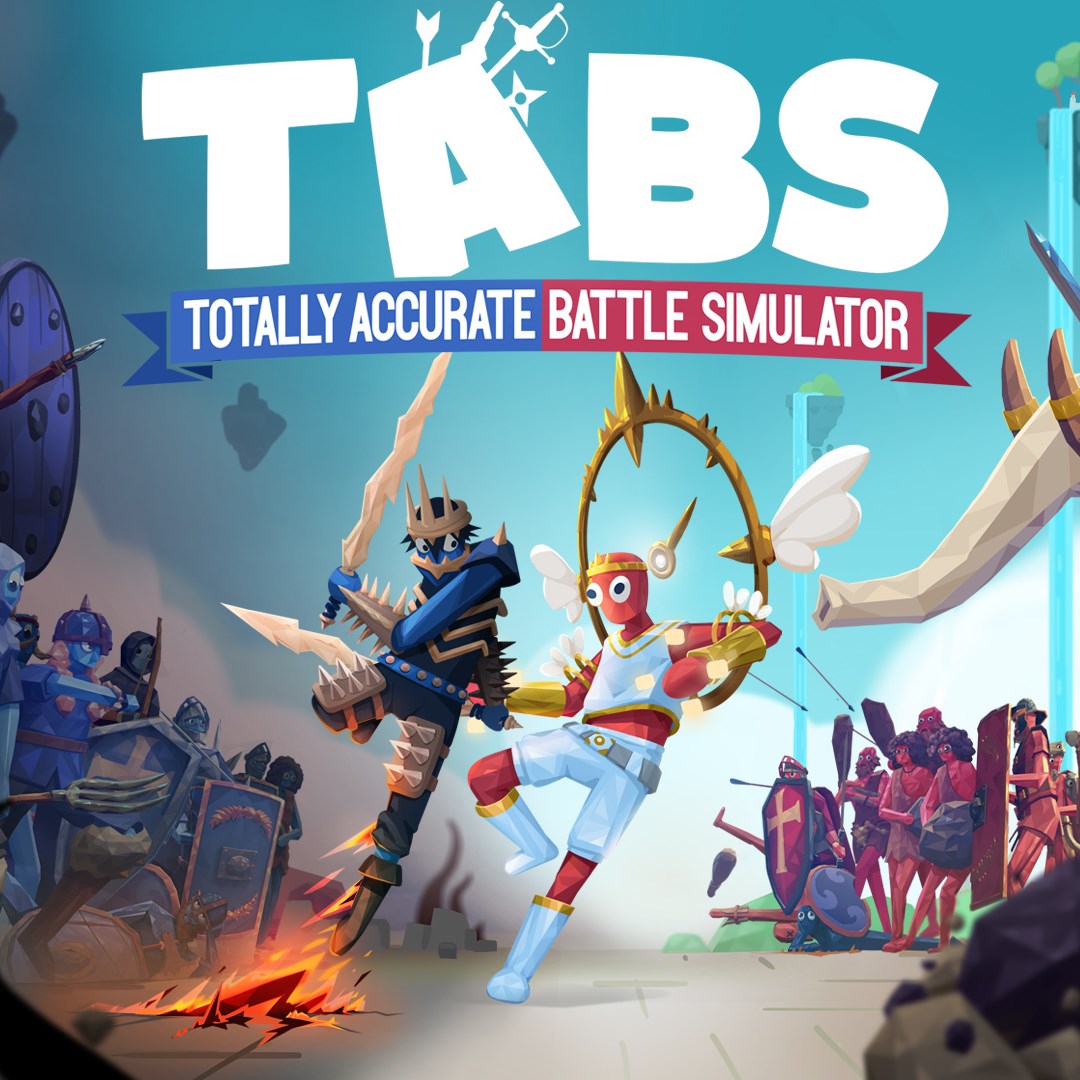
Totally Accurate Battle Simulator
for Windows
4.7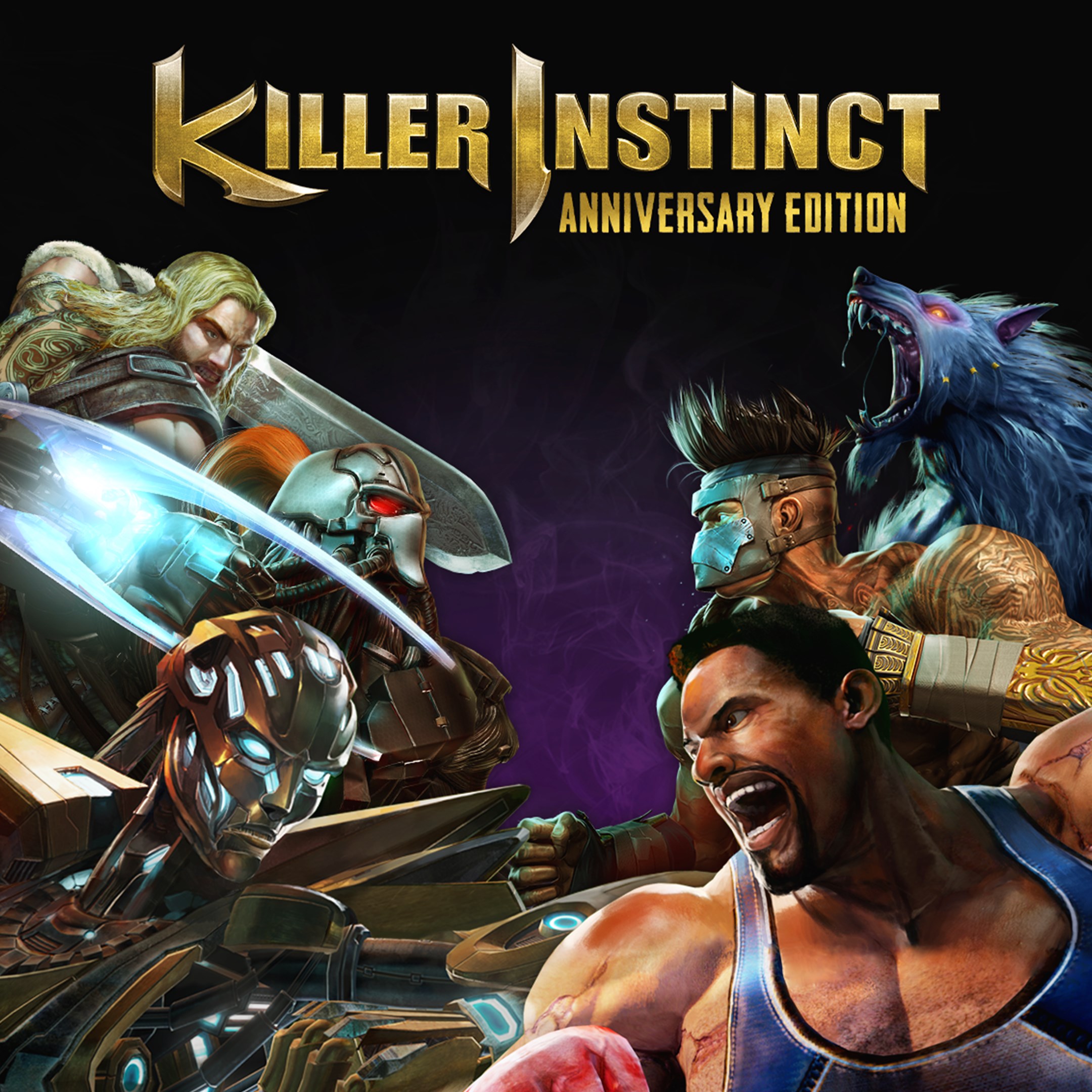
Killer Instinct: Anniversary Edition
for Windows
4.4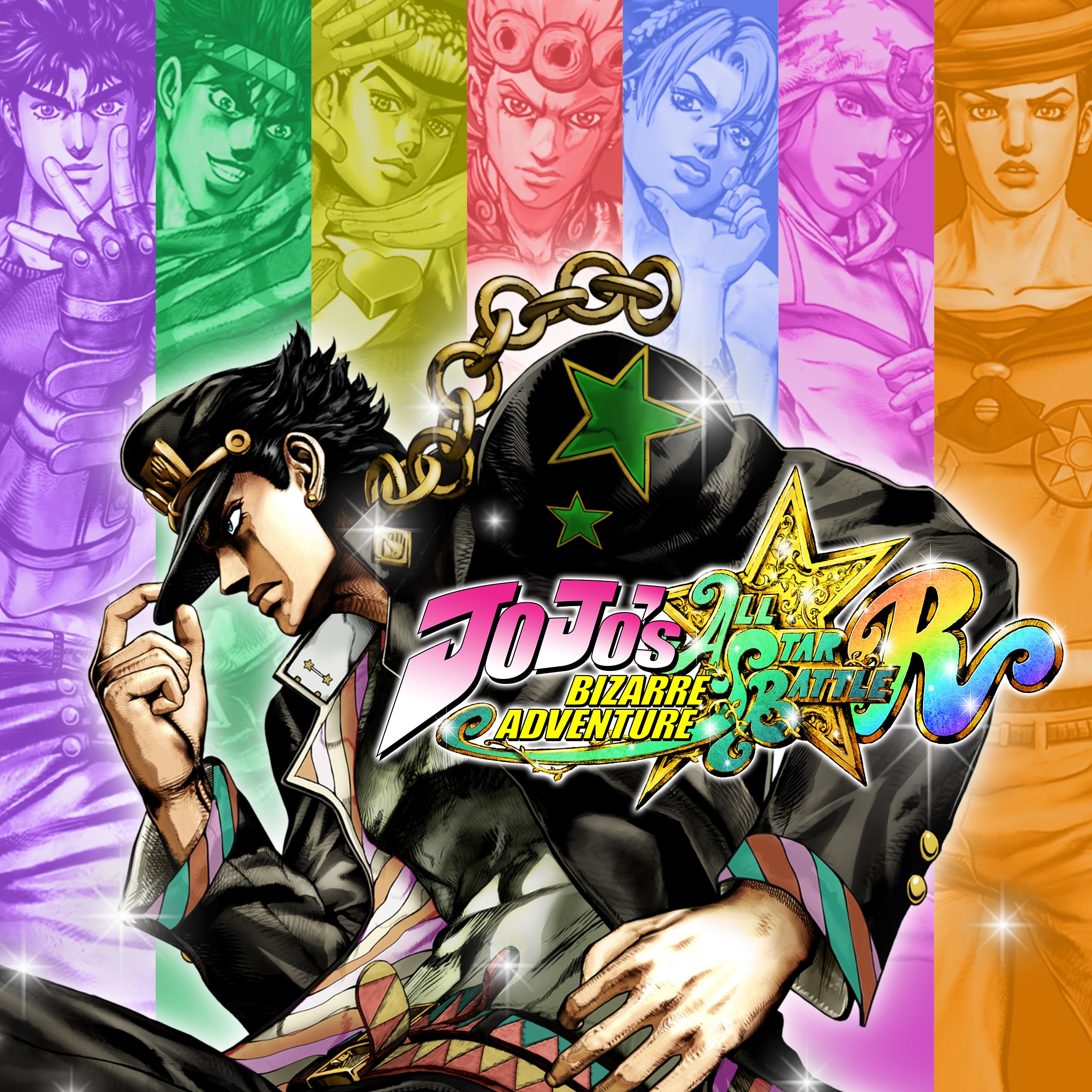
JoJo's Bizarre Adventure: All-Star Battle R
for Windows
4.3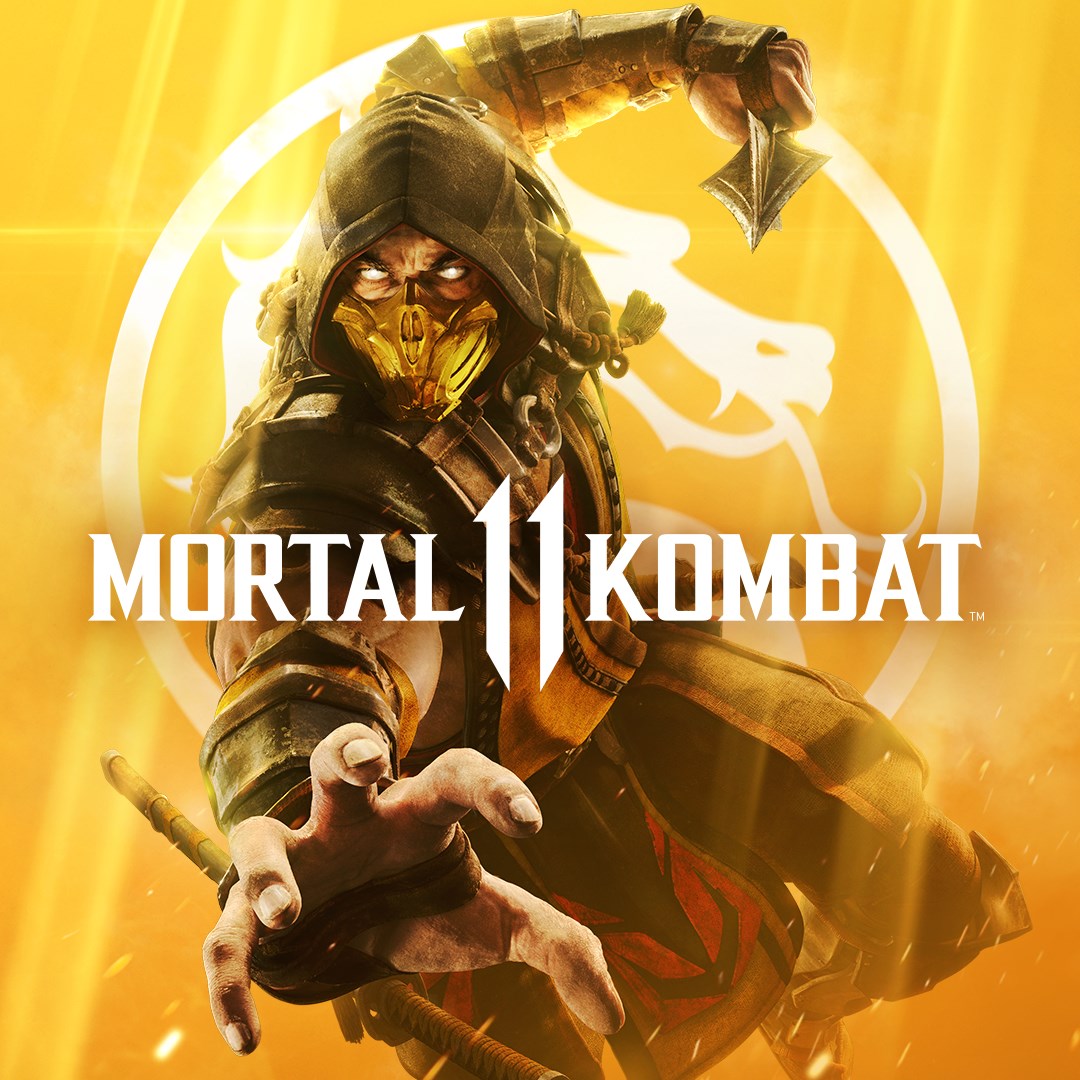
Mortal Kombat 11
for Windows
4.3
Mortal Kombat 11 Ultimate
for Windows
4.3
Guilty Gear -Strive-
for Windows
4.3
Killer Instinct
for Windows
4.3
Gang Beasts
for Windows
4.3
Injustice™ 2 - Standard Edition
for Windows
3.7
MARVEL VS. CAPCOM: INFINITE
for Windows
3.5
Nickelodeon All-Star Brawl 2
for Windows
3.1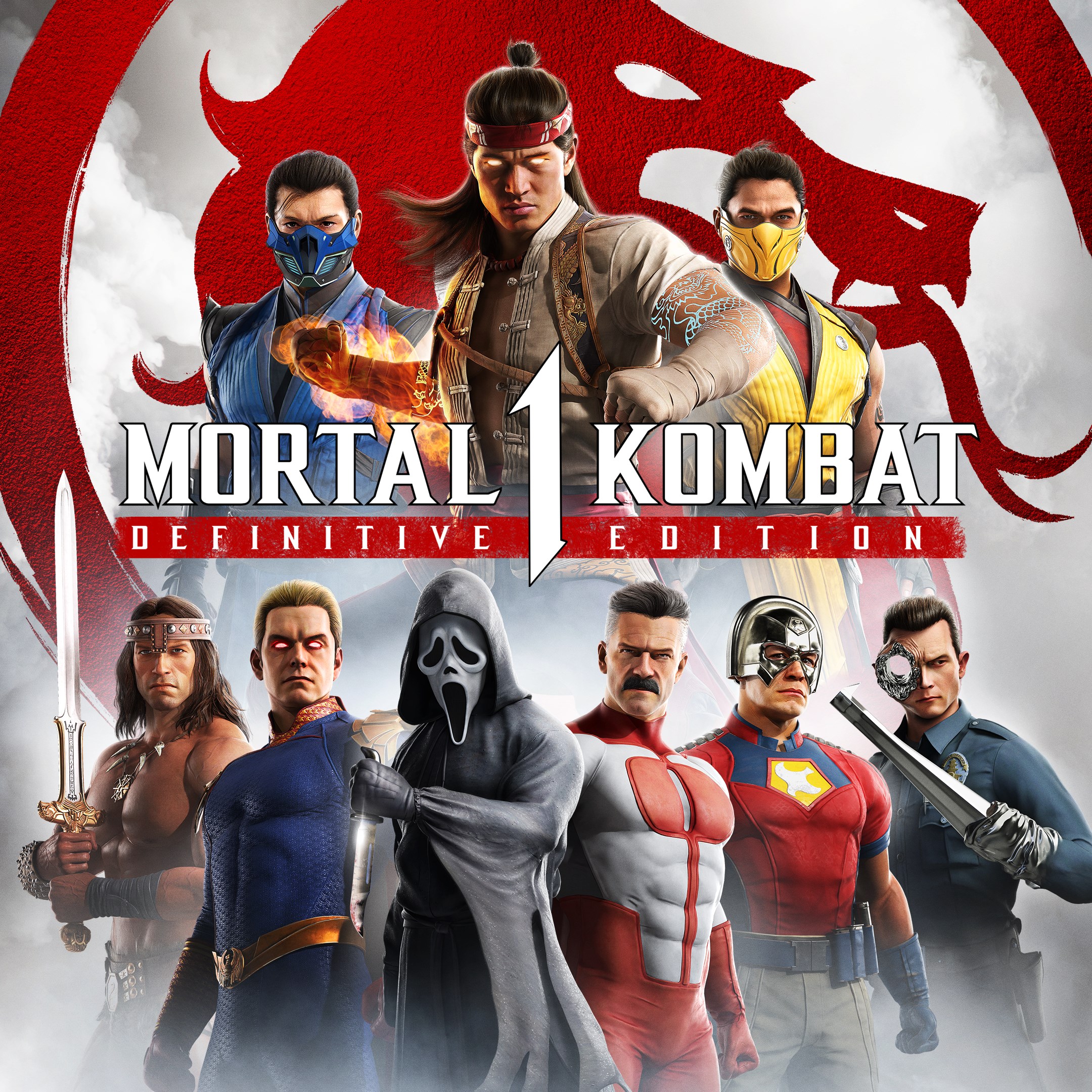
Mortal Kombat™ 1: Definitive Edition
for Windows
2.9