

- Category Multimedia design
- Developer Inkscape team
- Available on PC
- OS Windows 10 version 17763.0 or higher
- Keyboard Not specified
- Mouse Not specified
- Memory Not specified
- languages Basque, Catalan, Chinese (Simplified), Chinese (Traditional), Croatian, Dutch, English (Australia), English (United Kingdom), English (United States), French, German, Greek, Hungarian, Icelandic, Italian, Japanese, Korean, Polish, Portuguese, Portuguese (Brazil), Romanian, Russian, Slovenian, Spanish, Swedish, Ukrainian, Vietnamese
Inkscape for Windows: A Robust Vector Graphics Editor for Creatives
Designed as an open-source alternative to commercial vector graphic tools, Inkscape for Windows offers a powerful platform for artists, designers, and hobbyists to craft detailed scalable illustrations with precision and flexibility.
Developed by the Inkscape Team: Community-Driven Innovation
The application is developed and maintained by the dedicated Inkscape team, a global community of contributors committed to providing a free, open-source vector graphics solution that continuously evolves to meet creative needs and technological advancements.
Key Features That Make Inkscape Stand Out
- SVG-Centric Editing: Inkscape's core strength lies in its robust support for the SVG format, allowing seamless creation, editing, and exporting of scalable vector graphics that stay crisp at any size.
- Advanced Path Operations: The app provides powerful tools for path editing, including union, difference, intersection, and exclusion, enabling complex shape manipulation with intuitive controls.
- Flexible Node Tool and Bezier Curves: Precise control over node editing and bezier curves facilitates intricate design work, making detailed illustrations more achievable than ever.
- Extensible with Plugins: A wide array of plugins and extensions are available, allowing users to enhance workflows and tailor the application to specialized tasks.
Vivid Demo and User Experience
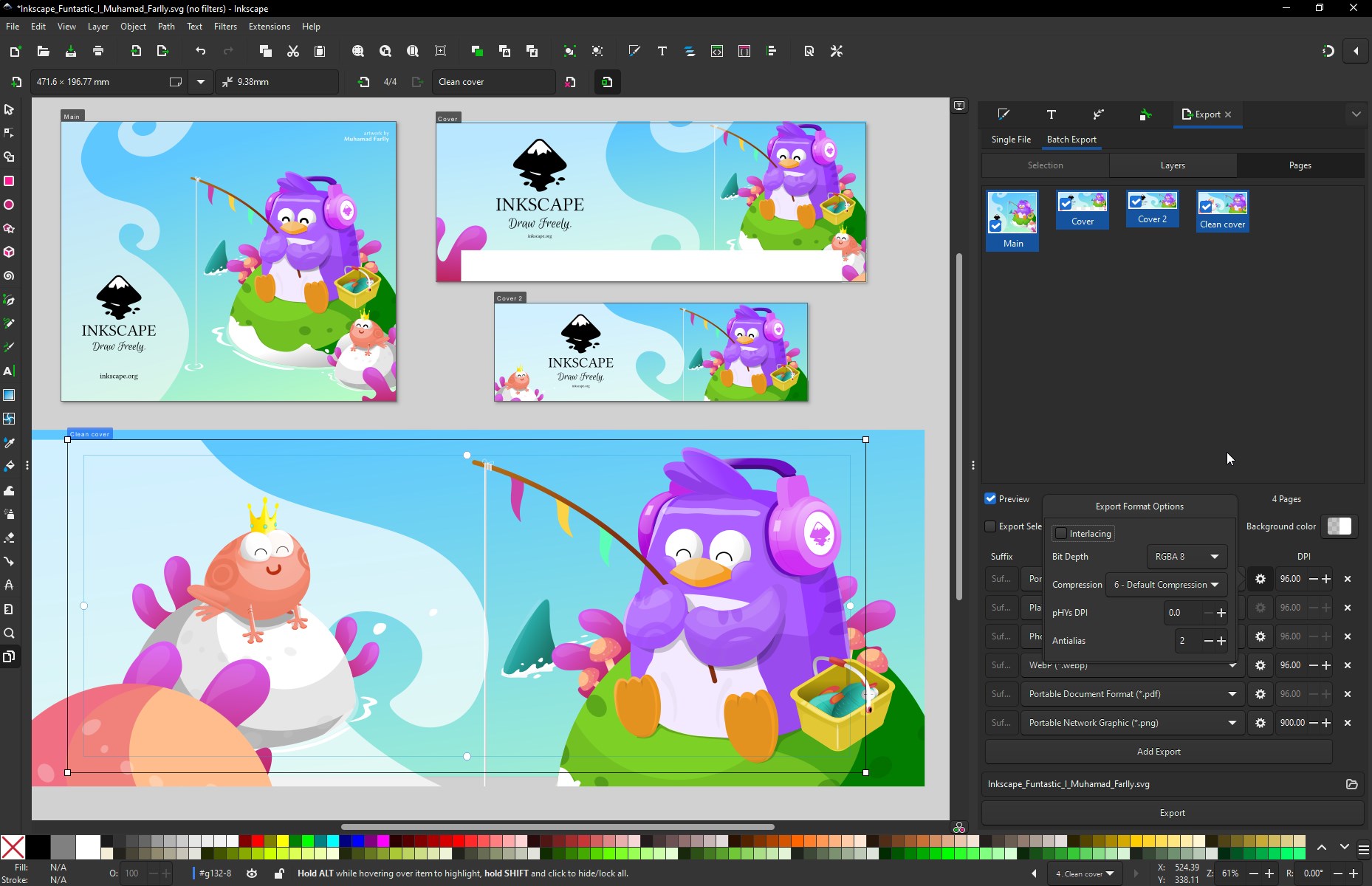
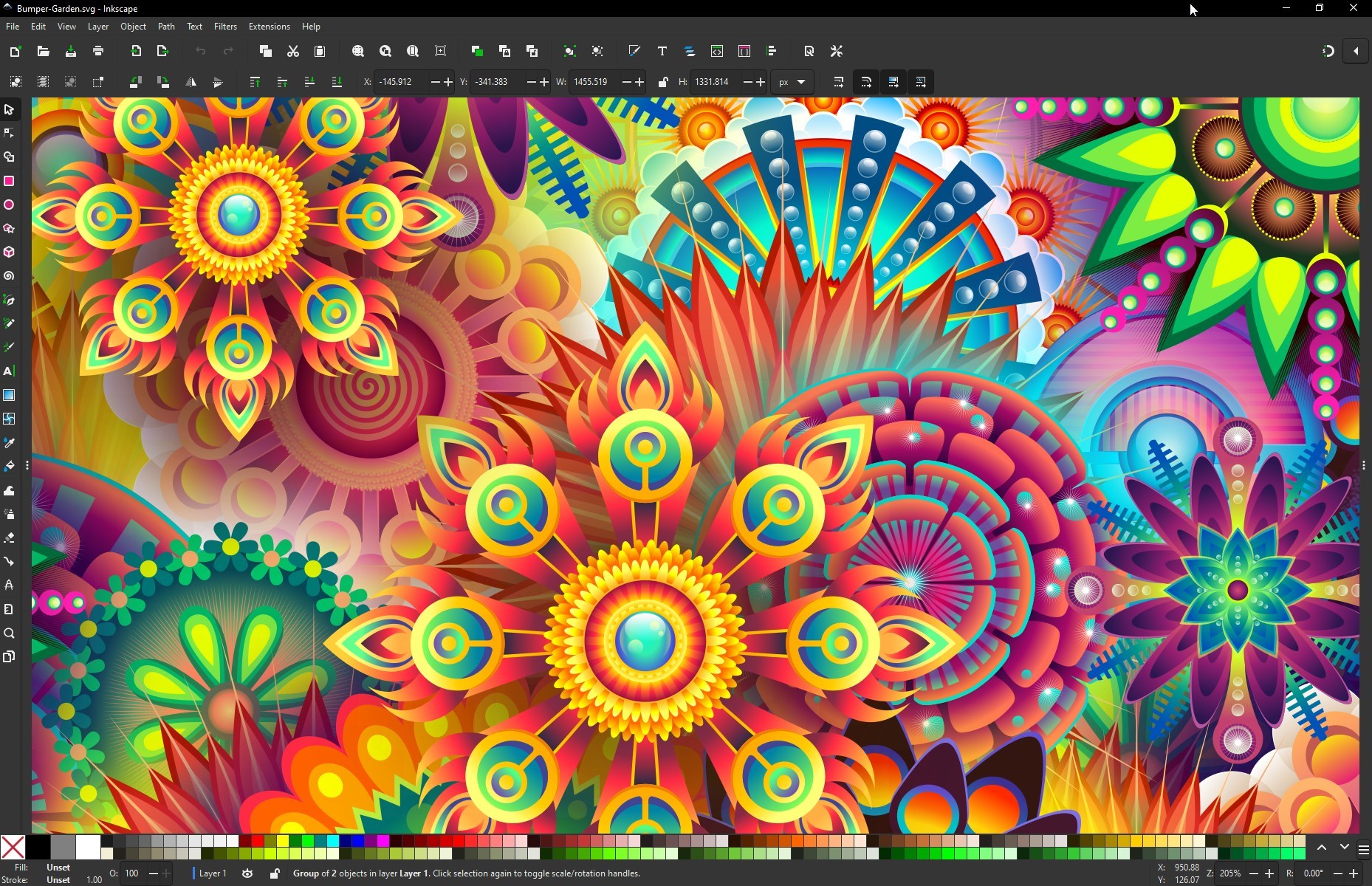
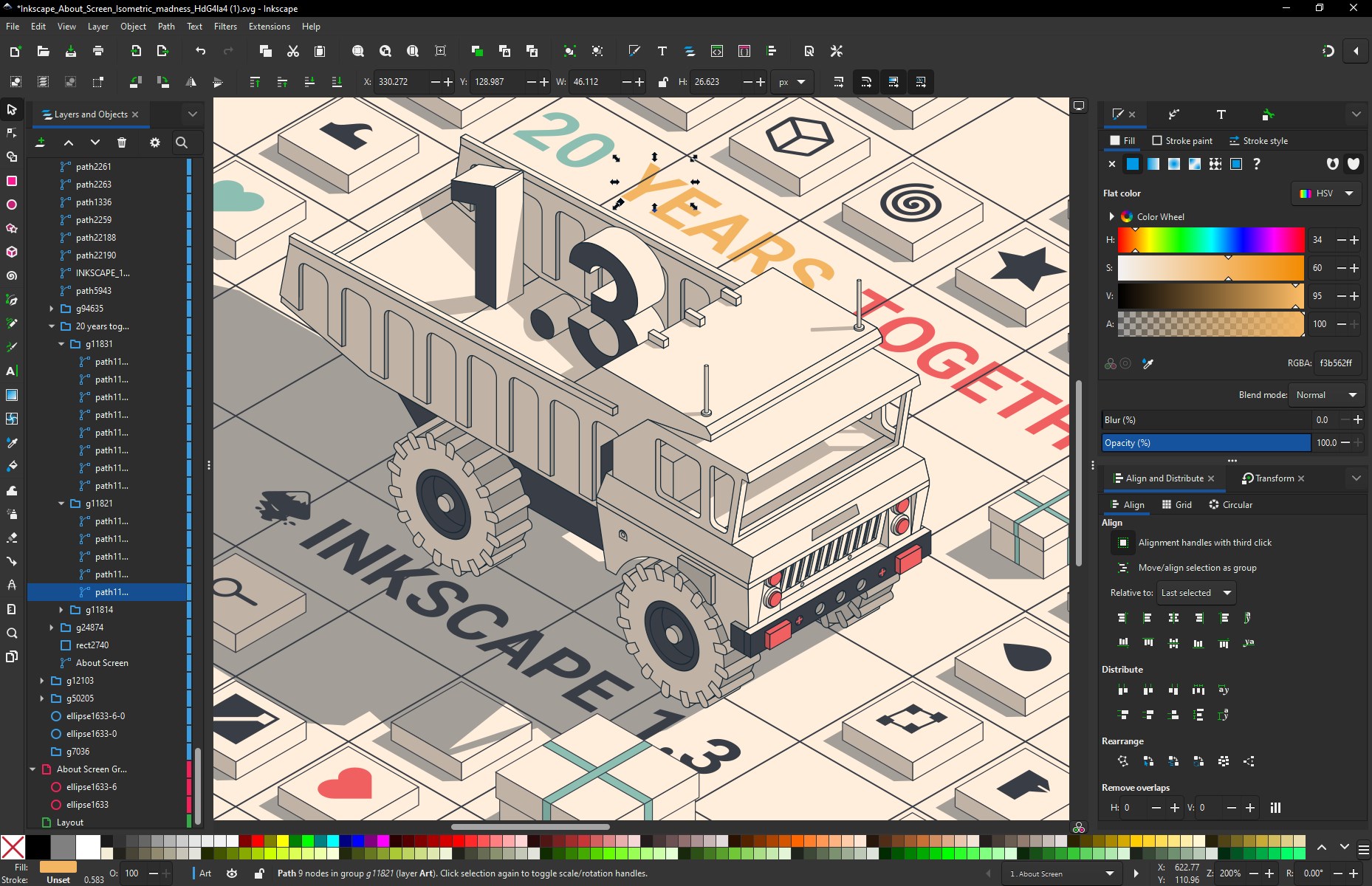
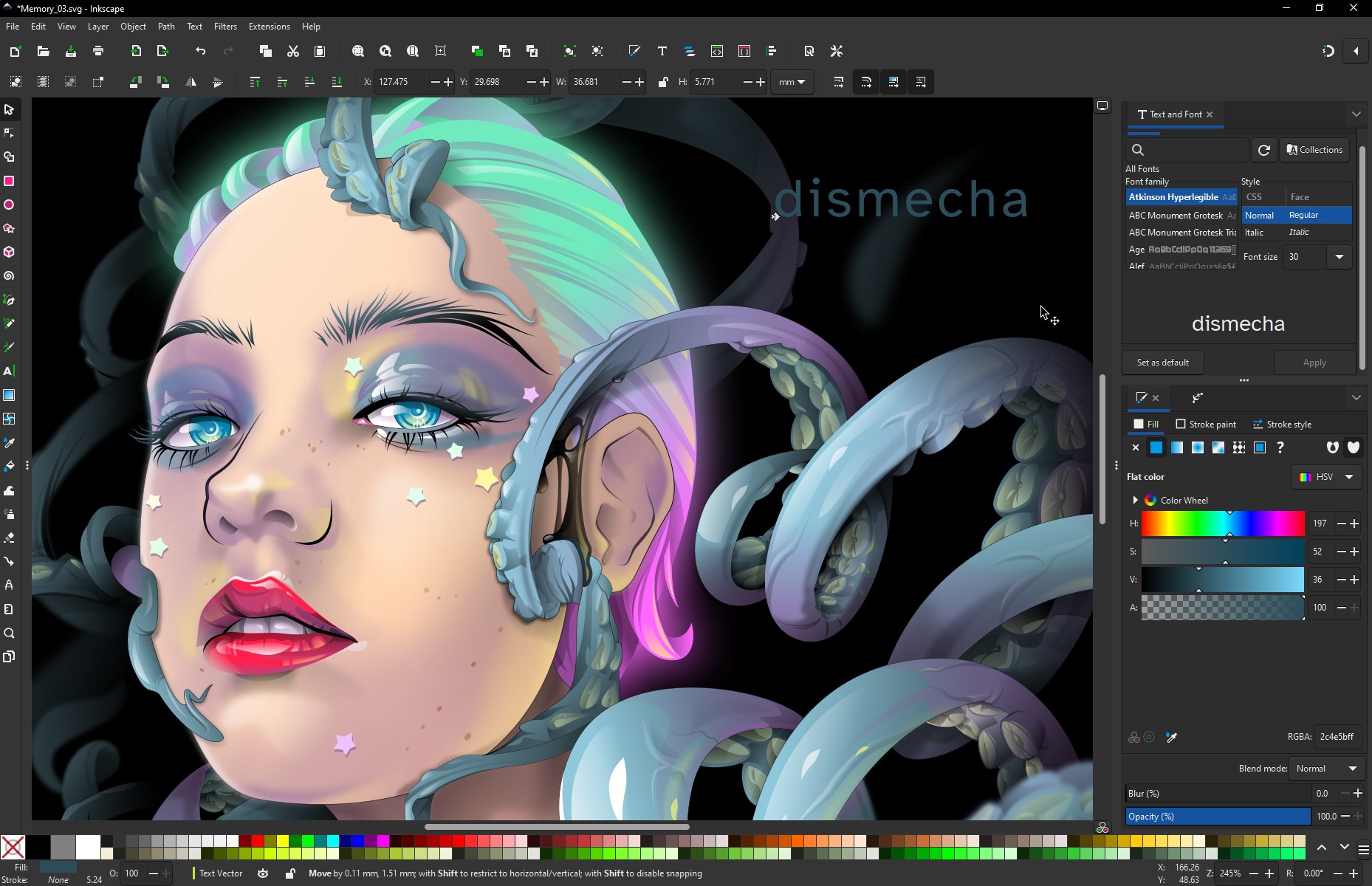
Stepping into Inkscape for Windows feels akin to entering a well-organized artist's atelier—everything is thoughtfully laid out, inviting both novices and seasoned designers to start experimenting right away. The interface is clean and customizable, reminiscent of a familiar workspace that can be tailored to individual preferences. As you dive into creating vector art, you'll notice that operations such as drawing, editing nodes, and applying path effects feel smooth and responsive, even when handling complex projects.
Many users will appreciate that, despite its comprehensive toolkit, Inkscape maintains a gentle learning curve. Beginners can explore basic functions with minimal frustration, while more advanced users can unlock its full potential through deeper feature sets and plugins. This balance makes it accessible for those just starting out, without sacrificing the depth required by professional designers.
The Unique Edge: SVG as the Heart of Design & Custom Extensions
One of Inkscape's most compelling advantages is its unwavering focus on SVG—an open, web-friendly vector format. This close integration means that designs are not only easily scalable but also highly portable and compatible with various web projects and other design applications. For users aiming to produce assets for digital media, Inkscape offers a seamless pipeline that is both cost-effective and future-proof.
Furthermore, its extensibility distinguishes it from other multimedia design apps. The vibrant community offers a plethora of extensions—from pattern generators to advanced filters—that significantly expand creative possibilities. Unlike more rigid, commercial counterparts, Inkscape adapts dynamically, empowering users to develop custom workflows suited to their unique projects.
Recommendation & Usage Tips
Inkscape for Windows is highly recommended for anyone interested in vector graphics, especially those seeking a cost-effective, versatile tool. It's particularly well-suited for illustrators, logo designers, and digital artists who value precise control over their creations. Beginners should start with basic shape tools and explore tutorials; seasoned designers can leverage its advanced path editing and extension features to streamline complex workflows.
While it may lack some of the polish and integrated ecosystem found in premium software, its open-source nature ensures continuous improvement and community support. For a free yet powerful vector editor that respects your creative flexibility, Inkscape is definitely worth a try.
Pros
- Open-source and free to use
- Rich feature set for vector illustration
- Cross-platform compatibility
- Active community and extensive tutorials
- Customizable interface and extensions
Cons
- Steep learning curve for beginners
- Occasional stability issues with large files
- Limited raster image support compared to specialized software
- Performance can be slow on lower-end hardware
- Some features lack polish compared to commercial counterparts











