

- Category Social
- Available on PC
- OS Windows 10 version 19041.0 or higher
- Memory 2 GB
- languages English (United States)
An In-Depth Look at Instagram for Windows
If you're a social media enthusiast eager to stay connected and share your moments seamlessly across devices, Instagram for Windows offers a promising way to access your favorite platform right from your desktop. Designed to bridge the gap between mobile and desktop, this app aims to make content browsing and engagement more efficient for Windows users.
Basic Information and Core Features
Positioning and Developer
Instagram for Windows positions itself as a convenient desktop companion to the popular social media platform, enabling users to enjoy the Instagram experience on their PC without relying solely on mobile devices.
Developed by the official Instagram team, the app reflects the platform's commitment to consistency and reliability across devices.
Main Highlights and Target Audience
- Key Features:
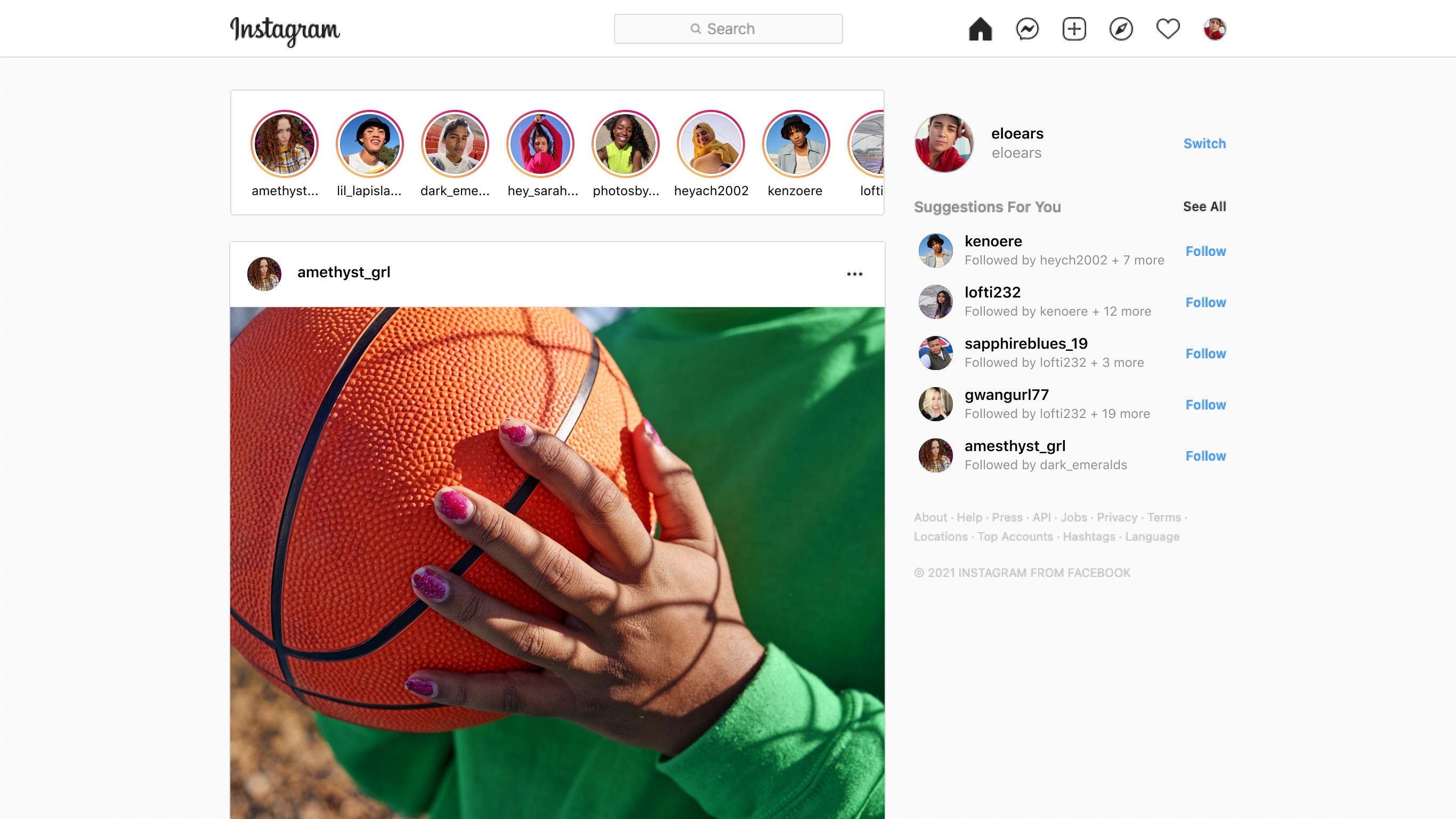
- Browse your feed with a clean, user-friendly interface.
- Post photos and videos directly from your PC, simplifying content creation.
- Access direct messaging to communicate with friends without switching apps.
- Support for notifications ensures you're always updated on interactions.
- Target Users: casual users, creators, digital marketers, and professionals who prefer working from desktop environments but want an integrated Instagram experience.
Evaluating the Experience: Design, Usability, and Performance
Visual Design and User Interface
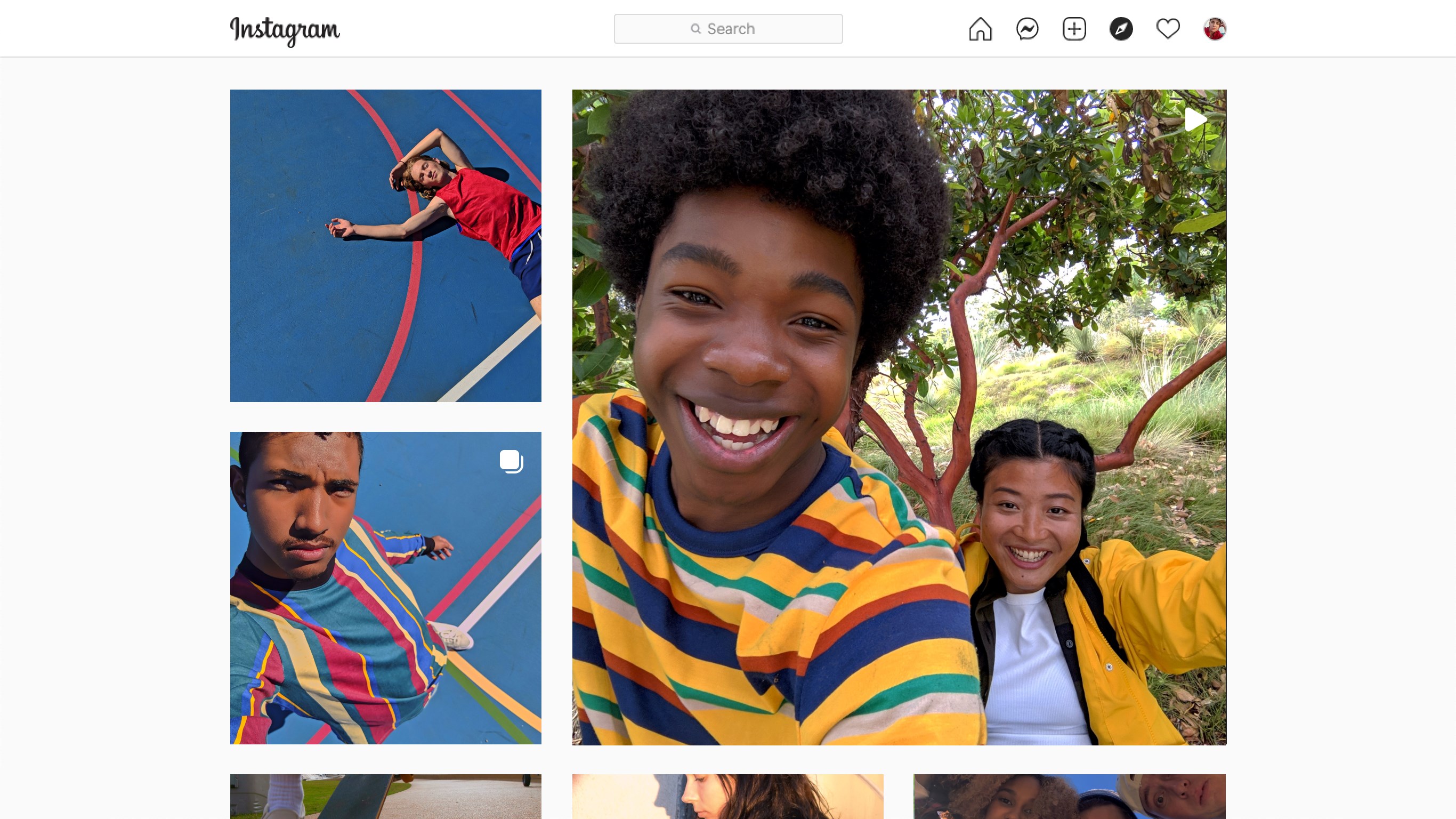
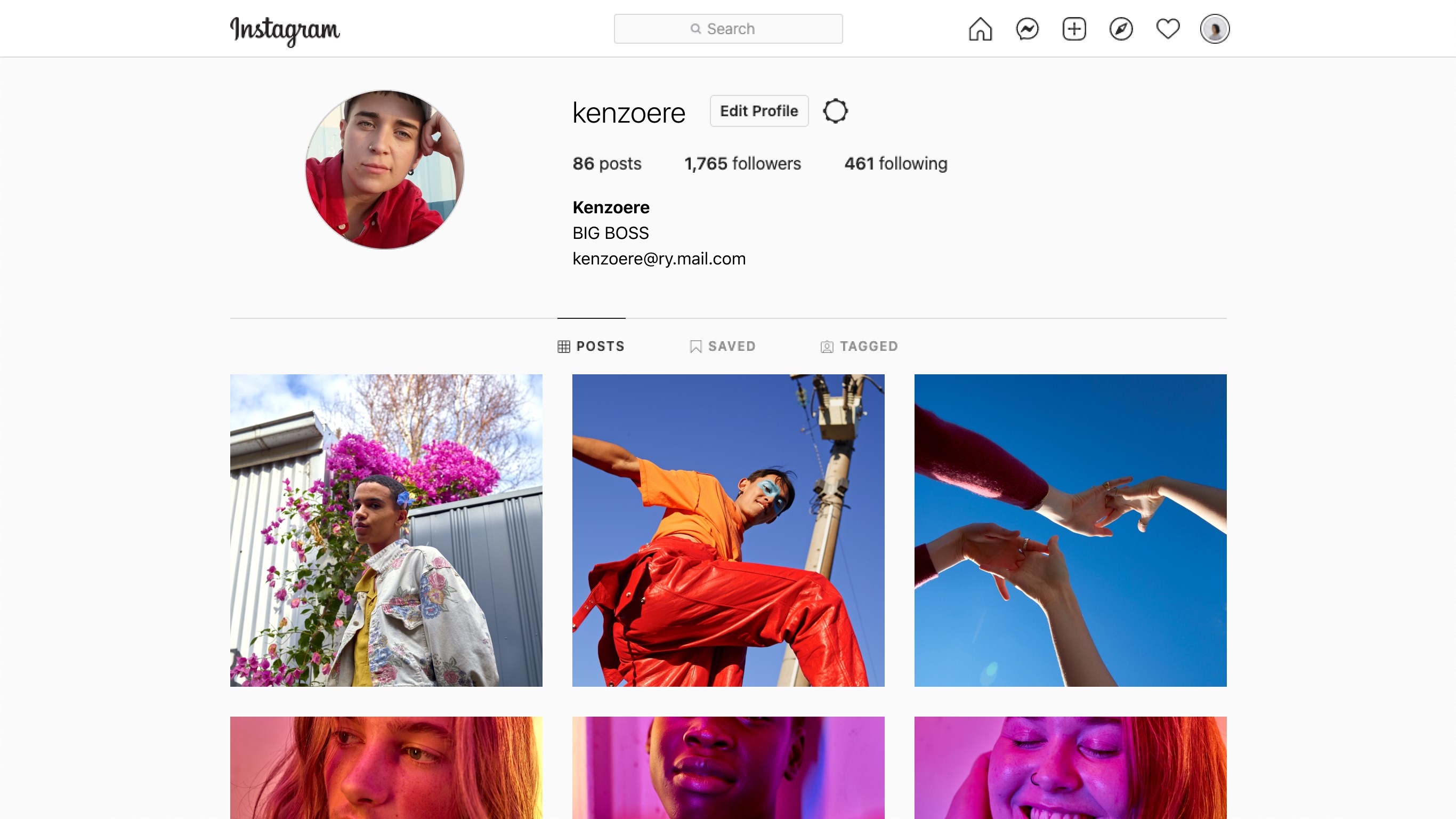
The app sports a minimalist and modern design that mirrors the mobile experience, but optimized for a larger screen. Navigating between feed, reels, messages, and profile feels intuitive—like flipping through a well-organized photo album. The layout is uncluttered, which reduces cognitive load, making it easy to focus on your visual content.
Performance and Ease of Use
During testing, Instagram for Windows demonstrated smooth scrolling and quick loading times, even with a sizable feed. The app's responsiveness mimics the mobile version but benefits from the processing power of a desktop, ensuring fluid movements and interactions. Its learning curve is gentle; most users familiar with Instagram on mobile will find navigating the desktop interface straightforward, with familiar gestures and icons. Minor features, like posting or messaging, are accessible within a few clicks, making it user-friendly for novices and seasoned users alike.
Unique Features and Differentiation
What sets this app apart from other social media desktop clients is its focus on authenticity and connection personalization. Features like user profile customization are not just limited to aesthetics; users can verify their identities more securely within the app, promoting trust and authenticity in interactions.
Moreover, the connection discovery feature stands out—it intelligently suggests relevant contacts based on your activity, fostering meaningful engagement and expanding your social network. This degree of personalized connection discovery enhances the overall platform experience, making it feel less like a static browsing tool and more like an active community hub.
Recommendation and Usage Tips
Overall, Instagram for Windows is recommended for users who want a reliable, official way to interact with Instagram from their desktop. While it may not yet match the full mobile experience—particularly regarding creative tools like filters or editing—it offers solid browsing, messaging, and posting capabilities that suit casual users and professionals alike.
If you frequently manage social media campaigns, or simply prefer working at a desk rather than on a phone, this app can streamline your workflow. For those seeking a lightweight, officially supported Instagram client on Windows, this app is a valuable addition to your digital toolkit.
Pros
- Intuitive User Interface
- Seamless Integration with Instagram Features
- Official Support for High-Quality Content
- Frequent Updates and Bug Fixes
- Enhanced Accessibility Options
Cons
- Limited Offline Capabilities
- Occasional App Crashes on Older Devices
- Delayed Notification Syncing
- Less Customization Options Compared to Mobile App
- Limited Editing Tools for Posts











