
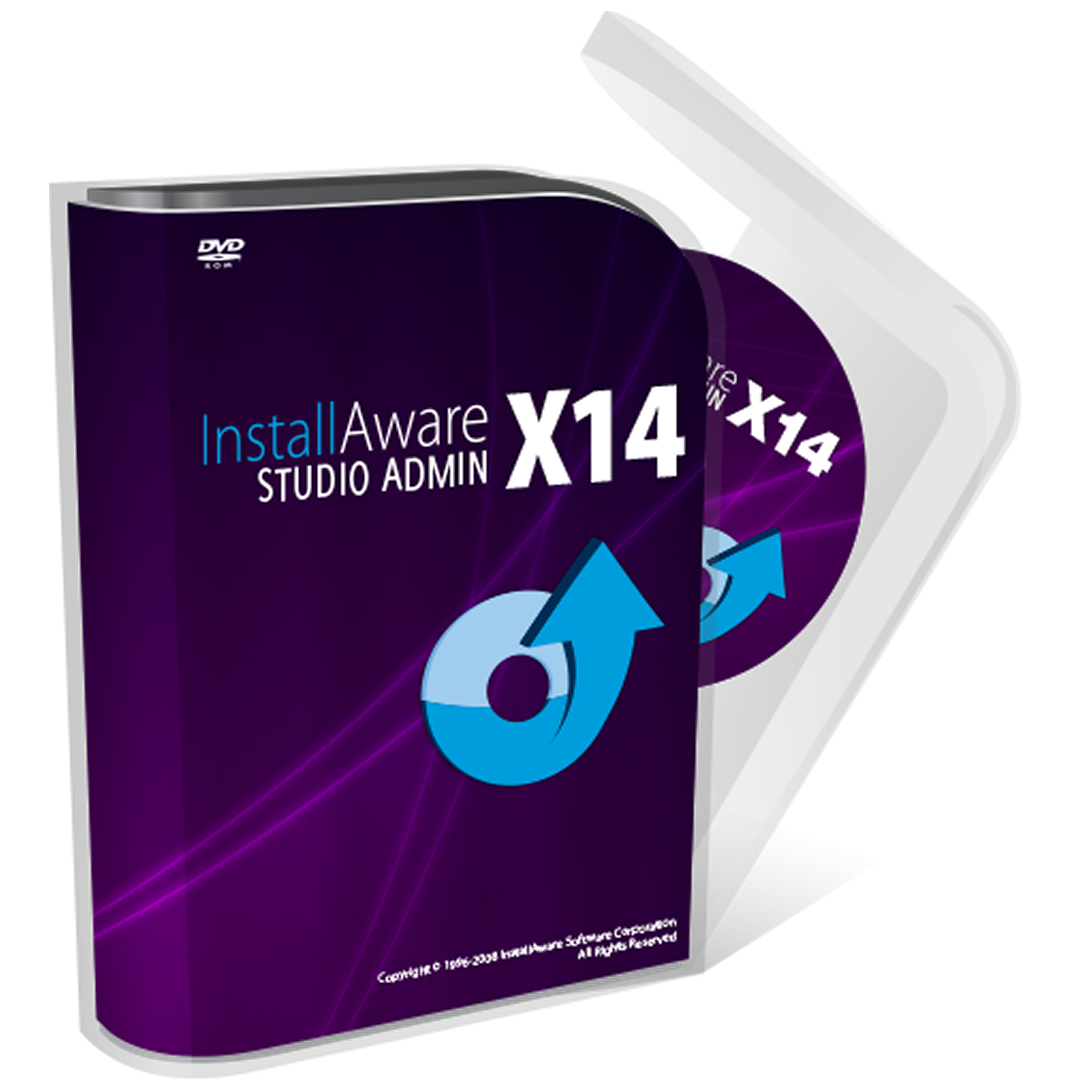
Frequently Asked Questions
How do I get started with InstallAware Studio Admin for the first time?
Download and install the app, then follow the onboarding tutorial to understand core features. Navigate to Help > Getting Started for detailed guidance.
Can I repackage third-party installers without programming skills?
Yes, InstallAware Studio Admin allows repackaging with a user-friendly interface, no programming or scripting needed. Simply select your source installer and follow the prompts.
What are the main steps to create a reusable MSI script?
Import the existing installer, configure customization options, and generate the MSI script through the Repackage tool in the main menu, then save and deploy your package.
How does InstallAware Studio Admin improve deployment productivity?
It accelerates repackaging and scripting processes by automating complex tasks, enabling rapid MSI creation without scripting, reducing deployment time significantly.
Which deployment tools does InstallAware Studio Admin integrate with?
It integrates seamlessly with Windows Installer technology and supports various deployment scenarios, including reusing third-party installation packages.
Is InstallAware Studio Admin a subscription-based app?
Yes, the app offers subscription plans. You can view and manage your subscription via Settings > Account > Subscription.
What features are available in the paid version of InstallAware Studio Admin?
Paid versions provide advanced repackage tools, scripting capabilities, and priority support. Check details in Settings > License > Features.
How do I upgrade or change my subscription plan?
Go to Settings > Account > Subscription, then select Upgrade or Change Plan to update your subscription. Follow the on-screen instructions.
What should I do if the repackage process fails or encounters errors?
Check logs in the application under Help > Logs for details. Ensure source installer is accessible and compatible. Contact support if needed.
Can I customize the generated MSI scripts further after re packaging?
Yes, the app allows mid-process editing of MSI scripts for advanced customization via the script editor. Access it through the Repackage tab.
You May Like

kenoxis driver updater
for Windows
5
Ubuntu 24.04.1 LTS
for Windows
4.6
App Installer (Mobile) - WinUI 3
for Windows
4.6
Microsoft PowerToys
for Windows
4.6
PowerShell
for Windows
4.5
Python 3.13
for Windows
4.4
Ubuntu
for Windows
4.4
gedit text editor
for Windows
4.3
Python 3.12
for Windows
4.3
Codex
for Windows
4.3
WSL Manager
for Windows
4.3
Blue screen emulator
for Windows
4.2