
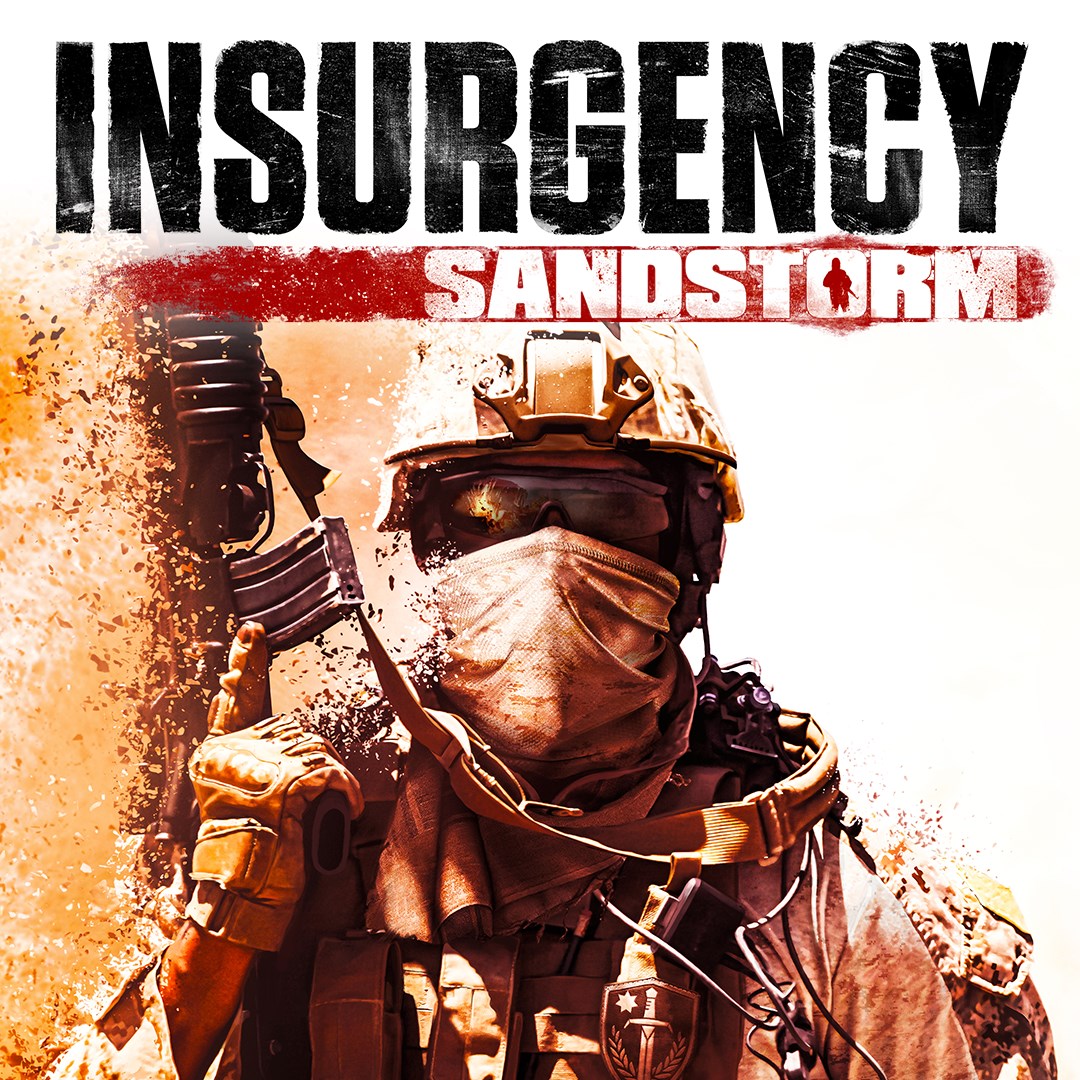
Frequently Asked Questions
How do I start playing Insurgency: Sandstorm for the first time?
Download the game from the official platform, install it, then launch the game and follow the on-screen prompts to set up your profile and adjust initial settings.
What are the basic controls I need to know to play?
Use WASD to move, mouse to aim and shoot, and keyboard shortcuts for actions like reload and tactical equipment. Refer to in-game tutorials for detailed controls.
How do I customize my soldier and weapons in the game?
Navigate to the 'Loadout' menu from the main page, then select 'Customize' to modify weapons and soldier options according to your preferences.
What are the main features of Insurgency: Sandstorm's multiplayer modes?
The game offers cooperative 8-player modes and PvP matches with up to 20 players, featuring objective-based gameplay and team coordination to achieve victory.
How does realistic ballistics enhance gameplay?
It provides authentic weapon behavior and projectile physics, requiring strategic aiming and ammunition management for a more immersive combat experience.
What options are available for voice communication during gameplay?
The game includes positional voice chat settings accessible via Settings > Audio > Voice Chat to enable realistic team coordination.
Are there any premium features or in-game purchases?
Yes, players can buy cosmetic items and weapon skins; check Settings > Store to explore available purchases.
How can I subscribe to premium content or updates?
Visit the official website or in-game store under Settings > Account > Subscriptions to manage your premium subscriptions.
What should I do if I experience performance issues or crashes?
Verify your system meets the game's requirements, update your graphics drivers, and adjust in-game settings via Settings > Graphics for smoother gameplay.
You May Like

DOOM + DOOM II
for Windows
4.8
Deep Rock Galactic - Ultimate Edition
for Windows
4.7
Roboquest
for Windows
4.7
Deep Rock Galactic - Deluxe Edition
for Windows
4.7
Quake II
for Windows
4.7
Deep Rock Galactic
for Windows
4.7
Enter The Gungeon
for Windows
4.6
Mech Arena
for Windows
4.6
Gears of War 4
for Windows
4.6
Gears 5
for Windows
4.6
Gears 5 Game of the Year Edition
for Windows
4.5
Brotato
for Windows
4.5