
- Category Business
- Developer Intel Corporation
- Available on PC, Mobile, Surface Hub, HoloLens
- OS Windows 10 version 17134.0 or higher
- Keyboard Integrated Keyboard
- Mouse Integrated Mouse
- DirectX Not specified
- languages English (United States)
Introducing Intel® Graphics Command Center (Beta): A New Horizon for Graphics Management
With sleek design and user-centric features, Intel® Graphics Command Center (Beta) for Windows aims to streamline graphics settings and enhance gaming and multimedia experiences. Developed by Intel Corporation, this application is designed to empower both casual users and tech enthusiasts with powerful yet accessible tools to manage their graphics performance effectively.
Core Functionality Flare: What Makes It Stand Out?
Intuitive Graphics Management
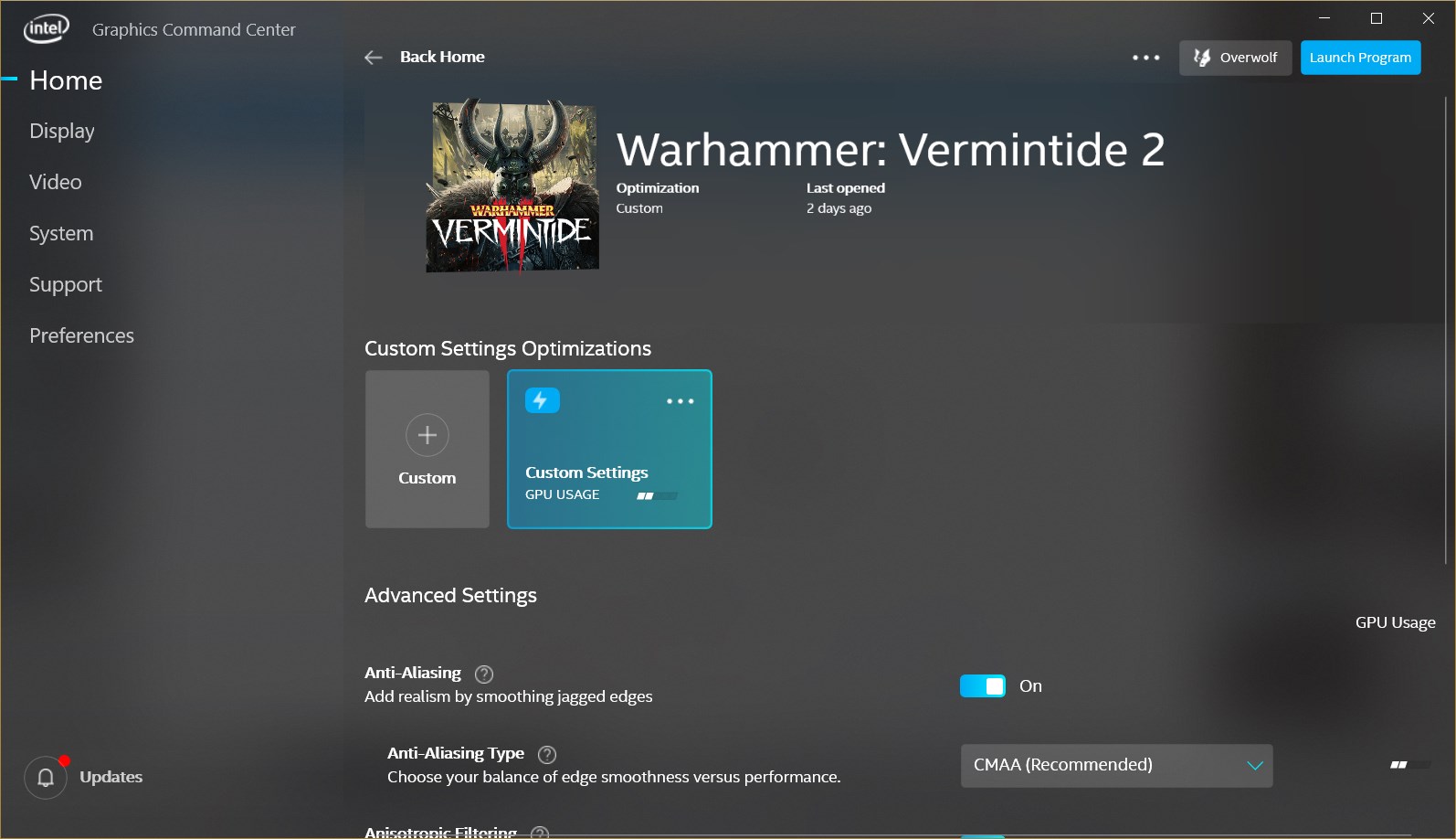
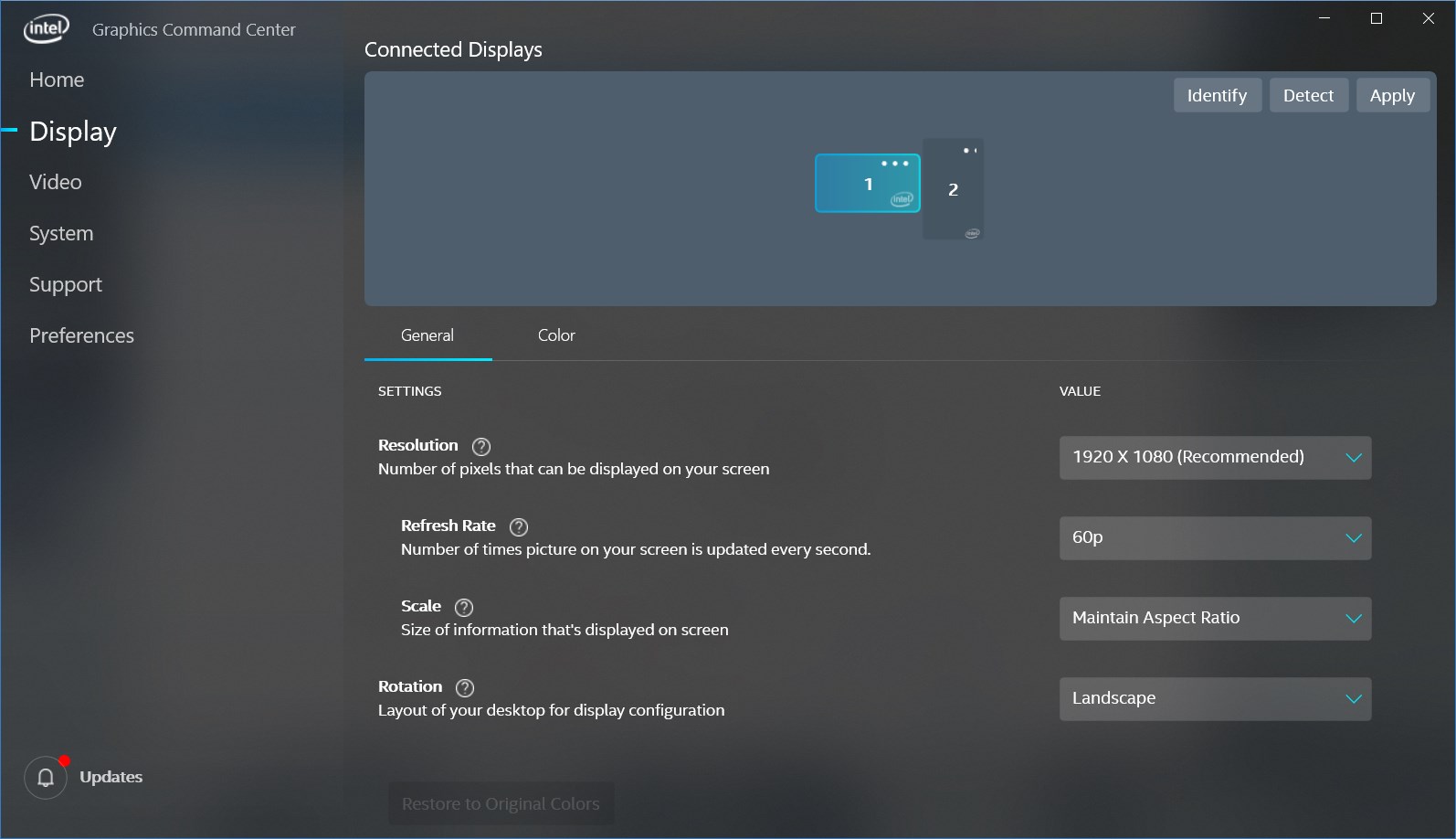
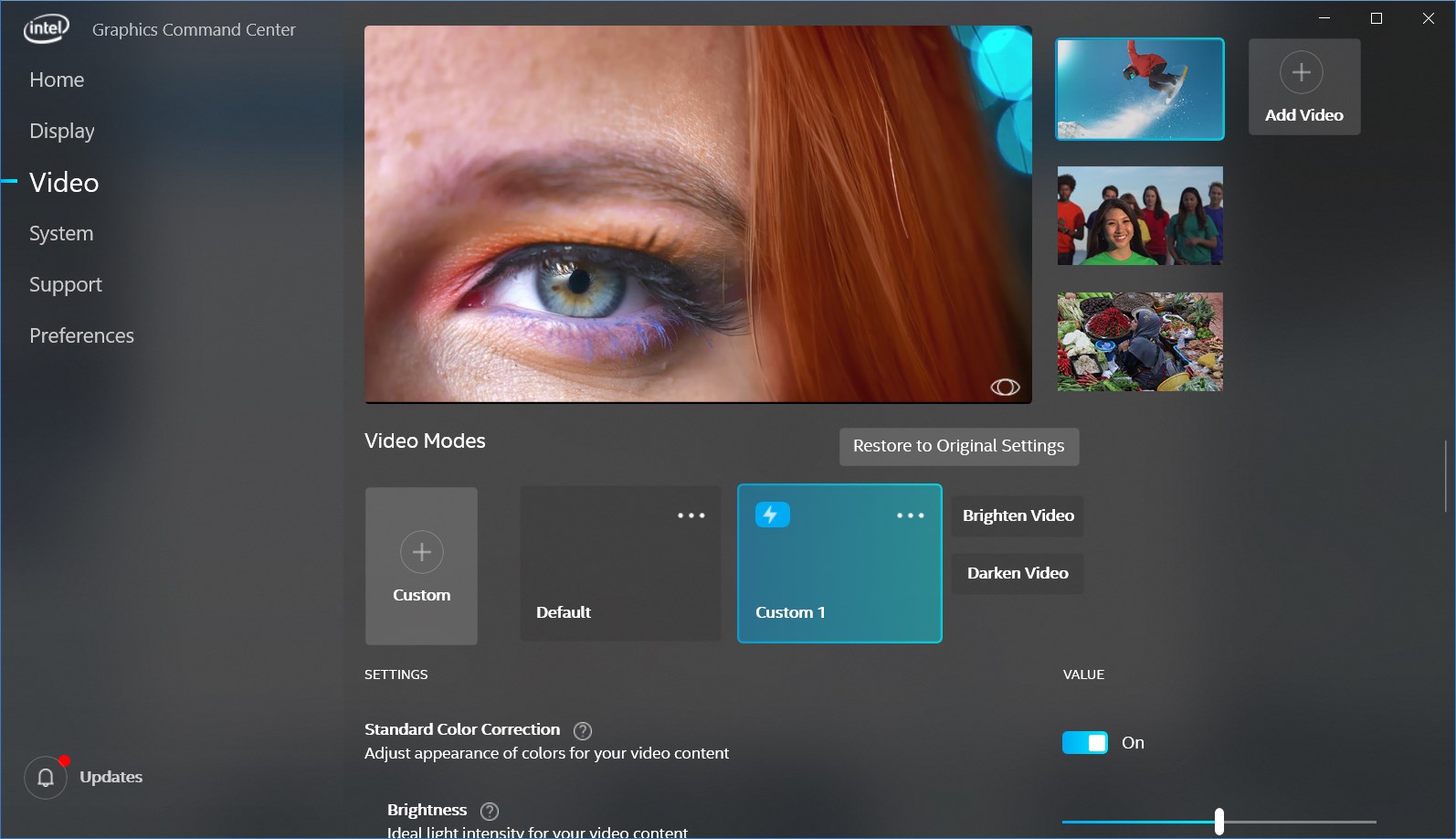
At its core, the tool offers an intuitive interface that consolidates tweaking options—ranging from display calibration, color tuning, to power consumption adjustments—into a single, easy-to-navigate dashboard. Think of it as your personal control panel for your graphics environment, making complex settings feel approachable.
Optimized Gaming Profiles & Performance Tuning
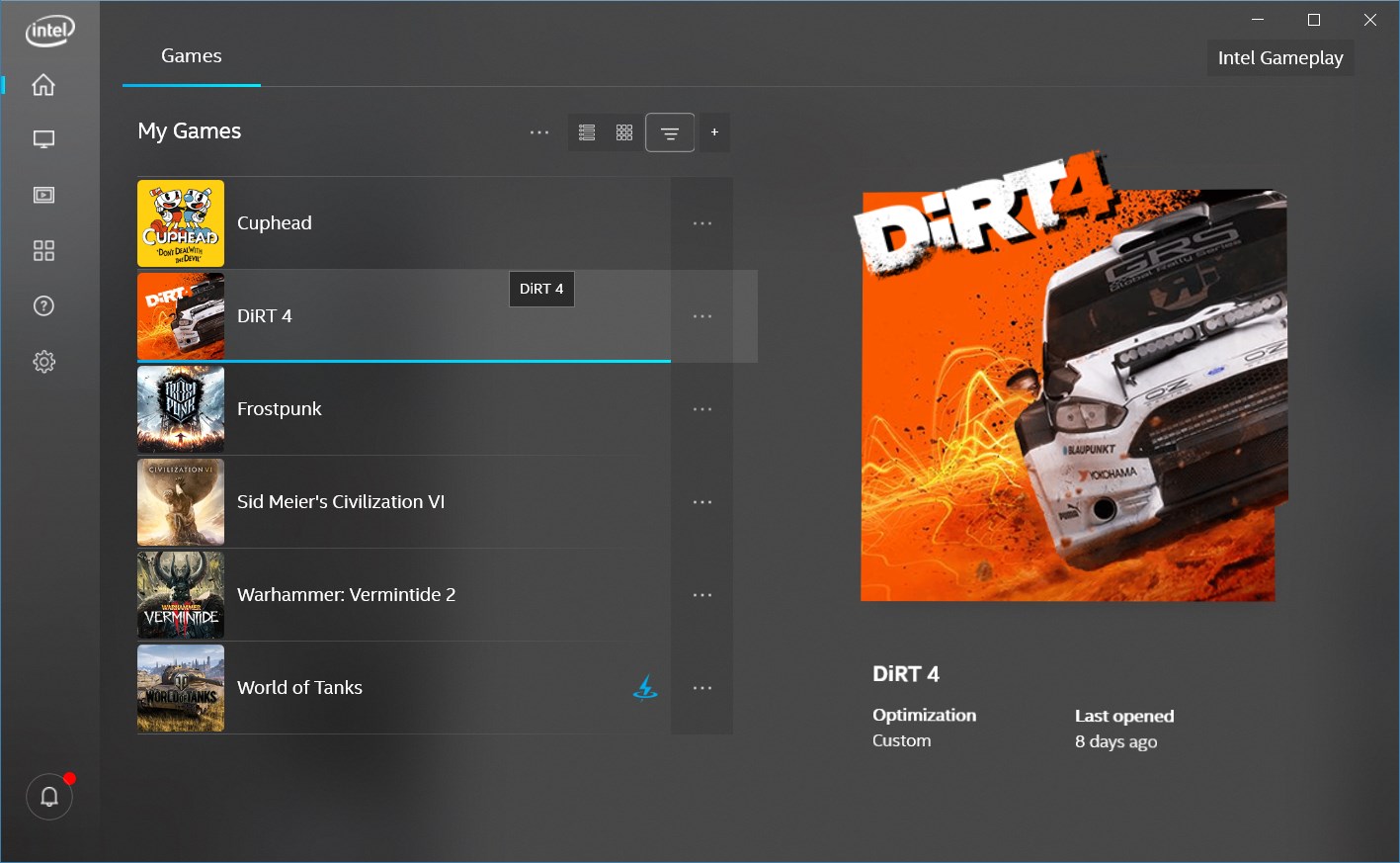
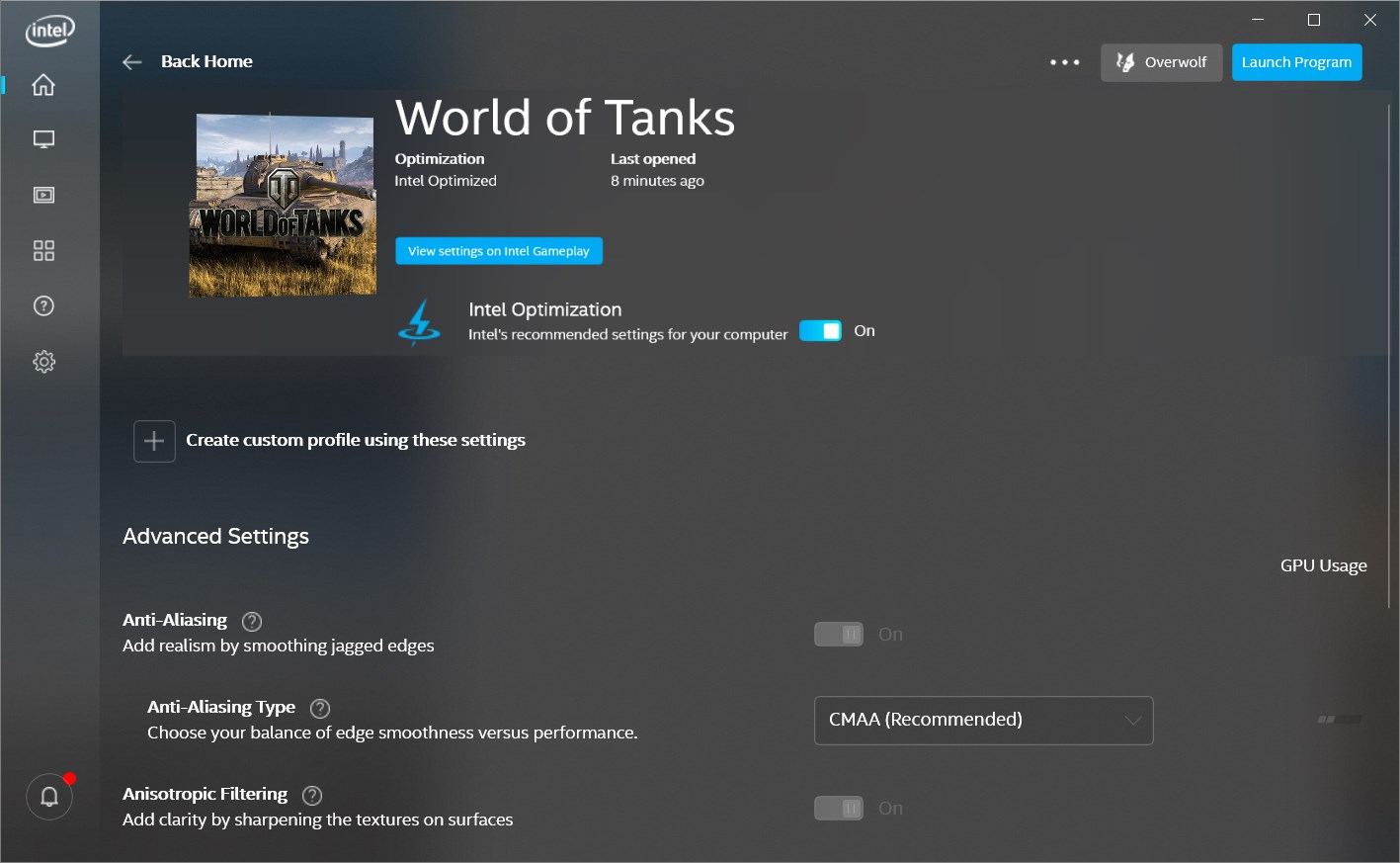
The application provides pre-configured gaming profiles tailored for popular titles, alongside customizable options that allow users to fine-tune performance, frame rates, and resolution settings. Imagine having a personalized race car dashboard, giving you control over every tweak for that smooth gaming ride.
Smart Synchronization & Streaming Support
One of the particularly compelling features is its ability to seamlessly synchronize graphics settings across multiple displays and support high-quality streaming, ensuring your multimedia and gaming sessions are crisp and synchronized. This offers a level of convenience that feels like having an orchestral conductor for your visuals.
A Visual and User Experience: Friendly, Fluid, and Functional
The interface design of the Graphics Command Center is modern yet approachable, akin to walking into a well-organized, stylish workspace. Navigation flows logically, and the layout minimizes clutter—making it easy for newcomers to pick up and seasoned users to quickly access advanced features.
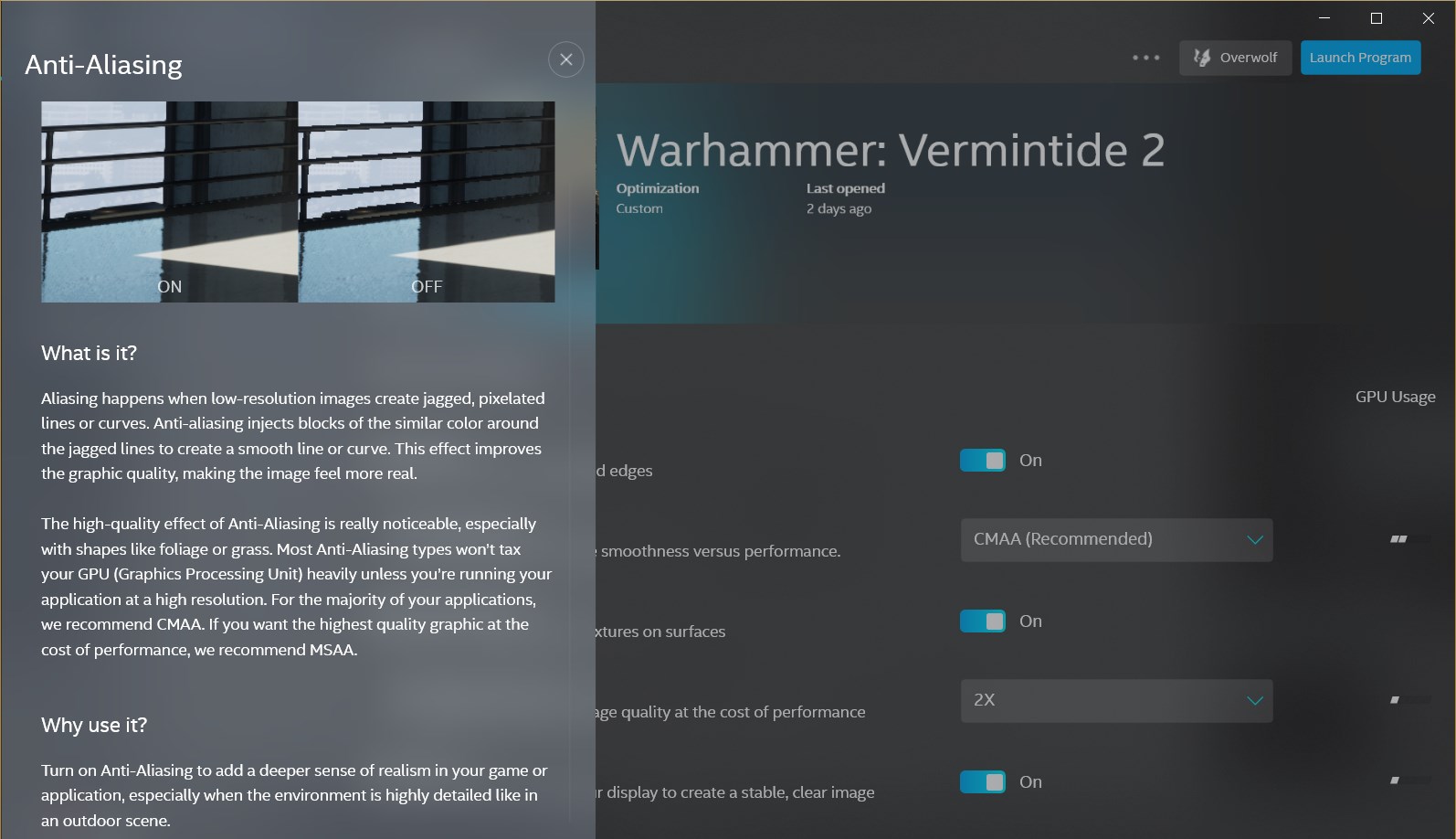
Performance feels notably smooth—clicks respond swiftly, and adjustments are reflected in real-time without lag. The learning curve is relatively gentle; even if you're not deeply technical, the application's guided tips and the clear categorization of settings offer a helping hand, turning complex configurations into a straightforward experience. It's like having a friendly guide guiding you step-by-step through optimizing your graphics setup.
Unique Selling Points: What Sets It Apart?
Collaborative Work & Task Management
Distinct from other graphics management tools, Intel's CC offers collaborative features—allowing users to share specific configurations or profiles easily across devices or with friends. This becomes especially useful for teams or gaming clans aiming for visual consistency. The app's task management aspect means users can save, switch, and prioritize different settings profiles effortlessly, making multi-use scenarios smoother than ever.
Personalized and Adaptive Tuning
Another highlight is its intelligent adaptation—automatically suggesting optimal settings based on detected hardware and usage patterns. Think of it as a smart assistant that learns your preferences, helping you get the most out of your hardware without requiring deep dive into technical minutiae.
Final Verdict: Should You Give It a Try?
Overall, Intel® Graphics Command Center (Beta) presents itself as a promising tool, especially for users looking for an integrated, all-in-one solution for managing their graphics settings. Its especially strong points are the collaborative sharing features and adaptive tuning suggestions, which make it more than just a control panel but a productivity-enhancing partner.
While it might still have some room for refinement—as expected from a beta release—its clean design, responsive performance, and innovative features make it a worthwhile addition to your tech toolkit. I recommend giving it a spin if you're eager to streamline your graphics management and explore tailored visual experiences. For gamers and content creators alike, this app could become the go-to companion in optimizing your visual setup.
Pros
- User-Friendly Interface
- Real-Time Performance Monitoring
- Customizable Display Profiles
- Beta Features for Future Updates
- Integrated Troubleshooting Tools
Cons
- Limited Compatibility
- Occasional Stability Issues
- Lack of Detailed Guidance
- Limited Customization Options
- Beta Status Means Frequent Updates











