

- Category Education
- Developer IPEVO
- Available on PC
- OS Windows 10 version 19041.0 or higher
- Keyboard Not specified
- Mouse Not specified
- languages English (United States)
Introducing IPEVO Visualizer for Windows: Your Portable Classroom Assistant
IPEVO Visualizer is a versatile application designed to transform your computer into a dynamic visual aid, making educational and presentation content more engaging and accessible. It seamlessly integrates with IPEVO's camera hardware, providing a comprehensive platform for teachers, students, and professionals alike.
Developed by IPEVO: Innovation at Your Fingertips
Created by IPEVO Inc., a company renowned for its user-centric document cameras and educational tools, Visualizer extends their expertise into software design. This dedicated team focuses on making visual content sharing simple, effective, and adaptable to various teaching and presentation scenarios.
Key Features That Enhance Your Visual Experience
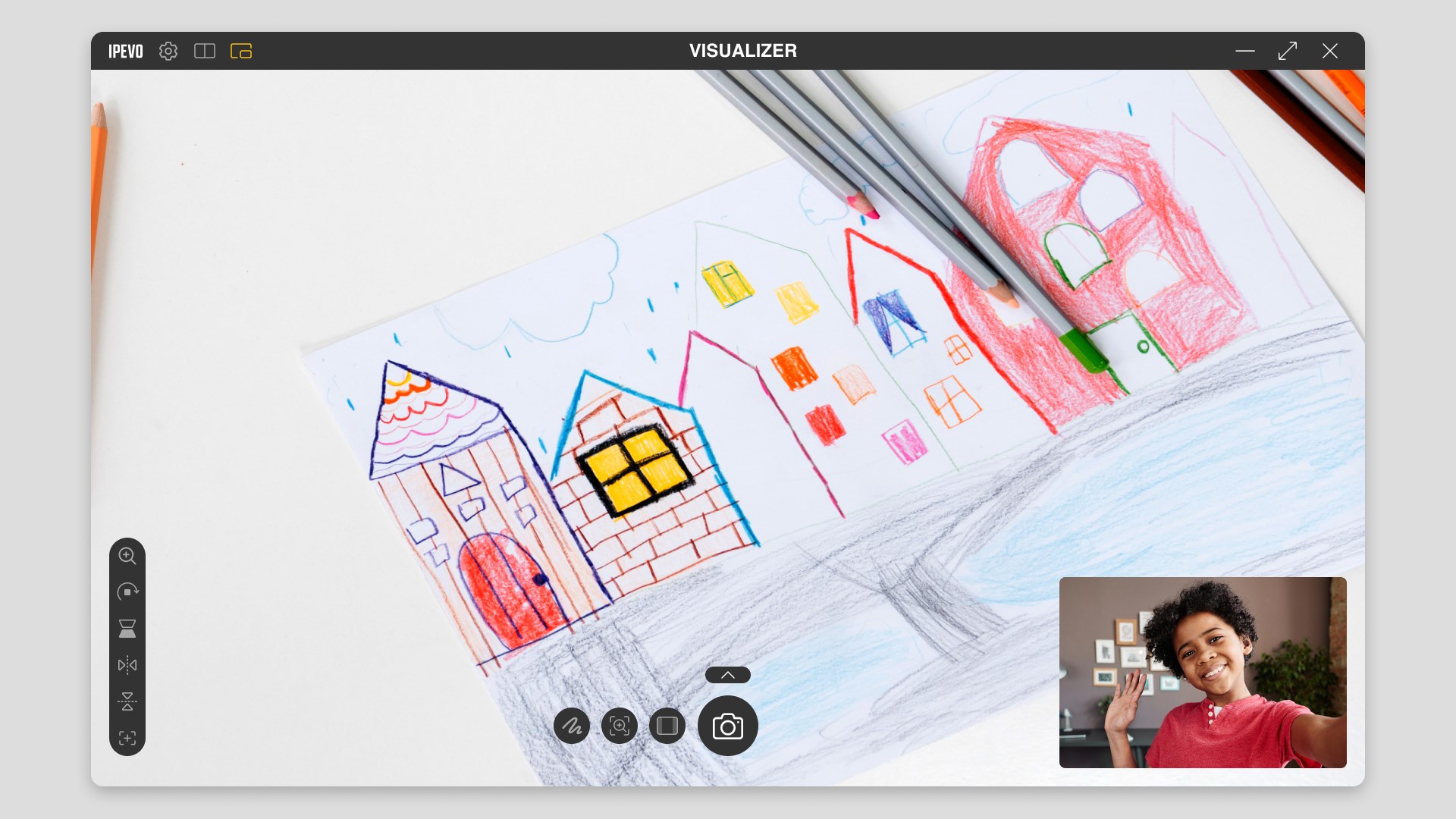
- High-Quality Image Capture and Adjustment: The app offers crisp image rendering with intuitive controls for brightness, contrast, and zoom, ensuring your visuals are always clear and professional.
- Easy Device Connectivity: Seamlessly connects with IPEVO cameras via USB, automatically detecting devices and enabling instant use without cumbersome setups.
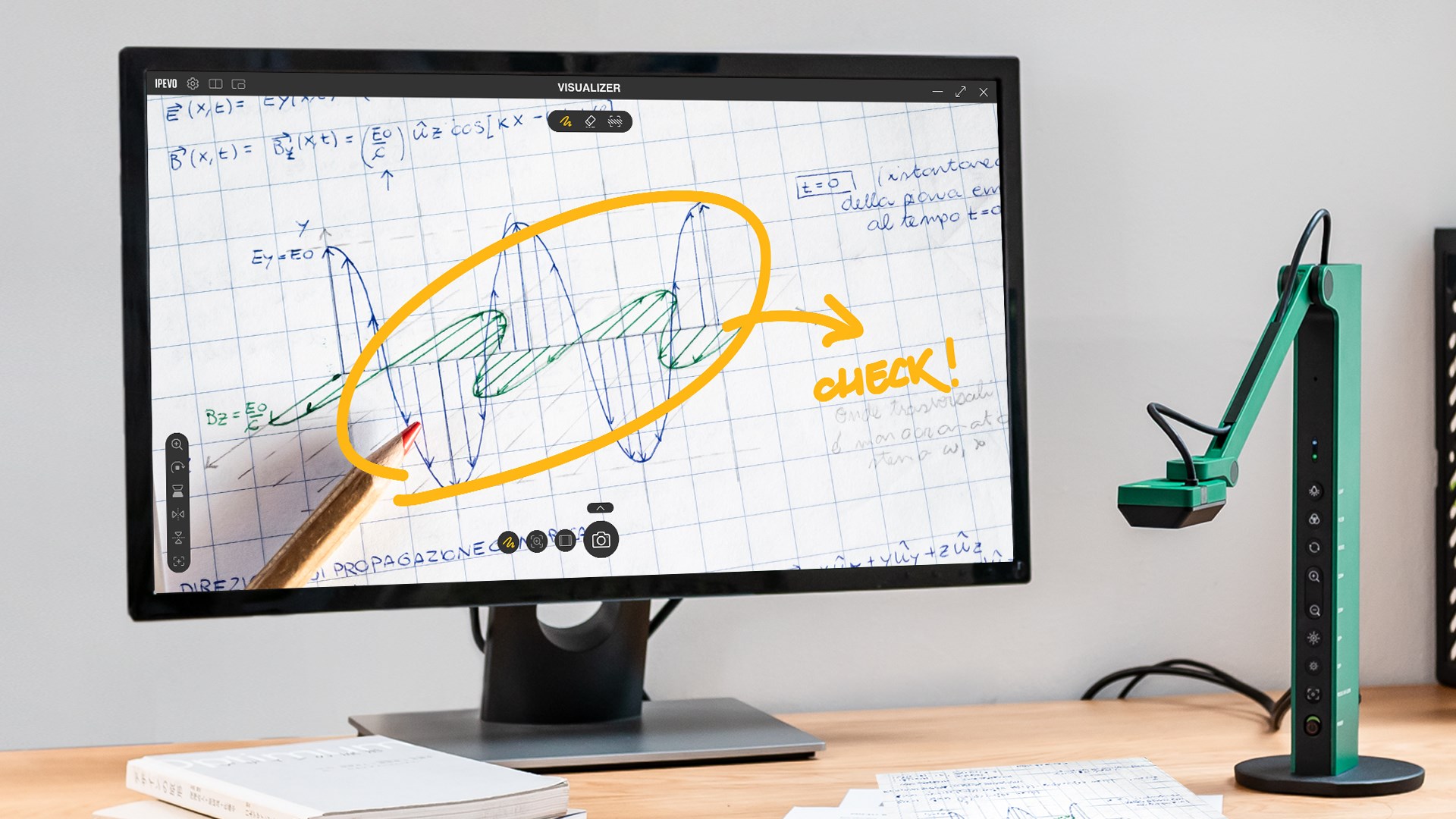
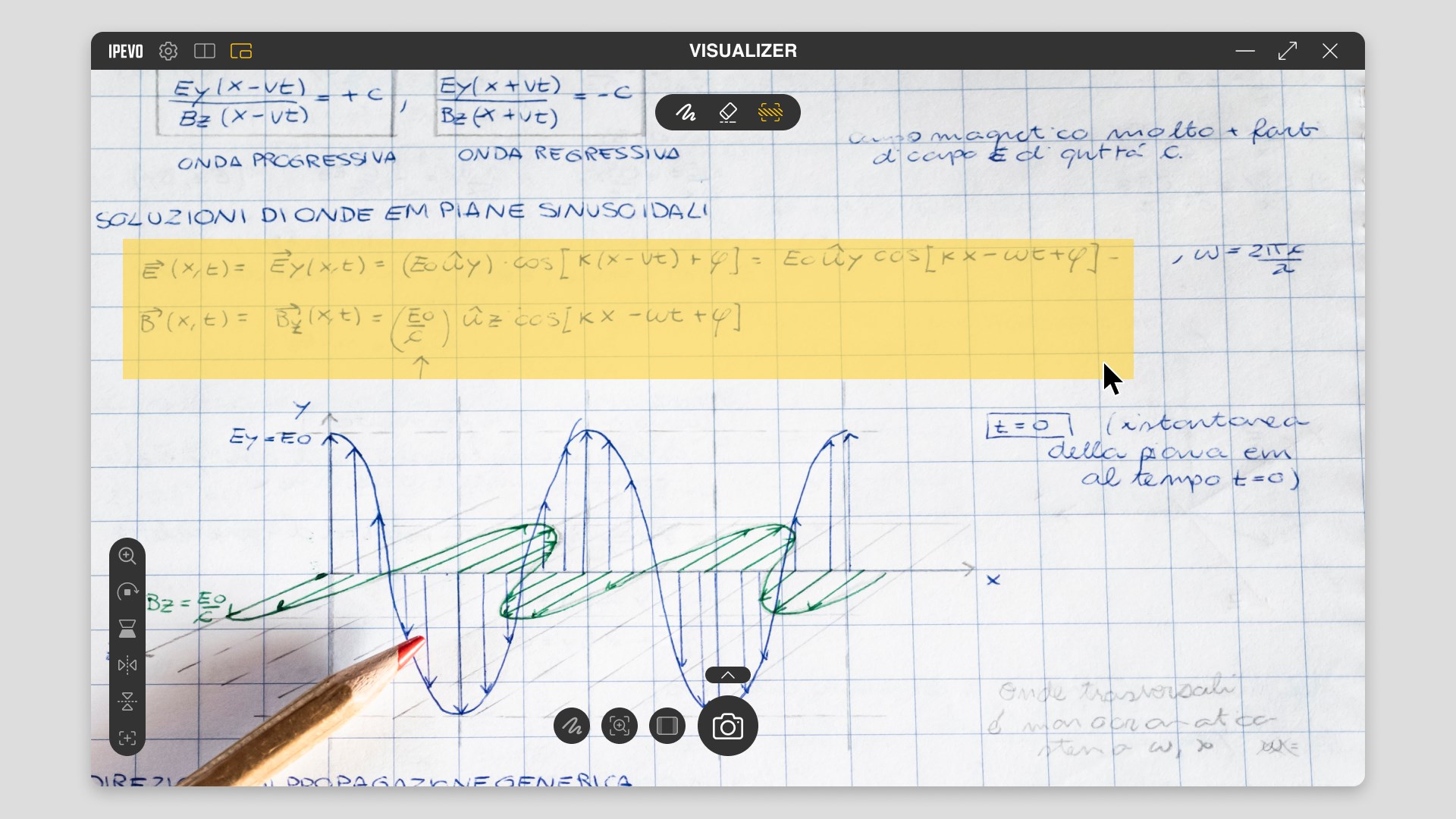
- Annotation and Editing Tools: Built-in functions allow adding annotations, highlights, or text overlays directly onto the live feed, enriching instructional delivery.
- Multi-Mode Viewing Options: Switch effortlessly between different viewing modes like document, object, or whiteboard, catering to varied teaching needs.
A Fun and Functional Frame: Exciting User Experience
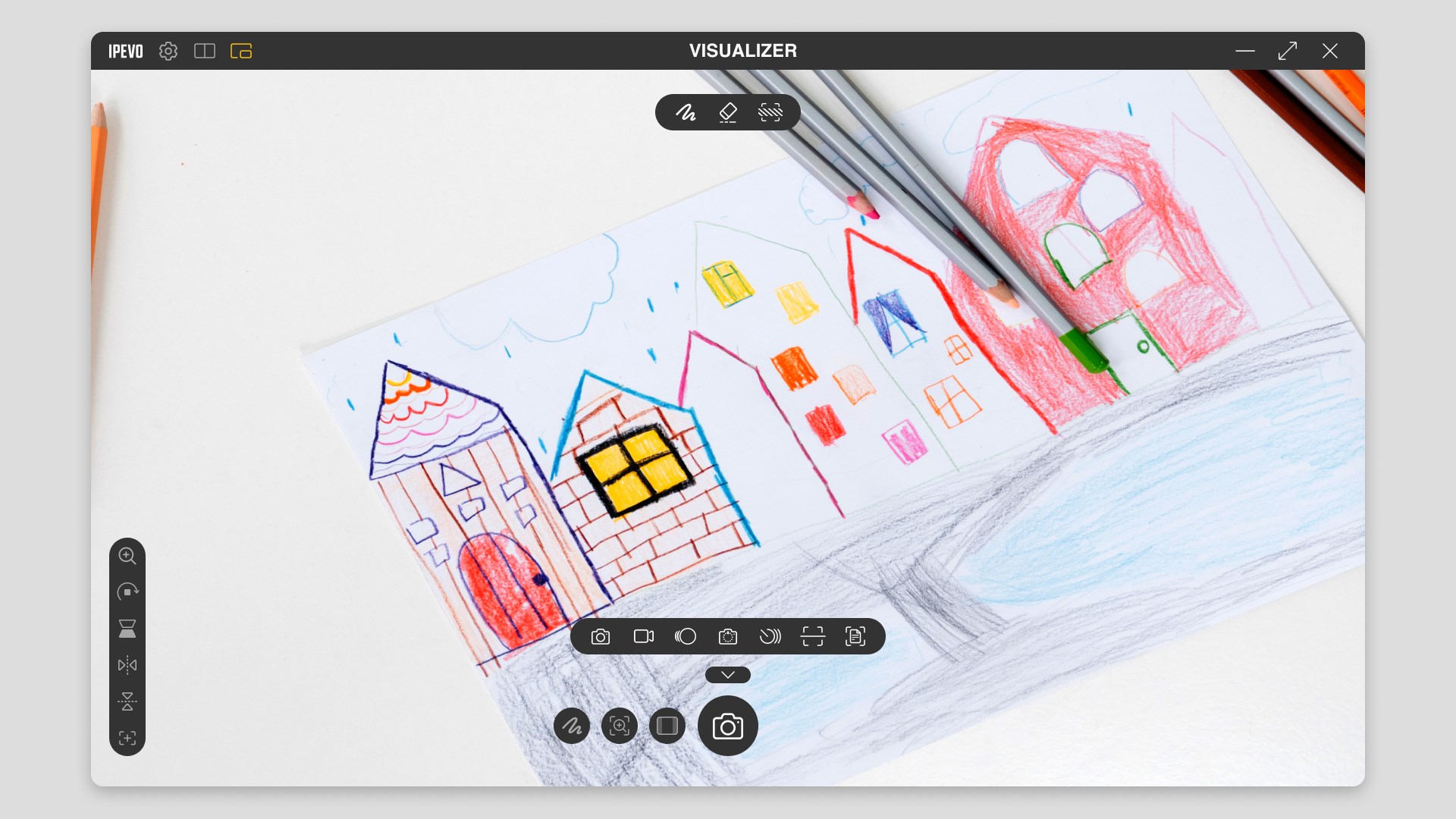
Imagine unleashing the power of your camera hardware in a way that feels like wielding a magic wand—suddenly, static presentations come to life with vivid clarity and engaging interactivity. IPEVO Visualizer doesn't just display your content; it transforms your workflow into an intuitive and enjoyable process. The interface is clean and friendly, reminiscent of a well-organized workspace, making it easy for users to navigate without needing a tutorial. The app runs smoothly, with minimal lag or glitches, even when switching between modes or adjusting settings in real-time. For educators who juggle multiple tasks, the ease of use resembles flipping through a well-organized photo album, enabling more focus on teaching than on wrestling with technology. The initial learning curve is gentle, as most features are accessible through simple icons and straightforward controls, which expedites deployment in both classroom and professional environments.
Distinctive Advantages Over Similar Educational Apps
While many visualizer applications aim to deliver basic camera previews, IPEVO Visualizer shines in its personalized learning support and authoritative content handling. Its ability to precisely finesse image quality and apply annotations directly onto the live feed offers educators a powerful storytelling tool—think of it as turning your camera into a smart chalkboard that can be customized on the fly. This level of control and flexibility is a step above common apps that often limit editing functions or suffer from inconsistent performance. Moreover, Visualizer supports content clarity and authority through high-resolution feeds, ensuring that students receive accurate visual information without distortion. Its intuitive interface and quick device detection reduce setup time, making it ideal for spontaneous lessons or professional demonstrations. Compared to other education tools that focus solely on presentation, this app elevates the interactive experience, allowing for personalized, engaging learning paths that adapt effortlessly to the instructor's style.
Final Verdict: A Solid Choice for Visual Enhancements
Based on its robust set of features, user-friendly design, and distinctive content customization options, IPEVO Visualizer earns a confident recommendation, especially for users already invested in IPEVO hardware. It's particularly suitable for teachers seeking a reliable, straightforward tool to enhance live demonstrations or document sharing. For professionals engaged in remote consultations or creative presentations, the app offers a flexible, high-quality solution without overwhelming complexity. While it may not replace more advanced editing suites, its unique blend of simplicity and control makes it a worthy addition to any visual toolkit. To get the most out of your teaching or presentation setup, I suggest trying Visualizer as your primary visual aid, especially if you value accuracy, interactivity, and ease of use.
Pros
- High-Quality Image Capture
- User-Friendly Interface
- Rich Annotation Tools
- Seamless Camera Compatibility
- Real-Time Video Optimization
Cons
- Limited Compatibility with Non-IPEVO Cameras
- Occasional Lag in Video Streaming
- Basic Editing Features
- Limited Customization Options
- Navigation Slightly Complex for Beginners











