

- Category Entertainment
- Developer Discover_App
- Available on PC
- OS Windows 10 version 17763.0 or higher
- Keyboard Integrated Keyboard
- Mouse Integrated Mouse
- Memory 1 GB
- languages English (United States)
An In-Depth Look at IPTV Player Pro: Your All-in-One TV Companion
Imagine having a versatile TV guide and recording system right on your Windows device, transforming your entertainment experience into an intuitive and personalized adventure. IPTV Player Pro from Discover_App aims to do just that—combining live TV viewing, recording, and subscription management into a sleek package that's accessible and user-friendly. For those craving a dedicated app that streamlines their media consumption, this might just be one worth checking out.
Essential Information at a Glance
IPTV Player Pro is positioned as a comprehensive IPTV streaming and recording application designed for Windows users seeking a centralized platform for managing and viewing their favorite channels. Developed and published by Discover_App, a passionate team committed to enhancing digital media experiences, this app boasts several standout features that cater to modern entertainment needs.
- Main Features: Live TV browsing with Electronic Program Guide (EPG), Favorite channel management, Recording capabilities for live shows, and Compatibility with various playlist formats.
- Target Audience: IPTV enthusiasts, cord-cutters, and tech-savvy users who want a customizable, feature-rich media player for their Windows devices.
A Fresh Way to Experience Television
Picture this: sitting comfortably on your cozy sofa, remote in hand, with a world of channels at your fingertips—no clutter, no fuss. IPTV Player Pro offers a seamless bridge to your favorite broadcasts, making live TV feel as effortless as flipping through traditional channels but with the modern twist of digital convenience. Its intuitive layout and tailored features invite users into a world where entertainment and customization go hand-in-hand.
User Interface and Ease of Use
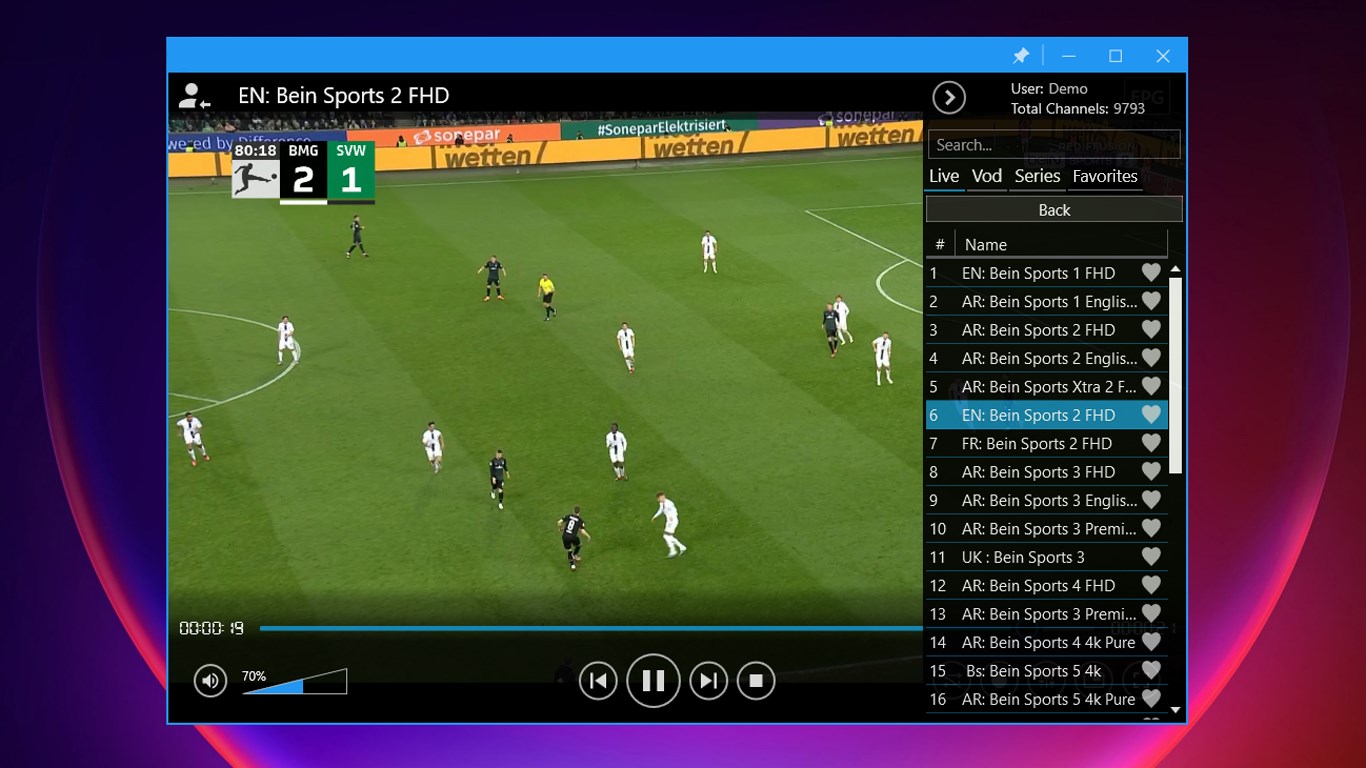
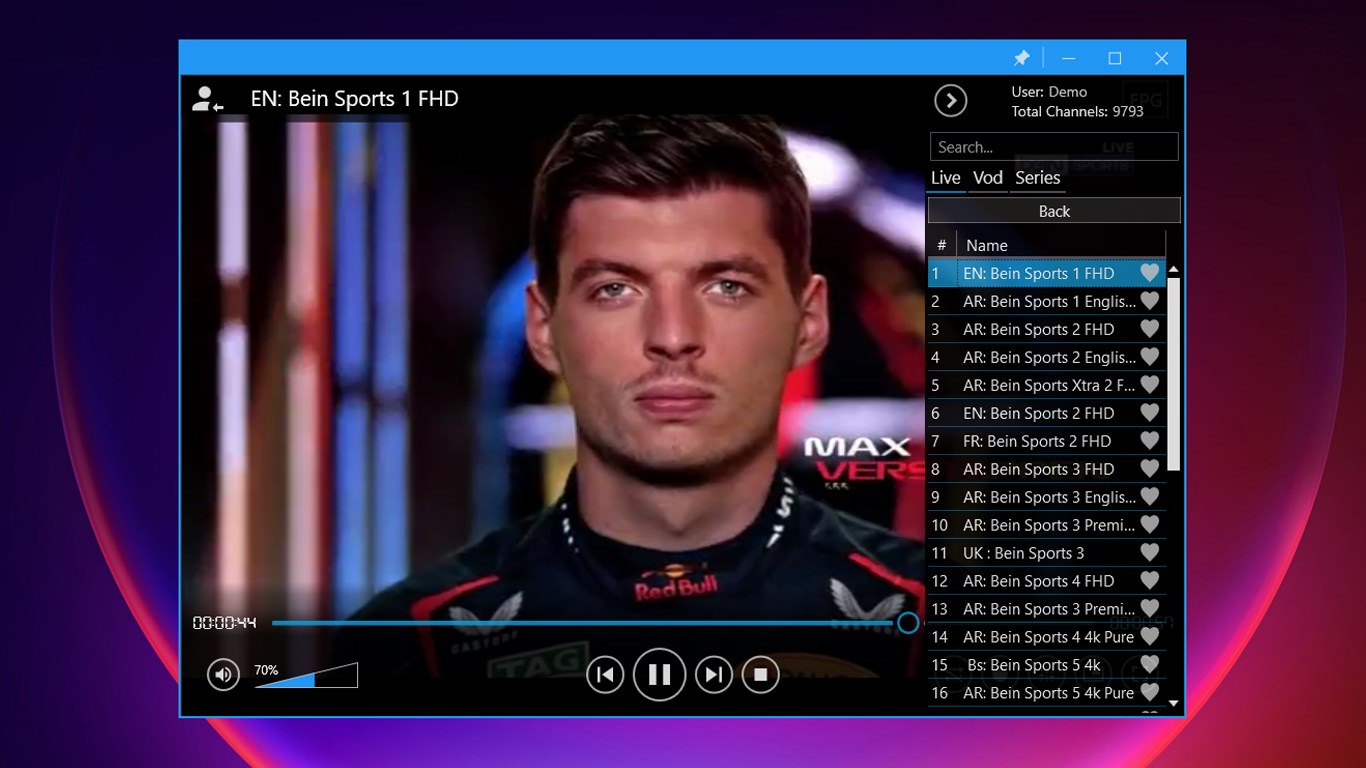
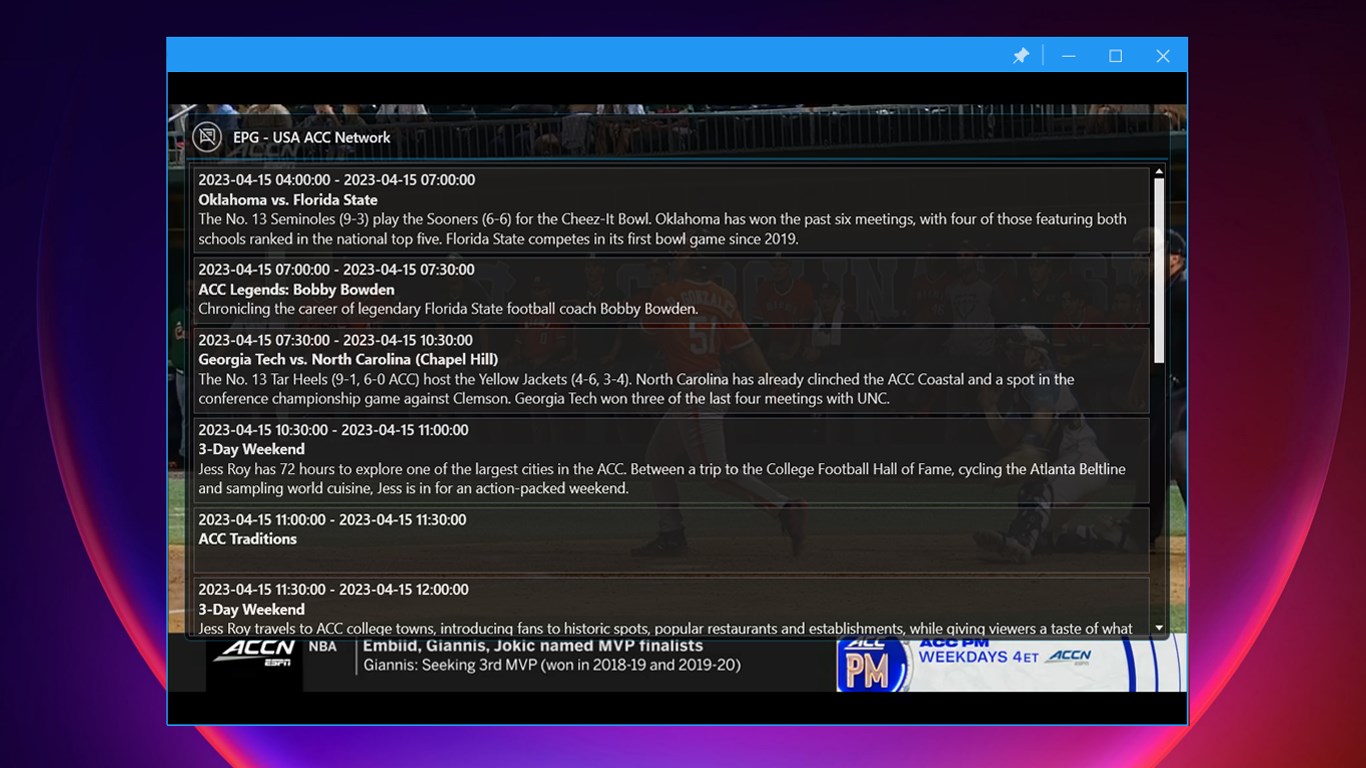
The app's interface strikes a fine balance between simplicity and functionality. Navigating the main menu feels akin to strolling through a well-organized media library—icons are clear, and sections are logically arranged. The EPG integration is particularly noteworthy, presenting program schedules in a clean grid that's easy to interpret—think of it as having your personal TV guide sitting right inside your computer. Operation within the app is fluid, with rapid response times that ensure browsing, channel switching, and recording setup happen without frustrating delays. For newcomers, the learning curve is gentle—it's designed to feel natural, much like familiar cable guide navigation, but with added features that boost control and customization.
Core Features Spotlight
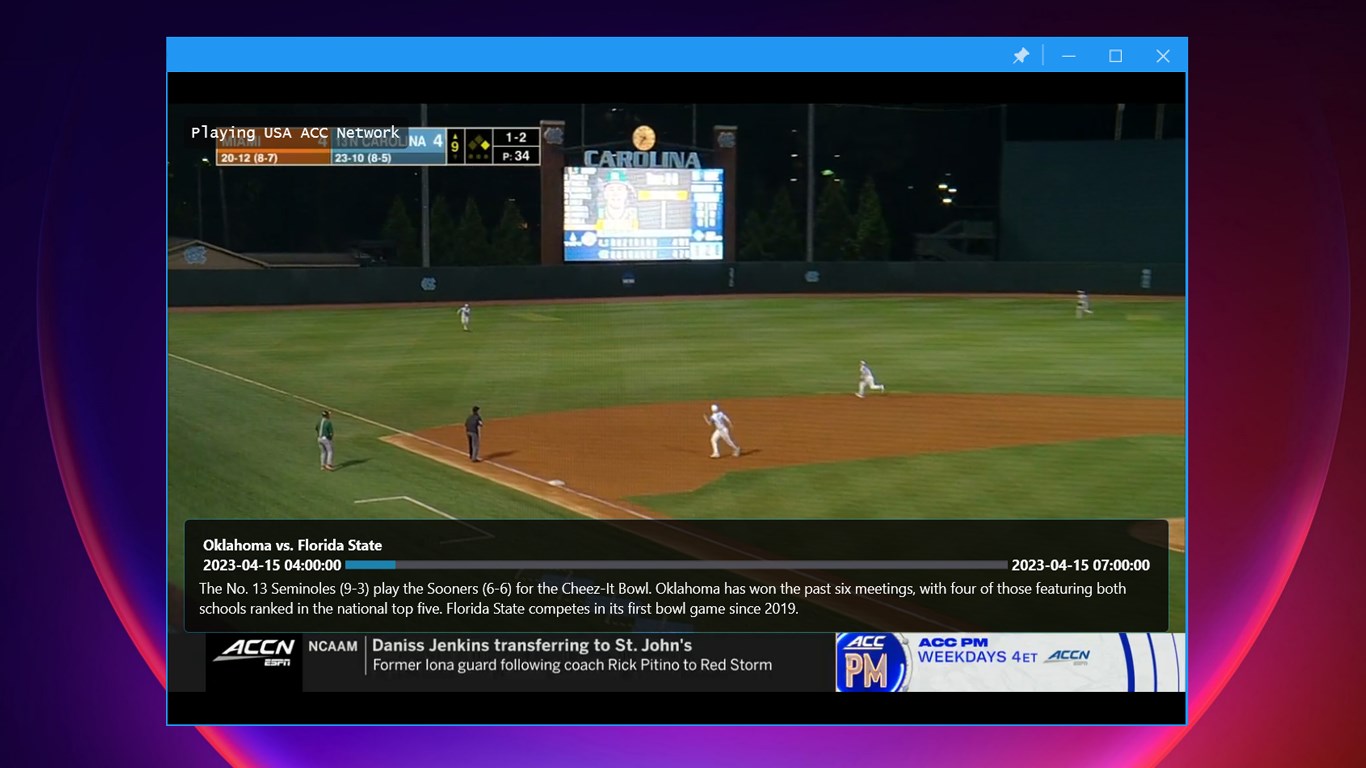
- Electronic Program Guide (EPG): This standout feature turns your Windows device into a mini TV station scheduler. Bright, well-organized grids display current and upcoming programs across channels, allowing users to plan their viewing with precision. The live updates make it feel like having a digital TV staff at your fingertips, effortlessly blending entertainment discovery with organized scheduling.
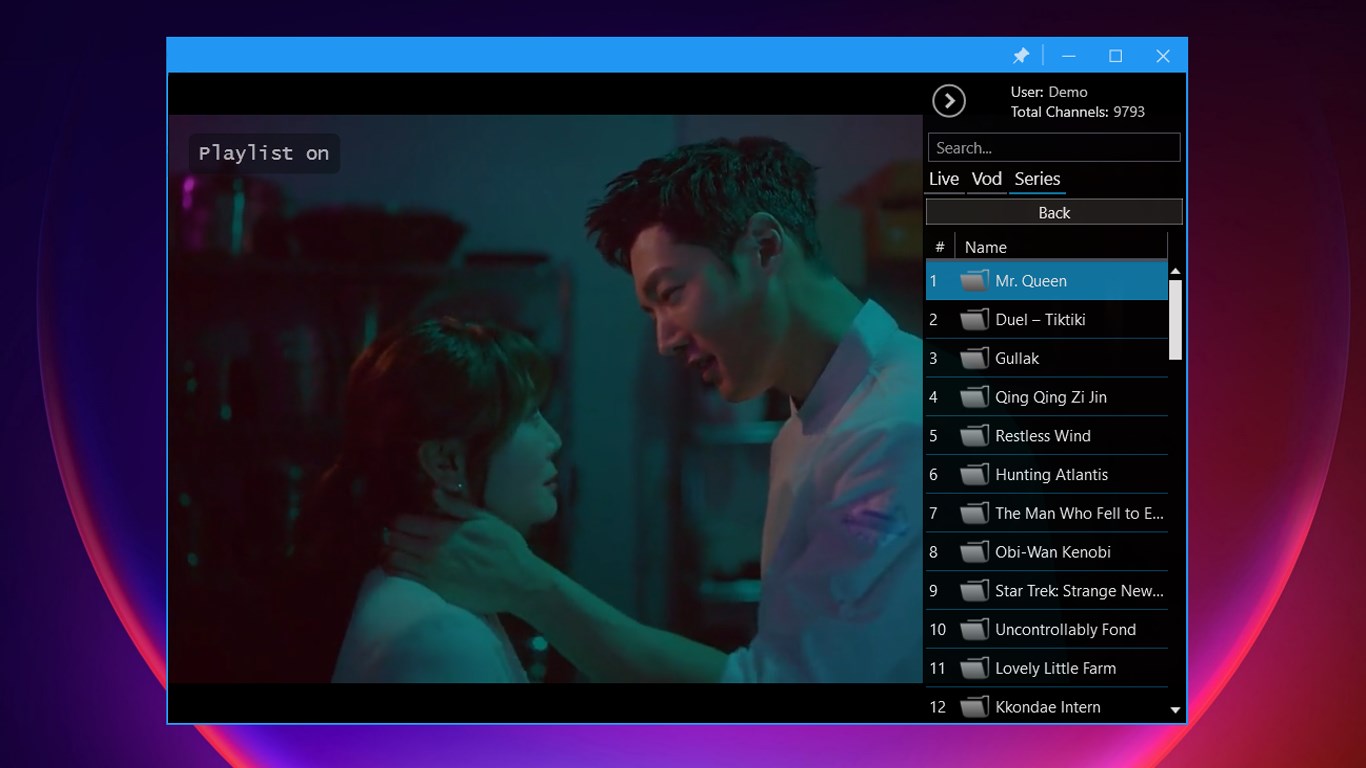
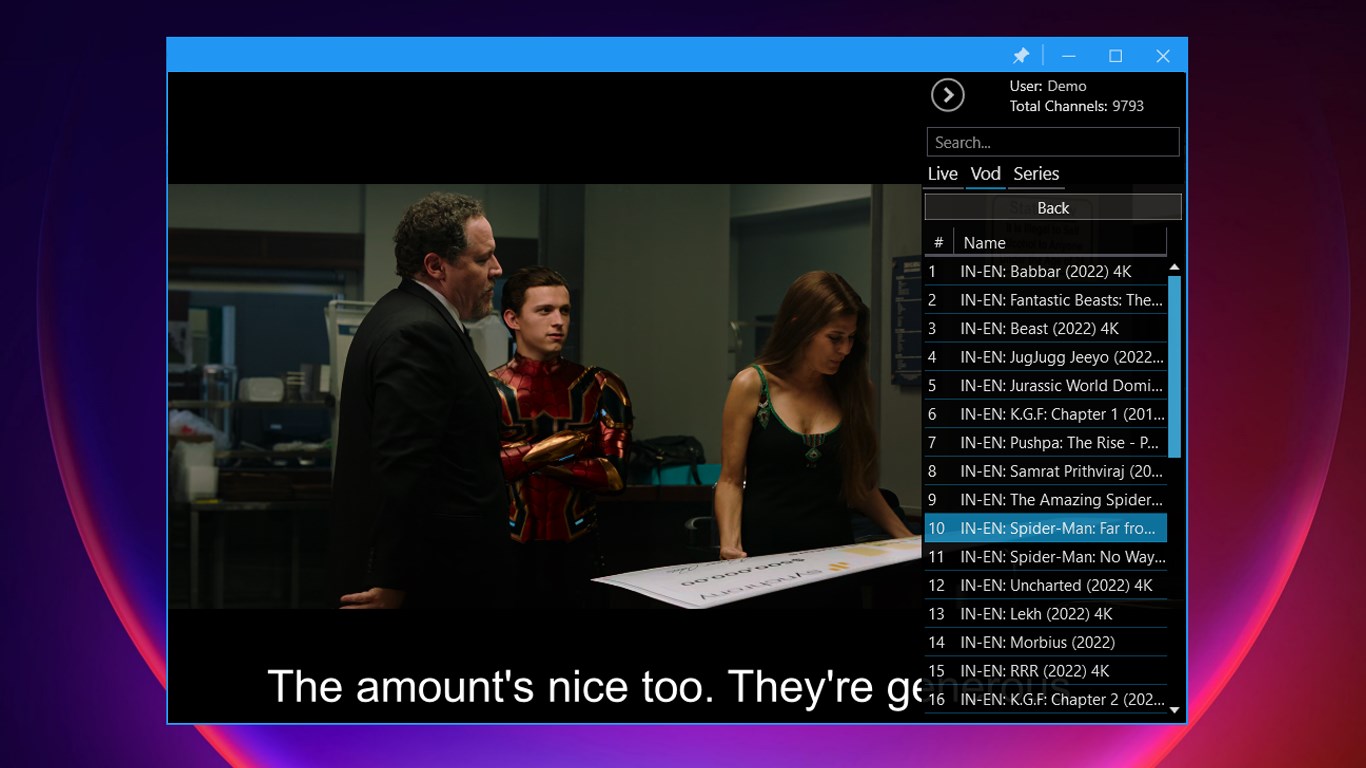
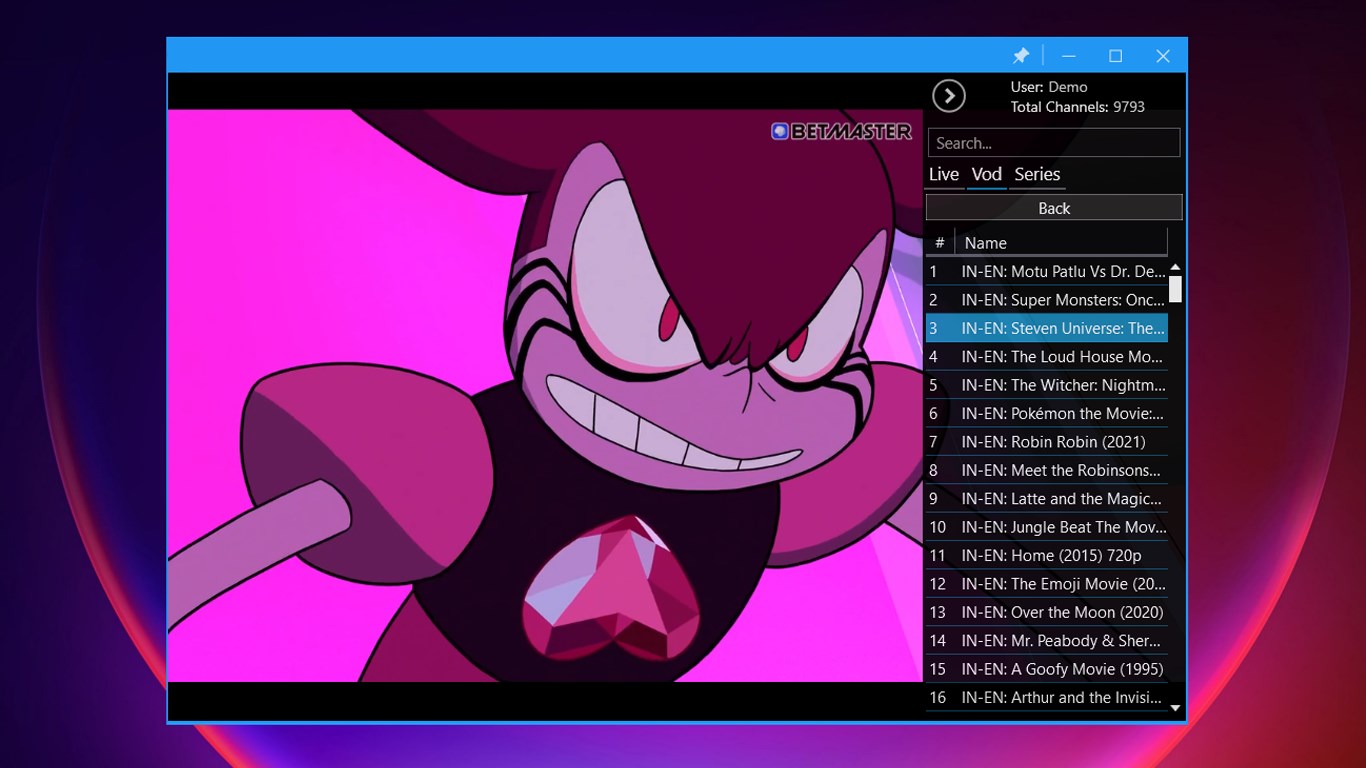
- Favorites and Playlist Management: Unlike many mundane IPTV players, IPTV Player Pro enables you to customize your channel lineup by creating favorites and importing playlists in M3U or other formats. This flexibility ensures your media experience is tailored, akin to designing your own personal TV channel bouquet—whether you prefer sports, news, or niche content.
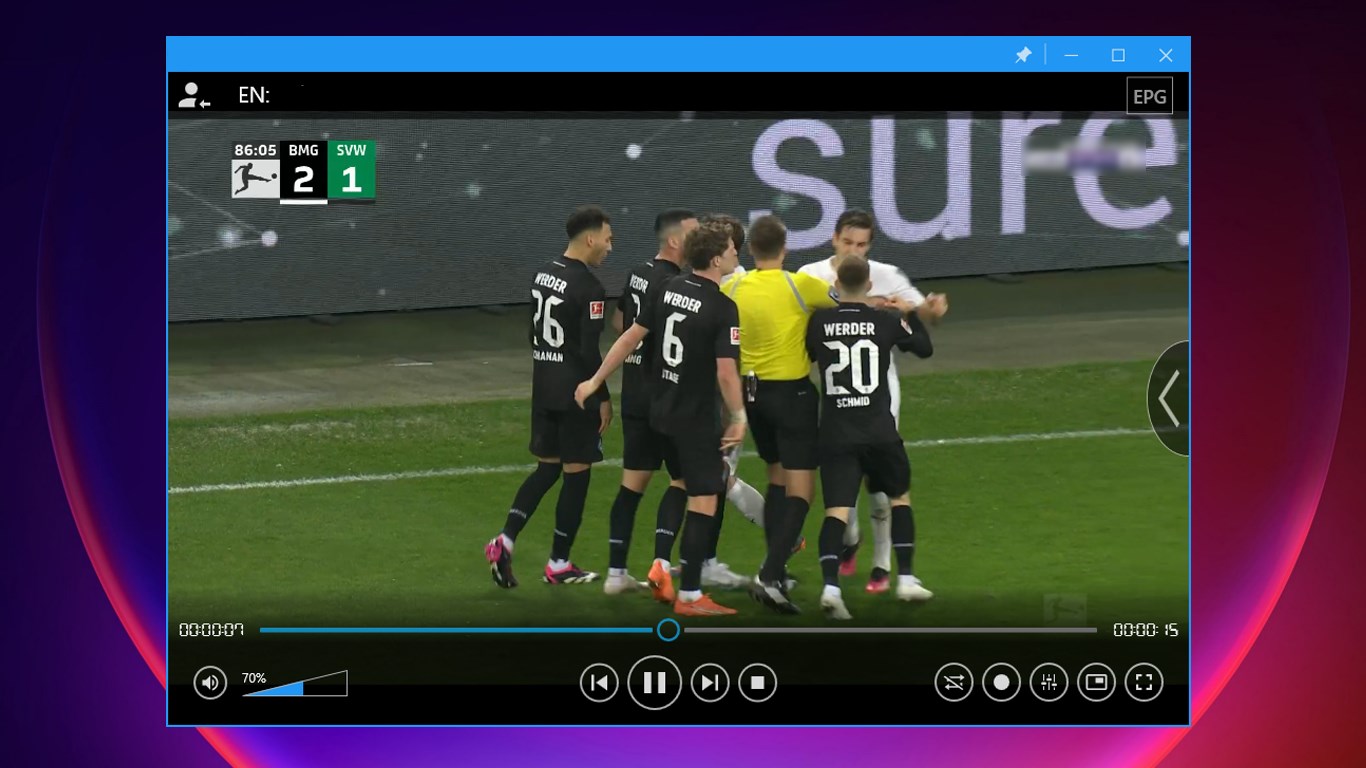
- Recorder Functionality: Recording live streams is a game-changer—imagine pausing and saving your favorite shows for later viewing, much like setting up a DVR in your cozy living room. The app's recording setup is straightforward, allowing scheduled recordings and easy access to your saved content, making it invaluable for those who want flexibility without missing out.
Performance and User Experience
Performance-wise, IPTV Player Pro handles streaming tasks with a surprising level of stability and responsiveness. Transitions between channels and EPG updates happen smoothly, avoiding the common stuttering or lag seen in some competitors. The interface, while packed with features, doesn't overwhelm; rather, it welcomes users with clear workflows and logical pathways. For tech beginners, a moderate learning curve exists—think of it as learning to ride a bike: a little practice yields smooth sailing. For seasoned IPTV aficionados, the app's customization options and playlist integrations provide the depth they crave.
What Sets it Apart?
Many IPTV apps focus solely on streaming, but IPTV Player Pro distinguishes itself through its intelligent content discovery algorithms and remarkably relevant personal recommendations. Unlike traditional applications that suggest channels randomly, this app pieces together your viewing habits—perhaps based on your favorite genres or frequent channels—and offers tailored program suggestions. This focus on personalized content curation ensures users spend less time searching and more time enjoying tailored entertainment. Moreover, the app's playlist flexibility and recording features create a comprehensive experience that combines live TV management with on-demand convenience, setting it apart from more basic players.
Final Thoughts and Recommendations
If you're someone who values a clean, efficient interface coupled with powerful features like live EPG, playlist customization, and recording capabilities, IPTV Player Pro is worth a look. Its unique combination of content discovery and personalized recommendations can elevate your IPTV experience from simple streaming to a more curated, enjoyable journey. However, if you prefer a plug-and-play solution with minimal setup, or are seeking built-in robust content recommendations without much manual input, you might want to compare it with other entertainment apps.
Overall, I'd recommend this app for users who appreciate a good balance of control and simplicity—and for anyone eager to transform their Windows device into a versatile entertainment hub. It's not just a TV player; it's a tailored media assistant ready to enhance your digital viewing life.
Pros
- Intuitive EPG interface
- Personalized Favorites
- Built-in Recorder feature
- Support for multiple playlists
- Customizable UI
Cons
- Occasional buffering issues
- Limited support for offline viewing
- Navigation complexity for new users
- Absence of built-in VPN support
- Limited customization options for recording times











